
How to Self-schedule in UKG
This guide shows you how to self-schedule in UKG Pro Workforce Management by walking through the platform's public Solutions and Features pages. You'll see how the system presents its scheduling, forecasting, and advanced scheduling tools — including the self-service and mobile scheduling options that let employees set shift preferences and availability.
Video: UKG Pro Scheduling Tutorial || How To Manage Work And Schedules With UKG Pro (Full Guide) by Tutorials by Hannah (2025). All credit for the demonstration goes to the creator; watch the original on YouTube. The written guide below was generated from this video by Docsie. Creator? Request a change or removal.
This guide shows you how to self-schedule in UKG Pro Workforce Management by walking through the platform's public Solutions and Features pages. You'll see how the system presents its scheduling, forecasting, and advanced scheduling tools — including the self-service and mobile scheduling options that let employees set shift preferences and availability.
Prerequisites
- A web browser with internet access
- Navigate to the UKG Pro Workforce Management solutions page on the official UKG website
- Note that direct dashboard access requires sign-up and a demo request, so this walkthrough focuses on the publicly available Solutions and Features sections for an overview of the tool's capabilities
Open the UKG Pro Workforce Management solutions page
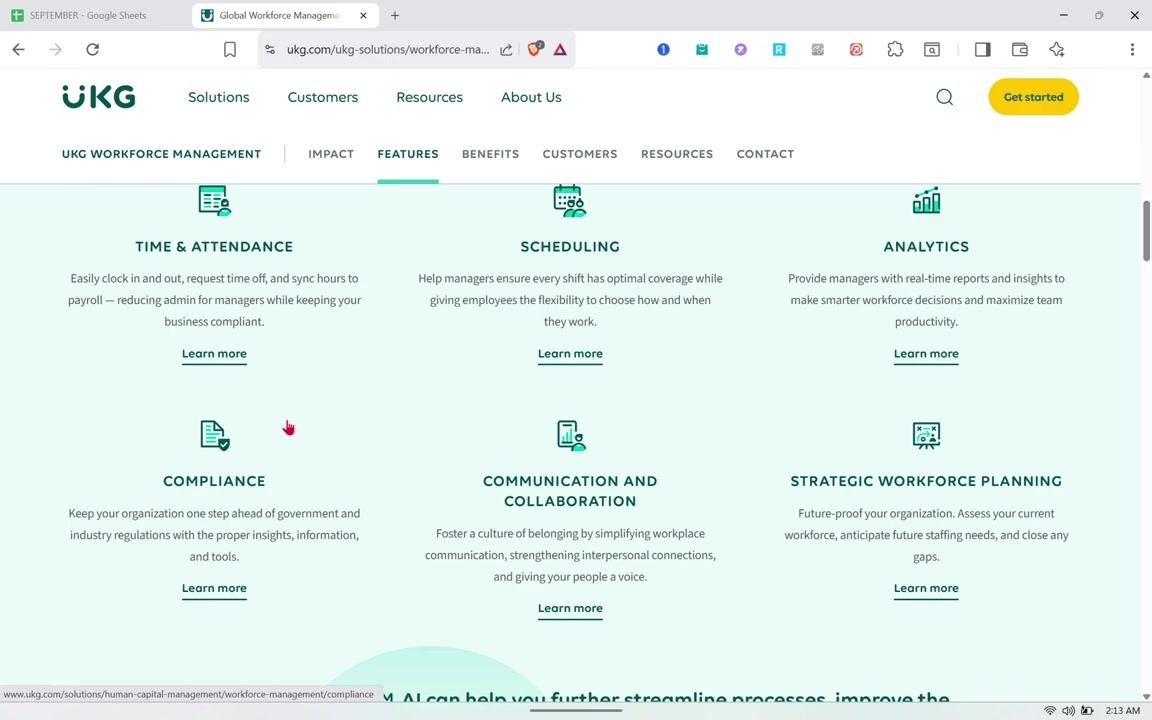
Open your web browser and go to the UKG Pro Workforce Management solutions page. The page header displays the UKG logo along with navigation links for Solutions, Customers, Resources, and About Us. The main navigation bar also includes UKG Workforce Management, Impact, Features, Benefits, Customers, Resources, and Contact, with a Get started button visible in the top right corner.
Review the six feature categories
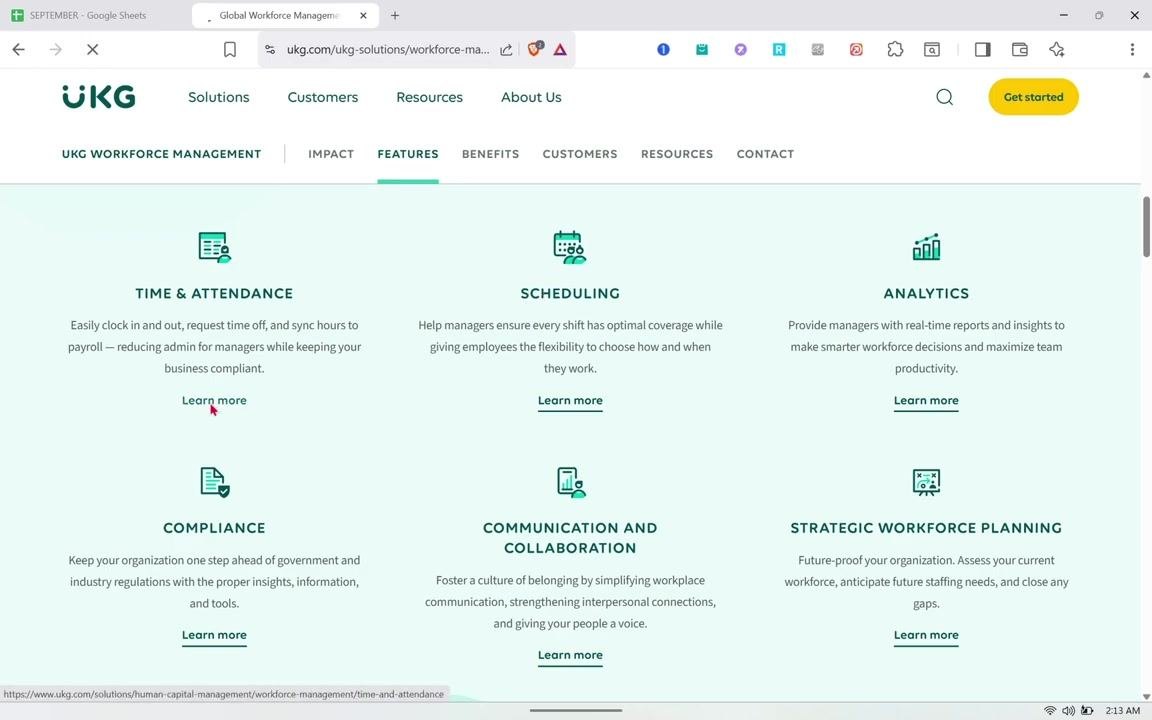
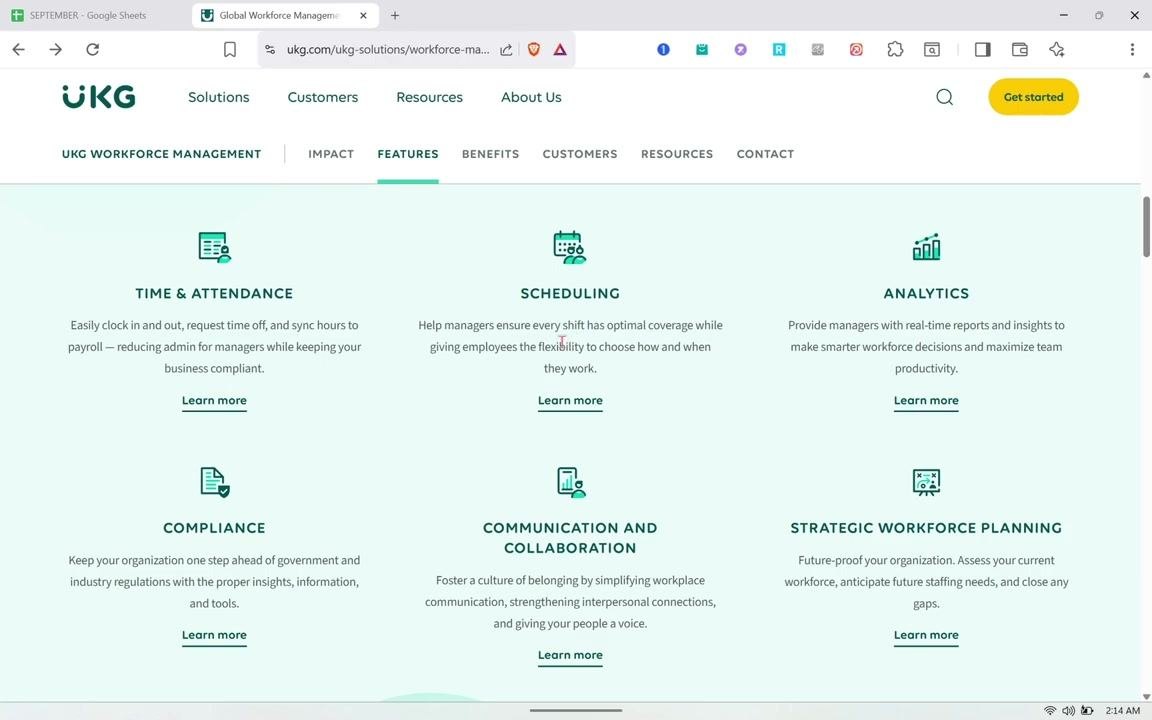
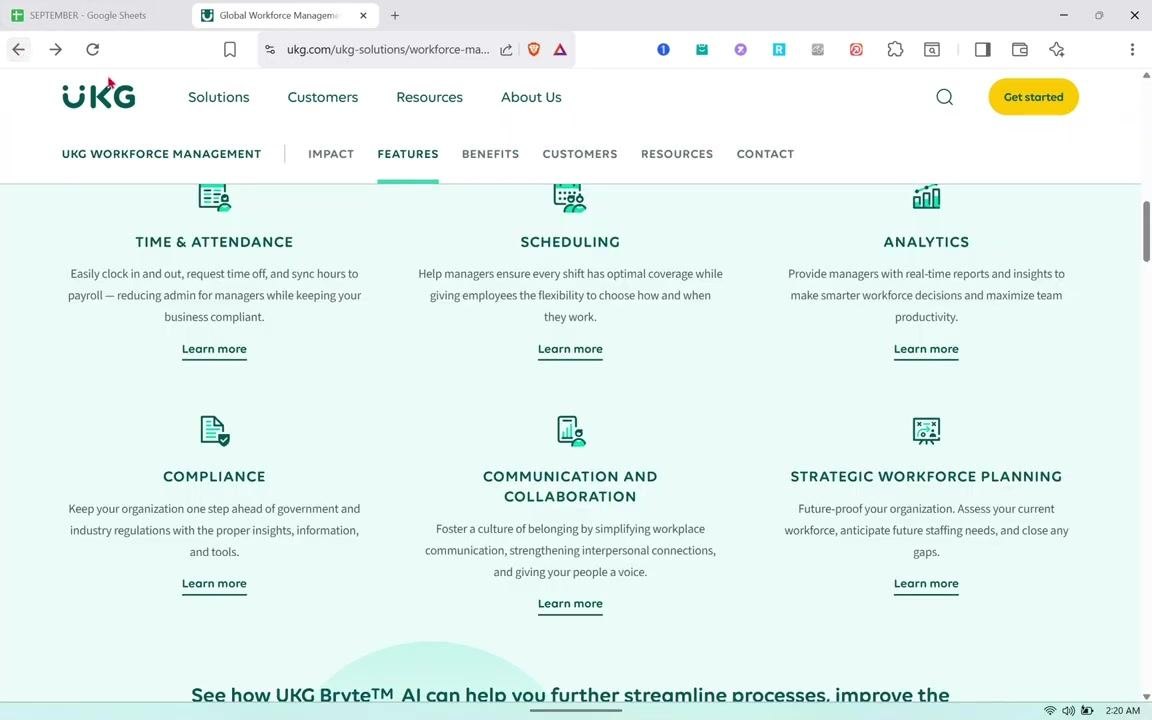
Locate the Features tab under UKG Workforce Management to see the six main feature groups: Time & Attendance, Scheduling, Analytics, Compliance, Communication and Collaboration, and Strategic Workforce Planning. Each category includes a short description and a "Learn more" link for further detail.
The introductory text at the top of the page explains that UKG's AI-powered workforce management tools help you streamline time and attendance, optimize scheduling, and build a workplace where every employee can thrive. A link is also available if you want to speak to a workforce management expert.
Open the Time & Attendance details
Since Time & Attendance and Scheduling are closely linked, click the "Learn more" link under Time & Attendance first. Review the "All that's included" section, which explains that the tool tracks employee time, attendance, and activity while gathering data to enforce work and pay rules, and lets you manage exceptions for compliance and cost control.
This section lists four features:
- Simplified Timekeeping: Track time and attendance for all hourly and salaried employees on a flexible platform.
- Proactive Absence Management: Gain visibility into absence trends (planned, incidental, or extended) to understand their impact.
- Trackable Job-Costing: Improve operational performance with real-time insights into productivity across jobs and activities.
- Reimagined Time Clock: Clock in and out on the InTouch DX™, built for the modern workforce and inspired by everyday technology.
Review the advanced Time & Attendance capabilities
Scroll through the expanded view of the Proactive Absence Management, Trackable Job-Costing, and Reimagined Time Clock features before moving on to Scheduling.
Locate the Scheduling feature
Scroll down to the Scheduling feature card to see how UKG Pro helps both managers and employees. Managers can ensure every shift has optimal coverage, while employees get the flexibility to choose how and when they work.
Open the Scheduling product page
Click "Learn more" under the Scheduling feature. The page header reads "Create the perfect schedule every week," followed by a description explaining that tracking time has gone beyond clocking in and out, and that UKG Pro Scheduling (formerly UKG Dimensions Scheduling) changes the experience for your people and business. A "Watch a 2 minute tour" option is available, alongside a sample schedule interface showing employee names and shift blocks on a monitor.
Review the Scheduling "All that's included" section
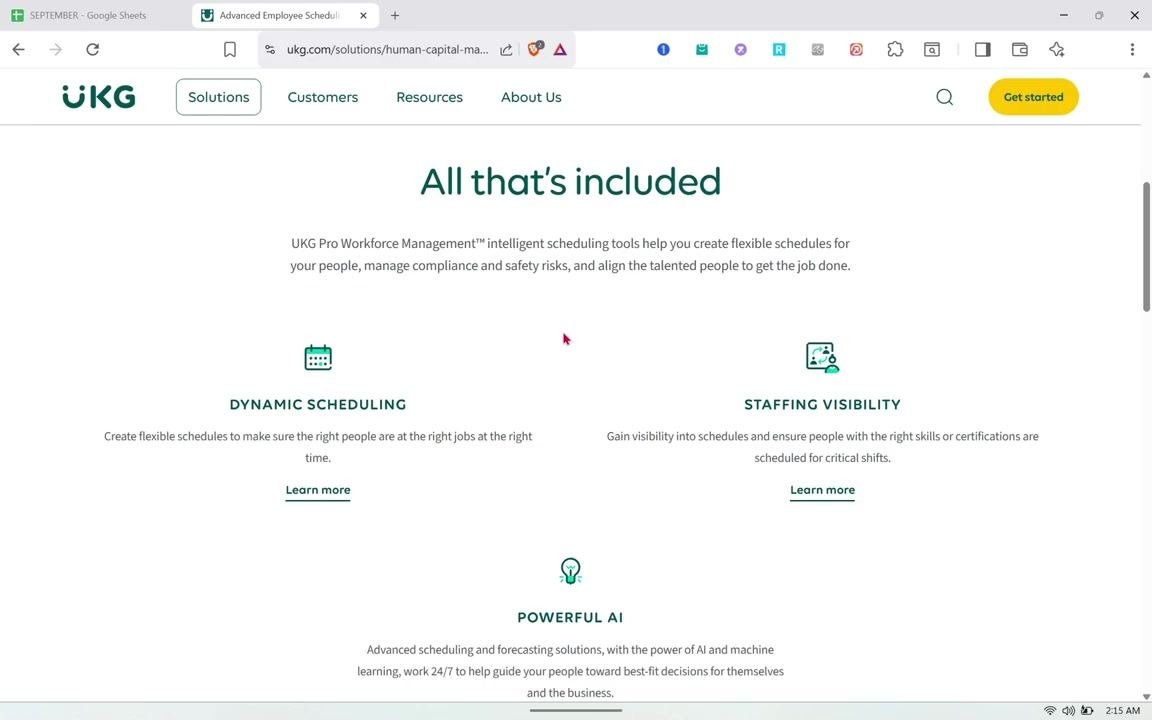
Scroll to the "All that's included" section, which explains that UKG Pro Workforce Management's intelligent scheduling tools help you create flexible schedules, manage compliance and safety risks, and align the right people to get the job done.
Three features are listed here:
- Dynamic Scheduling: Create flexible schedules to ensure the right people are at the right jobs at the right time.
- Staffing Visibility: Gain visibility into schedules and ensure people with the right skills or certifications are scheduled for critical shifts.
- Powerful AI: Use advanced scheduling and forecasting solutions powered by AI and machine learning, working 24/7 to guide people toward best-fit decisions for themselves and the business.
Explore self-scheduling capabilities in UKG Pro Scheduling
Click "Learn more" under Dynamic Scheduling to see how self-scheduling works in UKG. This page explains that slow and inaccurate scheduling processes make it difficult to schedule a diverse workforce, creating risks of decreased productivity, wasted labor expense, and non-compliance.
The page describes UKG Pro Scheduling (formerly UKG Dimensions Scheduling) as powered by advanced artificial intelligence. It automates schedule creation to ensure best-fit schedules for all employees, aligns labor to demand, complies with complex scheduling rules, and manages schedules in real time. Importantly, employees are empowered with self-service and mobile scheduling options, and the system improves scheduling quality through precise forecasts.
Review the key benefits of UKG Pro Scheduling
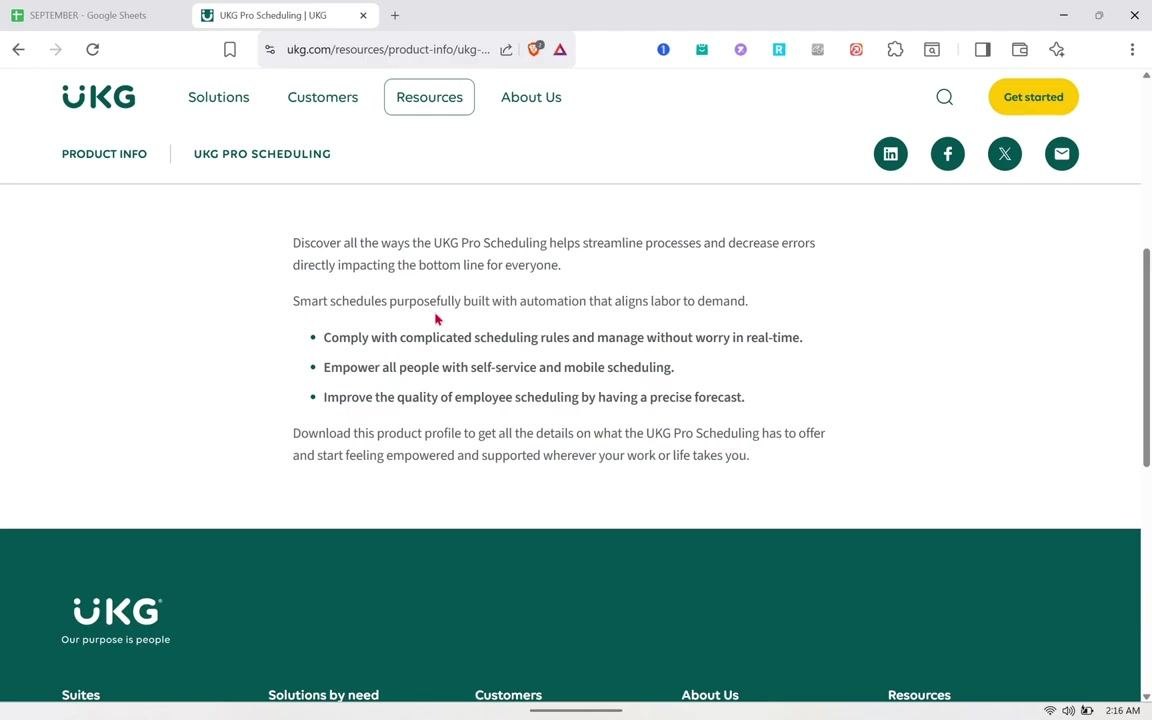
Scroll down to see the summarized benefits of UKG Pro Scheduling. A "Download now" option is available if you want the full product profile.
The listed benefits are:
- Comply with complicated scheduling rules and manage without worry in real time.
- Empower all people with self-service and mobile scheduling.
- Improve the quality of employee scheduling by having a precise forecast.
Staffing Visibility is also mentioned on this page as a way to gain insight into schedules and ensure employees with the right skills or certifications are scheduled for critical shifts, helping managers stay compliant with staffing requirements.
Explore UKG Pro Forecasting
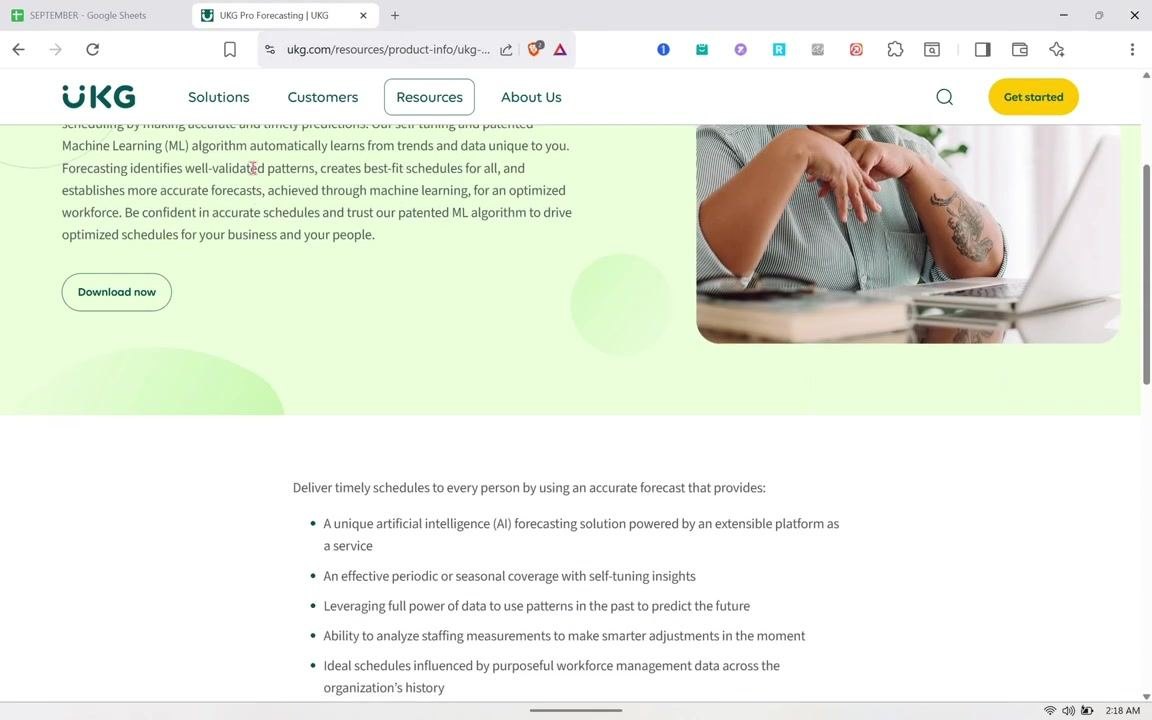
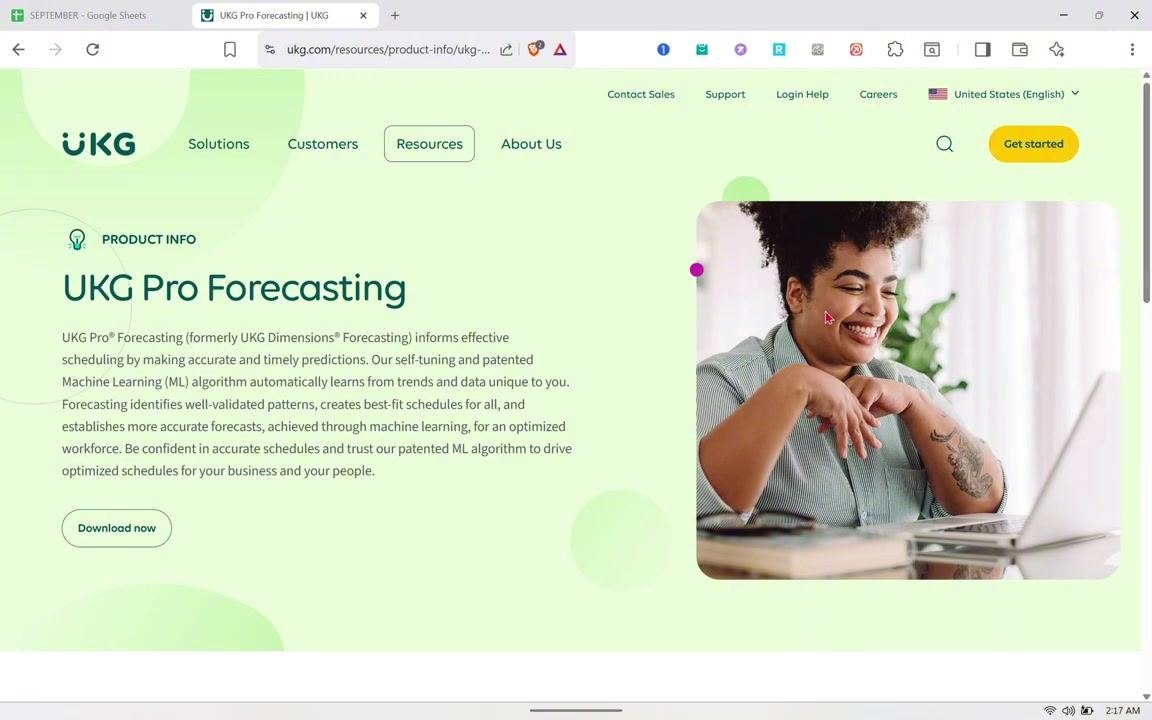
Continue scrolling to learn about UKG Pro Forecasting (formerly UKG Dimensions Forecasting), which enables effective scheduling by making accurate and timely predictions. A self-tuning, patented Machine Learning (ML) algorithm automatically learns from trends and data unique to your organization.
Forecasting identifies well-validated patterns and creates best-fit schedules for all employees, establishing more accurate forecasts through machine learning and optimizing workforce scheduling overall.
Open the UKG Pro Forecasting product information page
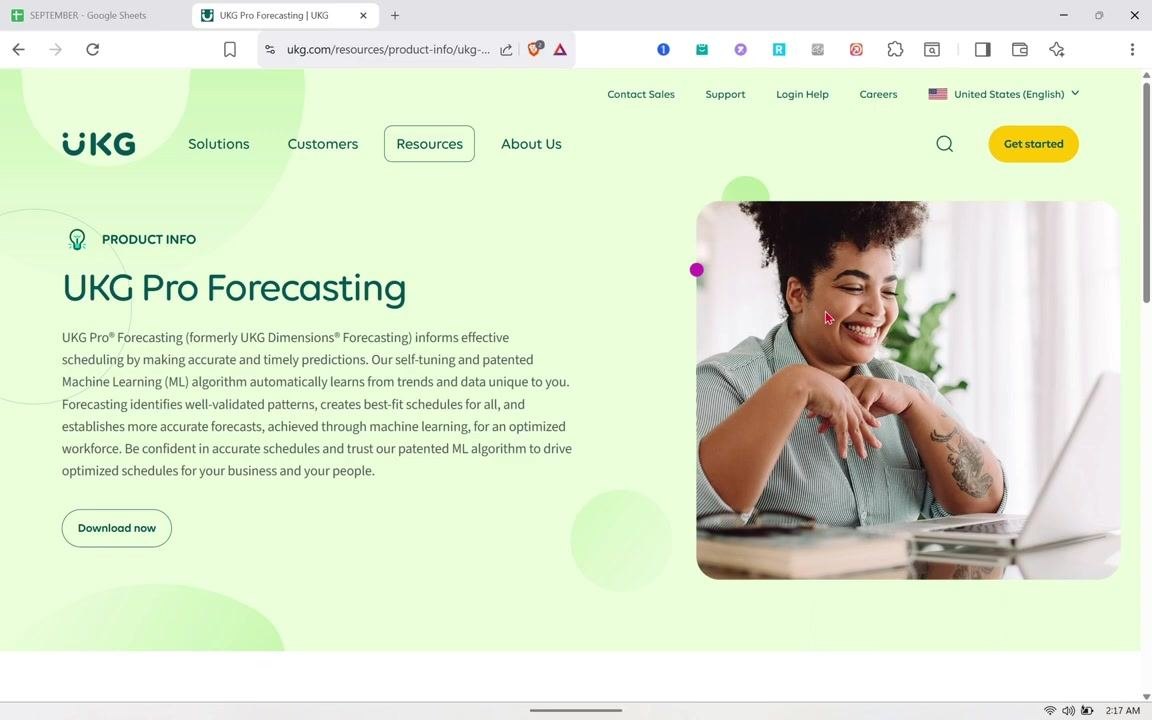
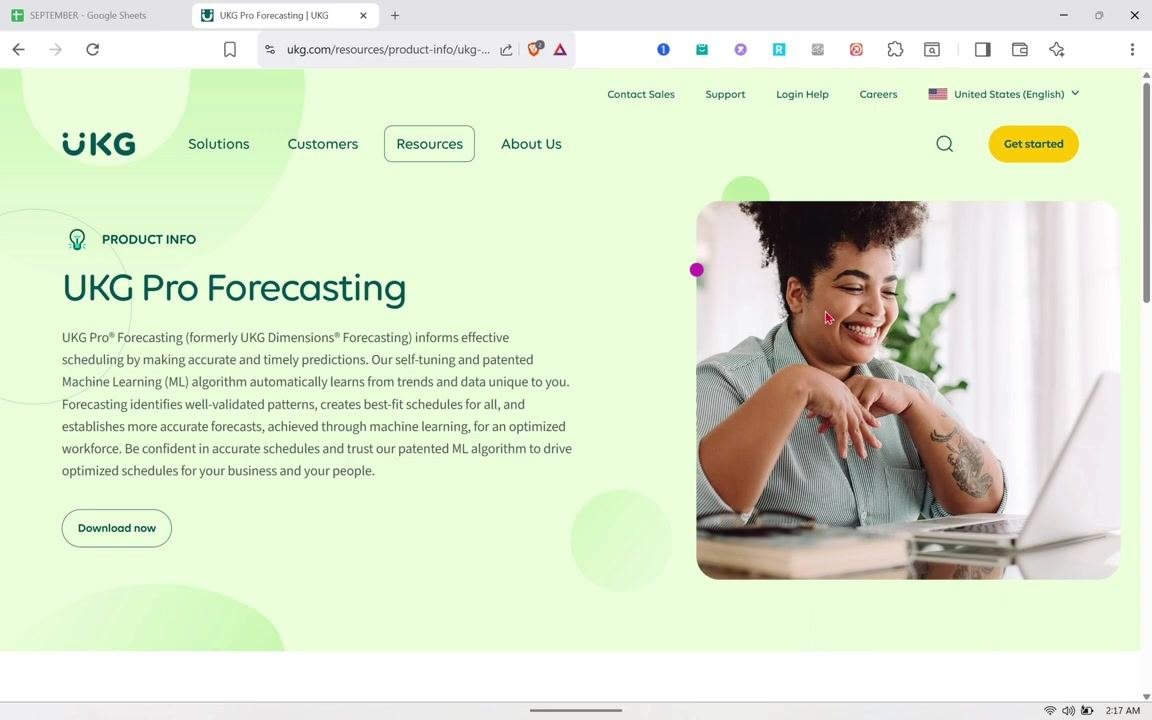
Navigate directly to the UKG Pro Forecasting product information page (URL example: ukg.com/resources/product-info/ukg-...) to confirm you are on the official UKG website. The top navigation bar includes Solutions, Customers, Resources, and About Us, with Contact Sales, Support, Login Help, Careers, and a language selector (such as United States - English) in the upper right corner, plus a yellow Get started button.
The Product Info section is marked with a lightbulb icon and the heading UKG Pro Forecasting. Click Download now if you want additional documentation or product profiles on this feature.
Review the UKG Pro Forecasting description in detail
Return to the full UKG Pro Forecasting page to review the description again. It reinforces that the patented ML algorithm is self-tuning and adapts to your organization's unique data, driving optimized schedules for both your business and your people.
Review the forecasting feature list
Scroll down to the section detailing the forecasting solution's features. The section header states: "Deliver timely schedules to every person by using an accurate forecast that provides:"
The listed capabilities include:
- A unique artificial intelligence (AI) forecasting solution powered by an extensible platform as a service.
- Effective periodic or seasonal coverage with self-tuning insights.
- Leveraging the full power of data to use patterns from the past to predict the future.
- Ability to analyze staffing measurements to make smarter adjustments in the moment.
- Ideal schedules influenced by purposeful workforce management data across the organization's history.
Return to the Workforce Management solutions page
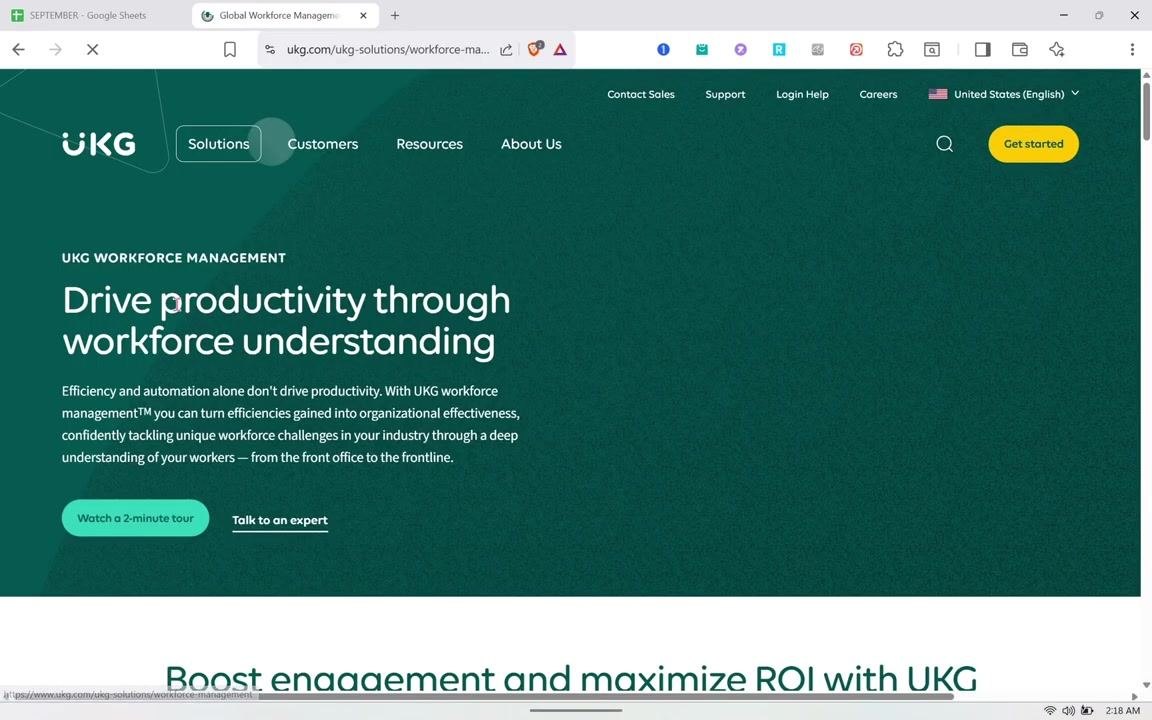
Navigate back to the UKG Workforce Management solutions page. The main section reads "Drive productivity through workforce understanding," explaining that efficiency and automation alone are not enough — UKG Workforce Management helps turn efficiencies into organizational effectiveness through a deep understanding of workers, from the front office to the frontline.
Options to "Watch a 2-minute tour" or "Talk to an expert" are available on this page.
Review the features grid again
Select the Features tab to see the same six key feature categories displayed in a grid: Time & Attendance, Scheduling, Analytics, Compliance, Communication and Collaboration, and Strategic Workforce Planning.
Open the UKG Pro Advanced Scheduling product page
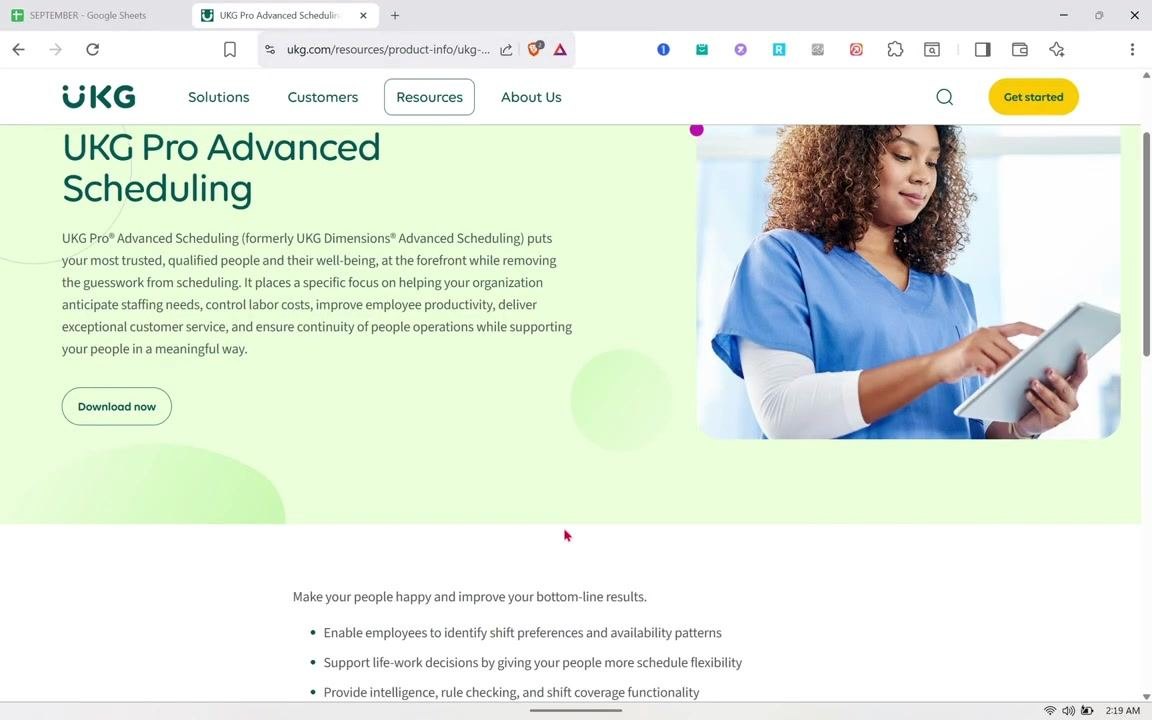
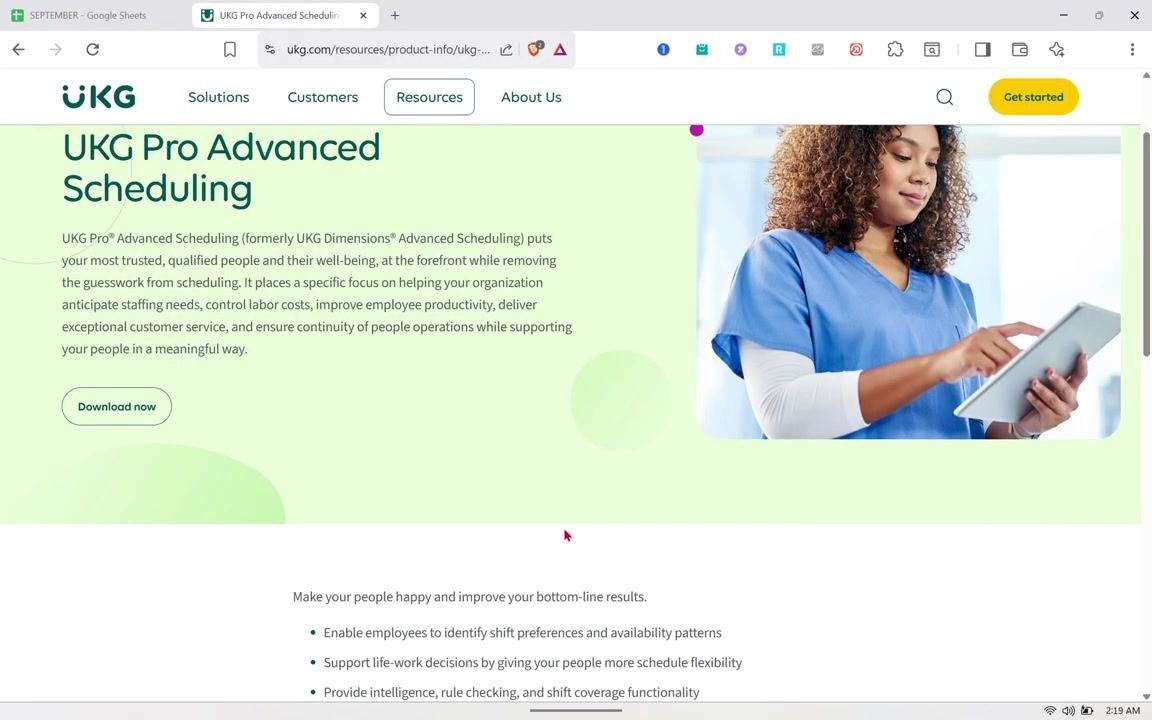
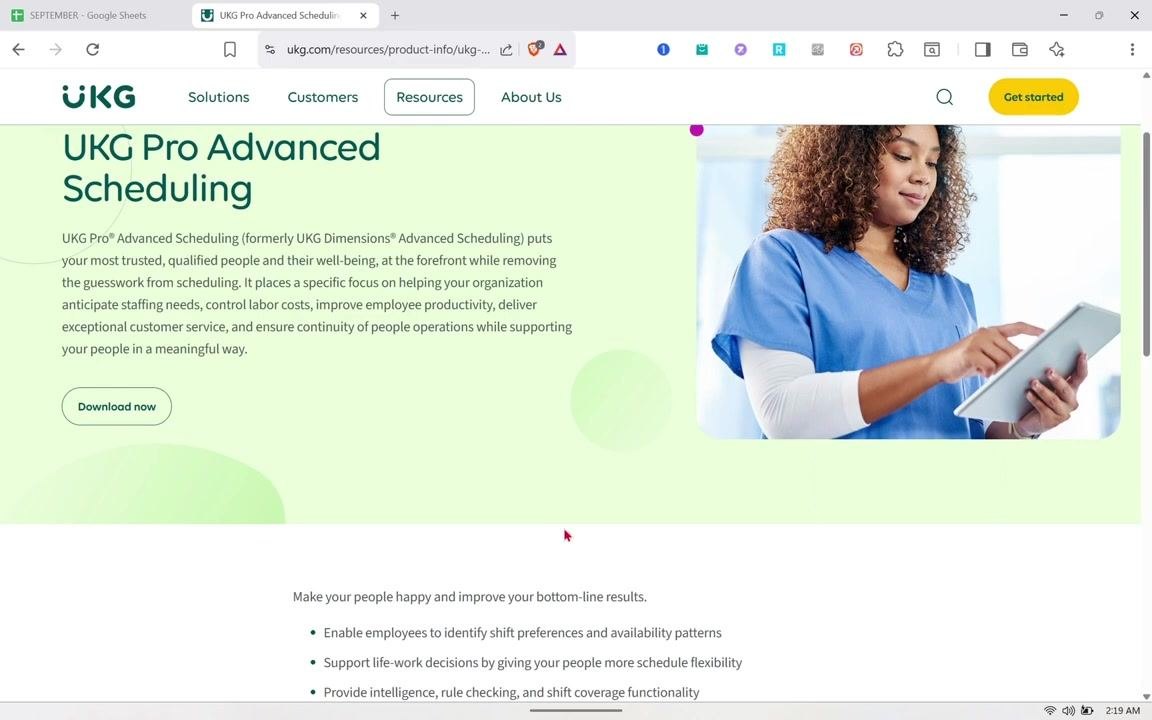
Navigate to the UKG Pro Advanced Scheduling product information page. The description explains that UKG Pro Advanced Scheduling (formerly UKG Dimensions Advanced Scheduling) prioritizes your most trusted, qualified people and their well-being, removing guesswork from scheduling.
The page focuses on anticipating staffing needs, controlling labor costs, improving productivity, delivering customer service, and ensuring continuity of operations while supporting people in a meaningful way. A Download now button is available for more resources.
Review self-scheduling benefits for employees
Scroll down to see additional benefits for employees and organizations, including how UKG supports employee-driven, self-service scheduling.
This section highlights:
- Enabling employees to identify shift preferences and availability patterns.
- Supporting life-work decisions by providing more schedule flexibility.
- Providing intelligence, rule checking, and shift coverage functionality.
Confirm the Advanced Scheduling overview
Review the UKG Pro Advanced Scheduling page again to confirm the overall description: it puts your most trusted, qualified people and their well-being at the forefront while removing the guesswork from scheduling. The right side of the page continues to show a person in medical scrubs using a tablet, reflecting use in healthcare and similar environments.
Review the benefits section for employees and organizations
Scroll to the benefits section, which encourages making your people happy while improving bottom-line results.
Review the expanded benefits list
Continue scrolling to see additional benefits beyond the first list.
These additional benefits include:
- Leveraging algorithms that prepare best-fit schedules for everyone.
- Helping managers balance resources and align best-fit schedules more effectively.
Review the detailed intelligence and algorithm benefits
Review the reiterated benefits section, which again emphasizes intelligence, rule checking, and shift coverage functionality, along with algorithm-driven best-fit schedules and resource balancing for managers.
Understand the integration of scheduling and HR tasks
Note how the product page highlights that combining scheduling and HR tasks in one system makes work easier and more organized, saving time for both managers and employees.
Access the features grid for quick reference
Review the UKG Workforce Management features grid once more to see how employees can quickly access important information across all six categories: Time & Attendance, Scheduling, Analytics, Compliance, Communication and Collaboration, and Strategic Workforce Planning.
Explore additional resources
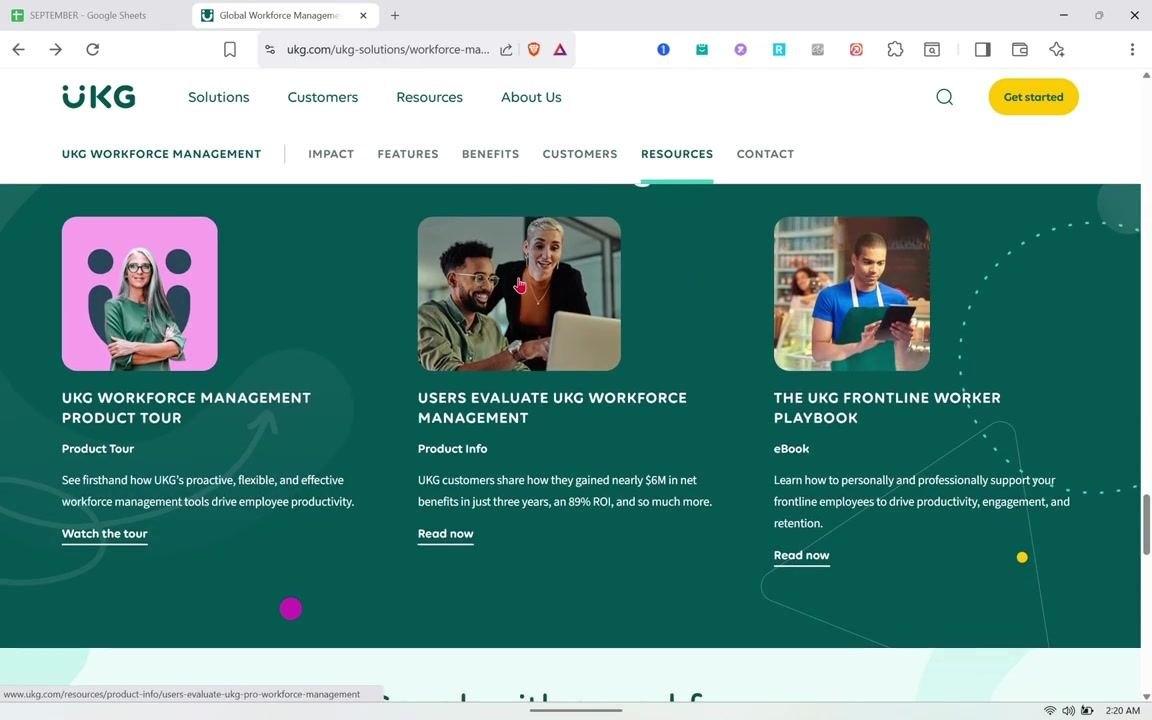
Select the Resources tab to find three resource cards:
- UKG Workforce Management Product Tour: Watch the tour to see how UKG's tools drive productivity.
- Users Evaluate UKG Workforce Management: Read customer stories about net benefits and ROI.
- The UKG Frontline Worker Playbook: Read the eBook to learn how to support frontline employees.
Each card includes a title, a short description, and a call-to-action such as "Watch the tour" or "Read now."
Summary
By following these steps, you've seen how to self-schedule in UKG Pro Workforce Management by reviewing the platform's Scheduling, Forecasting, and Advanced Scheduling product pages. These pages show how UKG supports:
- Self-service and mobile scheduling for employees.
- Shift preference and availability identification.
- AI- and ML-powered forecasting for accurate, best-fit schedules.
- Compliance management and real-time schedule adjustments.
- Integrated scheduling and HR tasks that save time for managers and employees alike.
What's next
To go further, use the Download now buttons on the Scheduling, Forecasting, and Advanced Scheduling pages to access full product profiles, or explore the Resources tab for the Product Tour, customer evaluations, and the Frontline Worker Playbook. If you want hands-on access to the scheduling dashboard itself, use the Get started or Talk to an expert options to request a demo.
Generation details: cost, quality tiers
Docsie billed 4,500 credits ($3.15) to analyze this 9-minute video at standard quality. The rewrite, template fill and Word/PDF exports were included. The same video at each quality tier:
| Quality | Frames sampled | Credits | Approx. cost |
|---|---|---|---|
| Draft | every 16-30 s | 2,250 | $1.57 |
| Standard (this guide) | every 8-15 s | 4,500 | $3.15 |
| Detailed | every 4-7 s | 9,000 | $6.30 |
| Ultra | every 1-3 s | 18,000 | $12.60 |
Credits priced at $0.70 per 1,000; plans include a monthly allowance. Enterprise customers on on-premise or bring-your-own-model deployments run this on their own inference and pay no per-video credits.
Generated by Docsie Video-to-Docs on 2026-10-02 from a 8-minute video. Screenshots are frames from the source video and belong to their creator, Tutorials by Hannah, whose original is embedded above. If you own this video and want the guide removed or credited differently, contact us and we will act within one business day.