Salesforce
Create a report
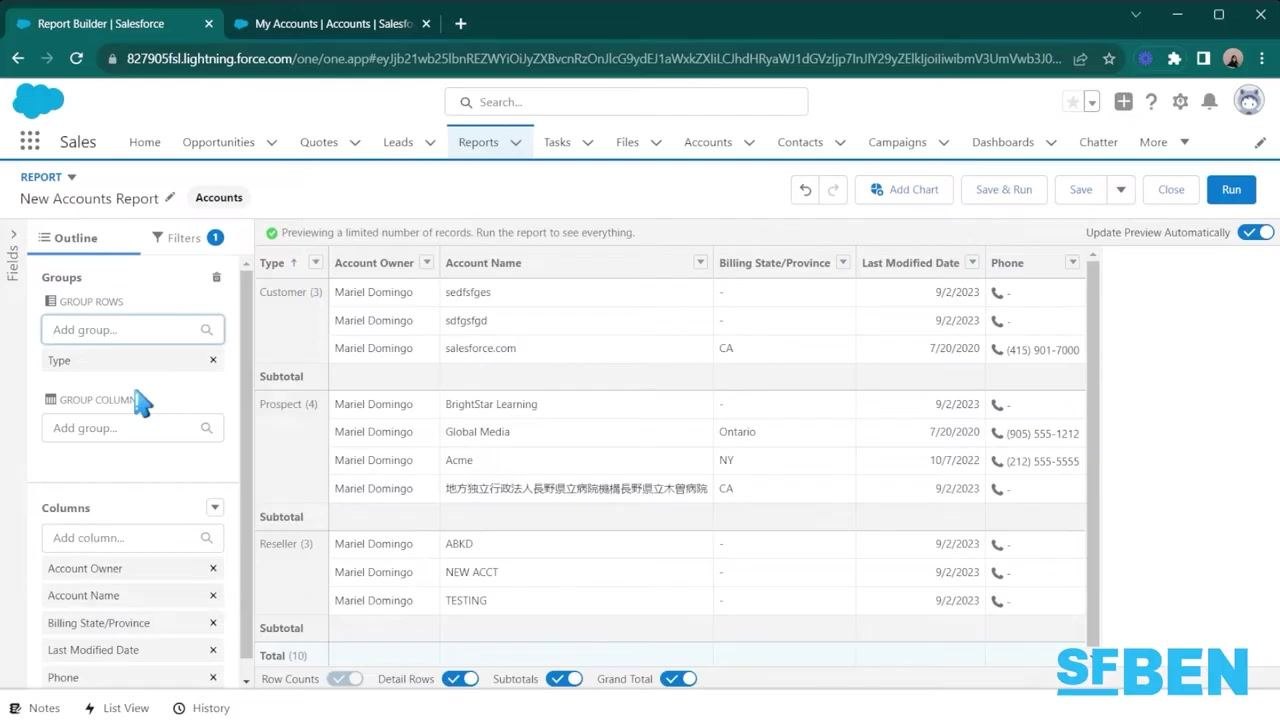
Follow report setup, filters, columns, grouping, and charts in a generated walkthrough.
Read the tutorial →
Docsie Video to Docs
Turn a training video or screen recording into step-by-step documentation, with screenshots and context. Review the guide, share it with your team, or export it for your customers.
Start with your own recording, or explore the published guides to see the output first.
Real video. Real output.
Open the tutorial to compare the source recording with the complete generated procedure.
See the output
These tutorials were generated from source videos with Docsie. Each page brings the video, the written procedure, and the captured screenshots together.
Follow report setup, filters, columns, grouping, and charts in a generated walkthrough.
Read the tutorial →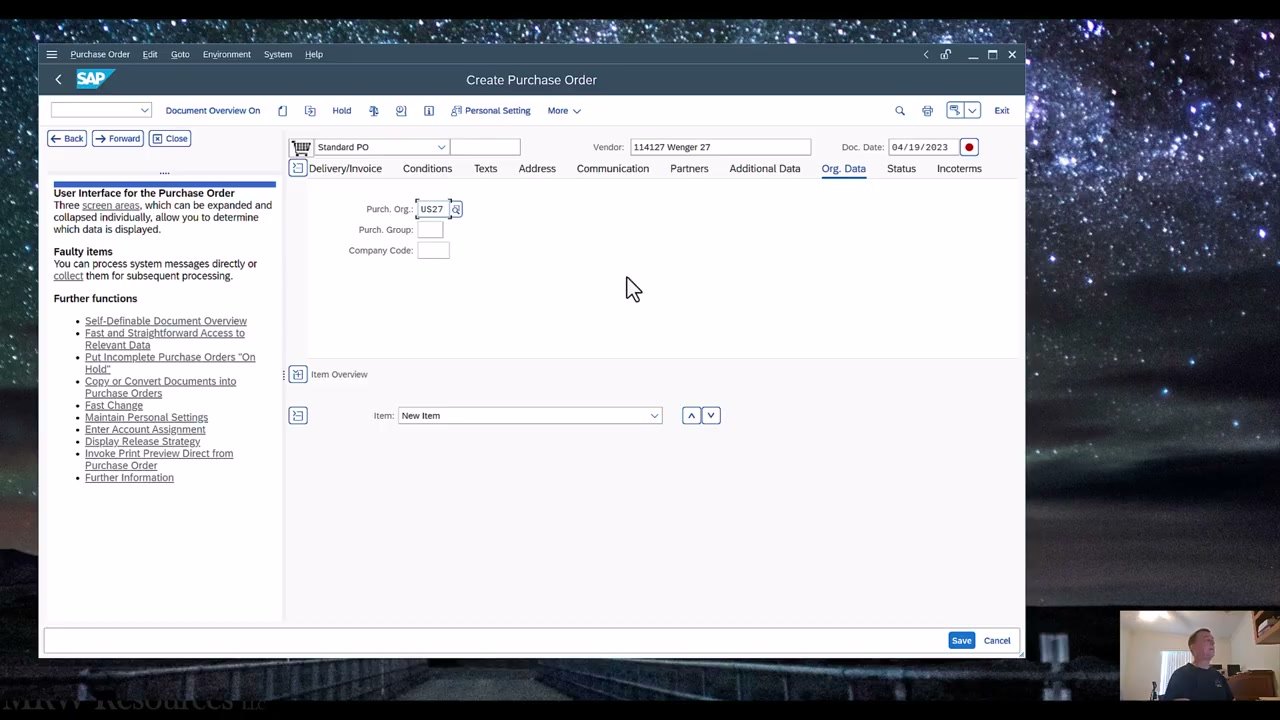
See how a SAP ME21N recording becomes a procedure with screen-by-screen instructions.
Read the tutorial →
Turn a business-system walkthrough into a guide your colleagues can follow at their own pace.
Read the tutorial →Explore the tutorial hub
Browse generated guides by product and task, from enterprise software to practical operating procedures. Compare source videos, screenshots, and downloadable outputs.
From recording to documentation
Upload your video or paste a supported video link. Choose the kind of document you need.
Check the instructions, screenshots, and context. Refine the result before sharing it.
Share documentation through a knowledge base or export Word and PDF files for your team or customers.
Choose your workflow
Start with the outcome you need, then explore the workflow and its documentation options.
Convert a recorded process into instructions people can review and repeat.
Video to SOPs →Give new hires a written companion to expert demonstrations and training sessions.
Onboarding documentation →Make answers from walkthroughs and troubleshooting recordings easier to find.
Video to knowledge base →Turn product demonstrations into documentation your customers can follow.
Video to manuals →Keep implementation knowledge useful after the training call ends.
Client deliverables →Explore templates for procedures, training, compliance, and industry-specific documents.
Browse templates →Start with what you have
Explore documentation workflows for your recording platform. Need a new capture? Record the process with the free screen recorder.
Questions
The tutorial hub contains published guides generated from source videos. Open a tutorial to inspect its original recording, written steps, and screenshots. Browse the tutorial hub →
Use Video to Docs when you want a guide or procedure from a recording. Use Video Analysis when you want to ask questions about footage and inspect findings tied to timestamps and frames. Explore Video Analysis →
Review the generated guide and its screenshots before publishing or exporting. For checking documents against an approved procedure or comparing related sources, explore Docsie Compare. Explore Compare →
See the pricing page for current plans and credits. If your team needs its own deployment, explore self-hosted Docsie. See pricing · Self-hosted Docsie
Docsie Video to Docs
Create a guide from your recording, or explore the tutorial library to see what your team can produce.