
How to Change Your Direct Deposit in ADP
If you want to switch your paycheck to direct deposit, the ADP portal lets you add or update your bank account information in just a few steps. This guide walks you through gathering your bank details, entering them into ADP, and confirming that your direct deposit change has taken effect.
Video: How To Change To Direct Deposit On ADP (2026 Guide) by App Mentor (2025). All credit for the demonstration goes to the creator; watch the original on YouTube. The written guide below was generated from this video by Docsie. Creator? Request a change or removal.
If you want to switch your paycheck to direct deposit, the ADP portal lets you add or update your bank account information in just a few steps. This guide walks you through gathering your bank details, entering them into ADP, and confirming that your direct deposit change has taken effect.
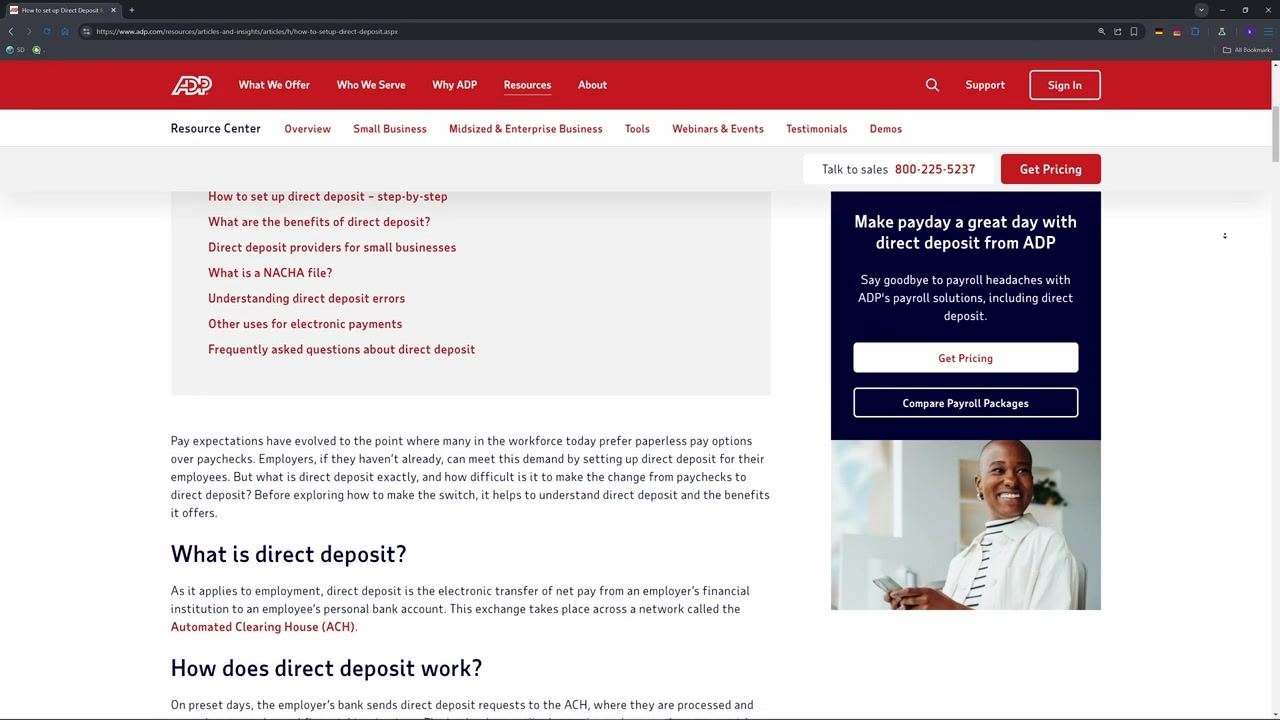
Prerequisites
Before you begin, make sure you have the following ready:
- Your bank's routing number, account number, and account type (checking or savings).
- A voided check or your bank's official app to verify these details. Do not use a deposit slip, as this can lead to errors.
- Your ADP login credentials. If you don't have an account yet, request a registration code from your HR or payroll team.
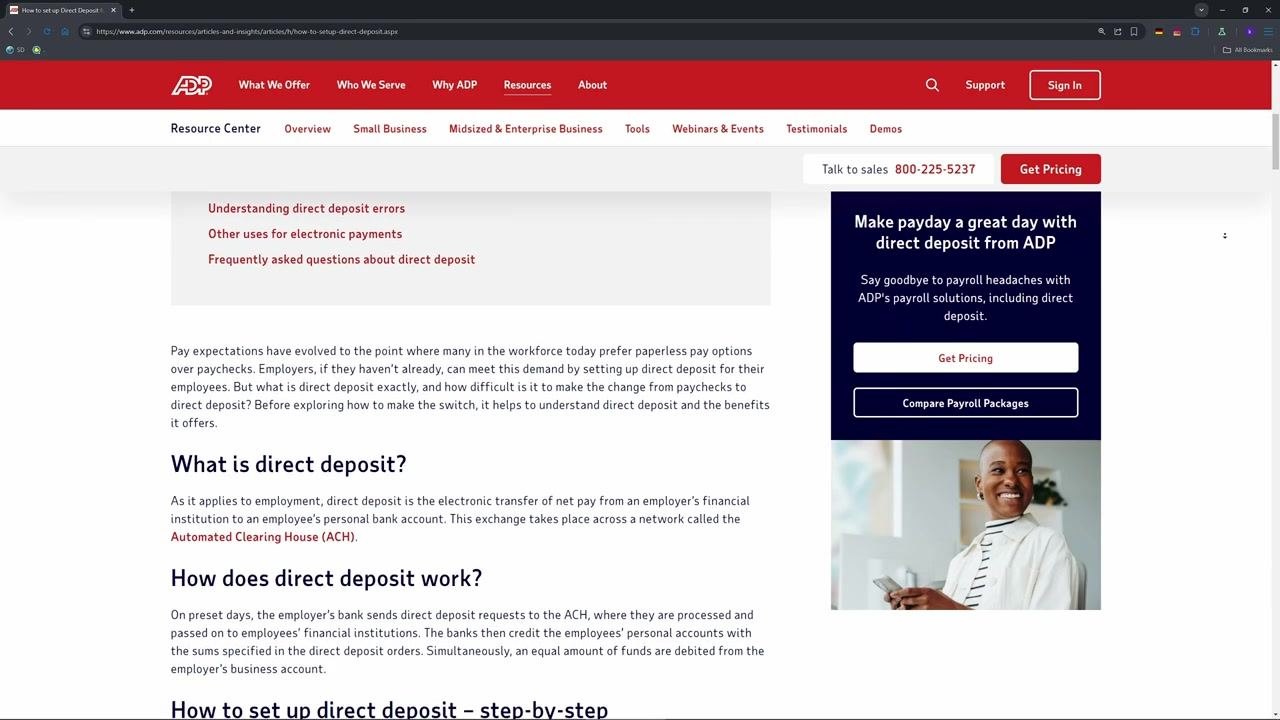
Access the ADP portal
Open Chrome or Firefox for the best experience, then go to portal.adp.com. Log in with your ADP user ID and password.
If you've forgotten your credentials, use the Forgot User ID or Forgot Password links on the login page.
Navigate to direct deposit settings
Once you're logged in, click Pay or Myself on the left navigation menu, then select Payment Options or Direct Deposit.
If these options aren't clickable, your employer may have restricted self-service changes. Contact your HR department for assistance in that case.
Add or update your bank account information
Click Add Bank Account to set up a new account, or Edit to update existing details. Enter the following information exactly as it appears with your bank:
- Bank Name
- Routing Number
- Account Number
- Account Type (Checking or Savings)
You can assign a nickname for clarity, such as "Main Checking." This nickname won't appear on your pay stubs.
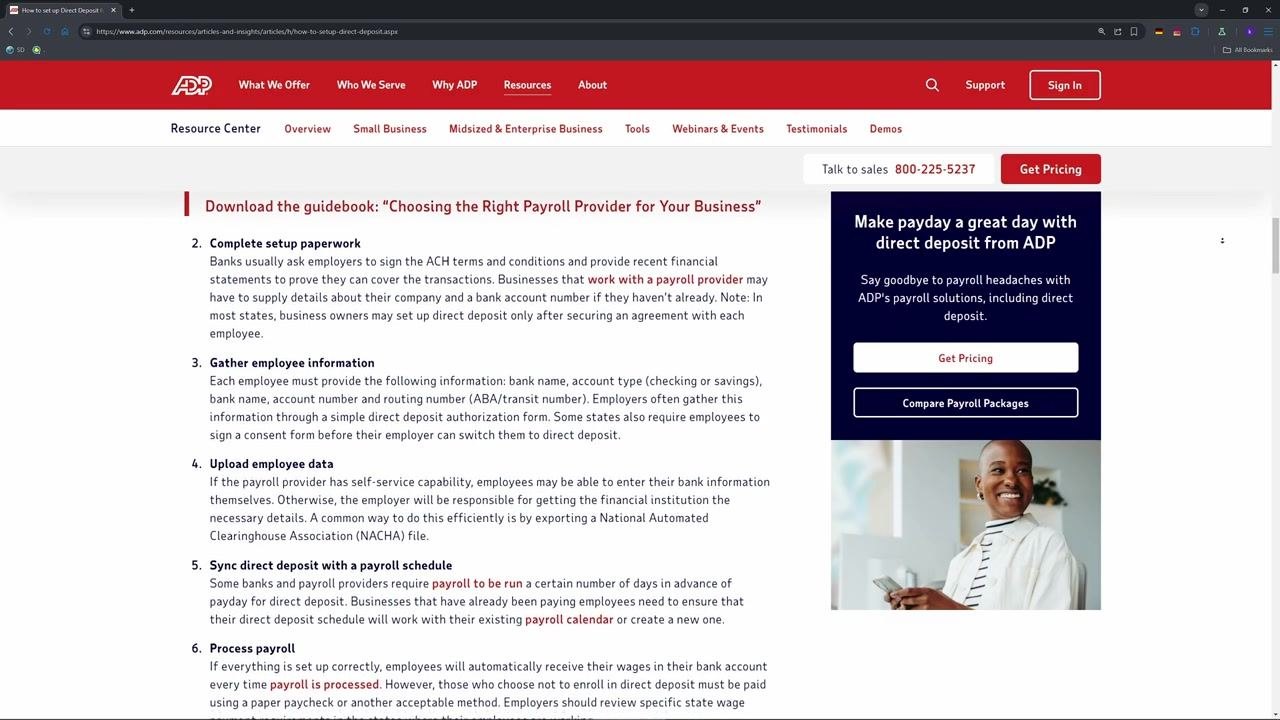
Choose your deposit amount option
Select Full Net to deposit your entire paycheck into this account, or select Partial if you want to split your deposit between multiple accounts.
Wait for verification
ADP uses e-verify to confirm your bank details. This process typically takes 5 to 10 minutes.
Understand direct deposit verification timing
After updating your bank details in ADP, your next paycheck might still be sent to your old account while the new direct deposit information is being verified. This process can take several days, depending on your employer's payroll schedule and bank processing times.
Monitor both your old and new accounts during this transition period to make sure you receive your pay.
Confirm your direct deposit change
Once verification is complete, check your next pay stub or the ADP portal to confirm that your paycheck is being deposited into the correct account. If you notice any discrepancies or your pay isn't deposited as expected, contact your HR or payroll department immediately.
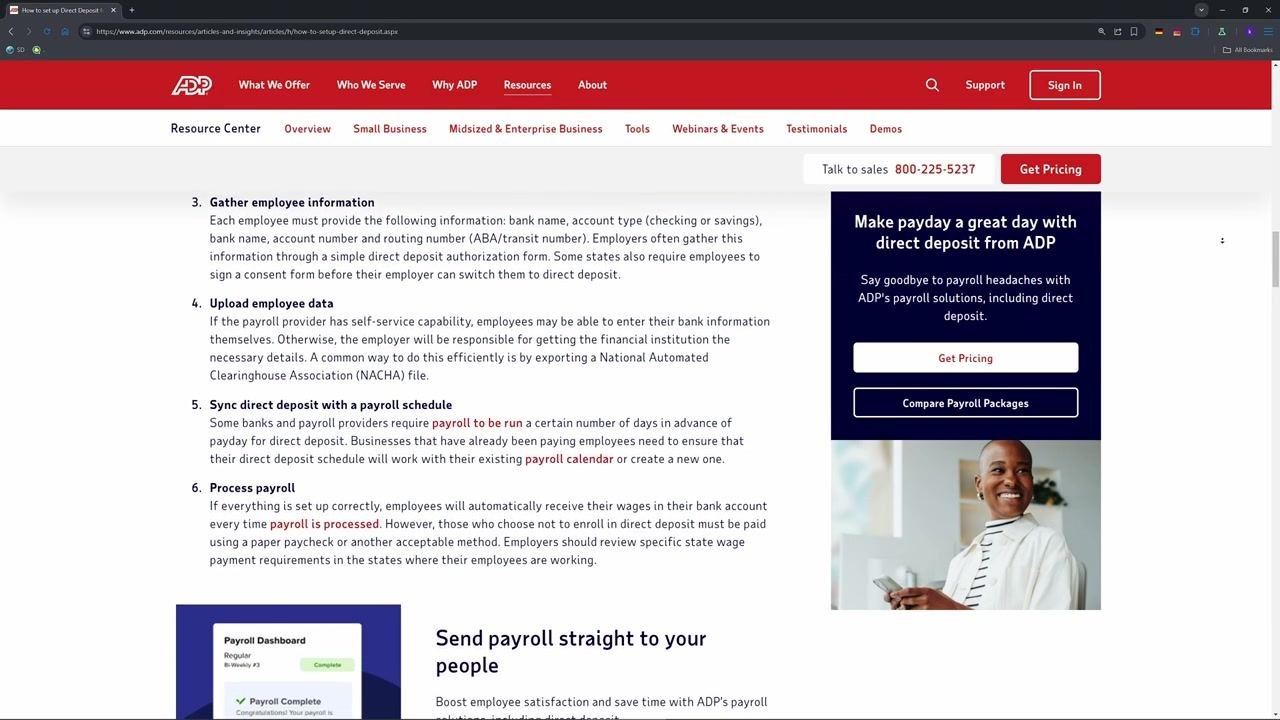
Troubleshooting and tips
- If you're logged out or run into access issues, contact your HR department—most issues can be resolved within a day.
- Always double-check your bank details to avoid payment delays.
- For further help, consult ADP's official guide or your HR/payroll team.
Benefits of direct deposit
Switching to direct deposit offers several advantages:
- Speed: Funds are delivered quickly, minimizing wait time and giving you faster access to your wages.
- Security: Electronic transfers eliminate the risk of lost or stolen checks.
- Convenience: No need to visit a bank or ATM to deposit checks.
- Accuracy: Electronic records and online banking make it easier to track and fix mistakes.
- Flexibility: You can split payments into multiple accounts, such as checking and savings.
What's next
Now that you know how to change your direct deposit in ADP, your paycheck will be deposited directly and securely into your chosen account. If you run into any issues during setup or verification, reach out to your HR or payroll department for assistance.
Generation details: cost, quality tiers
Docsie billed 1,500 credits ($1.05) to analyze this 3-minute video at standard quality. The rewrite, template fill and Word/PDF exports were included. The same video at each quality tier:
| Quality | Frames sampled | Credits | Approx. cost |
|---|---|---|---|
| Draft | every 16-30 s | 750 | $0.52 |
| Standard (this guide) | every 8-15 s | 1,500 | $1.05 |
| Detailed | every 4-7 s | 3,000 | $2.10 |
| Ultra | every 1-3 s | 6,000 | $4.20 |
Credits priced at $0.70 per 1,000; plans include a monthly allowance. Enterprise customers on on-premise or bring-your-own-model deployments run this on their own inference and pay no per-video credits.
Generated by Docsie Video-to-Docs on 2026-10-02 from a 2-minute video. Screenshots are frames from the source video and belong to their creator, App Mentor, whose original is embedded above. If you own this video and want the guide removed or credited differently, contact us and we will act within one business day.