How do I transcribe a video to text?
Get the video file or a link to it, then either play it and type, or upload it to a transcription tool and wait for the result. Check names, numbers and technical terms against the video, then export the transcript as plain text for reading or as SRT or VTT for subtitles.
How long does it take to transcribe a video?
By hand, expect several times the length of the video, more if several people talk. An AI tool works in the background: Docsie can take up to an hour and emails you when the transcript is ready.
Can AI transcribe a video accurately?
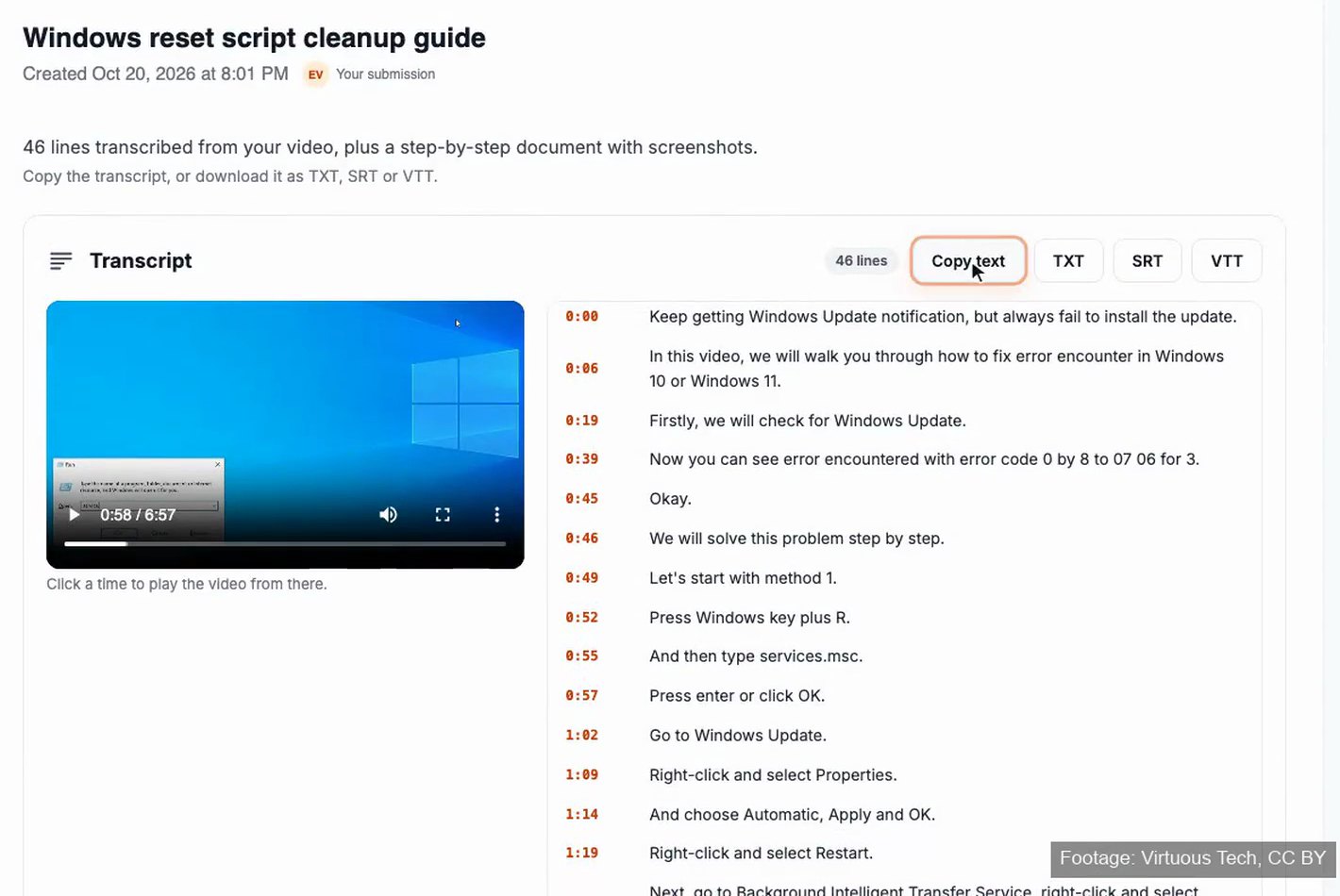
AI handles clear speech well. It is most likely to slip on names, product terms, part numbers and people talking over each other, so check those lines against the video. Timestamps make that quick: click the time and listen.
How do I transcribe a YouTube video?
If the video is yours, check YouTube Studio first: YouTube creates automatic captions for many videos, which you can review. Docsie doesn't take YouTube links on free accounts, so upload the original video file instead.
How do I turn a transcript into subtitles?
Use a transcript format with timings. Docsie gives you SRT and VTT files with a start and end time for every line, which video players, editors and video platforms accept as subtitles.
What format should a video transcript be in?
Plain text (TXT) for reading, notes and search. SRT for subtitles in players and editors. VTT for captions on web pages. A timestamped transcript is the most useful version to keep, because every line points back to the video.
Can I see a Docsie transcript before paying?
Yes. The first 12 lines show before you pay. The full transcript, the TXT, SRT and VTT downloads and the step-by-step document come with the paid unlock.
Do I need to install software to transcribe a video?
Not with Docsie. It runs in the browser, and you don't need an account to start: you confirm your email with a code when you submit the video.
How long a video can I transcribe?
Docsie supports videos up to 2 hours, and 10 to 20 minutes works best. For a longer recording, split it into parts and upload up to 3 at a time.