4.8
on G2
Drop in an MP4 and Docsie transcribes it to text. MOV, WEBM, MKV and AVI files work the same way. Copy the transcript or download it as .txt, .srt or .vtt, and read the first lines before you pay.
Upload your file
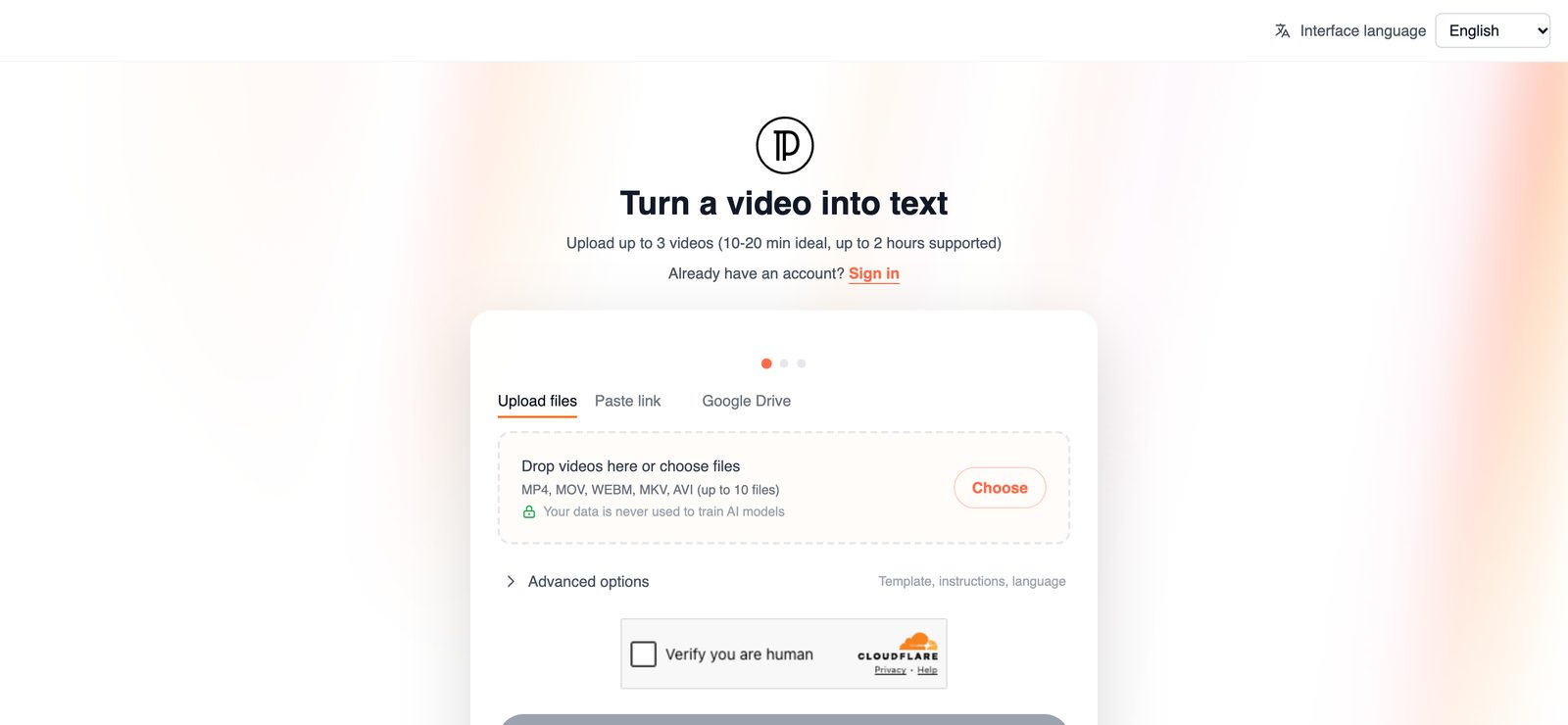
Add up to 3 video files, or paste a Loom, Vimeo or Google Drive link. You don't need an account to start.
Drag & drop an MP4, MOV, WEBM, MKV or AVI file
MP4, MOV, WEBM, MKV, AVI · up to 2 hours per video
Your video opened in a new tab. Finish there. Tab didn't open? Continue here
SOC 2 compliant. Your data is never used to train AI models.
Step by step
The same four steps work for MOV, WEBM, MKV and AVI files.
Drag the file into the box above or click Choose a file. You can add up to 3 videos in one go. If the video already sits in Loom, Vimeo or Google Drive, paste the link instead of downloading and uploading the MP4 again.
There is no account to create first. When you submit, Docsie asks for your email address and sends you a code to confirm it.
The MP4 is transcribed in the background, which can take up to an hour for longer files. Docsie emails you when the transcript is ready.
Read the first 12 lines of the transcript to check it is the right file. Unlock to copy the full text, download .txt, .srt or .vtt, and get the step-by-step document.
Upload the file in the format you already have. There is no need to convert it to MP4 or extract the audio first.
The most common video format, used by phones, cameras, screen recorders and the recordings you download from Zoom or Teams. Upload it as it is.
The QuickTime format used for iPhone videos and Mac screen recordings. MOV to text works exactly like MP4 to text.
A web video format that browser-based recorders and some download tools save to. Upload it directly.
A container that recording software such as OBS can save to. Long MKV recordings of up to 2 hours are supported.
An older Windows format that still turns up in archives and on some cameras. Upload it like any other file.
Paste the share link instead of the file when the video already lives online.
What you get
Every upload returns the same set of outputs, whichever format you started with.
Everything said in the MP4, as text you can paste into notes, a report, a ticket or an email.
Plain text for archives, search, or the other tools your team already uses.
Every line with a start and end time, ready to load into a video player or editor, or upload with the video.
The web caption format, also timestamped, for video on web pages and video platforms.
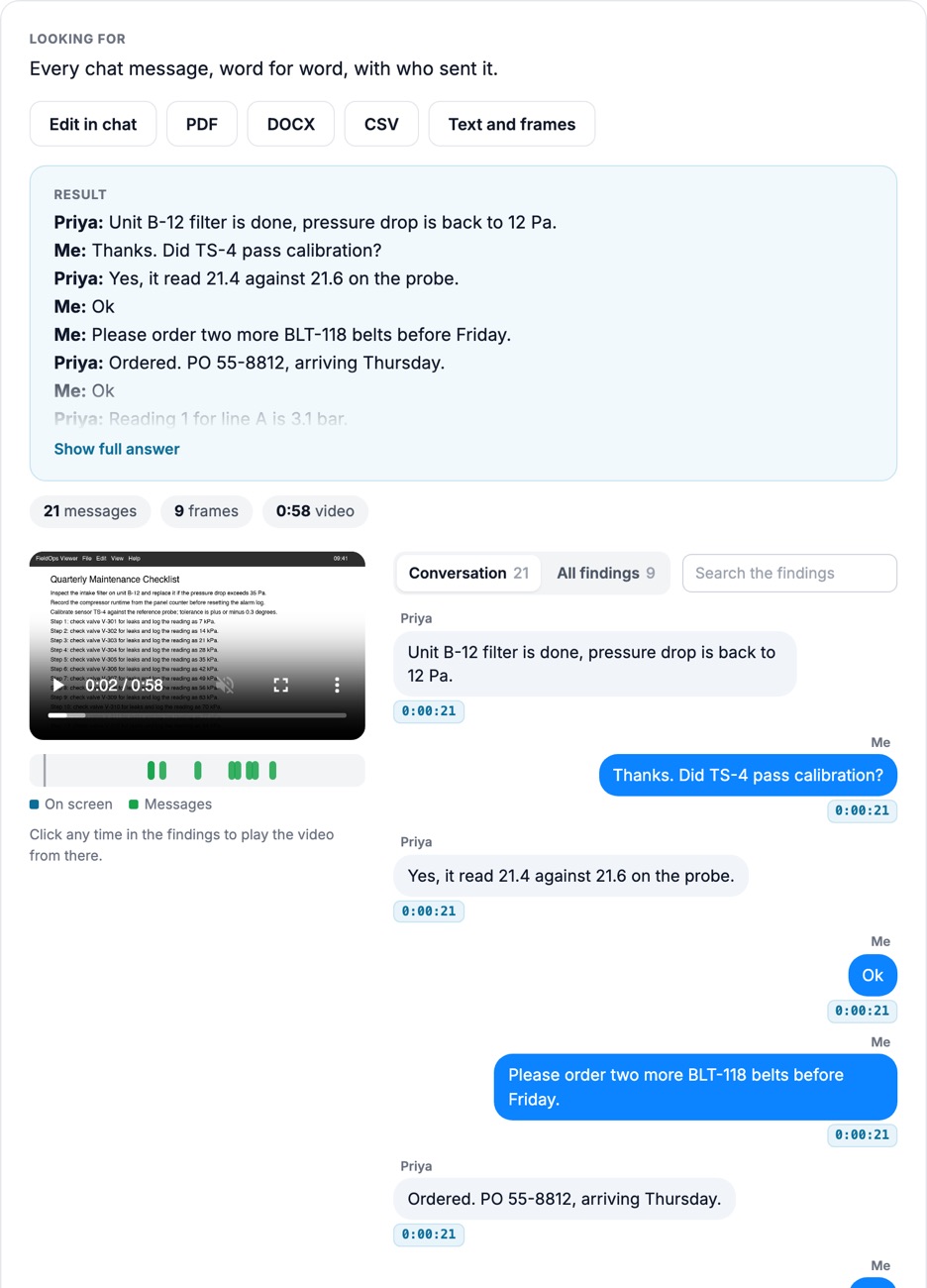
Numbered steps with screenshots from the MP4, written by Docsie. It helps most when the file is a screen recording or a training session.
The first 12 lines show before you unlock, so you can check the transcript reads well before you pay.
The usual way to transcribe an MP4 runs through two or three tools. With Docsie the MP4 goes in as it is.
Join forward-thinking teams using Docsie






_Leader_Small-Business_Leader.svg)


Common questions
Q: How do I convert MP4 to text?
A: Upload the MP4 file, or paste a Loom, Vimeo or Google Drive link, then submit and confirm your email. Docsie transcribes the video in the background and emails you when it is done. Copy the transcript or download it as .txt, .srt or .vtt.
Q: Can I transcribe an MP4 to text for free?
A: You can upload an MP4 without paying and read the first 12 lines of the transcript. The full transcript, the downloads and the step-by-step document come with the paid unlock.
Q: Can I convert MOV, WEBM, MKV or AVI files to text?
A: Yes. MOV, WEBM, MKV and AVI files are transcribed the same way as MP4, and you get the same transcript, downloads and document.
Q: How do I get an SRT file from an MP4?
A: Transcribe the MP4, unlock the result and download the .srt file. Each line has a start and end time, so you can load it into a video player or editor as subtitles. A .vtt file is available too.
Q: How long can the MP4 be?
A: Videos of up to 2 hours are supported, and 10 to 20 minutes is ideal. If a recording runs longer than 2 hours, split it into parts and upload up to 3 at a time.
Q: Do I need to install anything?
A: No. Docsie runs in your browser, and you don't need an account to start. You confirm your email with a code when you submit the file.
Converting a library of video files?
Book a DemoUpload the file or paste a link, and read the first lines of the transcript before you pay.
MP4, MOV, WEBM, MKV and AVI files, up to 2 hours per video.