4.8
on G2
Upload a meeting, training, interview, lecture or screen recording, or paste a Loom, Vimeo or Google Drive link. Docsie writes the full transcript, which you can copy or download as .txt, .srt or .vtt. You see the first lines before you pay.
Start here
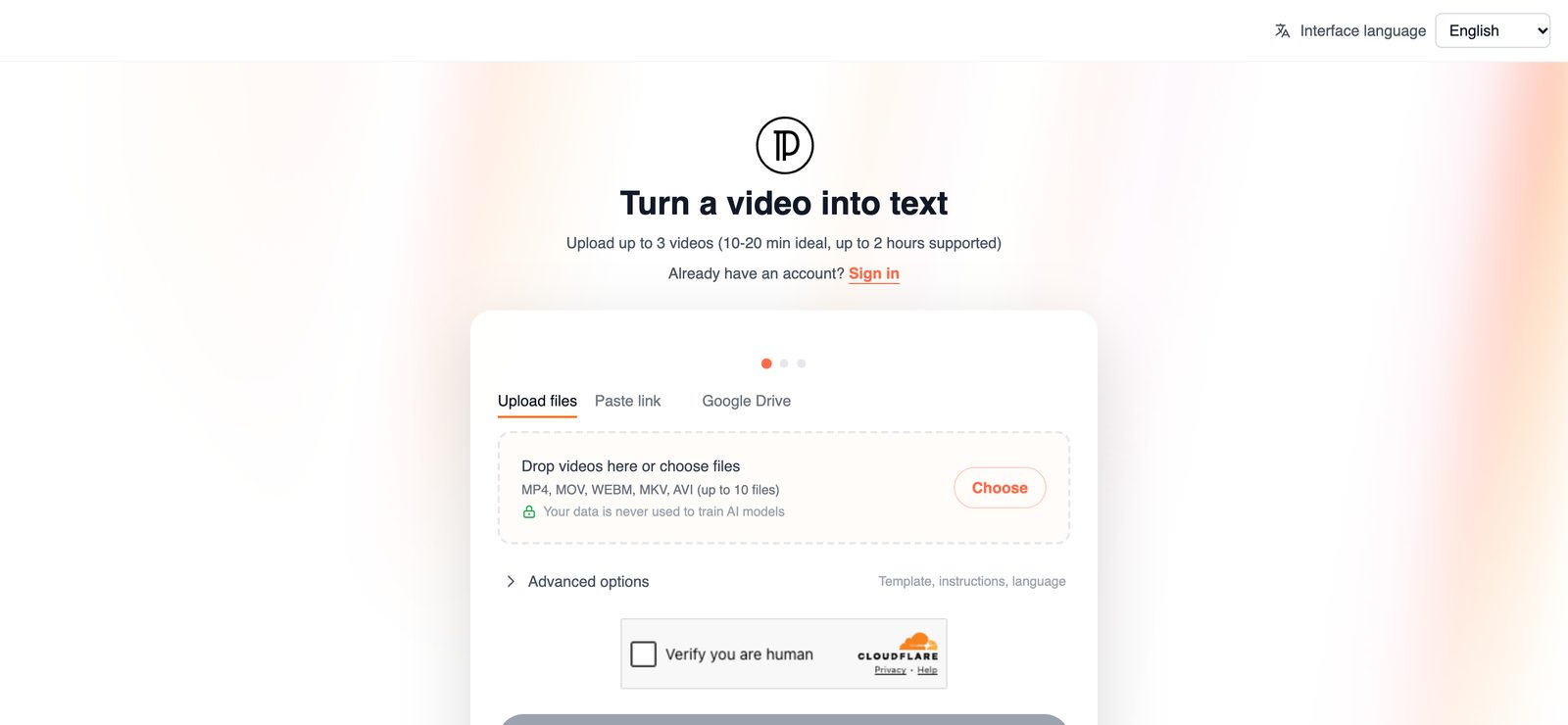
Upload up to 3 videos, or paste a Loom, Vimeo or Google Drive link. You don't need an account to start.
Drag & drop a video
MP4, MOV, WEBM, MKV, AVI · 10 to 20 minutes is ideal, up to 2 hours
Your video opened in a new tab. Finish there. Tab didn't open? Continue here
SOC 2 compliant. Your data is never used to train AI models.
One upload gives you the transcript in the formats people ask for, plus a written version of what the video shows.
Every word spoken in the recording, in order, as readable text. Copy it into meeting notes, a research file, a ticket or an email.
Caption files give every line a start and end time, so you can add subtitles to the video or jump back to the exact point where something was said.
A clean text file for archives, search, or the other tools your team already uses.
Docsie also writes the video up as a document with numbered steps and screenshots taken from the recording. It is most useful for screen recordings and training sessions.
Upload MP4, MOV, WEBM, MKV or AVI files, or paste a Loom, Vimeo or Google Drive link. You can add up to 3 videos at a time.
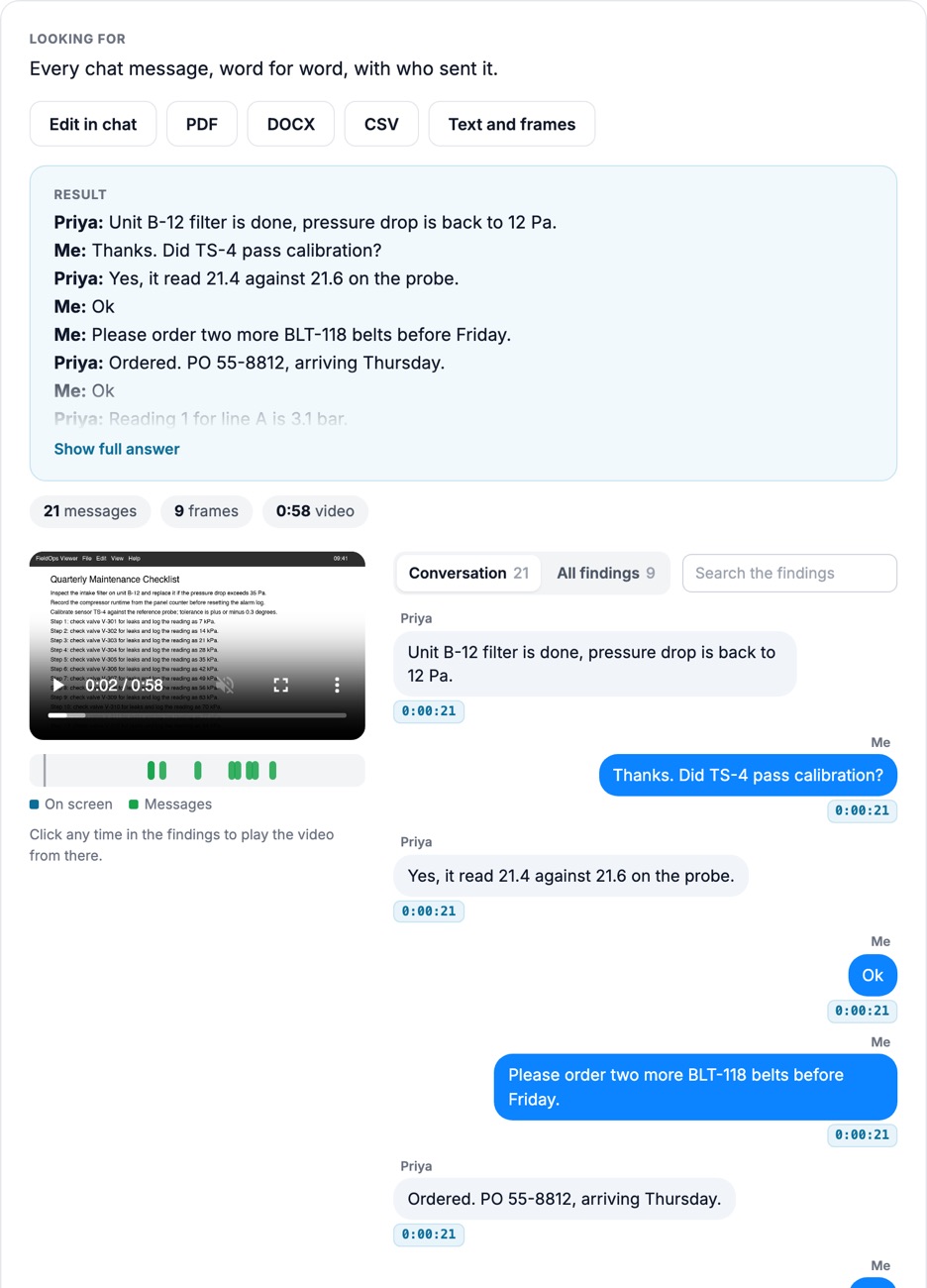
A transcript covers what people say. If you need text that appears on screen, such as error messages, labels or chat windows, use video text extraction instead.
Most people looking for a way to transcribe video to text have already tried doing it by hand once. Here is what changes.
Who transcribes video
The same video transcript generator works for any recording where the words matter after the call ends.
Turn a recorded meeting into text you can search, quote and send to the people who missed it. Find the decisions and action items in the transcript instead of rewatching the whole call.
Give trainees a transcript next to the recording, and use the step-by-step document as a written reference for the procedure the trainer demonstrated.
Researchers, recruiters and reporters get the whole conversation as text. The timestamps in the .srt or .vtt file help you find a quote again in the video.
Students and attendees can read along, search for a topic, and add captions to the recording before it is shared.
Product walkthroughs and how-to recordings become a transcript plus a numbered guide with screenshots, which is often what the viewer wanted in the first place.
Recorded shows get a transcript for the episode page and caption files for the video version.
Four steps from recording to transcript.
Upload up to 3 files (MP4, MOV, WEBM, MKV or AVI) or paste a Loom, Vimeo or Google Drive link. 10 to 20 minutes is ideal, and recordings up to 2 hours work.
You don't need an account to start. When you submit, Docsie sends a code to your email to confirm it.
Transcription runs in the background and can take up to an hour. Docsie emails you when the transcript is ready.
The first 12 lines of the transcript show before you pay. Unlock to copy the full transcript, download .txt, .srt or .vtt, and open the step-by-step document.
Join forward-thinking teams using Docsie






_Leader_Small-Business_Leader.svg)


Common questions
Q: How do I transcribe a video to text?
A: Upload the video file or paste a Loom, Vimeo or Google Drive link, then submit and confirm your email. Docsie transcribes the recording in the background and emails you when it is ready. You can then copy the transcript or download it as .txt, .srt or .vtt.
Q: Can I transcribe video to text for free?
A: You can upload a video without paying and read the first 12 lines of the transcript before you decide. The full transcript, the .txt, .srt and .vtt downloads, and the step-by-step document come with the paid unlock.
Q: Does the video transcript include timestamps?
A: Yes. The .srt and .vtt files give every line a start and end time, so you can jump to the moment something was said. Use .txt or copy the text when you only need the words.
Q: Can I use the transcript as subtitles or captions?
A: Yes. .srt and .vtt are the standard subtitle and caption formats that most video players, editors and video platforms accept. Download the file and add it to your video.
Q: What videos can I transcribe, and how long can they be?
A: MP4, MOV, WEBM, MKV and AVI files, or a Loom, Vimeo or Google Drive link. You can add up to 3 videos at once. Recordings of 10 to 20 minutes work best, and videos up to 2 hours are supported.
Q: Is my recording kept private?
A: Docsie is SOC 2 compliant, and your data is never used to train AI models. If your team has specific storage or security requirements, book a demo and we will go through them with you.
Transcribing recordings for a whole team?
Book a DemoUpload a recording or paste a link, and read the first lines of the transcript before you pay.
MP4, MOV, WEBM, MKV, AVI, or a Loom, Vimeo or Google Drive link. Up to 2 hours per video.