
How to Access Care Everywhere in Epic
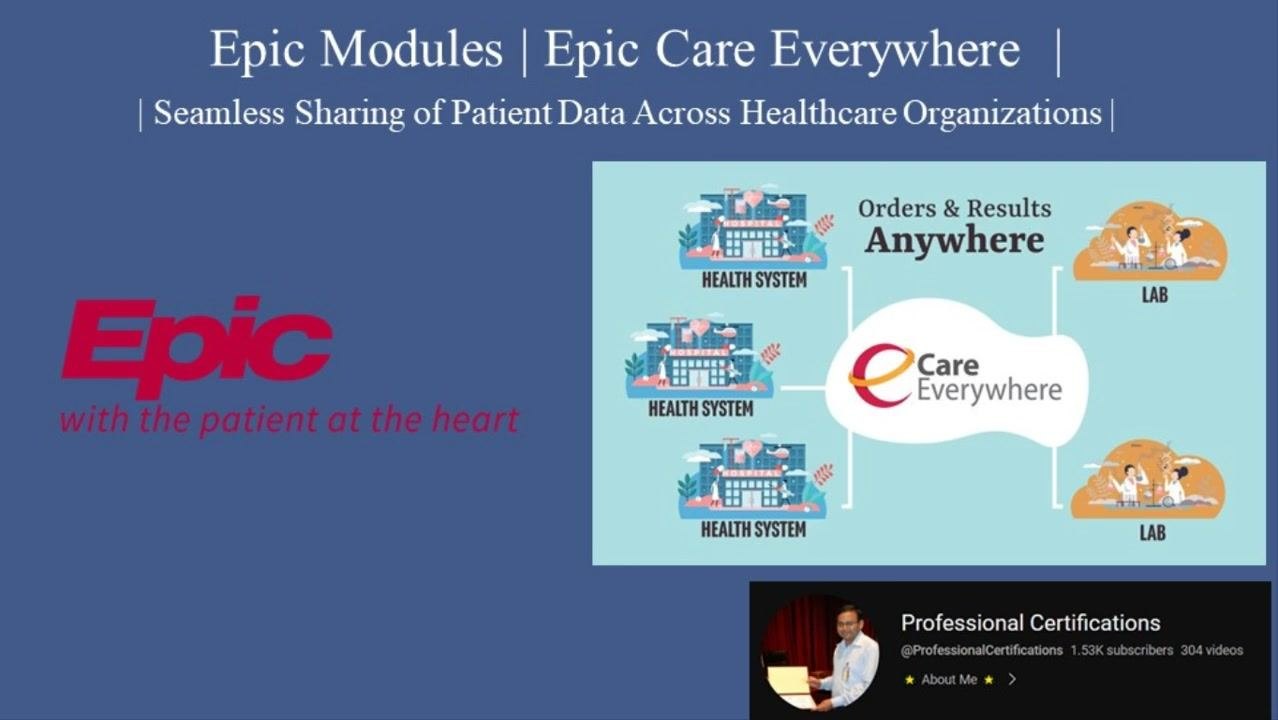
Epic Care Everywhere is Epic's interoperability solution, built to securely exchange patient data across healthcare systems, even when those systems use different Electronic Health Records (EHRs). This guide walks you through how to access Care Everywhere in Epic, explains the platform's core features, and shows you the workflow for searching, reviewing, and reconciling patient records from outside organizations. By using Care Everywhere, you support continuity of care by making critical patient information accessible wherever it's needed.
Video: Epic Systems modules | Epic Care Everywhere | Sharing of Patient Data | by Professional Certifications. All credit for the demonstration goes to the creator; watch the original on YouTube. The written guide below was generated from this video by Docsie. Creator? Request a change or removal.
Epic Care Everywhere is Epic's interoperability solution, built to securely exchange patient data across healthcare systems, even when those systems use different Electronic Health Records (EHRs). This guide walks you through how to access Care Everywhere in Epic, explains the platform's core features, and shows you the workflow for searching, reviewing, and reconciling patient records from outside organizations. By using Care Everywhere, you support continuity of care by making critical patient information accessible wherever it's needed.
Prerequisites
Before you access Care Everywhere in Epic, make sure the following are in place:
- You have access to the patient's chart in Epic Hyperspace.
- The patient has given consent for their data to be shared, in compliance with HIPAA and other applicable regulations.
- You have a secure, encrypted connection to the healthcare system, since Care Everywhere exchanges data over encrypted connections to protect patient privacy.
What is Epic Care Everywhere?
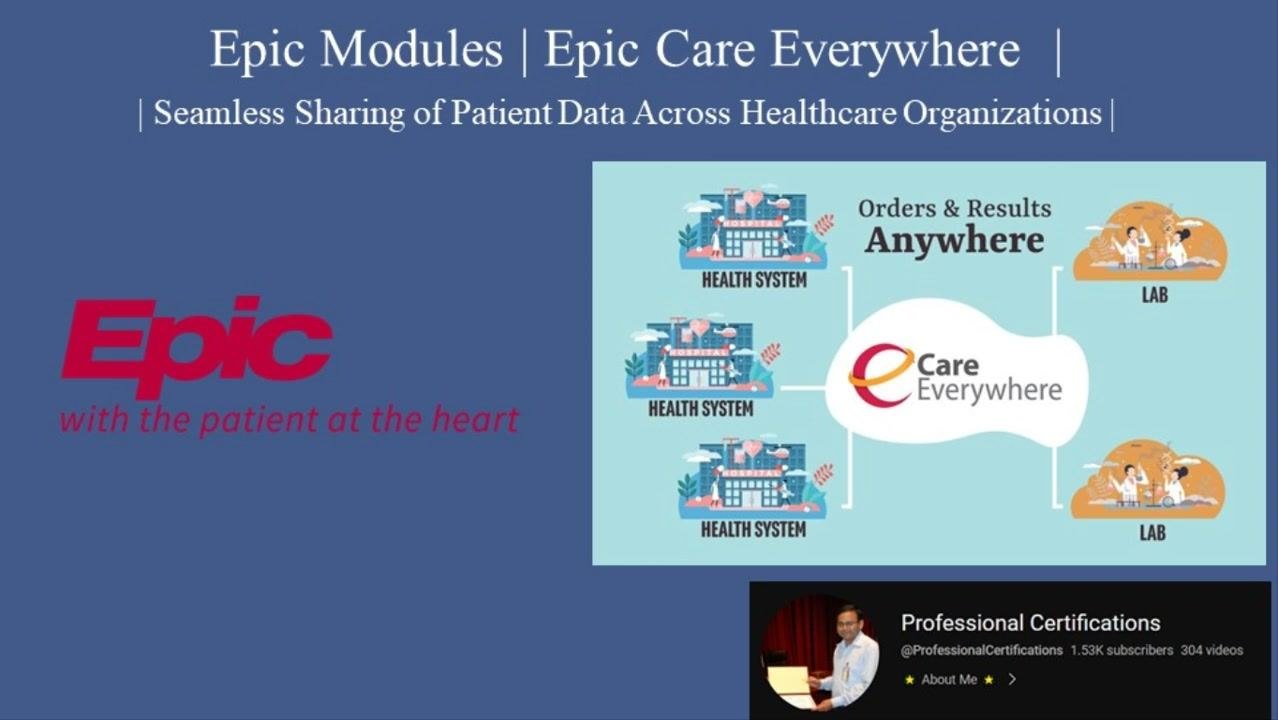
Epic Care Everywhere is designed to securely exchange patient data across healthcare systems, regardless of whether those systems use Epic or a different EHR. It supports continuity of care by making critical patient information accessible wherever it is needed, and it emphasizes secure and efficient communication between healthcare systems.
Key objectives
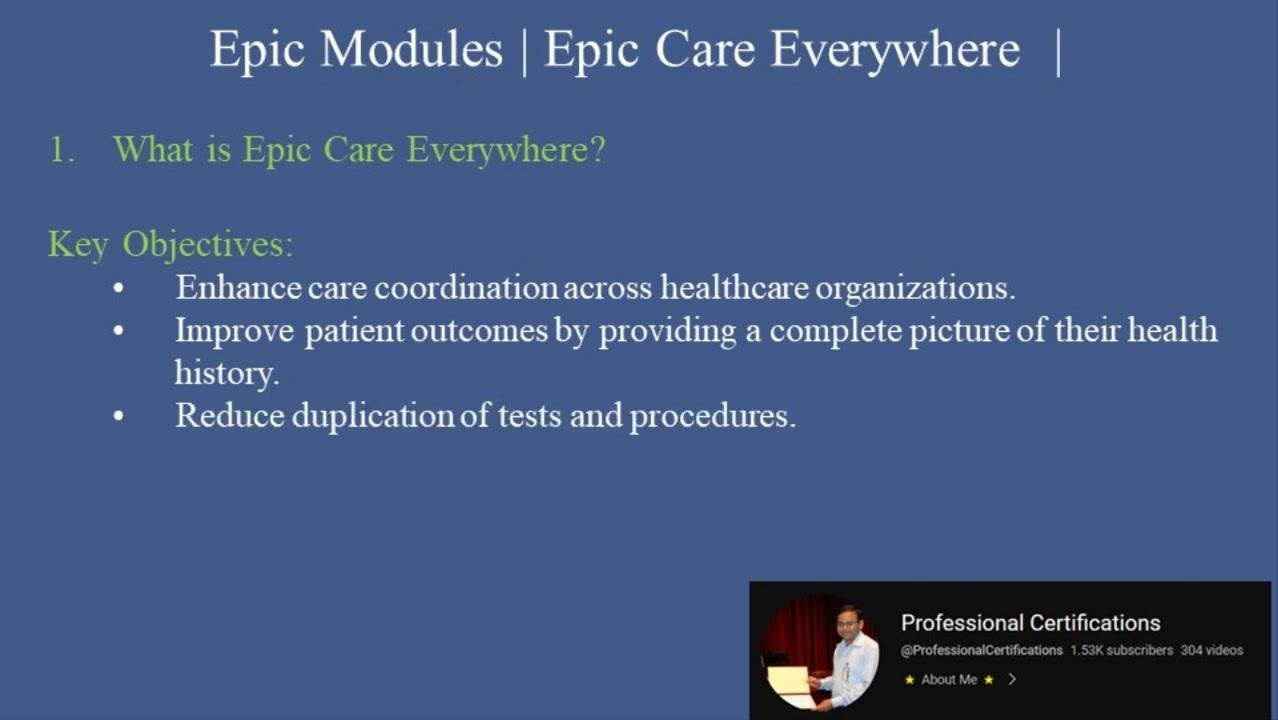
Care Everywhere is built around three main objectives:
- Enhance care coordination across healthcare organizations.
- Improve patient outcomes by providing a complete picture of a patient's health history.
- Reduce duplication of tests and procedures.
How Care Everywhere works
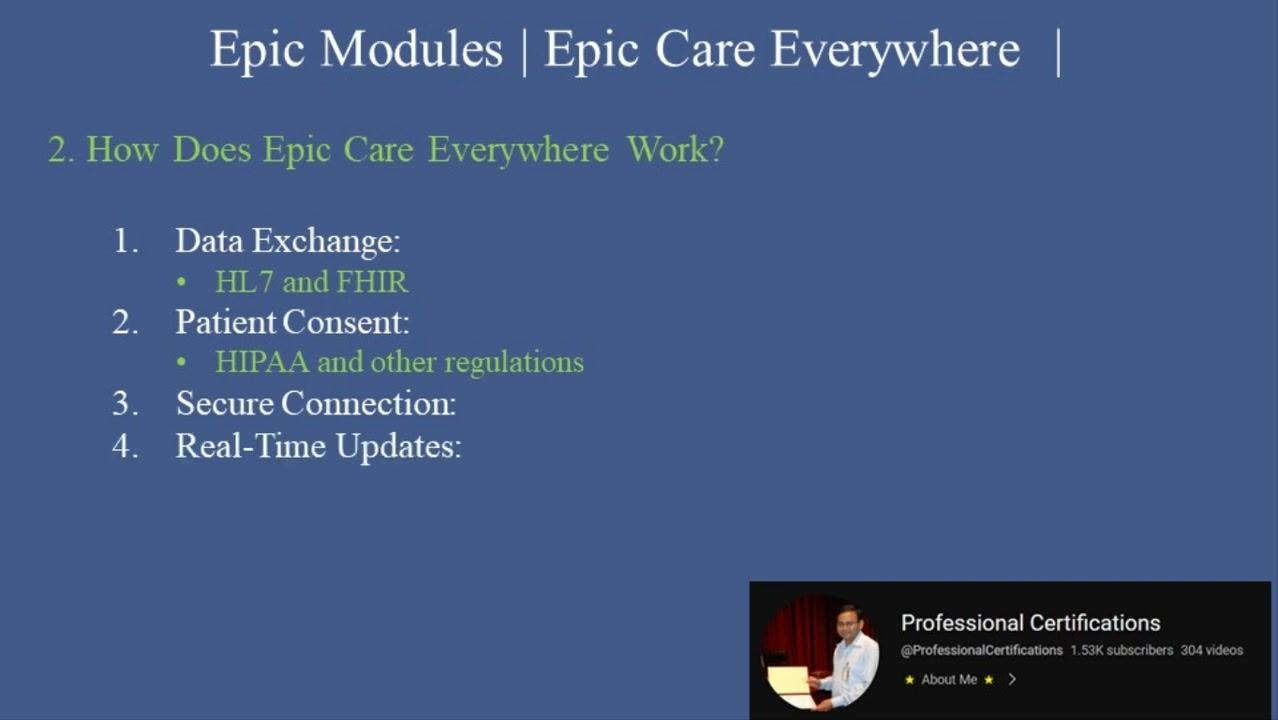
Care Everywhere operates through four core mechanisms:
- Data Exchange — Uses interoperability standards such as HL7 and FHIR to share data across both Epic and non-Epic systems.
- Patient Consent — Requires patients to consent to data sharing, ensuring compliance with HIPAA and other regulations.
- Secure Connection — Exchanges data over encrypted connections to protect patient privacy.
- Real-Time Updates — Gives providers access to the most current information, including labs, medications, allergies, and diagnoses.
Key features of Care Everywhere
Care Everywhere includes several features that make it a critical tool for interoperability in healthcare IT.
Health Information Exchange (HIE)
HIE shares clinical data between different EHR systems, including both Epic and non-Epic platforms, ensuring patient information can be accessed and exchanged securely across organizations.
Record reconciliation
Record reconciliation compares external patient records with the local system to prevent duplicate entries by reconciling differences between records from various sources.
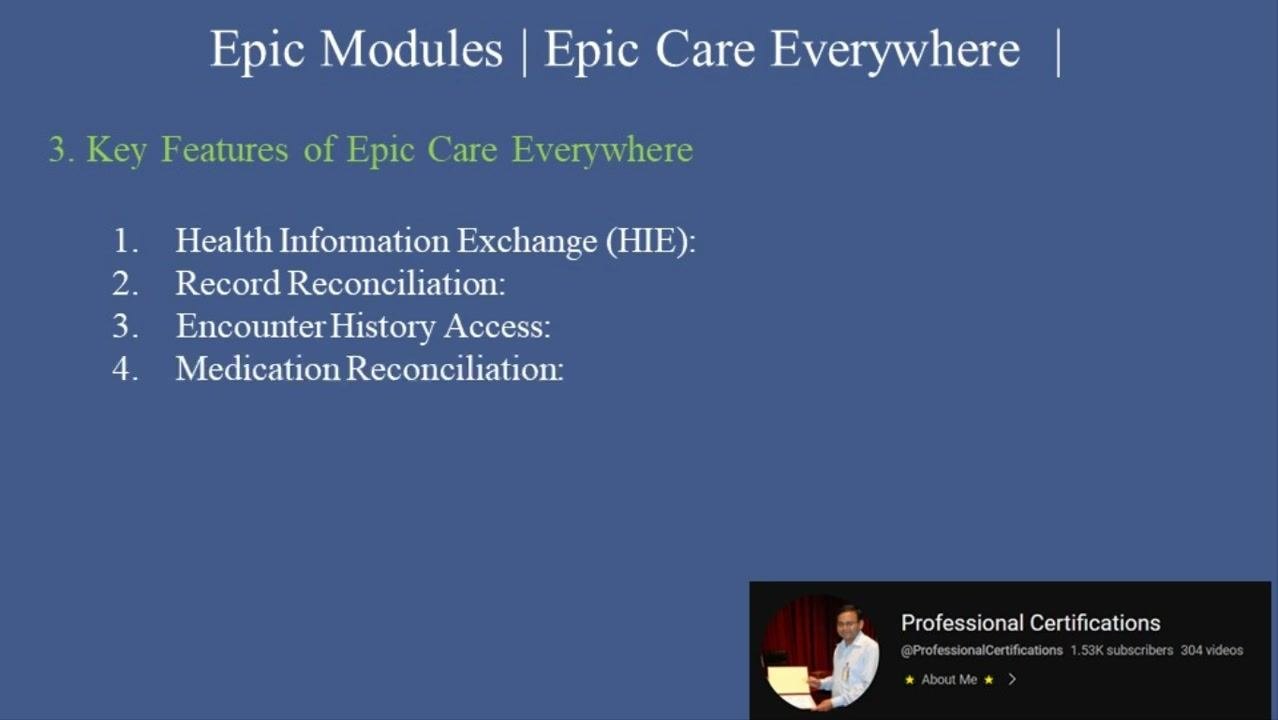
Encounter history access
This feature lets you access a patient's visit and encounter history across multiple healthcare organizations, giving you a comprehensive view of the patient's care journey regardless of where care was provided.
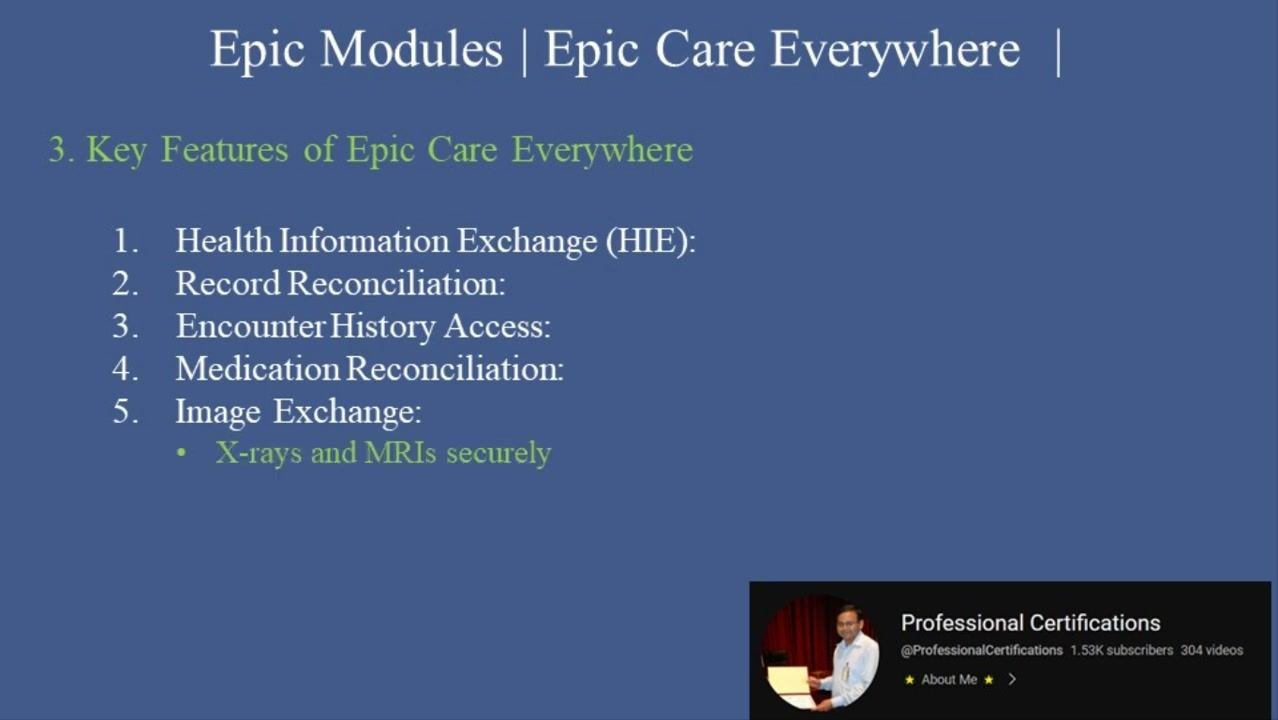
Medication reconciliation
Medication reconciliation ensures medication lists are accurate by pulling data from external sources, reducing medication errors by verifying and updating information from all available records.
Image exchange
Image exchange lets you share diagnostic imaging studies, such as X-rays and MRIs, securely between organizations, facilitating timely access to critical imaging data for improved clinical decision-making.
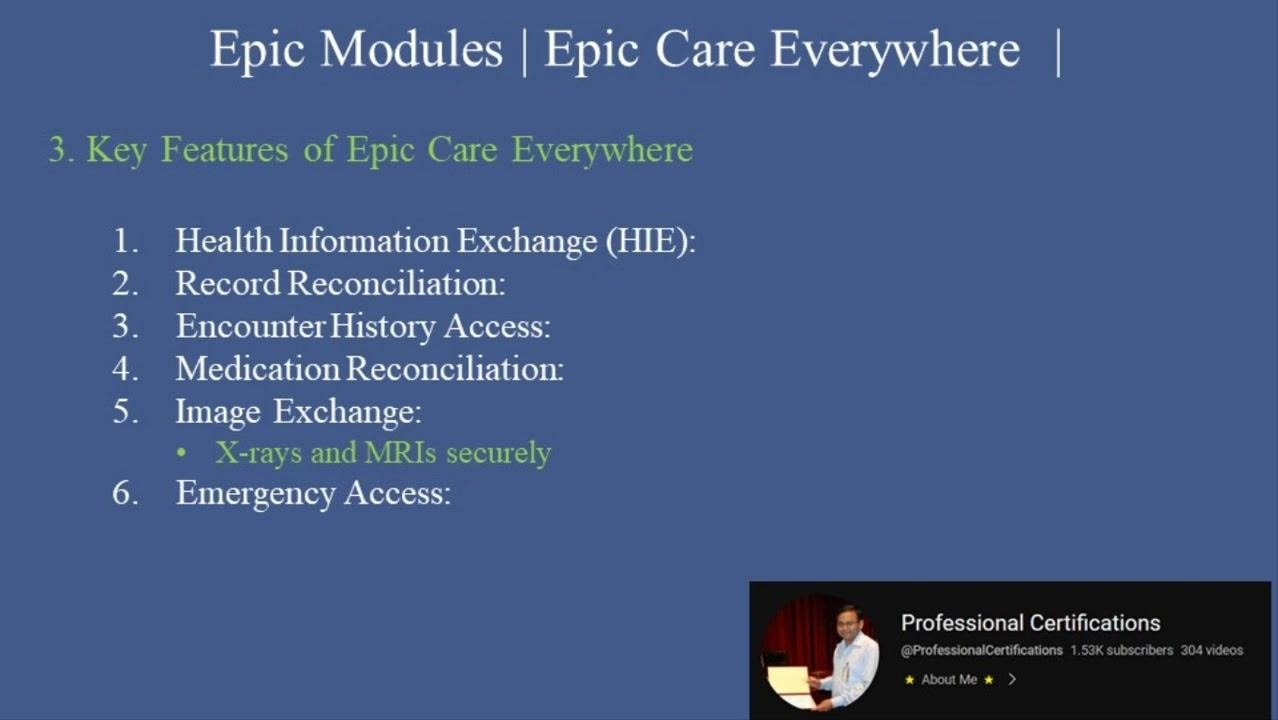
Emergency access
Emergency access enables quick retrieval of a patient's records in emergency situations, even if the patient is unconscious or unable to provide consent, supporting emergency care teams with immediate, comprehensive patient information.
Step-by-step: How to access Care Everywhere in Epic
Follow these steps to access Care Everywhere in Epic and work through the full record-sharing workflow.
Step 1: Search for external records
Open the patient chart in Epic Hyperspace, then navigate to the Care Everywhere section. Click Query External Records to initiate a search for patient data from outside organizations.
Step 2: Verify patient identity
Confirm the patient's identity to ensure accurate data matching and prevent errors. Carefully review demographic and identifying information before proceeding with the data import.
Step 3: Review shared data
Examine the records retrieved from external systems. Carefully review diagnoses, medications, laboratory results, and other clinical data shared by outside organizations, and make sure all relevant information is considered before proceeding.
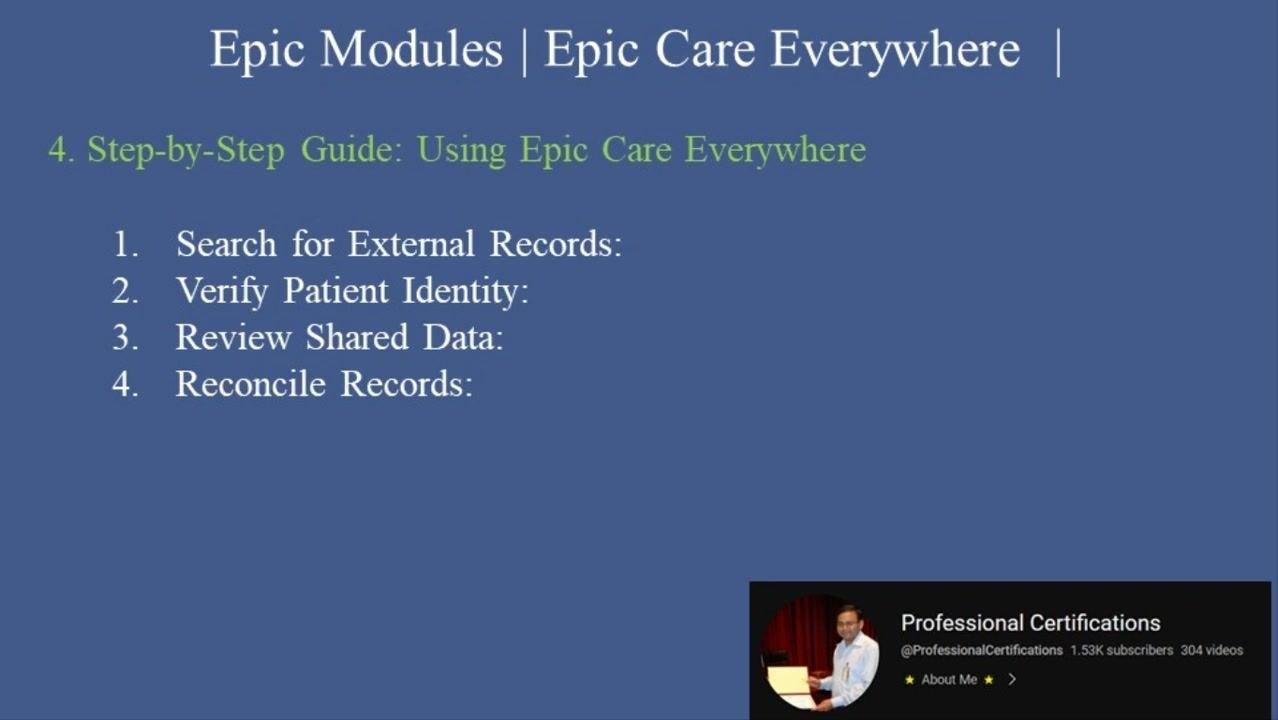
Step 4: Reconcile records
Use the reconciliation tools within Epic to merge relevant information from external records into the local patient chart. For example, update the patient's medication list to include prescriptions from another provider. Compare and confirm differences between local and external records to prevent duplicate entries and ensure data accuracy.
Step 5: Document findings
Add notes or updates to the patient's chart based on the information obtained from external records. Clearly document any new diagnoses, medication changes, or relevant findings for future reference.
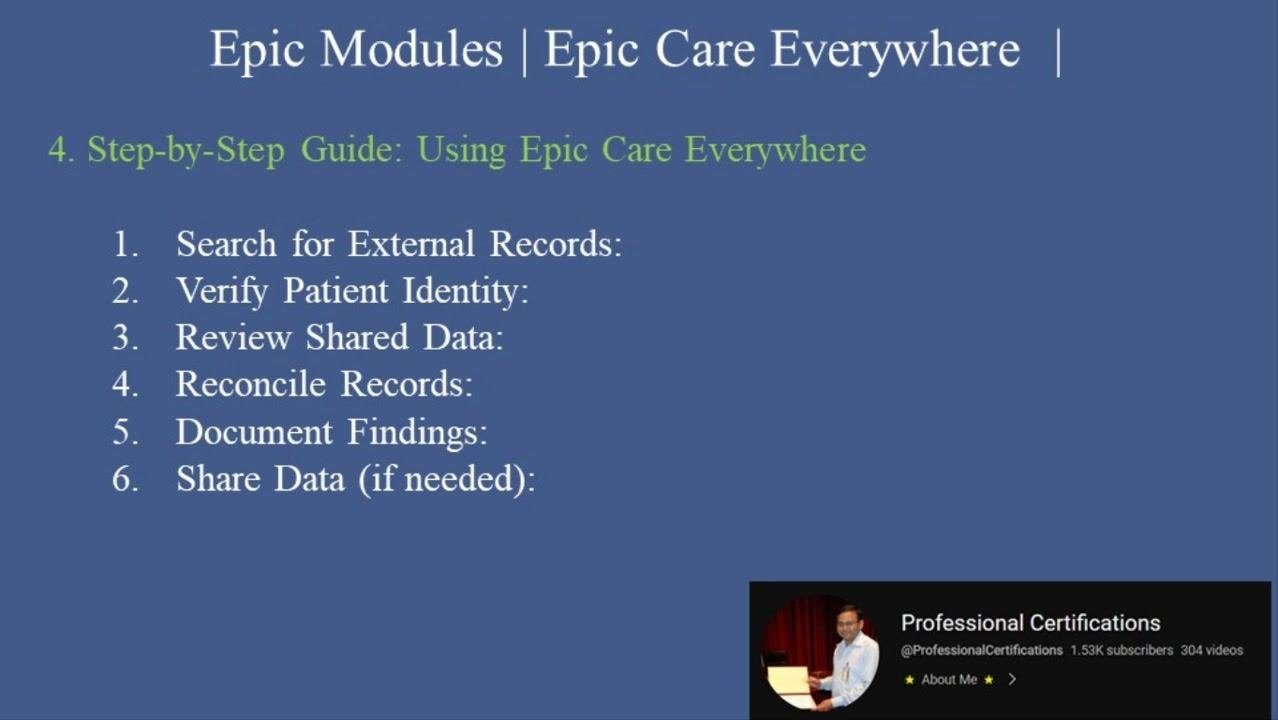
Step 6: Share data if needed
If another provider or organization requires access to your patient's records, use the Care Everywhere module to securely share the relevant data. Share only the information that is necessary and appropriate, to maintain patient privacy and security.
Benefits of using Care Everywhere
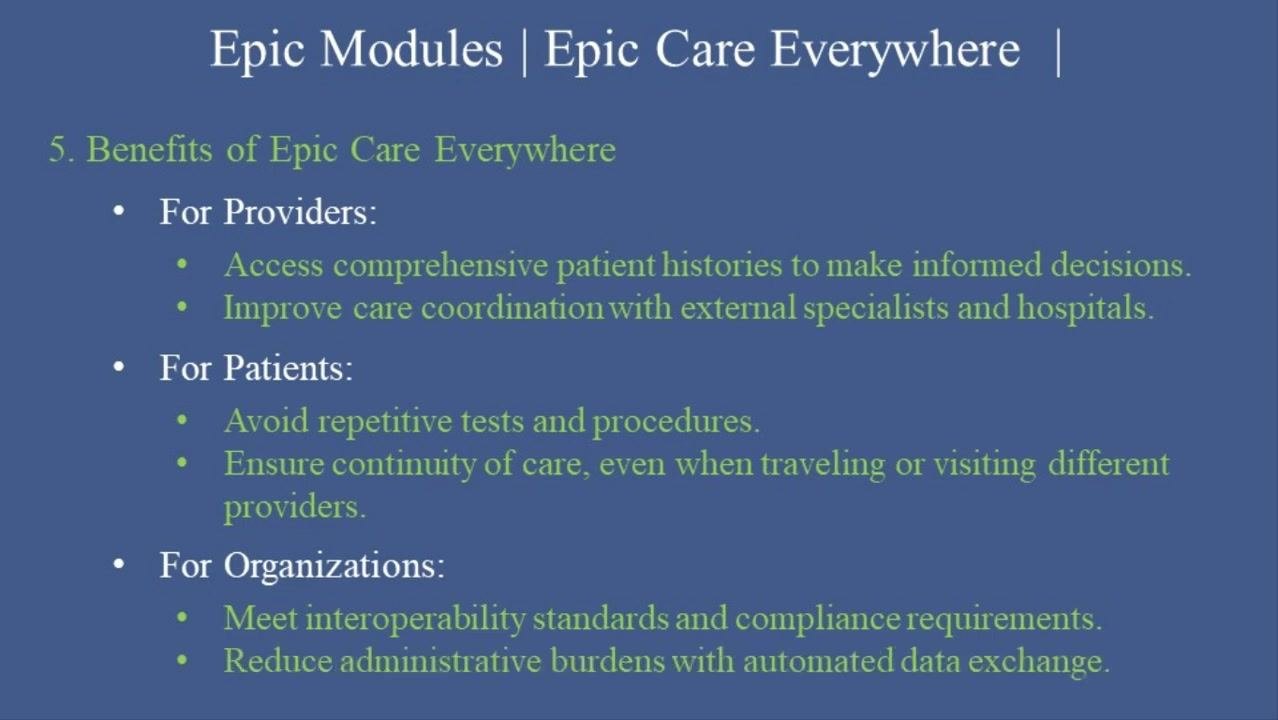
For providers
Providers can access comprehensive patient histories to make informed clinical decisions, and improve care coordination with external specialists and hospitals by ensuring all providers have up-to-date information.
For patients
Patients avoid repetitive tests and procedures because all providers have access to prior results, and they experience continuity of care even when traveling or visiting different healthcare providers.
For organizations
Organizations meet interoperability standards and compliance requirements, and they reduce administrative burdens through automated data exchange that streamlines workflows and minimizes manual entry.
Common challenges and tips
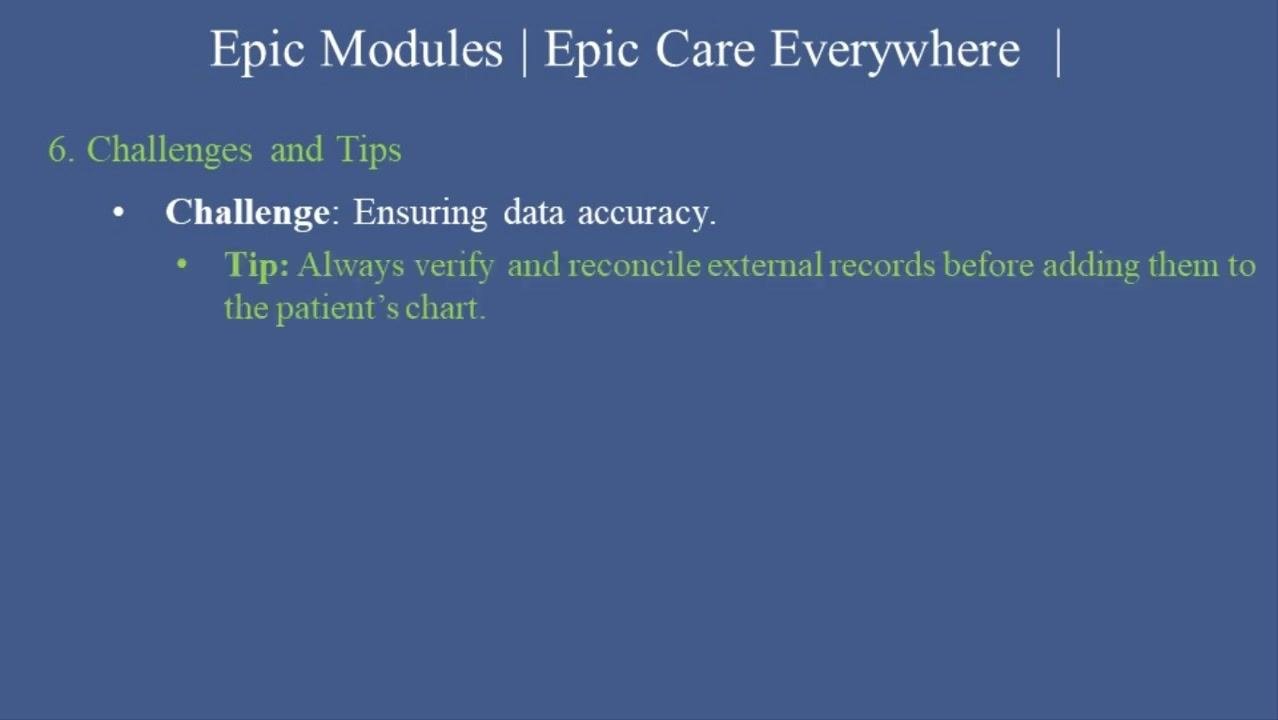
Integrating external records into a patient's chart can introduce errors if not carefully managed, so data accuracy is critical for patient safety, effective treatment, and regulatory compliance. Errors can occur if information is duplicated, outdated, or incorrectly matched to the patient.
To maintain data accuracy:
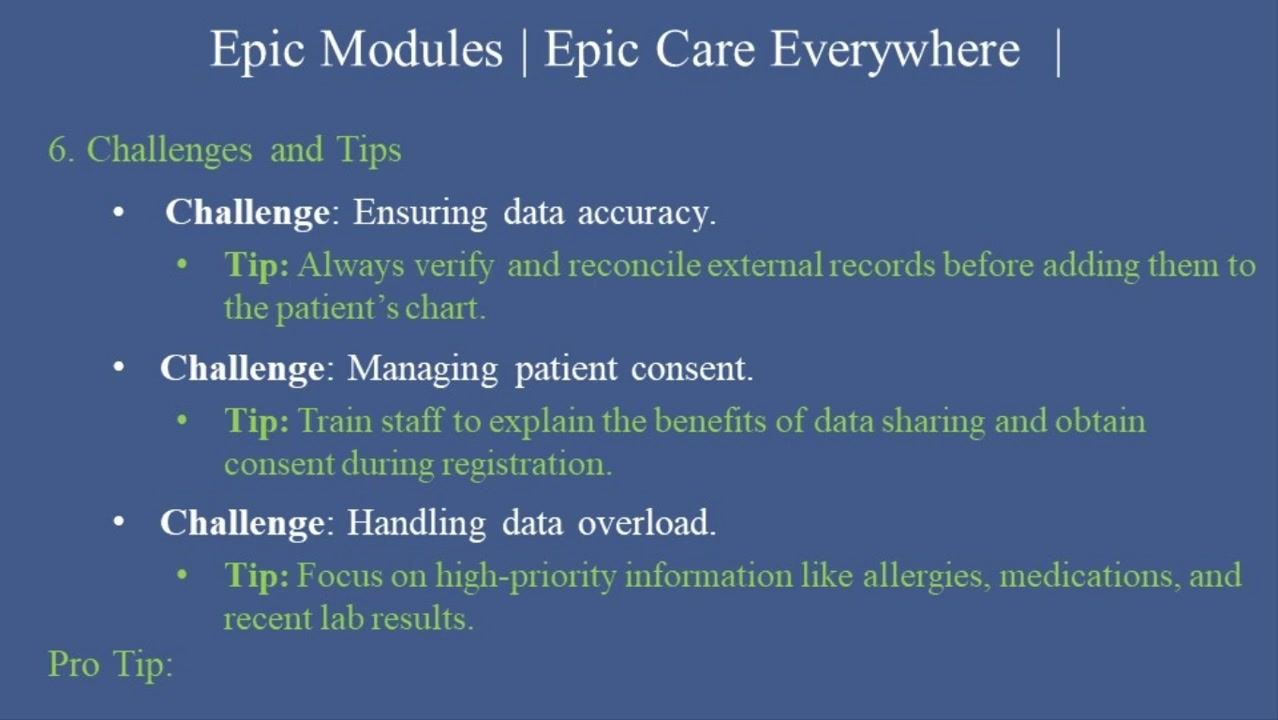
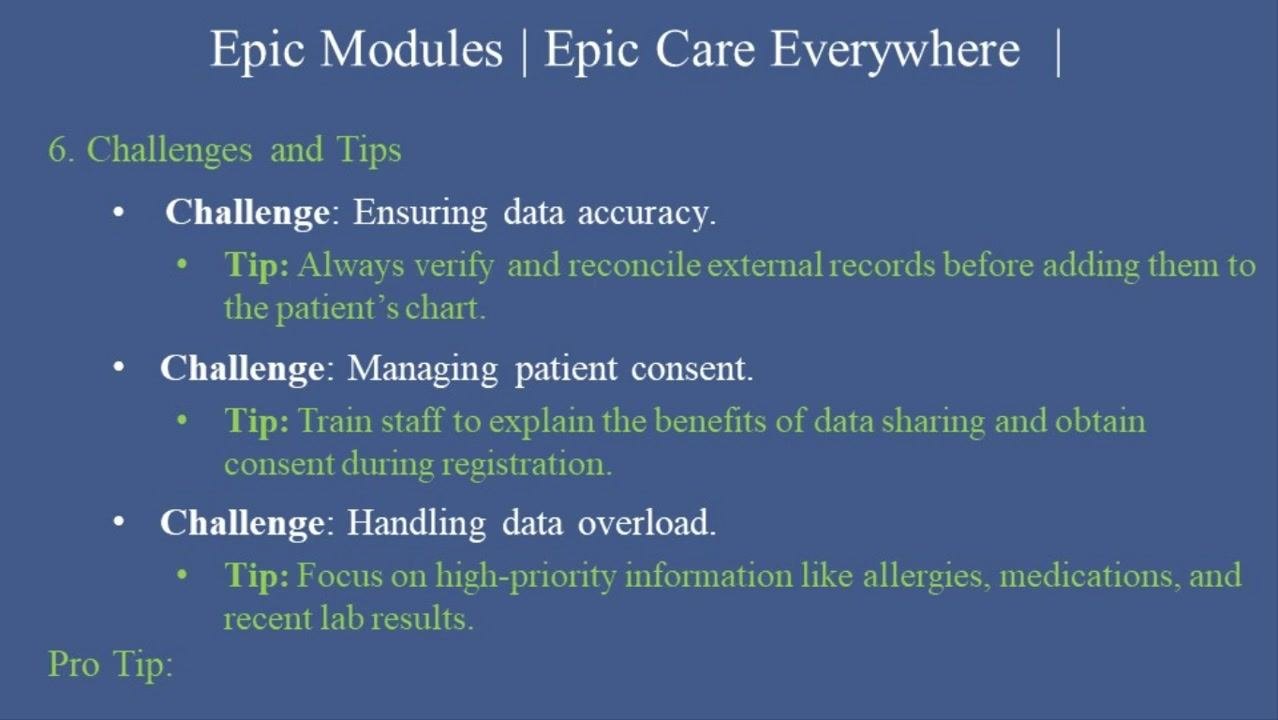
- Always verify and reconcile external records before adding them to the patient's chart.
- Carefully review each piece of external information for correctness and relevance.
- Use Epic's reconciliation tools to compare external data with existing records and resolve any discrepancies before finalizing updates.
- Only add information that is confirmed to be accurate and necessary for the patient's care.
- Document any reconciliation steps taken, noting discrepancies found and resolved, along with the source of external data and any changes made to the chart.
Beyond data accuracy, two other challenges commonly arise:
- Managing patient consent — Train staff to explain the benefits of data sharing and obtain consent during registration. Staff should be equipped to communicate clearly with patients about why their data may be shared and how it benefits their care, and explicit consent should be obtained at the time of registration.
- Handling data overload — Focus on high-priority information, such as allergies, medications, and recent lab results, when reviewing patient data.
Using Care Everywhere regularly helps you identify trends in patient health and collaborate effectively with other care teams by sharing and reviewing relevant patient information.
The future of Care Everywhere
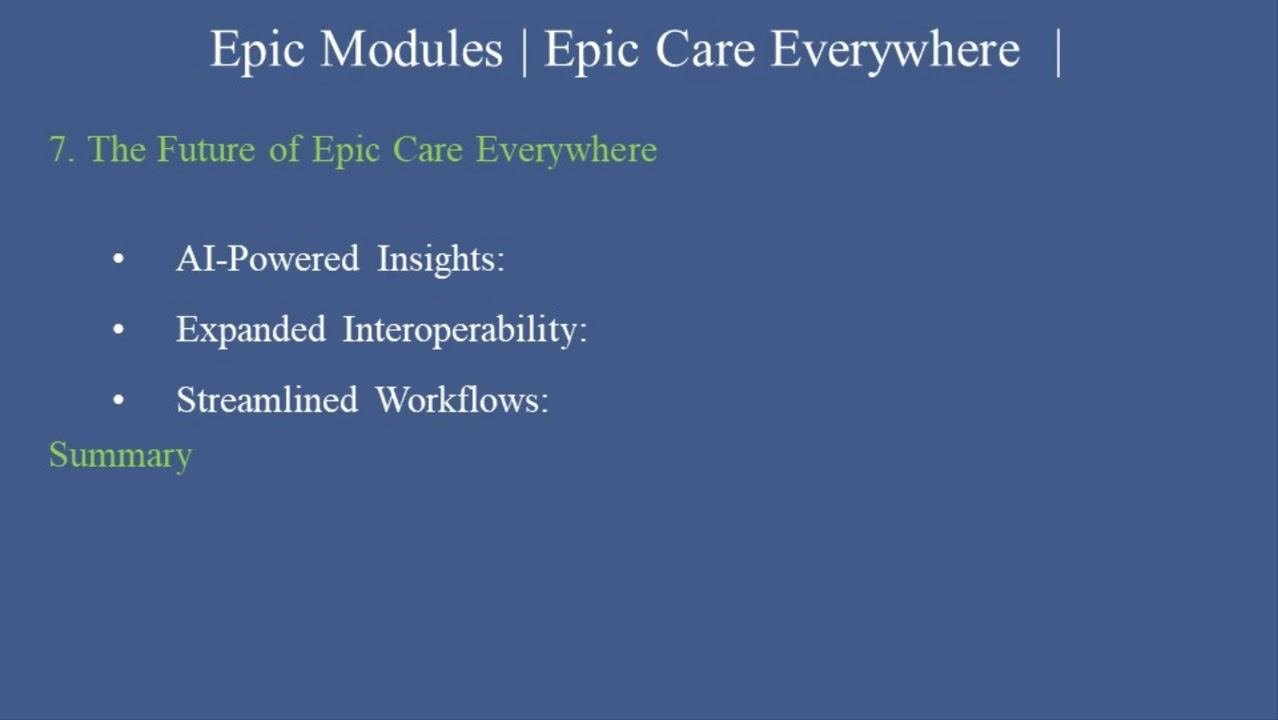
Three areas of future development are planned for Epic Care Everywhere:
- AI-Powered Insights — Integration of artificial intelligence to provide actionable insights from patient data.
- Expanded Interoperability — Broader integration with international health systems to support global patient care.
- Streamlined Workflows — Improvements that make workflows more efficient for care teams.
Summary
Epic Care Everywhere is a vital tool that ensures patients receive the right care at the right time. By following the steps above to access Care Everywhere in Epic, search for and reconcile external records, document findings, and share data as needed, you help improve patient outcomes and support compliance with interoperability standards.
Generation details: cost, quality tiers
Docsie billed 3,500 credits ($2.45) to analyze this 7-minute video at standard quality. The rewrite, template fill and Word/PDF exports were included. The same video at each quality tier:
| Quality | Frames sampled | Credits | Approx. cost |
|---|---|---|---|
| Draft | every 16-30 s | 1,750 | $1.22 |
| Standard (this guide) | every 8-15 s | 3,500 | $2.45 |
| Detailed | every 4-7 s | 7,000 | $4.90 |
| Ultra | every 1-3 s | 14,000 | $9.80 |
Credits priced at $0.70 per 1,000; plans include a monthly allowance. Enterprise customers on on-premise or bring-your-own-model deployments run this on their own inference and pay no per-video credits.
Generated by Docsie Video-to-Docs on 2026-10-06 from a 6-minute video. Screenshots are frames from the source video and belong to their creator, Professional Certifications, whose original is embedded above. If you own this video and want the guide removed or credited differently, contact us and we will act within one business day.