4.8
on G2
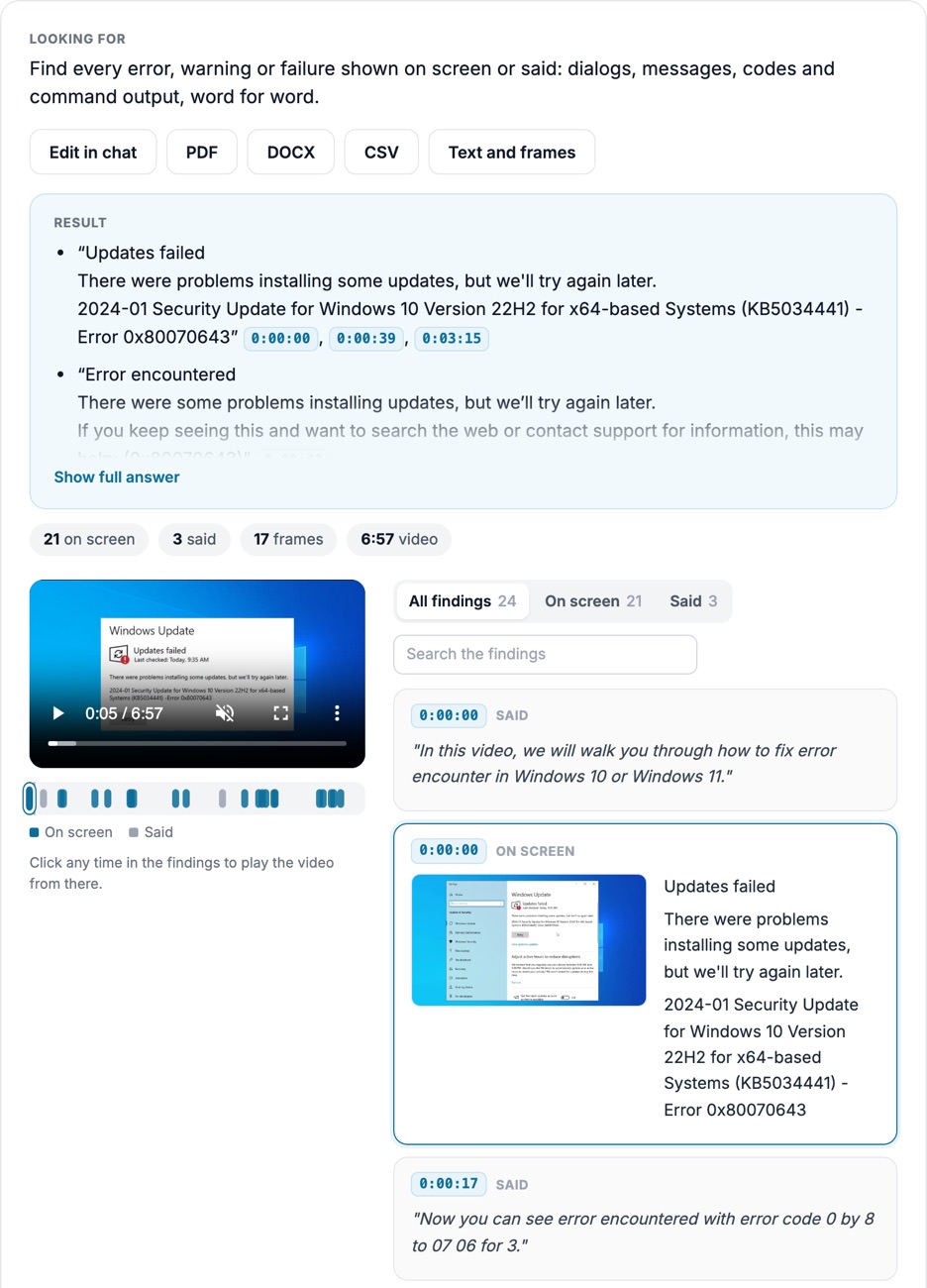
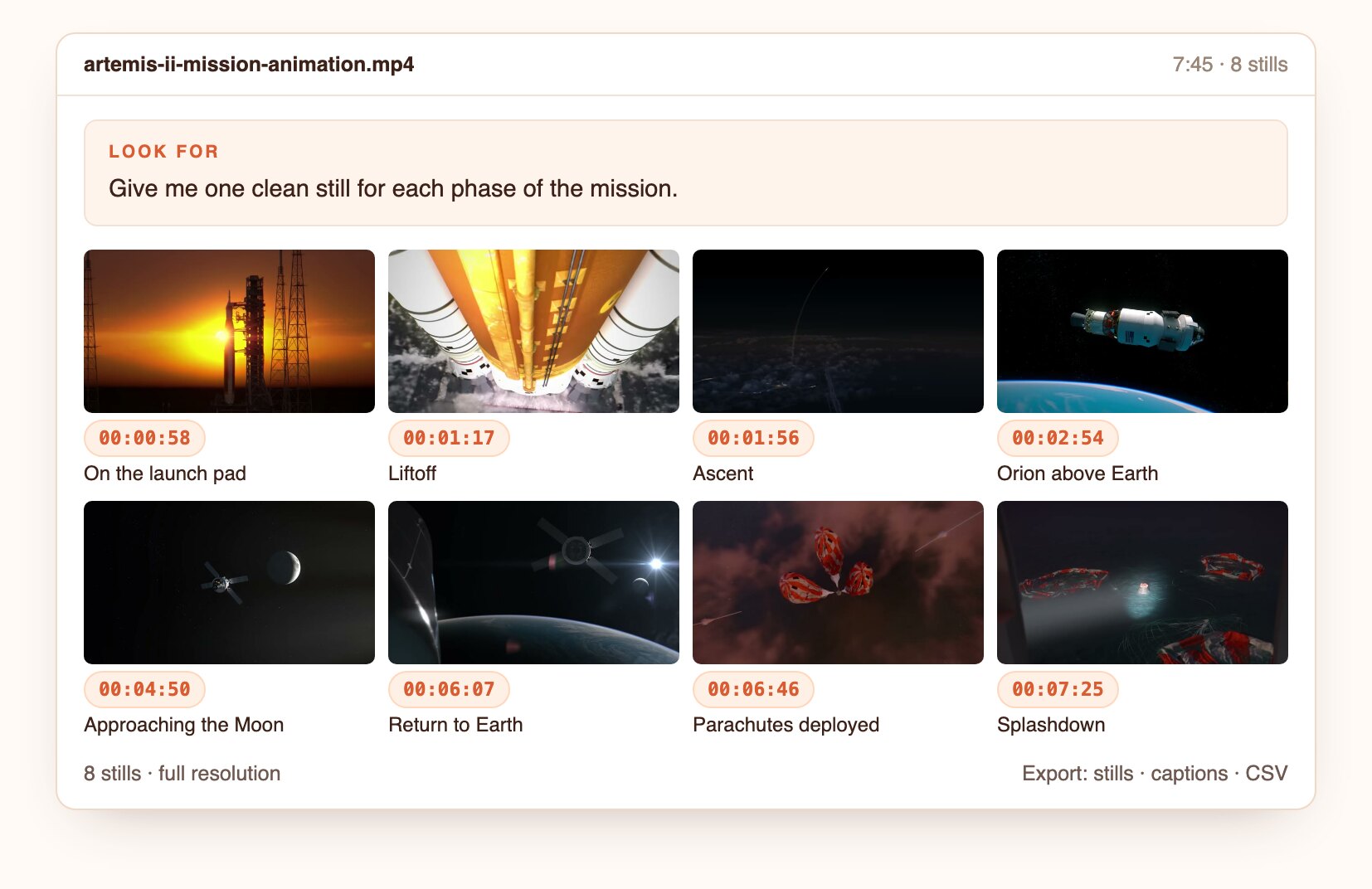
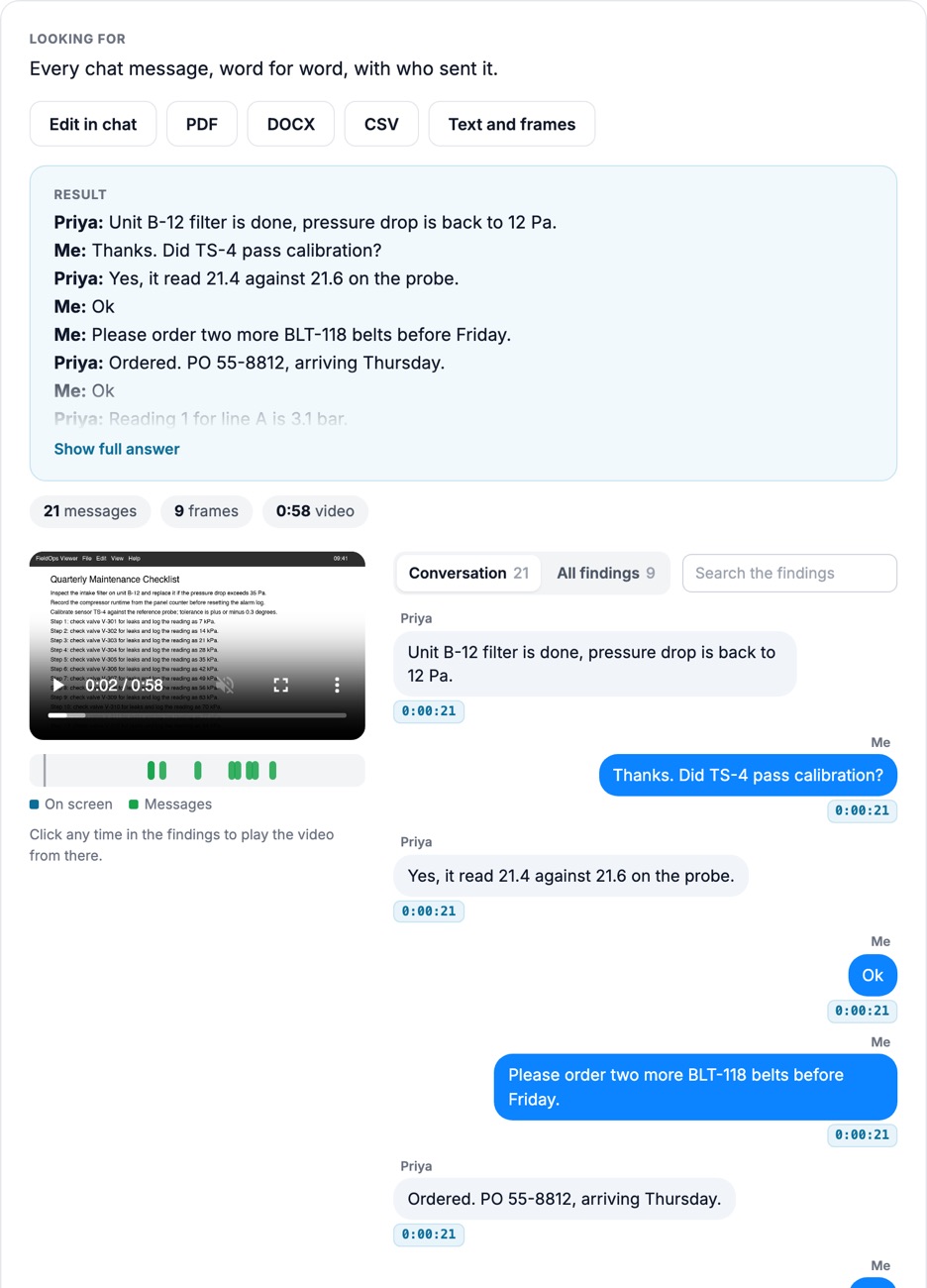
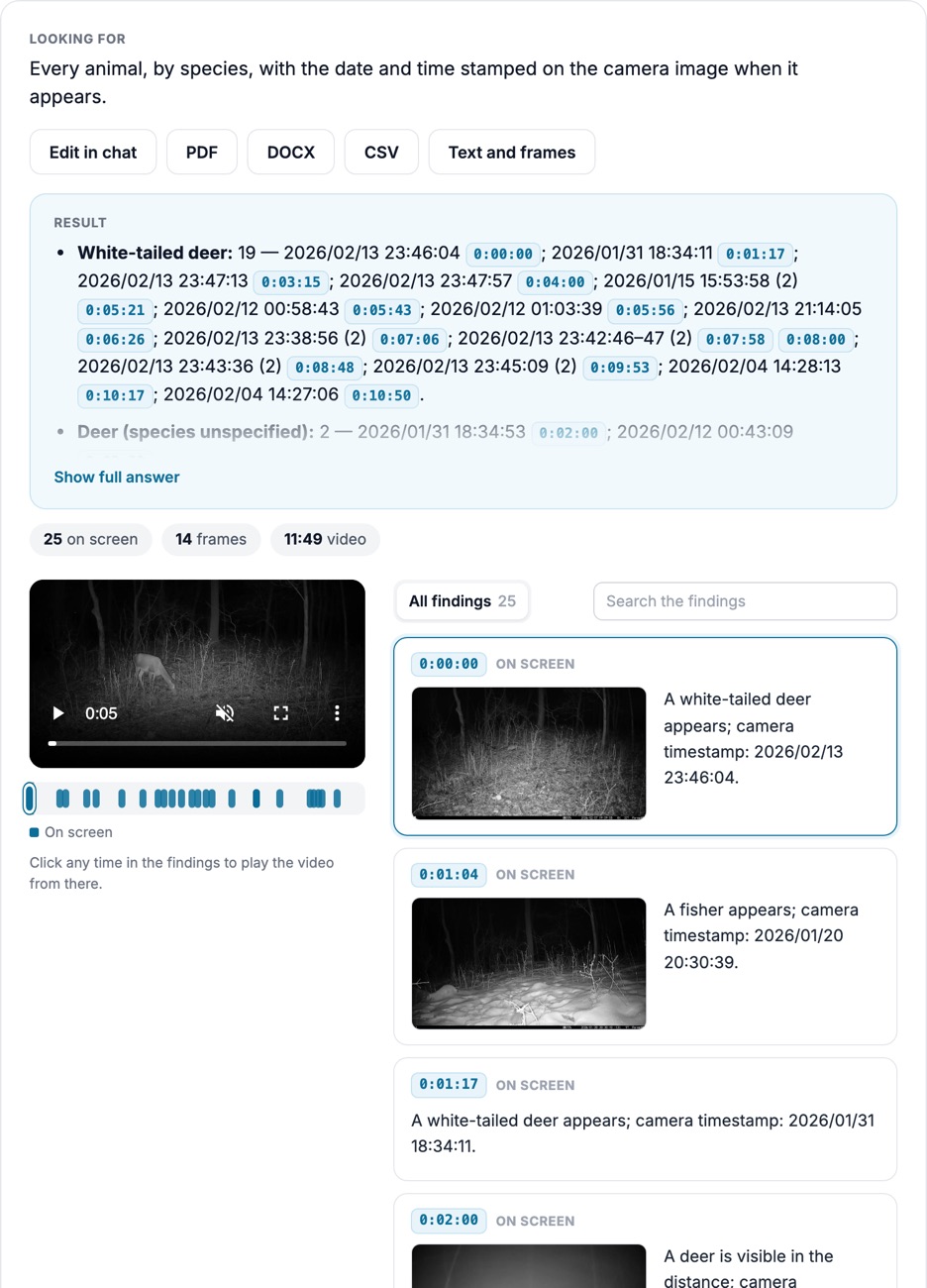
Film the job once. Docsie breaks it into steps, times each one, flags waits, walking and rework, and keeps the frame for every step, so engineers check the study instead of building it.
Every step and duration is tied to its frames, so the study can be checked, repeated and turned into a work instruction.
Each element of the job is named and timed, cycle by cycle.
Non-value-added time is flagged with the frames that show it.
The same steps and stills become a Docsie work instruction or SOP.
How it looks
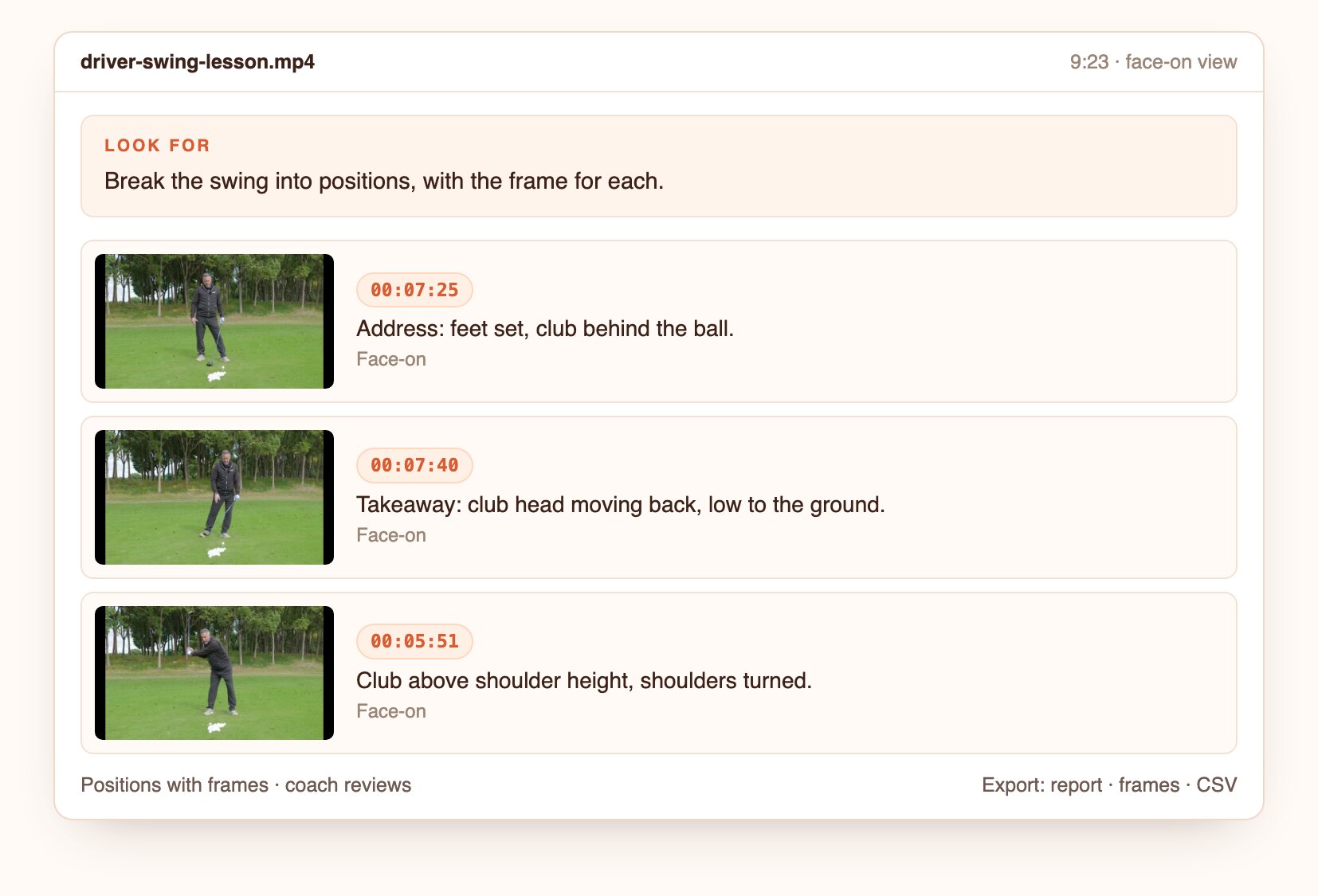
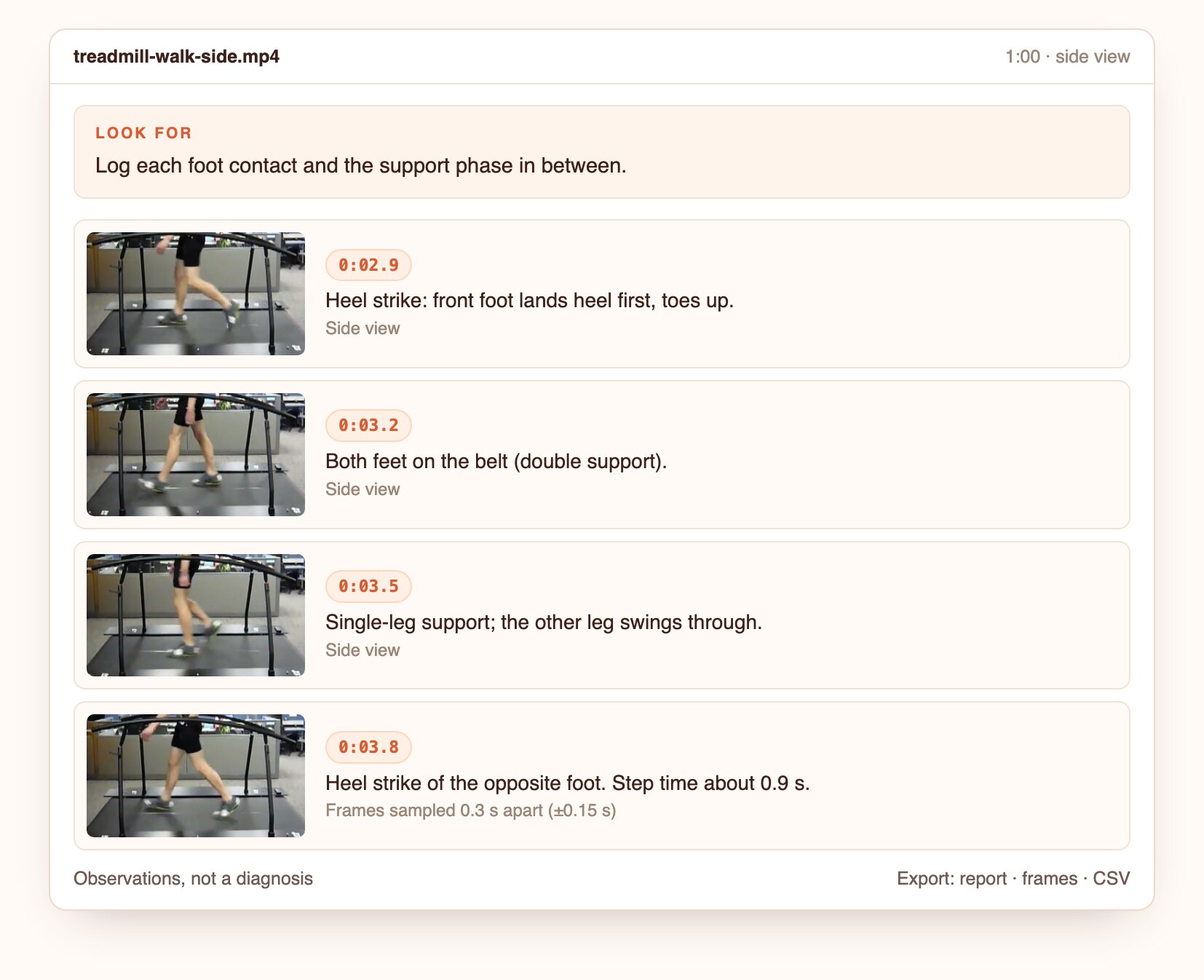
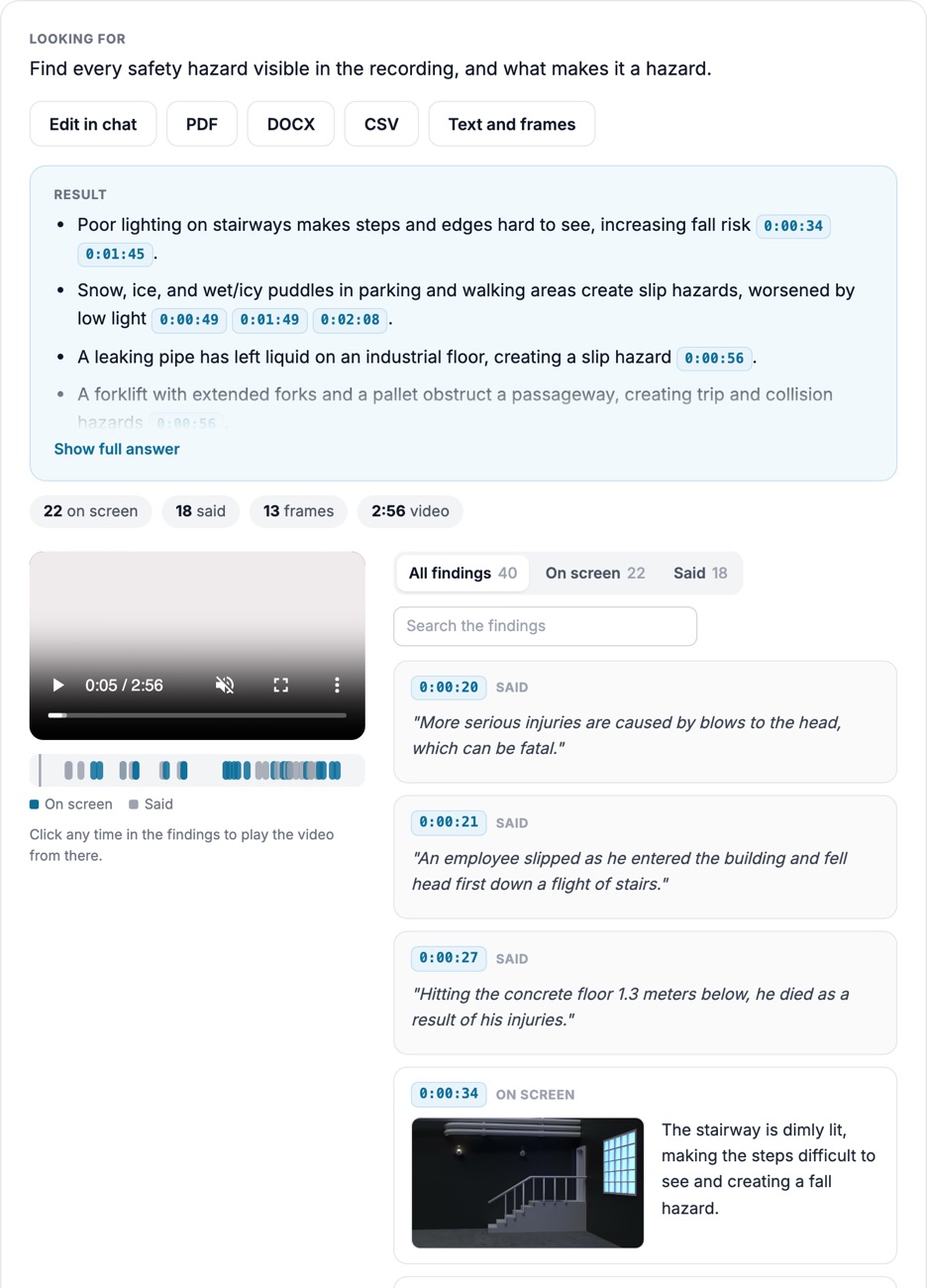
Illustrative findings built from frames of public CC BY and US federal videos. Product captures from the first live runs replace these.
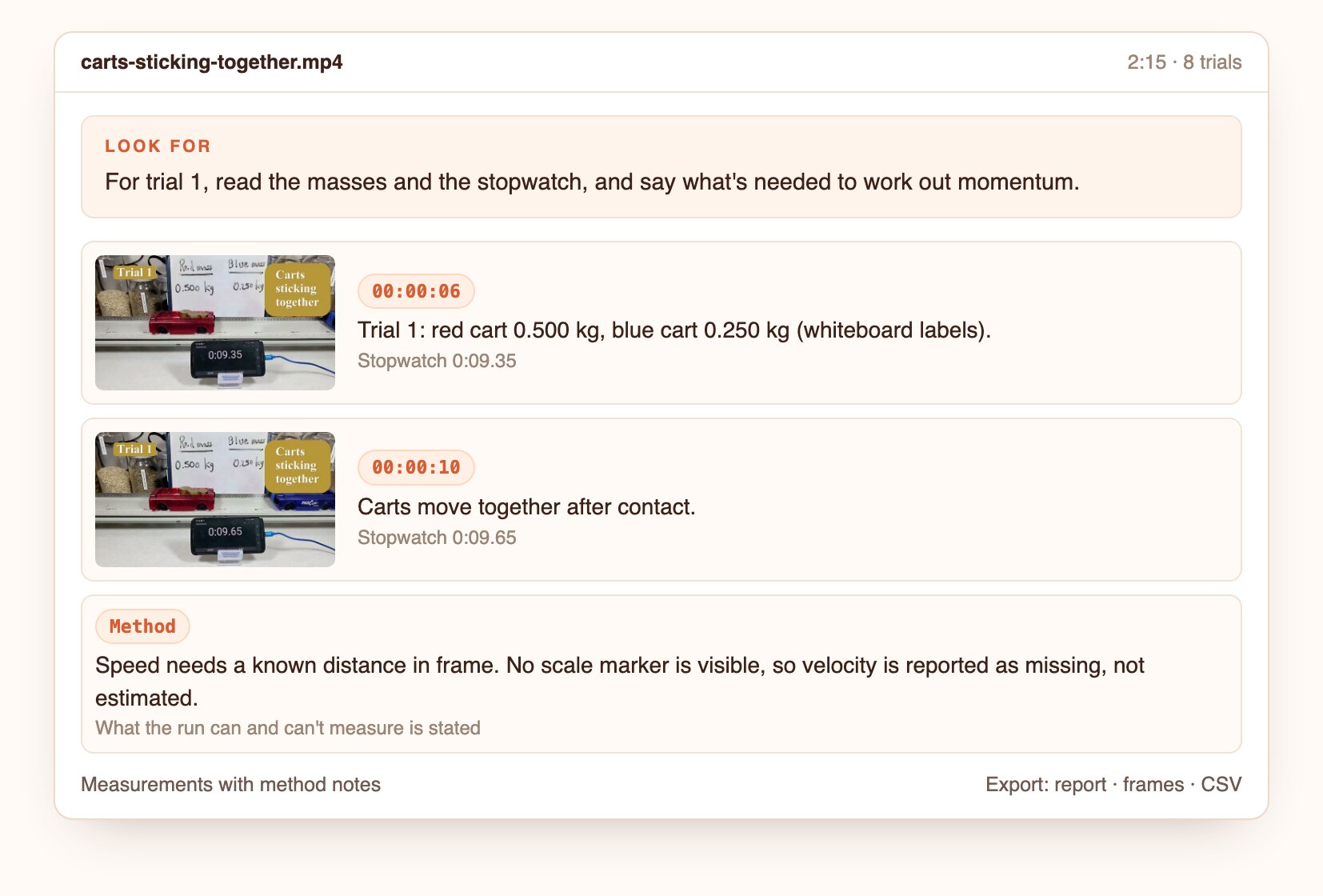
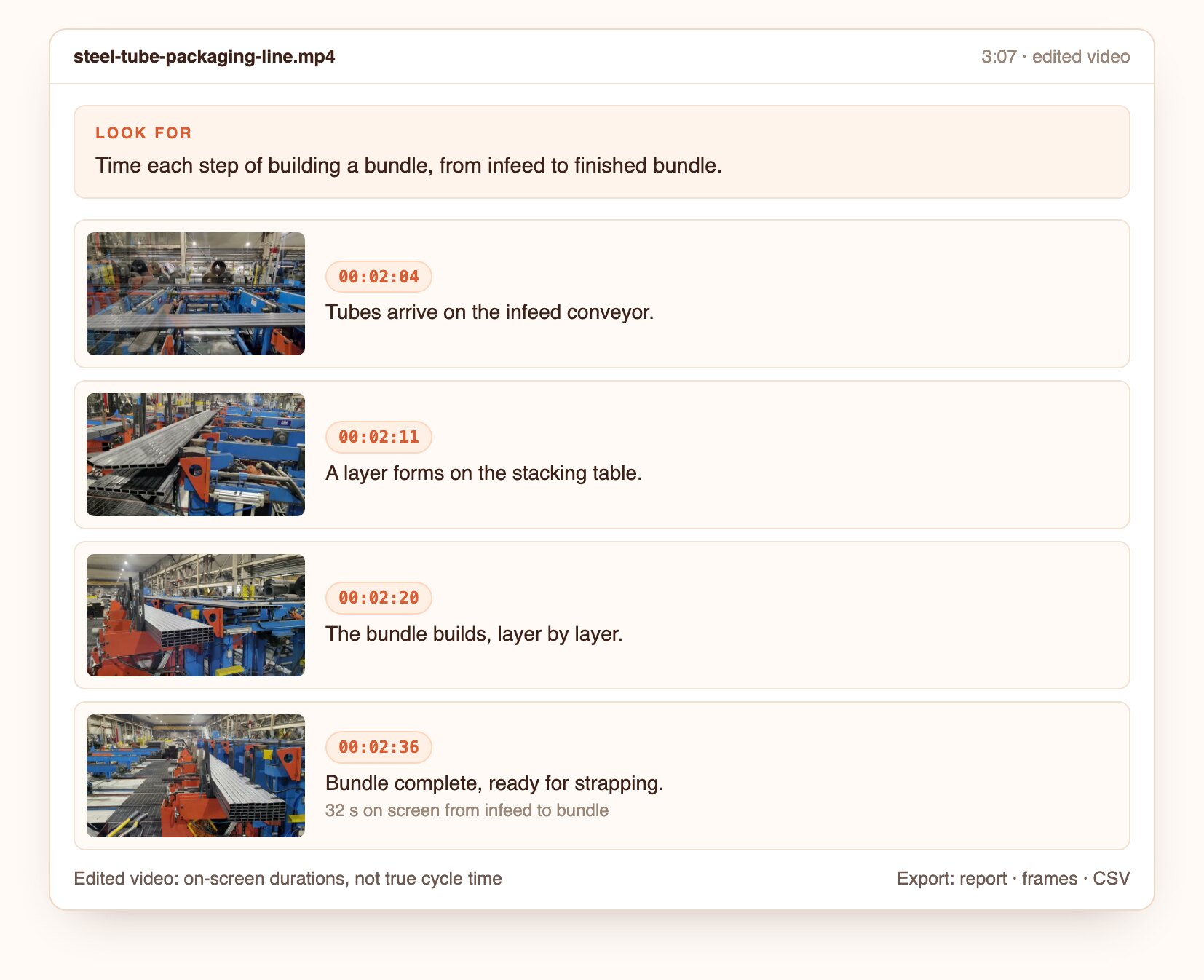
Each step of a packaging line, timed from the video, with the limits of edited footage stated.
Open the screenshot to inspect the full detail.
Questions to ask
Real questions from our live-examples corpus, each paired with a public video. Results are published as Docsie produces them.
“This NASA timelapse shows three days of clean room work stacking the four MMS spacecraft, captured at one image every 30 seconds. Identify each major operation (crane lifts, mini-stack…” Source: NASA Goddard Space Flight Center, public domain.
“Watch this steel tube packaging line. Identify each repeating machine cycle (tubes indexed in, bundle formed, bundle transferred out). For every cycle you can see, give start and end…” Source: Freedom Mill Systems, CC BY.
“Break this PCB assembly final-steps video into work elements: removing solder and flux residue, washing in the cleaning machine, de-panelling (breaking boards out of the panel), assembling…” Source: Eurocircuits, CC BY.
From one recording to timed steps with evidence.
Upload a file or paste a link.
Ask in plain language, or start from this preset.
Open the frame behind each finding, then export the report, frames and CSV.
Join forward-thinking teams using Docsie






_Leader_Small-Business_Leader.svg)


Common questions
Q: How do I do a time study from video?
A: Film several cycles from a steady position, upload the video and ask for the steps to be timed. You get each step's duration per cycle, with frames.
Q: Does it replace a stopwatch time study?
A: It removes the stopwatch work: steps and times come from the video, and an engineer reviews and adjusts them.
Q: What about edited or sped-up video?
A: Durations from edited or time-lapse footage are reported as on-screen times and labeled as such. Use continuous footage for real cycle times.
Q: Can I compare operators, shifts or methods?
A: Yes. Run the same question on each video and compare the step times side by side.
Q: Can the study become a work instruction?
A: Yes. The steps and stills can be turned into a Docsie work instruction or SOP.
Q: How long can a video be?
A: Up to 40 minutes per video. Longer recordings are split, and the findings are merged onto one timeline.
Q: Where does my footage go?
A: Use Docsie's cloud, or deploy Docsie on your own infrastructure so footage stays inside your network.
See it on your own footage
Book a DemoSteps, cycle times and waits, each with its frames.
Up to 40 minutes per video. Cloud or self-hosted.