4.8
on G2
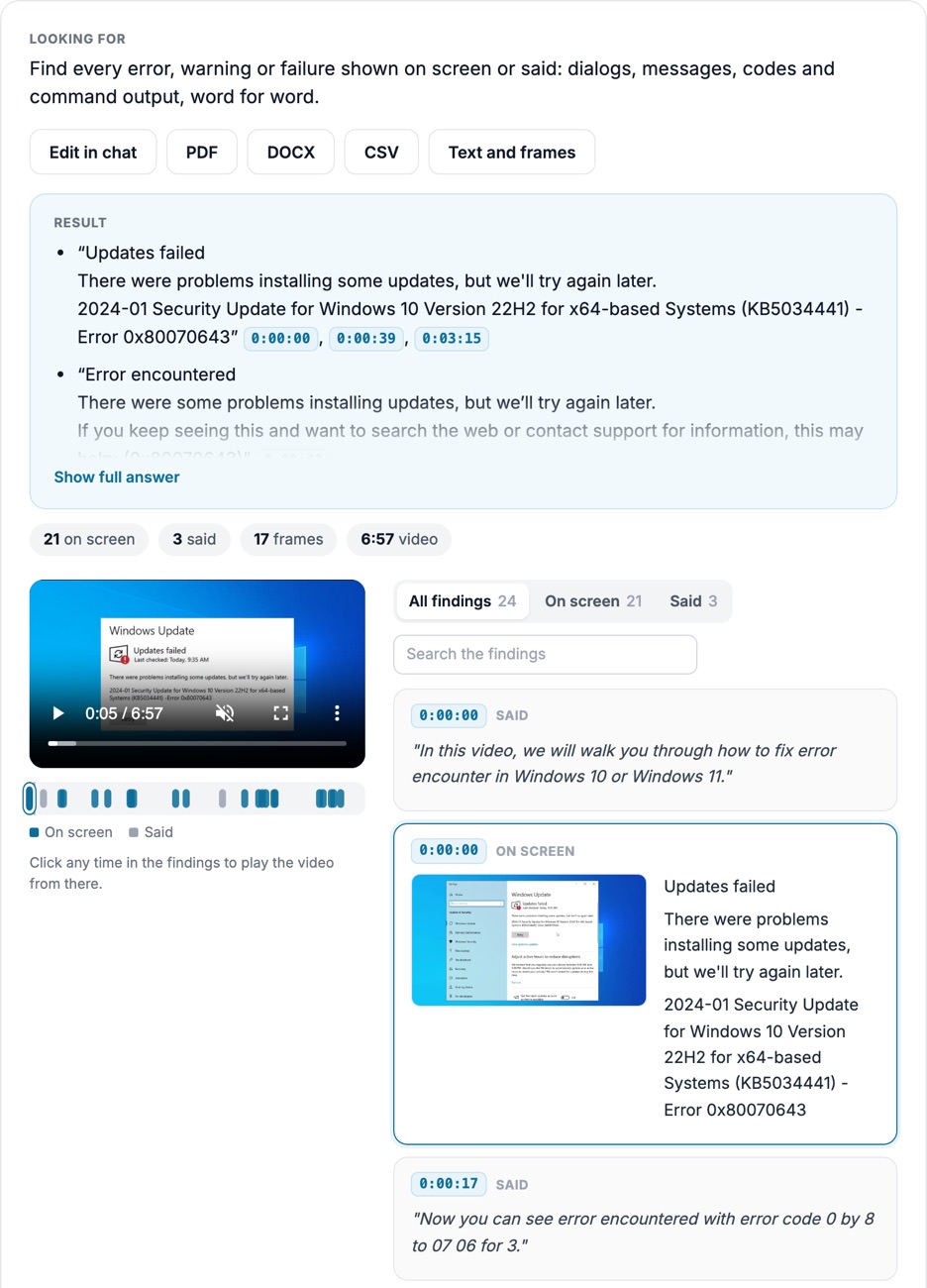
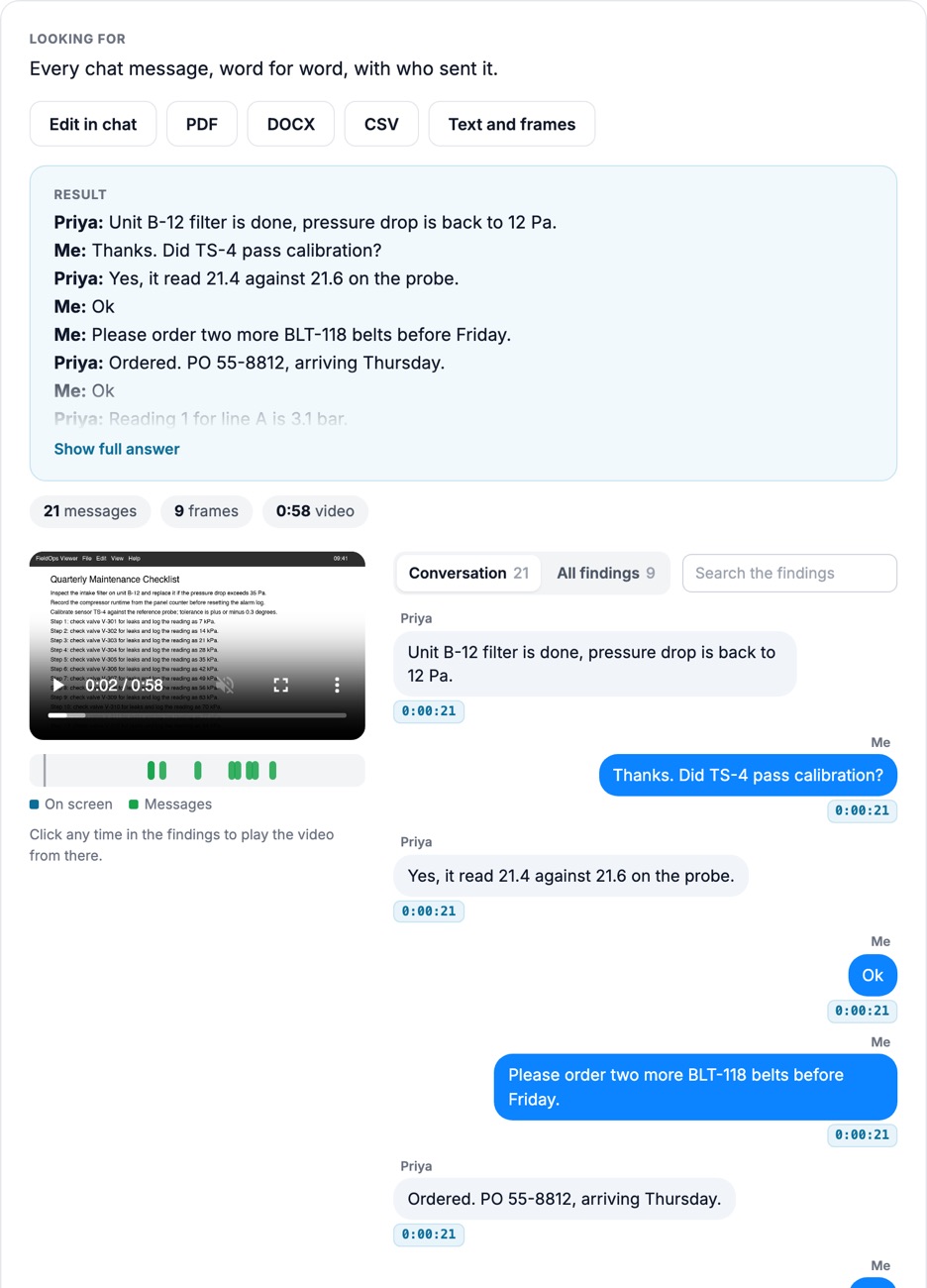
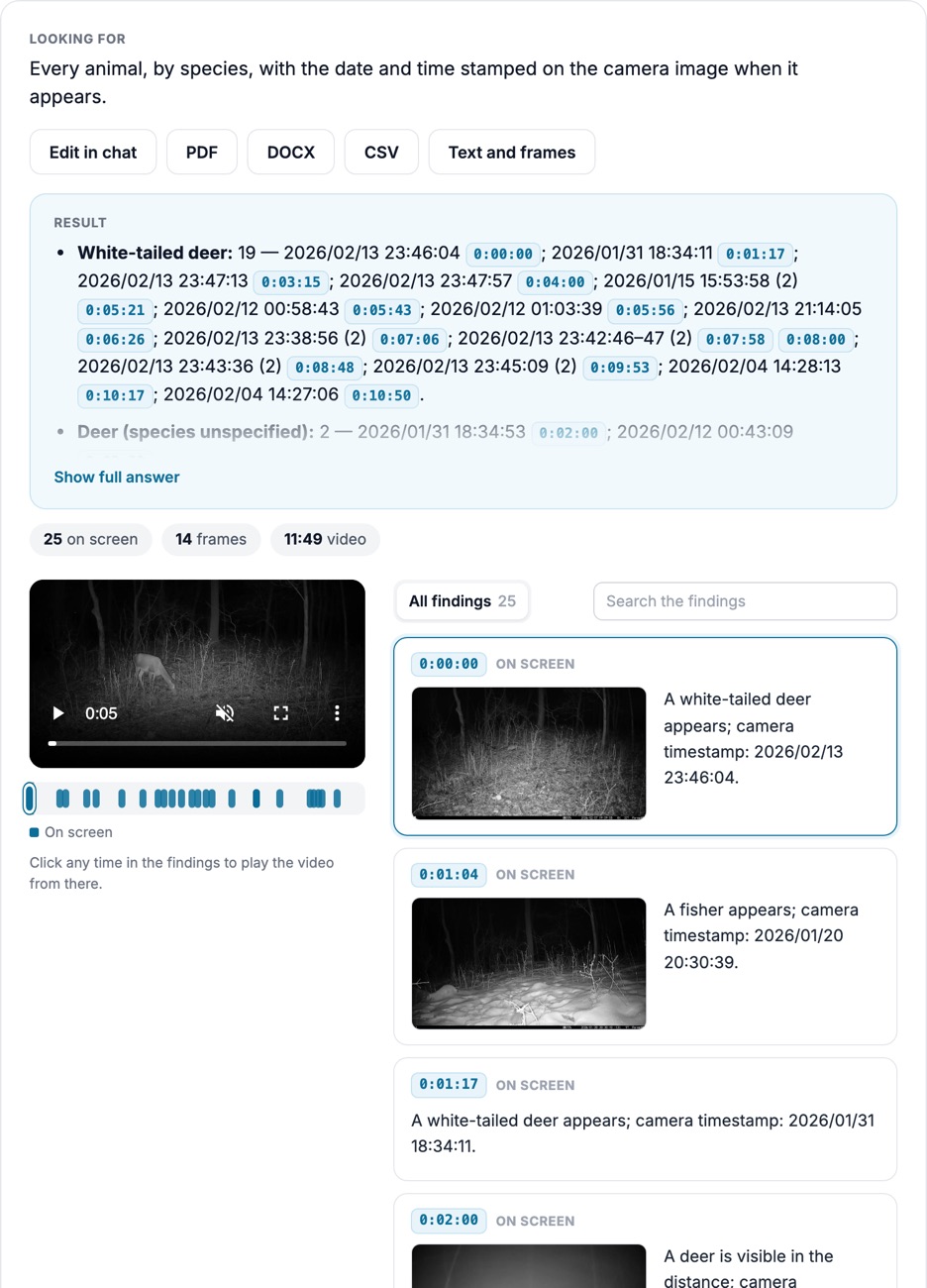
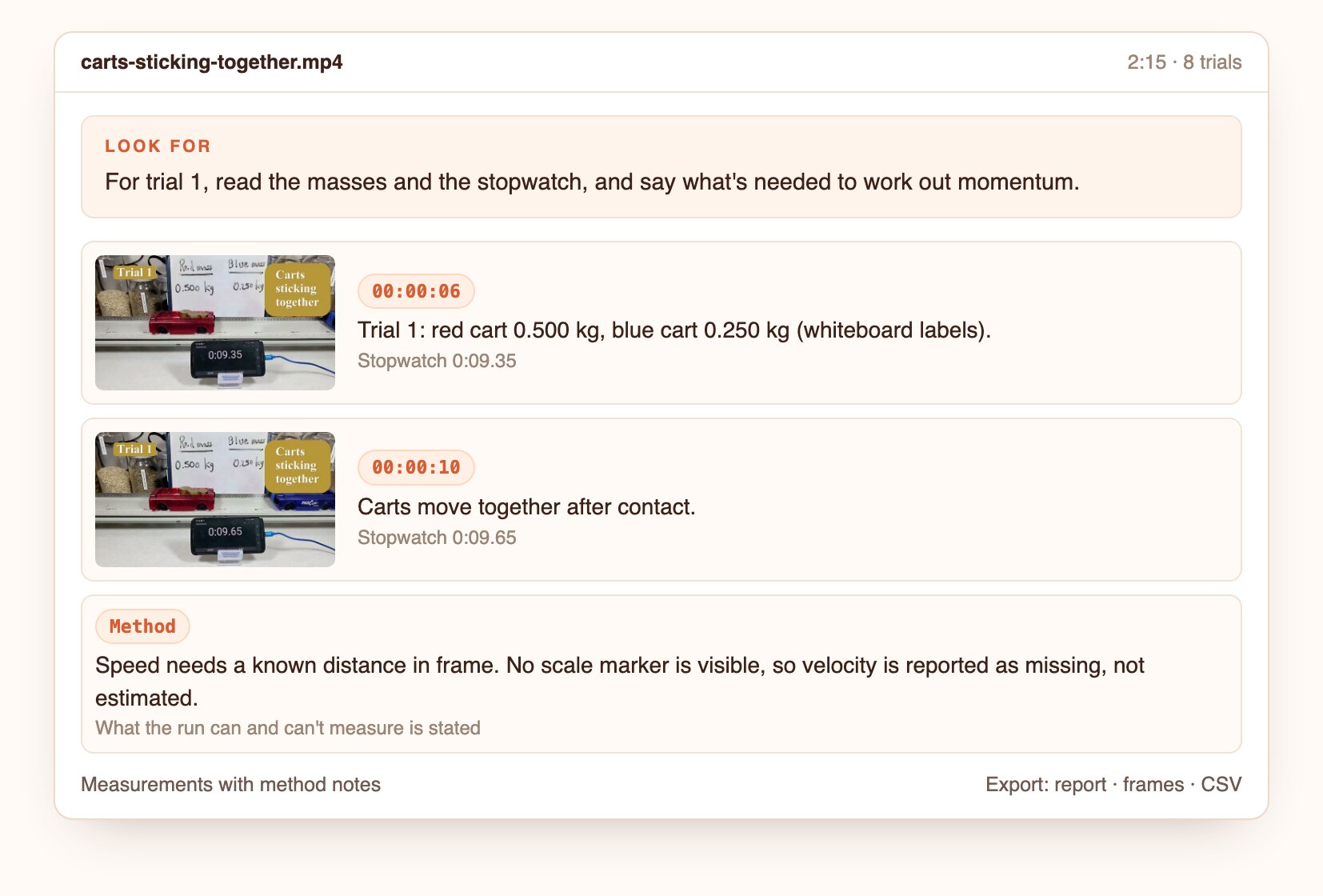
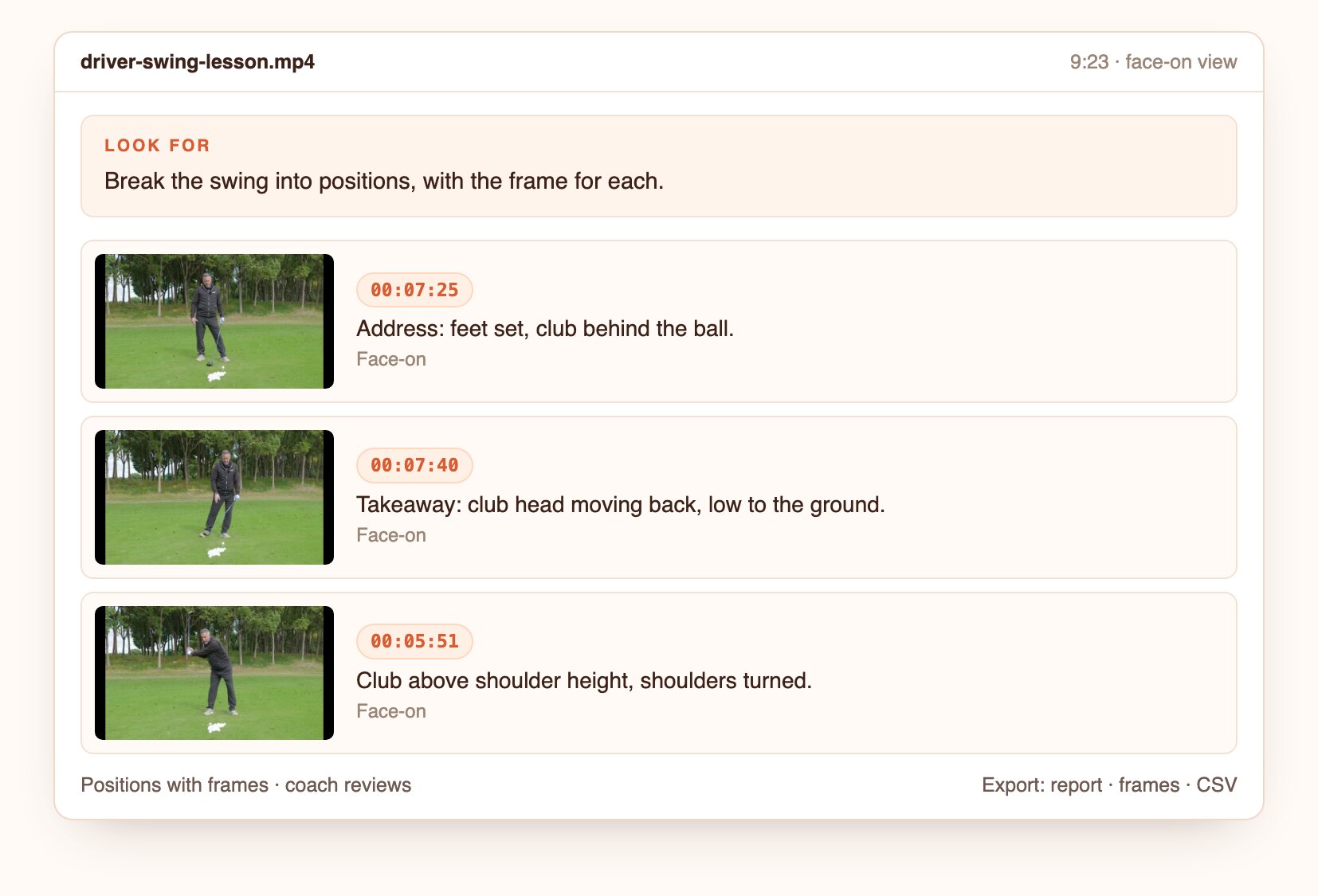
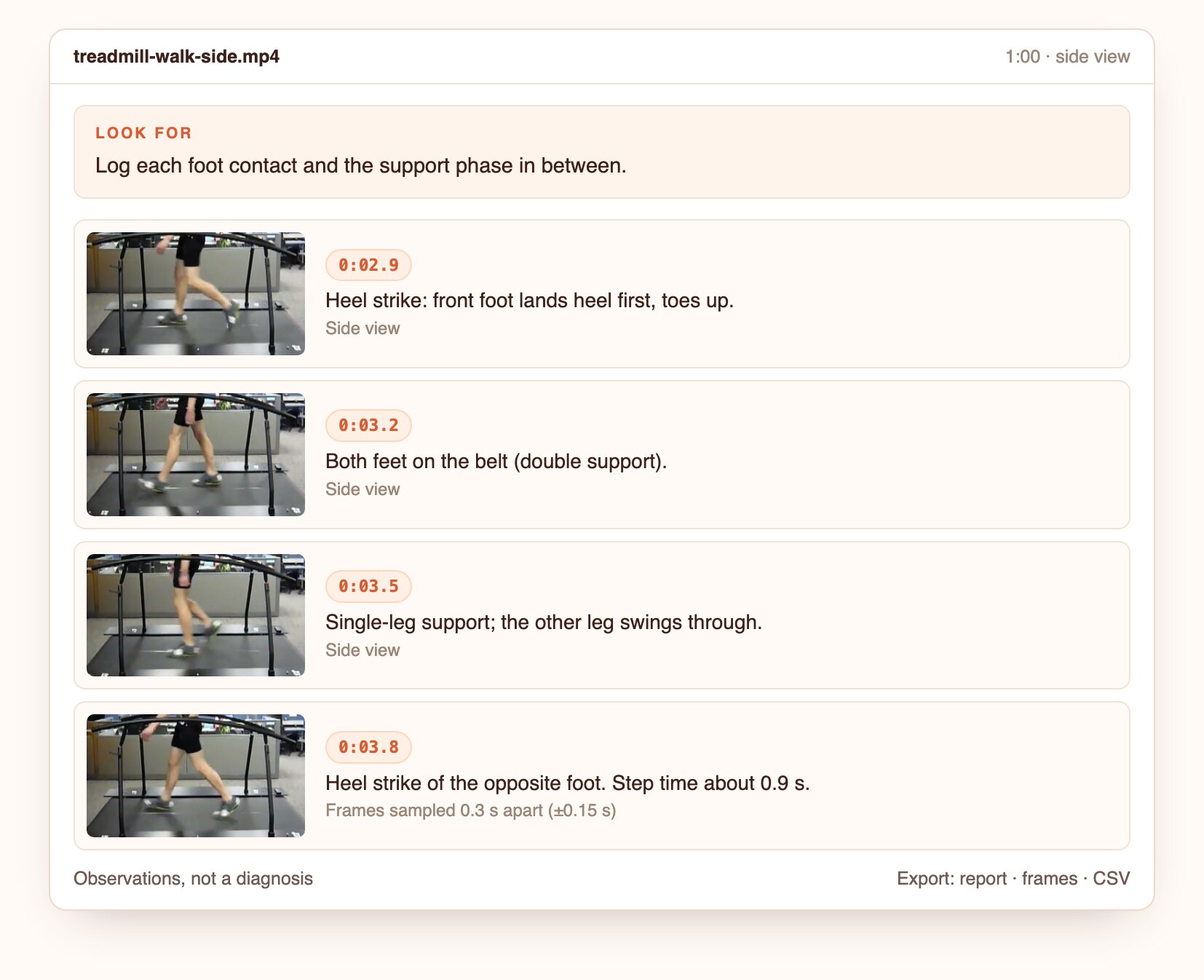
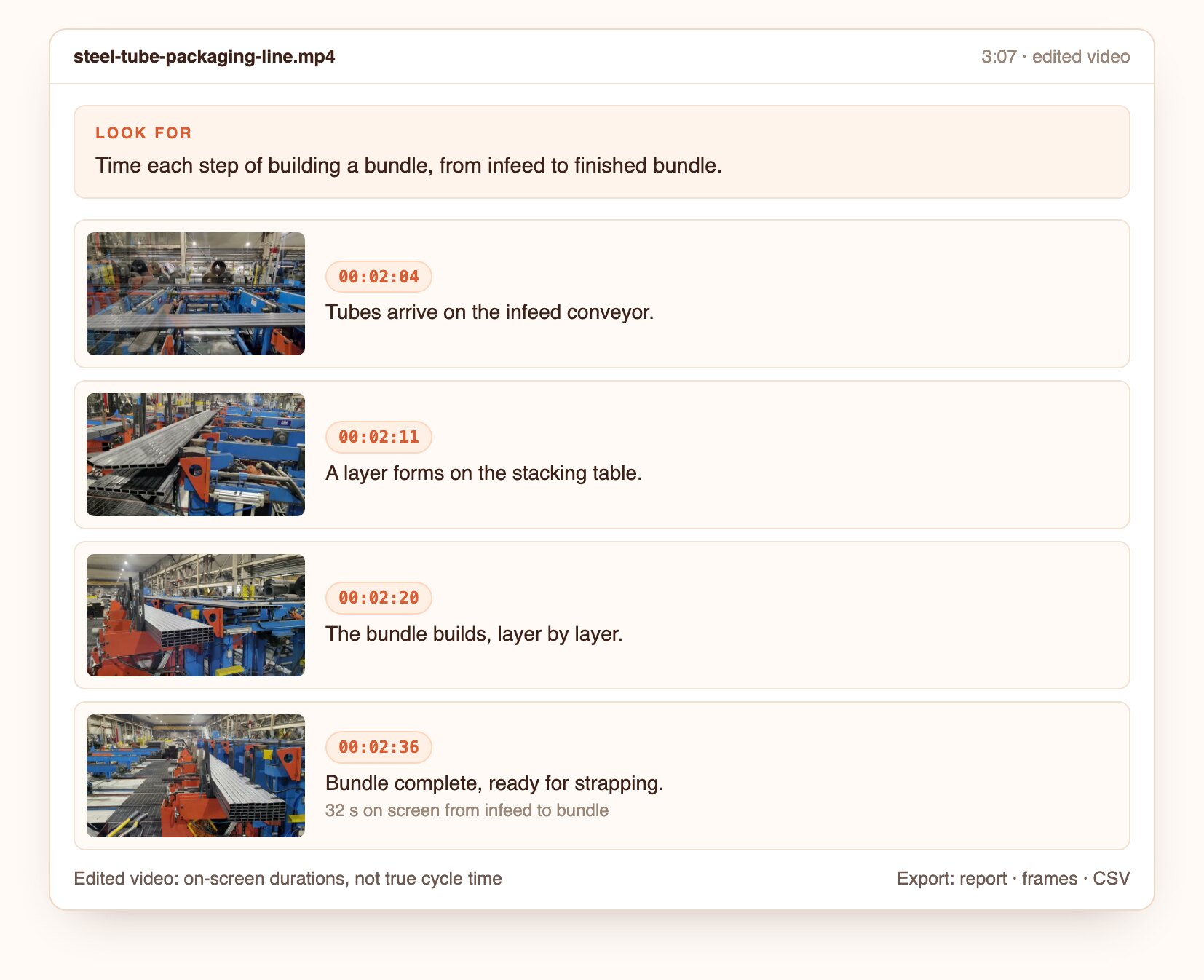
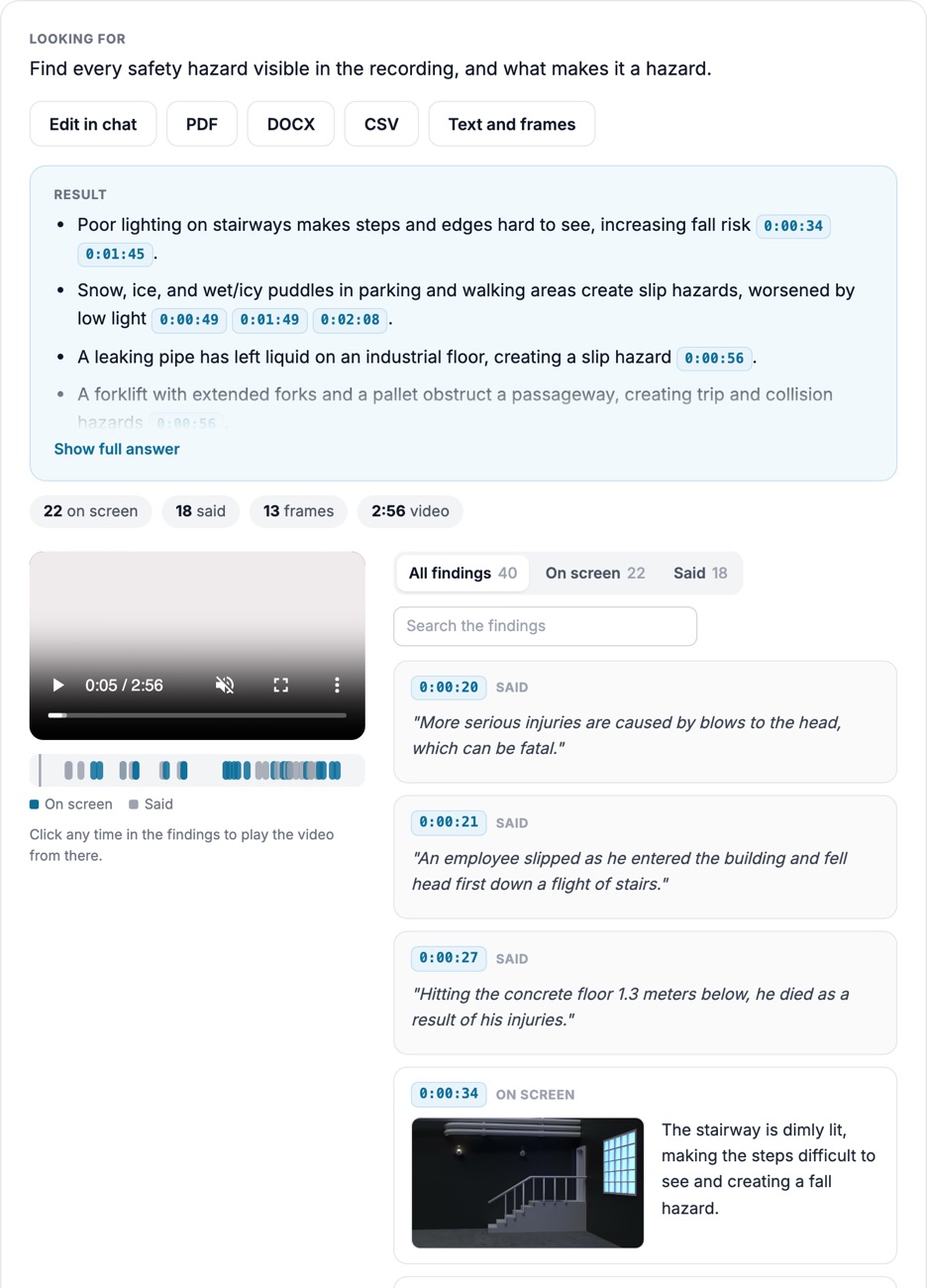
Exporting every frame gives you thousands of near-identical images. Tell Docsie which moments matter, such as each step of a procedure or each phase of a launch, and get one clean still for each.
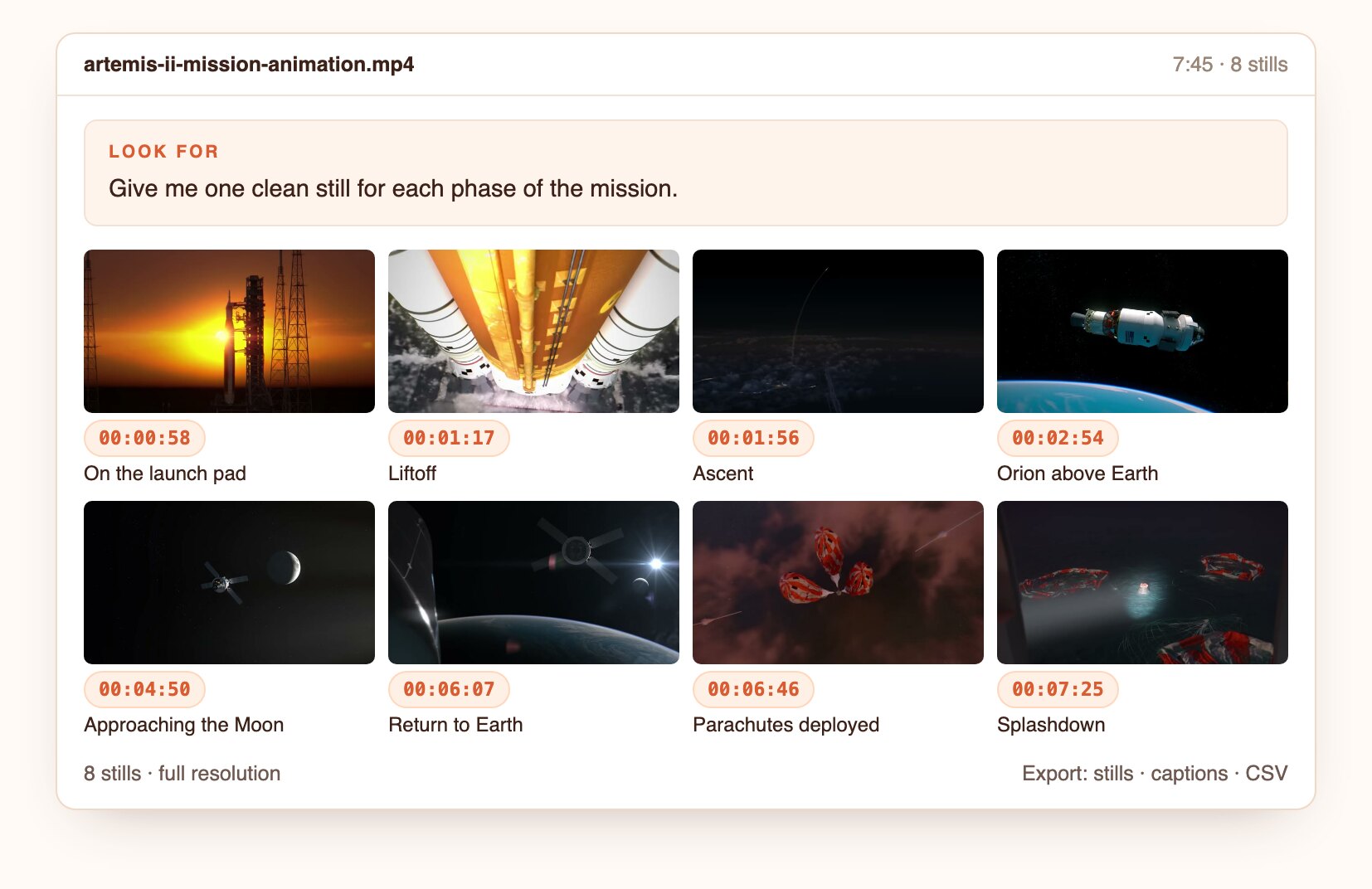
Docsie picks frames by meaning, so each still shows something different and arrives with a timestamp and a caption.
Ask for each step, each phase, or each time something happens. Near-duplicates are skipped.
Every still carries a short caption and its timestamp, ready for a work instruction or a report.
Stills are taken from the source video itself. Export them as images, or as a document with captions.
How it looks
Illustrative findings built from frames of public CC BY and US federal videos. Product captures from the first live runs replace these.
Eight stills from a NASA mission animation, each captioned with the phase it shows.
Open the screenshot to inspect the full detail.
Questions to ask
Real questions from our live-examples corpus, each paired with a public video. Results are published as Docsie produces them.
“Extract a representative frame for each distinct segment of this NASA mission animation (crew walkout, launch, separations, translunar injection, lunar flyby, re-entry, parachutes…” Source: NASA, public domain.
“From this NASA time-lapse of the 8 April 2024 total solar eclipse seen from Mazatlán, pick the single best frame for each of these: the last crescent before totality, Baily's beads or the…” Source: NASA Ames Research Center, public domain.
“This file strings together NASA's isolated camera views of the Artemis I launch. List each camera view with its start and end timestamps and a one-line description. Then pick the best still…” Source: NASA Kennedy Space Center, public domain.
“Pick one clear still for each step of this turning-between-centers demonstration to build a work instruction: equipment laid out, cleaning the spindle taper and centers, installing the…” Source: Wisc-Online, CC BY.
“From this Moody AFB A-10 engine backshop video, select the best still for each distinct teardown task (tool tray and tooling, removing fasteners, separating modules, bagging small parts…” Source: Moody Air Force Base, CC BY.
“This is the Stanford Nanofabrication Facility gowning procedure. Extract one still per gowning step in the order shown, quote the on-screen caption for each step verbatim, and give the…” Source: nano@stanford, CC BY.
Tell Docsie what each still should show.
Upload a file or paste a link.
Ask in plain language, or start from this preset.
Open the frame behind each finding, then export the report, frames and CSV.
Join forward-thinking teams using Docsie






_Leader_Small-Business_Leader.svg)


Common questions
Q: How do I extract frames from a video?
A: Upload the video and describe the frames you need, for example "one frame per step". Docsie returns those stills with timestamps, ready to download.
Q: How do I get a still image from a video?
A: Ask for the moment you want, such as "the frame where the part is fully seated". You get that still and its timestamp.
Q: Can I convert a video to images?
A: Yes. Instead of one image per frame, you get the images that matter, captioned, which is what you usually need for documentation.
Q: Can the stills go into a work instruction or SOP?
A: Yes. Export them with captions, or turn them into a Docsie article. That's where Video Analysis meets Docsie's Video to Docs.
Q: Is this a frame-by-frame video player?
A: No. Instead of stepping through frames yourself, you describe what you need and get the stills back.
Q: How long can a video be?
A: Up to 40 minutes per video. Longer recordings are split, and the findings are merged onto one timeline.
Q: Where does my footage go?
A: Use Docsie's cloud, or deploy Docsie on your own infrastructure so footage stays inside your network.
See it on your own footage
Book a DemoDescribe each still once. Export them with captions.
Up to 40 minutes per video. Cloud or self-hosted.