4.8
on G2
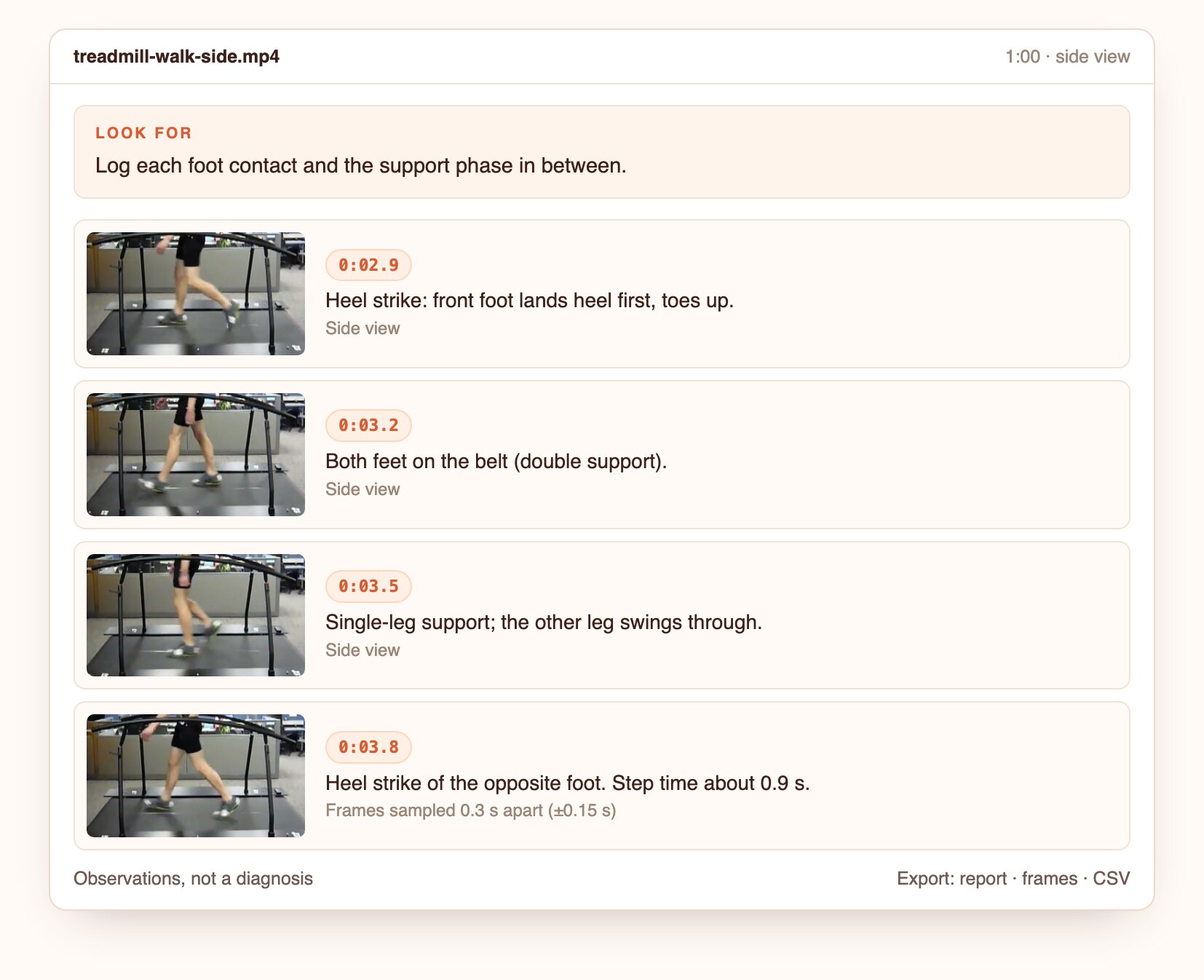
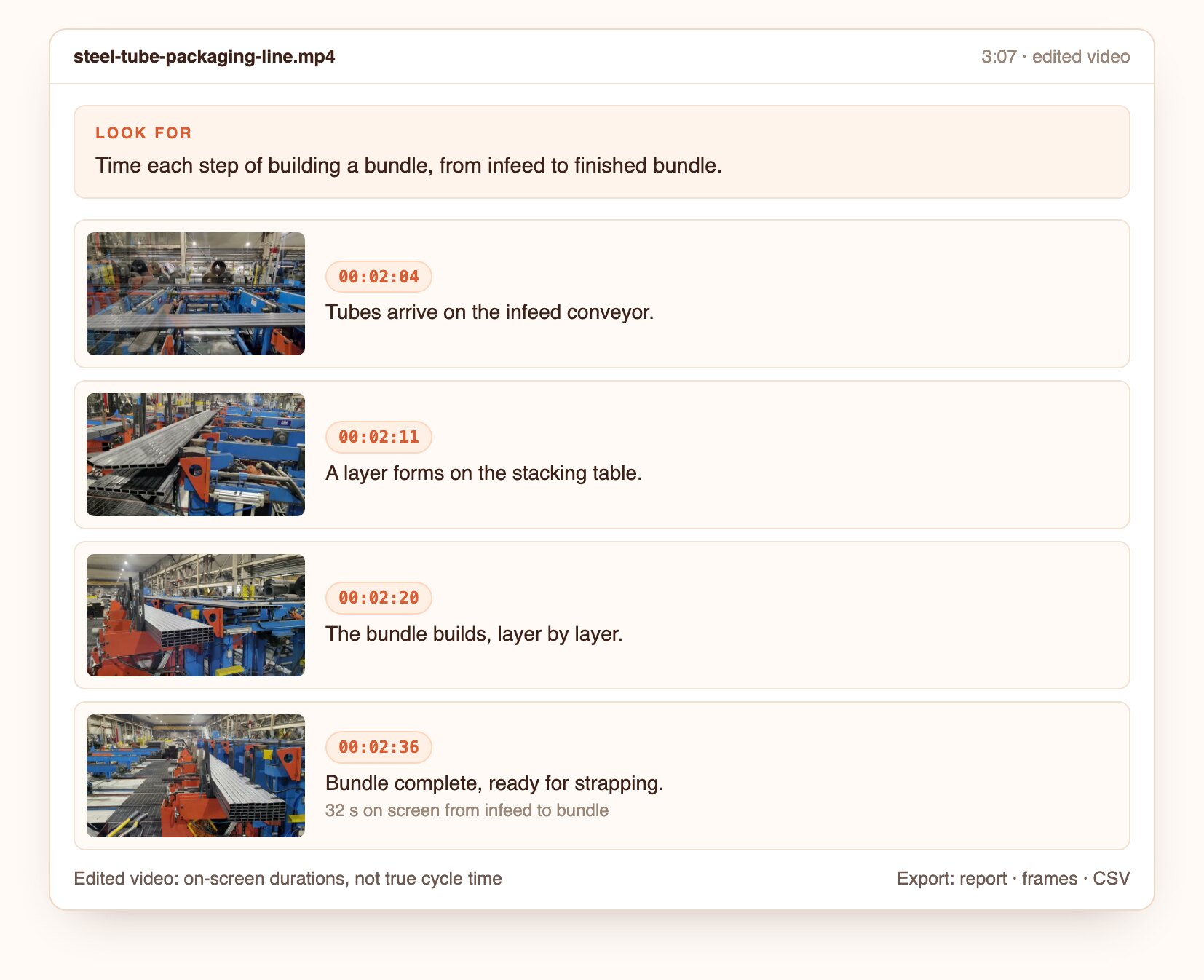
Stop scrubbing. Tell Docsie what you're looking for, such as a white van, an error dialog or someone at the door, and get every moment it happens, each with its timestamp and frame.
Docsie checks frames across the whole recording, together with the audio, so you can find what happened on screen even when nobody said it.
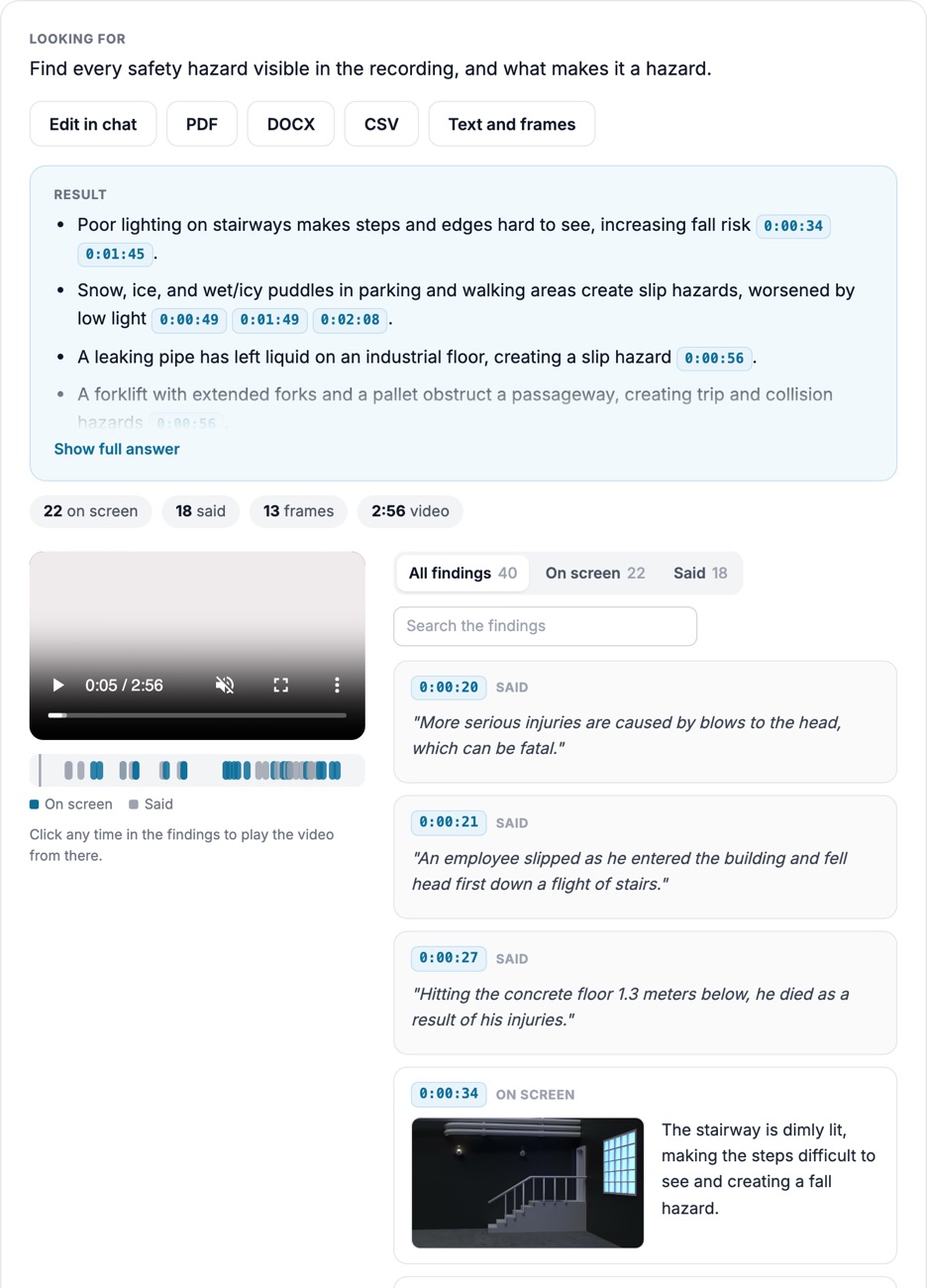
Each finding has its own timestamp and frame, so a long recording becomes a list of moments you can step through.
Ask for objects, actions, on-screen text or a change in the scene. No tags or training needed.
Where a camera burns in its date and time, each finding carries both clocks, which helps when cameras disagree.
How it looks
Product captures from Docsie's test environment, October 2026, on CC BY footage and a screen recording generated for testing. No customer footage.
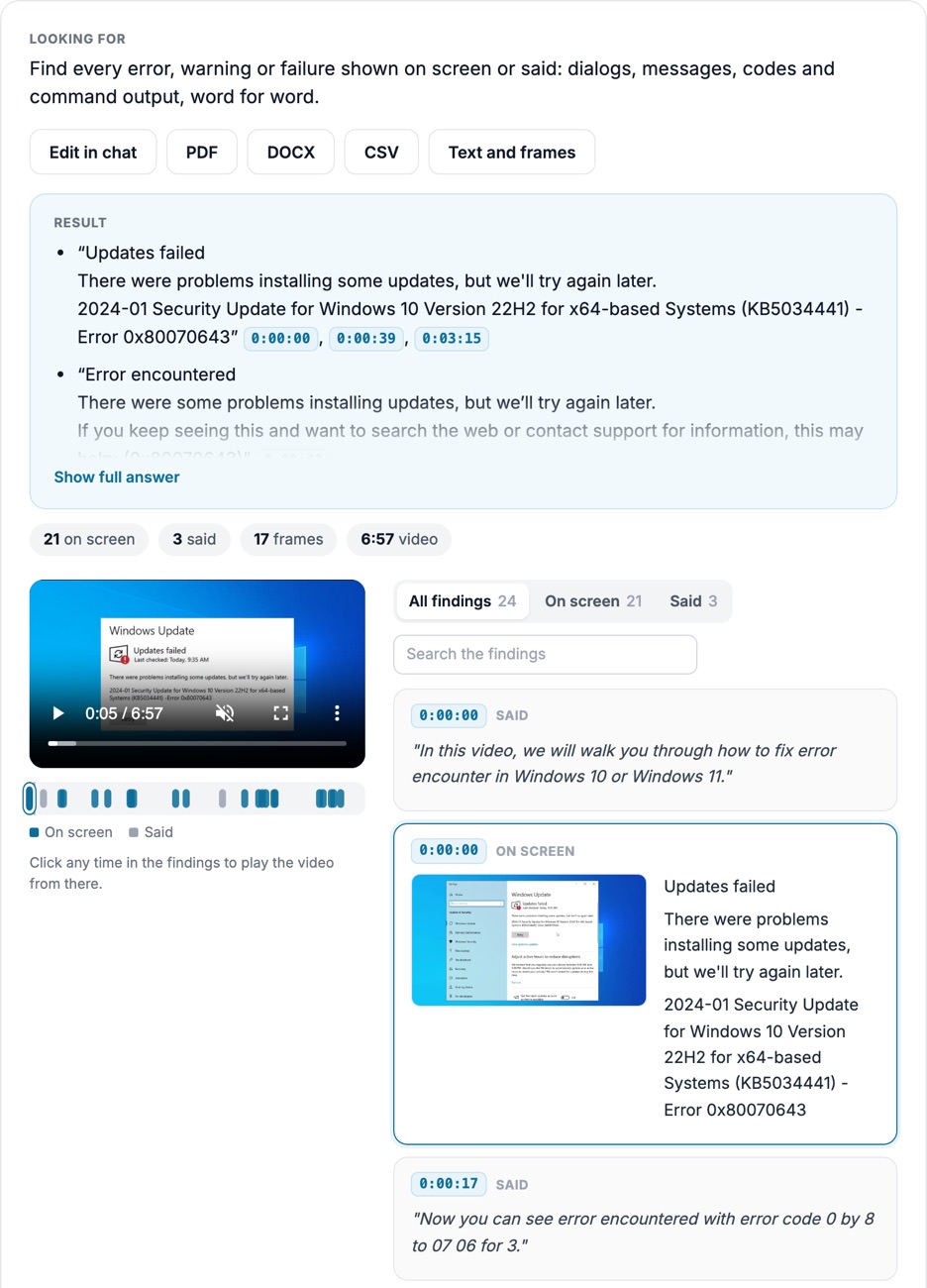
Asked for every error, warning or failure in a 6:57 screen recording: "Error 0x80070643" at 0:00:00, 0:00:39 and 0:03:15, with what the narrator says.
Open the screenshot to inspect the full detail.
25 sightings by species in an 11:49 trail-camera video, each with the date and time read off the image.
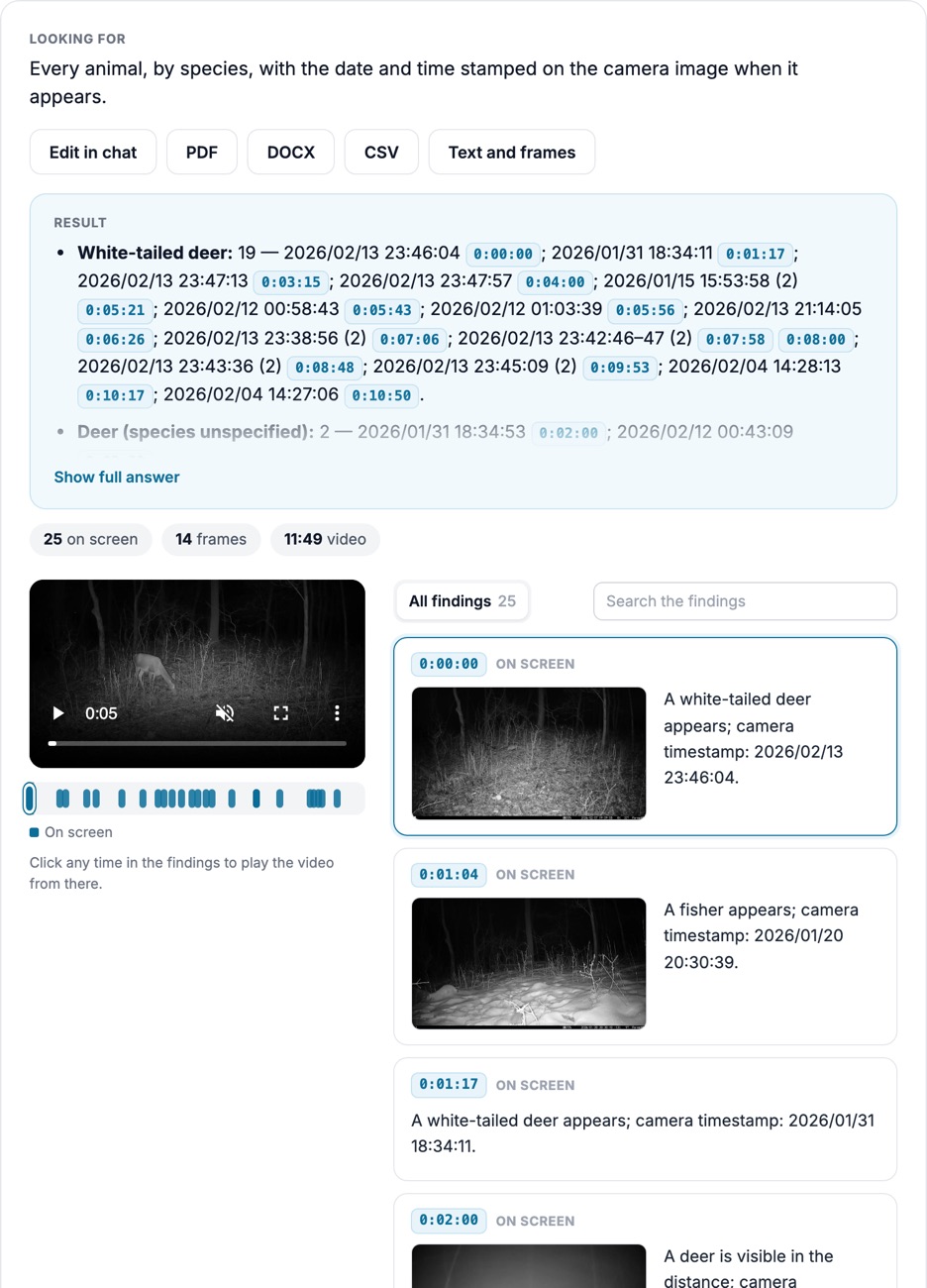
Open the screenshot to inspect the full detail.
Questions to ask
Real questions from our live-examples corpus, each paired with a public video. Results are published as Docsie produces them.
“Reconstruct where this car went from the dash cam footage alone. List every identifiable landmark or road feature in order: roundabouts, bridges (colour and structure type), tunnels (entry…” Source: 518Prius, CC BY.
“This is footage from one fixed camera with a date and time overlay in the top-left corner. Go through the whole video and list every point where the on-screen clock is not continuous: where…” Source: Garden Birds Galore, CC BY.
“Find every moment in this DIC microscopy video where a Didinium touches, captures or engulfs a Paramecium, and any moment where a cell is dividing. Give timestamps, describe what happens in…” Source: Robert Berdan, CC BY.
“Review this night-time dash cam recording. The camera prints its speed, date and time in the bottom-right corner. Log every notable driving event: lane changes, passing or being passed by a…” Source: necroslair, CC BY.
“List every shot in this Saturn V launch compilation with its start time and a short description. Then find these milestones and give timestamps: engine ignition, hold-down release (first…” Source: NASA Marshall Space Flight Center, public domain.
“Find every moment in this downtown drive where the car stops or slows for a traffic signal or another road user. For each, give the video timestamp when it starts slowing, when it is…” Source: RGRVA Small Town Downtowns & other Dash Cam Drives, CC BY.
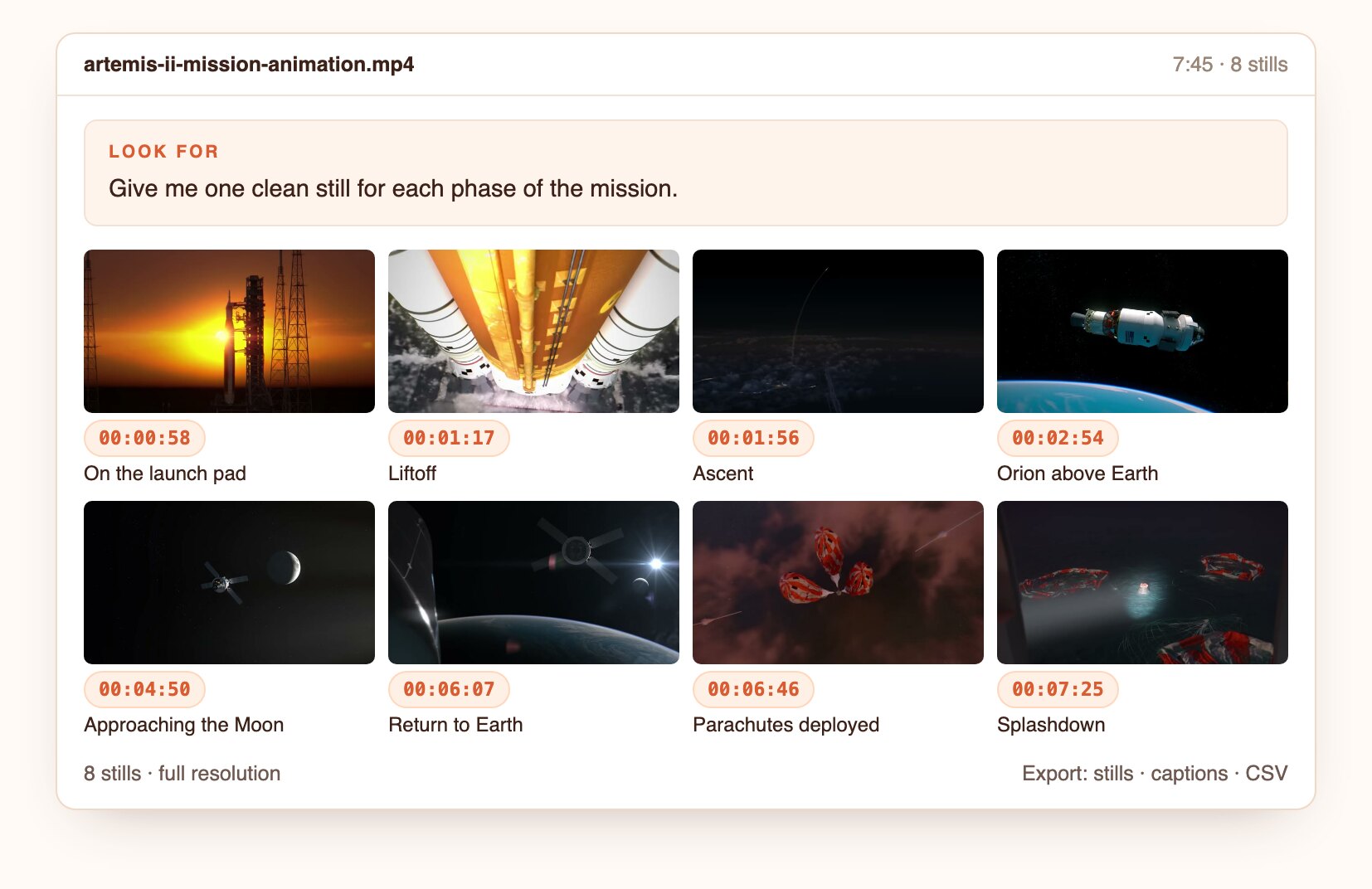
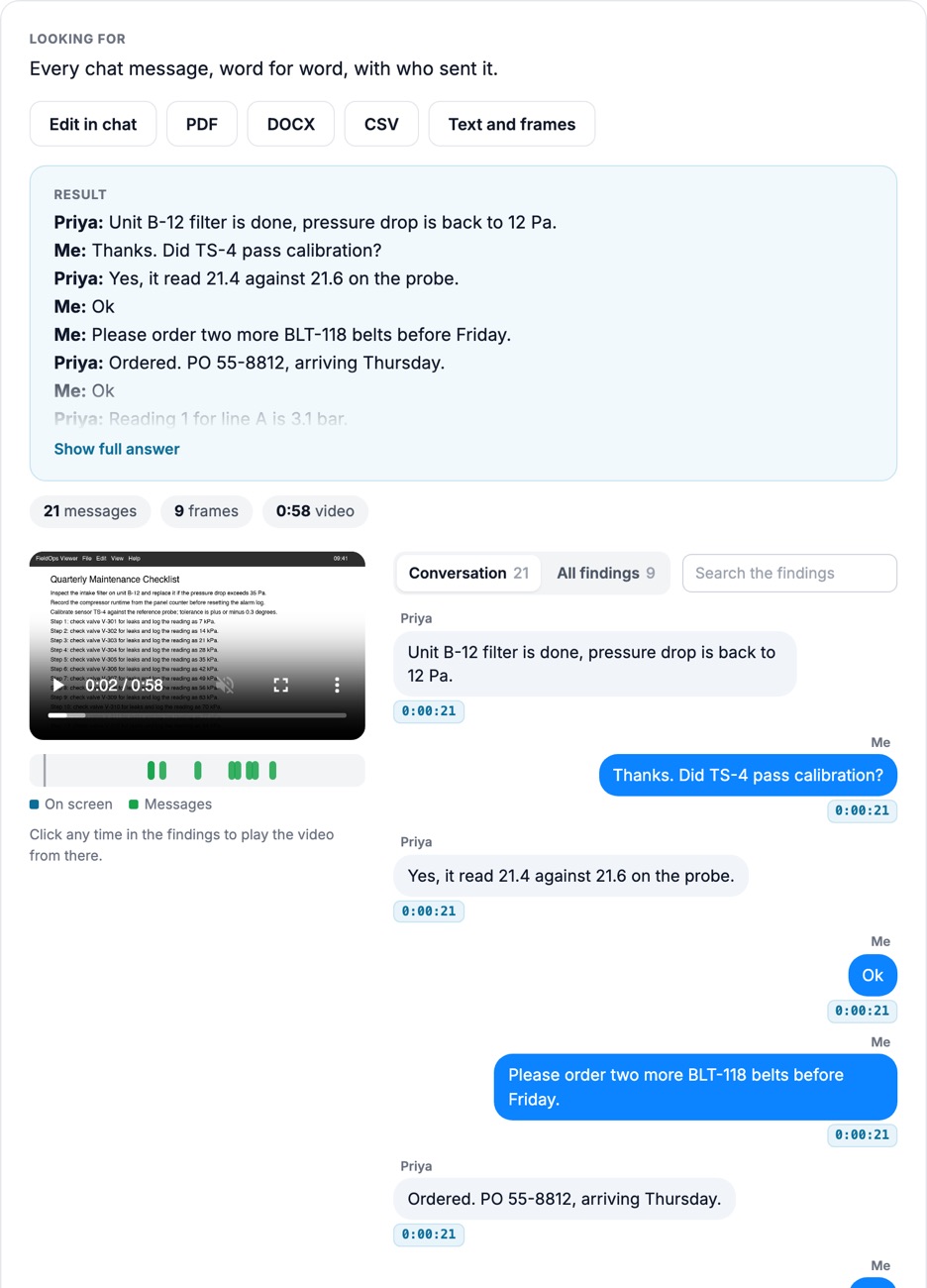
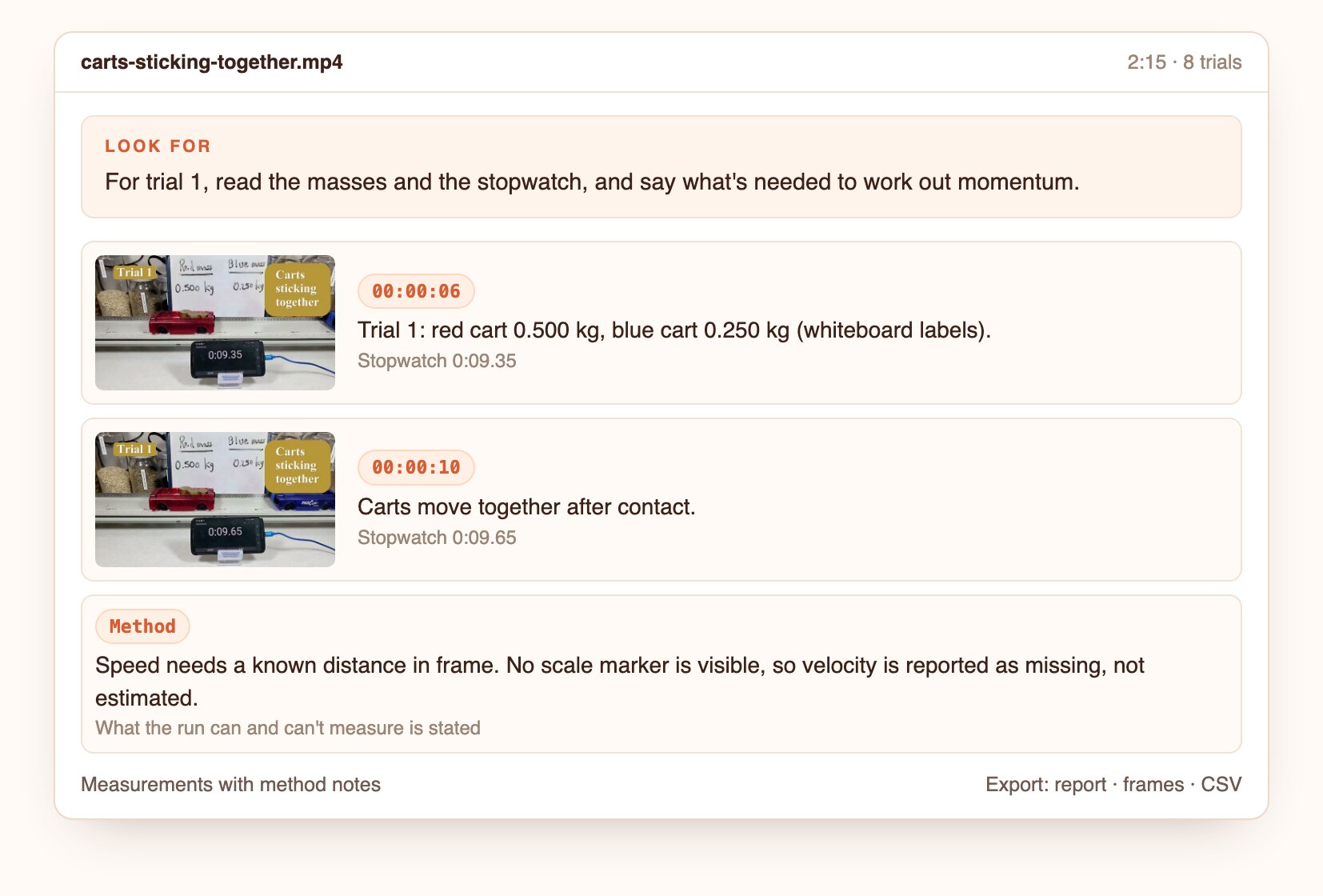
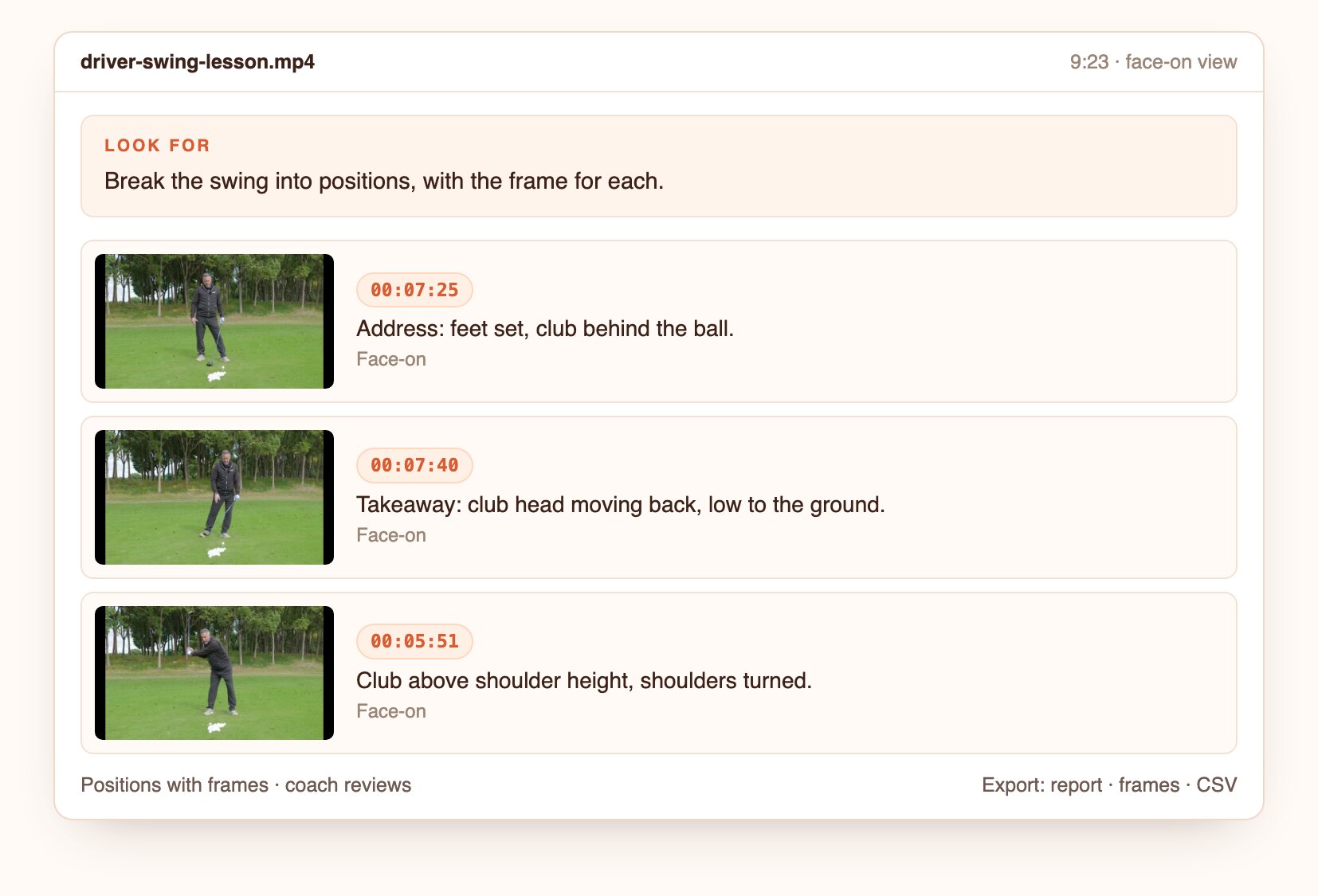
From hours of footage to the moments that matter.
Upload a file or paste a link.
Ask in plain language, or start from this preset.
Open the frame behind each finding, then export the report, frames and CSV.
Join forward-thinking teams using Docsie






_Leader_Small-Business_Leader.svg)


Common questions
Q: How do I find a specific moment in a long video?
A: Describe it, for example "every time someone opens the side door". Docsie returns each matching moment with its timestamp and frame, so you jump straight to it instead of scrubbing.
Q: Can I search inside a video for an object or event?
A: Yes. AI video search here works on what is visible and audible: objects, actions, on-screen text and changes in the scene.
Q: How do I review hours of security camera footage quickly?
A: Ask for the event you need. Docsie lists every candidate moment with its frame, and a person confirms each one. Footage from several cameras can be reviewed together.
Q: Is this a clip finder for video editors?
A: It works for that too: ask for the moments you want and use the timestamps to cut clips or a highlights list.
Q: Can it find a specific person by their face?
A: No. It describes what is visible, such as clothing, vehicles and actions. It does not do face recognition or identity matching.
Q: How long can a video be?
A: Up to 40 minutes per video. Longer recordings are split, and the findings are merged onto one timeline.
Q: Where does my footage go?
A: Use Docsie's cloud, or deploy Docsie on your own infrastructure so footage stays inside your network.
See it on your own footage
Book a DemoDescribe the moment once and review every match.
Up to 40 minutes per video. Cloud or self-hosted.