
How to Sanitize Ice Machine
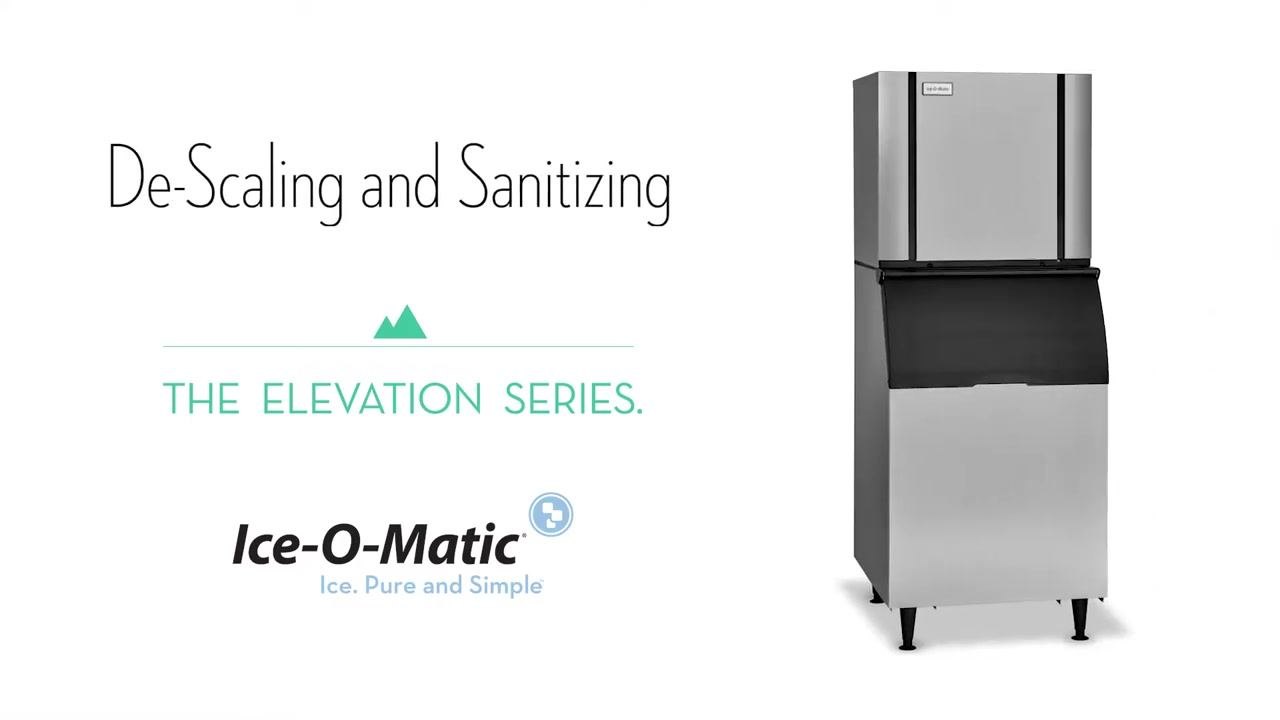
This standard operating procedure explains how to sanitize an ice machine in the Elevation Series line, covering both the descaling and sanitizing cycles. Following these steps ensures the machine is properly cleaned, disinfected, and returned to normal ice production safely and effectively.
Video: Ice-O-Matic Elevation Series De-Scaling and Sanitizing by Ice-O-Matic Worldwide (2018). All credit for the demonstration goes to the creator; watch the original on YouTube. The written guide below was generated from this video by Docsie. Creator? Request a change or removal.
This standard operating procedure explains how to sanitize an ice machine in the Elevation Series line, covering both the descaling and sanitizing cycles. Following these steps ensures the machine is properly cleaned, disinfected, and returned to normal ice production safely and effectively.
Purpose
This SOP provides step-by-step instructions for descaling and sanitizing the Elevation Series ice machine, including preparation, chemical application, cycle completion, and machine reassembly.
Scope
This procedure applies to routine maintenance of the Ice-O-Matic Elevation Series ice machine and covers both the descaling cycle and the sanitizing cycle performed in sequence.
Required equipment and PPE
Before you begin, gather the following:
- IMS-II descaling solution
- Nickel-Safe Ice Machine Cleaner (sanitizing solution)
- Phillips head screwdriver
- Personal protective equipment, including gloves and safety glasses
- A clean rag for wiping down surfaces
Confirm the machine is in OFF mode before starting any work.
Step-by-step procedure
Step 1: Remove the front panel
Use a Phillips head screwdriver to remove the front panel of the machine to gain internal access. Place the removed panel in a safe location where it will not be damaged or misplaced.
Step 2: Start the cleaning cycle
Press the Clean button on the machine to begin the descaling and sanitizing process. Remove the top cover and splash guard to access the curtain and water reservoir.
Step 3: Add the descaling solution
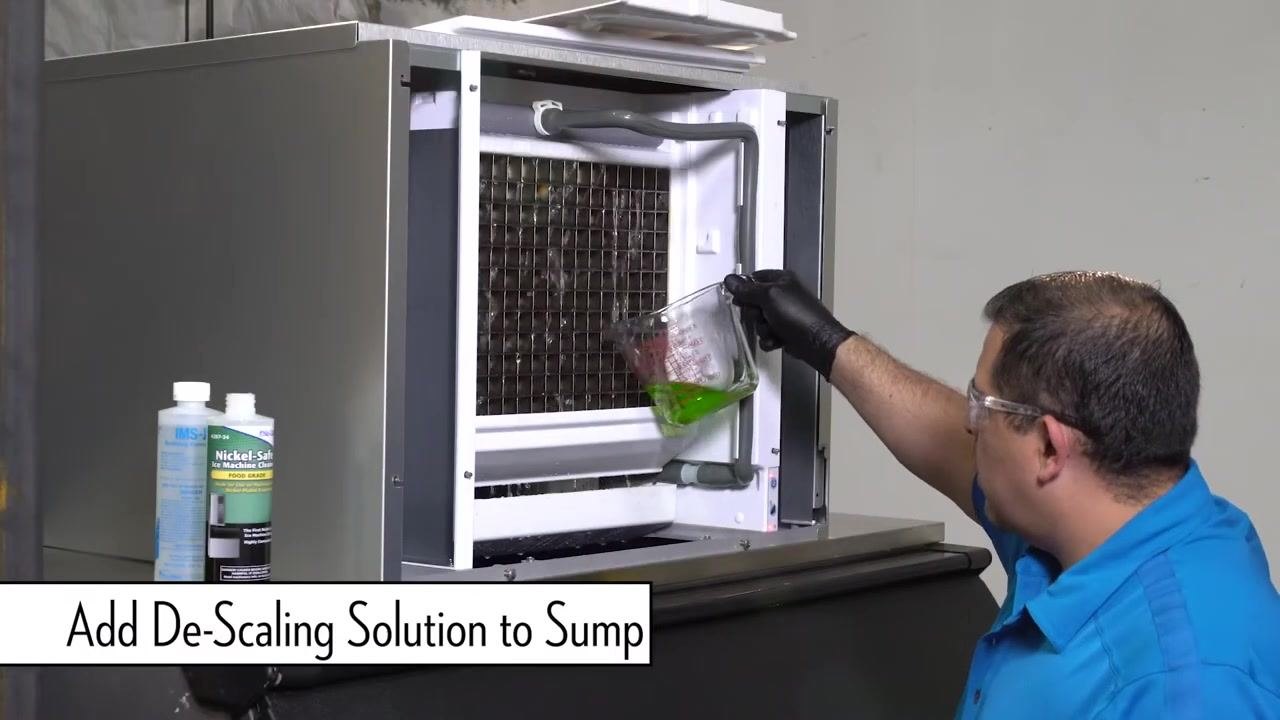
Wait for water to start circulating inside the machine. Add the descaling solution to the sump according to the manufacturer's instructions, referring to the solution bottle for exact measurements.
Step 4: Reinstall the splash guard and top cover
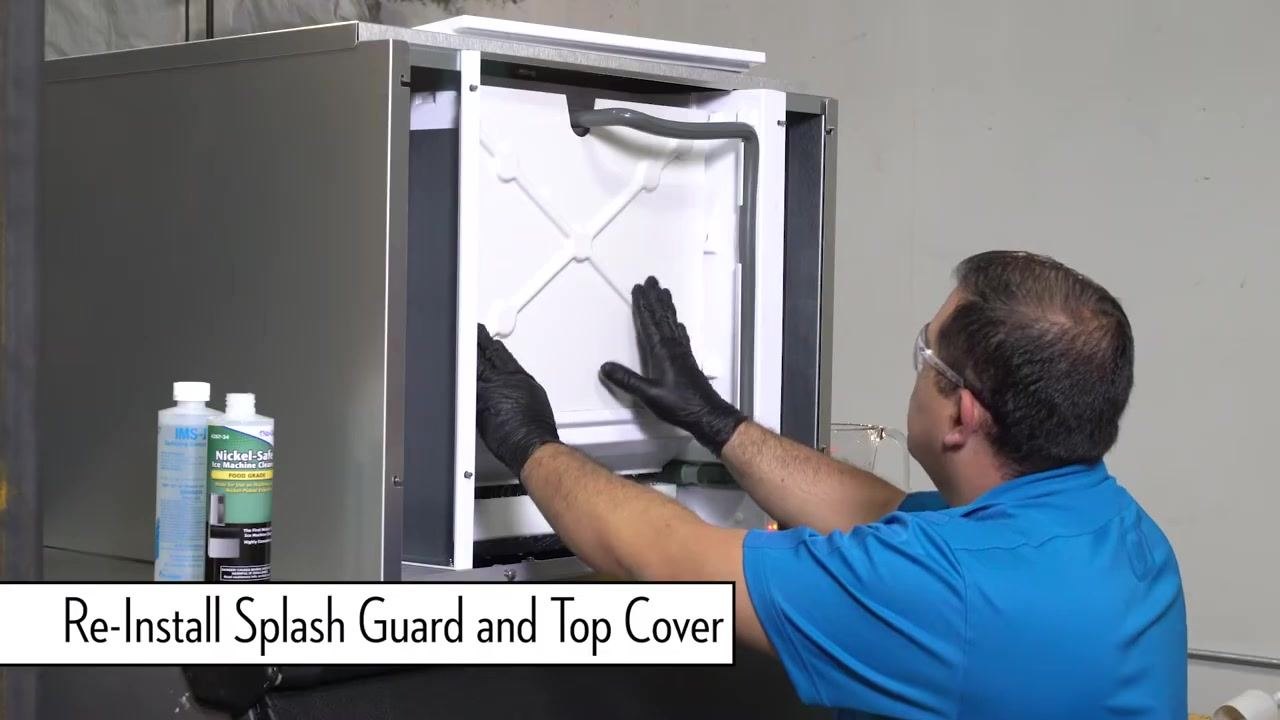
Reinstall the splash guard and top cover to minimize splashing and conserve chemicals. Ensure both components are securely in place before proceeding.
Step 5: Allow the descaling cycle to complete
The descaling process takes approximately 25 minutes. The machine will automatically shut off when the cycle is complete, indicated by a solid red LED and a solid yellow LED.
Step 6: Finish the descaling process
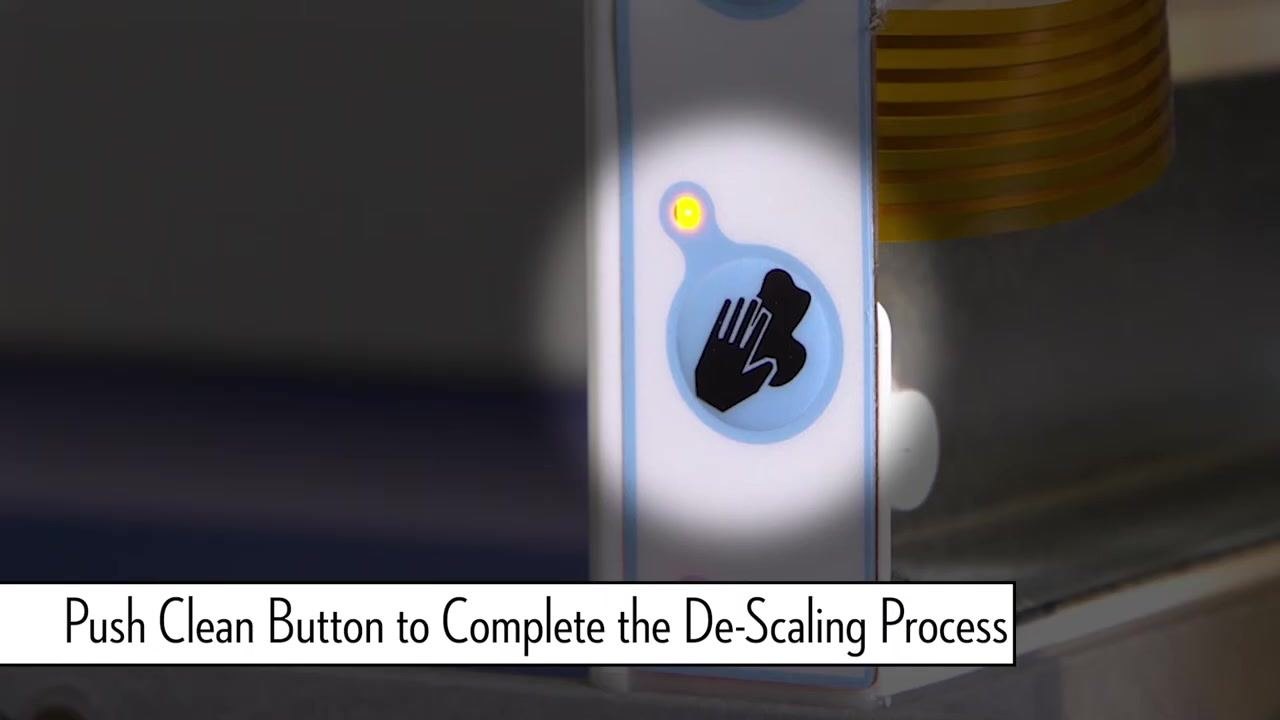
Once the cycle is complete, push the Clean button again to end the descaling process.
Step 7: Prepare for sanitizing
After descaling, begin the sanitizing process with the machine in the red OFF state. Repeat the previous steps of removing covers and pressing Clean, but this time add the Nickel-Safe sanitizing solution to the sump instead of the descaling solution.
Note: Always follow the manufacturer's instructions for the correct type and amount of cleaning and sanitizing solutions. Wear appropriate personal protective equipment throughout the process.
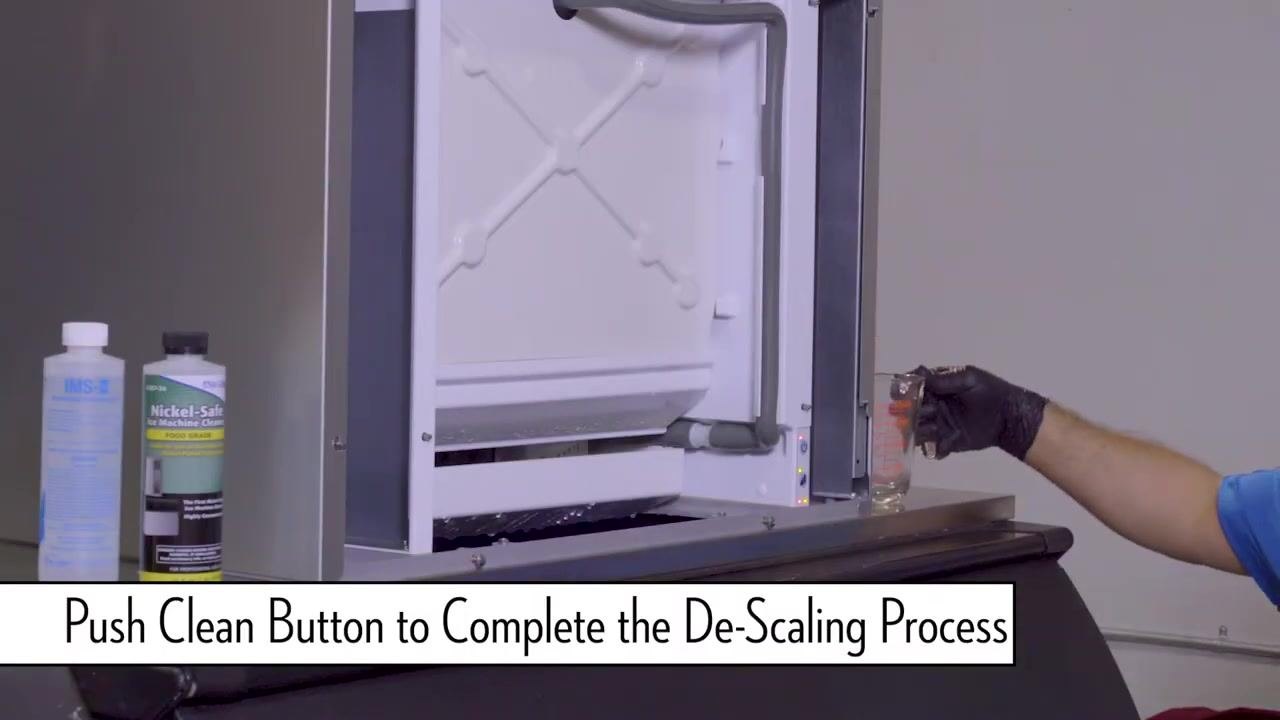
Step 8: Wipe down surrounding areas
After completing both the descaling and sanitizing cycles, use a clean rag to thoroughly wipe down all surrounding surfaces of the ice machine. Ensure any spilled cleaning or sanitizing solution is removed from the exterior and accessible interior surfaces. Dispose of the rag or launder it according to your facility's cleaning protocols.
Step 9: Return the machine to freeze mode
Locate the power button on the machine's control panel. Press the power button to switch the machine from OFF or cleaning mode back to freeze mode. Confirm that the machine begins its normal ice-making operation.
Step 10: Reinstall the front panel
Carefully align and reinstall the front panel onto the machine. Secure the panel using the Phillips head screwdriver, ensuring all screws are tightened and the panel is flush with the machine body.
Verification and final checks
Complete the following checks to confirm the machine has been properly sanitized and restored to service:
- Double-check that all covers and panels are securely in place.
- Verify that the machine is operating in freeze mode and producing ice as expected.
- Clean up your work area and store all cleaning supplies and tools.
Note: Always follow the manufacturer's instructions for the correct type and amount of cleaning and sanitizing solutions. Wear appropriate personal protective equipment throughout the process. For further information or troubleshooting, visit www.iceomatic.com.
Generation details: cost, quality tiers
Docsie billed 1,500 credits ($1.05) to analyze this 3-minute video at standard quality. The rewrite, template fill and Word/PDF exports were included. The same video at each quality tier:
| Quality | Frames sampled | Credits | Approx. cost |
|---|---|---|---|
| Draft | every 16-30 s | 750 | $0.52 |
| Standard (this guide) | every 8-15 s | 1,500 | $1.05 |
| Detailed | every 4-7 s | 3,000 | $2.10 |
| Ultra | every 1-3 s | 6,000 | $4.20 |
Credits priced at $0.70 per 1,000; plans include a monthly allowance. Enterprise customers on on-premise or bring-your-own-model deployments run this on their own inference and pay no per-video credits.
Generated by Docsie Video-to-Docs on 2026-09-10 from a 2-minute video. Screenshots are frames from the source video and belong to their creator, Ice-O-Matic Worldwide, whose original is embedded above. If you own this video and want the guide removed or credited differently, contact us and we will act within one business day.