
4.8
on G2
 Screen Studio
 Zight
Zight
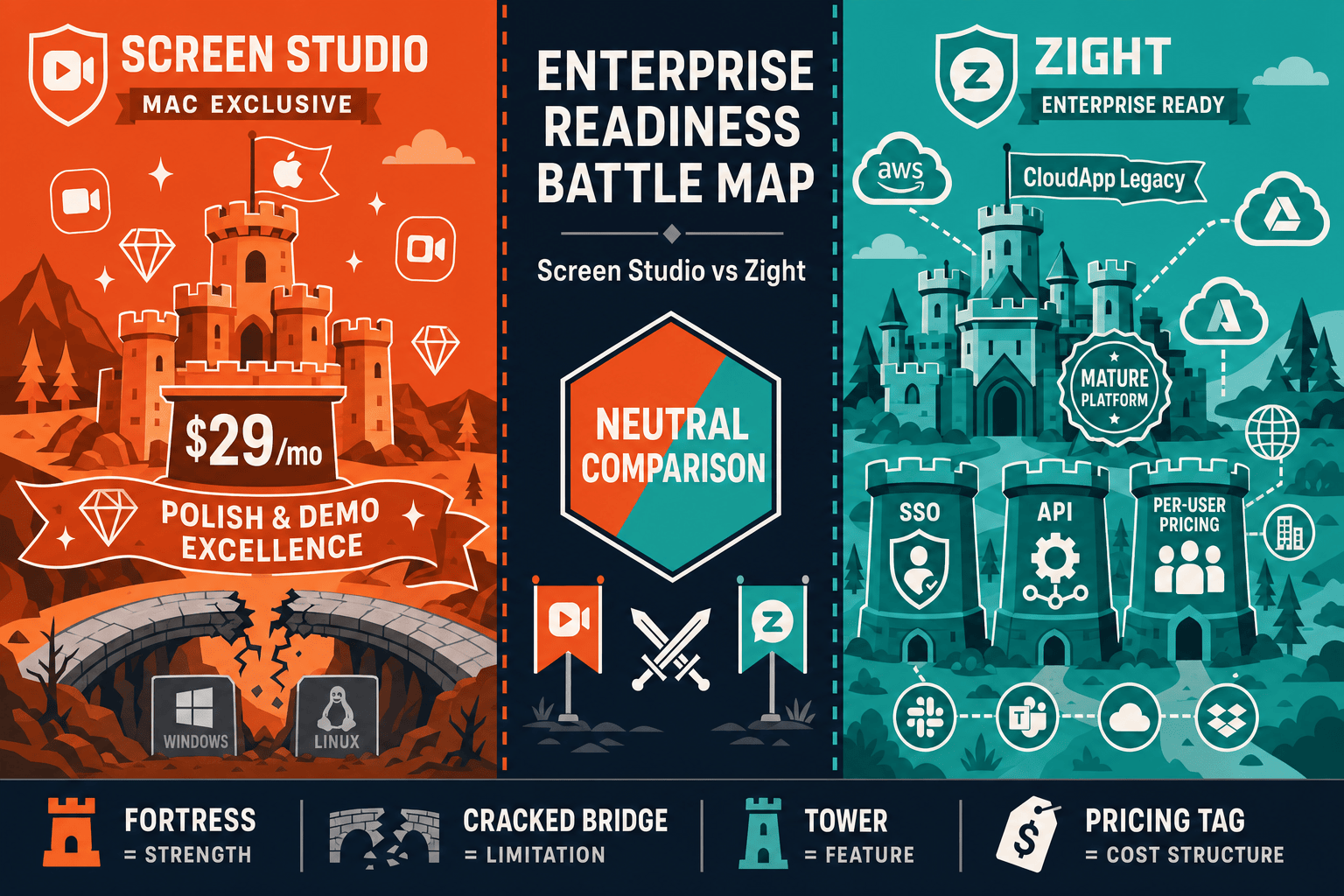
Screen Studio is a polished Mac-only recorder loved by creators and founders. Zight is a cross-platform visual communication tool with enterprise-tier SSO, audit logs, and compliance credentials. This comparison evaluates both tools on the four pillars that matter most to enterprise buyers — security, scalability, administration, and support.
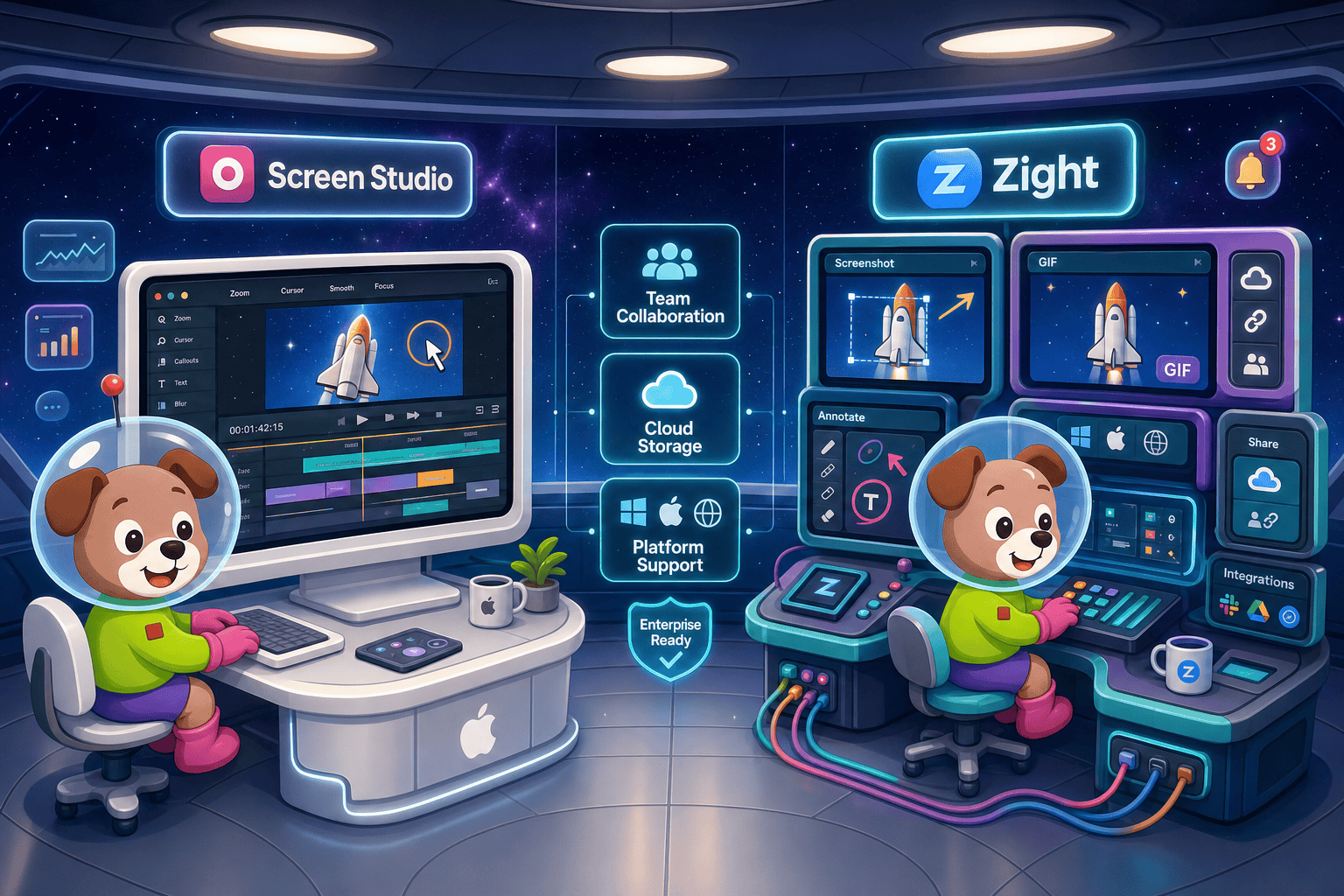
For enterprise readiness, Zight is the clear winner between these two tools.
Enterprise Feature Matrix
A direct comparison of enterprise-critical capabilities across security, compliance, administration, scalability, and support for Screen Studio and Zight.
| Enterprise Capability |
Screen Studio
|
Zight
|
|---|---|---|
| Free Plan Available | ||
| Enterprise Pricing Tier | ||
| Windows Support | ||
| Linux Support | ||
| Browser Extension / Web Access | ||
| Mobile Support | ||
| SSO (SAML) | Enterprise tier | |
| Role-Based Access Control | ||
| Audit Logs | ||
| SOC 2 Compliance | ||
| GDPR Compliance | ||
| Data Residency Options | ||
| Team Admin & Workspace Management | ||
| Shared Team Library | ||
| API Access | ||
| Analytics & Reporting | ||
| Dedicated Support / SLA | ||
| Integrations (Slack, Salesforce, Zendesk) | ||
| Video-to-Docs Conversion | ||
| Knowledge Base Publishing |
Data as of May 2026. Features based on publicly available vendor documentation. Enterprise-tier features for Zight require custom pricing. Screen Studio enterprise features unconfirmed; verify before publishing.
Strengths & Weaknesses
Deep Dive
An in-depth look at the four enterprise dimensions that determine whether a screen recording tool can scale across a regulated, distributed, or compliance-sensitive organization.
Zight holds a clear advantage in security and compliance. It lists SOC 2 and GDPR compliance credentials and offers SAML SSO on its enterprise tier — baseline requirements for most IT and InfoSec teams. Screen Studio, by contrast, documents no formal compliance certifications, no SSO integration, and no data handling controls beyond what the macOS app enforces locally. For organizations in regulated industries such as healthcare, finance, or government, Screen Studio does not meet enterprise security bars, while Zight at least clears the minimum threshold. Neither tool offers data residency controls, which remains a gap for strict EU or regional sovereignty requirements.
Zight is built as a cloud-hosted SaaS product with desktop apps, browser extensions, and mobile capture — meaning it can scale across a distributed workforce on multiple operating systems without requiring every user to own a Mac. Screen Studio is architecturally limited to macOS, which immediately eliminates it from any enterprise with Windows or Linux users. Zight's shared team library and workspace model support growing teams adding users over time. Screen Studio has no documented team workspace, no shared storage, and no multi-seat administration model, making it unsuitable for organizations that need centralized content management and consistent tooling across platforms.
Zight provides the administrative controls enterprise IT teams expect: role-based access control, audit logs, team administration, and analytics. These features let IT and security teams see who recorded what, manage permissions by role, and report on tool usage across the organization. Screen Studio offers none of these controls. There is no admin console, no user management, no audit trail, and no reporting. This is not a criticism of Screen Studio's intended use case — it is a single-user Mac application built for creators — but it means any enterprise deployment would be entirely unmanaged and invisible to IT teams who need governance and visibility over sensitive workflows.
Zight explicitly offers dedicated support on its enterprise plan, which typically includes named account contacts and formal response commitments. Screen Studio's support model is that of an indie Mac application: email or community support without published SLA commitments. For enterprise buyers who need guaranteed response times during critical incidents, documented escalation paths, and a contractual support relationship, Zight is the only option of the two that can credibly enter a procurement process. Screen Studio's support model is appropriate for individual creators and small teams but does not scale to the accountability requirements of enterprise contracts.
Our Recommendation
For enterprise readiness, Zight is the clear winner between these two tools. It offers SAML SSO, SOC 2 and GDPR compliance, audit logs, role-based access, API access, cross-platform support, and dedicated enterprise support — all of which Screen Studio lacks entirely. Screen Studio excels as a Mac-first recorder for polished product videos but is not architected for enterprise deployment, governance, or compliance. If your organization needs a screen capture tool that can pass an IT security review, Zight is the only viable candidate of the two.
Choose Screen Studio if you need. .
Choose Zight if you need. .
Choose Docsie Recorder if you need. .
Winner: Docsie Recorder
Docsie Recorder is the only tool in this comparison that bridges the gap between polished screen recording and enterprise documentation governance. Unlike Screen Studio — which stops at a video file — or Zight — which stops at a shared cloud link — Docsie Recorder connects recording directly to a Video-to-Docs pipeline that generates structured knowledge base content. The downstream Docsie platform then adds the enterprise controls both competitors lack at the documentation layer — SAML SSO, multi-tenant portals, version control, audit logs, and role-based access — while the recorder itself remains free, open-source, and cross-platform.
Decision Helper
A direct framework for picking between Screen Studio, Zight, and Docsie based on your specific needs.
Polished Mac-only product demos with cinematic zoom and motion.
Screenshots, GIFs, and short videos for sharing.

Convert real video into searchable docs, then deploy multi-tenant portals.
Common Questions
Q: Does Screen Studio support SSO or SAML for enterprise identity management?
A: No. Screen Studio has no documented SSO, SAML, or identity provider integration of any kind. It is a single-user macOS application without an enterprise account layer. Organizations that require SSO as a baseline IT requirement cannot deploy Screen Studio in a managed enterprise environment.
Q: Is Zight SOC 2 compliant?
A: Yes, Zight lists SOC 2 and GDPR compliance credentials. SAML SSO is available on the enterprise tier. However, data residency options are not documented, which may be a gap for organizations with strict EU or regional data sovereignty requirements. Verify current compliance documentation with Zight directly before making procurement decisions.
Q: Can either Screen Studio or Zight provide audit logs for security reviews?
A: Only Zight offers audit logs, and they are available on the enterprise tier. Screen Studio has no audit logging capability whatsoever — it is a local Mac app with no admin console or activity tracking. For organizations that need an auditable record of who captured and shared content, Zight is the only option between the two tools.
Q: Which tool works on Windows for enterprise deployments?
A: Only Zight supports Windows. Screen Studio is macOS-only and has no Windows or Linux support. Any enterprise with a mixed-platform environment or Windows-primary workforce cannot standardize on Screen Studio. Zight's cross-platform coverage makes it the practical choice for heterogeneous enterprise environments.
Q: Is there a better alternative to both Screen Studio and Zight for enterprise teams that also need documentation?
A: Yes — Docsie Recorder addresses the critical gap both tools share. Screen Studio produces polished videos but has zero enterprise controls and no documentation workflow. Zight adds enterprise security and administration but still stops at shared video links with no structured documentation output. Docsie Recorder is free and open-source, runs on macOS, Windows, and Linux, and connects directly to Docsie's Video-to-Docs pipeline to convert recordings into structured Markdown, DOCX, or PDF documentation. The downstream Docsie platform then delivers enterprise-grade SSO, multi-tenant portals, version control, and audit logs — creating a complete CREATE-to-MANAGE workflow neither competitor can replicate.
Q: What happens to enterprise documentation governance when teams use Screen Studio or Zight?
A: With Screen Studio, there is no governance at all — recordings live on individual Macs and shareable links are unmanaged. With Zight, team libraries and audit logs provide basic governance over captured content, but the output remains visual media with no structured documentation layer. Neither tool produces versioned, searchable knowledge base content that IT or compliance teams can govern. Enterprise teams that need documented, auditable, version-controlled process knowledge will outgrow both tools quickly.
Docsie Recorder gives you a free, open-source cross-platform recorder — then goes further. Connect your recording to the Docsie Video-to-Docs pipeline and turn walkthroughs into structured documentation with SSO, audit logs, multi-tenant portals, version control, and role-based access. The enterprise controls Screen Studio never built and the documentation workflow Zight never added — in one open-source-anchored platform.
Free to download and record. Docsie AI credits required for Video-to-Docs conversion.