
4.8
on G2
 Screen Studio
 Rotato
Screen Studio and Rotato are both popular Mac-first tools for creating polished visual content, but they serve fundamentally different purposes. Screen Studio records and edits screen videos with cinematic polish, while Rotato places app footage inside 3D device mockups for marketing assets. Neither tool records, converts, or manages documentation. If your team needs recordings that become structured docs, read on.
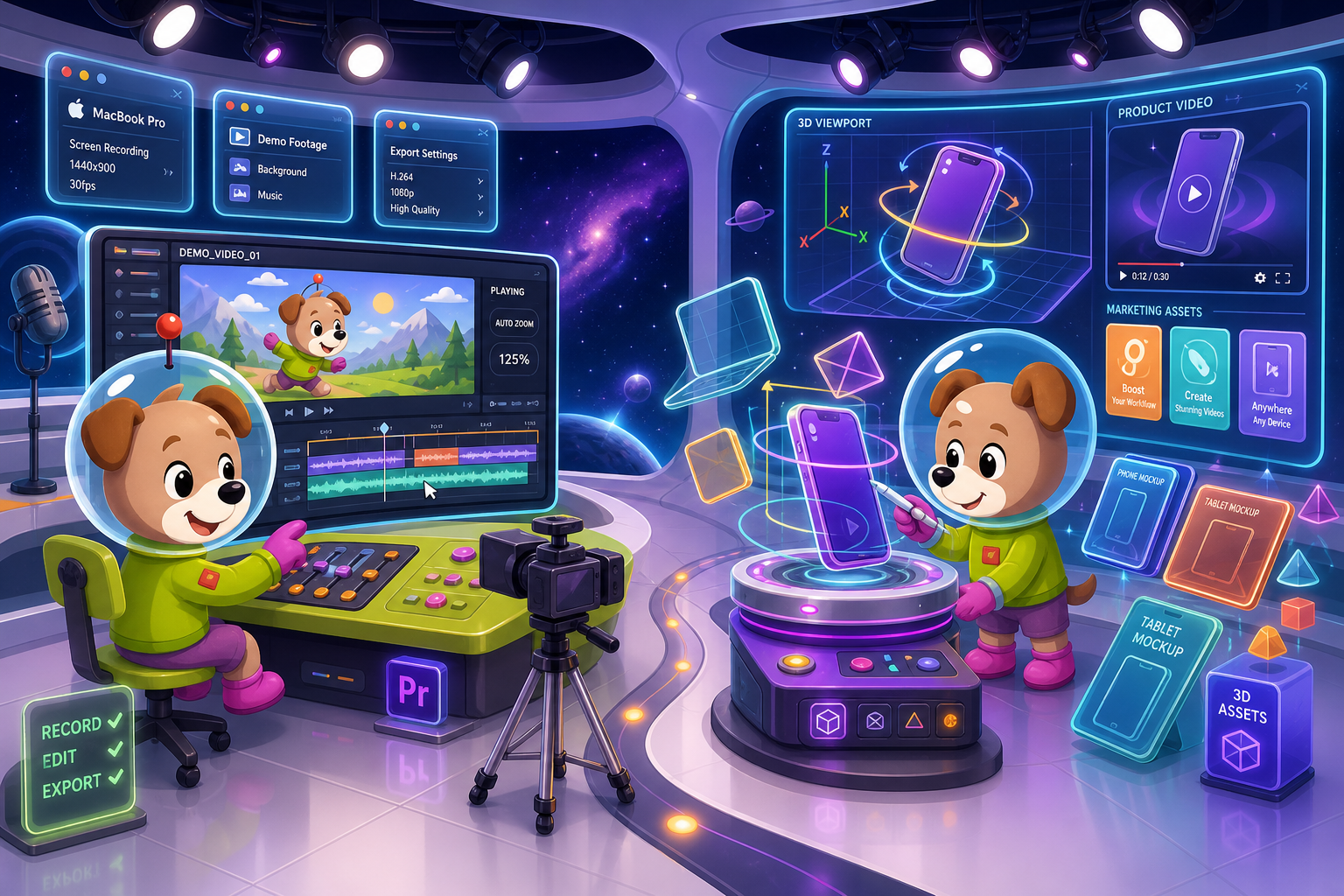
Screen Studio and Rotato occupy adjacent but distinct niches.
Feature Matrix
A side-by-side comparison of capture, editing, export, documentation, and enterprise capabilities between Screen Studio and Rotato.
| Feature |
Screen Studio
|
Rotato
|
|---|---|---|
| Free Plan Available | ||
| Mac Support | ||
| Windows Support | ||
| Linux Support | ||
| Browser / Web App | ||
| Native Screen Recording | ||
| Window & Full-Screen Capture | ||
| Webcam Overlay | ||
| Microphone Audio Capture | ||
| System Audio Capture | ||
| iOS Device Recording | ||
| Automatic Zoom & Cursor Smoothing | ||
| Manual Zoom on Timeline | ||
| Backgrounds, Shadow & Motion Blur | ||
| Crop, Trim & Speed Regions | ||
| 3D Device Mockups | ||
| 3D Camera Moves | ||
| Video Export (up to 4K 60fps) | ||
| GIF Export | ||
| Image Export | ||
| Shareable Links | ||
| AI Transcription | ||
| Audio Enhancement | ||
| Video-to-Docs Conversion | ||
| Markdown / DOCX / PDF Export | ||
| Knowledge Base Publishing | ||
| Version Control | ||
| Multi-Tenant Portals | ||
| SSO / Enterprise Auth | ||
| API Access | ||
| Open Source |
Data as of May 2026. Features based on publicly available information from official product sites. Verify current pricing and plan details before purchasing.
Strengths & Weaknesses
Deep Dive
An in-depth look at the four most important dimensions for buyers evaluating these two tools side by side.
Screen Studio is a fully featured screen recorder. It captures specific windows or your entire display, overlays your webcam, records microphone and system audio simultaneously, and even mirrors iOS devices. Rotato, by contrast, is not a screen recorder at all — it accepts imported media and places it inside 3D device mockups. If you need to capture a live workflow, demonstrate a product, or record a tutorial in real time, Screen Studio is the clear winner. Rotato's strength begins only after you already have footage to work with.
Screen Studio's editing suite is purpose-built for polished demo videos — automatic zoom follows your cursor, manual zoom keyframes give you timeline control, and visual effects including backgrounds, shadow, inset, motion blur, and crop transform raw recordings into marketing-quality output. Rotato's editing is fundamentally different — it animates a 3D camera around a device scene containing your footage. Both tools produce visually impressive results, but for radically different purposes. Screen Studio polishes recordings; Rotato frames footage inside photorealistic device mockups for App Store and social media marketing.
Screen Studio exports MP4 video up to 4K 60fps, GIF, and generates shareable links. It also includes AI transcription and audio enhancement before export. Rotato exports high-quality video and image renders of device mockup scenes. Neither tool exports Markdown, DOCX, or PDF. Neither tool connects to a knowledge base or documentation management system. Both tools stop at a video or image file, meaning any team that needs recordings to become written documentation must use a completely separate tool downstream — a meaningful workflow gap for support, product, and enablement teams.
Neither Screen Studio nor Rotato was built for enterprise documentation workflows. Screen Studio has no SSO, no audit logs, no role-based access, no version control, and no knowledge base. Rotato shares the same gaps. Both are single-creator tools optimized for polished visual output rather than team-based content governance. For individual creators and small marketing teams producing videos and mockups, both tools deliver genuine value. For support teams, technical writers, or documentation managers who need recordings to flow into structured docs and managed knowledge bases, neither tool covers the workflow end to end.
Our Recommendation
Screen Studio and Rotato occupy adjacent but distinct niches. Screen Studio is the stronger choice for anyone who needs a polished Mac screen recorder with cinematic editing — it genuinely delivers on its promise of beautiful recordings in minutes. Rotato is the right tool for marketing teams who need to place app footage inside 3D device scenes for App Store listings, social ads, or product launch videos. The two tools rarely compete directly because their core workflows are different.
Choose Screen Studio if you need. .
Choose Rotato if you need. .
Choose Docsie Recorder if you need. .
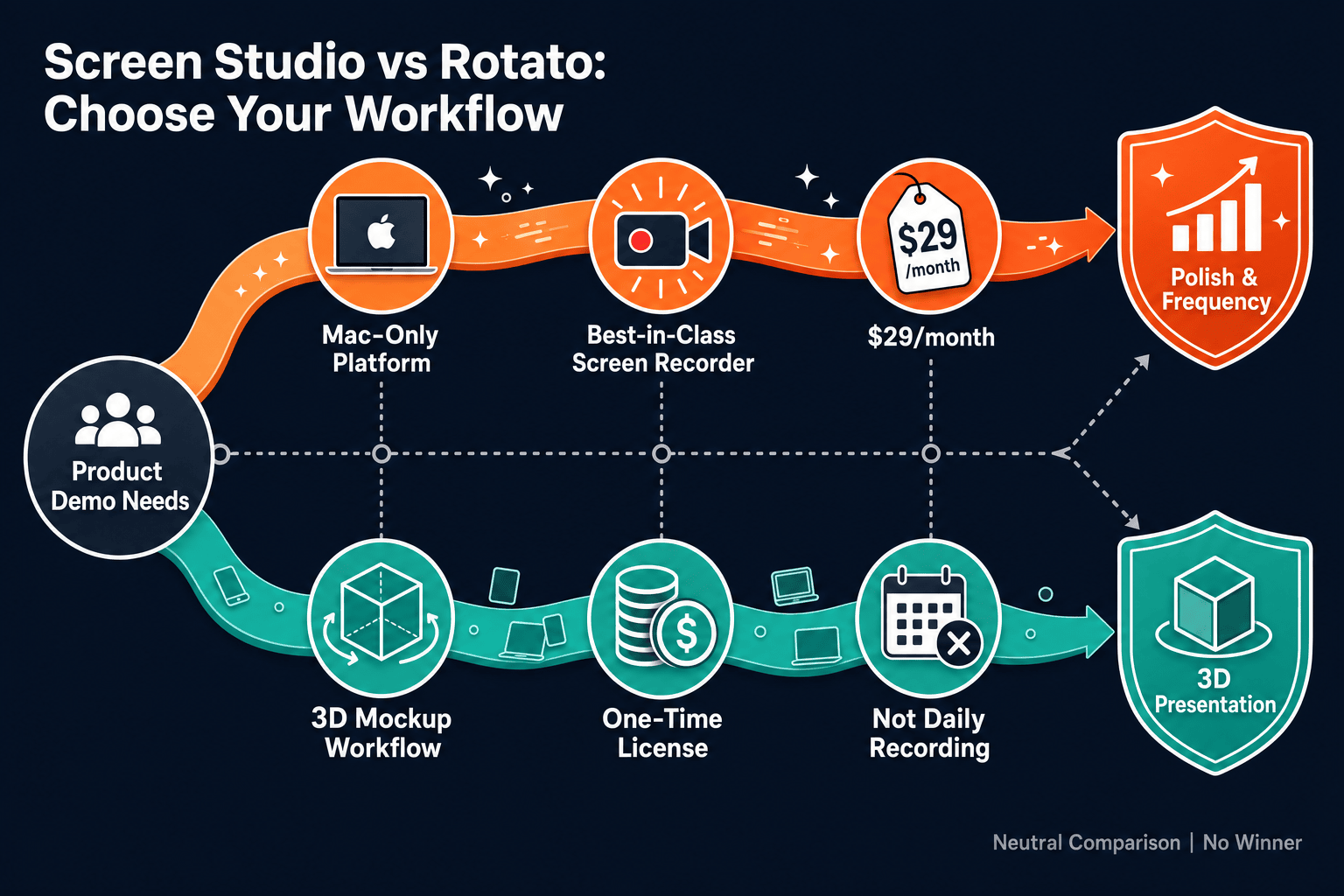
Winner: Docsie Recorder
Docsie Recorder is the only tool in this comparison that bridges the gap both Screen Studio and Rotato leave open. Screen Studio stops at a beautiful video file; Rotato stops at a stunning mockup image. Docsie Recorder starts with the same quality screen recording experience — zooms, crop, trim, speed regions, backgrounds, motion blur, annotations, and local MP4/GIF export — and then connects directly to Docsie's Video-to-Docs pipeline to turn that recording into structured documentation. It is free, open-source, and runs on macOS, Windows, and Linux, meaning the entire team can record, convert, and publish — not just Mac users with a subscription.
Decision Helper
A direct framework for picking between Screen Studio, Rotato, and Docsie based on your specific needs.
Polished Mac-only product demos with cinematic zoom and motion.
Animated 3D device mockups for marketing videos.

Convert real video into searchable docs, then deploy multi-tenant portals.
Common Questions
Q: Is Screen Studio better than Rotato for screen recording?
A: Yes, by a wide margin — but that is not a fair comparison because Rotato is not a screen recorder. Screen Studio captures live screen activity, webcam, audio, and iOS devices with automatic zoom and polished editing. Rotato accepts existing footage and places it inside 3D device mockups. If you need to record a workflow or tutorial, Screen Studio is the right tool. If you need to frame existing app footage inside a device scene for marketing, Rotato is the right tool.
Q: Can Rotato replace Screen Studio for creating product demo videos?
A: Not for most use cases. Rotato creates marketing-style mockup videos by animating a 3D camera around device scenes — it cannot record live screen activity or capture audio. Screen Studio records full demos with cursor smoothing, zoom, and audio capture. The two tools are complementary rather than interchangeable. A common workflow is to record with Screen Studio and then import that footage into Rotato for a polished App Store-style presentation.
Q: Do either Screen Studio or Rotato work on Windows or Linux?
A: No. Screen Studio is Mac-only and requires macOS Ventura 13.1 or later. Rotato's Mac app is also Mac-only, though Rotato's web app runs in any browser. Neither tool offers a native Windows or Linux desktop application, which is a meaningful limitation for cross-platform teams.
Q: Can Screen Studio or Rotato generate written documentation from recordings?
A: No. Neither Screen Studio nor Rotato has a video-to-docs pipeline, Markdown export, DOCX export, or PDF export. Both tools stop at a video or image file. Teams that need recordings to become written step guides, knowledge base articles, or structured documentation must use a separate tool. Docsie Recorder addresses this gap directly by connecting the recording workflow to Docsie's Video-to-Docs conversion pipeline.
Q: Is there a better alternative to both Screen Studio and Rotato?
A: Yes — Docsie Recorder is a free, open-source desktop screen recorder that runs on macOS, Windows, and Linux. It includes the same quality-of-life recording features teams value in Screen Studio — zoom, crop, trim, speed regions, backgrounds, motion blur, and annotations — and adds a direct pipeline to Docsie's Video-to-Docs conversion. One recording can become a polished MP4, a GIF, and a structured knowledge base article, all without leaving the Docsie workflow. For teams that need more than a video file at the end, Docsie Recorder closes the gap both Screen Studio and Rotato leave open.
Q: Which tool is better for a small marketing team on a budget?
A: Rotato has a free plan that lets you experiment with device mockup scenes at no cost, making it the lower-risk starting point for budget-conscious teams focused on App Store and social media visuals. Screen Studio has no free plan and starts at $29/month or $9/month billed yearly. If your team primarily needs screen recordings rather than mockup videos, Docsie Recorder is entirely free as an open-source desktop app, with no subscription required for recording and local MP4/GIF export.
Screen Studio delivers beautiful Mac recordings and Rotato delivers stunning 3D mockups — but both tools stop at a video or image file. Docsie Recorder is a free, open-source screen recorder for Mac, Windows, and Linux that goes further. Record a polished walkthrough, export it locally as MP4 or GIF, and then send it directly to Docsie's Video-to-Docs pipeline to generate structured Markdown, DOCX, or PDF documentation — all published into a versioned knowledge base your whole team can manage, search, and deliver to customers.
Docsie Recorder is free and open-source.