
4.8
on G2
 Docsie Recorder
 Claquette
Docsie Recorder is a free, open-source, cross-platform screen recorder that converts recordings into structured documentation and feeds a full enterprise knowledge base platform. Claquette is a lightweight Mac-only GIF and video utility with no documentation pipeline, no team features, and no enterprise path. If your team is evaluating screen recorders for documentation workflows, compliance, or multi-user deployments, this comparison covers what you need to know.
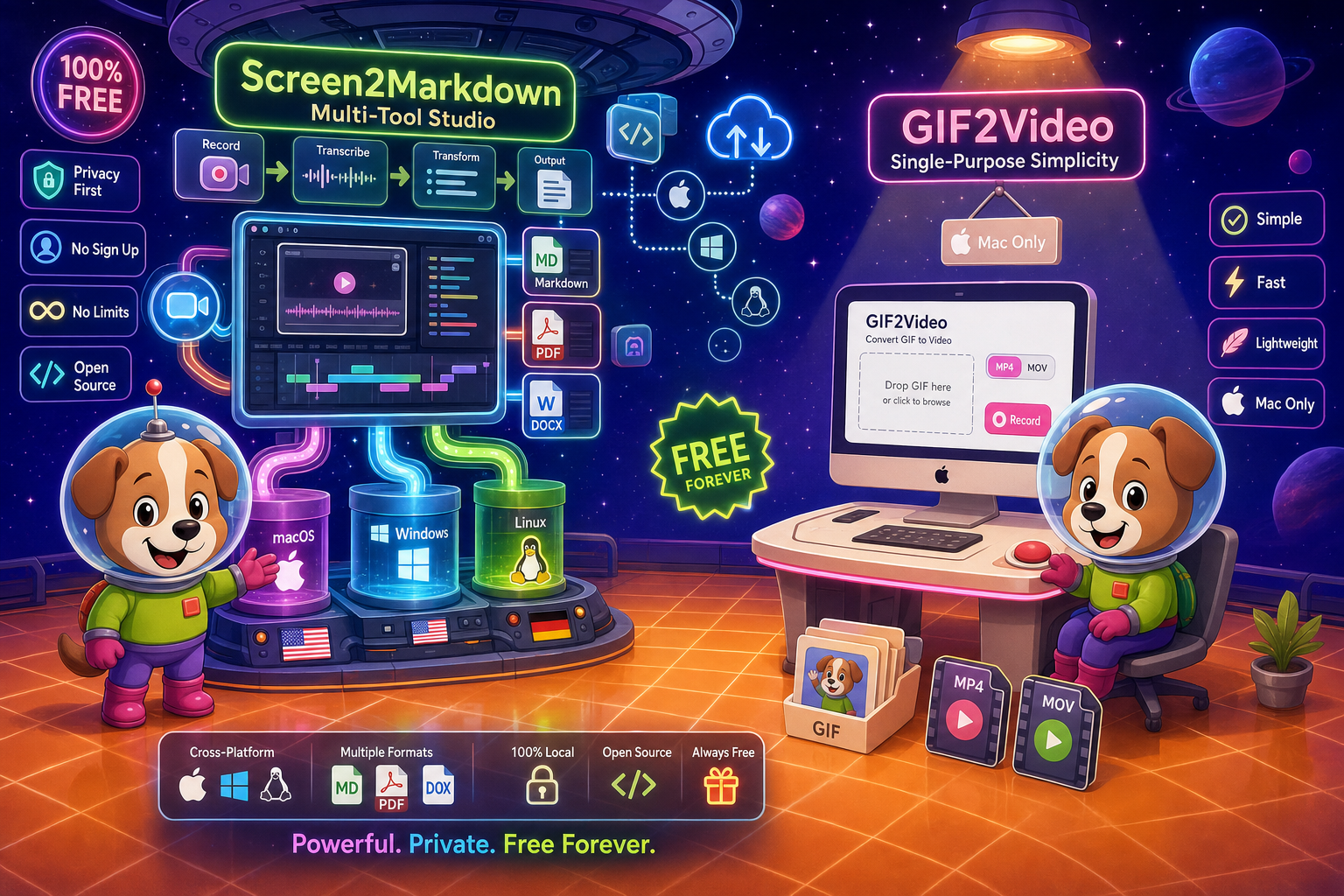
For enterprise buyers, Docsie Recorder and Claquette cover narrow slices (free and lightweight) while Docsie adds SSO, audit trails, multi-tenant portals, and compliance monitoring in one platform.
Feature Matrix
A focused comparison of recording capabilities, documentation pipeline, and enterprise-readiness features between Docsie Recorder and Claquette.
| Feature |
Docsie Recorder
Our Pick
|
Claquette
|
|---|---|---|
| Free Desktop Recorder | ||
| Open-Source Recorder Core | ||
| Mac Support | ||
| Windows Support | ||
| Linux Support | ||
| Window and Full-Screen Capture | ||
| Microphone Capture | ||
| System Audio Capture | Platform-specific | Limited public detail |
| Webcam Overlay | Limited public detail | |
| Automatic or Manual Zoom | ||
| Cursor or Focus Polish | ||
| Backgrounds and Visual Effects | ||
| Crop, Trim, Speed Regions | Trim only | |
| Annotations and Blur Regions | ||
| Local MP4 Export | ||
| Local GIF Export | ||
| Video-to-Docs Conversion | ||
| Markdown Export | ||
| DOCX Export | ||
| PDF Export | ||
| Knowledge Base Publishing | ||
| Versioned Documentation Management | ||
| Multi-Tenant Portal Delivery | ||
| SSO (SAML/OAuth) | ||
| Audit Logs | ||
| Role-Based Access Control | ||
| API Access | ||
| Enterprise Deployment Path |
Data as of 2026. Features based on publicly available information and vendor documentation. Confirm Claquette App Store in-app purchase details before relying on this comparison.
Strengths & Weaknesses
Deep Dive
An in-depth analysis of security and compliance, scalability and performance, administration and control, and support across both tools for teams evaluating enterprise readiness.
Docsie Recorder's open-source core means any security team can audit the recording binary directly — there is no black-box capture agent. The downstream Docsie platform adds SSO via SAML, OAuth, and OIDC, audit logs for all documentation events, GDPR-ready data handling, and EU data residency options. Compliance workflows can route generated documentation through approval chains before publication. Claquette is a single-user Mac utility with no SSO, no audit logs, no compliance certifications, and no data governance features. For any regulated industry or enterprise security review, Claquette presents no enterprise security posture whatsoever.
Docsie Recorder performs all capture and editing locally, so recording performance scales with the user's machine rather than a shared cloud service. The Video-to-Docs API is designed to handle concurrent conversion jobs at team scale, and the downstream Docsie knowledge base platform is built for multi-tenant delivery — one workspace can serve unlimited portals and documentation sets. Claquette is architected as a single-user desktop utility. It has no concept of concurrent users, team workspaces, or scalable content delivery. There is no path to deploy Claquette at organizational scale, and no infrastructure designed to support it.
Docsie Recorder provides workspace-level administration through the Docsie platform: role-based access control, workspace and portal management, content approval workflows, version control with inheritance, and multi-tenant portal delivery. Administrators can control who records, who can trigger Video-to-Docs conversions, and who publishes to which portals. Claquette has no administrative controls of any kind. There is no user management, no role assignment, no content approval, and no organizational hierarchy. Every user of Claquette operates as an independent single-user installation with no shared governance layer.
Docsie provides dedicated support tiers, documented SLAs, and an enterprise support path for teams that need guaranteed response times and escalation routes. The open-source recorder core also means teams can self-support at the binary level or contribute fixes directly. Claquette is distributed through the Mac App Store by a small independent developer (Peakstep). There is no published SLA, no enterprise support tier, no dedicated account management, and no formal escalation path. Support is community-based and App Store review-driven, which is not suitable for enterprise procurement or vendor risk assessments.
Our Recommendation
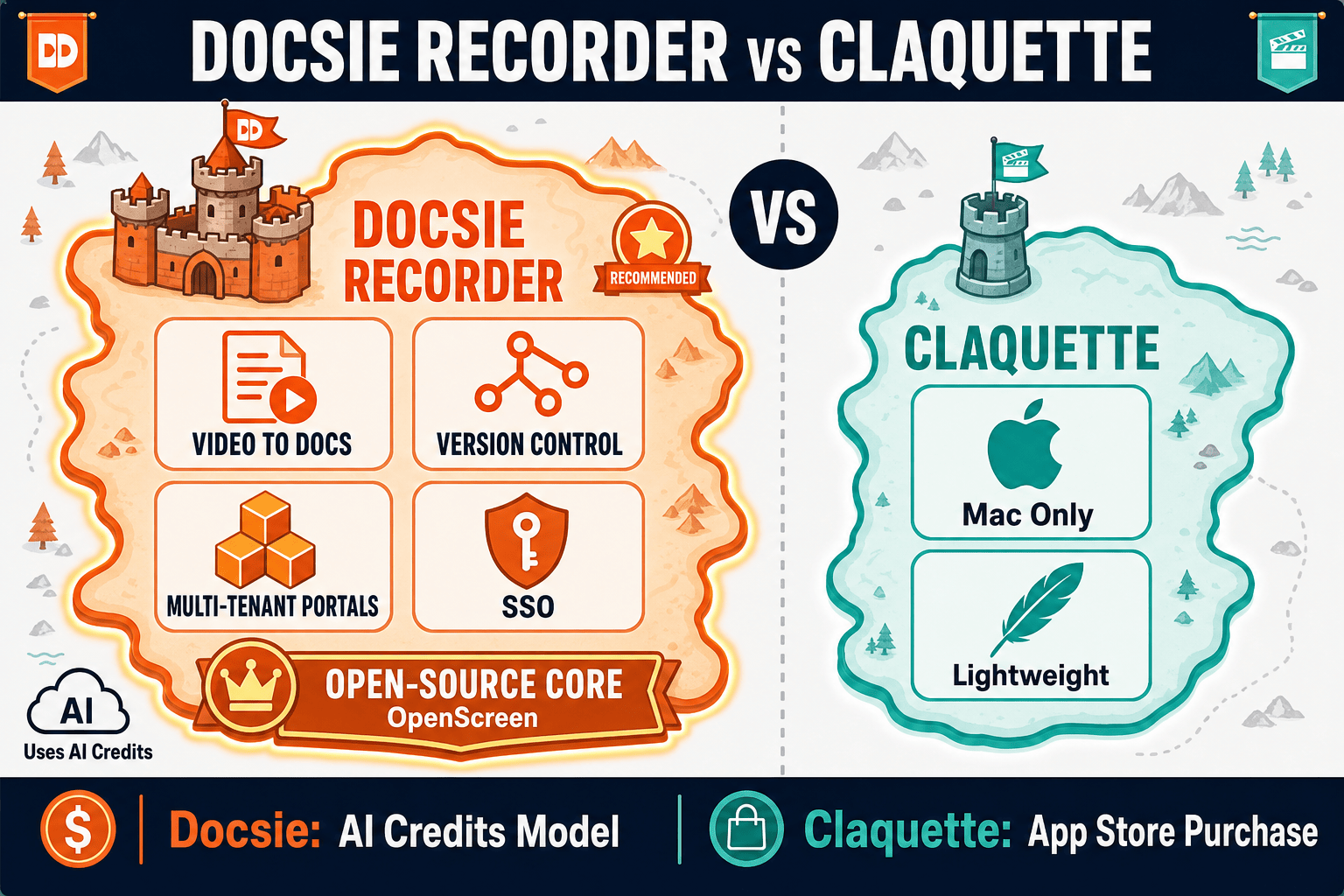
This comparison is not close from an enterprise readiness perspective. Claquette is a well-made lightweight GIF and video utility for individual Mac users. It was never designed for teams, enterprises, or documentation workflows. Docsie Recorder is a CREATE-pillar tool built to feed a full enterprise documentation platform — with open-source auditability, cross-platform support, a Video-to-Docs pipeline, and downstream capabilities covering knowledge base management, versioning, SSO, audit logs, and multi-tenant portal delivery. For any team evaluating screen recorders for enterprise use, Docsie Recorder is the only option in this comparison with an actual enterprise path.
Choose Docsie Recorder if you need...
Choose Claquette if you need...
Winner: Docsie Recorder
Docsie Recorder is the clear choice for any enterprise or team evaluation. It is free, open-source, cross-platform, and the only tool in this comparison with a documented path from screen recording through Video-to-Docs conversion to a full enterprise knowledge base platform with SSO, audit logs, versioning, and multi-tenant portal delivery. Claquette is a capable single-user Mac utility but has zero enterprise readiness features, no documentation pipeline, and no team or organizational capabilities.
Decision Helper
A direct framework for picking between Docsie Recorder, Claquette, and Docsie based on your specific needs.
Docsie's free browser-based recorder that pipes captures straight into Docsie SOPs.
Mac screen recorder with native gif and video output.

Convert real video into searchable docs, then deploy via multi-tenant portals.
Common Questions
Q: Does Claquette support SSO or any enterprise access controls?
A: No. Claquette is a single-user Mac utility distributed through the App Store with no SSO, no SAML or OAuth integration, no role-based access control, and no audit logs. It has no enterprise access control features of any kind. Docsie Recorder connects to the Docsie platform which supports SAML, OAuth, OIDC, and enterprise SSO providers alongside full RBAC and audit logging.
Q: Can Claquette be deployed across a Windows or Linux enterprise environment?
A: No. Claquette is macOS-only and has no Windows or Linux support. For cross-platform enterprise deployments, Docsie Recorder provides native builds for macOS, Windows, and Linux, making it suitable for mixed-OS enterprise environments where a single recording standard is needed across teams.
Q: Is Docsie Recorder's open-source core a security advantage for enterprise buyers?
A: Yes. The open-source MIT-licensed recorder core means enterprise security teams can audit the binary, review the capture logic, and assess exactly what data is recorded and where it goes. Claquette is closed-source with no auditable codebase. For organizations with vendor security assessment requirements, Docsie Recorder's open-source foundation provides a transparency advantage that a closed-source Mac utility cannot match.
Q: What compliance and audit capabilities does Docsie Recorder provide downstream?
A: Through the Docsie platform, recordings converted via Video-to-Docs can be routed into documentation workflows with full audit logs, approval chains, version control, and compliance monitoring. The platform supports GDPR-ready data handling, EU data residency, and integration with broader AUTOMATE and MONITOR workflows. Claquette provides no compliance features and no audit capability of any kind.
Q: Is Claquette suitable for a team documentation workflow?
A: No. Claquette is a single-user utility with no team features, no shared workspace, no content management, and no publishing pipeline. It produces GIF and video files that must be shared manually. Docsie Recorder is designed for team workflows where recordings feed directly into a shared documentation platform with versioning, portals, and role-based access.
Q: What is the enterprise upgrade path from Docsie Recorder compared to Claquette?
A: Docsie Recorder has a defined enterprise path — the free recorder connects to Docsie's Video-to-Docs API, and the Docsie platform offers enterprise tiers with SSO, dedicated support, SLAs, multi-tenant portals, and compliance features. Claquette has no enterprise tier, no SLA, no dedicated support, and no organizational upgrade path beyond individual in-app purchases.
Download Docsie Recorder free and get a cross-platform, open-source screen recorder that feeds directly into structured documentation and a full enterprise knowledge base platform. No closed-source utility. No dead-end video file. A real enterprise CREATE workflow.
Free recorder with no account required. Video-to-Docs conversion uses Docsie AI credits. Enterprise platform available for teams.