
How to Find W2 in Workday
This guide walks you through locating, reviewing, and saving your W-2 form using Workday. Follow the steps below to access your payroll records, download the correct tax year's form, and store it securely for tax filing.
Video: New How To Find Your W2 Tax Form On Workday Full Guide (2025) by Guide Gurus (2025). All credit for the demonstration goes to the creator; watch the original on YouTube. The written guide below was generated from this video by Docsie. Creator? Request a change or removal.
This guide walks you through locating, reviewing, and saving your W-2 form using Workday. Follow the steps below to access your payroll records, download the correct tax year's form, and store it securely for tax filing.
Prerequisites
- An active Workday account with a valid username and password.
- Access to the Payroll section, typically found under My Account or Employee Self-Service.
Steps to access your W-2 form
-
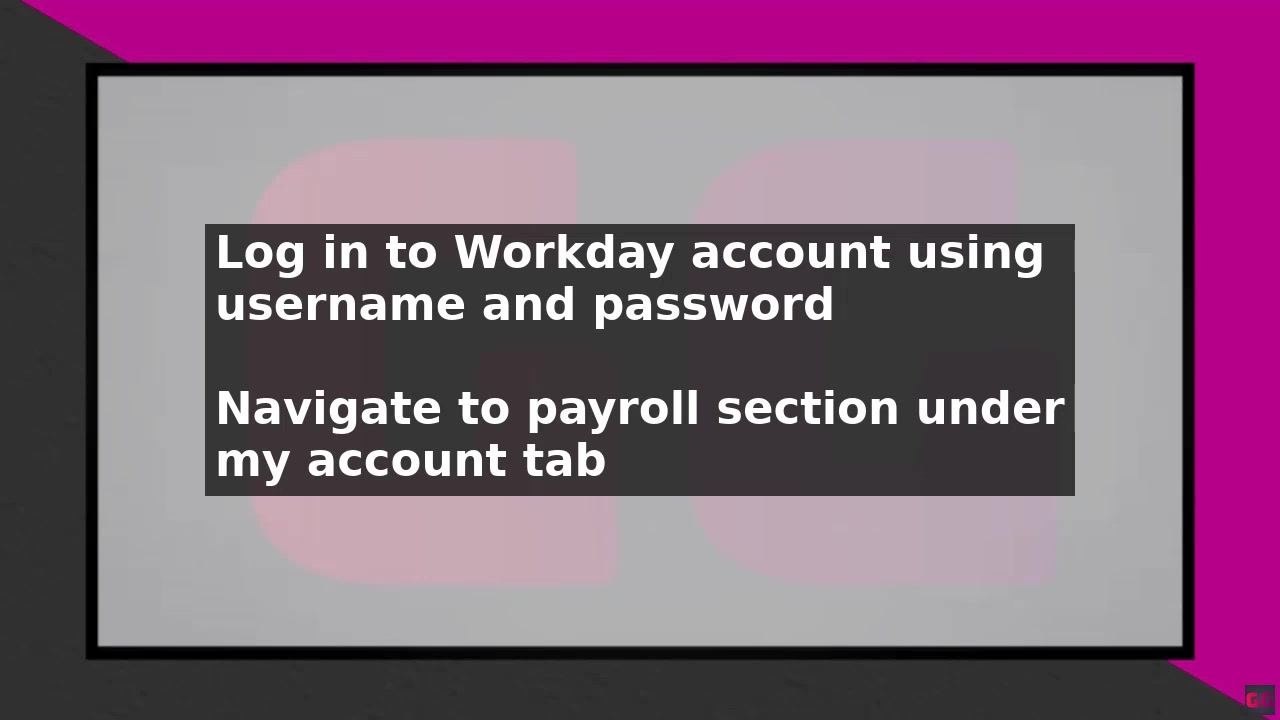
Log in to your Workday account using your username and password.
-
Navigate to the Payroll section. This is typically found under the My Account or Employee Self-Service tab.
-
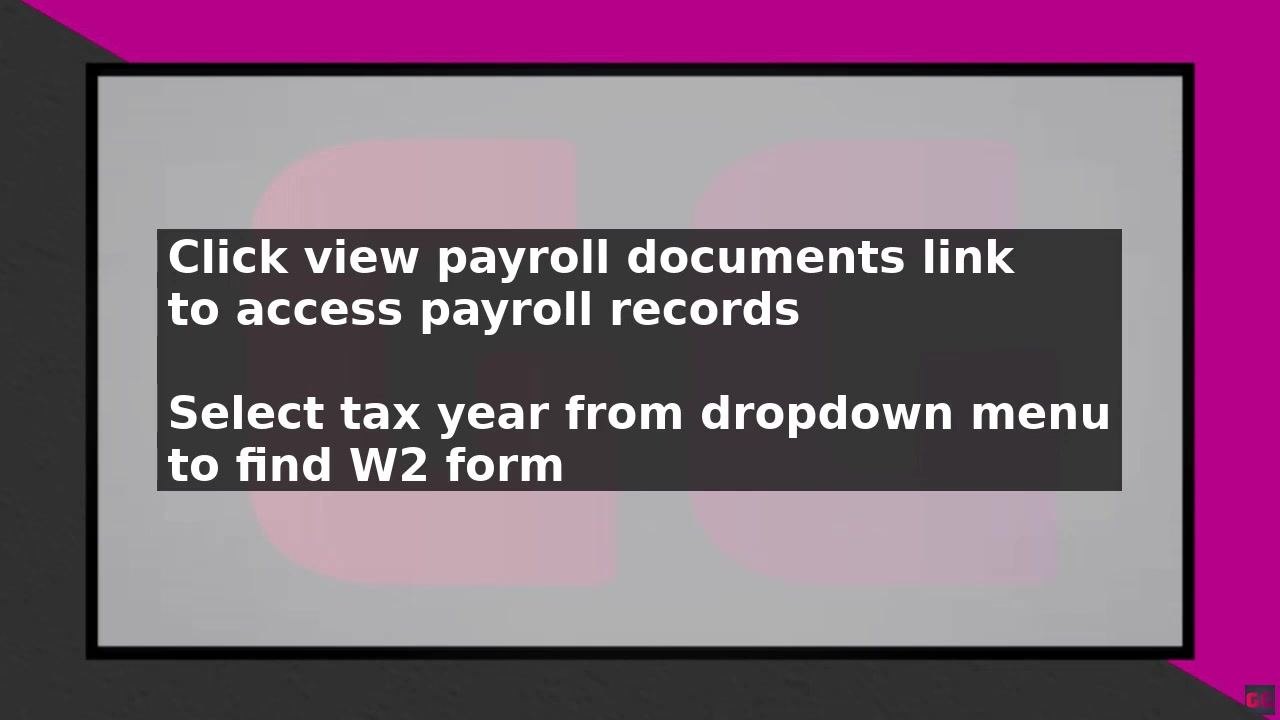
In the Payroll section, click View Payroll Documents to access your payroll records.
-
On the payroll documents page, locate the drop-down menu at the top of the page.
-
Select the tax year for which you want to view your W-2 form from the drop-down menu.
-
Click the W-2 link to view and download your form for the selected tax year.
-
Your W-2 form will be displayed on the screen.
-
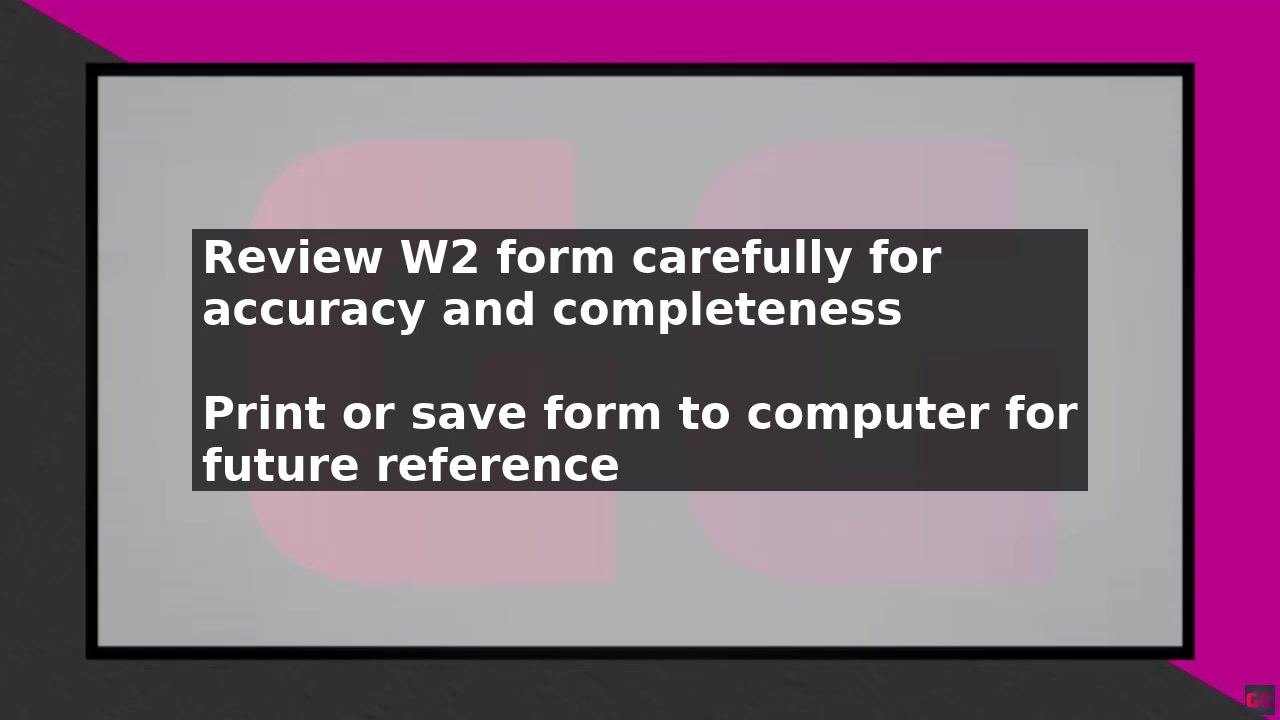
Review your W-2 form carefully to ensure all information is accurate and complete.
-
Print or save the W-2 form to your computer for future reference.
If you have trouble finding your W-2 form
If you cannot locate your W-2 form in Workday, contact your payroll department or HR representative for assistance. They can help you troubleshoot any issues and provide further guidance on accessing your form.
Tips: - Always save a copy of your W-2 form to your computer or an external hard drive for your records. - Double-check all details on your W-2 form before submitting it for tax purposes.
Best practices for managing your W-2 form
Once you have downloaded your W-2 form, follow these recommendations to keep it secure and ready for tax filing.
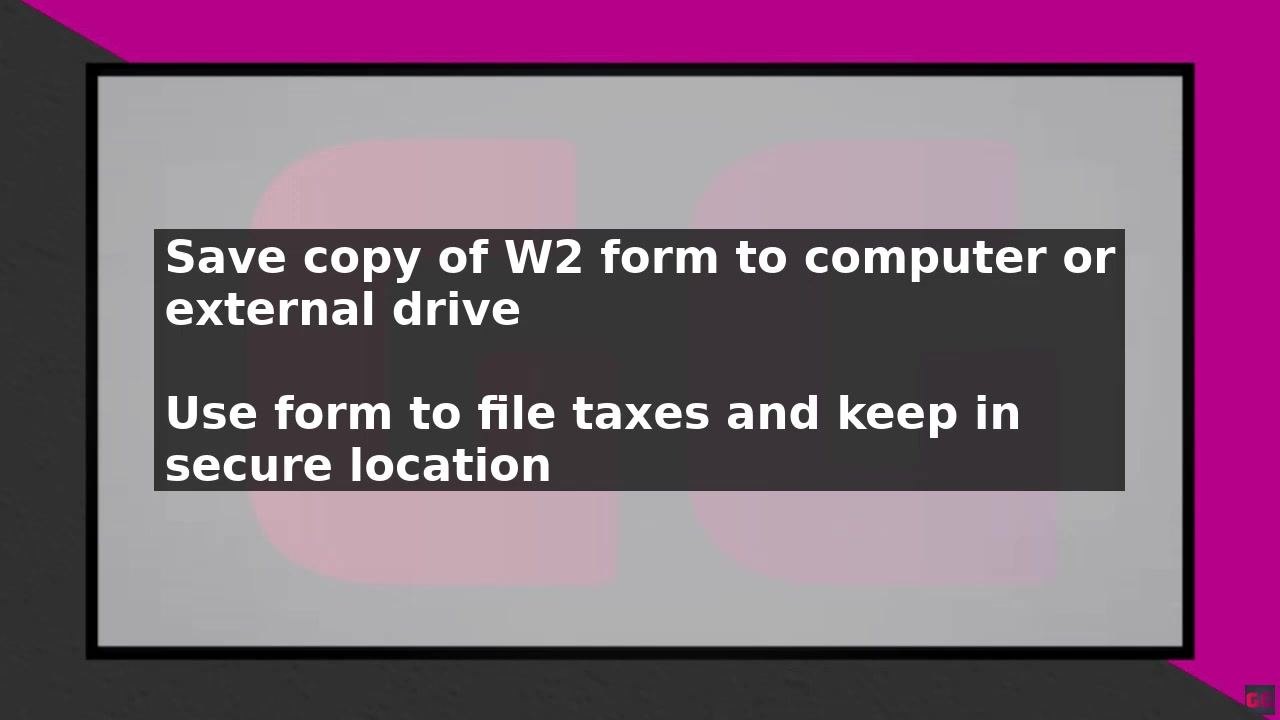
- Save a copy of your W-2 form to your computer or an external hard drive. This ensures you have a backup in case you need to access it in the future. Use a secure folder or encrypted drive if possible for added protection.
-
Use your W-2 form to file your taxes. Refer to the saved digital copy or print a physical copy as needed for your tax preparation.
-
Keep your W-2 form in a safe and secure location. Store both digital and printed copies in places protected from unauthorized access or loss.
-
Review your W-2 form carefully for accuracy and completeness before using it for tax filing. Double-check all personal and financial information.
-
Always save a copy of your W-2 form for your records. Retain your W-2 forms for several years, as they may be needed for future reference or audits.
-
If you encounter any issues or cannot locate your W-2 form, contact your payroll department or HR representative for assistance.
Best Practices: - Use strong passwords and secure storage for digital copies. - Do not share your W-2 form with unauthorized individuals. - Back up your files regularly to prevent data loss.
Summary
By following these steps, you can quickly and easily access your W-2 form in Workday and use it to file your taxes. Review your form carefully and save a copy for your records so it remains safe, accessible, and ready whenever you need it.
Generation details: cost, quality tiers
Docsie billed 1,500 credits ($1.05) to analyze this 3-minute video at standard quality. The rewrite, template fill and Word/PDF exports were included. The same video at each quality tier:
| Quality | Frames sampled | Credits | Approx. cost |
|---|---|---|---|
| Draft | every 16-30 s | 750 | $0.52 |
| Standard (this guide) | every 8-15 s | 1,500 | $1.05 |
| Detailed | every 4-7 s | 3,000 | $2.10 |
| Ultra | every 1-3 s | 6,000 | $4.20 |
Credits priced at $0.70 per 1,000; plans include a monthly allowance. Enterprise customers on on-premise or bring-your-own-model deployments run this on their own inference and pay no per-video credits.
Generated by Docsie Video-to-Docs on 2026-09-08 from a 2-minute video. Screenshots are frames from the source video and belong to their creator, Guide Gurus, whose original is embedded above. If you own this video and want the guide removed or credited differently, contact us and we will act within one business day.