
How to Write a Haccp Plan
Foodborne illness affects an estimated 600 million people every year, and for roughly 3,000 of them the outcome is fatal. Despite advances in technology and medicine, contamination risks persist and, in some cases, have grown more severe. Learning how to write a HACCP plan gives your operation a structured way to identify hazards, control them at critical points, and document every safeguard so that both consumers and your business stay protected. This guide walks through each part of a HACCP plan, from scoping your process to keeping the records that prove compliance.
Video: Food Safety - Creating a HACCP Plan by MadgeTech, Inc. (2018). All credit for the demonstration goes to the creator; watch the original on YouTube. The written guide below was generated from this video by Docsie. Creator? Request a change or removal.
Foodborne illness affects an estimated 600 million people every year, and for roughly 3,000 of them the outcome is fatal. Despite advances in technology and medicine, contamination risks persist and, in some cases, have grown more severe. Learning how to write a HACCP plan gives your operation a structured way to identify hazards, control them at critical points, and document every safeguard so that both consumers and your business stay protected. This guide walks through each part of a HACCP plan, from scoping your process to keeping the records that prove compliance.
Prerequisites
Before you draft a HACCP plan, you need a clear picture of how foodborne pathogens spread and why standard controls matter.
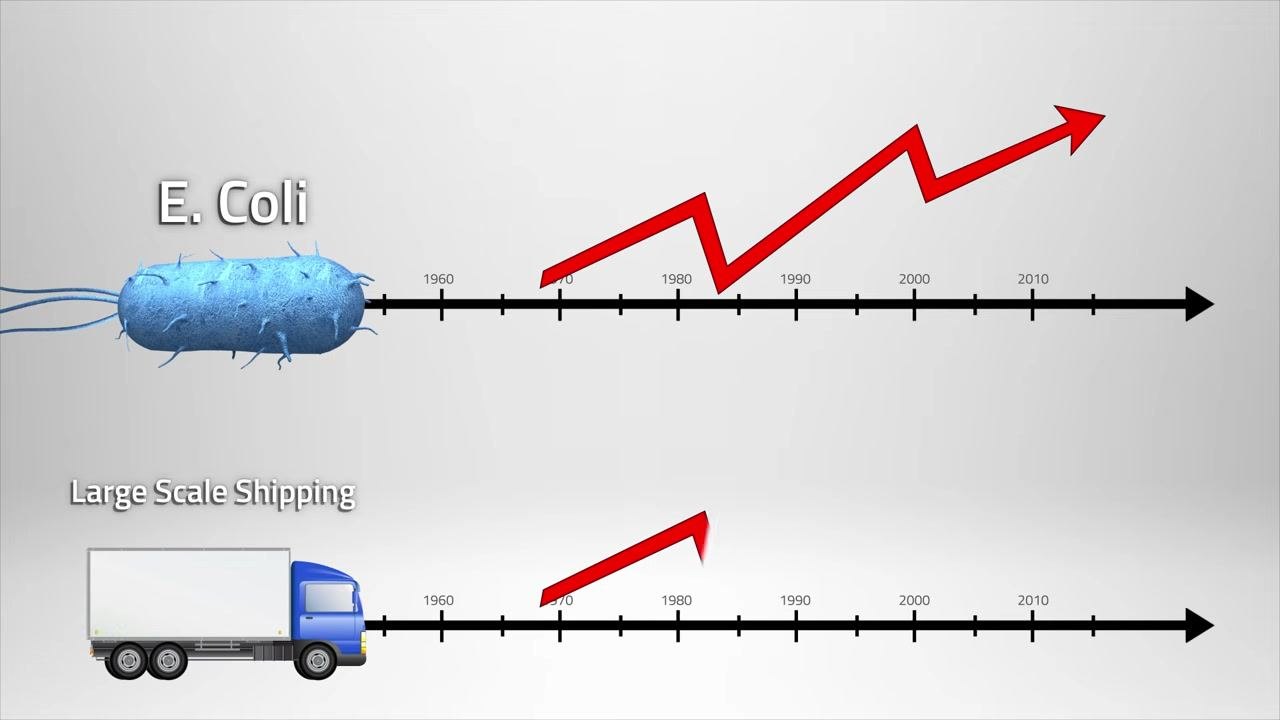
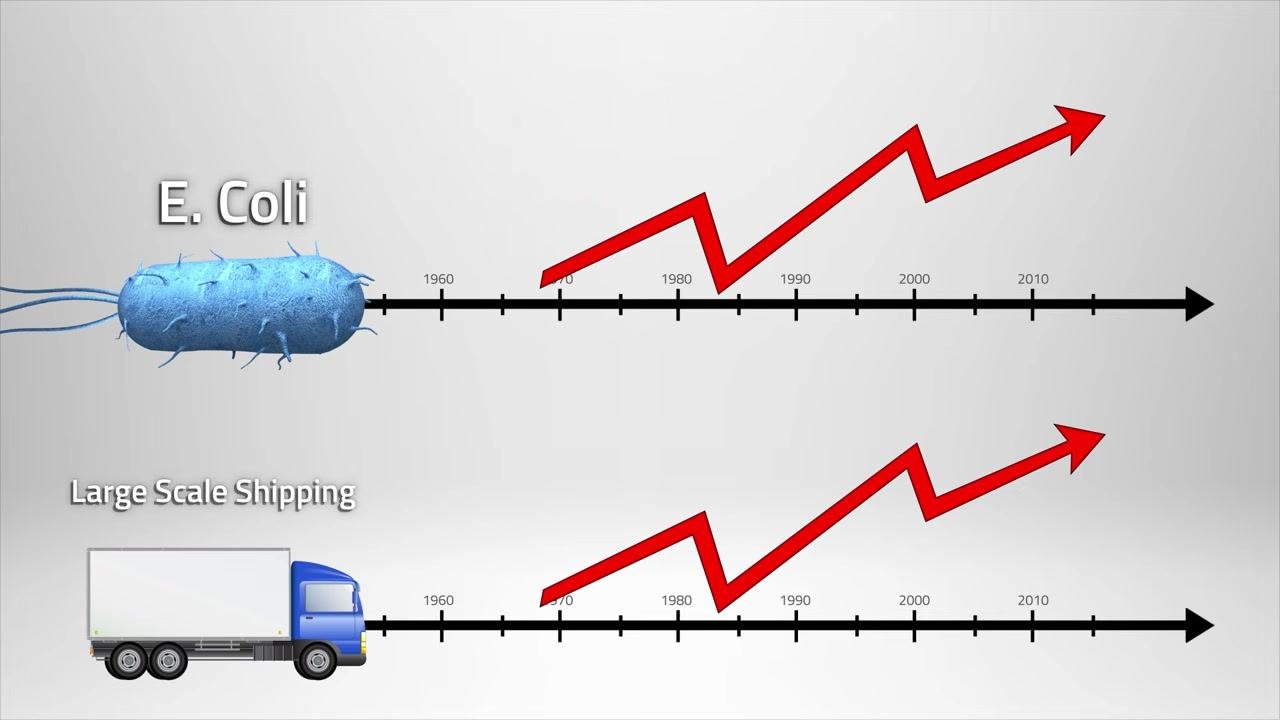
- Globalization and large-scale shipping have made it easier for pathogens to travel and persist, which is why continuous monitoring across the supply chain is essential.
- Some pathogens, such as certain E. coli strains, have evolved beyond common food-poisoning symptoms to cause kidney damage and resist antibiotics, so controls must be rigorous rather than assumed adequate.
- You should understand the three hazard categories (biological, chemical, physical) and have access to monitoring tools such as data loggers before you begin building the plan.
Process scope
A HACCP plan begins by defining the boundaries of the process you are monitoring: the product, the facility, the preparation steps, and how the product reaches the consumer. The source material illustrates this with a generic supply chain that moves food from the butcher through transportation to the supermarket, with monitoring applied at every stage of that journey.
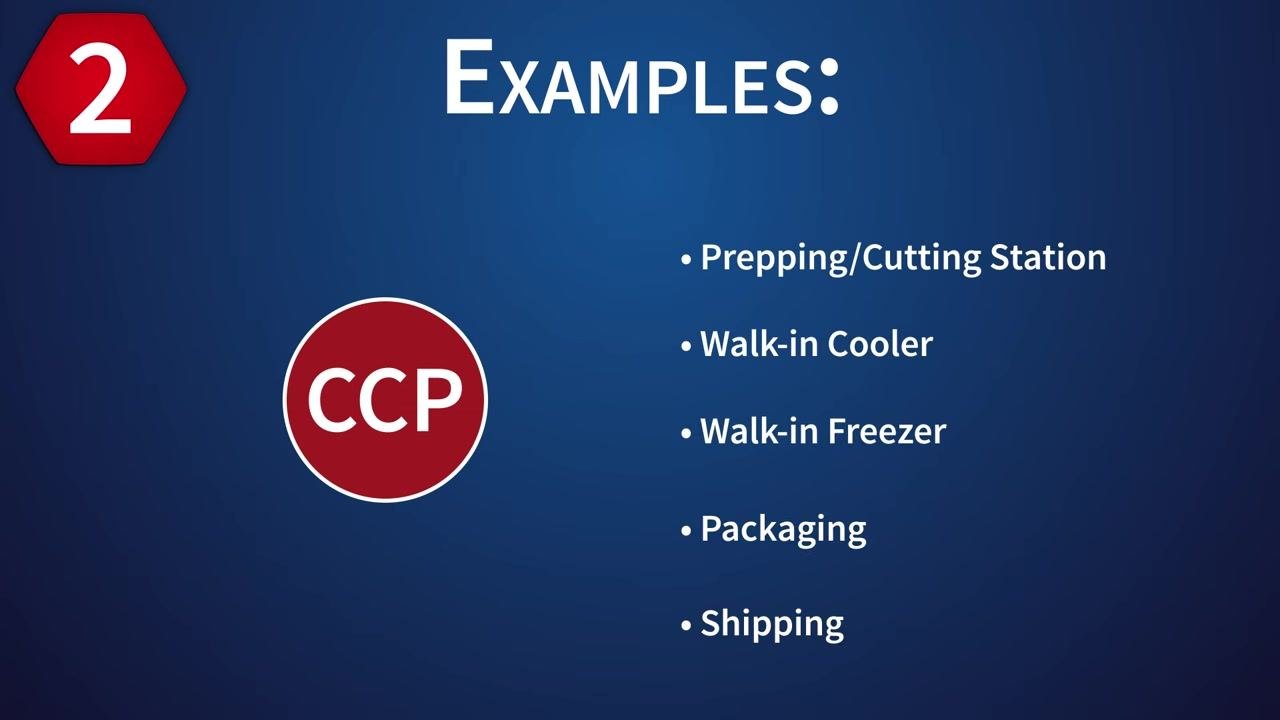
Within a processing facility, the relevant environments typically include:
- Prepping/Cutting Station
- Walk-in Cooler
- Walk-in Freezer
- Packaging
- Shipping
When you write your own plan, replace this generic flow with your specific product, facility location, preparation steps, service method, and intended consumers.
Hazard analysis
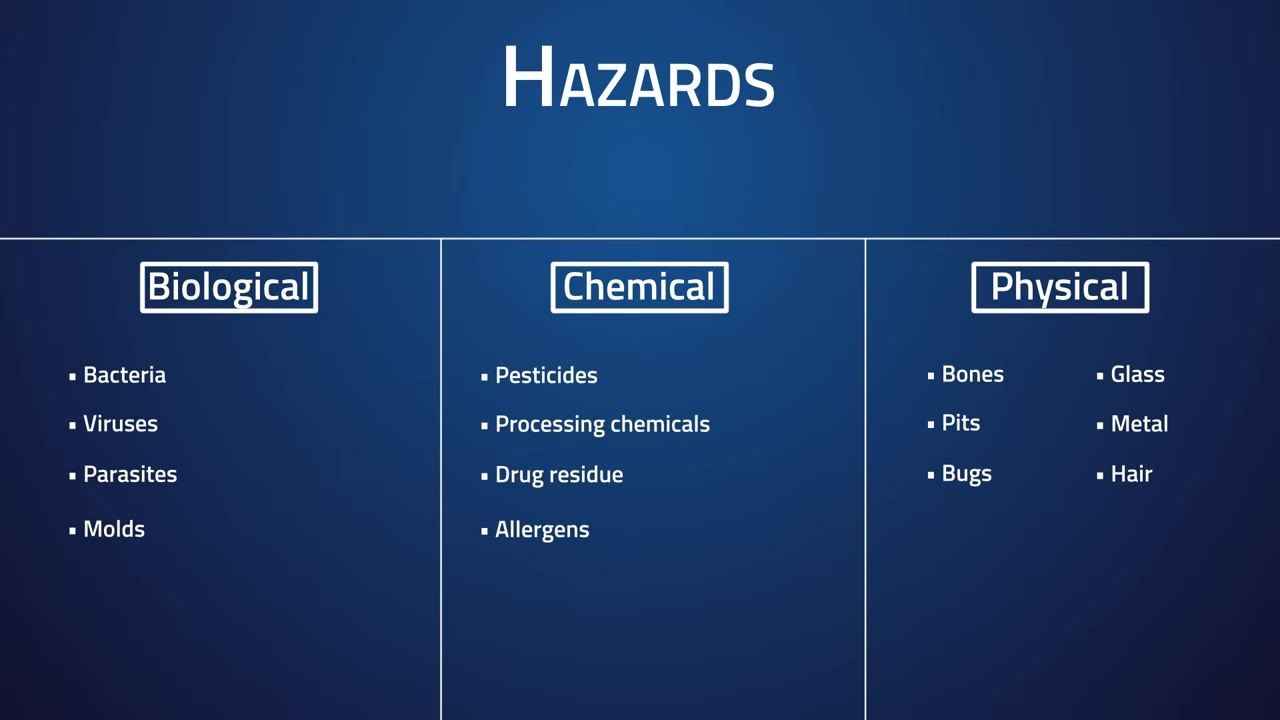
Once your scope is defined, identify the biological, chemical, and physical hazards that could make food unsafe at each stage. A HACCP plan exists specifically to catch these hazards before they reach the consumer.
| Hazard type | Examples |
|---|---|
| Biological | Bacteria, viruses, parasites, molds |
| Chemical | Pesticides, processing chemicals, drug residue, allergens |
| Physical | Bones, pits, bugs, glass, metal, hair |
Document which of these hazards could occur at each process step you defined in your scope, since the same hazard category (for example, bacteria) may appear at multiple stages such as prepping, storage, and shipping.
Critical control points
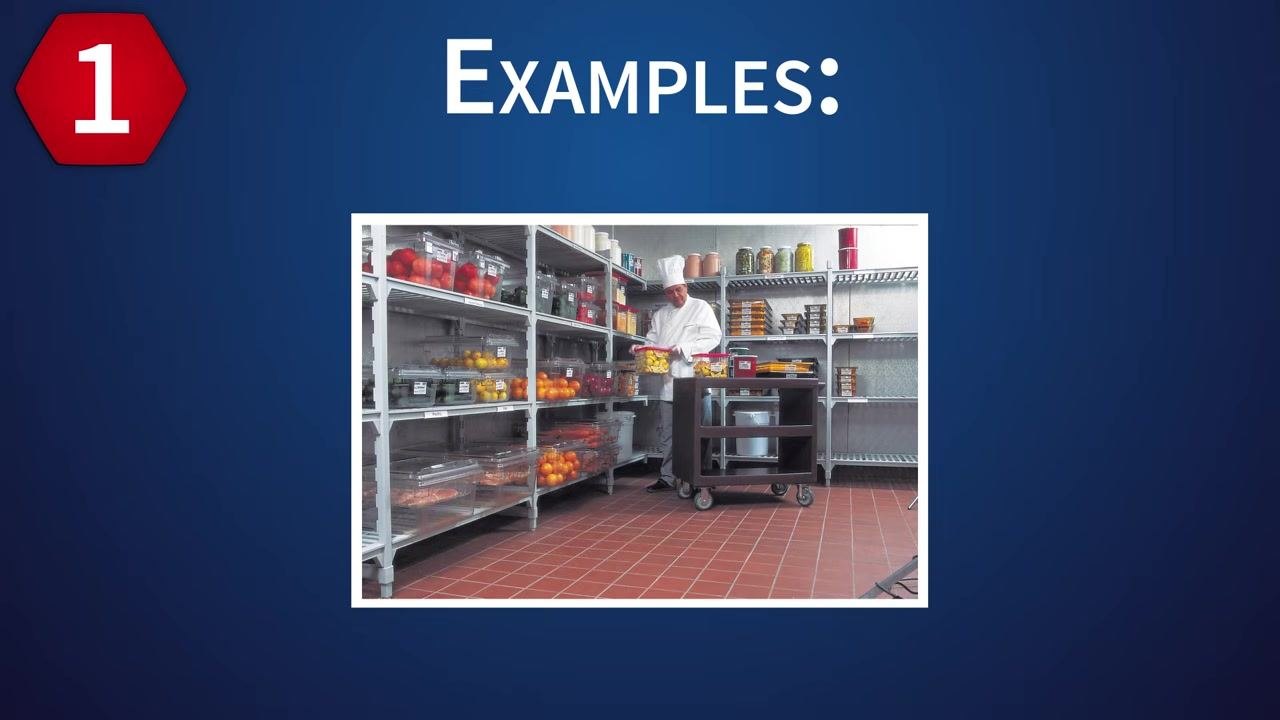
A critical control point (CCP) is any stage in your process where you can apply control to prevent or eliminate a food safety hazard. Identify CCPs by reviewing every step, procedure, and environment where food is stored, processed, or handled, including storage environments such as walk-in coolers, prep stations, and shelving areas.
Common CCPs identified in food processing include:
| Critical Control Point | Critical limit (example) | Responsible role | Required equipment |
|---|---|---|---|
| Prepping/Cutting Station | Facility-defined temperature/humidity range | Processing staff | Data logger |
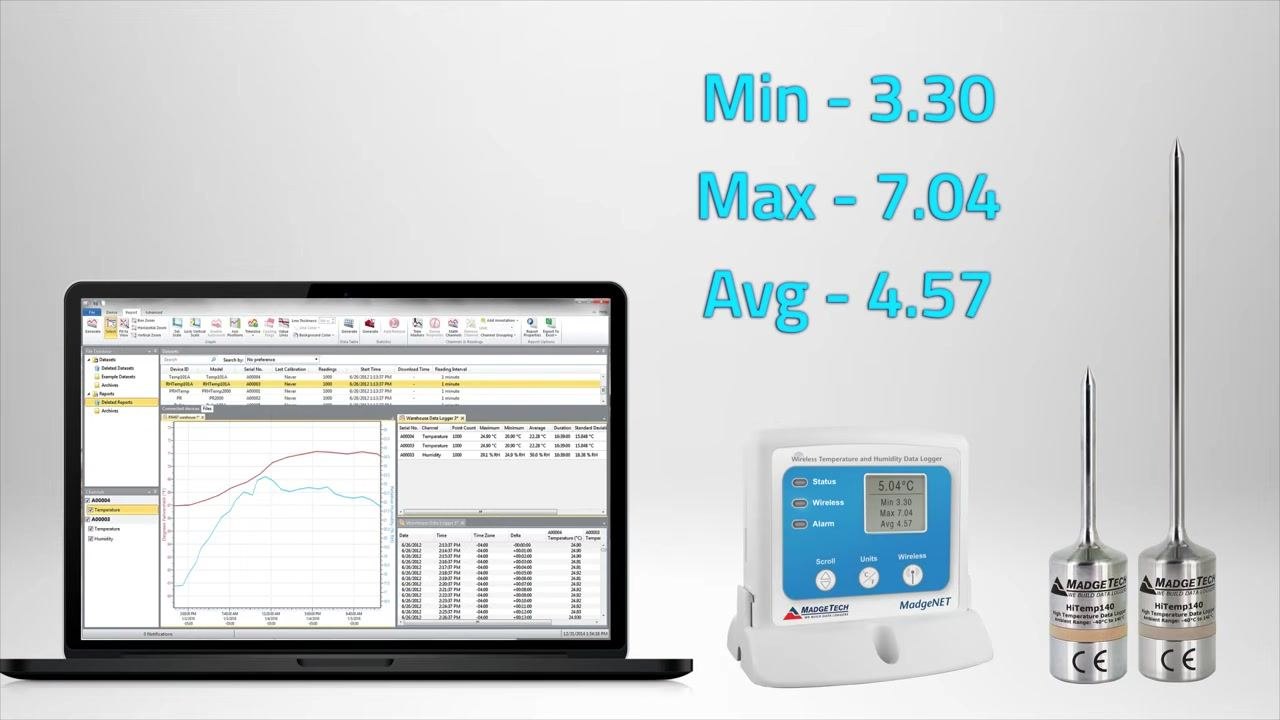
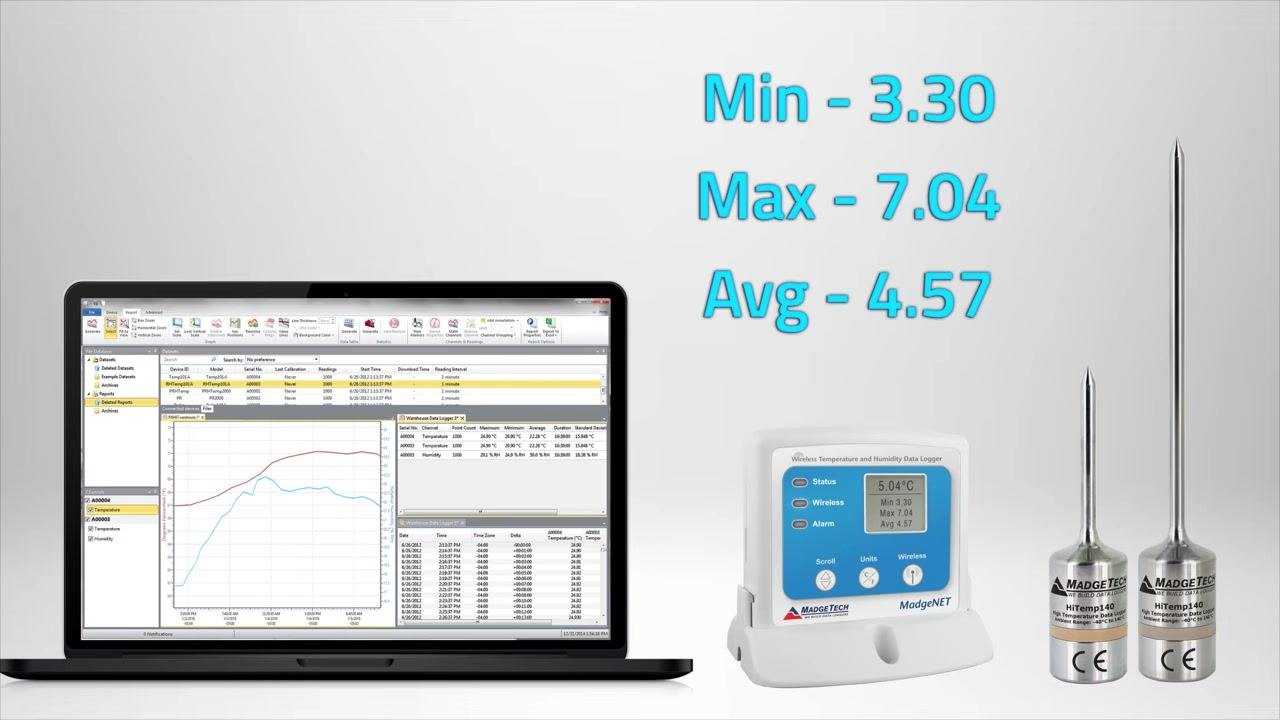
| Walk-in Cooler | Example: Min 3.30°, Max 7.04°, Avg 4.57° | Storage staff | Wireless temperature/humidity data logger |
| Walk-in Freezer | Facility-defined temperature range | Storage staff | Data logger |
| Packaging | Facility-defined parameter range | Packaging staff | Data logger |
| Shipping | Facility-defined parameter range | Shipping/logistics staff | Data logger, monitoring software |
For each CCP, select the logger model appropriate to the conditions it will face, including options built for extreme high or low temperatures, to ensure accurate monitoring at every stage of food processing.
Monitoring
Monitoring is how you confirm that each CCP stays within its critical limits. Use data loggers to record temperature and humidity at every stage of shipping and processing, covering every transition from the butcher, through transportation, to the supermarket.
Your monitoring protocol document should define:
- Acceptable parameter ranges for temperature and humidity.
- The maximum acceptable time food can remain outside those ranges.
- The rate at which the data logger collects readings.
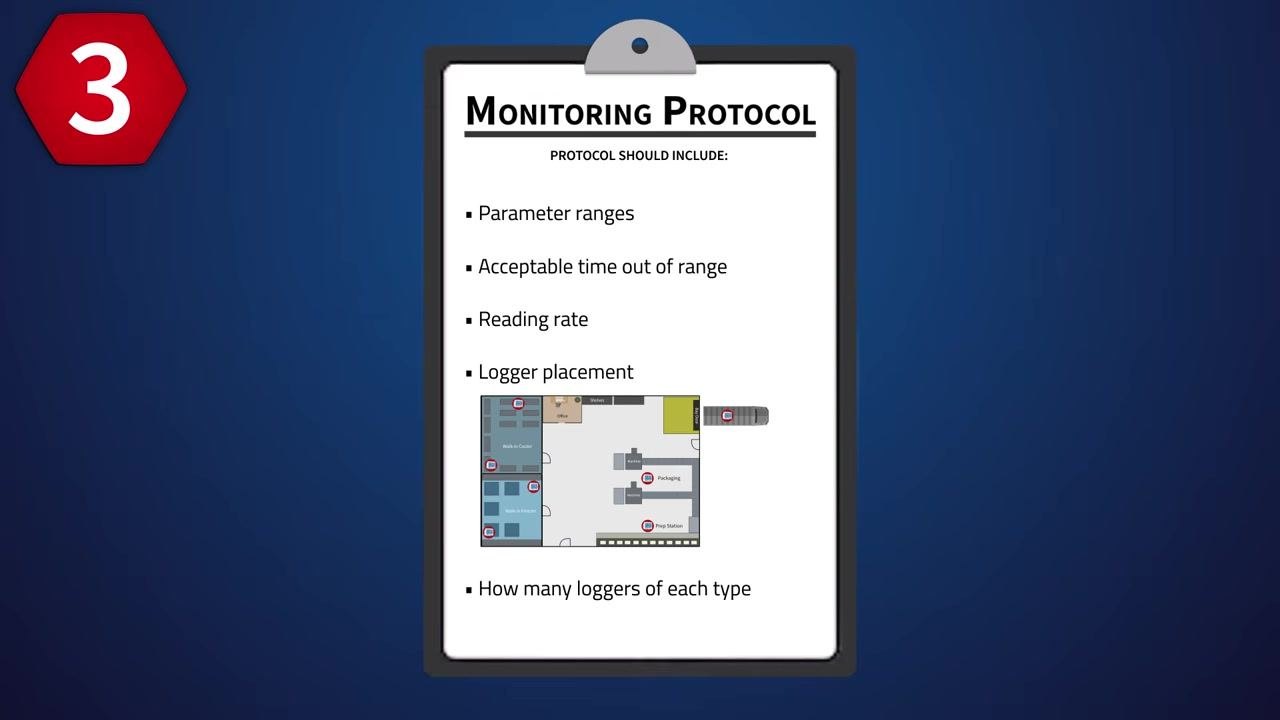
You also need to document where loggers are placed and how many are required. Record logger placement across all CCPs, coolers, storage, and processing areas, and specify how many loggers of each type are needed per zone.
What is checked: Temperature and humidity at each CCP. Frequency: Continuous, based on the reading rate defined in your protocol. Method: Wireless data loggers that transmit readings automatically, removing the need for manual checks. Record location: Monitoring software installed on a dedicated monitoring computer or server.
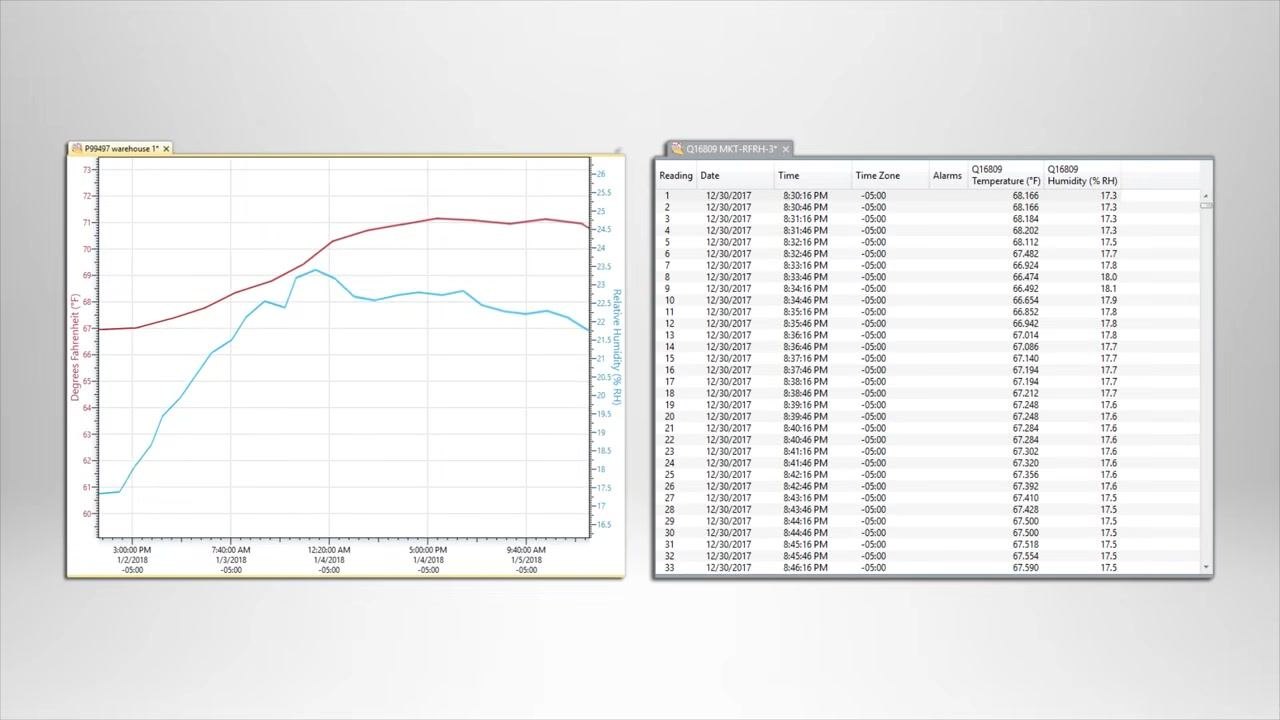
Wireless loggers can transmit readings directly to monitoring software, which converts incoming data into graphs and organized data tables for quick analysis.
Within that software, you can configure user-defined temperature and humidity thresholds for each environment and enable automatic alerts, including notifications sent to a mobile device, whenever a reading falls outside the safe range. Reviewing minimum, maximum, and average statistics for each channel (for example, Min 3.30, Max 7.04, Avg 4.57) lets you quickly assess the status of every monitored environment. A cloud account also allows you to manage loggers, view real-time data, and review historical records from any internet-enabled device.
Corrective actions
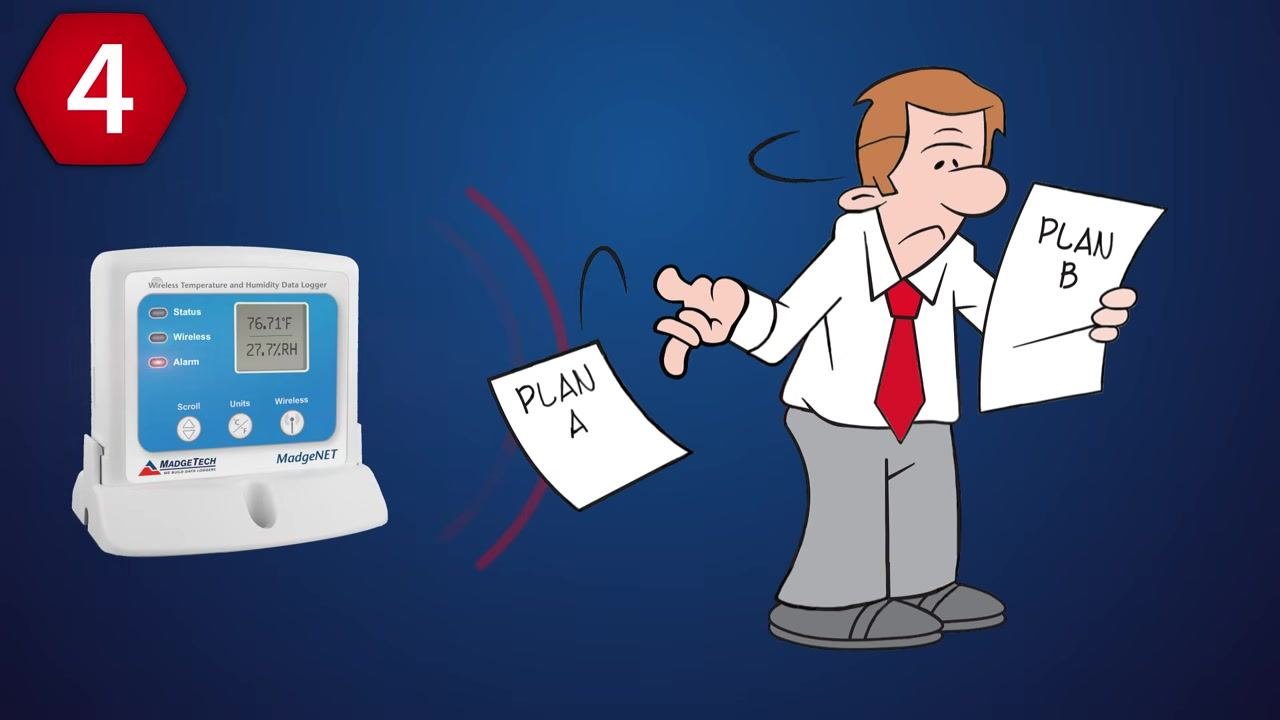
Your plan must define what happens when a temperature or humidity threshold is exceeded, or when food safety is otherwise compromised. Outline specific corrective actions for each scenario, and prepare an alternative plan (a "Plan B") for situations where the standard procedure fails.
Document product disposition for each corrective action, such as whether affected product is held, discarded, or reprocessed, so staff know exactly how to respond when a limit is missed.
Verification
Verification confirms that your monitoring and corrective action procedures are actually working as designed. The source material lists "monitoring and verification procedures" as a required component of HACCP-compliant record-keeping, but does not detail specific supervisor review schedules, calibration steps, audit cadence, or validation activities. When you write this section of your own plan, define who reviews monitoring data, how often equipment is calibrated, how audits are conducted, and how the overall plan is validated for effectiveness.
Records
Comprehensive record-keeping ensures your food safety and data monitoring plans stay properly documented and updated as conditions change. A HACCP-compliant record set should include:
| Record | Description |
|---|---|
| Written HACCP Plan | The complete documented plan |
| Hazard Analysis | Identified biological, chemical, and physical hazards |
| Critical Control Points | List of CCPs across the process |
| Parameter Thresholds | Defined limits for each CCP |
| Monitoring and Verification Procedures | How checks are performed and confirmed |
| Record-Keeping Procedures | How records are logged and stored |
| Flow Charts | Visual map of the process |
| Corrective Actions Protocol | Steps taken when limits are missed |
The source material does not specify a retention period or a named accountable owner for these records; your plan should assign a responsible role and a retention period consistent with your regulatory requirements.
What's next
Once your HACCP plan is written, consider automating the monitoring steps it requires. Wireless data loggers paired with monitoring software can collect readings continuously, generate alerts, and store records without manual intervention, reducing the chance of a missed reading at any CCP.
For further information or technical support on data logging equipment, visit www.madgetech.com or call (603) 456-2011.
You can also review the full range of available data loggers, including options for pressure and shock monitoring, to match equipment to every processing stage in your plan.
Generation details: cost, quality tiers, downloads
Docsie billed 2,500 credits ($1.75) to analyze this 5-minute video at standard quality. The rewrite, template fill and Word/PDF exports were included. The same video at each quality tier:
| Quality | Frames sampled | Credits | Approx. cost |
|---|---|---|---|
| Draft | every 16-30 s | 1,250 | $0.88 |
| Standard (this guide) | every 8-15 s | 2,500 | $1.75 |
| Detailed | every 4-7 s | 5,000 | $3.50 |
| Ultra | every 1-3 s | 10,000 | $7.00 |
Credits priced at $0.70 per 1,000; plans include a monthly allowance. Enterprise customers on on-premise or bring-your-own-model deployments run this on their own inference and pay no per-video credits.
Generated by Docsie Video-to-Docs on 2026-09-14 from a 4-minute video. It was generated straight into Docsie's Food Safety HACCP Plan template, so every section of that template is filled from the video. Screenshots are frames from the source video and belong to their creator, MadgeTech, Inc., whose original is embedded above. If you own this video and want the guide removed or credited differently, contact us and we will act within one business day.