
How to Inspect a Hotel Room Housekeeping
This checklist walks you through how to inspect a hotel room housekeeping standards from the moment you arrive at the door until you release the room to the next guest. Follow each section in order to confirm the room is clean, functional, safe, and fully stocked before check-in.
Video: Housekeeping Room Inspection SOP: How to Ensure Perfect Room Quality by VidFactory (2025). All credit for the demonstration goes to the creator; watch the original on YouTube. The written guide below was generated from this video by Docsie. Creator? Request a change or removal.
This checklist walks you through how to inspect a hotel room housekeeping standards from the moment you arrive at the door until you release the room to the next guest. Follow each section in order to confirm the room is clean, functional, safe, and fully stocked before check-in.
Prerequisites
Before you begin the inspection, gather everything you need and prepare yourself to enter the room.
- [ ] Room assignment list obtained
- [ ] Checklist or inspection app ready
- [ ] Working pen available (if using a paper checklist)
- [ ] Master key collected
- [ ] Hands sanitized thoroughly
- [ ] Clean uniform worn with name badge visible
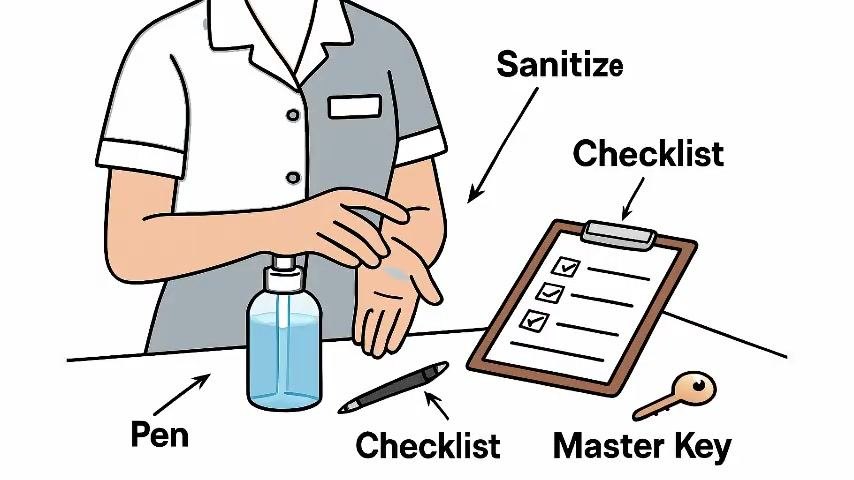
Confirm you have all four items — pen, checklist, master key, and sanitizer — before moving to the door.
Inspection details
Record the basic details of the inspection as you begin your walkthrough.
- [ ] Room number identified from the assignment list
- [ ] Date of inspection noted
- [ ] Inspector name recorded
- [ ] Housekeeper name recorded
- [ ] Current room status confirmed (for example, vacant)
- [ ] Priority level noted, if applicable
Entry area
Approach the assigned room and follow the proper entry procedure before assessing the space.
- [ ] Knocked on the door three times
- [ ] Announced clearly, "Housekeeping, room inspection," and paused for a response
- [ ] Entered slowly and announced again, even though the room was marked vacant
- [ ] Switched on all lights in the room
- [ ] Opened curtains to let in natural light
- [ ] Opened a window or door for fresh air, where possible
Stand near the door and view the room as a guest would upon entry.
- [ ] Room appears bright, tidy, and welcoming (Pass/Fail)
- [ ] No strong or unpleasant odors detected (Pass/Fail)
- [ ] No visible dust, stains, or clutter (Pass/Fail)
- [ ] Any issue noted immediately if something feels out of place
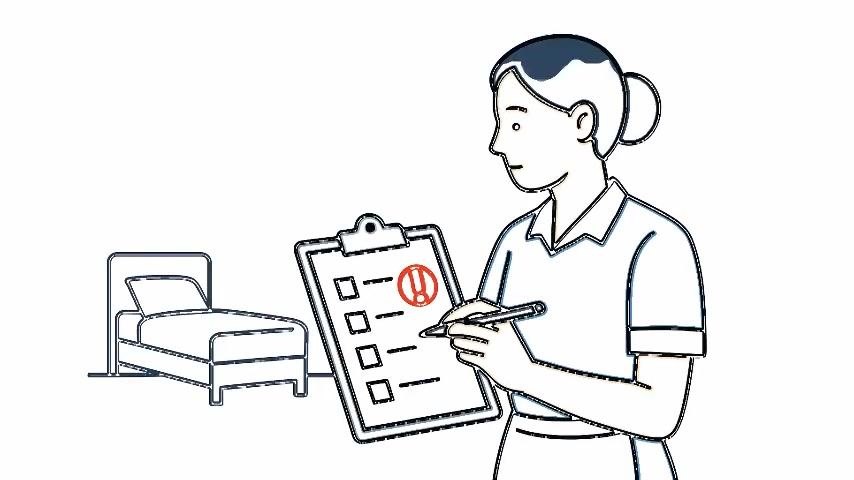
Check the safety and security features located at the entry.
- [ ] Door lock, latch, and peephole function properly (Pass/Fail)
- [ ] Key card works with the door lock (Pass/Fail)
- [ ] Smoke detector is visible, unblocked, and appears operational (Pass/Fail)
- [ ] Emergency exit information clearly displayed
Sleeping area
Inspect the bed and surrounding furniture for cleanliness and order.
- [ ] Sheets are clean, tightly fitted, and free of wrinkles and stains (Pass/Fail)
- [ ] Pillows are fluffed and arranged neatly on the bed (Pass/Fail)
- [ ] Under the bed, behind curtains, and inside wardrobe/drawers checked for trash, lost items, or dust (Pass/Fail)
Bathroom
Inspect every bathroom fixture and confirm amenities are stocked correctly.
- [ ] Toilet, sink, shower, and floor are spotless, dry, and free of hair (Pass/Fail)
- [ ] Toilet flush, faucets, and shower tested for proper water flow and temperature (Pass/Fail)
- [ ] Towels, toiletries, and tissues are clean, correctly folded, and fully stocked (Pass/Fail)
Amenities
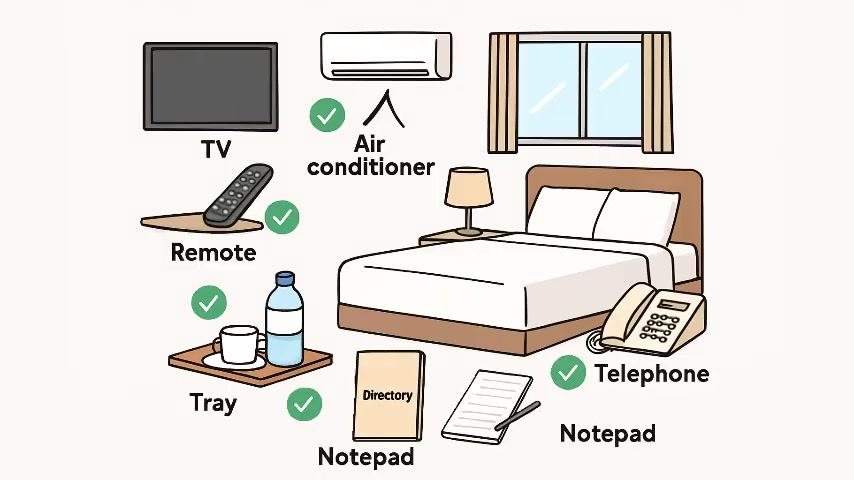
Test all in-room equipment and confirm amenities are present and correctly placed.
- [ ] TV powers on and remote control works (Pass/Fail)
- [ ] All lights and lamps switch on correctly (Pass/Fail)
- [ ] Telephone has a dial tone (Pass/Fail)
- [ ] Air conditioner or heater operates properly (Pass/Fail)
- [ ] Minibar or fridge is clean and at the correct temperature (Pass/Fail)
- [ ] Room directory, pen, and notepad are available
- [ ] Complimentary items, such as bottled water or coffee, are provided and neatly arranged
Maintenance issues
Log any defect identified during the walkthrough in your logbook or inspection app the moment you notice it. Details such as defect severity, work order numbers, and out-of-order criteria for a room are managed through your property's maintenance tracking process.
Release decision
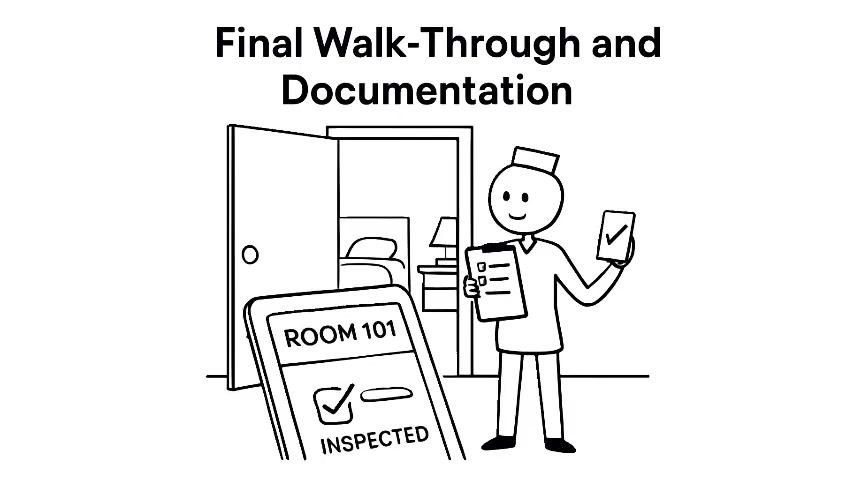
Perform a final walkthrough from the door and view the room as a guest would to confirm nothing was missed.
- [ ] All standards met on final review
- [ ] Inspection recorded in the logbook or inspection app
- [ ] Room marked as "Ready" for the next guest
Once every step is complete and the room is marked ready, the inspection is finished and the room is released to the next guest.
What's next
For additional training on hotel procedures, explore the Hotel SOPs playlist. To create custom SOP documentation for your own property, visit vidfactory.ai.
Generation details: cost, quality tiers, downloads
Docsie billed 2,000 credits ($1.40) to analyze this 4-minute video at standard quality. The rewrite, template fill and Word/PDF exports were included. The same video at each quality tier:
| Quality | Frames sampled | Credits | Approx. cost |
|---|---|---|---|
| Draft | every 16-30 s | 1,000 | $0.70 |
| Standard (this guide) | every 8-15 s | 2,000 | $1.40 |
| Detailed | every 4-7 s | 4,000 | $2.80 |
| Ultra | every 1-3 s | 8,000 | $5.60 |
Credits priced at $0.70 per 1,000; plans include a monthly allowance. Enterprise customers on on-premise or bring-your-own-model deployments run this on their own inference and pay no per-video credits.
Generated by Docsie Video-to-Docs on 2026-09-10 from a 3-minute video. It was generated straight into Docsie's Room Inspection Checklist template, so every section of that template is filled from the video. Screenshots are frames from the source video and belong to their creator, VidFactory, whose original is embedded above. If you own this video and want the guide removed or credited differently, contact us and we will act within one business day.