4.8
on G2
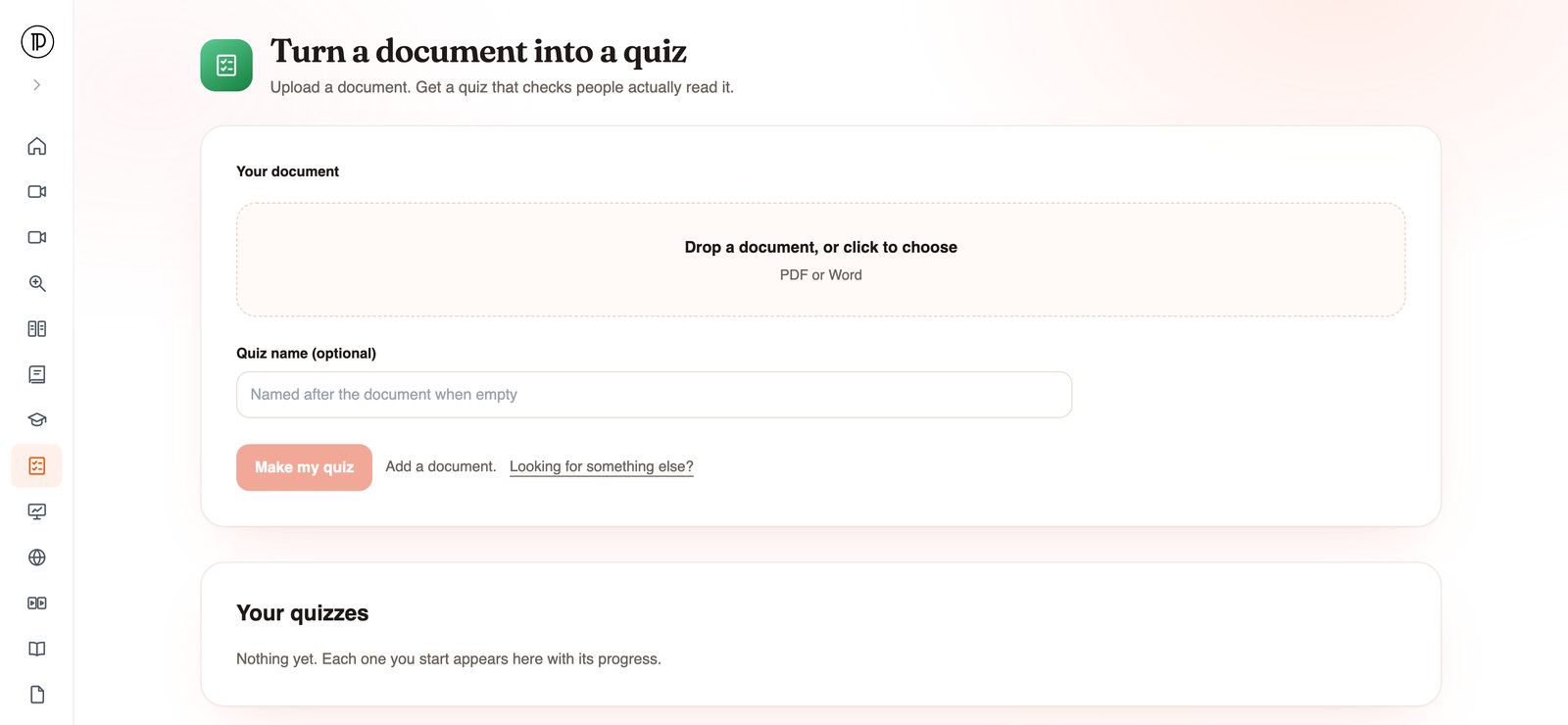
Upload a PDF or Word document and get a multiple-choice quiz made from it. Docsie reads the file, writes 3 to 8 questions from its content and saves them as a quiz you can share.
Step by step
Using Docsie as a quiz maker from PDF files takes a few clicks on your side. The reading and question writing happen in the background.
It runs in the browser, so there is nothing to install. You do not need an account to start. The only required field is your document.
Drag the file onto the upload area or click to choose it. Both PDF and Word documents are accepted, so you do not need to convert a .docx to PDF first.
The quiz name is optional. If you leave it empty, the quiz takes the name of the document, which is usually what you want for a policy or manual.
Docsie sends a one-time code to your email when you submit. That is the only sign-up step, and it is how you get the finished quiz back.
The document is imported, read and turned into questions in the background. When the quiz is ready you get an email, and the quiz is saved in Docsie Forms, ready to share.
An AI quiz generator from PDF files should stay inside the PDF. You get a short multiple-choice quiz that checks people actually read the document, built only from what the document says.
You get between 3 and 8 questions. Each one is multiple choice with 2 to 6 answer options, which keeps the quiz quick to take and quick to review.
Every question and answer is grounded in the uploaded document. The AI does not pull in outside facts, so the quiz never contradicts the material you sent people.
The result is saved as a Docsie Forms quiz you can share, so you are not copying questions out of a chat window into a separate form builder.
Before you upload
The quiz can only be as clear as the document behind it. A few minutes of prep on the file pays off in the questions.
Upload the version of the policy or manual people are expected to follow. A quiz built from last year's draft tests last year's rules.
A quiz has 3 to 8 questions. If a PDF covers ten unrelated topics, the questions will spread thin across them. A focused document gives a focused quiz.
For a long manual, upload one chapter or section at a time and make a quiz for each. People can take them as they work through the material.
Docsie imports the document into a knowledge base first and builds an outline from its sections. Clear headings help the AI see what each part is about. If you want the whole PDF library searchable too, see moving PDFs into a knowledge base.
The import step runs OCR, so a scanned PDF of a printed procedure can still become a quiz. A clean, readable scan gives better text to work from.
Many SOPs and handbooks live in Word. Upload the Word file directly. There is no need to export it to PDF first.
Join forward-thinking teams using Docsie






_Leader_Small-Business_Leader.svg)


Common questions
Quick answers about turning a PDF or Word file into a quiz.
Q: How do I convert a PDF to a quiz?
A: Open the PDF to Quiz app, upload the PDF, optionally name the quiz, and click Make my quiz. Confirm your email with the one-time code. Docsie imports the document, writes the questions in the background and emails you when the quiz is ready.
Q: Can I make a quiz from a Word document?
A: Yes. The app accepts PDF or Word files, so a document-to-quiz conversion works the same way for a .docx handbook as it does for a PDF manual.
Q: Does it work with a scanned PDF?
A: The document goes through OCR when it is imported into Docsie, so scanned pages can be read. The clearer the scan, the better the text the questions are written from.
Q: How many questions will my quiz have?
A: Between 3 and 8 multiple-choice questions, each with 2 to 6 options. If you want more questions on a long manual, make a quiz per chapter.
Q: Where does the quiz end up, and how do I share it?
A: It is saved as a quiz in Docsie Forms, which you can share with the people who need to take it. You also get an email when it is ready, so you do not have to keep the tab open while it runs.
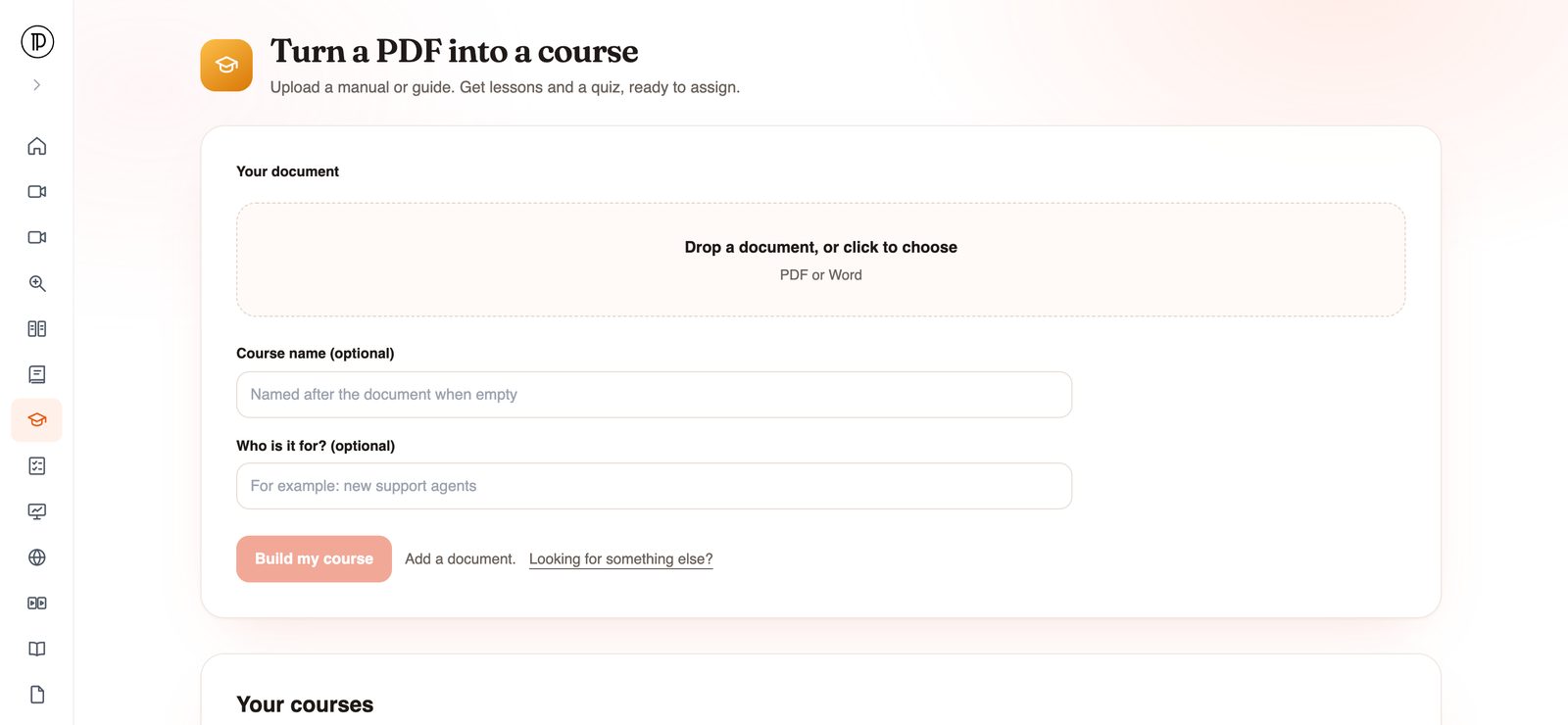
Q: Can I turn the PDF into a full course instead of a quiz?
A: Yes, with a different app. The AI course generator turns a PDF or Word file into lessons plus a quiz in Docsie Learn. Use PDF to Quiz when you only need the knowledge check. More on that approach in turning documentation into training courses.
Converting a whole library of PDFs?
Book a DemoUpload the file, confirm your email, and the quiz arrives when it is ready. If the source lives in Word, upload that instead.
PDF or Word. Runs on your workspace's AI credits. SOC 2 compliant, and your data is never used to train AI models.