4.8
on G2
A test generator for training and certification programs. Upload the document people are trained on and get 3 to 8 multiple-choice questions written from it, with every answer traceable to the source.
When a test decides whether someone is cleared to work on their own, every question has to be fair, and fair means it comes from material the person was actually given. That is the rule this AI multiple-choice question generator follows.
Each question and its answer come from the PDF or Word file you upload, with no outside facts. If a learner disputes a question, the answer is in the document they were given.
Every question comes with between 2 and 6 answer options, and the correct answer is the one your document supports. Writing believable wrong options is the slow part of test writing, and it is done for you.
Each run gives you a set of 3 to 8 questions saved as a Docsie Forms quiz you can share. Short enough to run after every module, procedure or policy.
Most of the work in a multiple-choice test is not the questions. It is re-reading the source, picking what is worth testing and inventing wrong answers that are plausible but clearly wrong.
Where knowledge checks fit
A short multiple-choice test is the simplest proof that a document was read and understood. These are the places training teams use one.
Run a short test on the procedure before a new technician, operator or support agent works without supervision. The questions come from the same SOP they will follow.
Give candidates practice questions drawn from the documents your program is based on. See how teams turn a knowledge base into a certification program.
Check that resellers and implementation partners know the product guide before they sell or deploy it. More on partner certification.
When an SOP or policy is revised, generate a new test from the new version, so the questions match the rules people follow today.
Send a short knowledge check with the pre-read, so people arrive having worked through the material instead of skimming it on the way in.
Turn a policy or control procedure into questions, so compliance training checks understanding, not just attendance.
How it works
You choose the source. Docsie writes the questions.
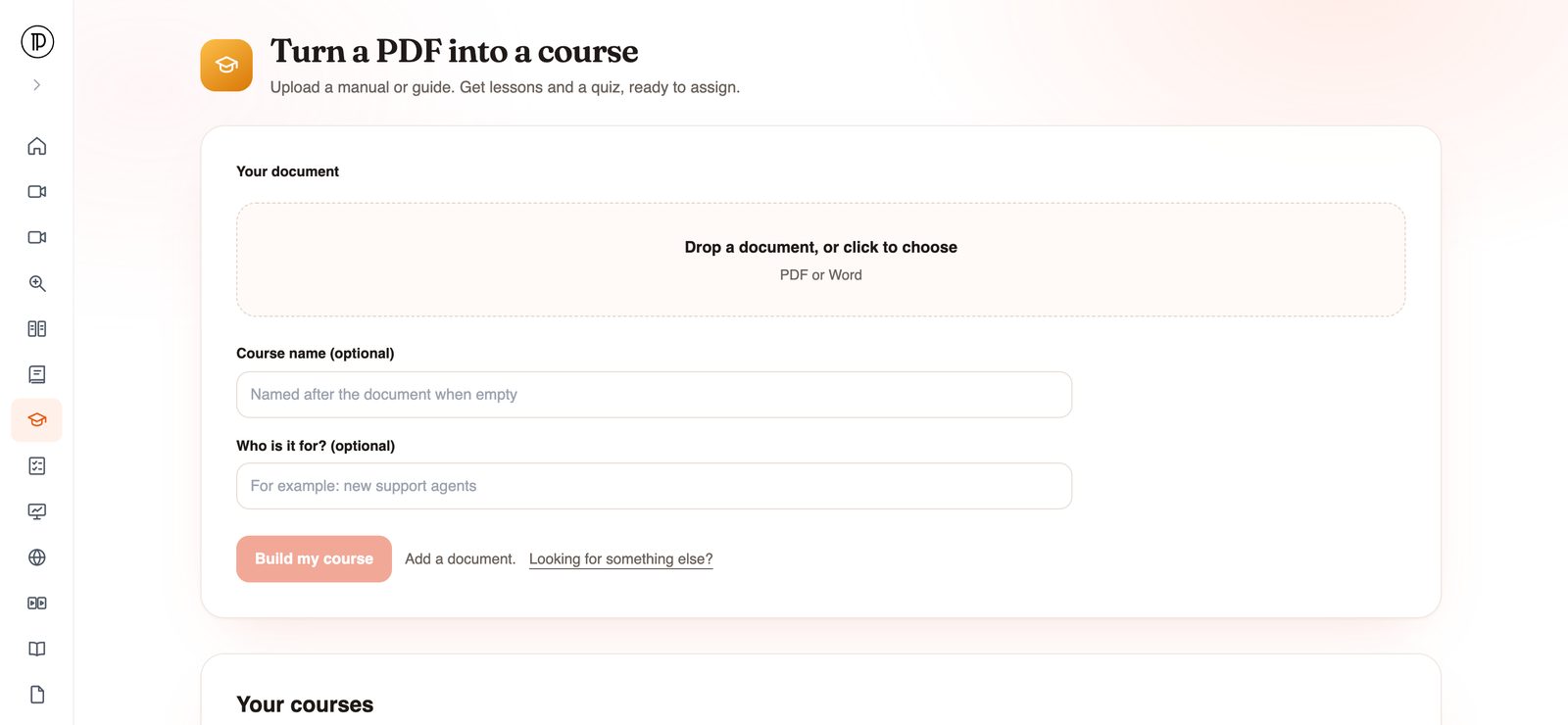
Choose the PDF or Word file the test should cover: a procedure, a policy, a product guide or one chapter of a manual. A focused document gives focused questions.
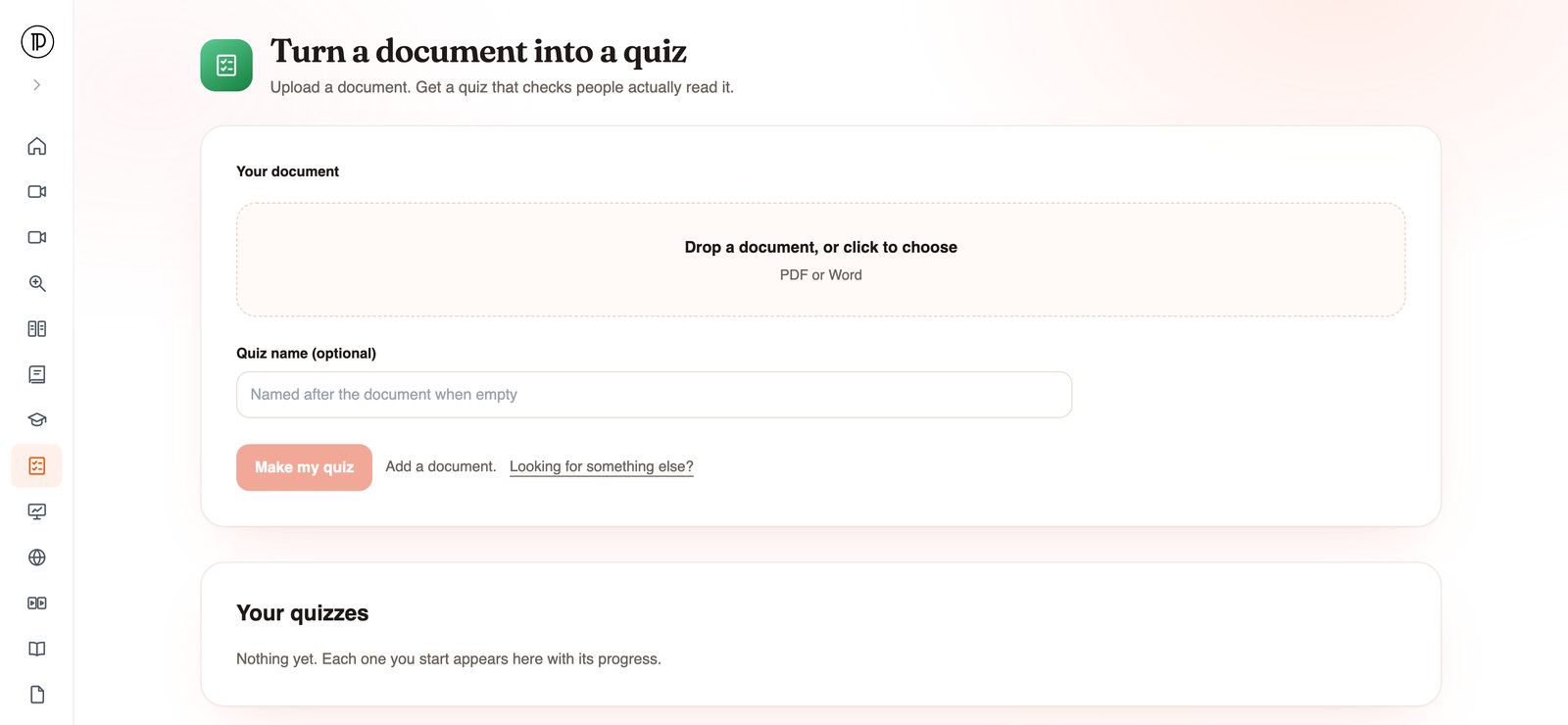
Open the app in your browser, drop the file in and name the test if you want to. No account is needed until you submit, when you confirm your email with a one-time code.
Docsie imports the document into a knowledge base with OCR and an outline, then writes the multiple-choice questions in the background. You get an email when they are ready.
Have a subject expert read each question against the source, then share the Docsie Forms quiz with your learners.
Join forward-thinking teams using Docsie






_Leader_Small-Business_Leader.svg)


Common questions
What trainers and assessment owners ask about generating test questions.
Q: What is an AI question generator?
A: A tool that reads a piece of text and writes questions about it. Docsie's version reads a PDF or Word document and writes 3 to 8 multiple-choice questions, with 2 to 6 options each, all grounded in that document.
Q: Can I generate questions from text I paste in?
A: The app takes documents rather than a text box. To use it as a question generator from text, paste the text into a Word document and upload that, or upload the PDF the text came from.
Q: Can I use it as a test maker from a PDF?
A: Yes. Upload a PDF and Docsie makes a short multiple-choice test from it. Word documents work the same way.
Q: Can I choose question types, difficulty or the number of questions?
A: No. The app writes multiple-choice questions only, between 3 and 8 per document, and decides what to ask from the content. To test a long manual in more depth, run it one chapter at a time.
Q: Should a person review AI-generated test questions?
A: Yes, for anything with consequences, such as a sign-off or a certification step. Because every question is grounded in your document, the review means checking each question against the section it came from, not writing new ones.
Q: Is the document I upload used to train AI?
A: No. Your data is never used to train AI models, and Docsie is SOC 2 compliant.
Running a certification or compliance program?
Book a DemoUpload the document, confirm your email, and get multiple-choice questions written from it.
PDF or Word. Runs on your workspace's AI credits. SOC 2 compliant.