4.8
on G2
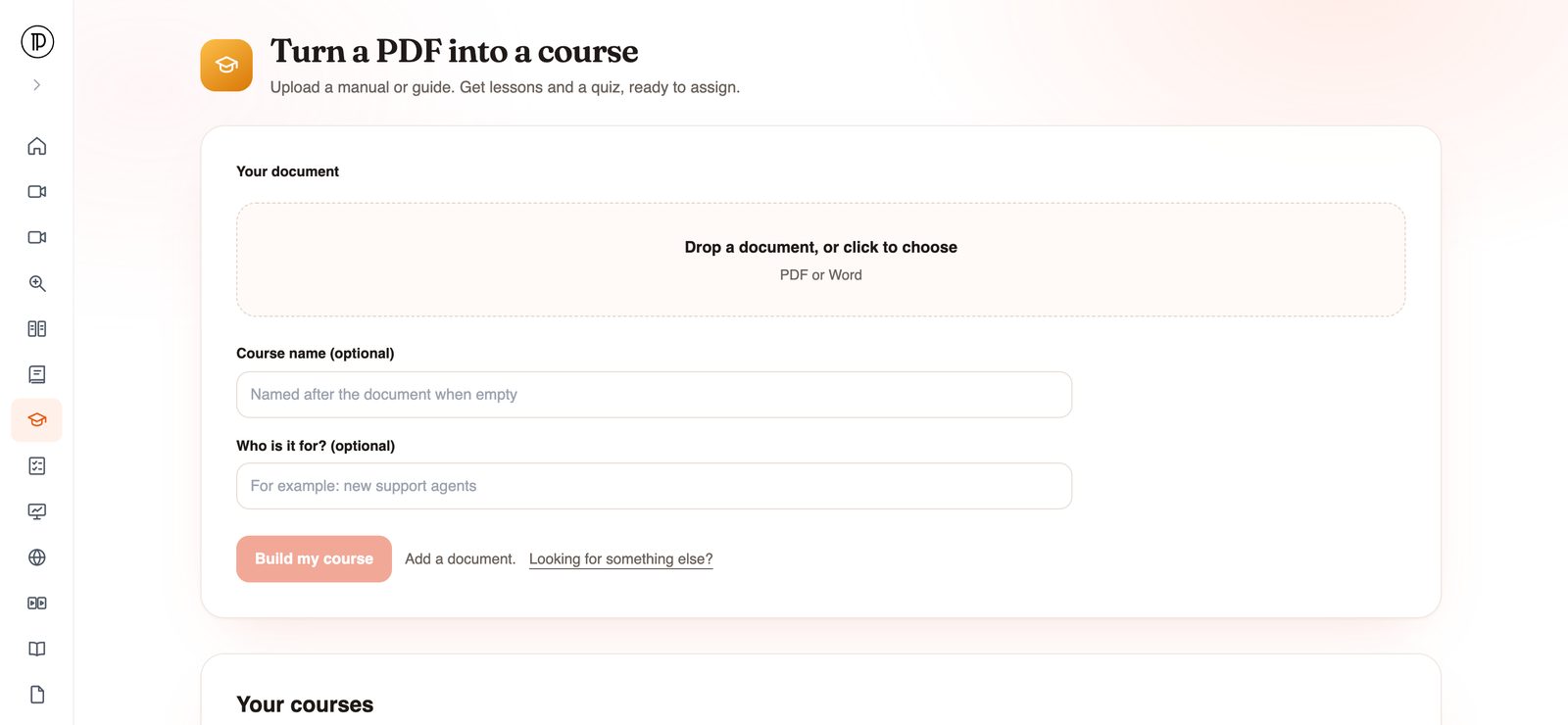
Upload a manual, SOP or policy as a PDF or Word file. Docsie's AI course creator builds lessons from the document's sections, adds a quiz, and drafts the course in Docsie Learn, ready to assign.
The writing is already done. Your manual explains the job. The course generator reorganizes it into something people can work through and be tested on.
Docsie builds the modules from the way your document is divided, so a manual with clear chapters gives a course with clear lessons.
Each course comes with a quiz drafted from the same document, so the knowledge check matches what the lessons teach.
The course lands in Docsie Learn as a draft. Review it, then assign it to the people who need to take it.
Most training courses start life as a document someone already wrote. The slow part is turning that document into a course.
Good source documents
If people are expected to know it, it can be a course. These are the documents training teams usually start with.
Turn the handbook into an onboarding course with a quiz new hires finish in their first weeks. See documentation to training courses for the wider approach.
Procedures become lessons for new operators and technicians, with a quiz to take before they work on their own.
Policies become a course people are assigned when they join and again when the policy changes. More on compliance training from SOPs.
Teach support agents or customers the product from the manual you already maintain, instead of writing a separate training script.
Give partners a course built from the guide you already send them, so they learn exactly that material.
Trainers and educators can turn a reader, handout or chapter into lessons with a quiz instead of building slides and questions by hand.
How it works
Five steps. The reading, structuring and quiz writing happen in the background.
The app runs in your browser. You can start without an account, and you confirm your email with a one-time code when you submit.
Drop in a manual, guide, SOP or policy. Word files work as well as PDFs, so a document-to-course conversion does not need an export step first.
Both are optional. Give the course a name, or let it take the document's name, and describe the audience, for example new support agents.
The document is imported into a Docsie knowledge base with OCR and an outline. The lessons and the quiz are then drafted in Docsie Learn in the background, and you get an email when the course is ready.
Open the draft in Docsie Learn, check the lessons and the quiz, and assign the course to your learners.
Join forward-thinking teams using Docsie






_Leader_Small-Business_Leader.svg)


Common questions
What L&D teams ask before turning a document into a course.
Q: What is an AI course generator?
A: Software that drafts a training course from source material. Docsie's AI course generator takes a PDF or Word document, builds lessons from its sections and drafts a quiz, all in Docsie Learn.
Q: How do I convert a PDF to a course?
A: Open the PDF to Course app, upload the PDF, optionally name the course and say who it is for, then click Build my course and confirm your email. You get an email when the draft is ready in Docsie Learn.
Q: Can I turn a Word document into a course?
A: Yes. The app accepts PDF or Word files, so a document-to-course conversion works the same way for either.
Q: Is there a free AI course generator?
A: You can open the app and upload a document without an account. Course generation runs on your Docsie workspace's AI credits, so check Docsie pricing for what your plan includes.
Q: Can I make a course from a training video instead?
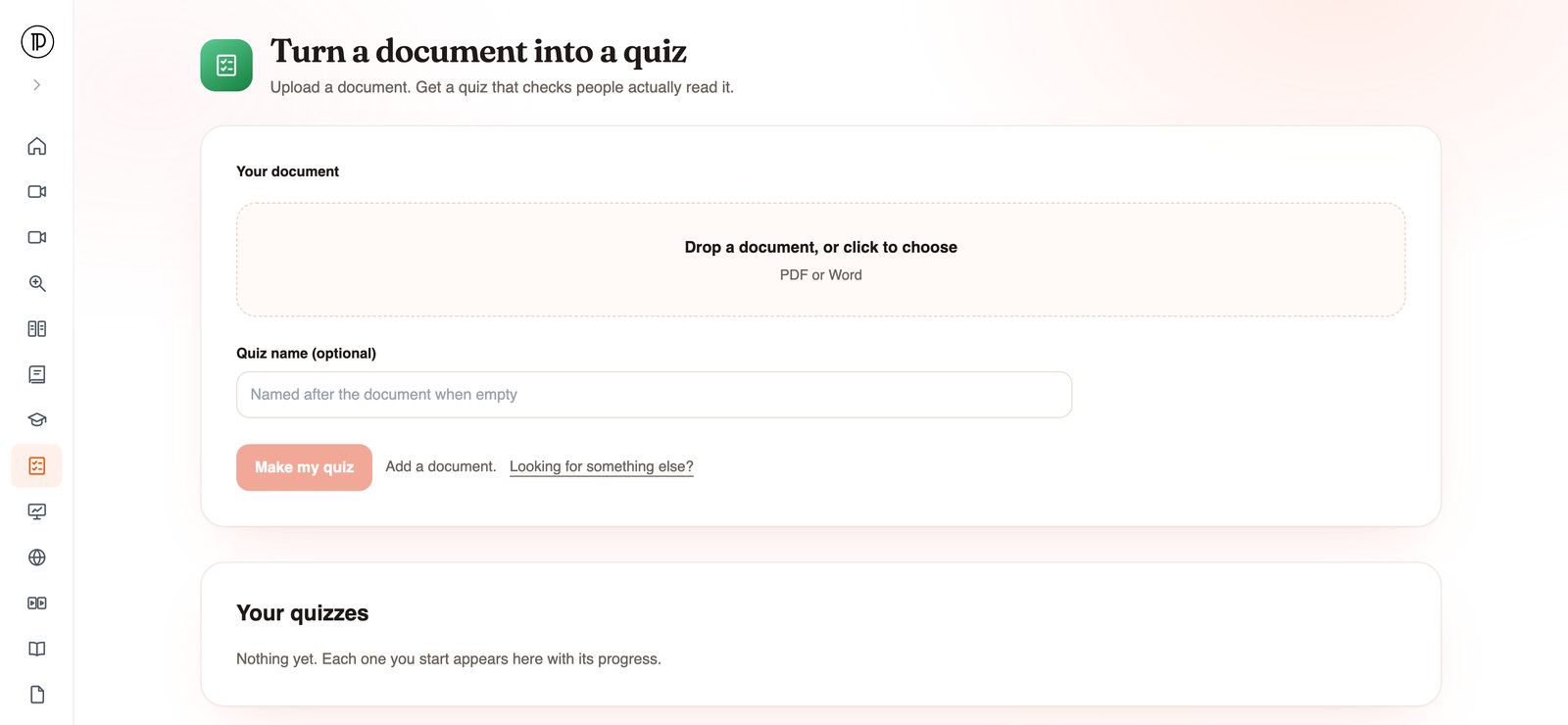
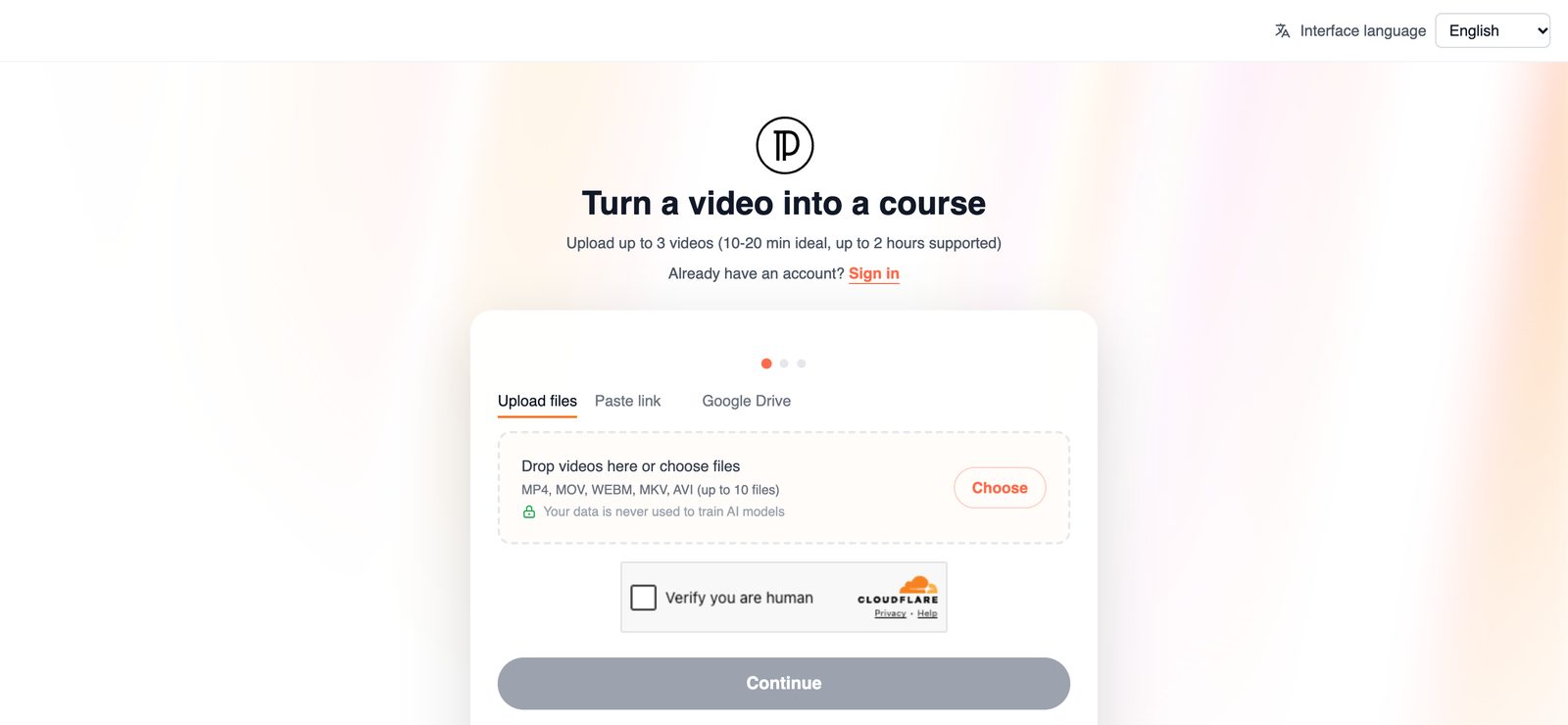
A: Yes, with a different app. The video quiz maker page covers turning a recording into lessons and a quiz. For video courses that need to run in another LMS, see video to SCORM training.
Q: Is my document used to train AI?
A: No. Your data is never used to train AI models, and Docsie is SOC 2 compliant.
Planning a whole training program?
Book a DemoUpload the PDF or Word file people are supposed to know. Docsie drafts the lessons and the quiz and emails you when the course is ready to assign.
PDF or Word. Runs on your workspace's AI credits. SOC 2 compliant.