
4.8
on G2
Static training videos are passive. Docsie turns supported training videos into AI instructor experiences that answer learner questions, grounded in your knowledge base. AI instructor experiences help scale expert guidance across large learner cohorts. Designed for enterprise teams that need interactive training at scale.

See Docsie analyze a source training video, build a presentation package, and launch an AI-led instructor that presents the lesson and answers learner questions from source context.
The demo shows the instructor path: source video, generated slides, presenter controls, and spoken source-backed Q&A.
Enterprise learning teams use Docsie to turn training videos into interactive AI instructors with knowledge-grounded Q&A






_Leader_Small-Business_Leader.svg)


_BestSupport_Small-Business_QualityOfSupport.svg)

AI Instructor vs Legacy Training Authoring
Legacy course authoring tools build static, linear training. Docsie's AI instructor is interactive, knowledge-grounded, and helps scale expert guidance across large learner cohorts.
| Training Capability |
Docsie AI Instructor
Interactive
|
Articulate
|
iSpring
|
Synthesia
|
Cornerstone
|
|---|---|---|---|---|---|
| Generate course directly from training video | |||||
| Knowledge-grounded Q&A with learners | |||||
| AI-led narration of training content | |||||
| Deflects repetitive tier-1 trainer questions | |||||
| Scales across large learner cohorts without adding instructor hours | |||||
| SCORM 1.2 and SCORM 2004 export | |||||
| Quizzes and learner certification tracking | |||||
| Multi-language voice and text translation | |||||
| Embedded in existing LMS via SCORM or xAPI | |||||
| Annual cost per author | Included | $1,400/yr | $770/yr | $30k/yr | Enterprise quote |
Pricing references publicly available list pricing as of 2026.
From Video to AI Instructor
Example: a Salesforce sales onboarding video becomes an interactive AI instructor learners can question.
How to Generate an AI Instructor
Docsie analyzes source material, generates instructor assets, and lets learners ask grounded questions during the training experience.
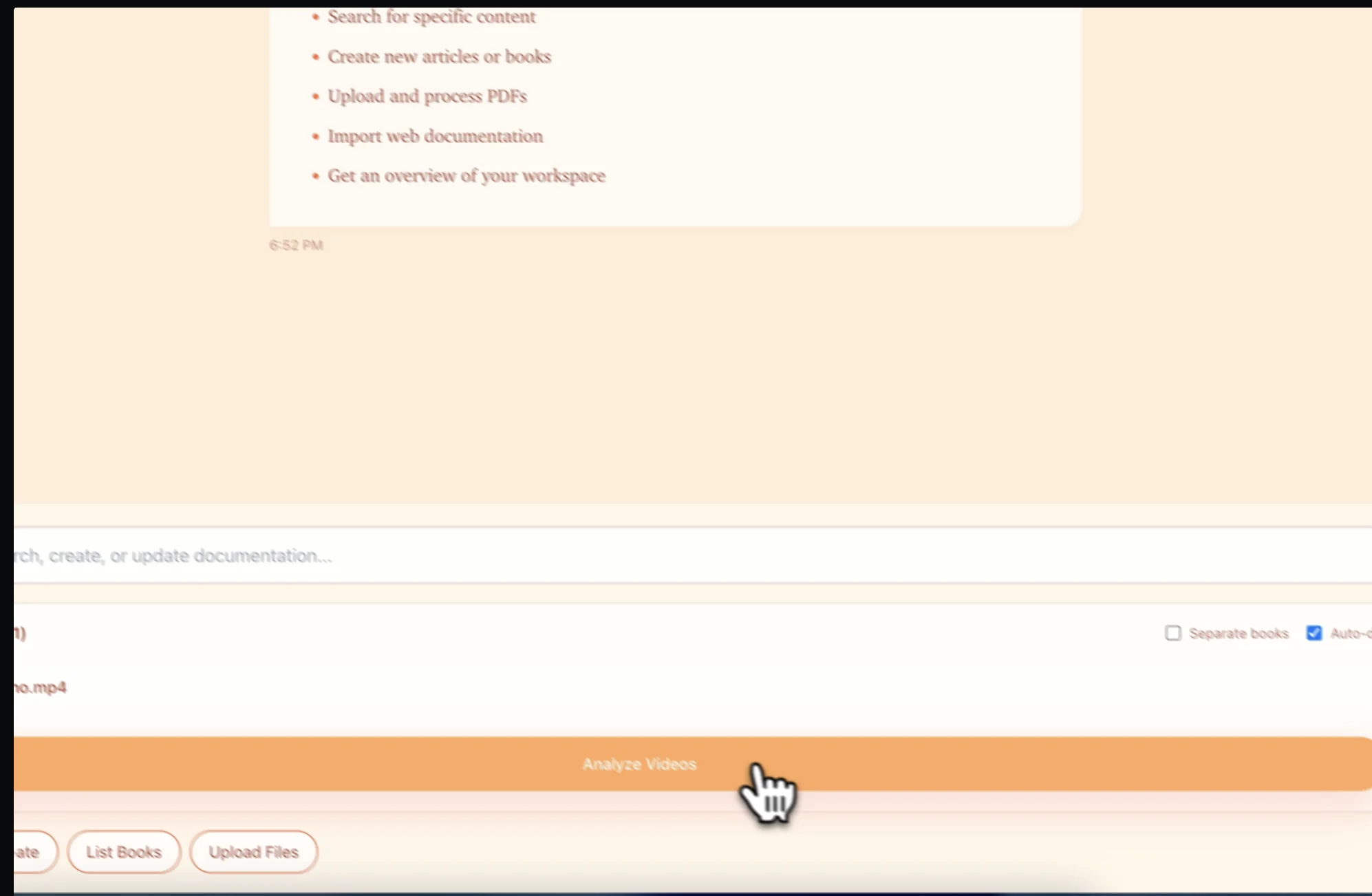
Start from the existing recording — webinar, screen recording, classroom session, Zoom, or Teams recording. Docsie's AI analyzes audio, on-screen content, and learning objectives.
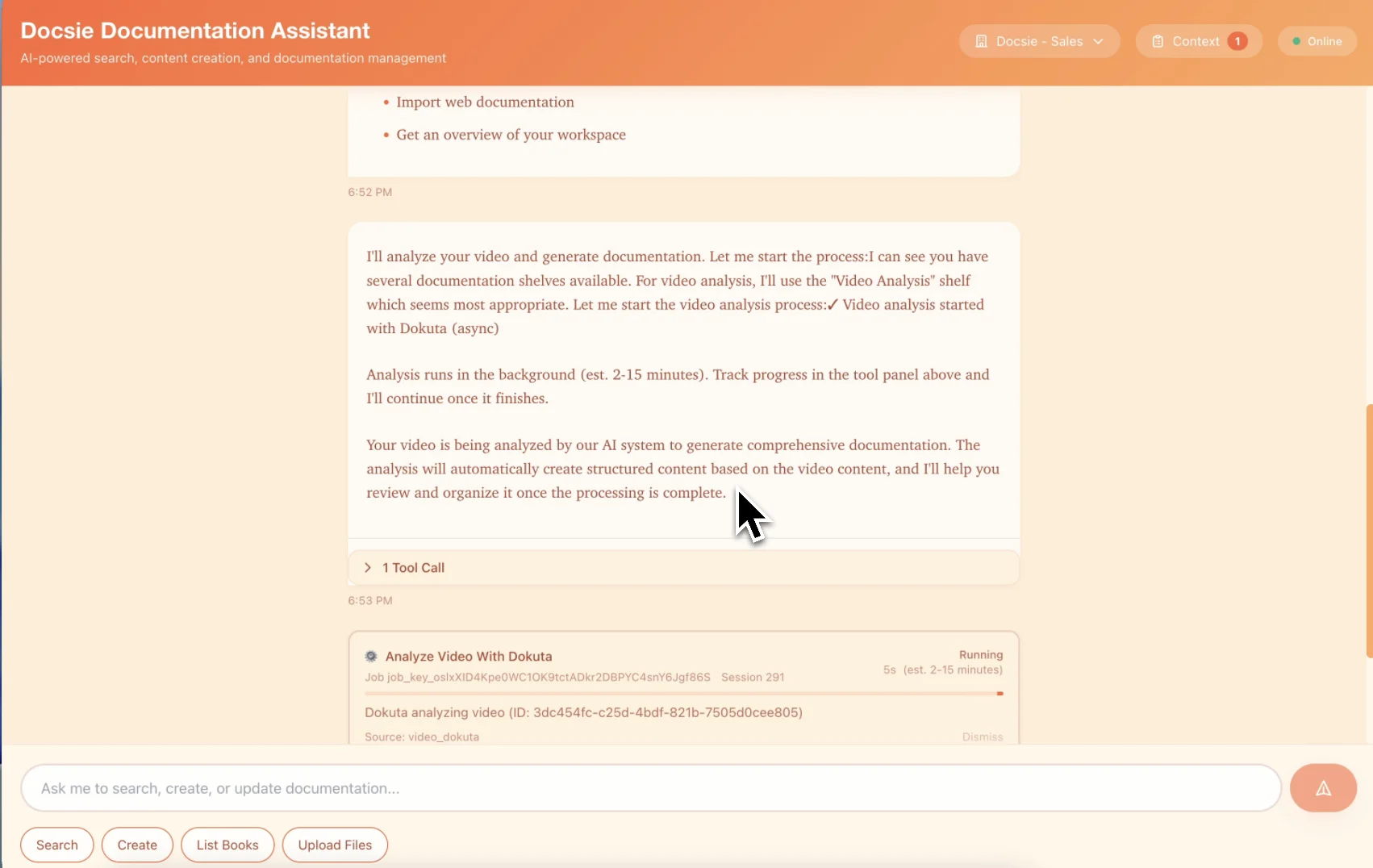
Docsie creates slides, speaker notes, source context, and an AI-led instructor that narrates the content from reviewed material.
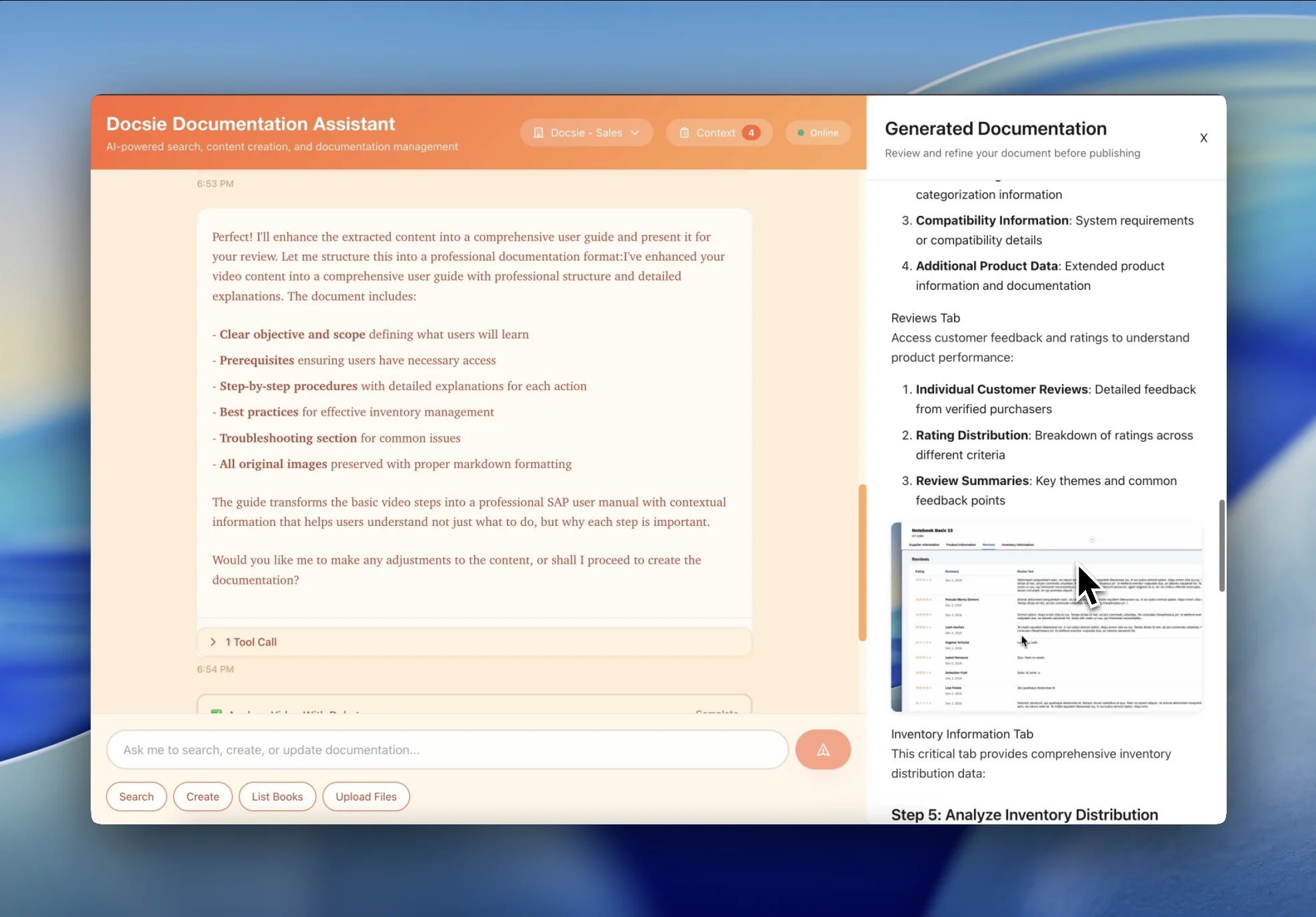
Learners ask clarifying questions, hear source-backed answers, take quizzes, and earn certifications. Export as SCORM or deliver through Docsie portals.
Why AI Instructor Improves Static Video
Docsie's AI instructor gives teams a more interactive alternative to passive video training. Six core advantages that make passive video training obsolete.
Learners ask the AI instructor questions such as 'Can you re-explain step 4?' or 'What if I'm in Europe instead of the US?' and get knowledge-grounded answers without scrubbing through the source video.
Your senior trainer doesn't need to answer 'How do I reset my password?' 50 times a week. The AI instructor handles tier-1 questions; human trainers focus on coaching and complex scenarios.
One AI instructor serves 10 learners or 10,000 — without adding trainer calendars or timezone constraints. Available 24/7 in multiple languages.
Unlike generic AI, Docsie's AI instructor answers from your verified internal knowledge base. Citations are included, and out-of-scope answers can be flagged or escalated with reviewable logs.
Export as SCORM 1.2 or SCORM 2004 and deploy to Cornerstone, Workday Learning, SAP SuccessFactors, Docebo, or any LMS. xAPI also supported for granular learning analytics.
Choose an AI-led instructor that matches your brand. Replace robotic voice-over with a natural-sounding instructor. Re-narrate in multiple languages without re-recording.
The same source-to-instructor workflow supports onboarding, compliance, enablement, and support training without keeping learners stuck in passive videos.
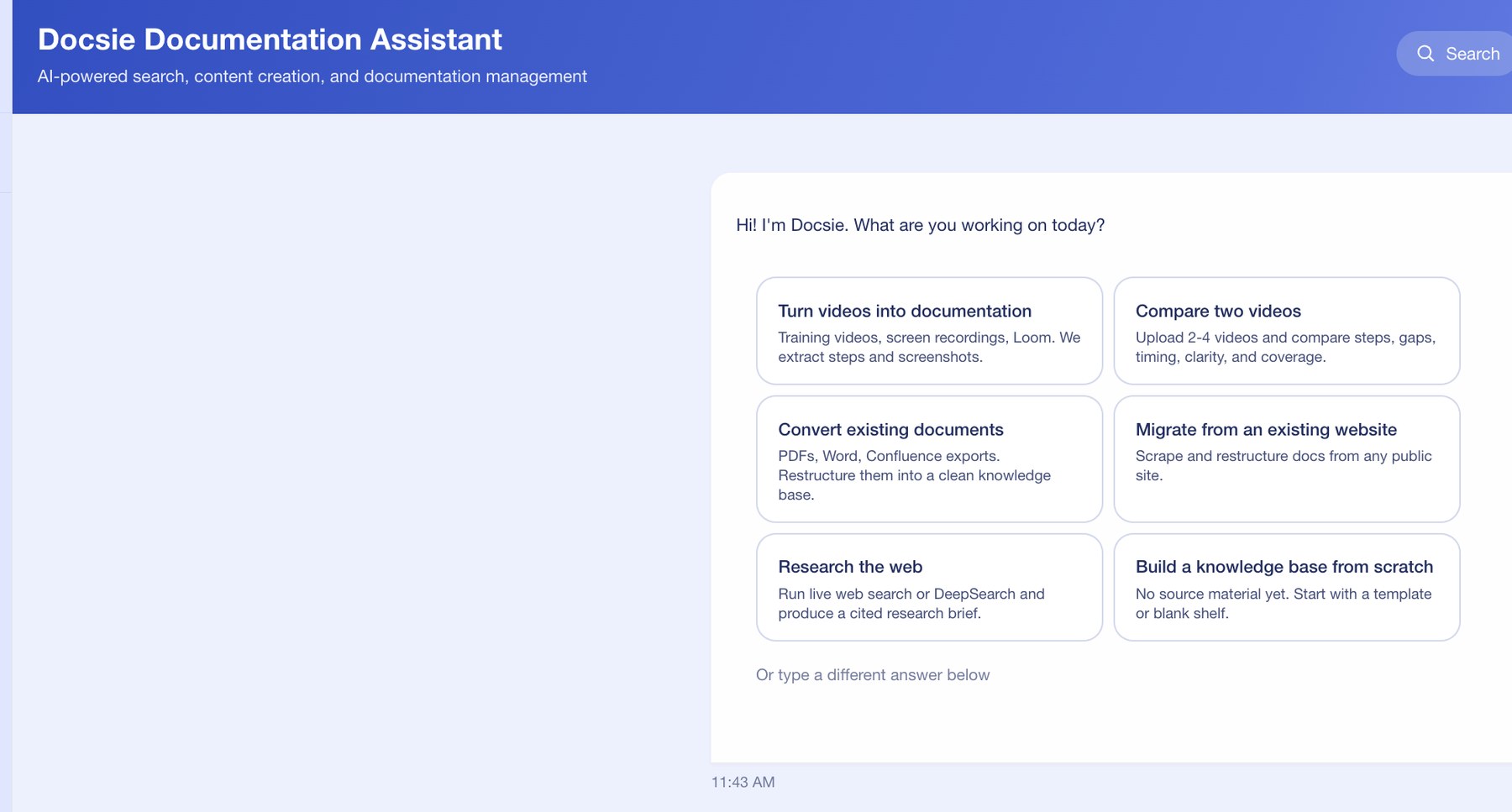
Docsie begins with the real training source: a recorded walkthrough, screen share, webinar, or existing documentation. The AI instructor is grounded in that material instead of being generated from a blank prompt.
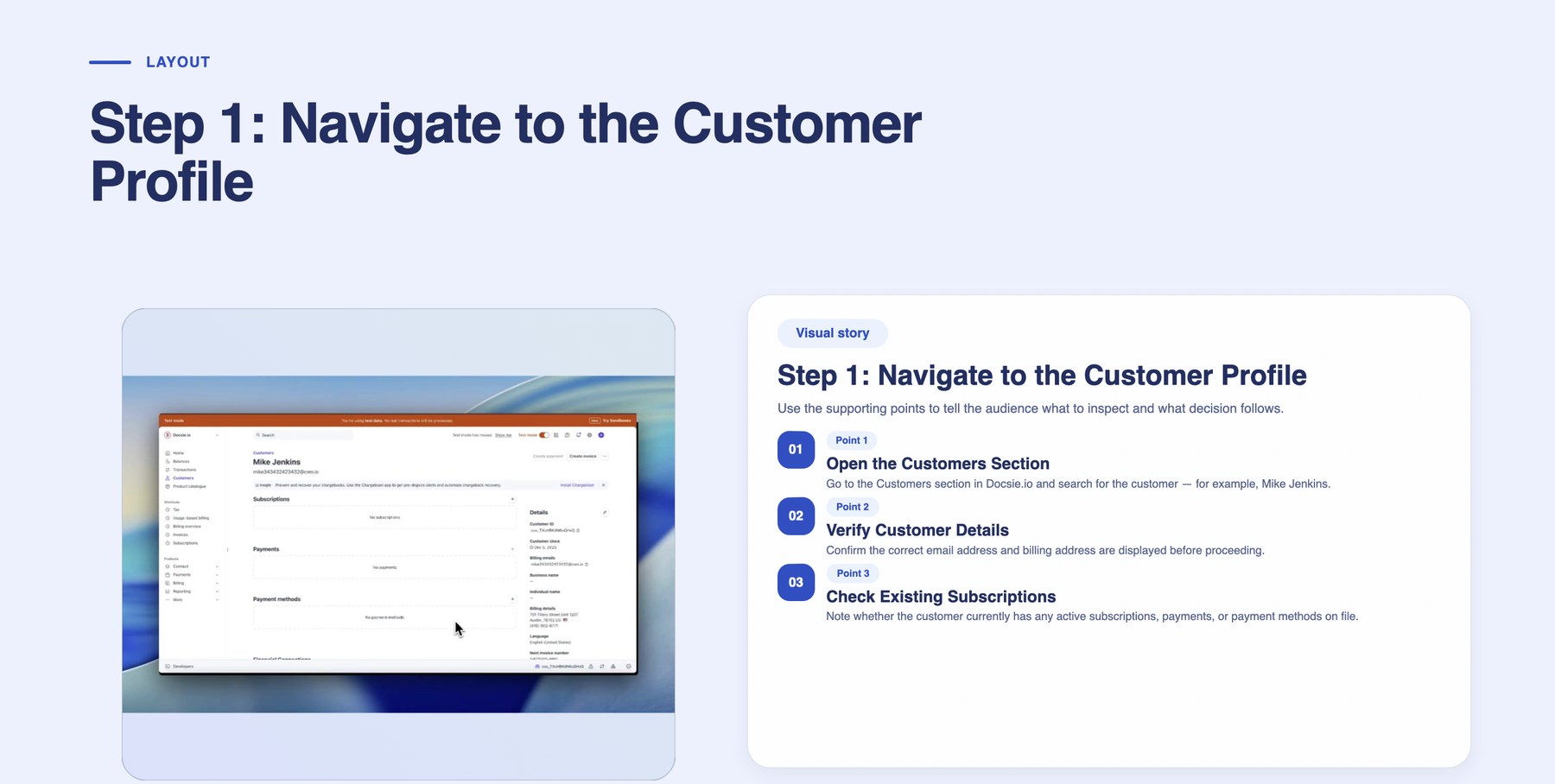
The training video becomes structured instructor material: a slide flow, supporting points, and narration context. That gives the AI instructor a lesson plan instead of an improvised response.
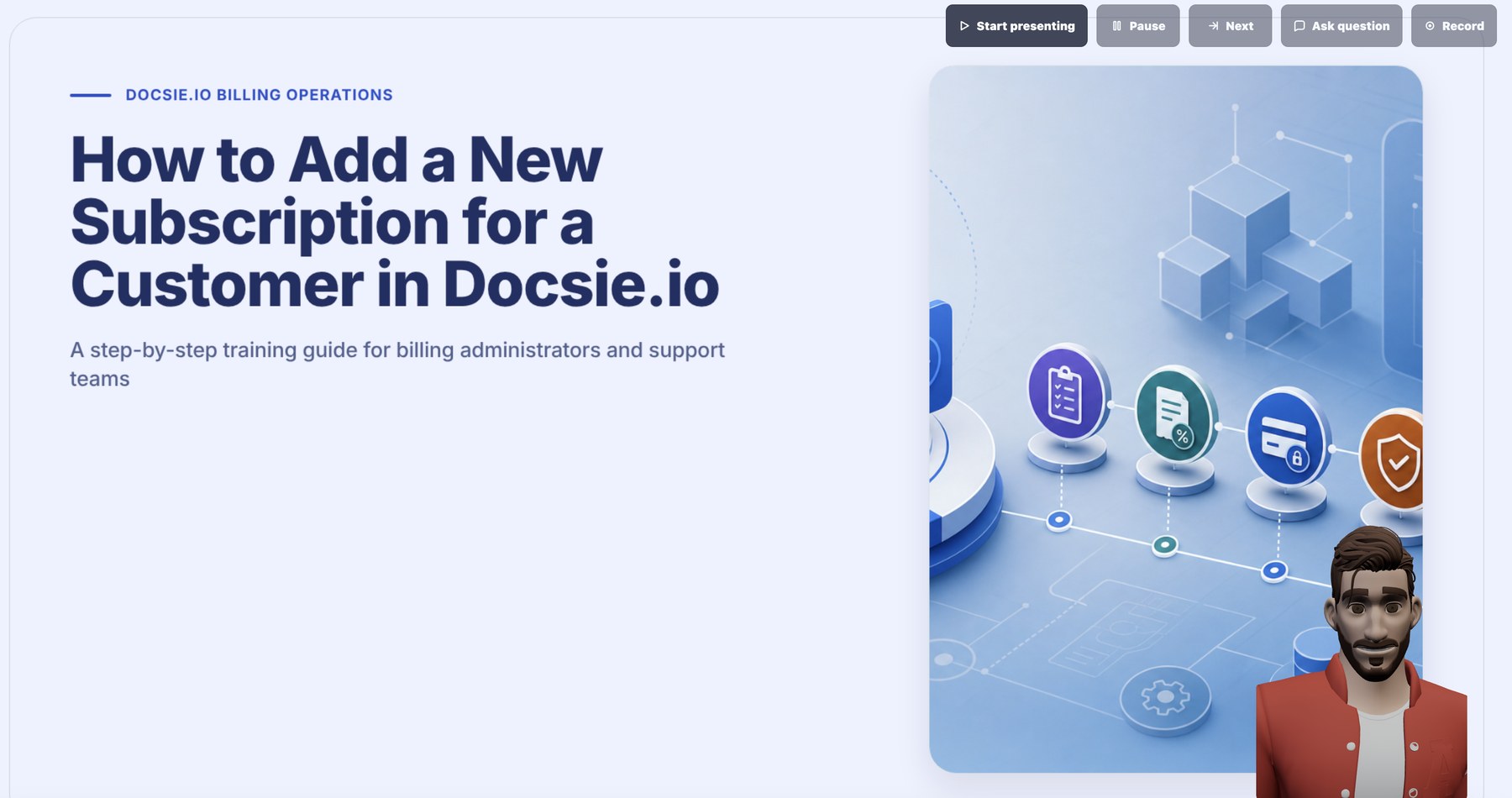
The AI instructor presents the lesson, pauses when needed, and answers out loud from source material. This is what separates the page from a normal video-to-course converter.
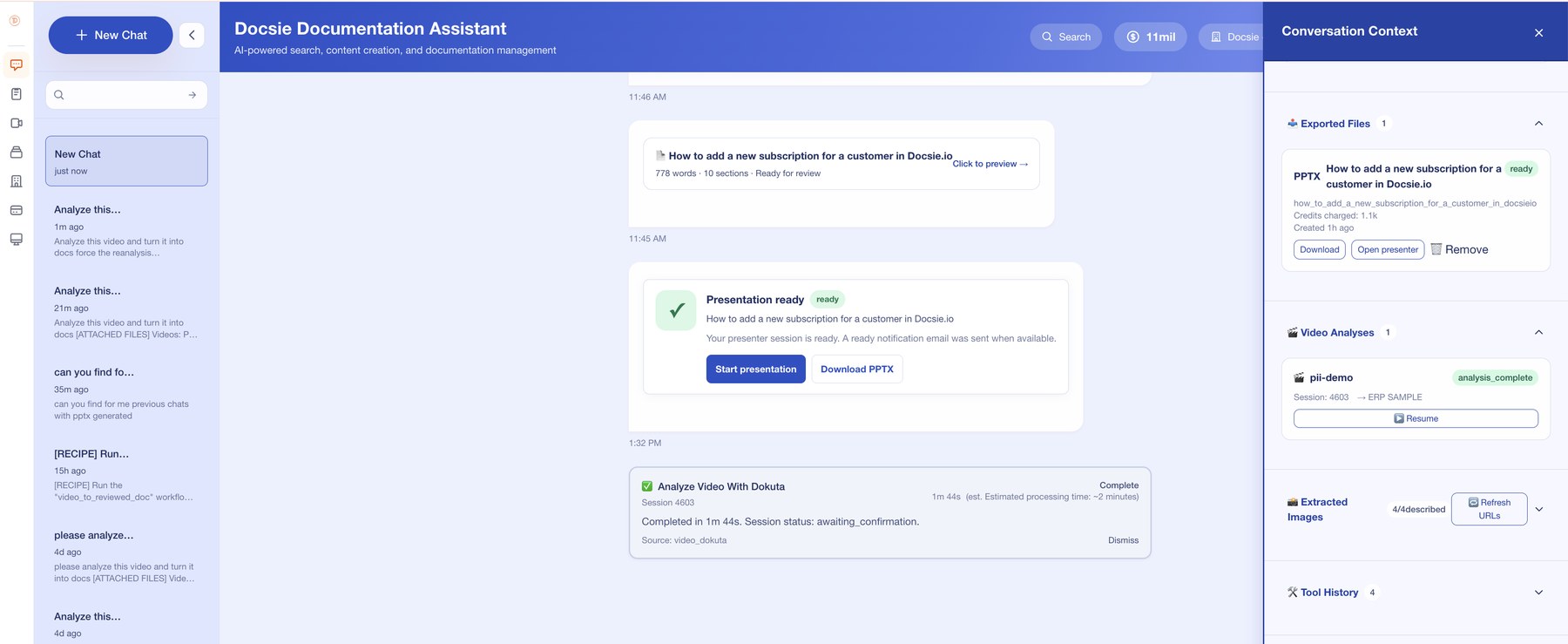
Generated files, video analysis, extracted images, and presenter context remain available so L&D teams can review what was taught, update the source, and reuse the package.
Common Questions
Everything L&D leaders ask about turning training videos into interactive AI instructors with Docsie
Q: What is an AI instructor and how is it different from a training video?
A: An AI instructor is an interactive training agent generated from your video content. Unlike a static training video that plays one-way, the AI instructor can be interrogated. Learners ask questions in natural language and the AI instructor responds with answers grounded in your knowledge base. It also delivers narrated content using an AI-led instructor, runs adaptive quizzes, and tracks competency.
Q: How does Docsie generate an AI instructor from a training video?
A: Docsie's multimodal AI analyzes the training video, extracts the learning content, identifies key concepts, and generates an AI-led instructor that narrates the material. The AI is grounded in your verified knowledge base so it can answer learner questions accurately. It also auto-generates quizzes, certification checkpoints, and SCORM-compliant exports.
Q: Can the AI instructor really replace a human trainer?
A: For tier-1 questions and standard onboarding, yes. The AI instructor handles repetitive 'how do I' questions, runs through the same training material consistently, and scales across large learner cohorts. Human trainers shift their time to coaching, complex scenarios, and 1:1 mentoring — the high-value work AI can't replicate.
Q: Does the AI instructor support our existing LMS?
A: Yes. Docsie exports AI instructors as SCORM 1.2 and SCORM 2004 packages, so they drop into Cornerstone, Workday Learning, SAP SuccessFactors, Docebo, Moodle, and any SCORM-compliant LMS. xAPI is also supported for granular learning analytics.
Q: How does the AI instructor avoid hallucinating answers to learner questions?
A: Docsie's AI instructor is RAG-grounded — it is configured to answer from your verified internal knowledge base. If a learner asks something not covered in your KB, the AI instructor says so and escalates to a human trainer. Every answer cites the source document, and admins can audit every interaction.
Q: What kinds of questions can learners ask the AI instructor?
A: Anything related to the training content or your knowledge base. Examples: 'Re-explain the configuration step', 'How does this differ in the EU region?', 'What if I get an error here?', 'Show me the alternative workflow', 'Quiz me on this section.' The AI instructor handles open-ended questions, hypotheticals, and clarifications.
Q: Can the AI instructor speak different languages?
A: Yes. AI-led narration supports multiple languages with natural-sounding voice. Q&A interactions also work in multiple languages. Process the source video once in English or another source language, and learners worldwide can consume the instructor experience in their native language.
Q: How does Docsie's AI instructor compare to Articulate or iSpring?
A: Articulate ($1,400/year per author) and iSpring ($770/year per author) are static course-authoring tools — designers build linear slide-based courses manually. Docsie's AI instructor is generated directly from a training video, is interrogable by learners in real-time, and grounds answers in your knowledge base. It reduces repetitive 1:1 instructor time, not just course authoring.
Q: Is the AI instructor SOC 2 and designed for privacy reviews?
A: Yes. Docsie is designed for enterprise security reviews, with controls and deployment options for regulated teams. Learner interactions are encrypted, audit logs are retained for review, and enterprise customers can deploy on private infrastructure (model-control or private deployment) for strict compliance review requirements.
Q: Can we use on-prem or private deployment options for sensitive AI instructor content?
A: Yes. Docsie supports on-prem/private deployment options for regulated industries such as healthcare, defense, financial services, and government. Deployment options can be reviewed for classified or PII-sensitive content that needs customer-controlled environments.
Ready to replace static training with an AI instructor?
Book a DemoUse the demo to see how Docsie turns a source video into instructor materials, live delivery, and source-backed learner Q&A.
Review the instructor workflow first, then talk with the Docsie team about enabling AI instructor sessions.