
4.8
on G2
Stop having your senior trainers answer the same 'how do I' questions 50 times a week. Docsie generates an AI instructor for any training video — an interrogable employee training agent that handles tier-1 questions 24/7, grounded in your verified knowledge base.

See how Docsie turns a training recording into an instructor-led session with generated slides, source context, and spoken answers to learner questions.
The demo shows how source material becomes a presentation package and AI instructor experience.
Enterprise training teams use Docsie's AI instructor for training videos to free up senior trainer time for high-value coaching






_Leader_Small-Business_Leader.svg)


_BestSupport_Small-Business_QualityOfSupport.svg)

AI Instructor vs Course Authoring
Course authoring tools build static training. AI instructor for training videos reduces tier-1 instructor load with an interrogable agent learners can question anytime.
| Training Capability |
Docsie AI Instructor
Interrogable
|
Articulate
|
iSpring
|
Synthesia
|
Cornerstone
|
|---|---|---|---|---|---|
| Auto-generated from training video | |||||
| Real-time Q&A with learners | |||||
| Reduces repetitive trainer time | |||||
| Knowledge-grounded answer accuracy | |||||
| AI-led narration of training | |||||
| Auto-generated quizzes from video content | |||||
| SCORM 1.2 / 2004 export | |||||
| Per-learner proficiency tracking | |||||
| Native 50+ language support | |||||
| Audit log of every learner interaction |
Capability comparison based on publicly available product information as of 2026.
AI Instructor In Action
Example: a Workday Recruiting training video becomes an AI instructor that new HR hires can question.
How It Works
Docsie turns recorded training into an instructor package that learners can hear, question, and revisit without adding trainer hours.
Start with the existing onboarding session, product training, software walkthrough, or compliance video. Audio and on-screen content are processed automatically.
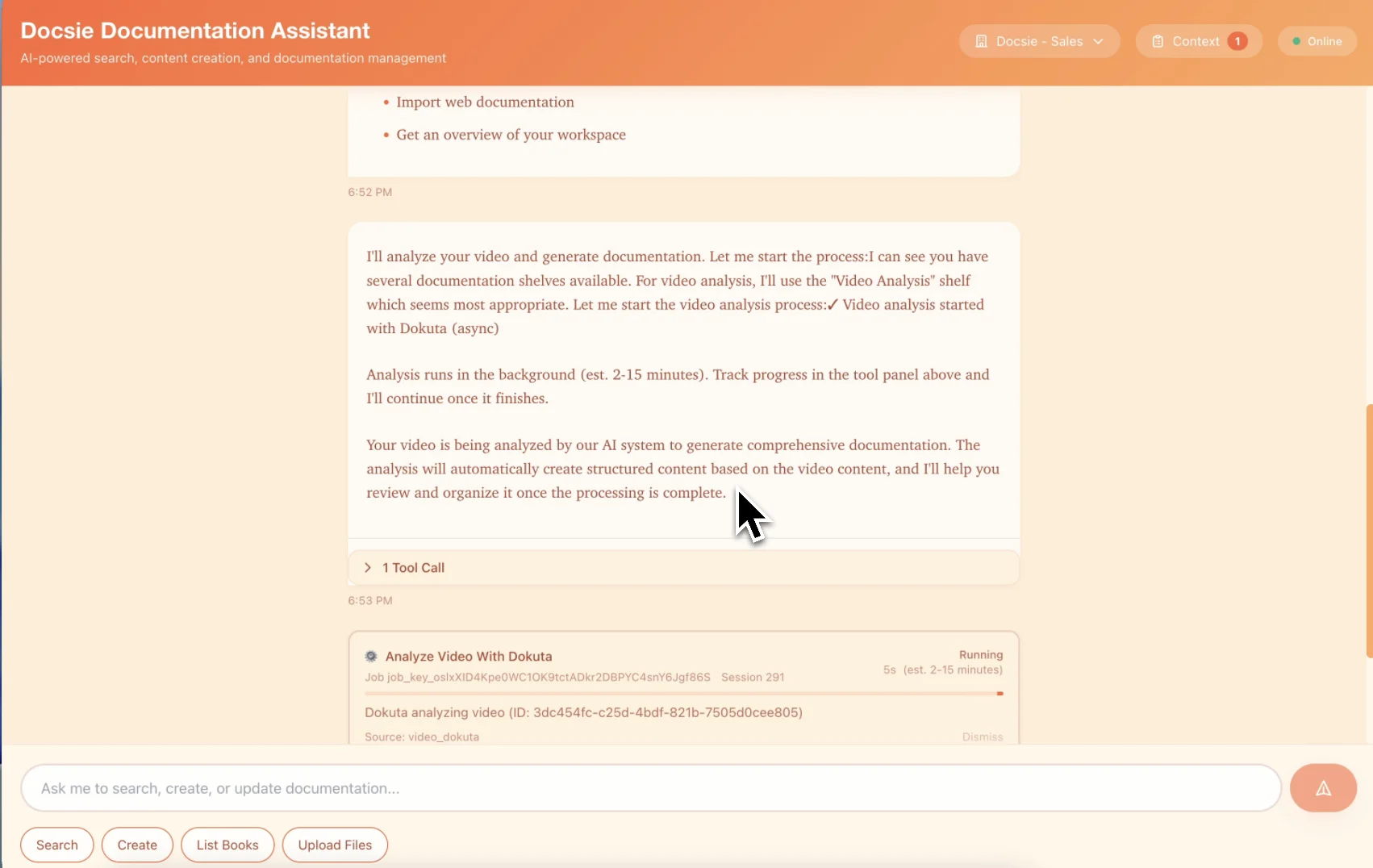
Docsie generates a slide flow, speaker notes, and an AI-led instructor grounded in both the training video and your verified knowledge base.
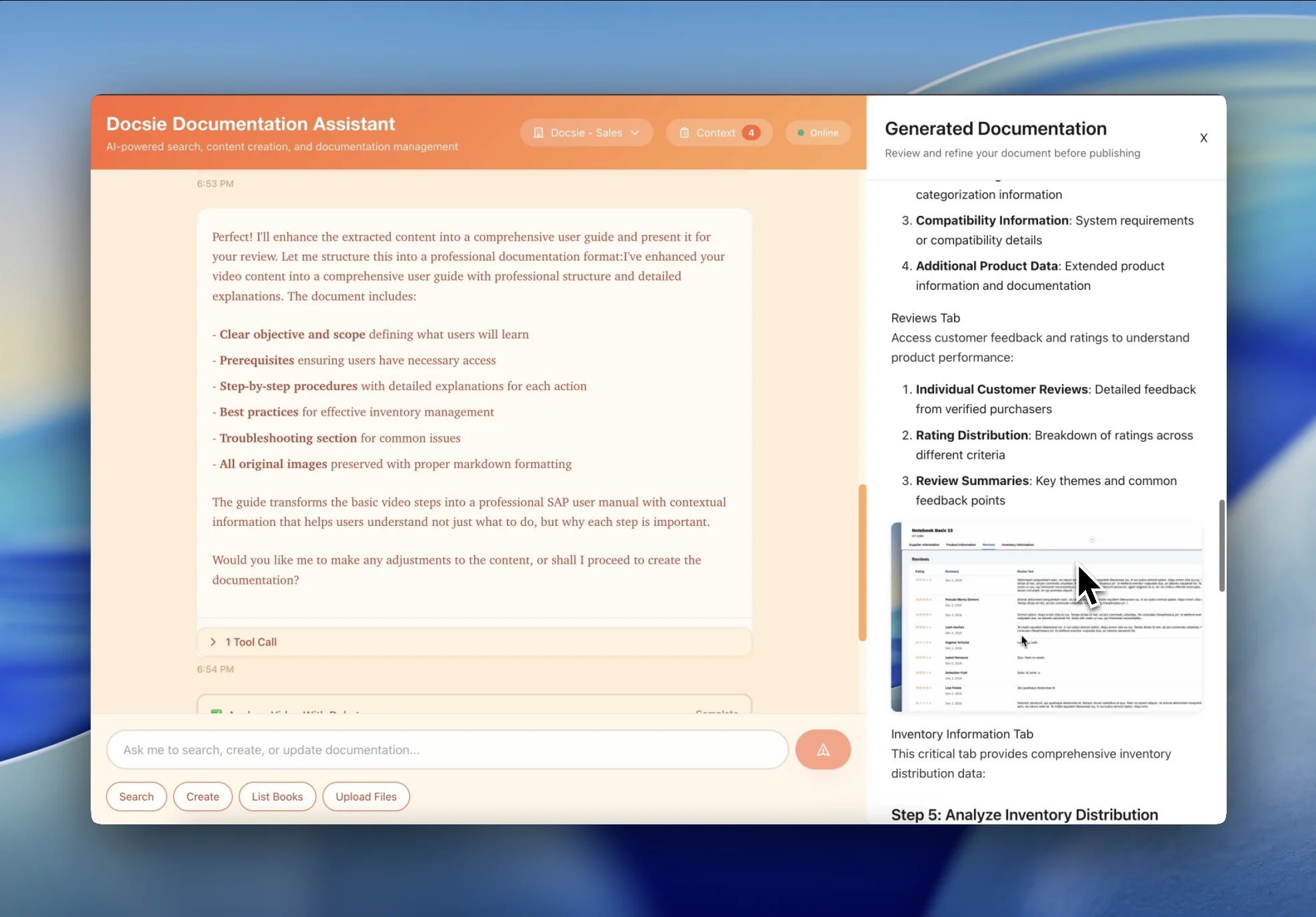
Publish the AI instructor to a Docsie learning portal or export to your LMS. Track learner questions, comprehension gaps, and certifications.
Why Deploy an AI Instructor
Six reasons enterprise training teams replace tier-1 instructor time with Docsie's AI instructor.
Stop spending senior trainer hours on repeat tier-1 questions. The AI instructor handles 'how do I' questions 24/7 — your senior trainers focus on coaching, complex scenarios, and 1:1 mentoring.
AI instructor answers are grounded in your verified knowledge base, with citations and review workflows. Grounding and escalation controls help reduce unsupported or generic answers.
Your AI instructor works 24/7 across multiple languages. New hires in Manila ask questions at 2am; learners in Munich get answers in German. Senior trainers don't need to be on-call.
Learner questions, quiz answers, and comprehension gaps can be logged. L&D leaders review where learners struggle and update training accordingly.
Update your knowledge base — the AI instructor can reflect approved KB updates. No re-recording videos. No re-authoring courses. Training stays current as your product, policies, and processes evolve.
Auto-generated quizzes and certifications track learner proficiency. Export as SCORM 1.2 / 2004 to your existing LMS — Cornerstone, Workday Learning, SAP SuccessFactors, Docebo.
These pages use the same product proof as the avatar presenter pillar, but the story is different: reduce repeat trainer questions and turn training videos into reusable instructor sessions.
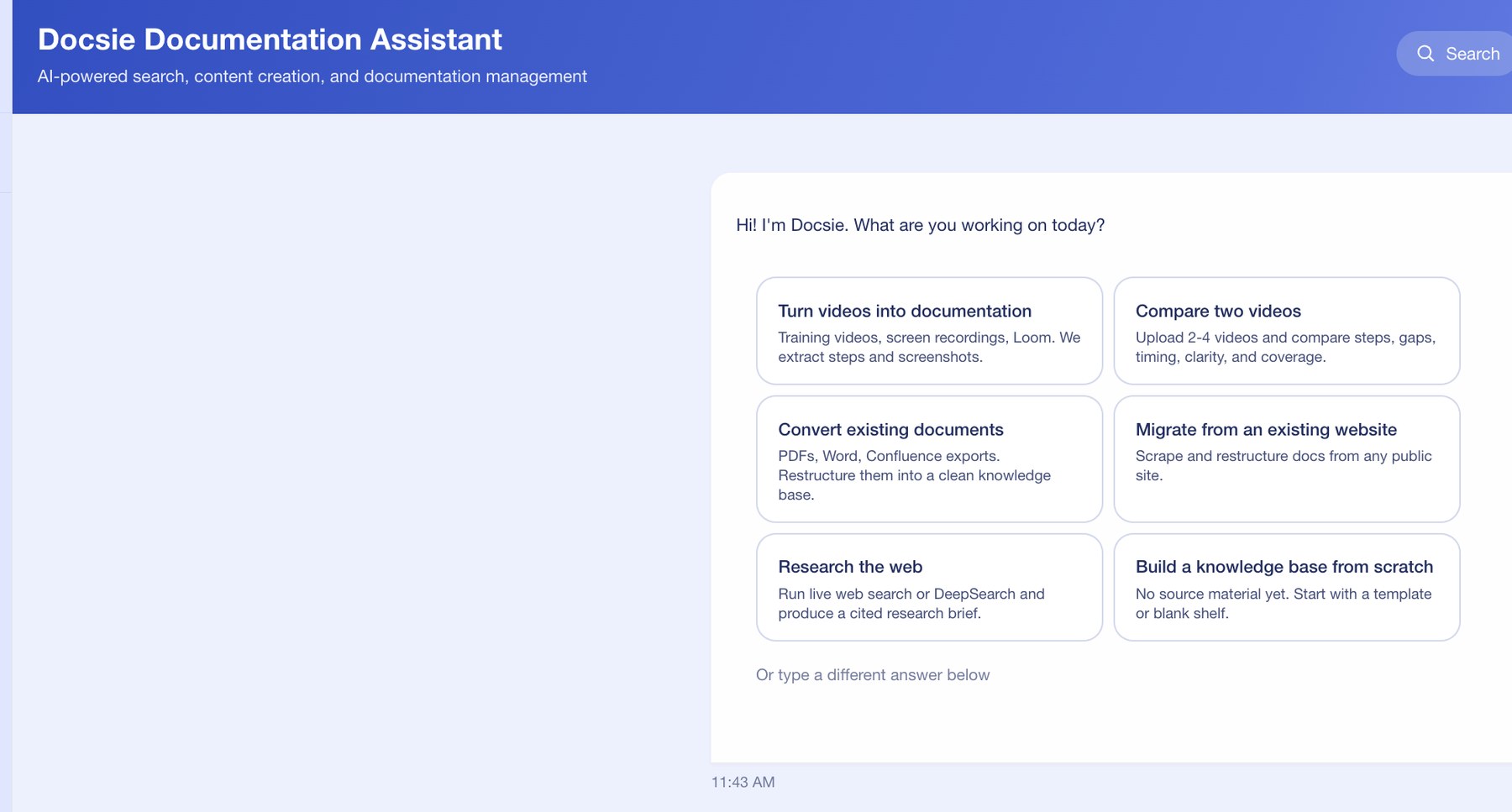
Use the source material your trainers already made: walkthrough videos, recordings, PDFs, and internal docs. Docsie extracts the context the AI instructor needs before learners ever ask a question.
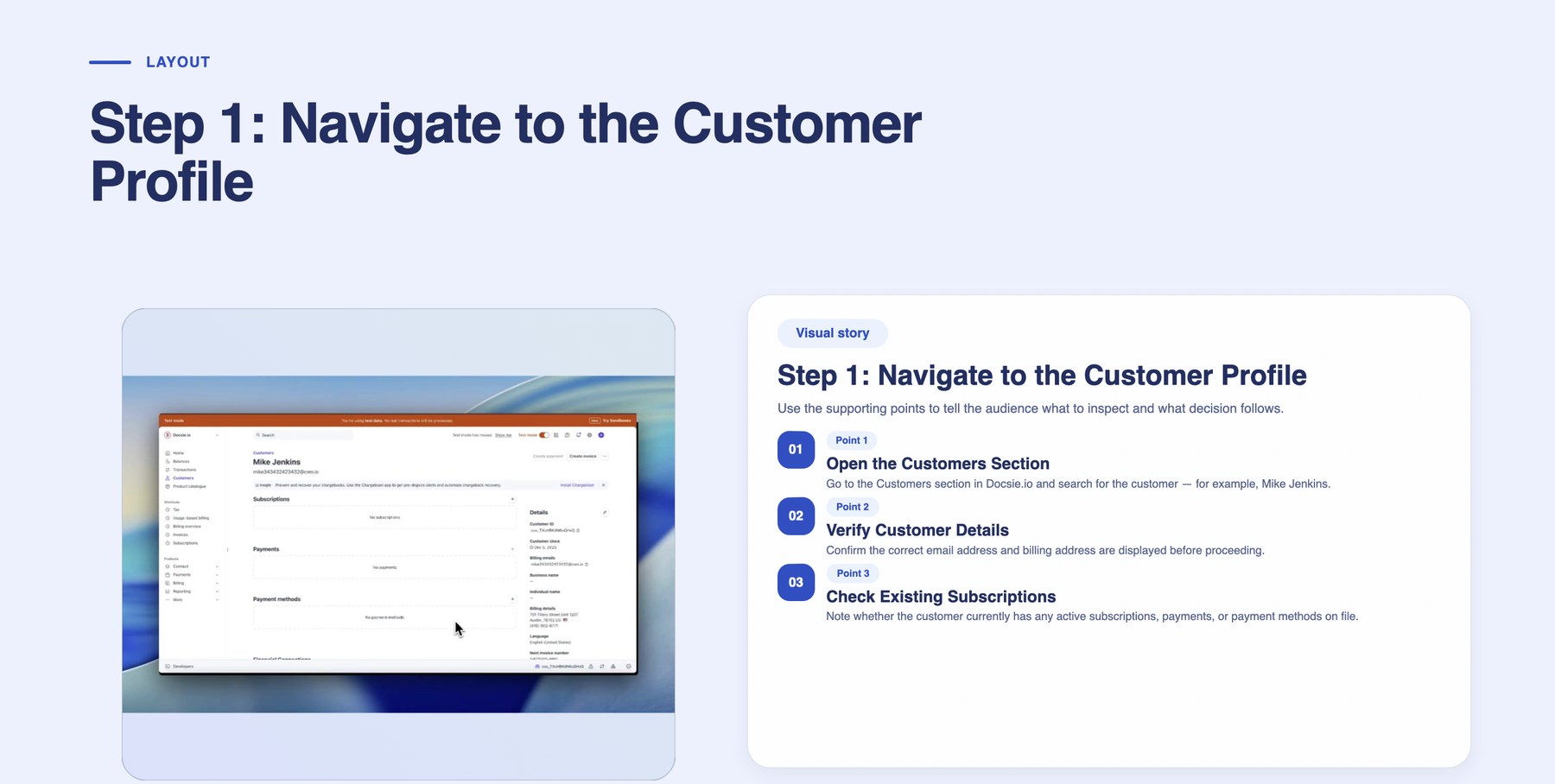
Docsie creates a deck, visual story points, and speaker notes so the AI instructor can teach a coherent lesson instead of responding from an unstructured transcript.
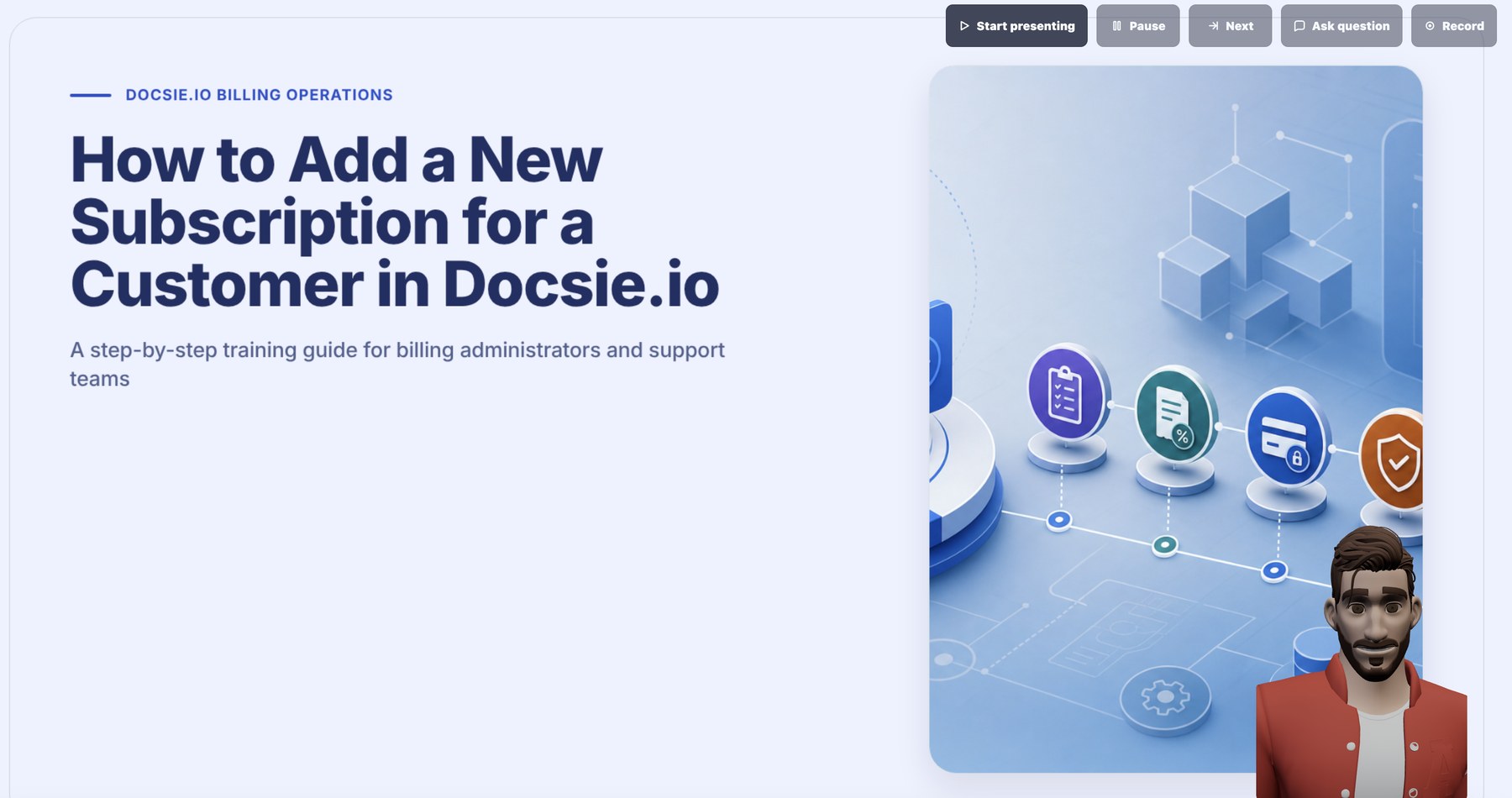
Learners can ask for clarification while the AI instructor is presenting. The instructor answers from source context and keeps the session moving, which reduces repetitive trainer interruptions.
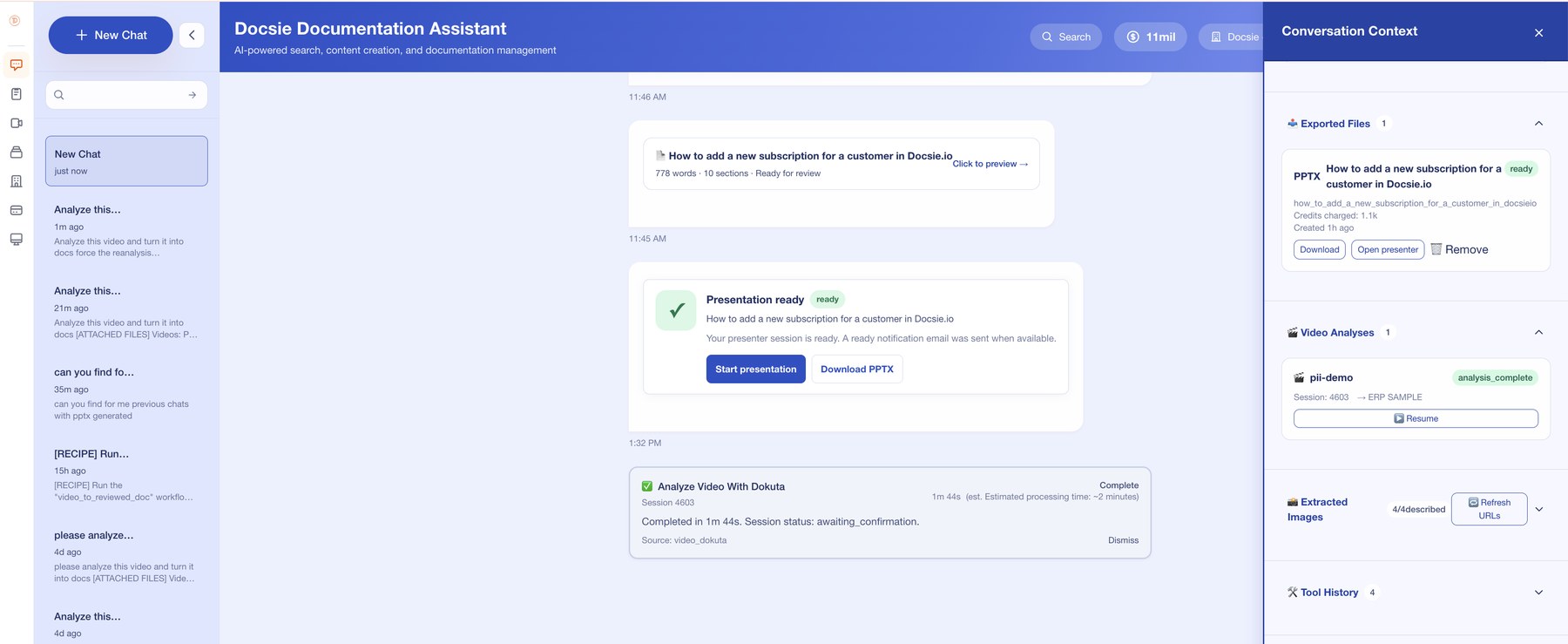
The generated PPTX, analysis status, extracted images, and source context remain available so trainers can review what the AI instructor taught and update the package over time.
Common Questions
Everything enterprise L&D teams ask about deploying an AI instructor for their training videos
Q: What is an AI instructor for training videos?
A: An AI instructor is an interactive training agent generated from your training video. Unlike a static video that plays one-way, the AI instructor can answer learner questions in natural language. Answers can be grounded in your verified knowledge base with citations and review workflows. It narrates with an AI-led instructor and runs adaptive quizzes.
Q: How is an AI instructor different from a chatbot?
A: A generic chatbot answers from a generic LLM and often hallucinates. An AI instructor for training videos is specifically grounded in the training content plus your verified knowledge base. It's designed for structured learning experiences with narration, quizzes, certifications, and proficiency tracking — not just open-ended chat.
Q: How long does it take to generate an AI instructor from a training video?
A: Most training videos are ready for review in minutes, depending on length, source quality, and processing settings. The AI instructor can be updated as your knowledge base evolves.
Q: Can I customize the AI-led instructor that narrates the training?
A: Yes. Docsie supports multiple AI-led instructors and voice profiles. You can match your brand voice, pick gender and accent, and even re-narrate the same training in multiple languages without re-recording the source video.
Q: How accurate is the AI instructor when answering learner questions?
A: Docsie's AI instructor is RAG-grounded — answers are grounded in your verified knowledge base, not generic model assumptions. Every answer cites the source document. If a question is outside the KB, the AI instructor says so and escalates to a human trainer.
Q: What if the AI instructor gives an inaccurate answer?
A: Each learner interaction can be logged in an audit trail. L&D admins can flag inaccurate answers, which triggers either a KB update or a retraining of the AI instructor. The system continuously improves with feedback. Inaccurate answers can be reviewed and corrected.
Q: Can the AI instructor handle questions in multiple languages?
A: Yes. Native Q&A support for multiple languages. A learner in Tokyo can ask in Japanese, a learner in São Paulo can ask in Portuguese — the AI instructor answers in the same language, grounded in the same KB.
Q: Can we use on-prem or private deployment options for sensitive training content?
A: Yes. Docsie supports on-prem/private deployment and model-control options for regulated-content workflows in industries such as healthcare, defense, and financial services.
Q: Does the AI instructor integrate with our LMS for certification tracking?
A: Yes. Docsie exports as SCORM 1.2 and SCORM 2004 packages compatible with Cornerstone, Workday Learning, SAP SuccessFactors, Docebo, Moodle, and any major LMS. xAPI / LRS supported for granular analytics.
Q: What's the difference between Docsie's AI instructor and Articulate or iSpring?
A: Articulate ($1,400/yr per author) and iSpring ($770/yr per author) are static course authoring tools — designers build linear training manually. Docsie's AI instructor is generated from a training video for review, is interrogable in real time by learners, and grounds answers in your KB. It reduces tier-1 trainer load, not just course-building work.
Ready to deploy an AI instructor for your training videos?
Book a DemoUse the demo to see how Docsie turns training material into a lesson package, AI-led delivery, and source-backed learner Q&A.
Review the instructor workflow first, then talk with the Docsie team about reducing repetitive trainer questions.