4.8
on G2
Transform compliance training videos into FDA/ISO-compliant documentation with audit trails, version control, and searchable evidence. Perfect for pharmaceutical, medical device, and regulated industries.
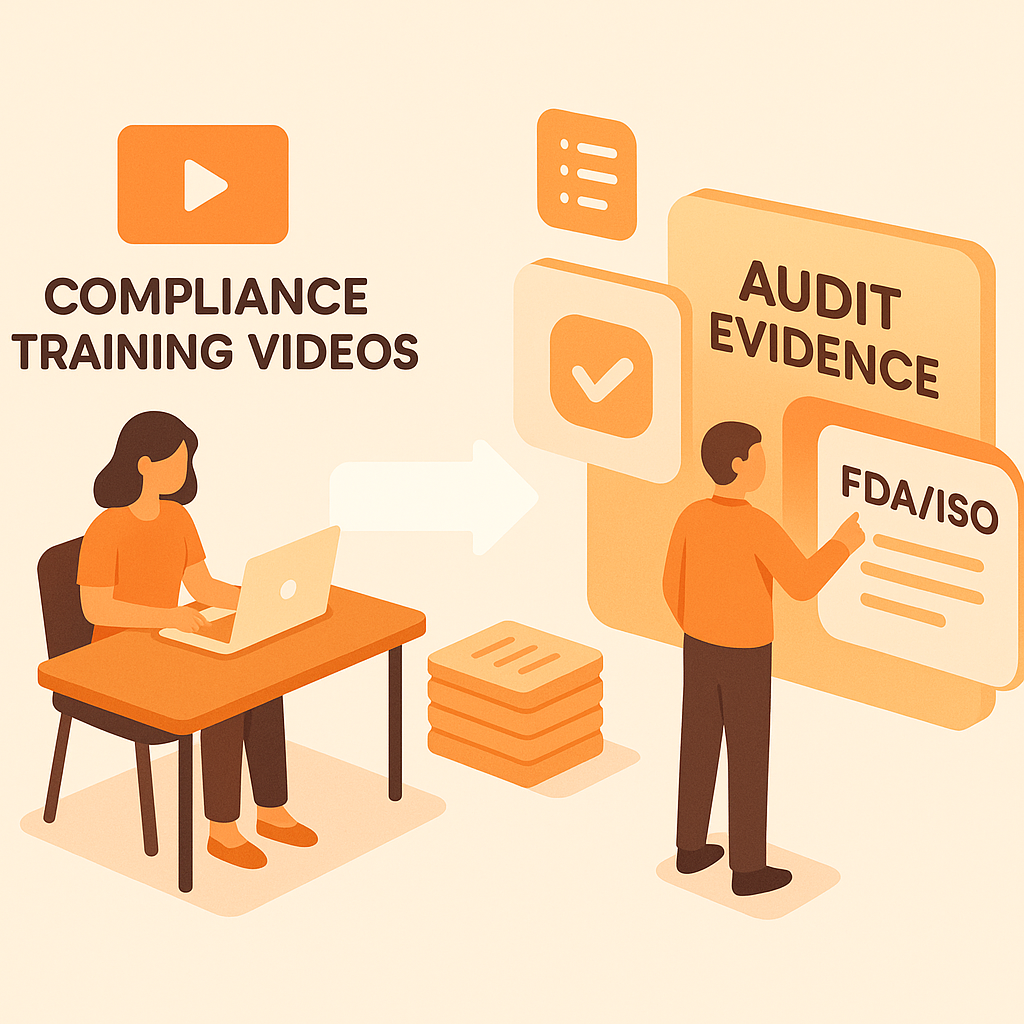
Watch It Work
See how compliance training becomes FDA-compliant audit documentation instantly
Join forward-thinking teams using Docsie to transform video content into searchable documentation






_Leader_Small-Business_Leader.svg)


_BestSupport_Small-Business_QualityOfSupport.svg)

FDA/ISO audits require documentation, not video files
FDA/ISO Compliance Features
Docsie generates compliant training documentation that meets FDA CFR 21 Part 11, ISO 13485, and GxP requirements—with audit trails, version control, and electronic signatures.
Electronic signatures, audit trails, and document control that meet FDA requirements for pharmaceutical and medical device training documentation
Auto-tag content by regulation (CFR 21 Part 11, ISO 13485, GxP, HIPAA). Auditors can search for specific compliance topics instantly
Complete document history showing what changed, who changed it, and when. Meets ISO/FDA requirements for document control and change management
Simple Process
Powered by Docsie Copilot's compliance-aware AI

Upload GMP training, SOP videos, or regulatory training from your LMS. Supports FDA-validated file formats

AI maps training to FDA/ISO regulations, creates version-controlled documentation with audit trails and electronic signature readiness

Get FDA CFR 21 Part 11-compliant documentation with audit trails, training completion records, and regulation references
See how pharmaceutical and medical device companies convert training to audit evidence

Transform Good Manufacturing Practice training into FDA CFR 21 Part 11-compliant documentation with electronic signatures, audit trails, and version control. Auditors get searchable evidence of employee training on manufacturing procedures and quality controls.

Convert design control, risk management, and CAPA training into ISO 13485-compliant documentation for medical device audits. Structured documentation with version control and training competency records.

Convert Good Laboratory Practice (GLP), Good Clinical Practice (GCP), and Good Distribution Practice (GDP) training into audit-ready documentation with regulatory traceability and training effectiveness evidence.
Audit-ready deliverables from compliance training footage
Training documentation with electronic signature readiness, audit trails, and version control that meets FDA requirements for pharmaceutical and medical device industries
Training content automatically tagged to FDA regulations (CFR 21 Part 11, GMP), ISO standards (13485, 9001), and GxP requirements for instant audit evidence retrieval
Complete change history showing who trained, what changed, when it changed—with document control meeting FDA/ISO requirements for training record management
Employee training certificates with documented proof of GMP, GxP, or ISO training completion—timestamped records for regulatory inspections and audits
Find training on specific FDA regulations, SOPs, or quality procedures instantly—auditors search "CFR 21 Part 11" and get all related training documentation
Documentation organized by role and competency requirement—quality engineers get GMP docs, lab staff get GLP training, production staff get manufacturing procedures
Watch how Docsie analyzes GMP training videos and generates FDA CFR 21 Part 11-compliant documentation with audit trails and regulation mapping
No credit card required • 14-day free trial
Common Questions
Everything you need to know about converting compliance training to audit-ready documentation
Q: Does this meet FDA CFR 21 Part 11 requirements for training documentation?
A: Yes. Docsie generates documentation with audit trails, version control, and electronic signature readiness that supports FDA CFR 21 Part 11 requirements. The system maintains complete change history and creates documented evidence of training completion for regulatory submissions.
Q: Can auditors use this documentation instead of watching training videos?
A: Yes. Auditors get searchable text documentation with timestamps, version history, and content traceability—not 40 hours of training videos. They can search for specific regulations, SOPs, or compliance topics and find relevant training evidence instantly.
Q: How does this help with ISO 13485 and IATF 16949 audits?
A: Docsie converts training videos into documentation that meets ISO quality management requirements. The system creates structured training records with audit trails, links to procedures, and evidence of training effectiveness—exactly what auditors expect to see.
Q: Can I tag documentation by regulation (CFR 21, ISO 13485, GxP)?
A: Yes. Docsie automatically identifies regulatory references in training content and tags documentation by regulation. Auditors search 'CFR 21 Part 11' and find all related training documentation instantly—no manual tagging required.
Q: How does version control work for compliance documentation?
A: Every change is tracked with who made it, when, and what changed. You get complete document history that meets FDA and ISO requirements for document control—essential for proving training content hasn't been improperly modified.
Still have questions?
Book a DemoCompatible with major video platforms and formats
Process YouTube videos and playlists

Convert Vimeo content
Support for MP4, AVI, WebM, MOV
Start creating professional documentation that your users will love