
4.8
on G2
 Screen Studio
 VEED.IO
Screen Studio delivers polished Mac-only screen recordings with automatic zoom and cursor animations. VEED.IO is a browser-based video editing suite with AI captions, translation, and templates. Neither converts recordings into structured documentation — we compare both honestly, then show you what they're each missing.
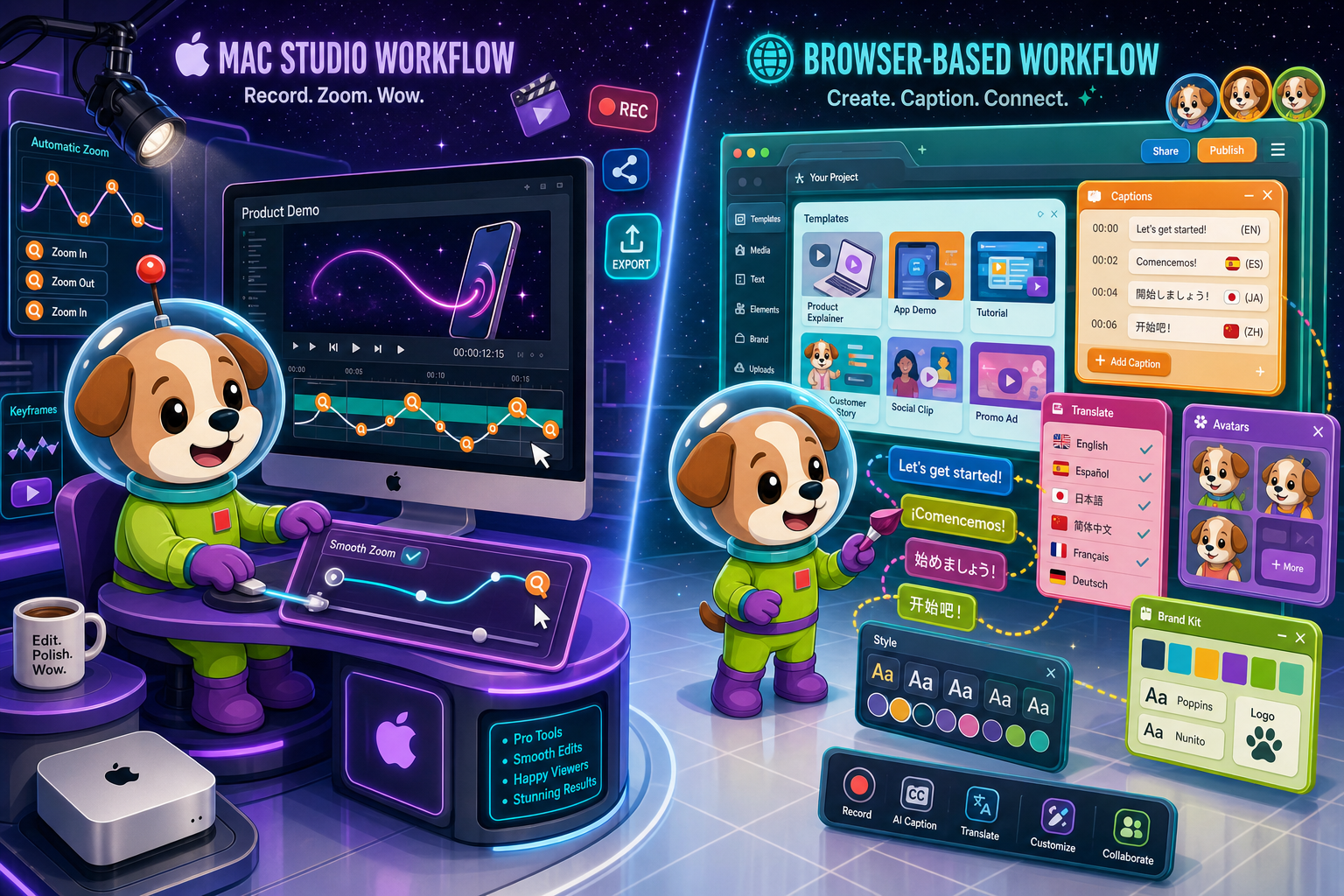
Screen Studio and VEED.IO are genuinely good tools for different audiences.
Feature Matrix
A comprehensive head-to-head comparison of recording capabilities, editing features, AI tools, platform support, and documentation workflow between Screen Studio and VEED.IO.
| Feature |
Screen Studio
|
VEED.IO
|
|---|---|---|
| Free Plan Available | ||
| Mac Support | ||
| Windows Support | ||
| Linux Support | ||
| Browser-Based Access | ||
| Desktop App | ||
| Open Source | ||
| Screen Recording | ||
| Webcam Overlay | ||
| Microphone Audio | ||
| System Audio Capture | ||
| iOS Device Recording | ||
| Automatic Zoom | ||
| Manual Zoom / Timeline Control | ||
| Cursor Smoothing & Polish | ||
| Backgrounds & Visual Effects | ||
| Motion Blur | ||
| Crop, Trim & Speed Regions | ||
| Timeline Editor | ||
| Templates & Brand Kit | ||
| AI Captions & Subtitles | ||
| AI Translation | ||
| AI Avatars | ||
| AI Script Generation | ||
| Video Export up to 4K | 4K 60fps | 4K on paid plans |
| GIF Export | ||
| Shareable Links | ||
| API Access | ||
| Team Collaboration | ||
| Video-to-Docs Conversion | ||
| Knowledge Base Publishing | ||
| Markdown / DOCX / PDF Export | ||
| SSO (Enterprise) |
Data as of 2026. Features based on publicly available vendor documentation. Verify pricing and plan limits directly with each vendor before purchasing.
Strengths & Weaknesses
Deep Dive
An in-depth look at the four dimensions that matter most when choosing between Screen Studio and VEED.IO — recording quality, editing depth, AI capabilities, and platform reach.
Screen Studio is built around one core promise — making screen recordings look beautiful with minimal effort. Its automatic zoom follows your cursor, cursor smoothing eliminates jitter, and motion blur adds cinematic weight to transitions. You can set backgrounds, shadows, and inset frames that make any recording look like a produced demo. VEED.IO records the screen competently but without the same automatic visual intelligence. If the primary goal is a stunning product demo or marketing video straight from a screen recording, Screen Studio's polish is hard to match on any platform — let alone in a browser.
VEED.IO wins on editing breadth. Its full timeline editor supports multi-track sequences, templates, brand kits, and a wide range of media manipulation tools designed for marketing teams producing social clips, ads, and branded content. Screen Studio offers crop, trim, speed regions, and manual zoom on the timeline — enough for polishing a single recording — but it is not a general-purpose video editor. Teams that need to assemble multiple clips, add lower thirds, or produce branded content at scale will find VEED.IO's editor more capable. Teams that want one beautifully polished recording with minimal editing will prefer Screen Studio's focused workflow.
VEED.IO has invested heavily in AI, offering automatic captions, multi-language translation, AI dubbing, AI avatars, and script generation. These features make it a strong choice for marketing teams producing multilingual content or customer-facing videos that need accessibility features built in. Screen Studio includes audio enhancement and transcripts but does not match VEED.IO's AI content layer. Neither tool, however, uses AI to convert a recording into structured written documentation — both stop at producing a video output. Teams that need AI to bridge video and text-based knowledge bases will find both tools fall short of that workflow.
Platform coverage is where VEED.IO has a clear structural advantage. It runs in any browser on Mac, Windows, and Linux, with team collaboration, shared workspaces, and an API for pipeline integration. Screen Studio requires macOS Ventura 13.1 or later and has no Windows or Linux support, no browser access, and no team collaboration features. For any team with members on Windows or Linux — or any organization that needs shared video workflows — Screen Studio is simply not viable. VEED.IO's browser-first approach removes the platform constraint entirely while adding team-oriented features Screen Studio does not offer at any price point.
Our Recommendation
Screen Studio and VEED.IO are genuinely good tools for different audiences. Screen Studio is the right choice for Mac-only creators who want the most visually polished screen recordings with the least effort — automatic zoom, cursor smoothing, and motion blur that no browser tool currently matches. VEED.IO is the right choice for cross-platform teams that need a full video editing suite with AI captions, translation, and brand tools. Both tools, however, share one significant gap — neither converts a recording into structured documentation, and neither integrates with a knowledge base workflow.
Choose Screen Studio if you need. .
Choose VEED.IO if you need. .
Choose Docsie Recorder if you need. .
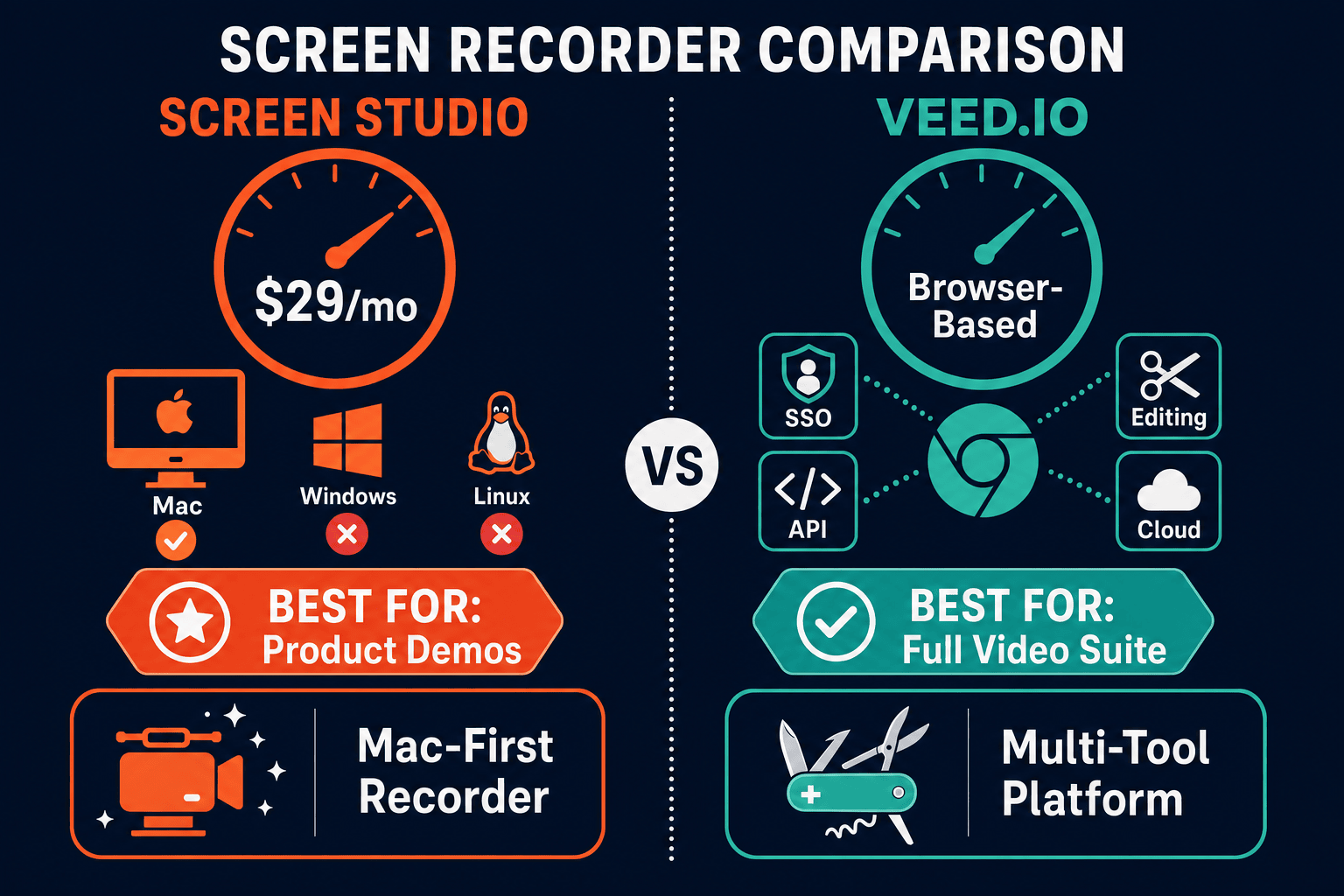
Winner: Docsie Recorder
Docsie Recorder is the only free, open-source tool in this comparison that addresses what both Screen Studio and VEED.IO are missing. It delivers recorder-grade visual polish — automatic zoom, cursor telemetry, backgrounds, motion blur, annotations — across Mac, Windows, and Linux, without the Mac-only restriction that disqualifies Screen Studio for most teams. More importantly, it does not stop at a video file. Its direct Docsie bridge converts recordings into structured Markdown, DOCX, and PDF documentation, then routes that content into Docsie's knowledge base for versioning, multi-tenant portal delivery, and enterprise governance. For teams that need their screen recordings to become documentation — not just shareable links — Docsie Recorder is the only recorder in this comparison built for that outcome.
Decision Helper
A direct framework for picking between Screen Studio, VEED.IO, and Docsie based on your specific needs.
Polished Mac-only product demos with cinematic zoom and motion.
Browser-based video editor and recorder.

Convert real video into searchable docs, then deploy multi-tenant portals.
Common Questions
Q: Does Screen Studio work on Windows or Linux?
A: No. Screen Studio is a macOS-only application and requires macOS Ventura 13.1 or later. There is no Windows version, no Linux version, and no browser-based access. If any member of your team is on Windows or Linux, Screen Studio is not a viable option for your organization.
Q: Does VEED.IO have the same cursor smoothing and automatic zoom as Screen Studio?
A: No. Automatic zoom and cursor smoothing are Screen Studio's signature differentiators and are not replicated in VEED.IO's recording workflow. VEED.IO supports manual zoom within its timeline editor, but the intelligent, cursor-following automatic zoom that makes Screen Studio recordings look polished with no manual effort is absent from VEED.IO entirely.
Q: Can either Screen Studio or VEED.IO convert a recording into written documentation?
A: Neither tool offers a video-to-documentation workflow. Screen Studio exports video files and GIFs with shareable links. VEED.IO exports edited videos with AI captions and translations. Neither generates Markdown, DOCX, PDF, or knowledge base articles from a recording. If your team needs recordings to become written documentation, both tools require a separate manual process to bridge that gap.
Q: Which tool is better for team collaboration?
A: VEED.IO is significantly better for teams. It offers shared workspaces, team collaboration features, a brand kit, and API access for pipeline integration. Screen Studio has no team collaboration features — it is a single-user macOS application with no shared workspace, no comments, and no multi-user workflow. For any team working on shared video projects, VEED.IO is the practical choice between the two.
Q: Is there a better alternative to both Screen Studio and VEED.IO?
A: Yes. Docsie Recorder is a free, open-source desktop recorder that runs on Mac, Windows, and Linux — removing Screen Studio's Mac-only restriction — while delivering recorder-grade editing including automatic zoom, cursor polish, backgrounds, crop, trim, and speed regions. Unlike both Screen Studio and VEED.IO, Docsie Recorder connects directly to Docsie's Video-to-Docs pipeline, converting recordings into structured Markdown, DOCX, and PDF documentation that feeds into a full knowledge base workflow. It is the only tool in this comparison that turns a screen recording into managed, versioned, and published documentation.
Q: Which tool offers better value for a small team on a budget?
A: VEED.IO offers a free plan that gives small teams access to basic recording and editing without any upfront cost, making it the more accessible starting point. Screen Studio has no free plan and starts at $29/month or $9/month billed annually. However, if your team needs recordings that become documentation — not just video files — Docsie Recorder is free and open source with no subscription required for recording and local export, making it the strongest value option across all three tools.
Docsie Recorder is a free, open-source screen recorder for Mac, Windows, and Linux that delivers the visual polish of Screen Studio and the cross-platform reach of VEED.IO — then goes further. Its direct Docsie bridge converts recordings into structured documentation, turning every walkthrough into a versioned knowledge base article ready for multi-tenant portal delivery, enterprise SSO, and audit-ready governance. Record once. Publish everywhere.
Free and open source.