
4.8
on G2
 Screen Studio
 Trupeer
Screen Studio is a polished Mac-only screen recorder with no enterprise features. Trupeer is a newer AI video-to-docs tool with an enterprise tier but limited compliance depth. If your organization needs SSO, audit logs, data residency, and a governed documentation pipeline, neither tool tells the full story.
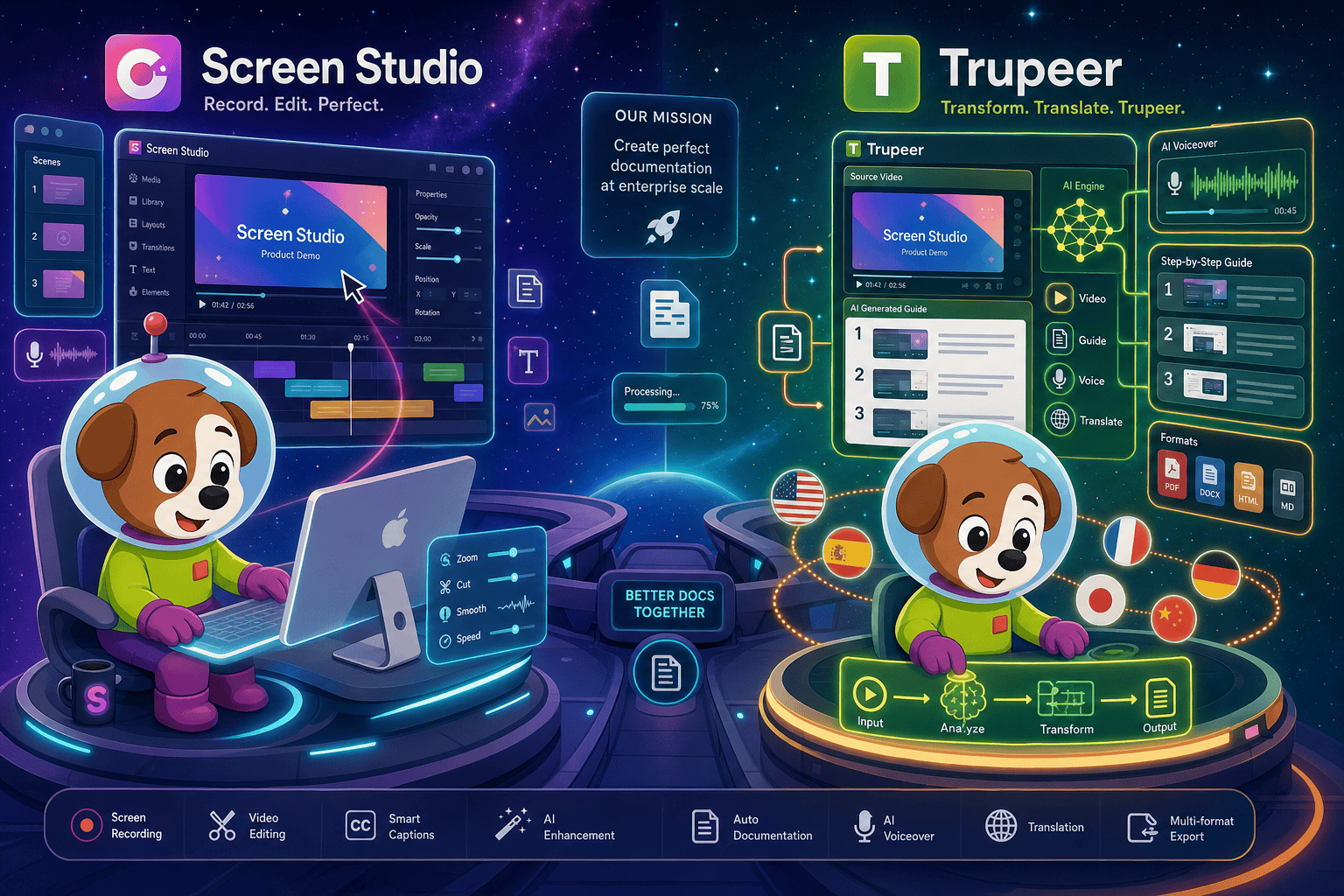
Screen Studio is not an enterprise tool.
Enterprise Feature Matrix
A focused comparison of enterprise-grade capabilities including security, compliance, administration, scalability, and support across Screen Studio and Trupeer.
| Enterprise Capability |
Screen Studio
|
Trupeer
|
|---|---|---|
| SSO (SAML / OAuth) | Enterprise tier only | |
| Role-Based Access Control | ||
| Audit Logs | ||
| SOC 2 Compliance | Verify | |
| GDPR Compliance | Verify | |
| Data Residency Options | ||
| Self-Hosting / Air-Gap Deployment | ||
| Multi-Tenant Portals | ||
| Custom Domain | Verify | |
| API Access | Verify | |
| Team Administration Console | ||
| Usage Analytics & Reporting | ||
| Enterprise Support / Dedicated CSM | ||
| Uptime SLA | Not applicable (local Mac app) | Verify |
| Windows / Linux Support | ||
| Open-Source Recorder Base | ||
| Knowledge Base & Docs Management | Partial | |
| Version Control for Docs | ||
| Enterprise Custom Pricing |
Data as of May 2026. Based on publicly available vendor documentation and pricing pages. Features marked "Verify" should be confirmed directly with the vendor before purchase decisions.
Strengths & Weaknesses
Deep Dive Analysis
An in-depth look at the four dimensions that matter most when evaluating screen recording and video-to-docs tools for enterprise deployment.
Screen Studio avoids cloud exposure during recording since it is a local Mac app, but this is incidental rather than a designed compliance posture. It carries no SOC 2, GDPR, or HIPAA certifications, no audit logs, and no SSO. Trupeer's enterprise tier includes an SSO and security review option, making it meaningfully more compliant-aware, but audit logs, data residency choices, and formal compliance certifications still need direct verification. Neither tool is positioned as a compliance-first platform. Organizations in regulated industries — healthcare, finance, government — will find both tools fall short of the documentation and evidence trail required for audit-readiness.
Screen Studio is fundamentally an individual productivity tool. Its Mac-only constraint alone disqualifies it from most enterprise rollouts where Windows laptops dominate. There is no team account, no usage reporting, and no mechanism to manage recordings at scale. Trupeer scales better — it supports team accounts, usage analytics, and an enterprise custom pricing tier with higher AI video minute limits. However, usage-based AI minute billing introduces unpredictable cost at scale, and there is no self-hosting option to bring processing in-house. Enterprises expecting consistent, governable throughput for large documentation teams will need to model costs carefully before committing to Trupeer's usage model.
Screen Studio offers no administration capabilities. There is no admin console, no user provisioning, no role-based access control, no team-level usage visibility, and no centralized content governance. Trupeer does better here — it provides role-based access control, a team administration layer, and usage analytics, which means managers can see what is being created and by whom. However, neither tool offers multi-tenant portal delivery, version-controlled documentation management, or approval workflows for content governance. For enterprises that need to control what documentation is published, who can edit it, and how it reaches end users, both tools require significant workarounds or additional platforms.
Screen Studio is a low-touch SaaS product aimed at individual Mac users. There is no dedicated support tier, no enterprise SLA, and no documented uptime commitment for the shareable links feature. Trupeer provides dedicated enterprise support and a named enterprise plan, indicating a willingness to engage with procurement and security review processes. That said, as a product founded in 2023, Trupeer's enterprise support organization is still maturing relative to established vendors. Enterprises that require contractual uptime SLAs, named customer success managers, and escalation paths documented in a master service agreement should verify Trupeer's current support commitments before signing.
Our Recommendation
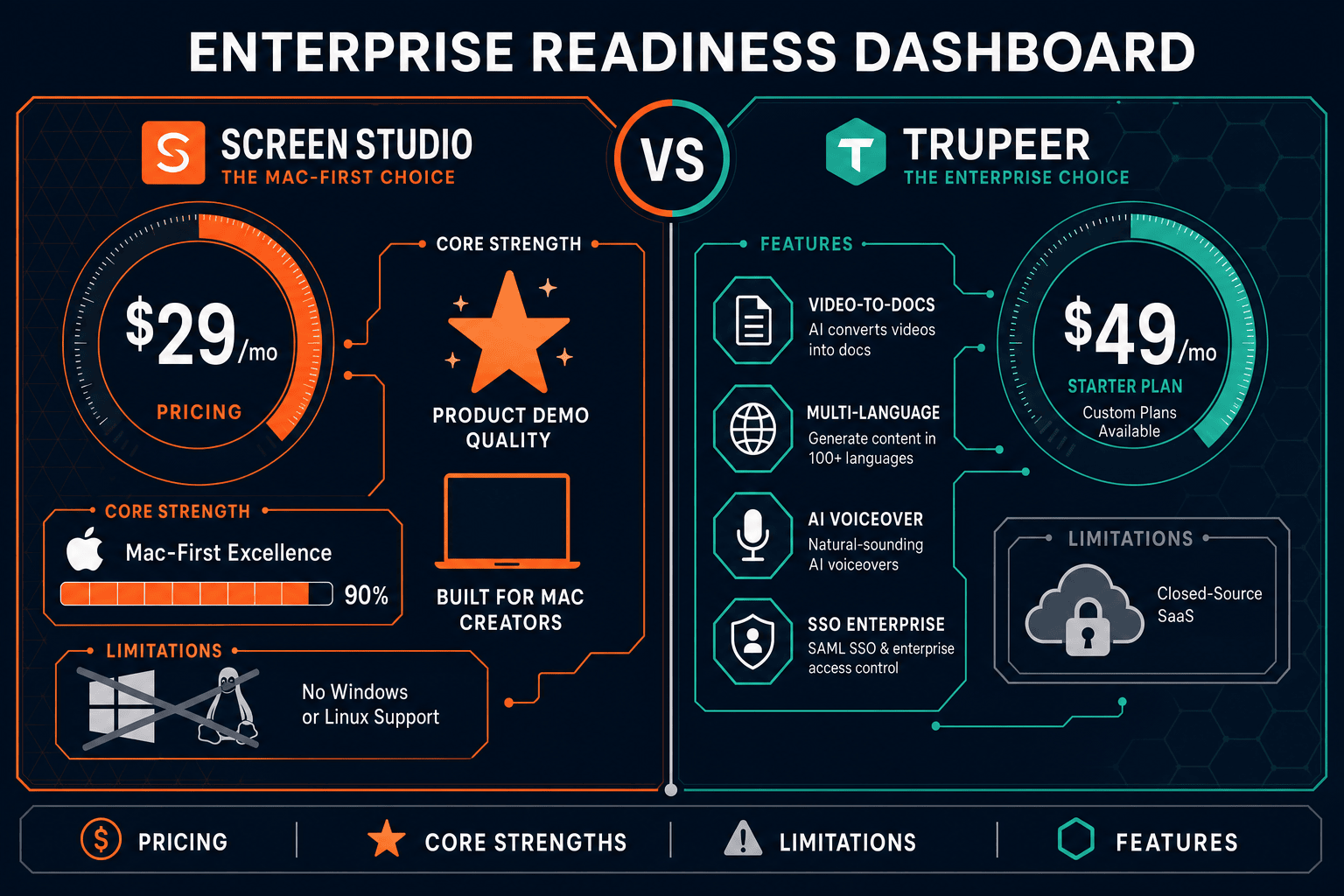
Screen Studio is not an enterprise tool. It is a beautifully crafted Mac recorder for individual contributors, and it makes no attempt to be otherwise — no SSO, no compliance, no Windows support, no admin console. Trupeer is a more enterprise-aware product with SSO on its enterprise tier, role-based access control, and dedicated support, but it is a young platform that still lacks audit logs, data residency, and the deep documentation governance that regulated enterprises require.
Choose Screen Studio if you need. .
Choose Trupeer if you need. .
Choose Docsie Recorder if you need. .
Winner: Docsie Recorder
Docsie Recorder is the only free, open-source recorder in this comparison that was built from the ground up to feed an enterprise documentation pipeline. While Screen Studio stops at a video file and Trupeer produces a guide with limited governance, Docsie Recorder connects recording directly to the Docsie CONVERT and MANAGE workflow — generating structured docs, publishing them into versioned knowledge bases, and delivering them through multi-tenant portals with SSO, audit logs, and compliance-ready infrastructure. For enterprise teams that need CREATE to connect to MANAGE and DELIVER, Docsie Recorder provides the complete path that neither competitor offers.
Decision Helper
A direct framework for picking between Screen Studio, Trupeer, and Docsie based on your specific needs.
Polished Mac-only product demos with cinematic zoom and motion.
AI-generated video walkthrough documentation.

Convert real video into searchable docs, then deploy multi-tenant portals.
Common Questions
Q: Does Screen Studio support SSO for enterprise identity management?
A: No. Screen Studio has no SSO, SAML, or OAuth integration. It is designed as a standalone Mac application for individual users. Enterprises that require centralized identity management through Okta, Azure AD, or similar providers cannot use Screen Studio in a governed enterprise deployment without workarounds.
Q: Does Trupeer have SOC 2 or GDPR compliance certifications?
A: Trupeer's enterprise tier includes a security review option and mentions compliance considerations, but formal SOC 2 Type II and GDPR certification status needs to be verified directly with Trupeer before any enterprise procurement decision. The product is relatively new (founded 2023) and its compliance posture is still maturing compared to established enterprise vendors.
Q: Can either tool deploy on-premises or in an air-gapped environment?
A: Neither Screen Studio nor Trupeer offers on-premises or air-gap deployment. Screen Studio is a Mac desktop app with cloud shareable links, and Trupeer is a cloud-based SaaS platform. Organizations with strict data sovereignty or air-gap requirements will find both tools unsuitable without significant architectural workarounds.
Q: Which tool provides better audit logging for compliance teams?
A: Neither Screen Studio nor Trupeer provides audit logs as a verified feature. Screen Studio has no enterprise features at all. Trupeer's enterprise tier is more compliance-aware with SSO and security review support, but audit logging — a requirement for SOX, HIPAA, and GDPR accountability — is not confirmed as a current Trupeer capability and should be verified directly with the vendor.
Q: Is there a better alternative to both Screen Studio and Trupeer for enterprise teams?
A: Yes. Docsie Recorder is a free, open-source screen recorder available on Mac, Windows, and Linux that directly addresses the enterprise gaps both tools leave open. Unlike Screen Studio (Mac-only, no enterprise features) and Trupeer (cloud-only, limited compliance depth), Docsie Recorder connects recording to a full enterprise documentation pipeline with SSO, audit logs, versioned knowledge bases, multi-tenant portals, and custom domain delivery. Teams get an auditable CREATE workflow that flows all the way through MANAGE and DELIVER — something neither Screen Studio nor Trupeer provides end to end.
Q: Which tool is more suitable for Windows-based enterprise teams?
A: Trupeer is the only viable option between the two for Windows environments, as Screen Studio is strictly Mac-only. However, if your enterprise requires a cross-platform open-source recorder with a governed documentation workflow, Docsie Recorder supports Mac, Windows, and Linux with a transparent MIT-licensed codebase — making it the stronger enterprise choice for mixed-OS organizations.
Docsie Recorder is a free, open-source screen recorder for Mac, Windows, and Linux that does what neither Screen Studio nor Trupeer can do together — capture your screen locally, convert recordings into structured documentation, and publish into a governed knowledge base with SSO, versioning, multi-tenant portals, and enterprise compliance support. Record once. Ship structured docs. Manage everything in one platform.
Free to download. Open-source recorder core.