
4.8
on G2
 Screen Studio
 Tango
Tango
Screen Studio is a polished Mac-only screen recorder built for beautiful product demo videos. Tango is a Chrome extension that captures browser workflows as screenshot-based step guides. They solve different problems — and neither one does both well. This comparison breaks down every key feature so you can pick the right tool, or discover why Docsie Recorder does both better.
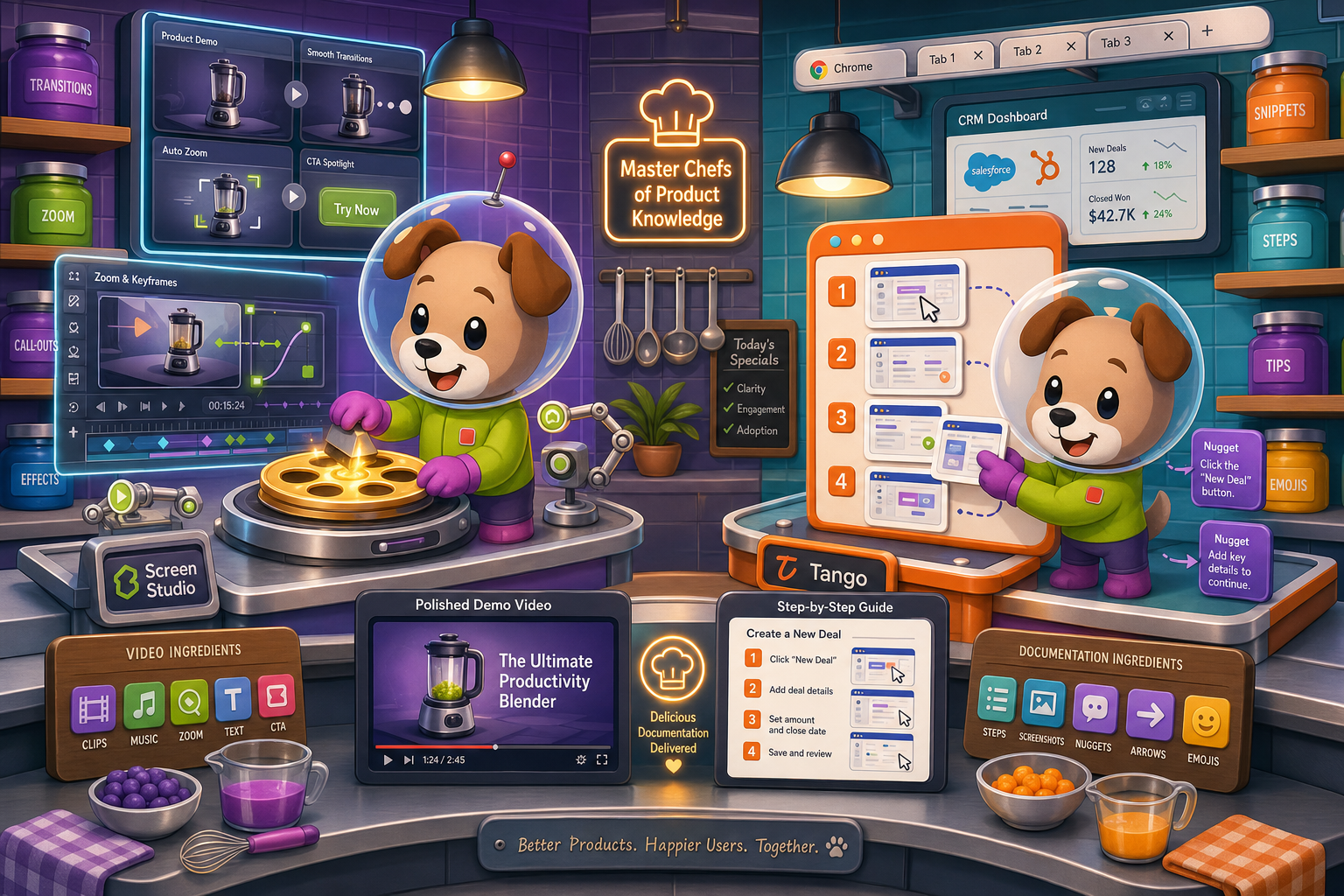
Screen Studio and Tango solve genuinely different problems — Screen Studio is a polished Mac video recorder for beautiful product demos, while Tango is a browser-based screenshot tool for step-by-step workflow guides.
Feature Matrix
A comprehensive side-by-side comparison of capture methods, editing capabilities, output formats, documentation features, and enterprise readiness between Screen Studio and Tango.
| Feature |
Screen Studio
|
Tango
|
|---|---|---|
| Free Plan Available | ||
| Mac Support | ||
| Windows Support | ||
| Linux Support | ||
| Browser Extension Capture | ||
| Desktop App Capture | Pro+ only | |
| Video Screen Recording | ||
| Screenshot-Based Capture | ||
| Webcam Overlay | ||
| Microphone Audio | ||
| System Audio Capture | ||
| iOS Device Recording | ||
| Automatic Zoom & Cursor Smoothing | ||
| Backgrounds & Visual Effects | ||
| Crop, Trim & Speed Regions | ||
| Keyboard Shortcut Display | ||
| Video Export (up to 4K) | ||
| GIF Export | ||
| Step-by-Step Guide Output | ||
| In-App Guided Walkthroughs | ||
| AI Content Generation | ||
| Markdown / DOCX / PDF Export | ||
| Knowledge Base Publishing | ||
| Version Control | 14 days (Pro) / 365 days (Enterprise) | |
| Multi-Tenant Portals | ||
| SSO (SAML/SCIM) | Enterprise only | |
| SOC 2 Compliance | ||
| API Access | ||
| Open Source |
Data as of May 2026. Features are based on publicly available information and vendor documentation. Screen Studio pricing verified at $29/month or $9/month billed yearly. Tango free plan limited to 15 workflows and 10 users. Re-verify before making a purchase decision.
Strengths & Weaknesses
Deep Dive
An in-depth analysis of the critical differences in capture methods, output formats, documentation capabilities, and enterprise readiness between Screen Studio and Tango.
Screen Studio and Tango have almost nothing in common at the capture layer. Screen Studio records continuous video from your Mac desktop, window, or iOS device, with webcam overlay, microphone, and system audio captured simultaneously. Tango captures discrete screenshots triggered by each click action in a browser. Screen Studio is right for demos, tutorials, and marketing videos where motion matters. Tango is right for documenting linear browser-based SaaS workflows step by step. Neither tool can do what the other does — they are fundamentally different capture paradigms built for different audiences.
Screen Studio produces polished, broadcast-quality video with automatic zoom, cursor smoothing, motion blur, custom backgrounds, speed regions, crop, trim, and 4K 60fps export. It is a genuine video editor wrapped around a recorder. Tango produces clean screenshot-annotated step guides — no video editing, no motion, no audio. Screen Studio's output looks like a professional product demo video; Tango's output looks like a nicely formatted SOP document with numbered screenshots. If your end deliverable is a video, Screen Studio wins by a wide margin. If your end deliverable is a clickable walkthrough guide, Tango is purpose-built for that.
Neither Screen Studio nor Tango offers a genuine documentation and knowledge management workflow. Screen Studio stops at video and GIF — there is no path to written docs, Markdown, DOCX, PDF, or a knowledge base. Tango produces step guides that live in Tango's own interface, but there is no full knowledge base, no version control beyond 14 days (Pro) or 365 days (Enterprise), and no multi-tenant portal delivery. Both tools create content that lives in a silo. Teams that need recordings and guides to flow into structured, versioned, searchable documentation will find both tools hit the same ceiling at different starting points.
Tango has a meaningful enterprise story — SOC 2 compliance, GDPR, SAML SSO, SCIM provisioning, role-based access, automatic PII blurring, and 365-day version history on Enterprise. Screen Studio has essentially no enterprise features: no SSO, no audit logs, no compliance certifications, no team management, and no data residency options. For enterprise procurement, Tango clears a higher bar than Screen Studio. However, neither tool offers multi-tenant portal delivery, API access, or the ability to publish documentation into a governed knowledge base — gaps that matter for customer-facing documentation programs and regulated industries.
Our Recommendation
Screen Studio and Tango solve genuinely different problems — Screen Studio is a polished Mac video recorder for beautiful product demos, while Tango is a browser-based screenshot tool for step-by-step workflow guides. Head-to-head, Screen Studio wins on output quality and editing depth; Tango wins on documentation workflow, enterprise compliance, and cross-platform accessibility. Neither tool, however, bridges the gap between recording and structured documentation — and that is where both fall short for teams that need recordings to become knowledge base content.
Choose Screen Studio if you need. .
Choose Tango if you need. .
Choose Docsie Recorder if you need. .
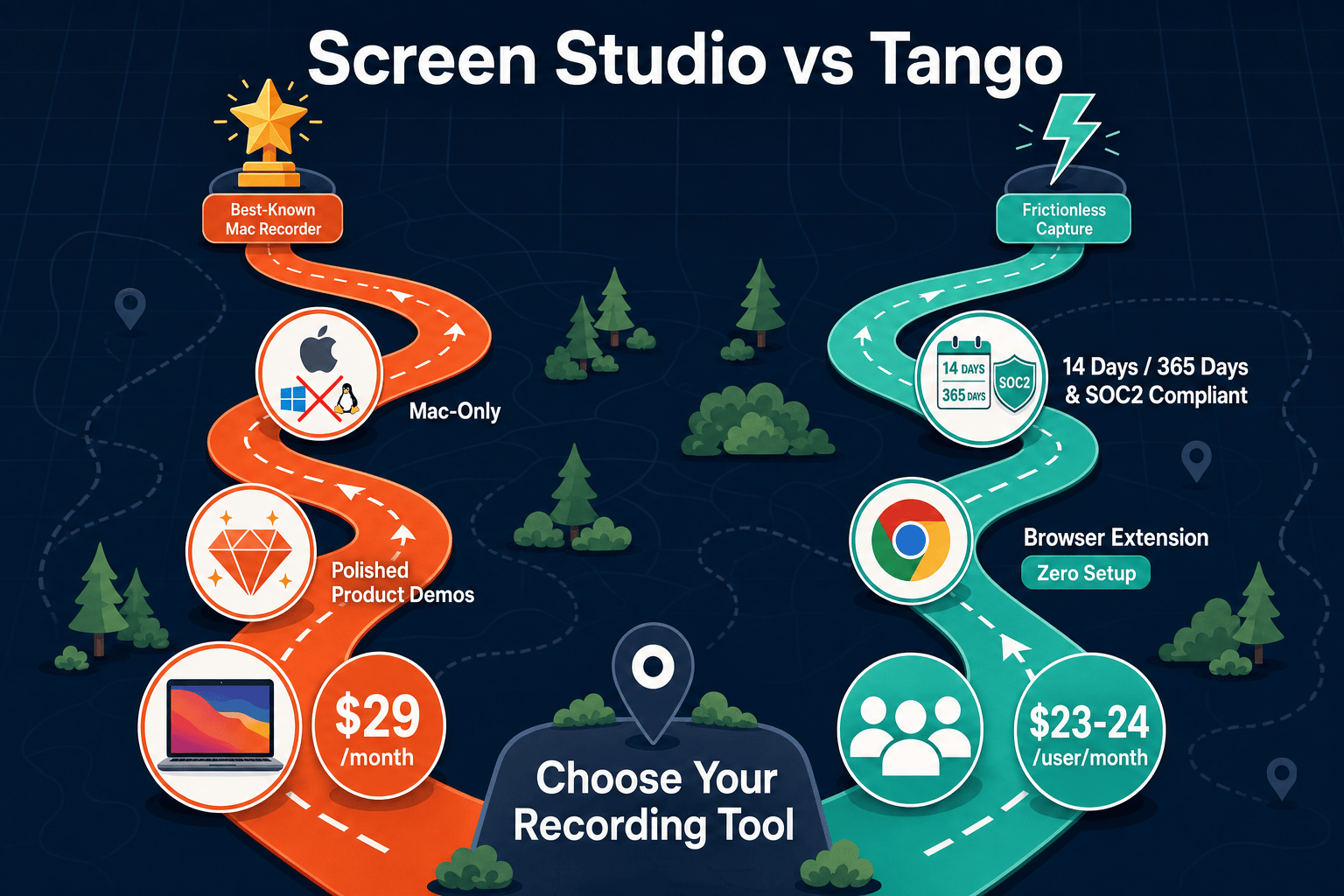
Winner: Docsie Recorder
Docsie Recorder is the only tool in this comparison that covers both the recording side (free, open-source, cross-platform, with polished editing features) and the documentation side (Video-to-Docs conversion, Markdown/DOCX/PDF export, knowledge base publishing, version control, and multi-tenant portals). Screen Studio users get better cross-platform reach and a built-in docs workflow. Tango users get video capability and a genuine knowledge management layer. Teams that record once and need that recording to become structured, governed, searchable documentation — delivered to clients or internal teams through branded portals — will find Docsie Recorder is the only tool that completes that full CREATE → CONVERT → MANAGE → DELIVER workflow.
Decision Helper
A direct framework for picking between Screen Studio, Tango, and Docsie based on your specific needs.
Polished Mac-only product demos with cinematic zoom and motion.
Workflow capture tool turning clicks into screenshot how-tos.

Convert real video into searchable docs, then deploy multi-tenant portals.
Common Questions
Q: Can Tango record video like Screen Studio?
A: No. Tango captures discrete screenshots triggered by browser clicks — it has no video recording capability at all. There is no audio, no webcam, no motion, and no continuous timeline. Screen Studio records full video with sound, webcam overlay, and advanced editing features like automatic zoom and motion blur. If your workflow requires video output, Tango is the wrong tool entirely.
Q: Can Screen Studio produce step-by-step guides like Tango?
A: No. Screen Studio outputs video files and GIFs — it has no mechanism for producing screenshot-annotated step-by-step guides, clickable walkthroughs, or in-app overlay experiences. Tango's Nuggets feature (in-app guided walkthroughs) has no equivalent in Screen Studio. The two tools produce fundamentally different output formats and cannot substitute for each other in that dimension.
Q: Does either Screen Studio or Tango export to Markdown, DOCX, or PDF?
A: Neither tool exports to Markdown, DOCX, or PDF. Screen Studio exports video (up to 4K 60fps) and GIF files. Tango exports its step guides as PDFs in some configurations and can embed guides, but there is no Markdown or DOCX export, and no pathway to a structured knowledge base. Teams that need recordings to become written documentation in standard formats will need a different tool entirely.
Q: Which tool works on Windows?
A: Tango works on Windows via the Chrome browser extension and a desktop app on Pro and above. Screen Studio is Mac-only — there is no Windows version, no Windows beta, and no browser-based fallback. If any member of your team uses Windows, Screen Studio is not a viable choice for your organization.
Q: Is there a better alternative to both Screen Studio and Tango?
A: Yes — Docsie Recorder addresses the core limitations of both tools. Unlike Screen Studio, Docsie Recorder is free, open-source, and runs on Mac, Windows, and Linux with full recorder-grade editing (zooms, backgrounds, crop, trim, speed regions, annotations). Unlike Tango, it captures real video rather than screenshots, and it connects directly to Docsie's Video-to-Docs pipeline to turn any recording into structured Markdown, DOCX, PDF, and knowledge base content. Teams that need recordings to become governed, versioned, searchable documentation — delivered through branded portals — will find Docsie Recorder is the only tool that completes that full workflow.
Q: How does pricing compare between Screen Studio and Tango?
A: Screen Studio has no free plan and costs $29/month or $9/month billed yearly (all features included). Tango offers a free plan limited to 15 workflows and 10 users, with Pro at $23-24/user/month and Enterprise at custom pricing. For small teams under 10 users doing browser-only workflows, Tango's free plan wins on cost. For individuals or small teams needing polished video, Screen Studio's yearly plan is competitive. Both become expensive or limited as teams grow, and neither offers the documentation management capabilities that justify the cost for knowledge-base-focused organizations.
Docsie Recorder is free, open-source, and runs on Mac, Windows, and Linux — with recorder-grade editing that rivals Screen Studio and a direct pipeline to turn recordings into structured docs that Tango can't match. Record once, convert to Markdown, DOCX, or PDF, publish to a versioned knowledge base, and deliver through branded portals. No Mac-only limitation. No screenshot-only constraint. No documentation dead end.
Free and open-source recorder. Video-to-Docs conversion uses Docsie AI credits.