
4.8
on G2
 Screen Studio
 Glitter AI
Screen Studio charges $9–$29/month for a polished Mac-only video recorder, while Glitter AI offers a free tier and $20/user/month Pro plan for AI-generated step-by-step guides. Neither tool delivers the full recording-to-documentation workflow. This page breaks down every pricing tier, hidden costs, and scalability traps—then shows you why Docsie Recorder is a stronger value for teams that need both recording and documentation.
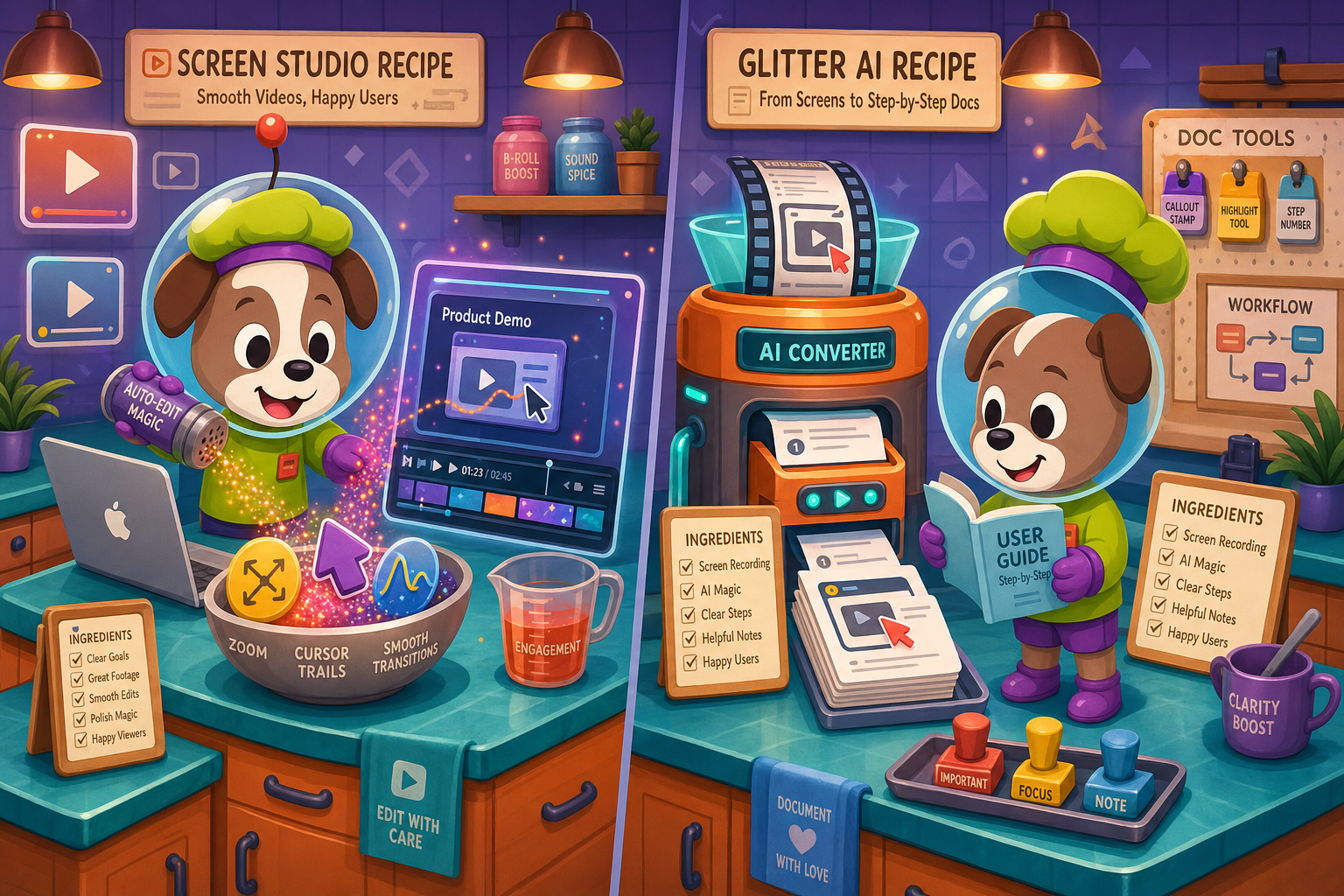
Screen Studio is the right choice for Mac users who need the most polished screen recordings possible and are happy stopping at a video or GIF file.
Feature vs Price Matrix
A side-by-side breakdown of features available across Screen Studio and Glitter AI pricing tiers, focused on what buyers actually get for their money.
| Feature / Price Point |
Screen Studio
|
Glitter AI
|
|---|---|---|
| Free Plan Available | ||
| Starting Price | $9/month (billed yearly) | $0 (Free tier) |
| Full-Featured Plan Price | $29/month (monthly billing) | $20/user/month (Pro) |
| Enterprise / Custom Pricing | ||
| Mac Support | ||
| Windows Support | ||
| Linux Support | ||
| Screen Recording | ||
| Webcam Overlay | ||
| Automatic Zoom & Cursor Polish | ||
| Video Export (MP4 / up to 4K) | ||
| GIF Export | ||
| AI Step-by-Step Guide Generation | ||
| Annotated Screenshot Output | ||
| Audio Transcription | ||
| PDF Export | Pro+ only | |
| Custom Branding / Watermark Removal | Included (no watermark) | Pro+ only |
| Team Sharing / Collaboration | Shareable links only | Pro+ only |
| SSO / Advanced Security | Enterprise only | |
| Knowledge Base Publishing |
Pricing and features based on publicly available data as of 2026-05-05. Screen Studio verified at screen.studio; Glitter AI at glitter.io. SaaS pricing changes frequently—re-verify before purchasing.
Strengths & Weaknesses
Deep Dive
An honest breakdown of value for money, scalability costs, and hidden limitations across both tools' pricing models.
Screen Studio's $9/month yearly plan delivers exceptional value for Mac-based video production—all features, no watermarks, no per-seat fees, and 4K export included. However, that value disappears if you need documentation output, since the tool stops entirely at video and GIF. Glitter AI's free tier sounds appealing but adds a watermark and caps recordings, so meaningful use starts at $20/user/month. For small teams of two or three people creating internal how-to guides, Glitter AI's per-user Pro plan is reasonable. For solo Mac video creators focused purely on polished recordings, Screen Studio's yearly rate is hard to beat.
Screen Studio's flat-rate pricing is its biggest advantage at scale—a five-person team pays the same $9/month (yearly) as a solo user, because the license is per-machine rather than per-seat. Glitter AI's per-user model becomes a liability at scale. Five Pro users cost $100/month; ten users cost $200/month. At twenty users, you're looking at $400/month just for step-guide generation with no knowledge base included. Enterprise pricing is custom and opaque. Teams expecting to grow beyond five to ten users should model their Glitter AI costs carefully before committing, because the per-seat model can easily eclipse more capable platforms.
Screen Studio's hidden cost is workflow incompleteness—you pay for a polished recorder, then need separate tools for documentation, a knowledge base, and publishing. That adds subscription stacking. Glitter AI's hidden costs include the watermark upgrade gate on the free plan, the per-user fee for PDF export (Pro-only), and the Enterprise paywall for SSO and dedicated support. Neither tool offers version control, multi-tenant portals, or API access at any paid tier. Teams that discover these gaps after subscribing typically face the cost of migrating to a more capable platform or layering additional subscriptions on top of what they already pay.
Pricing Breakdown
Every pricing tier for both tools, including what is included, what is missing, and how the costs stack up for different team sizes.
Screen Studio offers straightforward flat-rate pricing that rewards Mac-only video creators, especially on the yearly plan at $9/month. Glitter AI's free tier lowers the barrier to entry, but the per-user Pro pricing at $20/user/month and the paywall on watermark removal, PDF export, and collaboration features make it expensive relative to what you get. Neither tool includes a knowledge base, version control, or documentation publishing at any price. For teams that need recording plus documentation plus publishing, both tools require supplemental subscriptions—making their true cost higher than their sticker price suggests.
Our Recommendation
Screen Studio is the right choice for Mac users who need the most polished screen recordings possible and are happy stopping at a video or GIF file. Glitter AI is the right choice for individuals and small teams who want AI-generated step-by-step guides from screen recordings without investing in a full documentation platform. Both tools solve one part of the workflow well—but neither carries you from recording through documentation, knowledge base publishing, and versioned content management.
Choose Screen Studio if you need. .
Choose Glitter AI if you need. .
Choose Docsie Recorder if you need. .
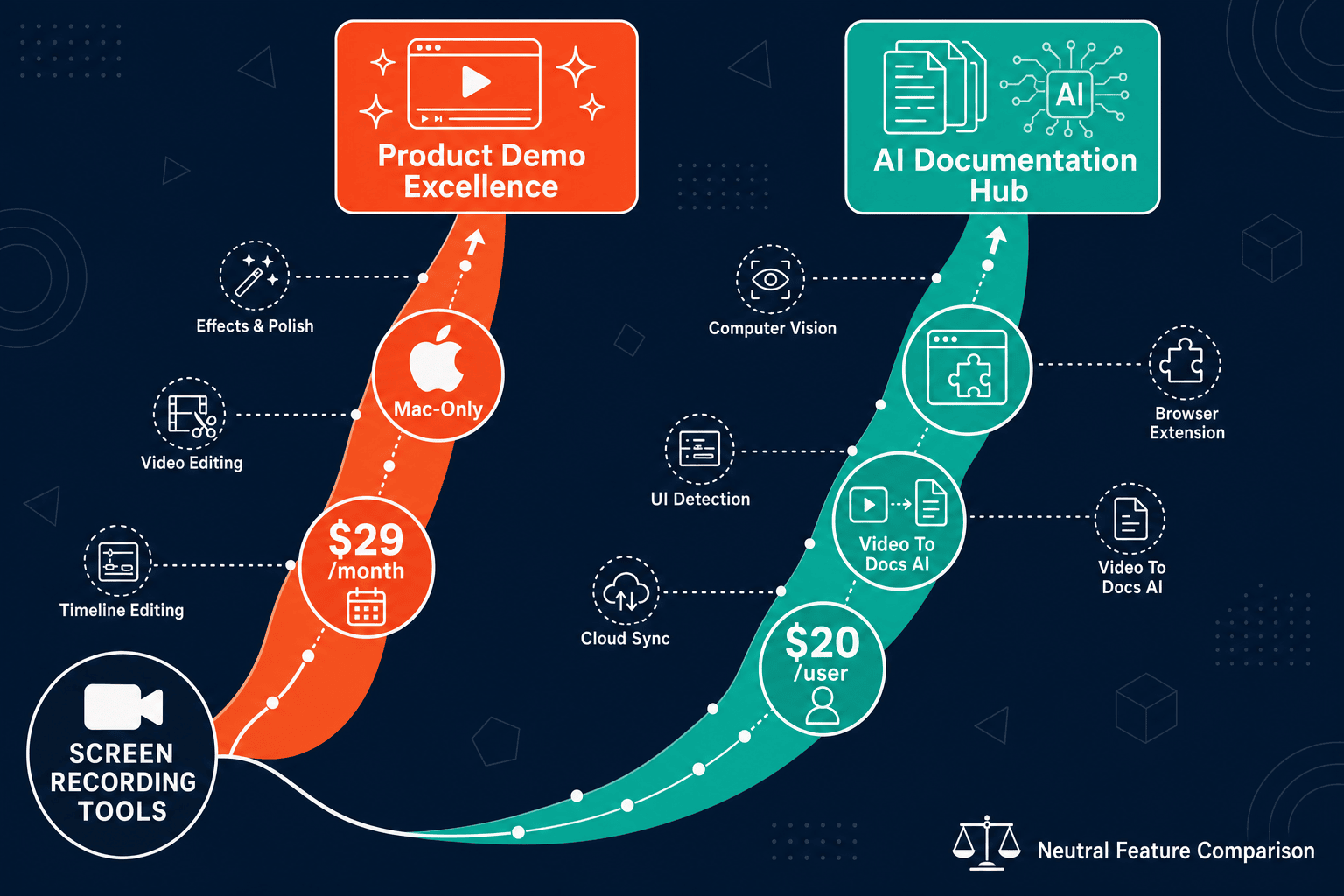
Winner: Docsie Recorder
Docsie Recorder is free and open-source, runs on Mac, Windows, and Linux, and delivers recorder-grade editing—zooms, crop, trim, speed regions, backgrounds, and annotations—without a monthly subscription. Where Screen Studio stops at a polished video and Glitter AI stops at a screenshot guide, Docsie Recorder routes your recording directly into Docsie's Video-to-Docs pipeline to generate structured documentation, then publishes it into a versioned knowledge base with multi-tenant portal delivery, SSO, and enterprise governance. You get the recorder, the documentation, and the publishing platform in one workflow rather than paying separately for each layer.
Decision Helper
A direct framework for picking between Screen Studio, Glitter AI, and Docsie based on your specific needs.
Polished Mac-only product demos with cinematic zoom and motion.
AI screen capture turning clicks into shareable step guides.

Convert real video into searchable docs, then deploy multi-tenant portals.
Common Questions
Q: Is Screen Studio cheaper than Glitter AI?
A: It depends on team size and billing cycle. Screen Studio at $9/month (yearly) is cheaper than Glitter AI Pro at $20/user/month for any team larger than one person, because Screen Studio uses flat-rate pricing rather than per-seat fees. A five-person team pays the same $9/month for Screen Studio but $100/month for Glitter AI Pro. However, Screen Studio has no free plan, while Glitter AI offers a free tier—so for a solo user who only needs basic guides, Glitter AI's free plan costs nothing upfront.
Q: Does Glitter AI's free plan include everything I need?
A: The free plan covers basic step-by-step guide generation from screen recordings, but it adds a watermark to all output and limits the number of recordings per month. PDF export, custom branding, watermark removal, and team collaboration all require the $20/user/month Pro upgrade. For most professional or team use cases, the free plan is a trial experience rather than a sustainable free tier.
Q: Are there hidden costs I should know about with either tool?
A: Screen Studio's hidden cost is workflow incompleteness—you pay for a polished video recorder but need separate tools and subscriptions for documentation output, a knowledge base, and publishing. Glitter AI's hidden costs include the per-user pricing model that scales steeply for larger teams, the Pro paywall on PDF export and branding, and the Enterprise paywall for SSO. Neither tool offers API access, version control, or multi-tenant portals at any published price point, so teams that need those features must add supplemental subscriptions.
Q: Does Screen Studio offer a free trial?
A: Screen Studio makes the macOS app available for download, but the terms of any trial or limited free use should be verified directly on screen.studio before purchasing, as SaaS trial policies change frequently. There is no confirmed free plan—the product is a paid subscription at $9/month (yearly) or $29/month (monthly).
Q: Is there a better alternative to both Screen Studio and Glitter AI?
A: Yes. Docsie Recorder is a free, open-source desktop recorder that runs on Mac, Windows, and Linux—addressing Screen Studio's Mac-only restriction without requiring a subscription. Unlike Glitter AI, which only generates screenshot guides from browser recordings, Docsie Recorder connects directly to Docsie's Video-to-Docs pipeline to generate structured Markdown, DOCX, and PDF documentation from any recording. The downstream Docsie platform then manages versioning, knowledge base publishing, multi-tenant portal delivery, and enterprise SSO—capabilities neither Screen Studio nor Glitter AI offer at any price.
Q: Which tool is better for Windows or Linux users?
A: Screen Studio does not support Windows or Linux at all—it is macOS-only. Glitter AI's browser extension and desktop app work on Windows through a browser-based workflow. For cross-platform teams that want a dedicated desktop recorder with editing capabilities comparable to Screen Studio, Docsie Recorder is the only option in this comparison set that delivers Mac, Windows, and Linux builds from a single free, open-source app.
Docsie Recorder is free, open-source, and runs on Mac, Windows, and Linux—delivering the polished recording experience of Screen Studio without the subscription or the Mac-only restriction. Unlike Glitter AI's per-user model, Docsie uses AI credits for Video-to-Docs conversion, so you only pay when you convert. And where both competitors stop at a video file or a screenshot guide, Docsie routes your recording into a full knowledge base with versioning, multi-tenant portals, and enterprise SSO built in.
Free to download and record. AI credits used only when you convert a recording to documentation.