
4.8
on G2
 Screen Studio
 Glitter AI
Screen Studio is a polished Mac-only video recorder with no enterprise governance features. Glitter AI converts screen recordings into step-by-step guides with minimal enterprise controls. Neither was built for enterprise scale. This comparison examines both tools honestly across security, compliance, scalability, and administration to help enterprise buyers make an informed decision.
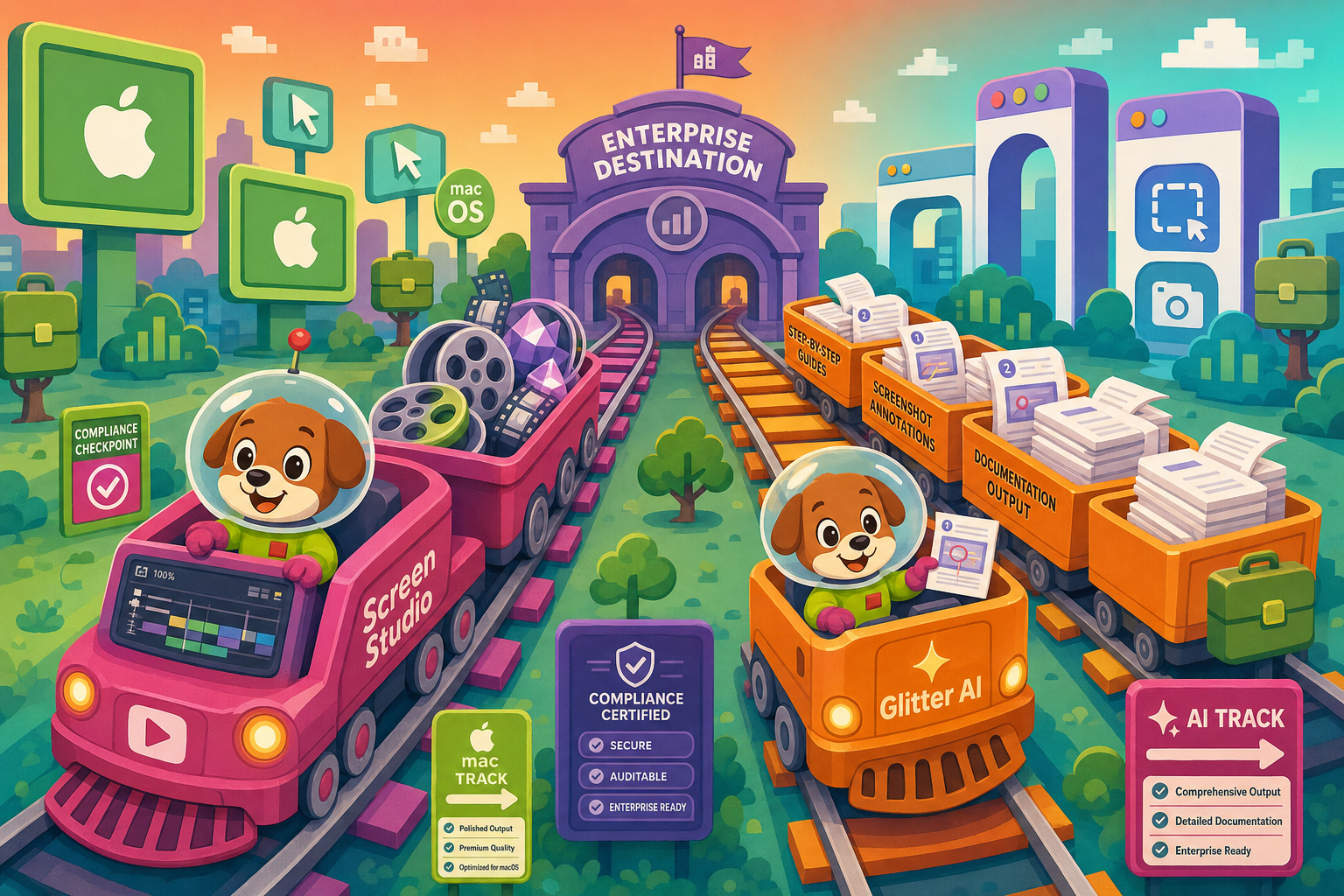
Screen Studio is a polished, Mac-only video recorder built for individual creators and small teams — it has essentially no enterprise governance features.
Enterprise Feature Matrix
A detailed comparison of enterprise-critical capabilities including security, compliance, administration, scalability, and support across both tools.
| Enterprise Capability |
Screen Studio
|
Glitter AI
|
|---|---|---|
| SSO (SAML/OAuth) | Enterprise plan only | |
| Role-Based Access Control | ||
| Audit Logs | ||
| SOC 2 Compliance | ||
| GDPR Compliance | ||
| HIPAA Compliance | ||
| Data Residency Options | ||
| Uptime SLA | Not applicable (local app) | Enterprise plan only |
| Dedicated Support | Enterprise plan only | |
| Custom Integrations | Enterprise plan only | |
| API Access | ||
| Multi-Tenant Portals | ||
| Custom Domain | ||
| Version Control | ||
| Knowledge Base Publishing | ||
| Windows & Linux Support | ||
| Team Administration Dashboard | ||
| Custom Branding | Pro plan and above | |
| PDF Export | Pro plan and above | |
| Free Plan Available |
Data as of May 2026. Features are based on publicly available information and vendor documentation. Enterprise plan pricing for Glitter AI requires contacting sales. Re-verify before publishing as SaaS pricing and features change frequently.
Strengths & Weaknesses
Deep Dive
An in-depth analysis across the four enterprise readiness dimensions most critical to IT, security, and operations teams evaluating documentation tooling.
Screen Studio's local Mac app model means recordings never leave the device during capture and editing, which is a genuine security advantage for sensitive workflows. However, it has no formal compliance certifications — no SOC 2, no GDPR documentation, no HIPAA readiness. Glitter AI acknowledges GDPR compliance, making it more suitable for EU-based teams, but lacks SOC 2 Type II, HIPAA, and data residency controls. Neither tool offers audit logs, encryption-at-rest documentation, or compliance reporting. For regulated industries — healthcare, finance, government — neither tool provides the compliance posture enterprise security teams require before procurement approval.
Screen Studio is a local Mac application, so "scalability" is bounded by individual Mac hardware. There is no cloud infrastructure to scale, no concurrent-user architecture, and no platform to manage recordings at organizational scale. Glitter AI operates as a cloud-hosted SaaS, which theoretically scales with user count, but the platform offers no published performance benchmarks, no uptime SLA outside of an Enterprise custom plan, and no data residency controls for latency-sensitive or sovereignty-constrained deployments. Enterprises deploying documentation tooling to hundreds of users need guaranteed uptime and performance contracts — neither tool provides these on standard plans.
Screen Studio has no team administration features. There is no user management dashboard, no role-based access control, no centralized content governance, and no visibility into what recordings employees are creating or sharing. Glitter AI offers basic team sharing on its Pro plan and custom integrations on Enterprise, but still lacks role-based access control, audit logs, and a formal administration console. Neither tool allows IT administrators to enforce content policies, manage permissions at the group or department level, or integrate user provisioning (SCIM) with enterprise identity providers. This is a significant gap for organizations with compliance obligations around information governance.
Screen Studio provides no dedicated enterprise support tier. Support is handled through standard channels with no published response-time commitments. Glitter AI offers dedicated support on its Enterprise plan, which requires contacting sales for pricing — making it difficult to evaluate or budget without a vendor conversation. Neither tool publishes a formal Service Level Agreement with financial penalties for downtime on standard plans. Enterprise procurement teams typically require documented SLAs with response-time guarantees, escalation paths, and named account management. Both tools are better characterized as self-serve products that have added a nominal "Enterprise" label rather than purpose-built enterprise support infrastructure.
Our Recommendation
Screen Studio is a polished, Mac-only video recorder built for individual creators and small teams — it has essentially no enterprise governance features. Glitter AI is a lightweight AI-powered documentation tool that converts screen recordings into step-by-step guides, with a nominal Enterprise plan that unlocks SAML SSO and dedicated support behind custom pricing. Neither tool was designed with enterprise security, compliance, or administration as a first-class requirement, and both leave significant gaps for IT and security teams in regulated industries.
Choose Screen Studio if you need. .
Choose Glitter AI if you need. .
Choose Docsie Recorder if you need. .
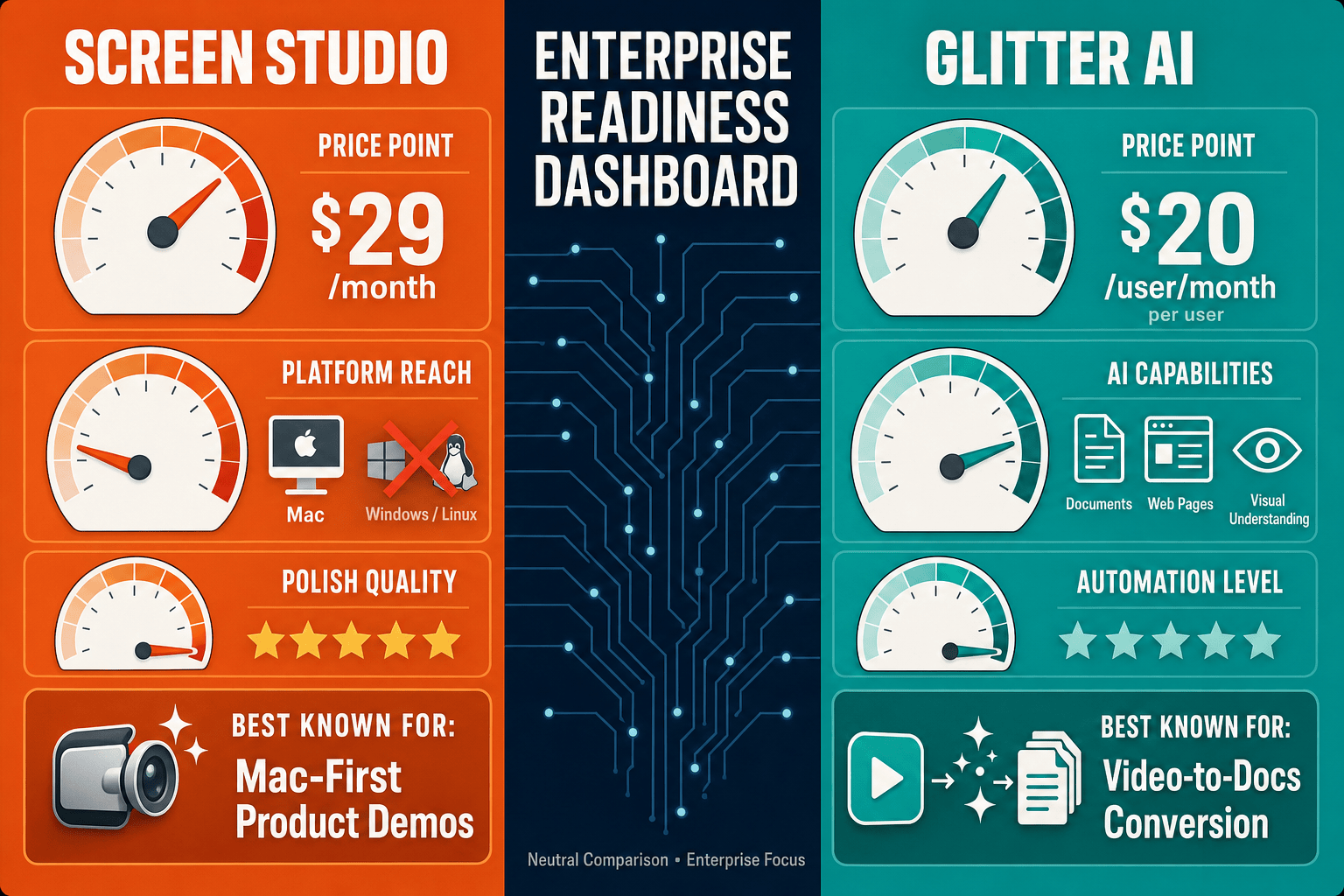
Winner: Docsie Recorder
Docsie Recorder is the enterprise-ready alternative that addresses the core limitations of both tools. Unlike Screen Studio (Mac-only, no enterprise controls) and Glitter AI (minimal governance, no publishing platform), Docsie Recorder is a free, open-source desktop recorder for Mac, Windows, and Linux that connects directly to Docsie's enterprise platform. Downstream, recorded content flows into Docsie's Video-to-Docs pipeline to generate structured documentation, then into versioned knowledge bases with SSO, audit logs, role-based access, and multi-tenant portal delivery — giving enterprise teams the governance, compliance path, and scalable publishing infrastructure that neither Screen Studio nor Glitter AI can provide.
Decision Helper
A direct framework for picking between Screen Studio, Glitter AI, and Docsie based on your specific needs.
Polished Mac-only product demos with cinematic zoom and motion.
AI screen capture turning clicks into shareable step guides.

Convert real video into searchable docs, then deploy multi-tenant portals.
Common Questions
Q: Does Screen Studio support SSO for enterprise identity management?
A: No. Screen Studio has no SSO support of any kind — no SAML, no OAuth, no OIDC. It is a local Mac application with no team account management or identity provider integration. Enterprise teams that require SSO for all software procurement will not be able to approve Screen Studio through a standard security review process.
Q: Does Glitter AI have SOC 2 Type II or HIPAA compliance?
A: Based on publicly available information, Glitter AI does not hold SOC 2 Type II or HIPAA compliance certifications. It acknowledges GDPR compliance, which covers EU data protection requirements, but regulated industries in healthcare or finance that require SOC 2 or HIPAA documentation will need to verify directly with Glitter AI's sales team before proceeding. Neither tool currently meets the compliance bar for most regulated enterprise environments.
Q: Can either tool provide audit logs for content governance?
A: Neither Screen Studio nor Glitter AI provides audit logs on their standard plans. Screen Studio, as a local Mac application, has no server-side activity logging at all. Glitter AI does not list audit logs as a feature on any published pricing tier, including its Enterprise plan. Enterprise teams with compliance obligations around information governance — who created what, when, and who accessed it — will find both tools insufficient without significant supplementary controls.
Q: Is there a better enterprise alternative to both Screen Studio and Glitter AI?
A: Yes. Docsie Recorder is a free, open-source cross-platform recorder (Mac, Windows, Linux) that connects directly to the Docsie enterprise platform. Unlike Screen Studio, it works across all operating systems and produces documentation — not just video files. Unlike Glitter AI, the downstream Docsie platform provides SSO, role-based access control, audit logs, version control, multi-tenant portals, and a documented compliance posture. For enterprise teams that need the full governance stack — from recording through publishing — Docsie Recorder paired with the Docsie platform is the enterprise-ready alternative both competitors lack.
Q: Which tool is easier to deploy across a mixed Windows and Mac enterprise environment?
A: Glitter AI is the better choice for mixed operating system environments since it operates via a browser extension and works on Windows, Mac, and Linux. Screen Studio is strictly Mac-only and cannot be deployed to Windows or Linux endpoints at all. However, for enterprise teams that need a native desktop recorder across all platforms with downstream documentation capabilities, Docsie Recorder supports Mac, Windows, and Linux natively as a free open-source application.
Q: How do Screen Studio and Glitter AI compare for regulated industries like healthcare or finance?
A: Neither tool is well-suited for regulated industries without significant supplementary controls and vendor verification. Screen Studio has no published compliance certifications. Glitter AI acknowledges GDPR but does not hold SOC 2 Type II or HIPAA certifications based on publicly available information. Both tools lack audit logs, data residency controls, and the formal compliance documentation that healthcare and finance procurement teams typically require. Enterprise buyers in regulated industries should evaluate Docsie, which is built with enterprise compliance requirements as a first-class design consideration.
Screen Studio stops at polished Mac video files. Glitter AI stops at screenshot-based step guides with minimal enterprise controls. Docsie Recorder is a free, open-source cross-platform recorder that feeds recordings directly into Docsie's enterprise documentation platform — with SSO, audit logs, role-based access, version control, multi-tenant portals, and a path to SOC 2 and GDPR compliance. Record once, convert to structured docs, publish to a governed knowledge base.
Free open-source recorder available immediately. No credit card required for Docsie trial.