
4.8
on G2
 Screen Studio
 Dubble
Screen Studio is a Mac-only polished video recorder beloved for its automatic zoom and motion polish. Dubble is a browser extension that auto-generates step-by-step screenshot guides from browser actions. They serve different audiences—but both stop short of turning recordings into structured documentation. This comparison breaks down their features honestly and shows where Docsie Recorder picks up where both leave off.
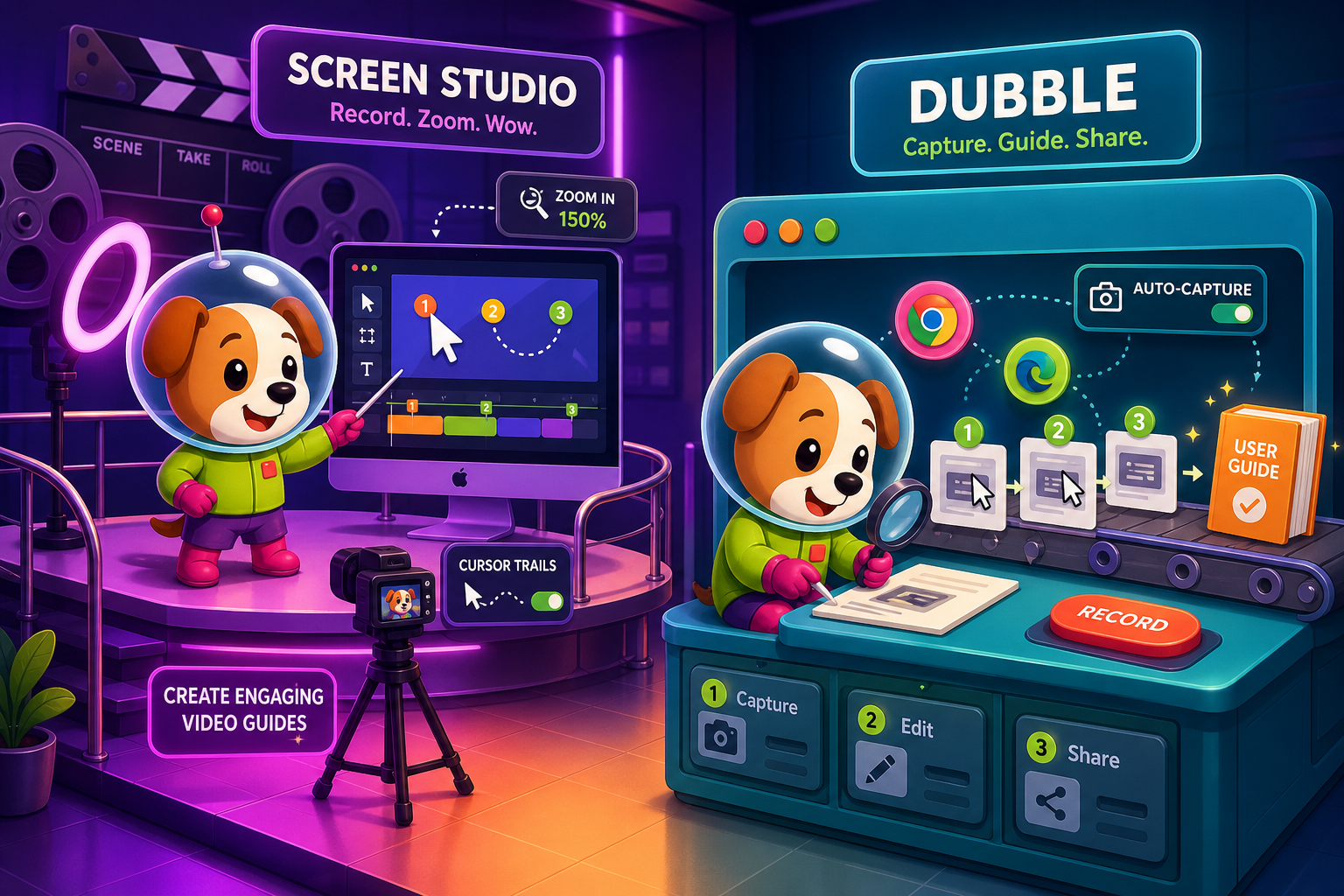
Screen Studio and Dubble serve genuinely different use cases that rarely overlap.
Feature Matrix
A comprehensive side-by-side comparison of capture methods, editing tools, output formats, documentation capabilities, and enterprise readiness across Screen Studio and Dubble.
| Feature |
Screen Studio
|
Dubble
|
|---|---|---|
| Free Plan Available | ||
| Starting Price | $9/month (billed yearly) | $0 (25 guides) |
| Mac Support | ||
| Windows Support | ||
| Linux Support | ||
| Desktop App | ||
| Browser Extension Capture | ||
| Full-Screen & Window Recording | ||
| Screenshot-Based Capture | ||
| Webcam Overlay | ||
| Microphone Audio | ||
| System Audio | ||
| Automatic Zoom & Cursor Smoothing | ||
| Backgrounds & Visual Effects | ||
| Crop, Trim & Speed Regions | ||
| Keyboard Shortcut Display | ||
| Auto-Generated Step Descriptions | ||
| MP4 / Video Export (up to 4K 60fps) | Pro+ only | |
| GIF Export | ||
| PDF Export | Pro+ only | |
| Markdown Export | ||
| Shareable Links | ||
| Team Workspace & Collaboration | Team plan | |
| Custom Branding | Pro+ | |
| Knowledge Base Publishing | ||
| Version Control | ||
| Multi-Tenant Portals | ||
| SSO / Enterprise Auth | ||
| API Access | ||
| Open Source |
Data as of May 2026. Based on publicly available information from screen.studio and dubble.so. Pricing and features may change—verify before purchasing.
Strengths & Weaknesses
Deep Dive
An in-depth look at capture capabilities, output formats, documentation workflow, and team/enterprise readiness between Screen Studio and Dubble.
Screen Studio and Dubble use fundamentally different capture approaches. Screen Studio is a full Mac desktop app that records any window, full screen, webcam, microphone, system audio, and connected iOS devices simultaneously—making it ideal for rich product demo recordings. Dubble is a Chrome extension that captures browser tab actions only, automatically snapping screenshots at each click. Screen Studio wins decisively on recording depth and fidelity, but Dubble's zero-friction capture means anyone can document a browser workflow in under a minute without learning any recording software.
Screen Studio delivers a professional editing suite: automatic zoom on cursor movement, manual zoom keyframes, cursor smoothing, motion blur, backgrounds, shadow, inset, crop, trim, and speed regions. It exports MP4 up to 4K 60fps and GIF—exceptional for marketing demos. Dubble offers no video editing at all. Its output is a static screenshot-based step guide with auto-generated text descriptions, exportable as PDF on paid plans. Teams choosing between these tools are essentially choosing between polished video output and fast screenshot-based SOP creation—they are not really competing in the same category.
Neither Screen Studio nor Dubble provides a documentation management layer. Screen Studio stops at a video file or shareable link—there is no way to turn that recording into a structured article, Markdown file, or knowledge base entry. Dubble gets closer to documentation by generating step guides with text descriptions, but it has no knowledge base, version control, or publishing platform. Guides live in Dubble's interface or get shared to Notion or Confluence manually. Both tools require separate documentation systems to manage, version, and publish content at scale.
Screen Studio is fundamentally a solo tool—there are no team workspaces, shared libraries, role-based access, SSO, audit logs, or enterprise security features. It is built for individual creators on Mac. Dubble adds basic team collaboration on its Team plan ($12/user/month, minimum 5 users) with shared collections and team management, plus custom branding on Pro. However, neither tool offers SSO, SOC 2 compliance, audit logs, multi-tenant portals, API access, or version-controlled documentation governance. For any team with enterprise documentation requirements, both tools represent a starting point rather than a complete solution.
Our Recommendation
Screen Studio and Dubble serve genuinely different use cases that rarely overlap. Screen Studio is a premium Mac video recorder for beautiful product demos and marketing content—it excels at visual polish but is locked to macOS and stops at video output. Dubble is a frictionless browser extension for auto-generating browser-based SOPs—it is fast and affordable but limited entirely to browser workflows with no video editing, desktop capture, or documentation management. Neither tool converts recordings into structured documentation, manages content versions, or delivers knowledge bases to end users.
Choose Screen Studio if you need. .
Choose Dubble if you need. .
Choose Docsie Recorder if you need. .
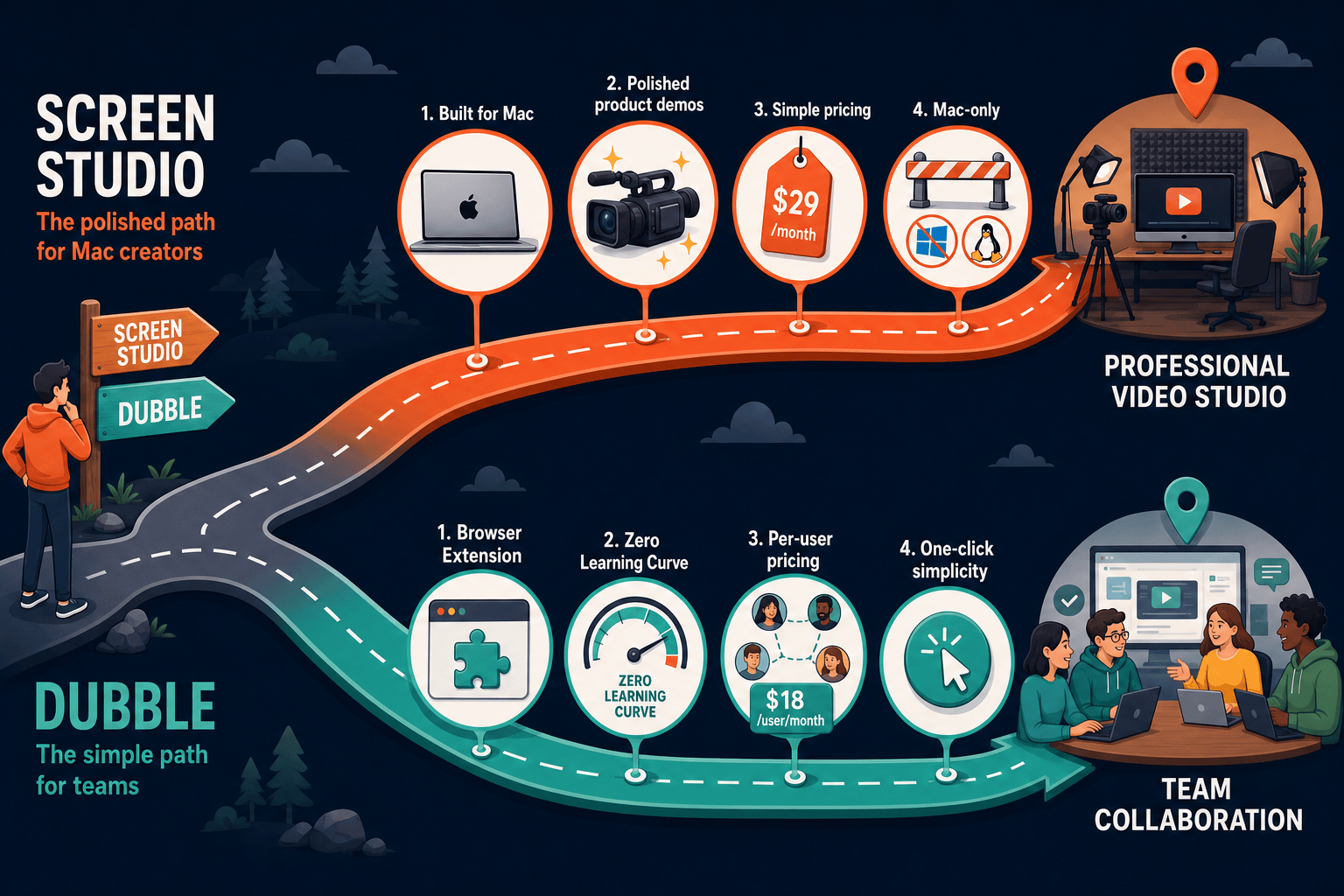
Winner: Docsie Recorder
Docsie Recorder is the only option in this comparison that is free, open-source, cross-platform, and built to produce structured documentation—not just a video file or screenshot guide. It matches Screen Studio's recorder-grade editing (zooms, crop, trim, speed regions, backgrounds, motion blur, annotations) while running on Mac, Windows, and Linux. Unlike Dubble's browser-only screenshot approach, Docsie Recorder captures any desktop workflow and then routes it directly into Docsie's Video-to-Docs pipeline to generate Markdown, DOCX, and PDF output. The recording then feeds the full Docsie MANAGE and DELIVER stack—versioned knowledge bases, multi-tenant portals, custom domains, SSO, and enterprise publishing—covering every gap both Screen Studio and Dubble leave behind.
Decision Helper
A direct framework for picking between Screen Studio, Dubble, and Docsie based on your specific needs.
Polished Mac-only product demos with cinematic zoom and motion.
Browser extension capturing screen workflows into editable guides.

Convert real video into searchable docs, then deploy multi-tenant portals.
Common Questions
Q: Can Screen Studio and Dubble be used together?
A: Technically yes, but they serve very different purposes. Screen Studio creates polished Mac screen recordings while Dubble auto-generates browser step guides. A team might use Screen Studio for customer-facing demo videos and Dubble for internal browser SOP documentation. However, neither tool manages the other's output—you would still need a separate knowledge base or documentation platform to store, version, and publish both types of content.
Q: Does Dubble support video recording like Screen Studio?
A: Dubble offers basic video recording on its Pro plan, but it is not comparable to Screen Studio's capabilities. Screen Studio records full desktop, window, webcam, system audio, microphone, and iOS devices with professional editing tools. Dubble's video capture is browser-based and does not include zoom, cursor smoothing, motion blur, backgrounds, or any of the visual editing features Screen Studio is known for.
Q: Is Screen Studio available on Windows or Linux?
A: No. Screen Studio is Mac-only and requires macOS Ventura 13.1 or later. It has no Windows or Linux support. If your team includes Windows or Linux users, Screen Studio is not a viable shared solution. Dubble works cross-platform via the Chrome browser extension, making it accessible on any OS that runs Chrome.
Q: Which tool is better for creating internal SOPs?
A: Dubble is better suited for browser-based internal SOPs. Its Chrome extension automatically captures each click and generates a step-by-step guide with screenshots and descriptions—no editing required. Screen Studio can produce SOP-style tutorial videos with keyboard shortcut overlays and zoom effects, but the output is a video file rather than a searchable text document, making it harder to scan and maintain as a living SOP.
Q: Is there a better alternative to both Screen Studio and Dubble?
A: Yes—Docsie Recorder addresses the core limitations of both tools. Screen Studio is Mac-only and stops at video output with no documentation workflow. Dubble is browser-only and produces screenshot guides with no desktop recording or knowledge base. Docsie Recorder is a free, open-source desktop recorder that works on Mac, Windows, and Linux, matches Screen Studio's editing depth (zoom, trim, crop, backgrounds, annotations), and connects directly to Docsie's Video-to-Docs pipeline to turn recordings into structured Markdown, DOCX, PDF, and knowledge base articles—all from a single workflow.
Q: Do Screen Studio or Dubble offer enterprise features like SSO or audit logs?
A: Neither tool offers enterprise-grade features. Screen Studio has no team workspace, SSO, audit logs, role-based access, or compliance certifications—it is a single-user Mac app. Dubble adds basic team collaboration on its Team plan but also lacks SSO, audit logs, SOC 2 compliance, or API access. For teams with enterprise documentation governance requirements, both tools require supplementing with a separate platform that provides these capabilities.
Docsie Recorder is a free, open-source desktop recorder that works on Mac, Windows, and Linux. Unlike Screen Studio, it is not locked to macOS and does not stop at a video file. Unlike Dubble, it captures any desktop workflow—not just browser tabs—and turns recordings into structured documentation through Docsie's Video-to-Docs pipeline. Record once, export MP4 or GIF locally, then convert to Markdown, DOCX, PDF, and publish into versioned knowledge bases with multi-tenant portals, custom domains, and SSO—all without switching tools.
Free and open-source recorder core.