
4.8
on G2
 Docsie Recorder
 ScreenApp
Docsie Recorder is a free, open-source desktop recorder that exports MP4 and GIF locally—no subscription required. ScreenApp is a $19/month SaaS that combines screen recording, AI transcription, and basic video-to-doc export. This pricing breakdown shows exactly what you get at each price point and which tool delivers better long-term value for teams turning recordings into documentation.
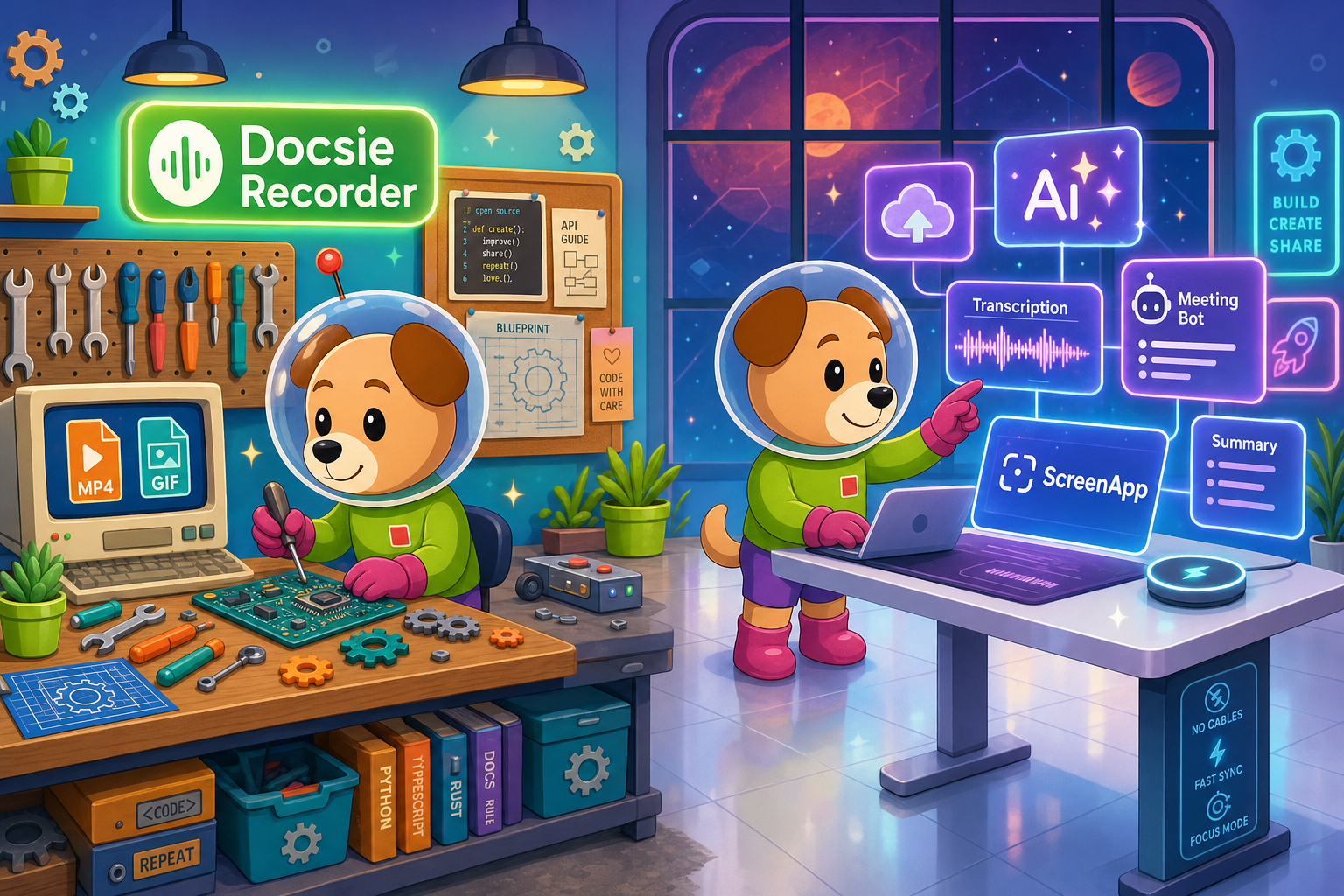
Docsie Recorder and ScreenApp sit at different price points, but neither bundles video-to-docs with multi-tenant knowledge delivery the way Docsie does.
Feature Matrix
A side-by-side breakdown of recording capabilities, editing features, AI output, and documentation workflow features—mapped to what each tool actually costs.
| Feature |
Docsie Recorder
Our Pick
|
ScreenApp
|
|---|---|---|
| Free Desktop Recorder | ||
| Open-Source Recorder Core | ||
| Mac Support | ||
| Windows Support | ||
| Linux Support | ||
| Window & Full-Screen Capture | ||
| Microphone Capture | ||
| System Audio Capture | Platform-specific | |
| Webcam Overlay | ||
| Automatic or Manual Zoom | ||
| Cursor & Focus Polish | ||
| Backgrounds & Visual Effects | ||
| Crop, Trim & Speed Regions | Basic trim only | |
| Annotations & Blur Regions | ||
| Local MP4 Export | ||
| Local GIF Export | ||
| Project Save Format (.docsiescreen) | ||
| Video-to-Docs Conversion | ||
| Markdown Export | ||
| DOCX Export | ||
| PDF Export | ||
| Knowledge Base Publishing | ||
| Versioned Documentation Management | ||
| Multi-Tenant Portal Delivery | ||
| API Access | Business tier ($34/mo+) | |
| SSO (SAML) | Enterprise only ($199/mo+) | |
| SOC 2 Type II | ||
| GDPR Compliance |
Data as of February 2026. Docsie Recorder desktop app is free with no subscription. Video-to-Docs conversion uses Docsie AI credits. ScreenApp pricing based on publicly listed plans; per-user seat charges apply for team members.
Strengths & Weaknesses
Deep Dive
Price tags alone do not tell the full story. Here is a deep dive into value for money, scalability costs, and the hidden limitations that affect your total cost of ownership.
Docsie Recorder's desktop app costs $0—no plan, no trial timer, no watermark. You get a full recorder-grade editor with zooms, backgrounds, annotations, and local MP4/GIF export before spending a single cent. ScreenApp's free tier is effectively a demo: 3 recordings with watermarked output. At $19/month you unlock unlimited transcription, but the recorder itself has no professional editing features. For teams that need polished recordings and structured documentation, Docsie Recorder delivers more usable capability at the free tier than ScreenApp delivers at its paid tier.
ScreenApp charges per user seat. A five-person team on Growth pays $95/month ($1,140/year). A ten-person team on Business pays $340/month ($4,080/year). API access and SSO require Business and Enterprise tiers respectively, so enterprise-grade usage compounds fast. Docsie Recorder's recording and editing cost stays at $0 regardless of team size. Video-to-Docs conversion scales with AI credit consumption, which you can estimate before each job. Docsie's downstream workspace pricing is role-based rather than per-recorder-seat, making it structurally cheaper as your team grows beyond five people.
ScreenApp's $19/month Growth plan does not include API access, custom webhooks, or video analysis—those require the $34/month Business tier. Enterprise SSO (SAML) and audit logs jump to $199/month minimum. There is no knowledge base, no version control, and no multi-tenant portal delivery at any price point. With Docsie Recorder, the hidden cost is AI credits for Video-to-Docs conversion, but credits are estimated before each job with no surprise overages. The broader Docsie platform—portals, versioning, compliance workflows—is a separate subscription, but it replaces tools like Confluence, Loom, and a portal CMS rather than adding to them.
Pricing Breakdown
Compare every plan from both tools to understand exactly what you pay and what you receive at each tier.
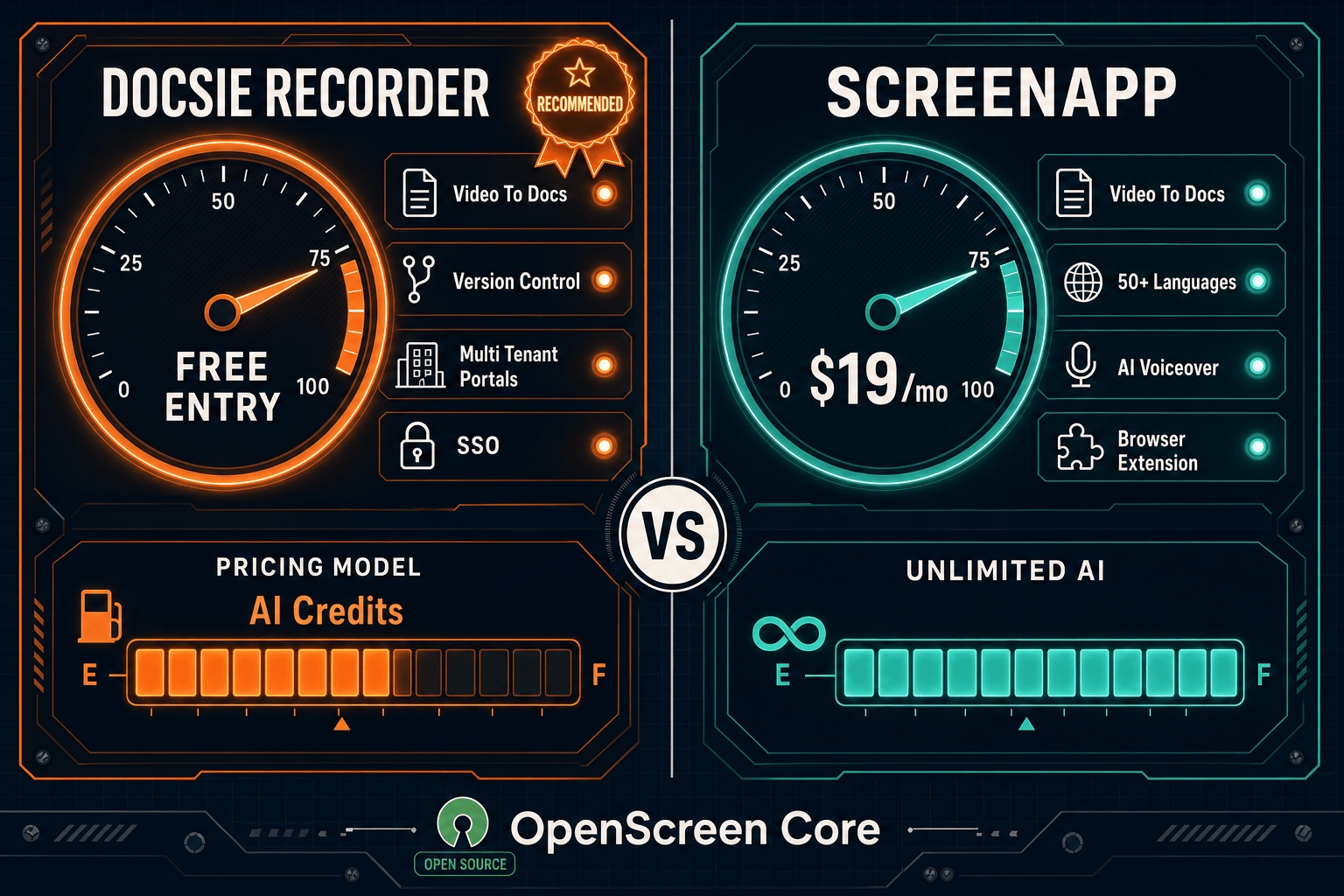
Docsie Recorder's $0 recorder tier outperforms ScreenApp's $19/month Growth plan on editing depth, platform coverage, and export flexibility. ScreenApp's strength is its all-in-one meeting bot and transcription bundle—useful if you primarily need auto-joined meeting records. But for teams that want polished screen recordings, cross-platform support, and a path to structured documentation, Docsie Recorder delivers more value at zero cost, with Video-to-Docs conversion as a transparent pay-as-you-go add-on rather than a gated subscription tier.
Our Recommendation
Docsie Recorder and ScreenApp share some surface-level overlap—both record screens and both can produce a document from a video—but they represent fundamentally different pricing philosophies. Docsie Recorder is free, open-source, and locally executed for the recording and editing step, with AI conversion as a transparent credit-based add-on. ScreenApp is a SaaS subscription that bundles recording, transcription, and meeting capture into a monthly seat fee. The right choice depends on whether you want to own your recorder or rent it, and whether you need documentation publishing downstream or just a video plus a text export.
Choose Docsie Recorder if you need...
Choose ScreenApp if you need...
Winner: Docsie Recorder
Docsie Recorder delivers a more capable recorder and editor at $0 than ScreenApp delivers at $19/month per user—and it is the only tool in this comparison that routes recordings into a structured knowledge base with version control, multi-tenant portals, and enterprise compliance. ScreenApp is a legitimate all-in-one transcription bundle, but it stops at a video file plus a basic text export. Docsie Recorder starts where ScreenApp stops, turning one recording into structured documentation that can be published, versioned, translated, and delivered through Docsie's platform—making it the stronger long-term value for any team whose goal is documentation, not just video storage.
Decision Helper
A direct framework for picking between Docsie Recorder, ScreenApp, and Docsie based on your specific needs.
Docsie's free browser-based recorder that pipes captures straight into Docsie SOPs.
Cloud video recording and transcription with searchable libraries.

Convert real video into searchable docs, then deploy via multi-tenant portals.
Common Questions
Q: Is Docsie Recorder really free, or is there a catch?
A: The desktop recorder and editor are genuinely free with no recording limits, no watermarks, and no account required to record and export video locally. The only cost comes when you use the Video-to-Docs conversion feature, which consumes Docsie AI credits—and you can estimate the credit cost before triggering any job. If you only need a free screen recorder and editor, you will never pay anything.
Q: How does ScreenApp's per-user pricing affect team costs at scale?
A: ScreenApp charges per seat, so a ten-person team on Growth pays $190/month ($2,280/year) and a ten-person team on Business pays $340/month ($4,080/year). API access and SSO are locked behind Business and Enterprise tiers respectively, so enterprise-grade features compound the per-seat cost further. Docsie Recorder's recording step is always free regardless of team size, making it structurally cheaper for growing teams.
Q: What does ScreenApp's free tier actually give you?
A: ScreenApp's free tier caps you at 3 total recordings and watermarks all video output, making it a trial experience rather than a usable free product. By contrast, Docsie Recorder has no recording cap, no watermarks, and no expiry on the free desktop app—you can use it indefinitely for recording and editing without ever creating an account.
Q: Are there hidden fees in Docsie Recorder's Video-to-Docs workflow?
A: No surprise overages. Before submitting a recording for conversion, Docsie's bridge shows a credit estimate based on video duration and quality tier. You choose whether to proceed. Credits are bundled with Docsie workspace plans or purchased separately, and there is no automatic charge without your confirmation. ScreenApp's unlimited AI credits on Growth sound similar, but API access and advanced video analysis require upgrading to Business or Enterprise tiers.
Q: If I just need a screen recorder and nothing else, which tool wins on price?
A: Docsie Recorder wins unambiguously. It is free, has no recording limits, produces unwatermarked MP4 and GIF exports, and includes a professional editing suite with zooms, backgrounds, and annotations. ScreenApp's free tier is capped at 3 recordings with watermarks. For pure screen recording value, there is no comparison.
Q: When does ScreenApp's $19/month plan make more sense than Docsie Recorder?
A: ScreenApp's Growth plan makes sense if your primary need is automated meeting recording—the bot auto-joins Zoom, Google Meet, and Teams without you starting a desktop app manually. If your workflow is 80% meeting capture and 20% screen recording, ScreenApp's all-in-one transcription bundle at $19/month may be more convenient than managing a separate recorder plus a meeting tool. However, if you need polished recordings, cross-platform support, or documentation publishing downstream, Docsie Recorder plus the Docsie platform provides substantially more value at a lower total cost.
Download Docsie Recorder and get a fully featured desktop screen recorder with professional editing tools at zero cost. When you are ready to convert recordings into structured documentation and publish to a knowledge base, Docsie's Video-to-Docs pipeline is one click away.
No account required to download, record, edit, and export. Video-to-Docs conversion uses Docsie AI credits—estimate cost before each job.