
4.8
on G2
 Docsie Recorder
 Glitter AI
Docsie Recorder is a free, open-source desktop recorder that captures, edits, and converts screen recordings into structured documentation—with no per-seat fee for the recorder itself. Glitter AI charges $20 per user per month for its screen-capture-to-guide SaaS. This pricing breakdown shows what you actually get at each price point and which tool delivers better long-term value.
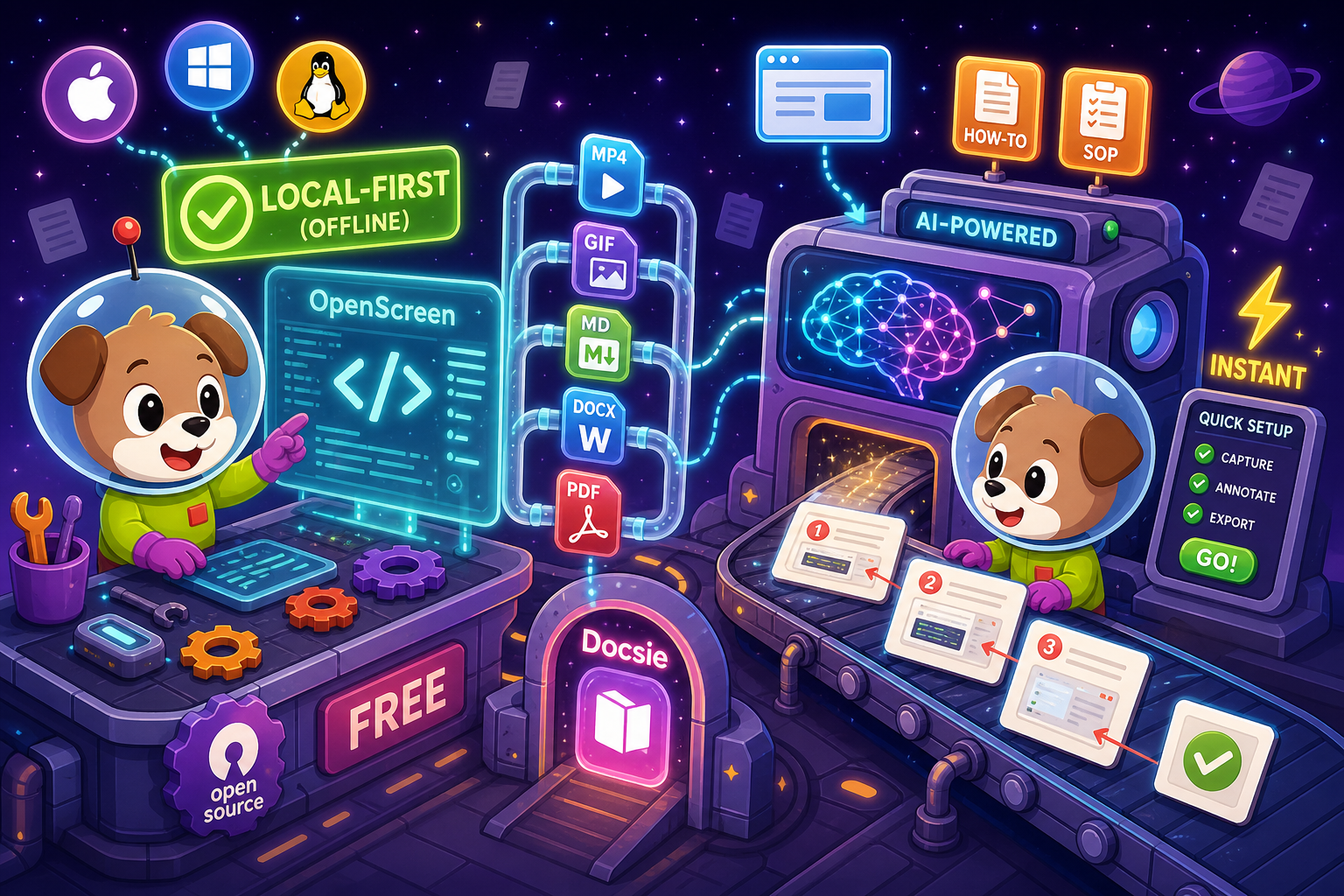
Docsie Recorder and Glitter AI sit at different price points, but neither bundles video-to-docs with multi-tenant knowledge delivery the way Docsie does.
Pricing Feature Matrix
A side-by-side breakdown of recording capabilities, editing tools, export formats, AI conversion features, and platform depth at every pricing tier for both tools.
| Feature / Capability |
Docsie Recorder
Our Pick
|
Glitter AI
|
|---|---|---|
| Free Desktop Recorder | ||
| Open-Source Recorder Core | ||
| Mac Support | ||
| Windows Support | ||
| Linux Support | ||
| Window and Full-Screen Capture | ||
| Microphone Capture | ||
| System Audio Capture | Platform-specific | |
| Webcam Overlay | ||
| Automatic / Manual Zoom | ||
| Cursor and Focus Polish | ||
| Backgrounds and Visual Effects | ||
| Crop, Trim, Speed Regions | ||
| Annotations and Blur Regions | ||
| Local MP4 Export | ||
| Local GIF Export | ||
| Watermark-Free Output (Free Tier) | ||
| Video-to-Docs Conversion | ||
| Markdown Export | ||
| DOCX Export | ||
| PDF Export | Pro+ only | |
| Knowledge Base Publishing | ||
| Versioned Documentation Management | ||
| Multi-Tenant Portal Delivery | ||
| API Access | ||
| SSO | Enterprise only |
Data as of February 2026. Docsie Recorder desktop app is free and open-source; Video-to-Docs conversion uses Docsie AI credits. Glitter AI pricing based on publicly listed plans. Confirm current pricing at vendor websites before purchase.
Strengths & Weaknesses
Deep Dive
Price-per-seat is only one part of the cost story. Here is a deep dive into value for money, scalability costs, and hidden limitations that affect total cost of ownership when choosing between Docsie Recorder and Glitter AI.
Docsie Recorder's free tier includes a fully featured desktop recorder and editor—zoom, crop, trim, backgrounds, annotations, blur, webcam overlay, local MP4 and GIF export—with no watermark and no account required. Glitter AI's free tier produces watermarked output and excludes PDF export, making it unsuitable for professional use without upgrading. At $0, Docsie Recorder delivers recorder-grade editing that Glitter AI only approaches at $20 per user per month. Teams that only need polished recordings never need to pay anything with Docsie Recorder.
Glitter AI's per-user pricing compounds quickly. A team of 10 pays $200 per month ($2,400 per year) just for guide creation, with no video export, no knowledge base, and no versioning included. Docsie Recorder's desktop app costs nothing regardless of team size. Video-to-Docs conversion uses AI credits priced per job, not per seat, so costs scale with usage rather than headcount. For teams with 10 or more members who need both recording and documentation output, Docsie Recorder's usage-based credit model consistently outperforms Glitter AI's per-seat SaaS at volume.
Glitter AI's hidden cost is what it cannot do at any price point below Enterprise. There is no knowledge base publishing, no versioned documentation management, no multi-tenant portal delivery, no API access, and no Linux support. Teams that grow beyond basic guide sharing must either rebuild their documentation stack elsewhere or upgrade to an unknown Enterprise price. Docsie Recorder avoids these ceilings entirely. The recorder is free and open-source. The downstream Docsie platform—covering versioning, portals, multi-tenant delivery, SSO, and API access—is a separate, explicit upgrade path with published pricing and no capability walls at the recorder tier.
Pricing Breakdown
Every plan from both tools laid out with what you actually get at each price point. No guessing which tier unlocks which feature.
Docsie Recorder wins on pricing value at every tier. The recorder itself is permanently free with no watermark and no per-seat cost. Video-to-Docs conversion uses AI credits priced per job rather than per user. Glitter AI's $20/user/month Pro plan removes the watermark and adds PDF export, but still lacks local video export, a knowledge base, versioning, and API access. For teams larger than five people, Glitter AI's per-seat model costs more while delivering less platform depth than Docsie Recorder's free recorder plus usage-based conversion credits.
Our Recommendation
Docsie Recorder and Glitter AI both help teams turn screen recordings into documentation, but their pricing models and platform depth are fundamentally different. Docsie Recorder is a free, open-source desktop recorder with recorder-grade editing tools and a pay-per-job AI conversion path into a full knowledge base platform. Glitter AI is a per-seat SaaS focused narrowly on annotated screenshot guides, with no local video export, no knowledge base, and no API access below Enterprise. For buyers evaluating pure cost-to-capability ratio, Docsie Recorder is the stronger value at every tier.
Choose Docsie Recorder if you need...
Choose Glitter AI if you need...
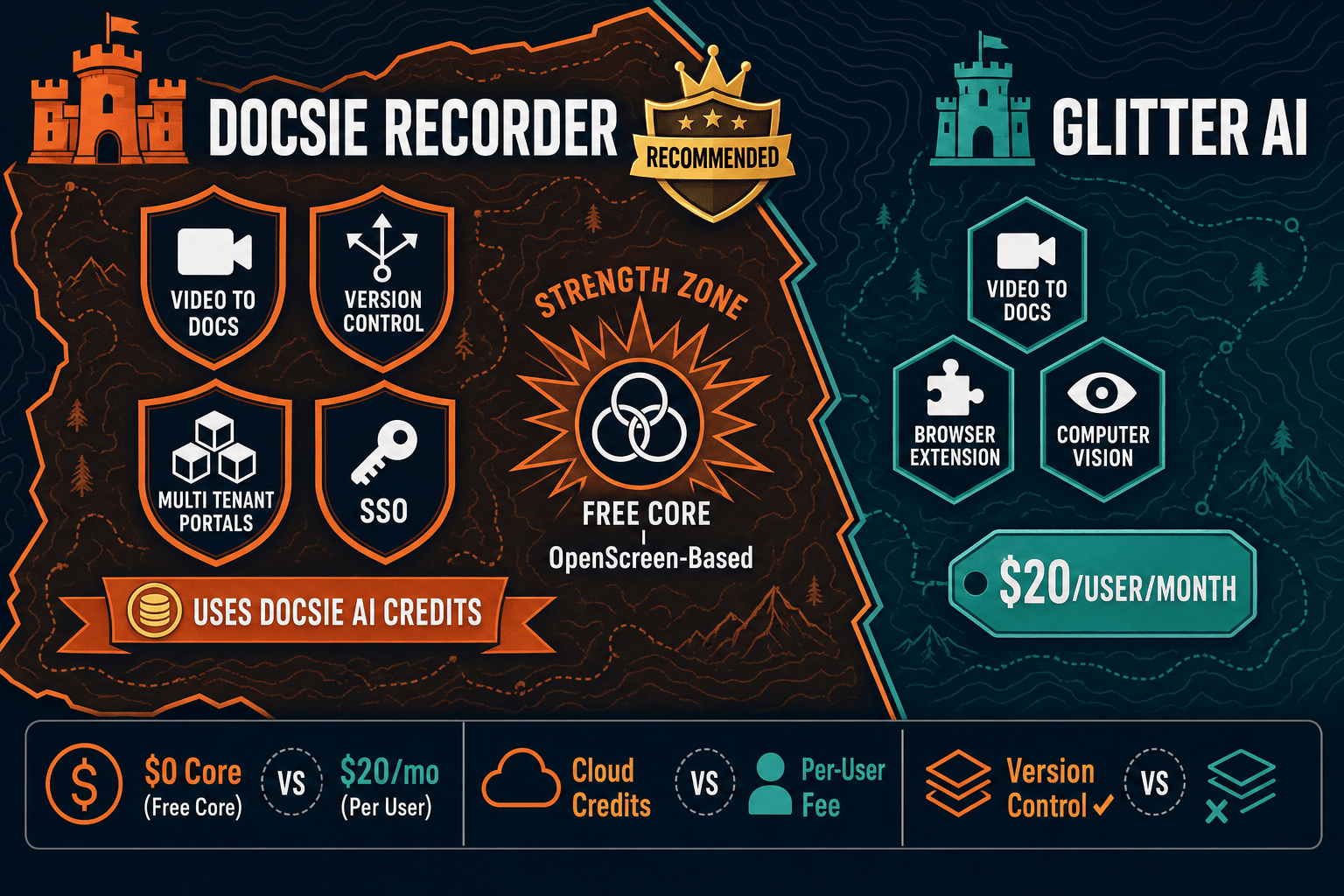
Winner: Docsie Recorder
Docsie Recorder delivers a permanently free, open-source recorder and editor with no watermark, no per-seat fee, and no capability ceiling at the capture layer. Glitter AI charges $20 per user per month for a guide-only tool that cannot export video, has no editing suite, no knowledge base, and no API access below Enterprise. For any team beyond a solo user, Docsie Recorder's free recorder plus usage-based Video-to-Docs credits provides superior feature depth, better economics, and a clear upgrade path into versioned documentation management and multi-tenant portal delivery—none of which Glitter AI offers at any listed price.
Decision Helper
A direct framework for picking between Docsie Recorder, Glitter AI, and Docsie based on your specific needs.
Docsie's free browser-based recorder that pipes captures straight into Docsie SOPs.
AI-generated process documentation from screen recordings.

Convert real video into searchable docs, then deploy via multi-tenant portals.
Common Questions
Q: Is Docsie Recorder really free, or is there a catch?
A: The desktop recorder and editor are genuinely free and open-source under the MIT license. You can record, edit with zooms, backgrounds, annotations, and blur, and export MP4 or GIF locally with no account and no watermark. The only paid component is the Video-to-Docs conversion, which uses Docsie AI credits billed per job rather than per seat—so you only pay if you choose to convert a recording into structured documentation.
Q: How does Glitter AI's $20 per user per month cost compare to Docsie Recorder at scale?
A: For a team of 10, Glitter AI Pro costs $200 per month or $2,400 per year—just for annotated guide creation, with no video export, no knowledge base, and no versioning. Docsie Recorder's desktop app costs nothing for the same 10 users. Video-to-Docs conversion is then priced per job, so a team that converts 20 recordings per month pays only for those 20 jobs rather than a flat per-seat fee regardless of usage.
Q: Does Glitter AI's free tier produce usable output for professional sharing?
A: No. Glitter AI's free tier applies a watermark to all output, which makes it unsuitable for sharing with customers, clients, or external stakeholders in a professional context. Docsie Recorder's free tier produces watermark-free MP4 and GIF exports with no account required, making it immediately usable for professional documentation and sharing without any upgrade.
Q: What does Glitter AI's Enterprise plan include that justifies custom pricing?
A: Glitter AI Enterprise adds SSO (SAML), advanced security, dedicated support, and custom integrations. However, it still does not include multi-tenant portal delivery, versioned documentation management, or API access as listed publicly. Docsie Recorder's downstream platform includes all of those capabilities—SSO, versioning, multi-tenant portals, custom domains, and API access—at published workspace pricing rather than opaque custom pricing.
Q: Can Glitter AI export local video files like Docsie Recorder?
A: No. Glitter AI's output is annotated screenshot guides and step-by-step documentation—it does not produce MP4 or GIF video files. Docsie Recorder exports both MP4 and GIF locally for free, giving teams a reusable video asset alongside the documentation they generate. This matters for teams that need the recording itself for onboarding videos, training libraries, or internal wikis.
Q: Does the open-source nature of Docsie Recorder affect its long-term pricing reliability?
A: Positively. Because the recorder and editor core is MIT-licensed and hosted on GitHub, the capture and editing layer cannot be paywalled or discontinued by a vendor decision. Teams that build workflows around Docsie Recorder own the recording step outright. The Video-to-Docs conversion and downstream Docsie platform are the commercial layers, but the recorder itself remains free regardless of any future pricing changes to the SaaS tier.
Download Docsie Recorder and get a professional screen recorder with editing tools at zero cost. When you are ready to convert recordings into structured documentation, Docsie's Video-to-Docs pipeline is one click away.
Free forever for recording and editing. Video-to-Docs conversion uses Docsie AI credits—estimate cost before you convert.