
4.8
on G2
 Confluence
 Notion
Confluence is the established enterprise wiki backed by Atlassian's security infrastructure, while Notion is a flexible all-in-one workspace rapidly expanding its enterprise feature set. We compare both across security, compliance, scalability, administration, and support—then explain why Docsie addresses the gaps both leave open.
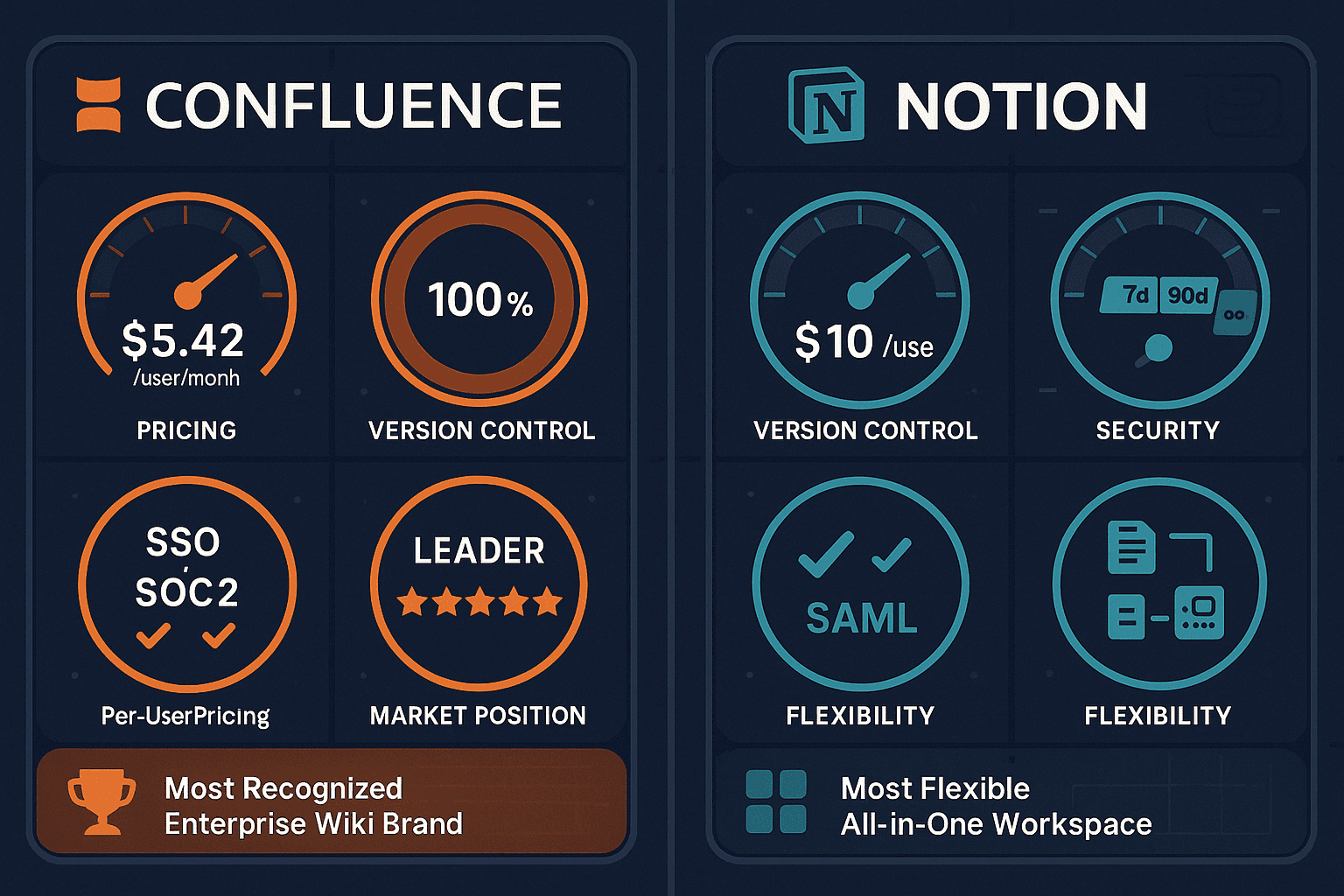
For enterprise buyers, Confluence and Notion cover narrow slices (market-leading enterprise wiki with 20+ years of production hardening and beautiful) while Docsie adds SSO, audit trails, multi-tenant portals, and compliance monitoring in one platform.
Feature Matrix
A comprehensive head-to-head comparison of enterprise capabilities including security, compliance, access control, scalability, and administrative controls.
| Enterprise Capability |
Confluence
|
Notion
|
|---|---|---|
| SOC 2 Type II Compliance | ||
| GDPR Compliance | ||
| ISO 27001 Certification | ||
| HIPAA Readiness | ||
| SAML SSO | Business+ only | |
| Multiple Identity Providers (IDPs) | Enterprise only | |
| SCIM Provisioning | Enterprise only | |
| Audit Logs | Enterprise only | |
| Role-Based Access Control | ||
| Granular Space/Page Permissions | ||
| Advanced Encryption | Enterprise only | |
| Data Residency Options | ||
| Uptime SLA | 99.9% (Premium+) | Not published |
| 24/7 Dedicated Support | Premium+ only | Enterprise only |
| Scales to 100,000+ Users | 150,000 users/site | |
| Version History (Unlimited) | Enterprise only | |
| Multi-Tenant Client Portals | ||
| Custom Domain Support | ||
| Admin Analytics & Reporting | Business+ only | |
| Automation Rules |
Data as of February 2026. Based on publicly available vendor documentation and pricing pages. Enterprise tiers may vary by contract.
Strengths & Weaknesses
Deep Dive
Confluence holds ISO 27001 certification alongside SOC 2 Type II and GDPR compliance, giving it a distinct edge in regulated industries. Advanced encryption is available on the Enterprise tier (801+ users). Notion matches SOC 2 Type II and GDPR but lacks ISO 27001. Neither platform offers HIPAA readiness—a critical gap for healthcare or life sciences organizations. Both support SAML SSO, but Confluence extends this to multiple IDPs on Enterprise while Notion restricts SAML entirely to Business and above. For heavily regulated enterprise environments, Confluence's compliance posture is materially stronger.
Confluence has been battle-tested at scale for two decades, explicitly supporting up to 150,000 users per site and offering a published 99.9% uptime SLA on Premium and Enterprise plans. Notion, by contrast, publishes no uptime SLA—a significant concern for enterprise procurement teams. Notion's flexible block-based architecture, while powerful for small and medium teams, tends to become disorganized without strict governance at scale. For organizations planning 1,000+ user deployments or those requiring contractually guaranteed availability, Confluence's infrastructure pedigree and explicit SLA commitments provide substantially more confidence.
Confluence offers mature administrative controls including SCIM provisioning, granular space and page permissions, multiple IDP support, audit logs, and domain-verified account management. These are available across Premium and Enterprise tiers. Notion's administrative capabilities are improving but remain gated—SCIM provisioning and audit logs are Enterprise-only, and granular permission controls are less mature than Confluence's layered space/page model. Confluence's admin dashboard is also more deeply integrated with Atlassian Access, enabling centralized governance across Jira, Trello, and Bitbucket alongside Confluence. Notion lacks equivalent cross-workspace administrative orchestration for complex org structures.
Confluence provides 24/7 support on Premium and above, with dedicated technical account management and enterprise support contracts available at the Enterprise tier. Atlassian's size and market maturity mean established escalation paths, public status pages, and well-documented support SLAs. Notion offers dedicated success managers on Enterprise plans and standard support at Business tier, but 24/7 support is not standard below Enterprise. Both tools fall short for organizations needing industry-specific compliance guarantees (HIPAA, SOX, ITAR) or air-gap deployment. Neither provides the real-time compliance monitoring or private infrastructure options that highly regulated industries increasingly demand.
Our Recommendation
Confluence is the stronger choice for large enterprises with strict compliance requirements, deep Atlassian ecosystem dependencies, and needs for proven scale—its ISO 27001 certification, 99.9% uptime SLA, and 150,000-user capacity set a high bar. Notion is better suited for organizations prioritizing flexibility and user adoption, where a beautiful UI and combined docs-tasks-database workspace outweigh the gaps in SLA transparency and version control depth.
Choose Confluence if you need...
Choose Notion if you need...
Choose Docsie if you need...
Winner: Docsie
Both Confluence and Notion are strong internal collaboration tools but share critical enterprise gaps—neither supports multi-tenant external delivery, custom domains, video-to-documentation workflows, built-in LMS with certifications, or real-time compliance monitoring. Docsie's six-pillar platform (CONVERT → MANAGE → DELIVER → LEARN → AUTOMATE → MONITOR) closes every one of these gaps, running on private infrastructure with SOC 2 Type II, GDPR, and HIPAA-ready compliance, autonomous agents, and the ability to power 10,000+ branded documentation portals from a single knowledge base.
Decision Helper
A direct framework for picking between Confluence, Notion, and Docsie based on your specific needs.
Atlassian's team wiki, deeply tied to Jira and the Atlassian suite.
All-in-one workspace for notes, docs, wikis, and lightweight project management.

Multi-tenant knowledge platform with video-to-docs and AI chatbot.
Common Questions
Q: Which tool has stronger compliance credentials—Confluence or Notion?
A: Confluence holds the stronger compliance posture for regulated enterprises. It is ISO 27001 certified in addition to SOC 2 Type II and GDPR, while Notion has SOC 2 Type II and GDPR but lacks ISO 27001. Neither platform is HIPAA-ready, which is a significant limitation for healthcare, life sciences, or any organization handling protected health information. Enterprise buyers in regulated industries should evaluate whether either platform meets their specific compliance framework requirements before committing.
Q: Does Confluence or Notion offer a published uptime SLA?
A: Confluence offers a published 99.9% uptime SLA on Premium and Enterprise plans, which can be referenced in enterprise procurement and vendor risk assessments. Notion does not publish a formal uptime SLA at any tier, which is a meaningful gap for enterprise buyers who need contractually guaranteed availability. If uptime guarantees are a procurement requirement, Confluence is the clear choice between these two tools.
Q: How does version history compare between Confluence and Notion for enterprise teams?
A: Confluence provides unlimited page history on all plans, making it reliable for compliance audit trails and content governance. Notion's version history is severely restricted on lower tiers—only 7 days on Plus and 90 days on Business—with unlimited history only available on Enterprise. For enterprises needing long-term content audit trails without paying Enterprise-level pricing, Confluence's approach is significantly more practical.
Q: Can either Confluence or Notion deliver documentation to external clients?
A: Neither Confluence nor Notion supports multi-tenant client portals or custom domains for external documentation delivery. Both are fundamentally internal collaboration platforms. Organizations that need to deliver branded documentation portals to multiple external clients—such as SaaS companies, implementation partners, or consulting firms—will find both tools architecturally unsuitable for that use case without complex workarounds.
Q: Is there a better alternative to both Confluence and Notion for enterprise documentation?
A: Yes—Docsie was purpose-built to address the gaps both tools share. While Confluence and Notion excel as internal wikis, Docsie adds multi-tenant external portals, video-to-documentation conversion, 100+ language auto-translation, a built-in LMS with certifications, autonomous documentation agents, and real-time compliance monitoring for HIPAA, SOX, ITAR, and GDPR. It runs on private infrastructure with SOC 2 Type II and GDPR compliance, and scales to 10,000+ branded documentation sites from a single knowledge base—capabilities neither Confluence nor Notion can match.
Q: How does enterprise pricing compare between Confluence and Notion at scale?
A: Confluence charges $10.44/user/month on Premium and custom pricing for Enterprise (801+ users), with reported 5–8% annual increases. Notion's Business tier is $20/user/month (required for full AI access, SSO, and audit logs), with Enterprise pricing by custom contract. Both tools use per-user pricing models that inflate significantly at scale. Docsie's workspace-based pricing ($199–$750/month flat for teams of 15–90 users) avoids per-seat inflation entirely, making it substantially more cost-effective for organizations delivering documentation to large or multiple user groups.
Start creating professional documentation that your users will love