
How to Create an Approval Group in Oracle Fusion
Oracle Fusion lets you route approval tasks to multiple participants at the same time instead of passing them one by one up a supervisory chain. This guide explains how to create an approval group in Oracle Fusion by configuring parallel approval rules, and walks through the two available methods: First Responder Wins and Vote Outcome.
Video: Approvals | How do I set up parallel approvals? by Oracle Applications Cloud Tutorials (2022). All credit for the demonstration goes to the creator; watch the original on YouTube. The written guide below was generated from this video by Docsie. Creator? Request a change or removal.
Oracle Fusion lets you route approval tasks to multiple participants at the same time instead of passing them one by one up a supervisory chain. This guide explains how to create an approval group in Oracle Fusion by configuring parallel approval rules, and walks through the two available methods: First Responder Wins and Vote Outcome.
Prerequisites
- Access to the Setup and Maintenance work area in Oracle Fusion.
- Permissions to use Manage Approval Transactions for Human Capital Management or Manage Task Configurations for Human Capital Management.
- Knowledge of the specific task (for example, a document record or expense approval) for which you want to configure a parallel approval group.
Understanding parallel approvals
Before configuring an approval group, it helps to understand the difference between sequential and parallel approval flows.
- Sequential approval: A task is routed from one approver to another, moving up a supervisory chain.
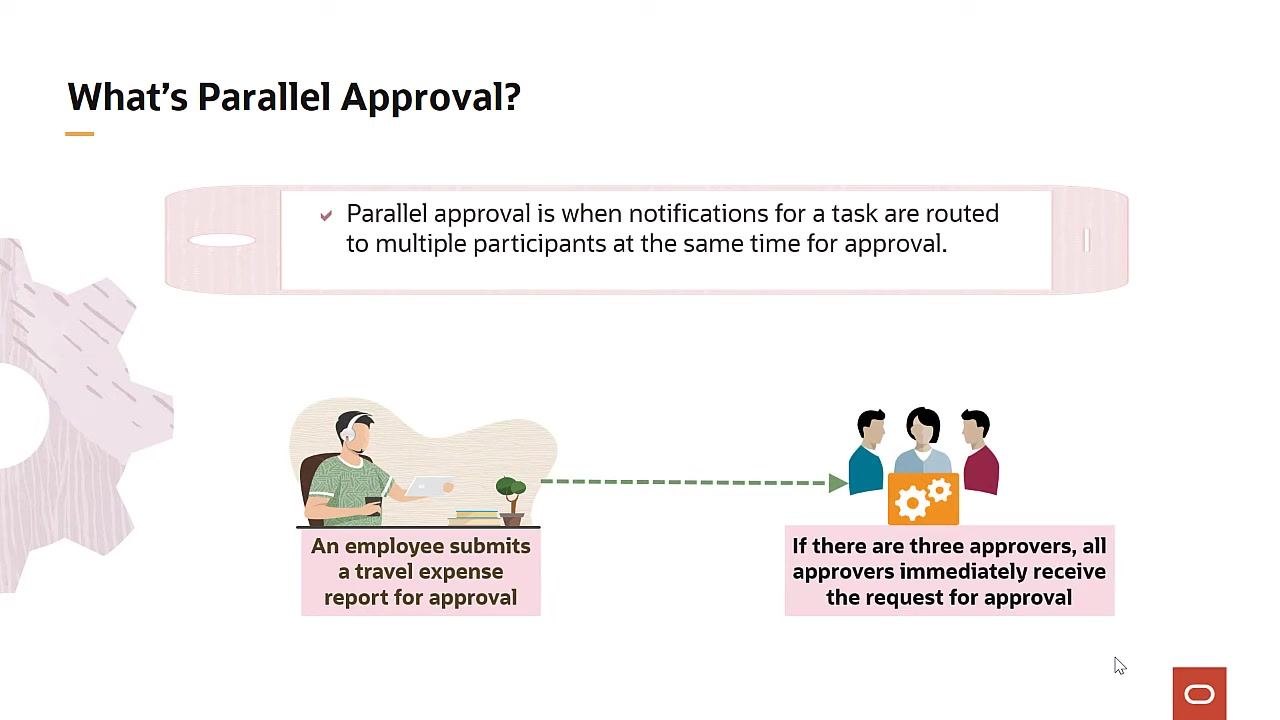
- Parallel approval: Notifications for a task are sent to multiple participants at the same time, so they can all act on it simultaneously.
Parallel approval means that notifications for a task are routed to multiple participants simultaneously. For example, when an employee submits a travel expense report and there are three designated approvers, all three receive the approval request at the same time.
Where to set up parallel approval rules
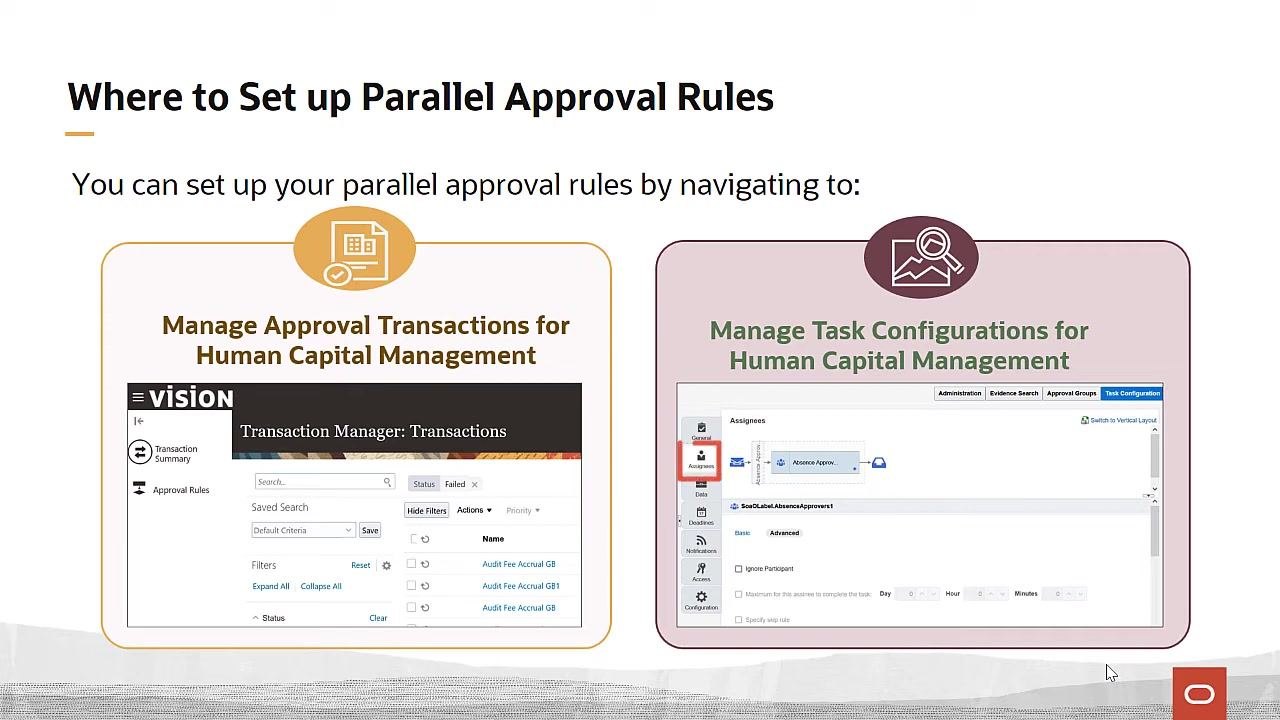
You can set up parallel approval rules in Oracle Fusion in two ways.
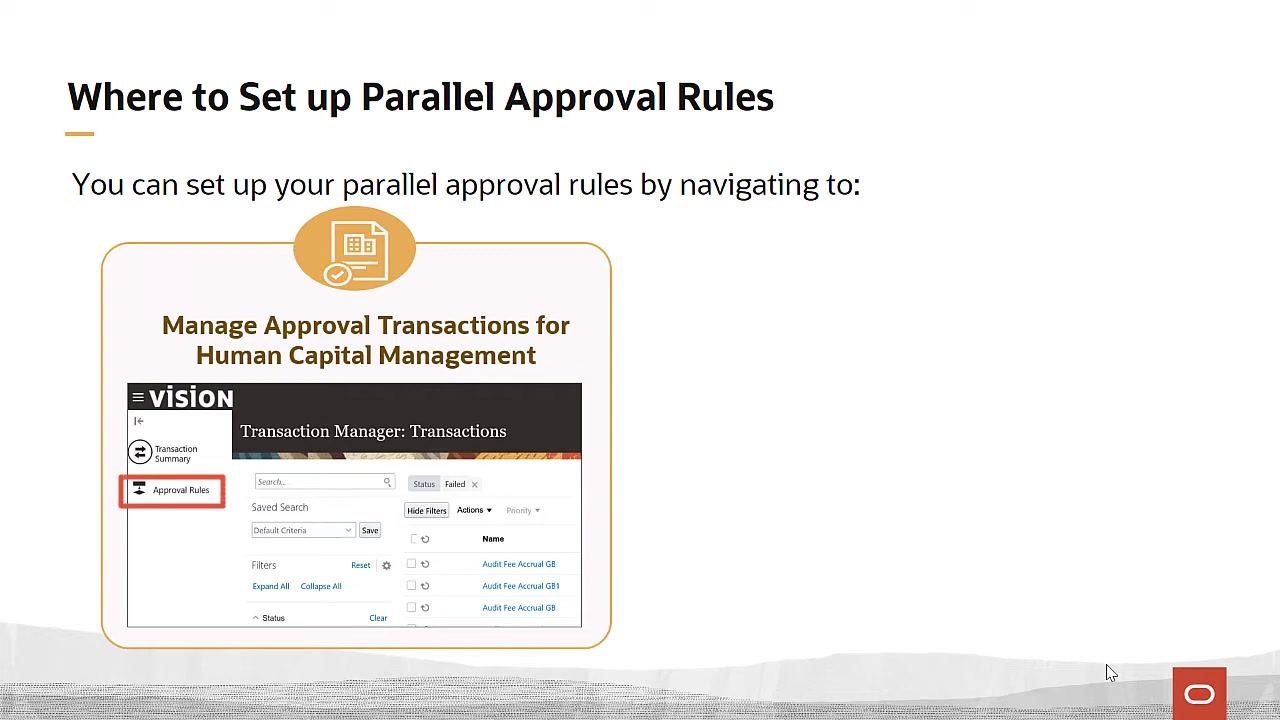
- Go to the Setup and Maintenance work area and open Manage Approval Transactions for Human Capital Management. In the Approval Rules tab, select the task you want and begin updating the rules for the participant type.
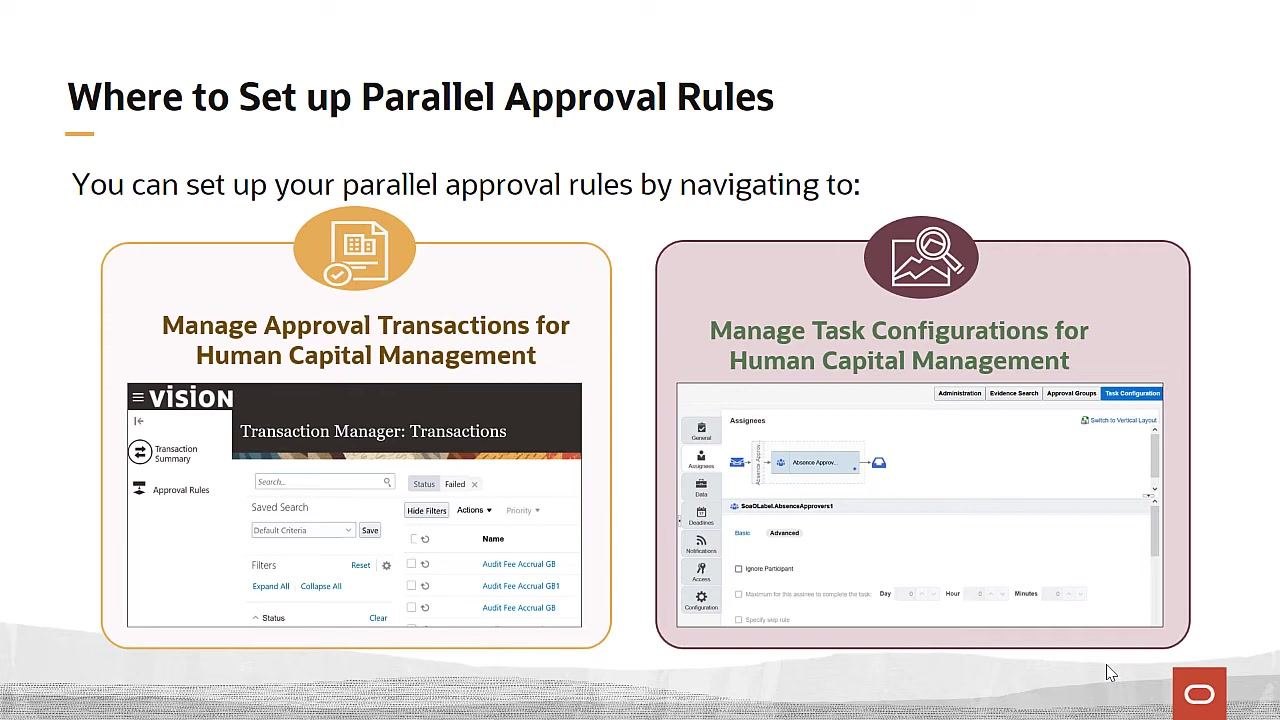
- Alternatively, use Manage Task Configurations for Human Capital Management and navigate to the Assignees tab on the BPM work list to configure the rules.
Choosing a method to create your approval group
When you create an approval group in Oracle Fusion, you can choose between two configuration methods depending on how you want the outcome to be determined.
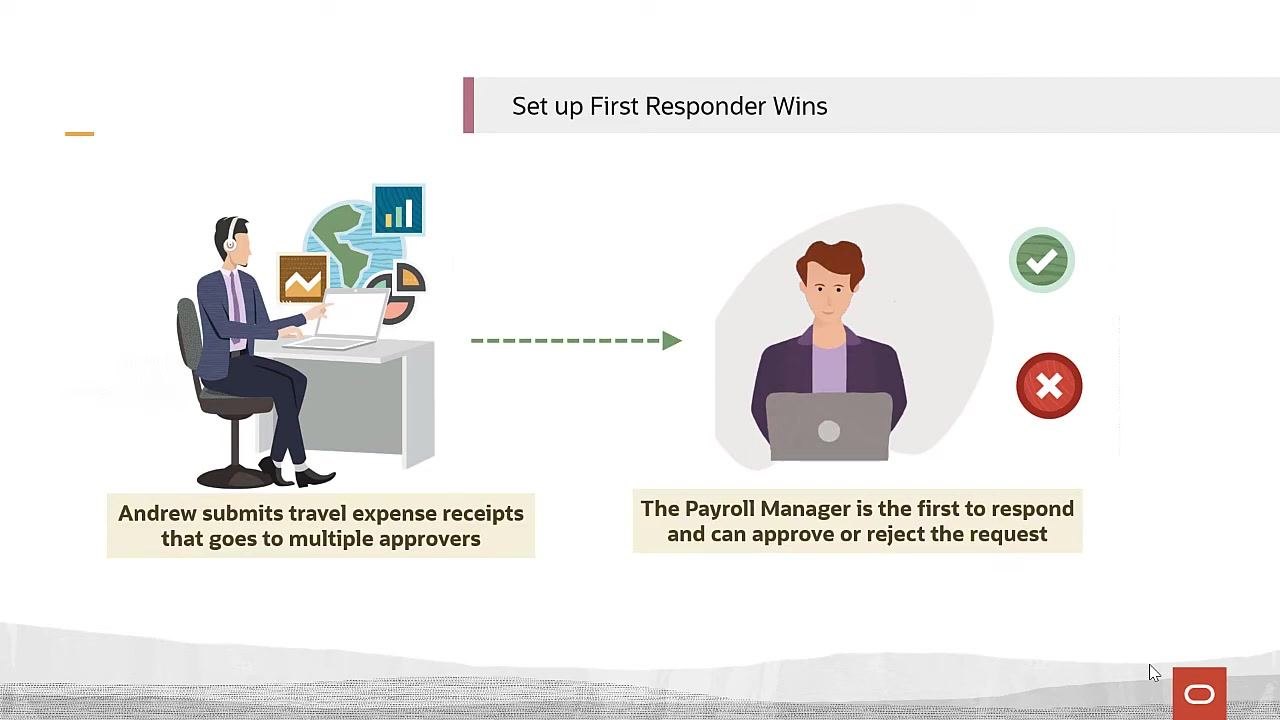
First Responder Wins The first approver to respond, whether approving or rejecting, determines the outcome for the entire group. For example, if John submits a vacation request and several managers are assigned as approvers, the first manager to respond decides the outcome for everyone.
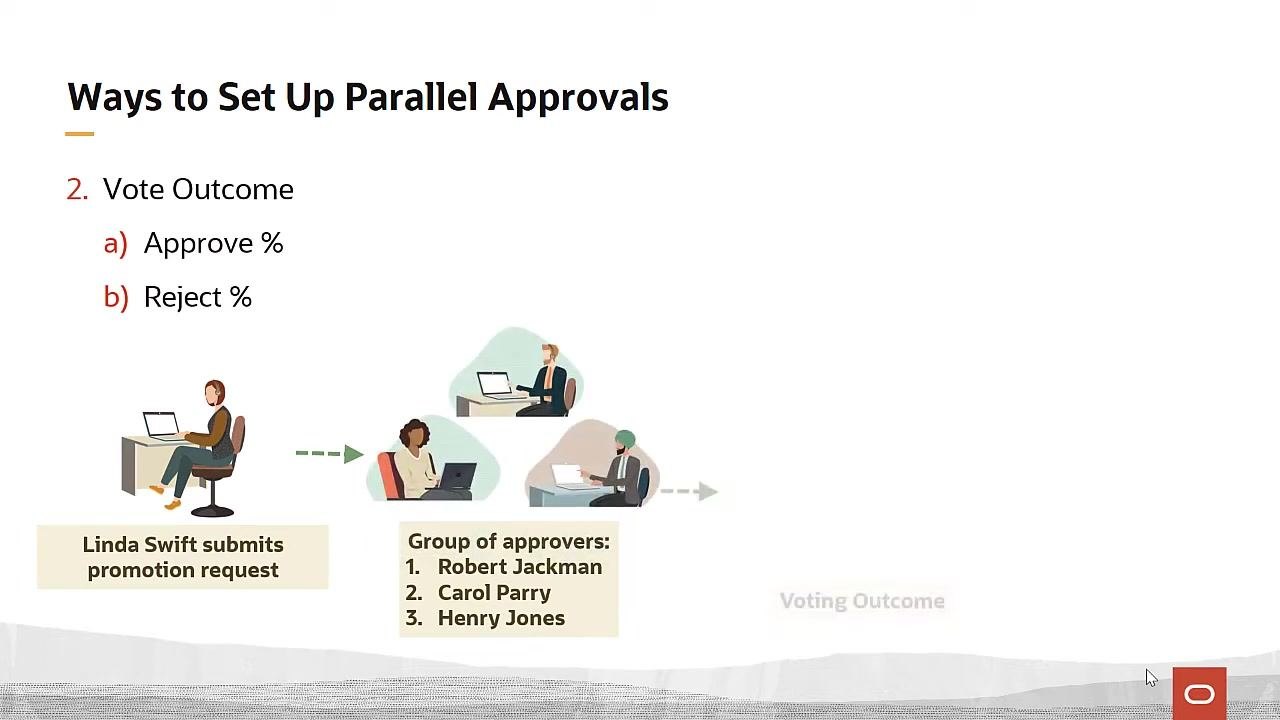
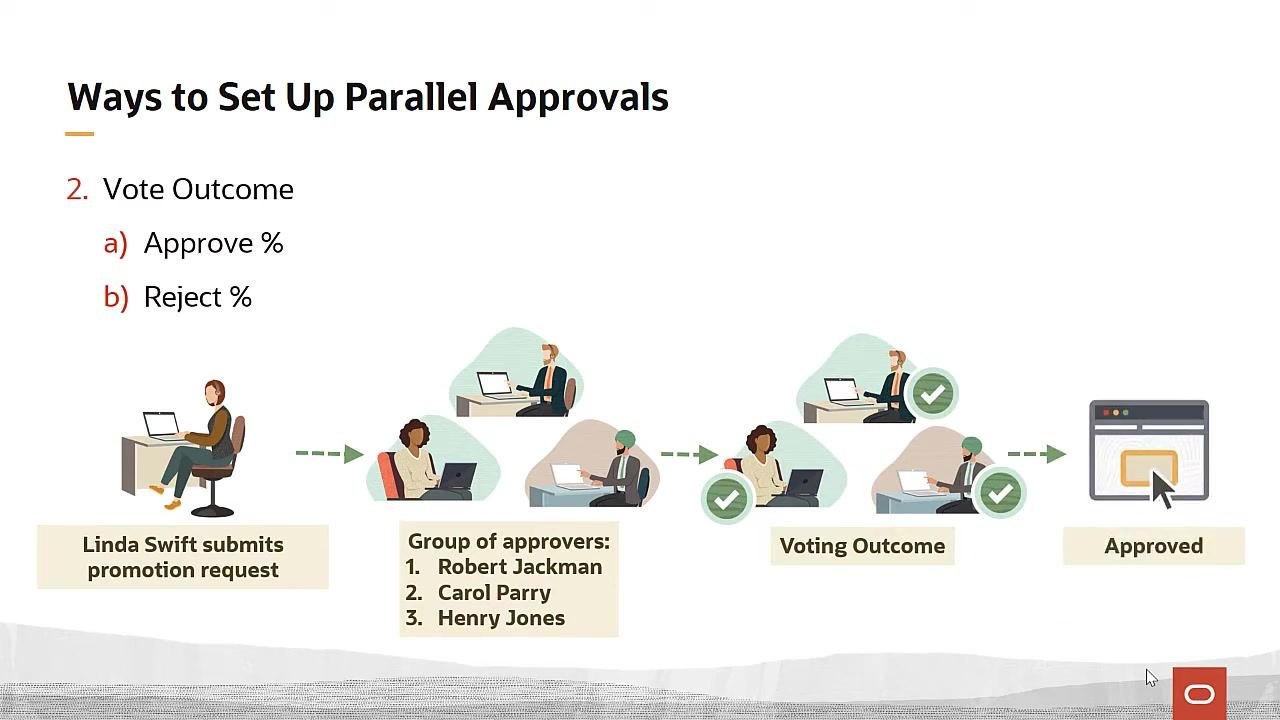
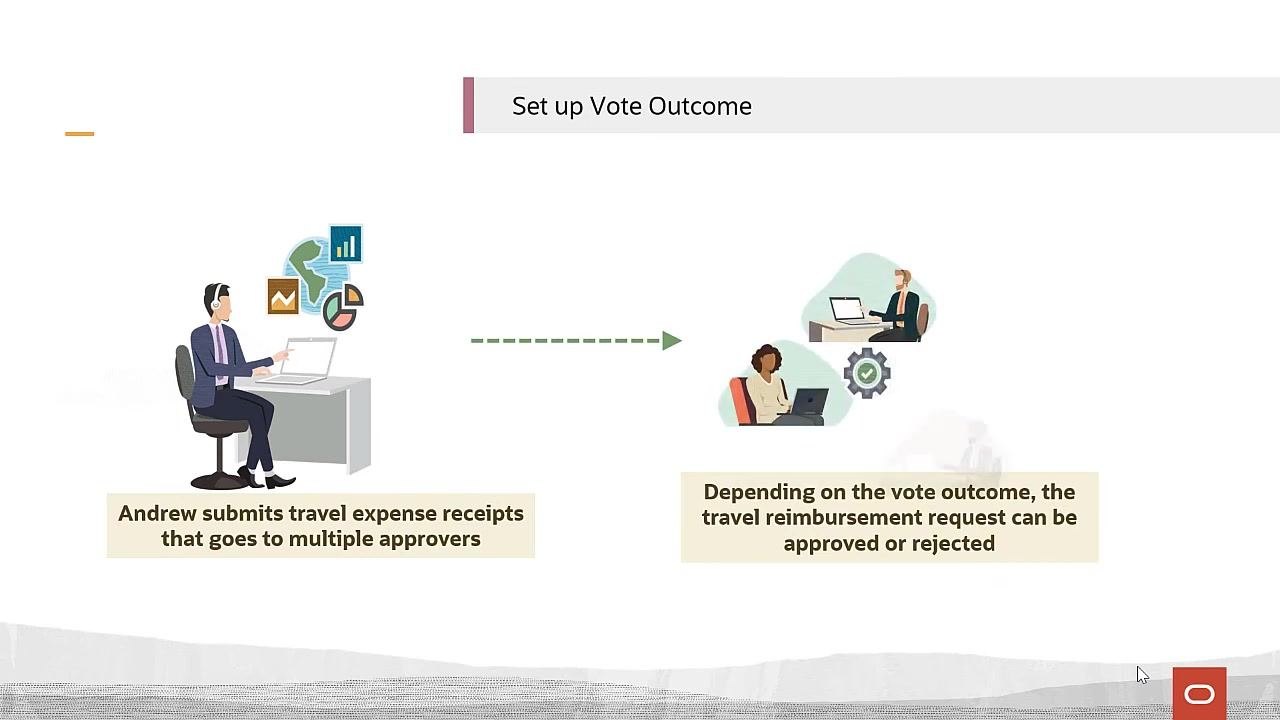
Vote Outcome You set target percentages for approval and rejection. For instance, you might require 75% approval (3 out of 4 approvers) or set a 25% rejection threshold. In the example of Linda Swift submitting a promotion request for her direct report, all three approvers—Robert Jackman, Carol Parry, and Henry Jones—must act on the task, and the final outcome depends on the voting percentages you configure.
Setting up "First Responder Wins" for your approval group
- Open the Approval Rules tab in the Transaction Manager.
-
In the search field, enter the task you want to configure. For this example, type
document recordand click the search icon. -
Check the Bypass Approvals column for the selected process and confirm it is unchecked. This ensures the task is routed to participants for approval.
-
Click the Configure Rules (pencil) icon for the relevant process.
-
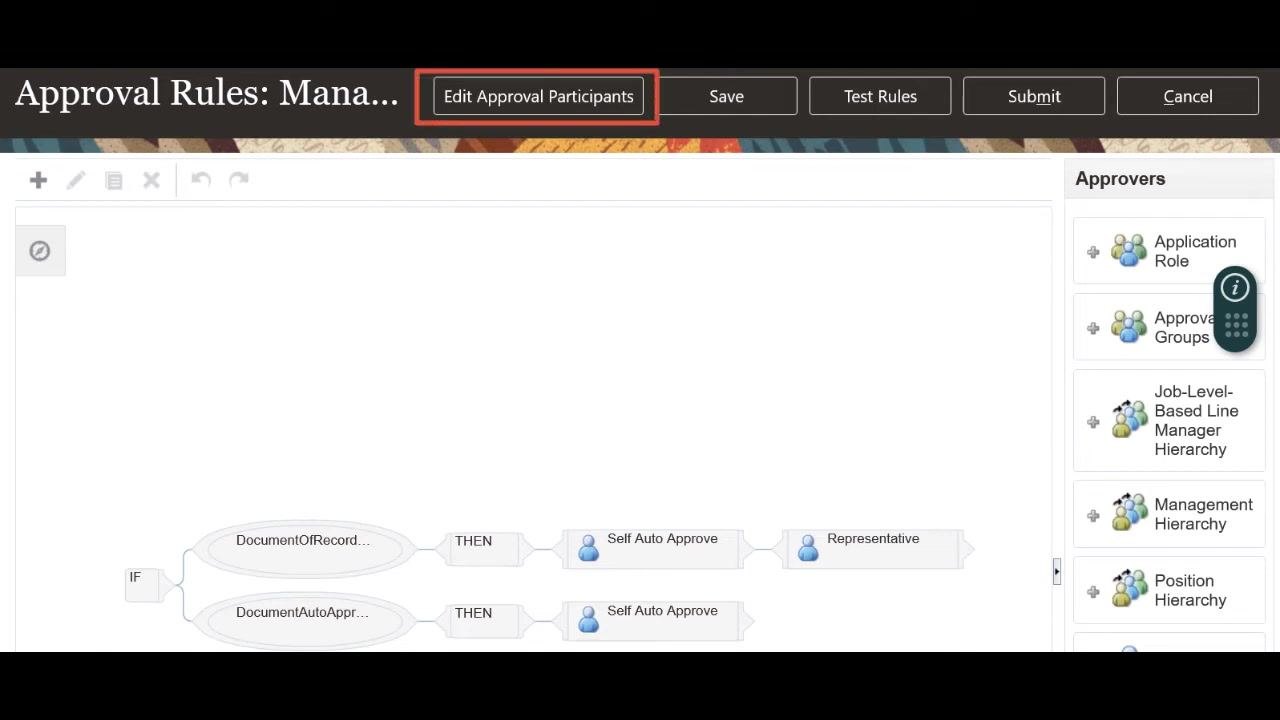
On the Approval Rules page, leave the existing rules unchanged for this example, and click Edit Approval Participants at the top of the page.
-
On the next page, click Open for the relevant participant group, such as Document Record Approvers.
- Scroll down to the parallel approval configuration fields and set the participant type to Parallel.
- Confirm the First responder wins checkbox is selected, which is the default setting. This means the first approver to respond, whether approving or rejecting, determines the outcome for all approvers in the group.
- Click Submit at the top of the page to save and activate the First Responder Wins rule for the task.
Setting up "Vote Outcome" for your approval group
- Follow the same navigation steps used above to reach the participant configuration page for your task.
- After setting the participant type to Parallel, deselect the First responder wins checkbox to reveal the vote outcome fields.
-
In the Vote Outcome Approve % field, enter the required approval percentage. For example, enter
100if all approvers must approve for the transaction to move forward. -
Optionally, set the Vote Outcome Reject % field if your organization requires a specific percentage of rejections to automatically reject the transaction. For example, set Reject % = 50 to reject the transaction once half of the approvers select Reject.
- Review all settings to confirm they match your organization's approval requirements.
- Click Submit or Save to apply your changes and activate the parallel approval rule.
Additional resources
For more detailed guidance and advanced configuration options, consult these resources:
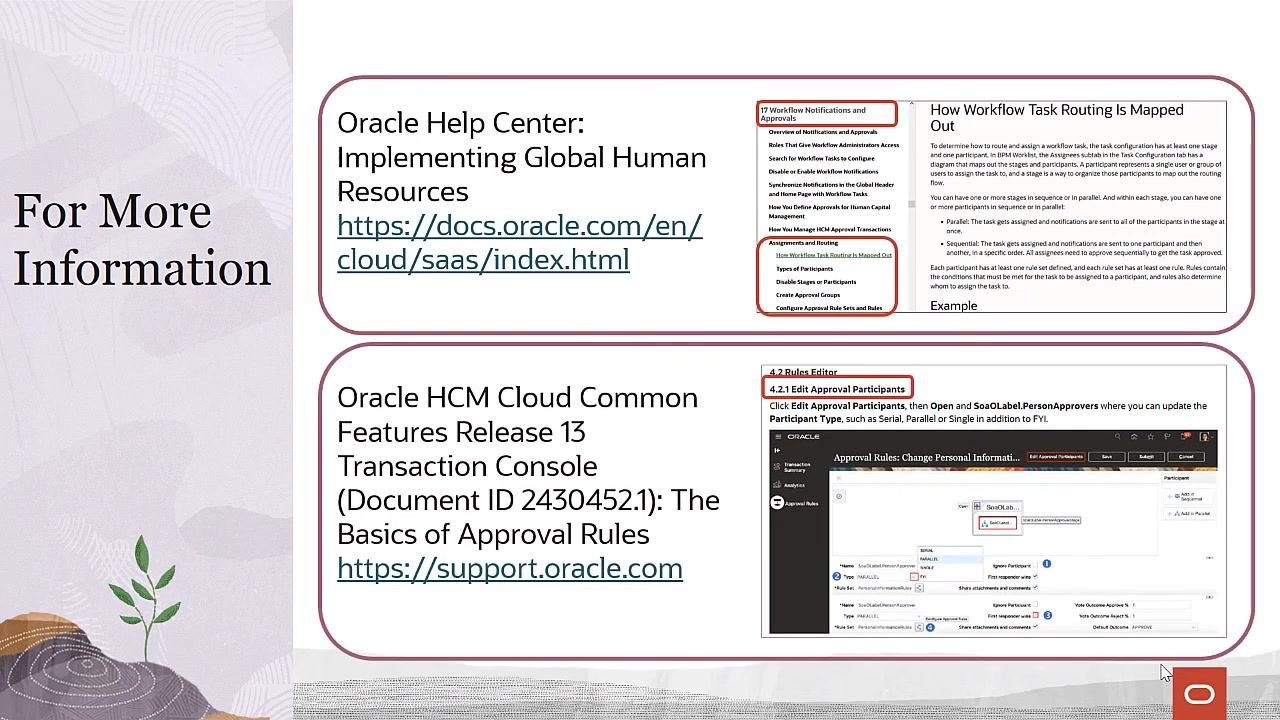
- Oracle Help Center: Implementing Global Human Resources (docs.oracle.com) covers workflow notifications, approval routing, participant types, and rule configuration.
- Oracle HCM Cloud Common Features Release 13 Transaction Console (support.oracle.com), Document ID 2430452.1, "The Basics of Approval Rules," includes step-by-step instructions for editing approval participants and configuring rule sets.
These resources cover overviews of notifications and approvals, workflow task routing details, types of participants, approval group creation, and how to edit approval participants and rule sets.
What's next
You now know how to create an approval group in Oracle Fusion using both the First Responder Wins and Vote Outcome methods. Choose the method that best fits your organization's approval needs, and refer to the additional resources above for further customization or troubleshooting.
Generation details: cost, quality tiers
Docsie billed 2,000 credits ($1.40) to analyze this 4-minute video at standard quality. The rewrite, template fill and Word/PDF exports were included. The same video at each quality tier:
| Quality | Frames sampled | Credits | Approx. cost |
|---|---|---|---|
| Draft | every 16-30 s | 1,000 | $0.70 |
| Standard (this guide) | every 8-15 s | 2,000 | $1.40 |
| Detailed | every 4-7 s | 4,000 | $2.80 |
| Ultra | every 1-3 s | 8,000 | $5.60 |
Credits priced at $0.70 per 1,000; plans include a monthly allowance. Enterprise customers on on-premise or bring-your-own-model deployments run this on their own inference and pay no per-video credits.
Generated by Docsie Video-to-Docs on 2026-09-08 from a 3-minute video. Screenshots are frames from the source video and belong to their creator, Oracle Applications Cloud Tutorials, whose original is embedded above. If you own this video and want the guide removed or credited differently, contact us and we will act within one business day.