
4.8
on G2
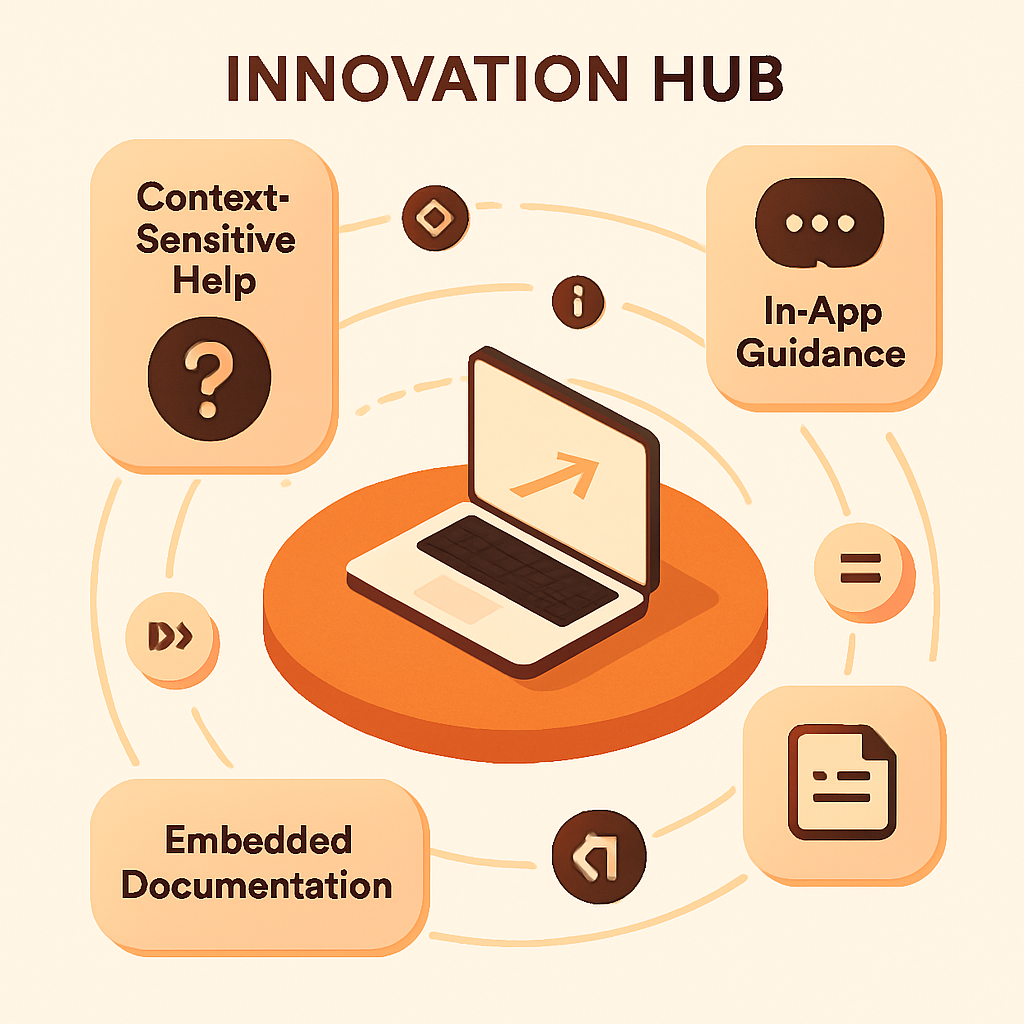
Deploy embedded documentation that appears at the perfect moment. Build intelligent in-app help systems with contextual tooltips, interactive walkthroughs, and context-aware guidance that reduces support tickets by 45%.
Watch It Work
See how context-sensitive help transforms user experience and reduces support load
Join forward-thinking teams using Docsie to transform video content into searchable documentation






_Leader_Small-Business_Leader.svg)


_BestSupport_Small-Business_QualityOfSupport.svg)

Context-aware help appears exactly when and where users need it
Why Docsie is Different
Most tools just overlay static popups. Docsie's AI understands user context, workflow state, and feature usage patterns to deliver truly intelligent in-app guidance.
AI understands where users are in your app, what they're trying to do, and what help content is relevant—delivering the exact answer at the perfect moment
Interactive walkthroughs that adapt to user actions—skipping steps they've completed, highlighting next actions, and adjusting guidance based on user behavior
AI predicts when users might need help based on behavior patterns—proactively offering guidance before they get stuck or frustrated
Simple Implementation
Powered by Docsie's embedded help system

Map help content to specific UI elements, pages, or user actions. Tag documentation with context identifiers for intelligent surfacing

Choose how help appears—tooltips, slide-outs, modals, or inline guidance. Configure timing, positioning, and interaction patterns

Embed Docsie's help widget with one line of code. Track which help content users engage with and optimize based on analytics
See how product teams deploy intelligent in-app guidance

Guide new users through critical workflows with step-by-step in-app guidance. Context-aware tooltips appear as users explore features, reducing onboarding time by 60% and increasing feature adoption.

Deploy embedded help for enterprise applications with hundreds of features. Smart tooltips appear based on user role, permission level, and current workflow state—ensuring users see only relevant guidance.

Deploy consistent help experience across web, mobile, and desktop apps. Responsive tooltips and guidance that adapts to screen size and interaction patterns.
Everything you need to deploy intelligent in-app guidance
Intelligent tooltip placement that avoids covering important UI, adapts to screen edges, and follows user focus
Show different help content based on user role, permissions, feature access, or subscription tier
Track which help content users engage with, identify confusing features, and optimize guidance based on usage data
Deploy context-sensitive help with a single script tag—no complex integration or development work required
Responsive tooltips and guidance that work perfectly on mobile devices with touch-optimized interactions
Match help widgets to your brand with custom colors, fonts, positioning, and interaction styles
Watch how Docsie's embedded help system delivers intelligent, context-aware guidance that reduces support tickets and improves user experience
No credit card required • 14-day free trial
Common Questions
Everything you need to know about context-sensitive help
Q: How hard is it to implement context-sensitive help?
A: It's surprisingly simple. Add one line of JavaScript to your app, then tag your help content with context identifiers (like page IDs or UI element selectors). Docsie's AI handles the rest—automatically surfacing relevant help based on user context.
Q: Does this work with single-page applications (React, Vue, Angular)?
A: Yes. Docsie's help widget is built for modern JavaScript frameworks. It detects route changes, monitors DOM updates, and adapts to dynamic content—working seamlessly with React, Vue, Angular, and other SPAs.
Q: Can I customize how help content appears?
A: Absolutely. You control tooltip positioning, colors, fonts, animation timing, and interaction patterns. Choose from tooltips, slide-out panels, modals, or inline guidance—or create custom presentation styles.
Q: How do I target help content to specific pages or features?
A: Use CSS selectors, page URLs, or custom data attributes to define context. For example, target help content to '#export-button' or 'page:/reports/export' and it automatically appears when users interact with those elements.
Q: Can help content change based on user behavior or role?
A: Yes. Docsie can show different help content based on user properties (role, subscription tier, feature access), behavioral patterns (new vs. experienced user), or current workflow state (step 2 of onboarding vs. daily usage).
Q: How do I prevent help overload and tooltip fatigue?
A: Smart frequency controls limit how often tooltips appear. Track which help content users have seen, implement progressive disclosure (show advanced tips only after basics), and use analytics to identify and disable low-engagement tooltips.
Q: Can I see which help content users actually engage with?
A: Yes. Docsie tracks help content views, clicks, dismissals, and time spent. See which features generate most help requests, identify confusing UI elements, and optimize guidance based on actual usage patterns.
Q: How do I know if context-sensitive help is reducing support tickets?
A: Compare support ticket volume before and after implementation, filtered by topic. Most customers see 30-50% reduction in tickets for features with good in-app guidance. Docsie's analytics dashboard shows self-service success rates.
Still have questions?
Book a DemoWorks with your existing tech stack
Native support for React-based apps
Seamless Vue.js integration
Full Angular framework support
Works with any web application
Start creating professional documentation that your users will love


