
4.8
on G2
 Screen Studio
 Zight
Zight
Screen Studio delivers polished Mac-only product demo videos with cinematic zoom and cursor animations. Zight offers cross-platform visual communication combining screenshots, GIFs, recordings, and cloud sharing for support and sales teams. Neither converts recordings into structured documentation — read on to see which fits your workflow, and why Docsie Recorder covers both use cases and more.
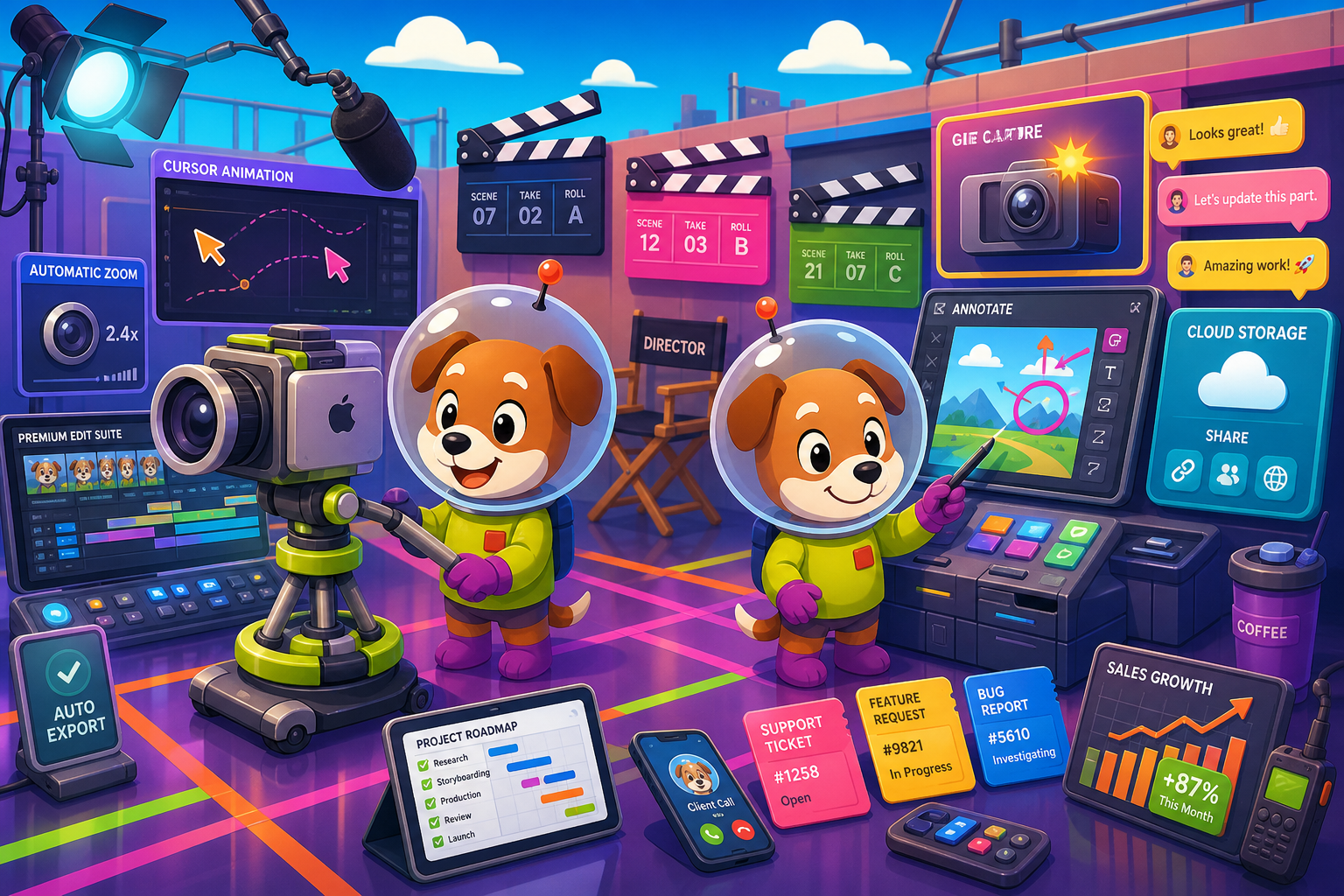
Screen Studio and Zight are strong tools in different directions.
Feature Matrix
A comprehensive side-by-side comparison of capture capabilities, platform support, editing tools, output formats, and enterprise features across Screen Studio and Zight.
| Feature |
Screen Studio
|
Zight
|
|---|---|---|
| Free Plan Available | ||
| Starting Price | $9/mo (billed yearly) | $0 (limited free tier) |
| Mac Support | ||
| Windows Support | ||
| Linux Support | ||
| Browser Extension | ||
| Mobile Capture | iOS device recording | |
| Screen & Window Recording | ||
| Screenshot Capture | ||
| GIF Export | ||
| Video Export Quality | Up to 4K 60fps | HD (verify exact max) |
| Webcam Overlay | ||
| Microphone Audio | ||
| System Audio Capture | ||
| Automatic Zoom | ||
| Cursor Smoothing & Polish | ||
| Backgrounds & Visual Styling | ||
| Annotations & Markup | ||
| Blur / Redaction | ||
| AI Transcription | ||
| Cloud Sharing & Links | ||
| Team Library & Admin | ||
| Integrations (Slack, Zendesk, etc.) | ||
| Analytics | ||
| API Access | ||
| SSO / SAML | Enterprise only | |
| Audit Logs | ||
| Video-to-Docs Conversion | ||
| Markdown / DOCX / PDF Export | ||
| Knowledge Base Publishing | ||
| Open-Source Recorder |
Data as of 2026. Based on publicly available vendor documentation. Verify current pricing and feature availability before purchasing.
Strengths & Weaknesses
Deep Dive
An in-depth look at four dimensions that matter most when choosing between Screen Studio and Zight — and where both fall short for teams that need more than a video file.
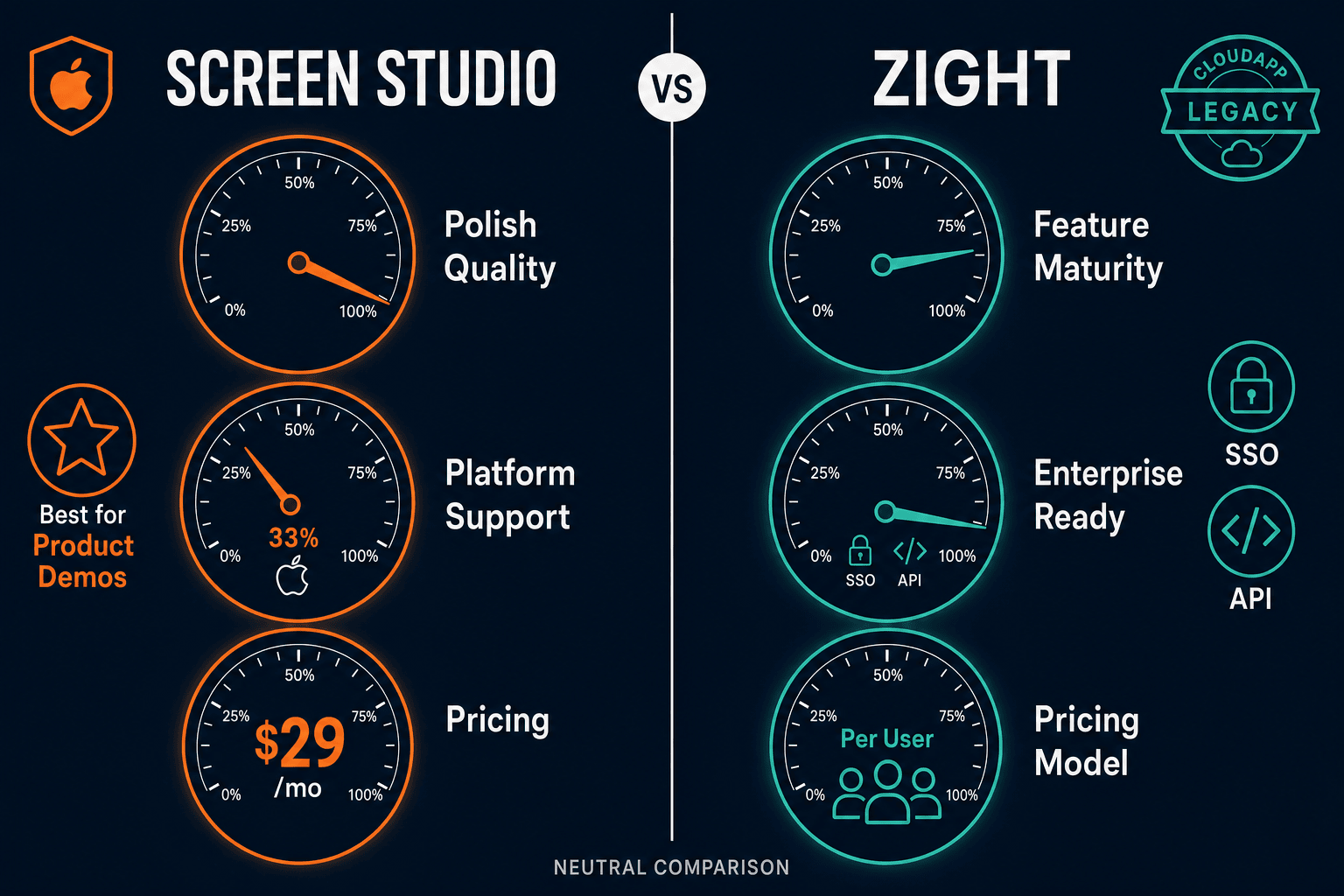
Screen Studio is exclusively Mac-only, requiring macOS Ventura 13.1 or later, which immediately disqualifies it for any team with Windows or Linux users. Zight wins decisively on platform breadth — it supports Mac, Windows, a browser extension, and mobile capture, making it viable for mixed-OS organizations. If your team is entirely on Apple hardware and wants the most polished recording experience, Screen Studio fits. But for any organization with cross-platform needs, Zight's reach makes it the practical default before other factors are even considered.
Screen Studio leads on visual quality by a wide margin. Its automatic zoom follows your cursor during recording, cursor smoothing eliminates jitter, motion blur adds cinematic feel, and backgrounds with shadow and inset produce marketing-ready output without post-production. Exports reach 4K 60fps. Zight does not offer zoom automation, cursor polish, or visual styling tools — its editing is functional rather than cinematic. For founders creating polished product demo videos or course creators who need beautiful tutorials, Screen Studio's editing depth is genuinely superior. For support teams sharing quick recordings, Zight's simplicity is often enough.
Zight is built for team workflows in a way Screen Studio simply is not. Zight provides shared team libraries, admin controls, analytics on content engagement, and direct integrations with Slack, Salesforce, and Zendesk — making it a natural fit for support and sales teams that share visual feedback at volume. Screen Studio has no team library, no admin dashboard, no integrations, and no analytics. Its sharing model stops at a shareable link. For individual creators and small founding teams, Screen Studio's simplicity is fine. For organizations that need governance, shared assets, and integration into CRM or helpdesk tools, Zight is the clear winner.
Neither Screen Studio nor Zight converts recordings into structured documentation. Both stop at video files, GIFs, and shareable links. Screen Studio has no Markdown, DOCX, or PDF export, no knowledge base, and no documentation management layer. Zight adds AI transcription and some team organization, but does not produce structured written documentation from recordings either. For teams whose goal is to turn walkthrough videos into help articles, SOPs, or knowledge base content, both tools require a separate manual step — exporting the video and reprocessing it elsewhere. This gap is exactly where a video-to-docs workflow becomes essential.
Our Recommendation
Screen Studio and Zight are strong tools in different directions. Screen Studio is the best Mac recorder for polished product demo videos — its zoom automation, cursor smoothing, and cinematic output are genuinely best-in-class for visual quality. Zight is the better choice for cross-platform teams that need screenshots, GIFs, recordings, and annotations in one tool with business integrations and team administration. The honest assessment is that neither tool produces documentation from recordings, and neither is open-source or cross-platform in the full sense.
Choose Screen Studio if you need. .
Choose Zight if you need. .
Choose Docsie Recorder if you need. .
Winner: Docsie Recorder
Docsie Recorder is free and open-source, runs on Mac, Windows, and Linux, and matches the core recording and editing capabilities of both Screen Studio and Zight. More importantly, it is the only recorder in this comparison that natively routes recordings into Docsie's Video-to-Docs pipeline — turning one screen recording into structured documentation published into a versioned knowledge base. Where Screen Studio stops at a polished video file and Zight stops at a shareable link, Docsie Recorder feeds the CONVERT and MANAGE workflow so teams get both the video and the written documentation from a single capture session.
Decision Helper
A direct framework for picking between Screen Studio, Zight, and Docsie based on your specific needs.
Polished Mac-only product demos with cinematic zoom and motion.
Screenshots, GIFs, and short videos for sharing.

Convert real video into searchable docs, then deploy multi-tenant portals.
Common Questions
Q: Is Screen Studio available on Windows?
A: No. Screen Studio is a Mac-only application requiring macOS Ventura 13.1 or later. There is no Windows or Linux version. If your team includes Windows users, Screen Studio is not a viable option — Zight or a cross-platform alternative would be needed.
Q: Does Zight have the same video editing polish as Screen Studio?
A: No. Zight does not offer Screen Studio's automatic zoom, cursor smoothing, motion blur, backgrounds, shadow, or inset effects. Zight is designed for quick, functional recordings and visual sharing rather than cinematic product demo production. Teams that prioritize polished video output for marketing or demo purposes will find Screen Studio's editing significantly more capable.
Q: Can either Screen Studio or Zight convert recordings into written documentation?
A: Neither tool converts recordings into structured written documentation. Screen Studio produces video and GIF files with shareable links. Zight adds AI transcription and team sharing, but does not generate Markdown, DOCX, or PDF documentation from recordings, and neither tool publishes into a knowledge base. Teams that need recordings to become help articles or SOPs must process the video separately in another tool.
Q: Does Zight have enterprise security features that Screen Studio lacks?
A: Yes. Zight's Enterprise plan includes SAML SSO, SOC 2 and GDPR compliance, audit logs, and role-based access control. Screen Studio has no enterprise security features — no SSO, no audit logs, no compliance certifications, and no role-based access. For regulated industries or organizations with security requirements, Zight is the only viable option between the two.
Q: Is there a better alternative to both Screen Studio and Zight?
A: Yes — Docsie Recorder addresses the core limitations of both tools. Unlike Screen Studio, it runs on Mac, Windows, and Linux and is free and open-source. Unlike Zight, it includes cinematic editing features like automatic zoom, cursor smoothing, backgrounds, motion blur, and crop. Most importantly, Docsie Recorder connects directly to Docsie's Video-to-Docs pipeline, converting recordings into structured Markdown, DOCX, and PDF documentation published into a versioned knowledge base — a workflow neither Screen Studio nor Zight supports at all. Download free at the Docsie GitHub releases page.
Q: Which tool is better for a support team that shares recordings daily?
A: Zight is better suited for high-volume support team workflows. Its combination of screenshots, GIFs, and recordings in one tool, paired with integrations into Zendesk and Slack, a shared team library, and admin analytics, makes it purpose-built for support and sales teams that share visual feedback frequently. Screen Studio is aimed at polished one-time demo recordings rather than high-cadence team sharing workflows.
Docsie Recorder is a free, open-source cross-platform recorder that goes where Screen Studio and Zight stop. Record on Mac, Windows, or Linux with full editing polish — zoom, trim, backgrounds, motion blur, annotations — then convert your recording directly into structured Markdown, DOCX, and PDF documentation published into a versioned Docsie knowledge base. One recording. Both the video and the docs.
Free and open-source recorder core. Video-to-Docs conversion uses Docsie AI credits.