
4.8
on G2
 Screen Studio
 Vmaker
Screen Studio delivers stunning Mac-only recordings with cinematic polish. Vmaker offers cross-platform recording with AI captions and team workspaces. Neither converts recordings into structured documentation. Here is the full breakdown—and why Docsie Recorder addresses what both tools miss.
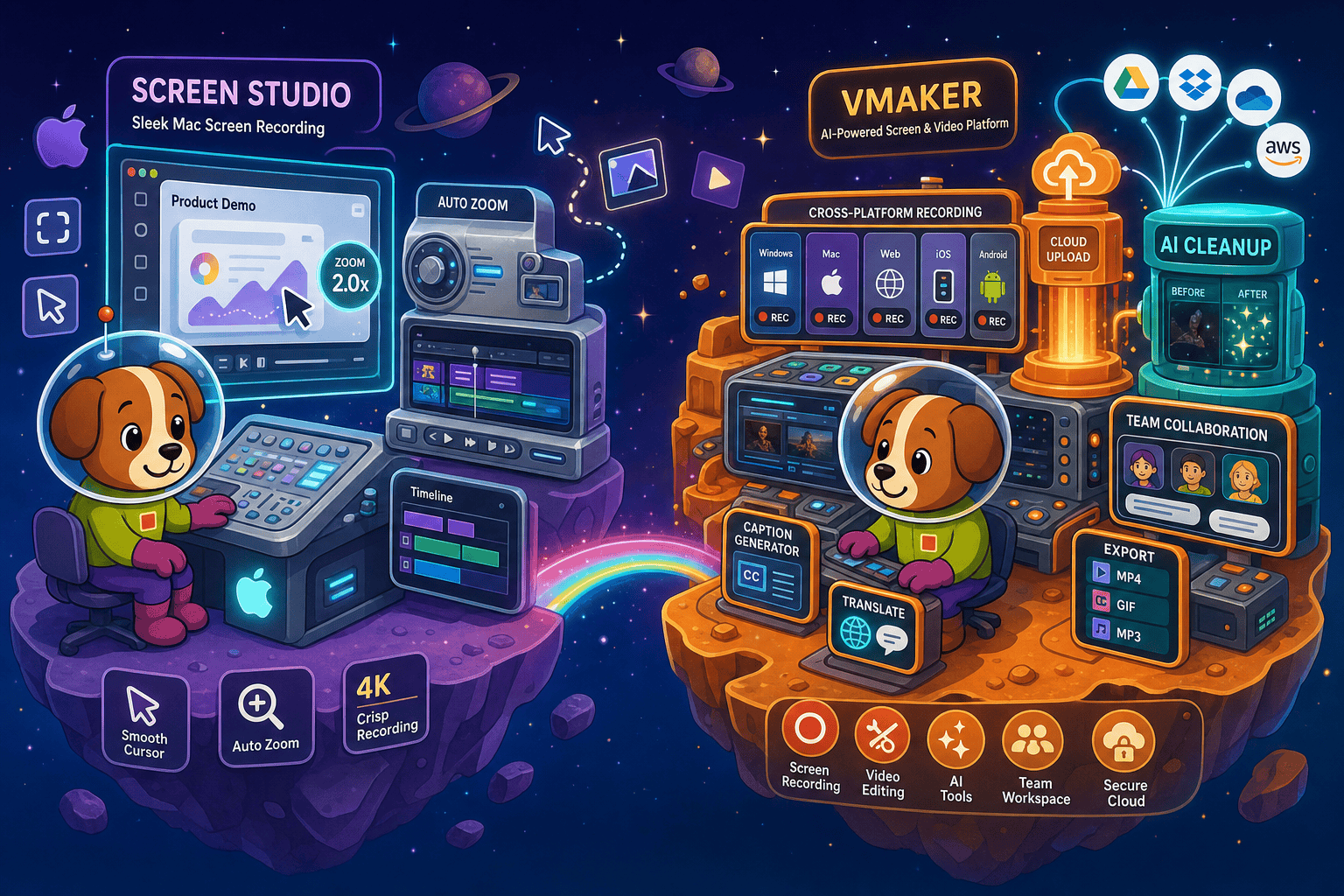
Screen Studio and Vmaker serve different buyer profiles despite both being screen recorders.
Feature Matrix
A comprehensive feature-by-feature comparison covering recording capabilities, platform support, editing tools, AI features, and documentation workflow between Screen Studio and Vmaker.
| Feature |
Screen Studio
|
Vmaker
|
|---|---|---|
| Free Plan Available | ||
| Starting Price | $9/month (billed yearly) | $0 (free tier with limits) |
| Mac Support | ||
| Windows Support | ||
| Linux Support | ||
| Browser Extension | ||
| Mobile Recording | iOS device recording | |
| Open-Source Recorder | ||
| Window & Full-Screen Capture | ||
| Webcam Overlay | ||
| Microphone Audio | ||
| System Audio Capture | ||
| Automatic Zoom | ||
| Cursor Smoothing & Polish | ||
| Backgrounds & Visual Effects | ||
| Crop, Trim & Speed Regions | ||
| Motion Blur | ||
| AI Transcription & Captions | ||
| AI Video Cleanup | ||
| AI Summary | ||
| Team Workspace & Shared Library | ||
| Video Analytics | ||
| Local MP4 Export (up to 4K) | ||
| GIF Export | ||
| Shareable Video Links | ||
| Video-to-Docs Conversion | ||
| Markdown / DOCX / PDF Export | ||
| Knowledge Base Publishing | ||
| Version Control | ||
| Multi-Tenant Portals | ||
| SSO / Enterprise Auth | Enterprise only | |
| API Access |
Data as of 2026. Based on publicly available vendor information. Verify current pricing and features on official vendor sites before making purchasing decisions.
Strengths & Weaknesses
Deep Dive
An in-depth look at recording quality, platform reach, AI capabilities, and team collaboration features to help you choose the right tool—and understand where both fall short.
Screen Studio is the clear winner on visual polish. Its automatic zoom intelligently tracks your cursor, cursor smoothing removes jittery movements, and motion blur adds a cinematic feel that Vmaker cannot match. Manual timeline zoom lets you emphasize specific UI moments with precision. Vmaker's recordings are clean and functional, but lack these layered animation controls. For teams whose primary goal is a beautiful, branded product demo or marketing video, Screen Studio's output quality is noticeably superior—provided you are on a Mac. Vmaker trades some polish for broader platform reach and team features.
This is where Vmaker decisively wins. Screen Studio is Mac-only and requires macOS Ventura 13.1 or later, which immediately eliminates any Windows or Linux users on a team. Vmaker supports Mac, Windows, a browser extension for any OS, and mobile capture, making it a genuinely cross-platform solution. For mixed-OS teams or companies with Windows-heavy engineering or support staff, Vmaker is the only viable choice between these two. Screen Studio's Mac exclusivity is a hard blocker, not a minor inconvenience, for organizations that cannot standardize on Apple hardware.
Vmaker has invested more heavily in AI automation features. It offers AI transcription, auto-captions, video cleanup to remove filler words and silences, and AI-generated summaries—all aimed at reducing post-recording editing effort. Screen Studio includes transcript generation and audio enhancement but does not offer the same AI cleanup or summary layer. Neither tool uses AI to convert recordings into written documentation. Both tools stop at AI-assisted video editing rather than using AI to bridge the gap between a recorded walkthrough and a structured, searchable knowledge base article.
Vmaker includes team workspaces, shared video libraries, role-based admin controls, and video analytics showing how recipients engage with shared recordings. These features make it a functional async communication tool for distributed teams. Screen Studio offers shareable links and transcript output but has no native team workspace, shared library, admin dashboard, or engagement analytics. For a solo Mac creator or founder, Screen Studio's simplicity is a feature. For a support team, onboarding team, or product organization that needs to manage and share recordings centrally, Vmaker's collaboration layer is meaningfully more capable.
Our Recommendation
Screen Studio and Vmaker serve different buyer profiles despite both being screen recorders. Screen Studio is the superior choice for Mac users who prioritize visual polish and cinematic quality in product demos or marketing videos. Vmaker is the better choice for cross-platform teams who need async video communication with AI cleanup, captions, and shared workspaces. However, both tools share the same fundamental limitation—they produce video files and share links, not structured documentation. Neither integrates into a knowledge base workflow.
Choose Screen Studio if you need. .
Choose Vmaker if you need. .
Choose Docsie Recorder if you need. .
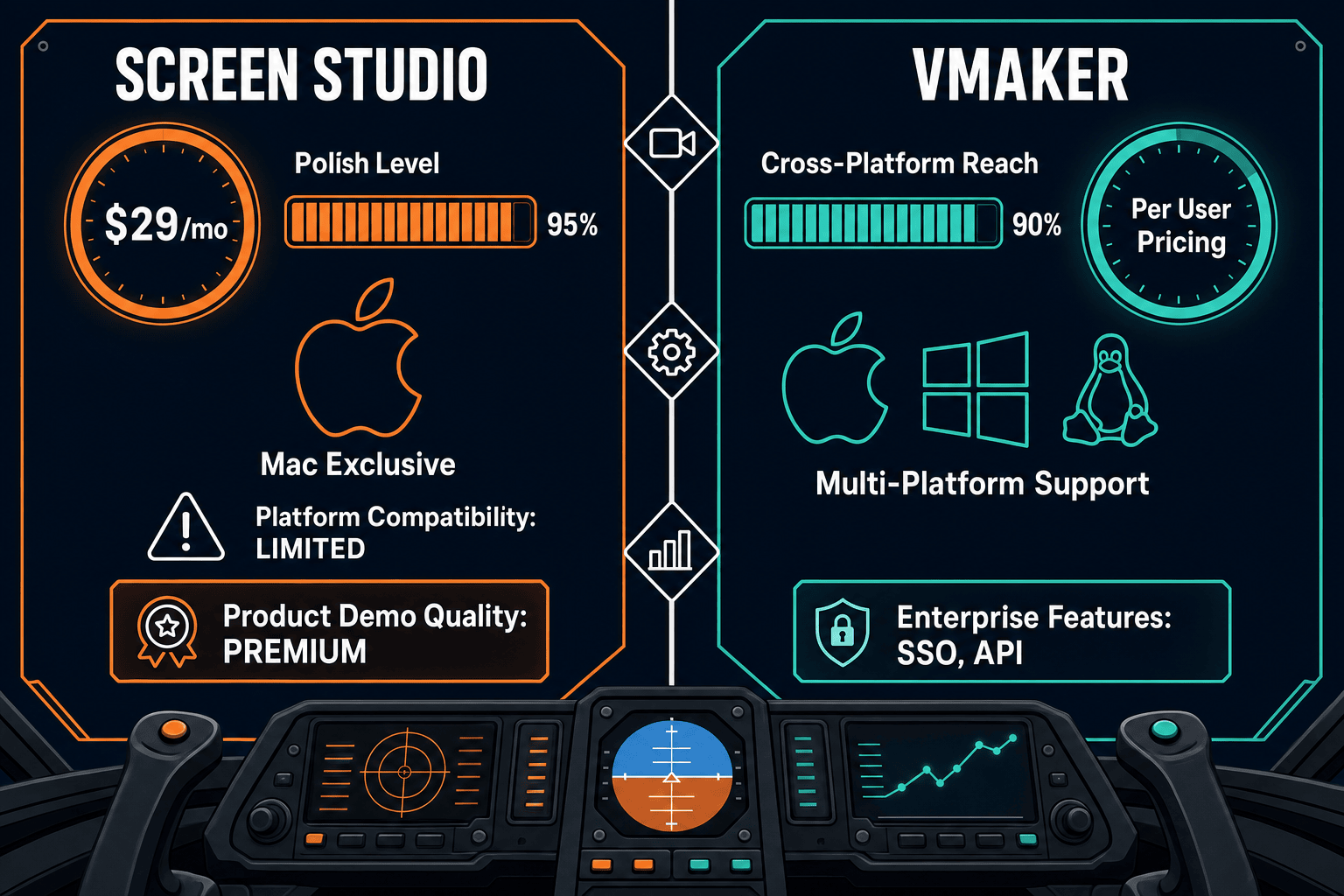
Winner: Docsie Recorder
Docsie Recorder is free, open-source, and runs on Mac, Windows, and Linux—solving Screen Studio's Mac exclusivity and Vmaker's closed-source limitations simultaneously. More importantly, it is the only recorder in this comparison that natively routes recordings into Docsie's Video-to-Docs pipeline, turning a single walkthrough into structured Markdown, DOCX, and PDF documentation published directly into a versioned Docsie knowledge base. Where Screen Studio and Vmaker both stop at a video file, Docsie Recorder feeds the CREATE pillar into CONVERT, MANAGE, DELIVER, LEARN, and beyond—giving teams a complete documentation workflow instead of an isolated recording.
Decision Helper
A direct framework for picking between Screen Studio, Vmaker, and Docsie based on your specific needs.
Polished Mac-only product demos with cinematic zoom and motion.
Quick browser screen recording with annotations.

Convert real video into searchable docs, then deploy multi-tenant portals.
Common Questions
Q: Does Screen Studio work on Windows or Linux?
A: No. Screen Studio is strictly a macOS application and requires macOS Ventura 13.1 or later. There is no Windows or Linux version. If any member of your team uses Windows or Linux, Screen Studio is not a viable shared solution. Vmaker supports Mac, Windows, and a browser extension that works across operating systems.
Q: Does Vmaker have the same visual polish as Screen Studio?
A: Not quite. Screen Studio is specifically known for its automatic zoom tracking, smooth cursor animations, motion blur, and cinematic visual effects that produce a higher-polish result than most other recorders. Vmaker offers solid recording with effects and a built-in editor, but its motion polish and cursor animation quality do not match Screen Studio's output. If visual production quality is your top priority and you are on Mac, Screen Studio has the edge.
Q: Can either Screen Studio or Vmaker convert recordings into written documentation?
A: Neither tool offers video-to-docs conversion. Both Screen Studio and Vmaker stop at producing a video file or shareable link. There is no built-in workflow to turn a recording into Markdown, a DOCX file, a PDF, or a published knowledge base article. Teams that need recordings to feed a documentation workflow must use a separate tool or switch to Docsie Recorder, which includes a native Video-to-Docs pipeline.
Q: Which tool is better for async team communication?
A: Vmaker is better suited for team async communication. It includes team workspaces, shared video libraries, admin controls, and video analytics that show engagement with shared recordings. Screen Studio is designed more as a solo creator or small-team tool focused on output quality; it offers shareable links but lacks team workspace management, shared libraries, and engagement analytics.
Q: Is there a better alternative to both Screen Studio and Vmaker?
A: Yes—Docsie Recorder addresses the core limitation both tools share. Docsie Recorder is a free, open-source desktop recorder built on OpenScreen that runs on Mac, Windows, and Linux. It matches the recording capabilities of both tools (webcam overlay, microphone, system audio, zoom, crop, trim, backgrounds, GIF and MP4 export) and then goes further by connecting recordings directly to Docsie's Video-to-Docs pipeline. A single recording becomes structured Markdown, DOCX, or PDF documentation published into a versioned Docsie knowledge base—something neither Screen Studio nor Vmaker can do. Download it free at github.com/LikaloLLC/docsie-screen-recorder.
Q: Which tool should a support or enablement team choose?
A: Neither Screen Studio nor Vmaker is purpose-built for support or enablement teams that need recordings to become searchable knowledge base articles. Screen Studio is too Mac-specific and too video-only. Vmaker adds team features but still produces video links, not documentation. Docsie Recorder is the stronger choice for support and enablement workflows because it routes recordings directly into Docsie's documentation platform, where the content can be versioned, translated, and delivered through customer-facing knowledge base portals.
Docsie Recorder is free, open-source, and runs on Mac, Windows, and Linux. It records and edits screen videos locally—then connects directly to Docsie's Video-to-Docs pipeline to turn your recording into structured Markdown, DOCX, PDF, and published knowledge base content. No subscription required to record and export video. Go beyond shareable links—build documentation that lasts.
Free and open-source recorder core. Video-to-Docs conversion uses Docsie AI credits.