
4.8
on G2
 Screen Studio
 Tella
Tella
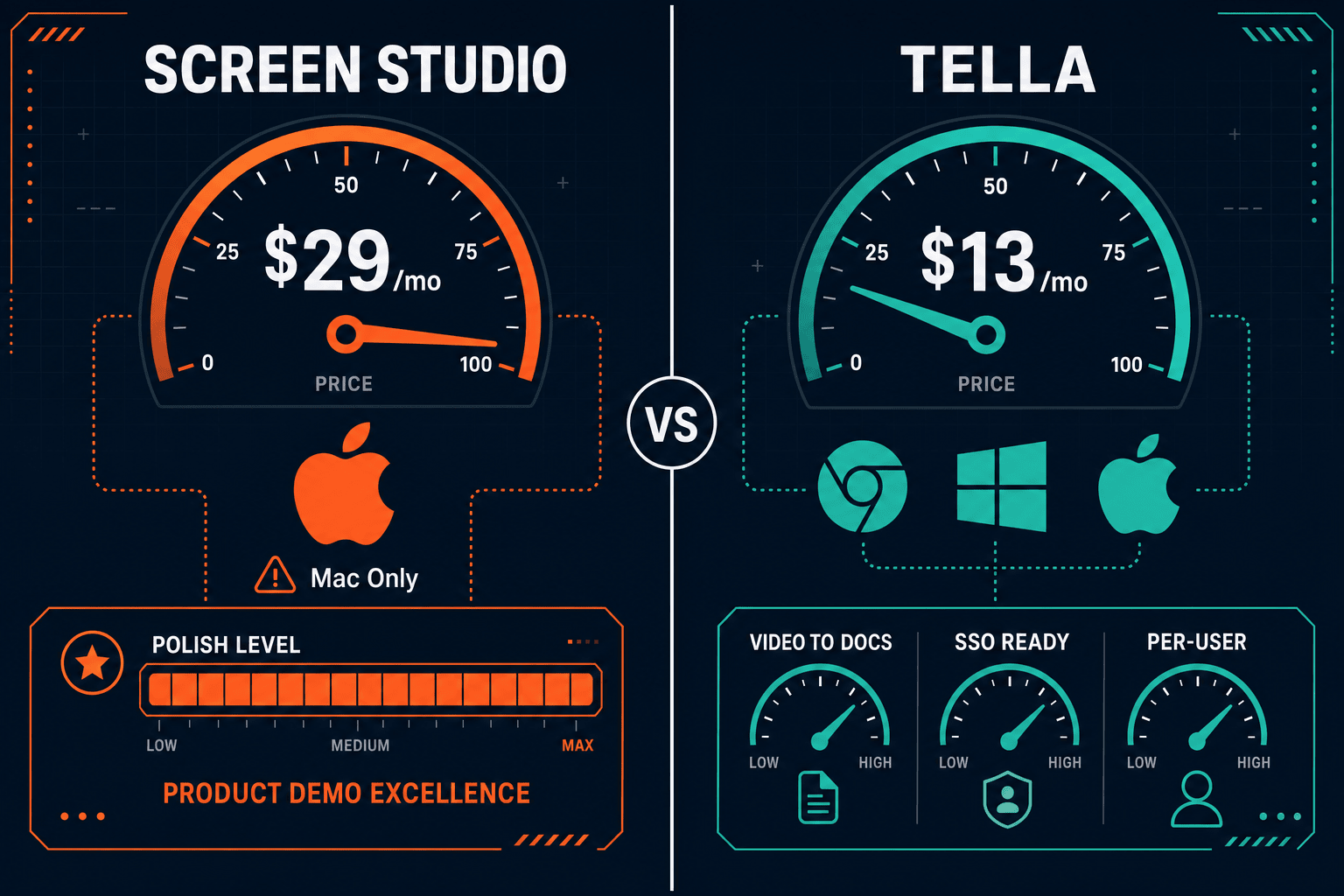
Screen Studio charges a flat subscription starting at $9/month billed yearly, while Tella offers a free plan and tiered paid plans from $13/month. This comparison breaks down what you actually get at each price point, where the hidden costs appear, and why neither tool's pricing model works well for teams that need recordings to become documentation.
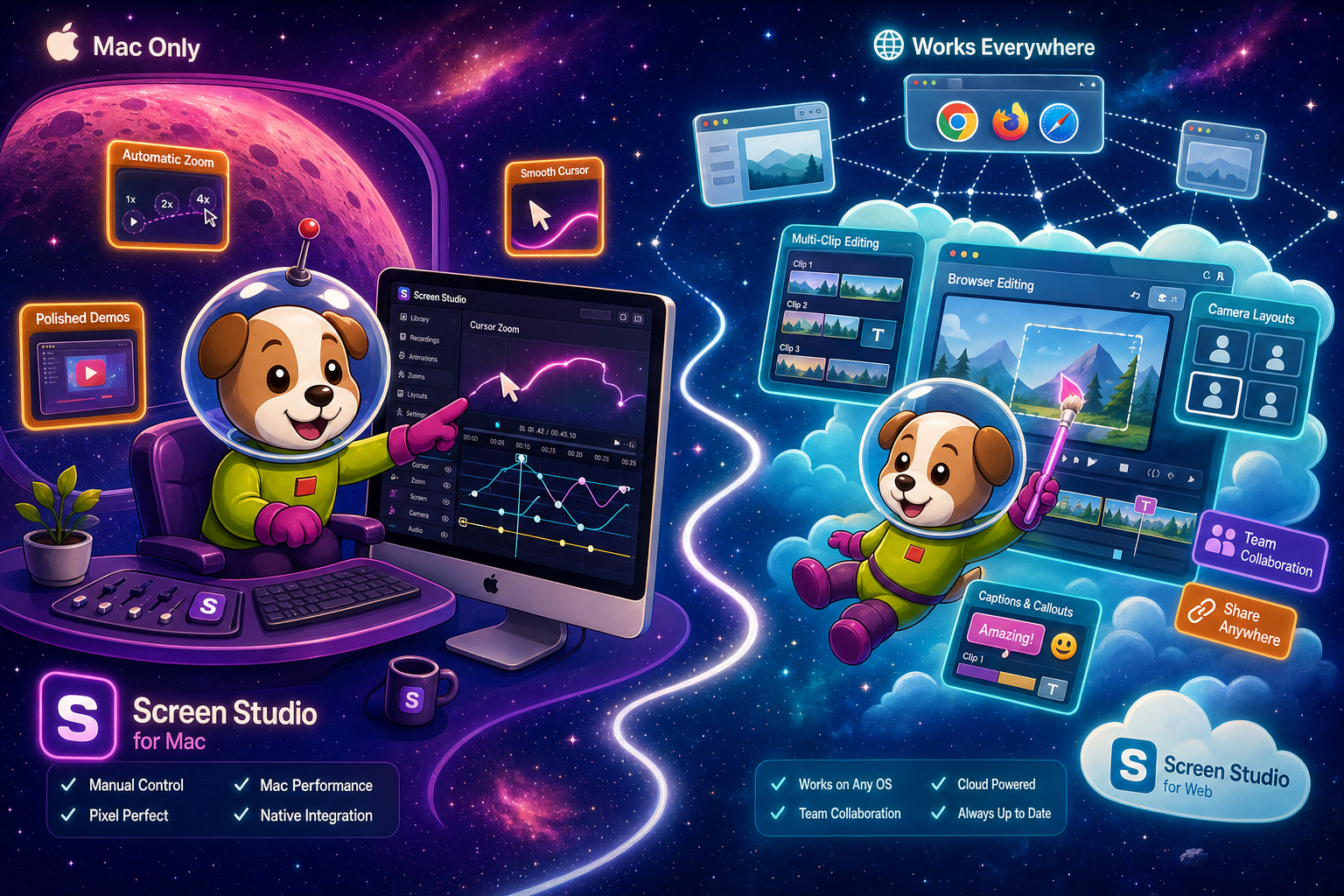
Screen Studio and Tella are both strong video recorders at their respective price points, but they serve different buyer profiles.
Feature Matrix
A side-by-side breakdown of features available across Screen Studio and Tella plans, focused on what matters most for screen recording, editing, and documentation workflows.
| Feature |
Screen Studio
|
Tella
|
|---|---|---|
| Free Plan Available | ||
| Starting Price | $9/month (billed yearly) | $0 (free tier) |
| Paid Plan Entry Price | $9/month (yearly) or $29/month | From $13/month (Pro) |
| Mac Support | ||
| Windows Support | ||
| Linux Support | ||
| Browser-Based Recording | ||
| Webcam Overlay | ||
| Automatic Zoom | ||
| Backgrounds & Visual Effects | ||
| Multi-Clip Editor | ||
| AI Transcription | ||
| AI Document Generation from Video | Premium ($19/month) and above | |
| Shareable Links | ||
| Video Export (up to 4K 60fps) | ||
| GIF Export | ||
| iOS Device Recording | ||
| Knowledge Base Publishing | ||
| Version Control | ||
| API Access | ||
| SSO | Enterprise (custom) | |
| Open-Source |
Pricing and features verified from official sites on 2026-05-05. SaaS pricing changes frequently; re-check before purchasing. Screen Studio is Mac-only. Tella's free plan has usage limits; verify current limits before signing up.
Strengths & Weaknesses
Deep Dive
An in-depth look at value for money, scalability costs, and hidden limitations across both tools' pricing models.
Screen Studio's $9/month yearly plan is genuinely good value for a solo Mac creator who needs polished video output. Every feature is included at that price — no tier-gating. Tella's free plan lowers friction for evaluation, and the $13/month Pro plan is competitive, but AI document generation only unlocks at $19/month Premium. If your workflow stops at video sharing, Screen Studio wins on polish per dollar for Mac users. If you need cross-platform access or AI doc generation, Tella's Premium tier is the minimum viable option, making it $228/year per user at minimum.
Screen Studio's flat per-user subscription stays predictable at $9/month per seat (yearly), but it only serves Mac users, so Windows or Linux team members are excluded entirely. Tella's per-user model scales linearly — at five users on Premium, you're paying $95/month or $1,140/year before any enterprise add-ons. Neither tool offers team-wide pricing breaks at standard tiers. Enterprise pricing for Tella is custom and unquoted publicly. Screen Studio has no stated enterprise or team plan, meaning each user pays the same individual rate regardless of team size, with no volume discount.
Screen Studio's biggest hidden cost is platform exclusion — Windows and Linux users simply cannot use it, so mixed-OS teams must license a second tool. There is no documentation workflow at any price, meaning every recording still needs a separate writing, editing, and publishing stack. Tella's hidden cost is feature stratification — the free plan's usage limits can force an upgrade sooner than expected, and AI document generation at $19/month still doesn't deliver a managed knowledge base, version control, or structured export formats like Markdown, DOCX, or PDF, requiring additional tooling to complete a documentation workflow.
Pricing Breakdown
A detailed look at every pricing tier for both tools, what's included, and where each model breaks down for teams at different sizes and workflow needs.
Screen Studio offers a simpler, all-inclusive pricing model at a lower entry price for Mac users, but it excludes Windows and Linux teams entirely and provides no documentation workflow at any price. Tella's tiered model is more accessible with a free plan and cross-platform support, but AI document generation — the feature that differentiates it most — is locked behind the $19/month Premium tier, and even then the output doesn't connect to a managed documentation platform. Both tools leave teams paying for a second stack to handle documentation. Docsie Recorder eliminates this gap: the recorder is free and open-source, and Video-to-Docs conversion uses Docsie AI credits to turn recordings directly into structured Markdown, DOCX, PDF, and knowledge base content — replacing both the recording subscription and the separate documentation tool.
Our Recommendation
Screen Studio and Tella are both strong video recorders at their respective price points, but they serve different buyer profiles. Screen Studio wins on motion polish and simplicity for Mac-only creators, while Tella wins on cross-platform access, a free entry point, and a basic AI document generation feature. Neither tool, at any price tier, connects recordings to a managed knowledge base, version-controlled documentation, or structured export formats — meaning both require additional tooling to complete a real documentation workflow.
Choose Screen Studio if you need. .
Choose Tella if you need. .
Choose Docsie Recorder if you need. .
Winner: Docsie Recorder
Docsie Recorder addresses the core gap that both Screen Studio and Tella share at every price point — neither tool turns recordings into managed documentation. Docsie Recorder is free and open-source, works on Mac, Windows, and Linux, and connects directly to Docsie's Video-to-Docs pipeline using AI credits to generate structured documentation. That documentation then lives in the Docsie knowledge base with version control, multi-tenant portal delivery, and enterprise governance — replacing both the recorder subscription and the separate documentation stack that every Screen Studio or Tella customer still has to pay for separately.
Decision Helper
A direct framework for picking between Screen Studio, Tella, and Docsie based on your specific needs.
Polished Mac-only product demos with cinematic zoom and motion.
Branded studio recordings with scenes and effects.

Convert real video into searchable docs, then deploy multi-tenant portals.
Common Questions
Q: Is Screen Studio worth $9/month compared to Tella's free plan?
A: For a Mac-only creator who needs polished video output, Screen Studio's $9/month yearly plan is genuinely competitive — every feature is included with no tier restrictions. Tella's free plan is useful for evaluation but has usage limits, and the features that make Tella differentiated (AI document generation) require the $19/month Premium tier. If you only need video and you're on a Mac, Screen Studio's flat pricing is simpler. If you need cross-platform access or AI docs, Tella's Premium is the minimum viable starting point.
Q: Does Tella's free plan include AI document generation?
A: No. Based on Tella's official pricing page as of 2026-05-05, AI document generation from videos is a Premium feature, available at $19/month and above. The free plan and Pro plan ($13/month) do not include AI document generation. Verify current tier limits on Tella's pricing page before making a purchasing decision, as SaaS pricing changes frequently.
Q: What happens to my Screen Studio recordings if I cancel my subscription?
A: Screen Studio is a local macOS app, so your recordings and exported files remain on your machine after cancellation. However, shareable links hosted through Screen Studio's cloud service may become inaccessible if your subscription lapses. Verify current link-hosting terms with Screen Studio before relying on shared links for long-term content access.
Q: Does either tool offer team or volume pricing?
A: Screen Studio does not publicly list a team or volume plan — each user pays the individual rate of $9/month (yearly) or $29/month. Tella has an Enterprise tier with custom pricing for teams needing SSO and admin features, but standard Pro and Premium plans are per-user with no stated volume discount. For growing teams, both tools' per-user costs compound quickly with no pricing relief at scale.
Q: Is there a better alternative to both Screen Studio and Tella?
A: Yes — Docsie Recorder is a free, open-source screen recorder that works on Mac, Windows, and Linux with no subscription required to record and export MP4 or GIF locally. Where Screen Studio and Tella both stop at video output, Docsie Recorder connects directly to Docsie's Video-to-Docs pipeline, turning recordings into structured Markdown, DOCX, and PDF documentation published into a versioned Docsie knowledge base. For teams that need recordings to become managed documentation — not just shareable video links — Docsie Recorder eliminates both the recorder subscription and the separate documentation platform cost.
Q: Can I use Screen Studio on Windows or Linux?
A: No. Screen Studio is a macOS-only application and requires macOS Ventura 13.1 or later. There is no Windows or Linux version available. If your team includes non-Mac users, you would need a different recorder for those team members, making Tella or Docsie Recorder the more practical cross-platform alternatives.
Docsie Recorder is free, open-source, and works on Mac, Windows, and Linux — with no subscription required to record and export video. Unlike Screen Studio or Tella, it connects recordings directly to Docsie's Video-to-Docs pipeline, turning walkthroughs into structured documentation published into a versioned knowledge base with multi-tenant portal delivery. Record once, generate docs, publish everywhere — without paying for two separate tools.
Free and open-source recorder. Video-to-Docs conversion uses Docsie AI credits. No Screen Studio or Tella subscription required.