
4.8
on G2
 Screen Studio
 Tango
Tango
Screen Studio is a polished Mac-only screen recorder with no enterprise features to speak of. Tango is a Chrome-based workflow capture tool with an Enterprise tier offering SSO and SOC 2. Neither was built for enterprise documentation at scale—but how far apart are they, and is there a better path?
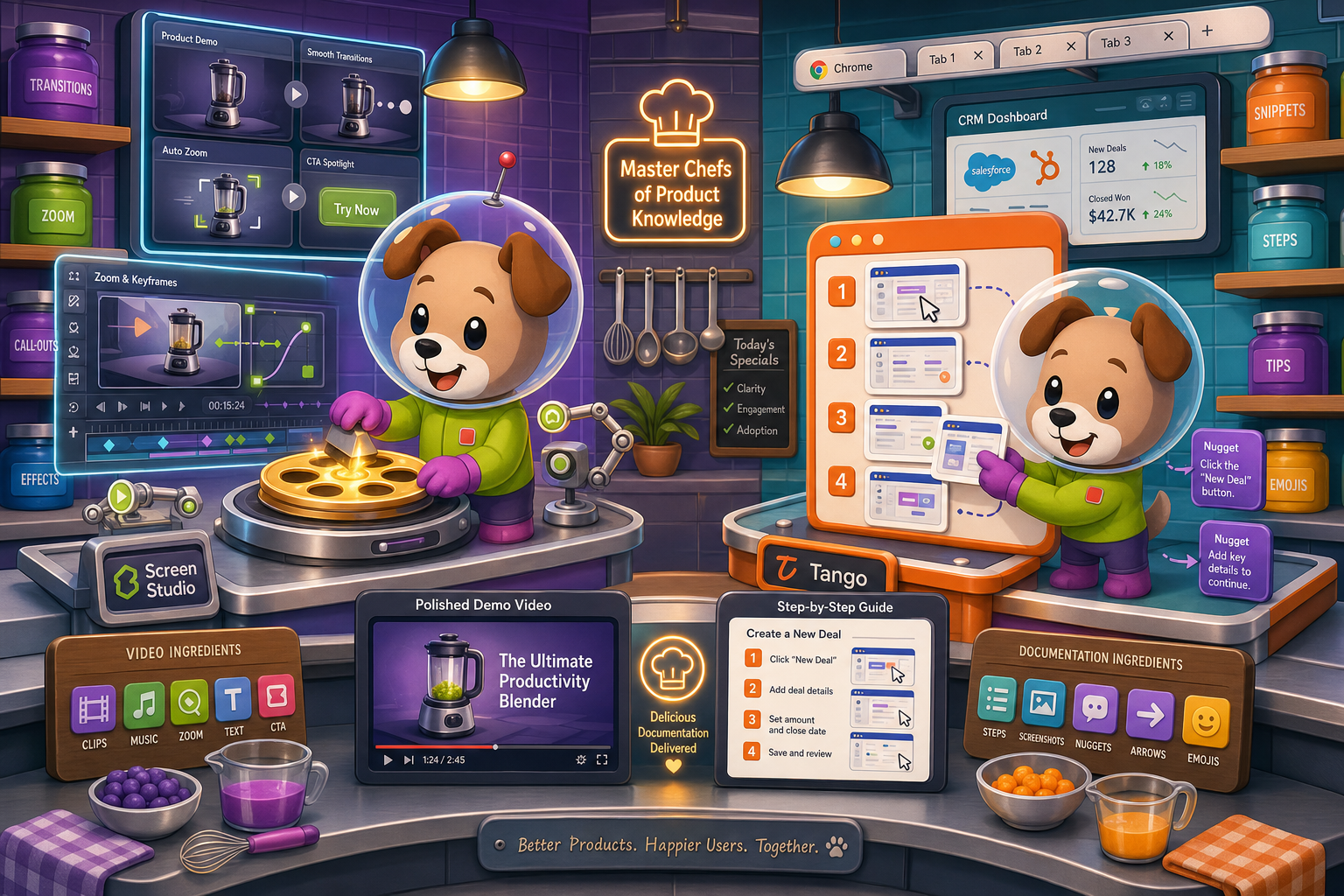
Screen Studio is not an enterprise tool—it is a polished Mac recorder built for individual creators and small teams who prioritize visual quality over governance, security, or cross-platform support.
Feature Matrix
A side-by-side comparison of enterprise capabilities including security, compliance, administration, scalability, and deployment options for Screen Studio and Tango.
| Enterprise Feature |
Screen Studio
|
Tango
|
|---|---|---|
| SSO / SAML | Enterprise tier only | |
| SCIM Provisioning | Enterprise tier only | |
| SOC 2 Compliance | ||
| GDPR Compliance | ||
| Audit Logs | ||
| Role-Based Access Control | ||
| Data Residency Options | ||
| Automatic PII Blurring | Enterprise tier only | |
| Version History | 14 days (Pro) / 365 days (Enterprise) | |
| Dedicated Support | Enterprise tier only | |
| Uptime SLA | N/A (local Mac app) | Not published |
| API Access | ||
| Custom Domain | ||
| Multi-Tenant Portals | ||
| Windows / Linux Support | Partial (Chrome extension cross-platform) | |
| On-Premise / Air-Gap Deployment | ||
| Admin Dashboard | ||
| Free Plan Available | Yes (15 workflows, 10 users) | |
| Enterprise Pricing | Not available | Custom |
Data as of May 2026. Features based on publicly available vendor documentation. Verify current Enterprise plan details with each vendor before purchasing.
Strengths & Weaknesses
Deep Dive
An in-depth analysis across the four enterprise readiness dimensions that matter most to IT, security, and operations teams evaluating documentation tools.
Tango holds a clear advantage here with SOC 2 and GDPR compliance, automatic PII blurring on Enterprise, and SAML SSO. These are table-stakes certifications for enterprise security reviews. Screen Studio has no compliance certifications whatsoever—its local Mac app model means no cloud data processing, but it also means no auditable security program, no formal data handling policies, and no path for procurement teams to complete a vendor assessment. For regulated industries or enterprises with vendor risk requirements, Screen Studio cannot pass a security review, while Tango can at least clear the basic threshold on Enterprise tier.
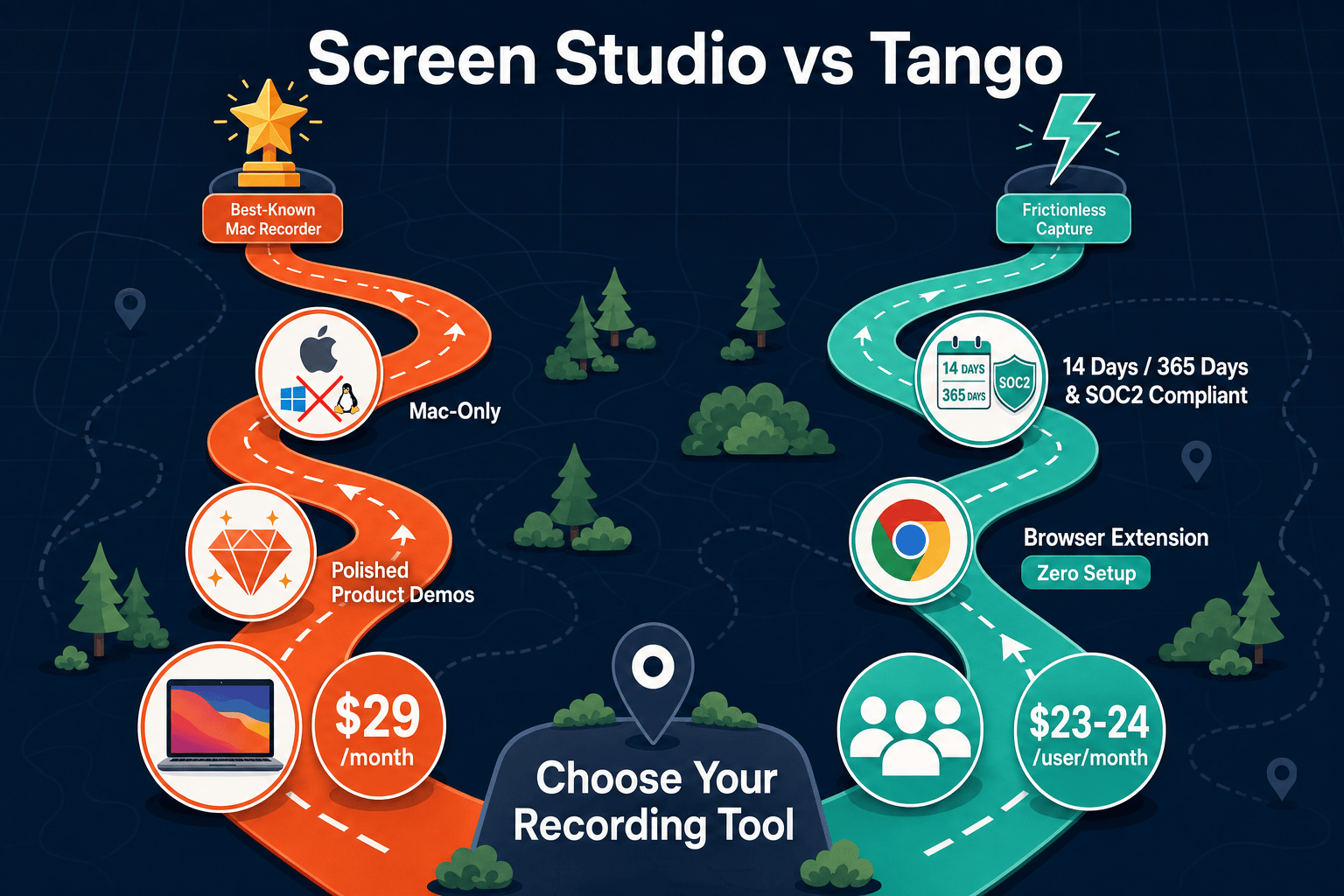
Screen Studio is a local desktop application, so it scales only as far as individual Mac seats. There is no team workspace, no centralized content library, and no cloud infrastructure to evaluate. Tango has a cloud-based architecture that can accommodate larger teams, though its per-user pricing ($23-24/user/month on Pro) creates cost pressure at scale. Neither tool publishes an uptime SLA. Tango's 365-day version history on Enterprise provides some continuity, but Pro users get only 14 days—dangerously short for teams with documentation governance requirements. Screen Studio offers no version history at all.
Tango provides role-based access control and an admin dashboard for managing team members and content, giving IT and operations teams basic oversight. Screen Studio has no team administration features—it is a per-individual Mac application with no concept of organizational accounts, centralized billing, or content governance. Tango's SCIM provisioning on Enterprise allows automated user lifecycle management through identity providers like Okta or Azure AD, which is a genuine enterprise differentiator. However, neither tool offers audit logs, custom domains, multi-tenant portals, or API access—meaning neither can be deeply integrated into enterprise toolchains or compliance workflows.
Tango offers dedicated support on its Enterprise plan, giving large accounts a named contact and faster response times. Screen Studio provides standard product support with no dedicated enterprise support tier, no SLA documentation, and no escalation path for business-critical issues. Neither vendor publishes a formal uptime SLA—a meaningful gap when enterprise procurement teams require 99.9% or 99.5% availability commitments in vendor contracts. For support-sensitive enterprise deployments, Tango's Enterprise plan is meaningfully better than Screen Studio's one-size-fits-all support model, though both fall short of what mature enterprise SaaS vendors typically provide.
Our Recommendation
Screen Studio is not an enterprise tool—it is a polished Mac recorder built for individual creators and small teams who prioritize visual quality over governance, security, or cross-platform support. Tango has made meaningful enterprise investments with SOC 2, SAML SSO, SCIM, and PII blurring, but its per-user pricing, absence of audit logs, lack of API access, and CRM-focused roadmap make it an incomplete enterprise documentation platform. For organizations that need recording capabilities that feed into a governed, scalable knowledge base, both tools leave significant gaps.
Choose Screen Studio if you need. .
Choose Tango if you need. .
Choose Docsie Recorder if you need. .
Winner: Docsie Recorder
Docsie Recorder is the only tool in this comparison that starts with a free, open-source cross-platform recorder and routes recordings directly into a full enterprise documentation workflow. Where Screen Studio stops at a polished video file and Tango stops at a screenshot-based step guide, Docsie Recorder feeds into Docsie's CONVERT pipeline to generate structured docs, then into MANAGE for versioned knowledge base publishing, DELIVER for multi-tenant branded portals, and enterprise controls including SSO, audit logs, API access, and custom domains. Teams that need both strong recording capabilities and enterprise documentation governance have a clear path with Docsie that neither competitor can provide.
Decision Helper
A direct framework for picking between Screen Studio, Tango, and Docsie based on your specific needs.
Polished Mac-only product demos with cinematic zoom and motion.
Workflow capture tool turning clicks into screenshot how-tos.

Convert real video into searchable docs, then deploy multi-tenant portals.
Common Questions
Q: Does Screen Studio have any enterprise security certifications?
A: No. Screen Studio has no SOC 2, GDPR, HIPAA, or any other formal compliance certification. It is a local Mac desktop application with no enterprise security program, no audit logs, no SSO, and no SCIM provisioning. Teams with vendor security assessment requirements will be unable to clear Screen Studio through a standard enterprise procurement review.
Q: What enterprise features does Tango offer on its Enterprise plan?
A: Tango's Enterprise plan includes SAML SSO, SCIM provisioning, automatic PII blurring, 365-day version history, in-app guided walkthroughs (Nuggets), role-based access control, and dedicated support. Tango is also SOC 2 and GDPR compliant. However, it lacks audit logs, data residency options, a published uptime SLA, and API access—gaps that matter for deeper enterprise integration and governance.
Q: Which tool is better for a mixed Windows and Mac enterprise environment?
A: Tango is the better choice for mixed environments because its Chrome extension works cross-platform on any operating system where Chrome runs. Screen Studio is Mac-only and will not install or function on Windows or Linux machines at all. For enterprise teams with heterogeneous device fleets, Screen Studio creates a coverage gap that Tango avoids with its browser-based capture model.
Q: Is there a better alternative to both Screen Studio and Tango for enterprise documentation?
A: Yes—Docsie Recorder addresses the core limitations of both. Screen Studio stops at polished video with no enterprise controls; Tango captures browser screenshots but lacks audit logs, API access, and a real knowledge base. Docsie Recorder is a free, open-source cross-platform recorder that connects to Docsie's Video-to-Docs pipeline, turning recordings into structured documentation delivered through a versioned knowledge base with SSO, custom domains, multi-tenant portals, and enterprise-grade governance. It is the natural next step for teams that have outgrown both tools.
Q: Can either Screen Studio or Tango integrate with enterprise identity providers like Okta or Azure AD?
A: Only Tango supports enterprise identity integration, and only on its Enterprise plan through SAML SSO and SCIM provisioning. This means automated user provisioning and deprovisioning through Okta, Azure AD, or similar providers is possible with Tango Enterprise. Screen Studio has no identity provider integration of any kind, making it unsuitable for enterprises that require centralized user lifecycle management.
Q: How does per-user pricing compare between Screen Studio and Tango at enterprise scale?
A: Screen Studio charges $29/month or $9/month billed yearly per individual and has no enterprise team pricing. Tango charges approximately $23-24/user/month on Pro or custom Enterprise pricing for larger teams. Neither model is optimized for large-scale enterprise rollouts—Tango's per-user rate can become costly across hundreds of seats, and Screen Studio's Mac-only, individual-license model has no enterprise purchasing path at all. Docsie's workspace-based pricing offers more predictable economics for teams that need both recording and documentation platform capabilities.
Screen Studio delivers beautiful Mac recordings but zero enterprise controls. Tango offers basic compliance but screenshot-only output and a documentation roadmap that is shifting toward CRM automation. Docsie Recorder gives you a free, open-source cross-platform recorder that feeds directly into Docsie's enterprise knowledge base—complete with SSO, audit logs, versioned documentation, multi-tenant portals, and Video-to-Docs conversion that neither competitor can match.
Free Docsie Recorder available on Mac, Windows, and Linux.