
4.8
on G2
 Screen Studio
 Screenium
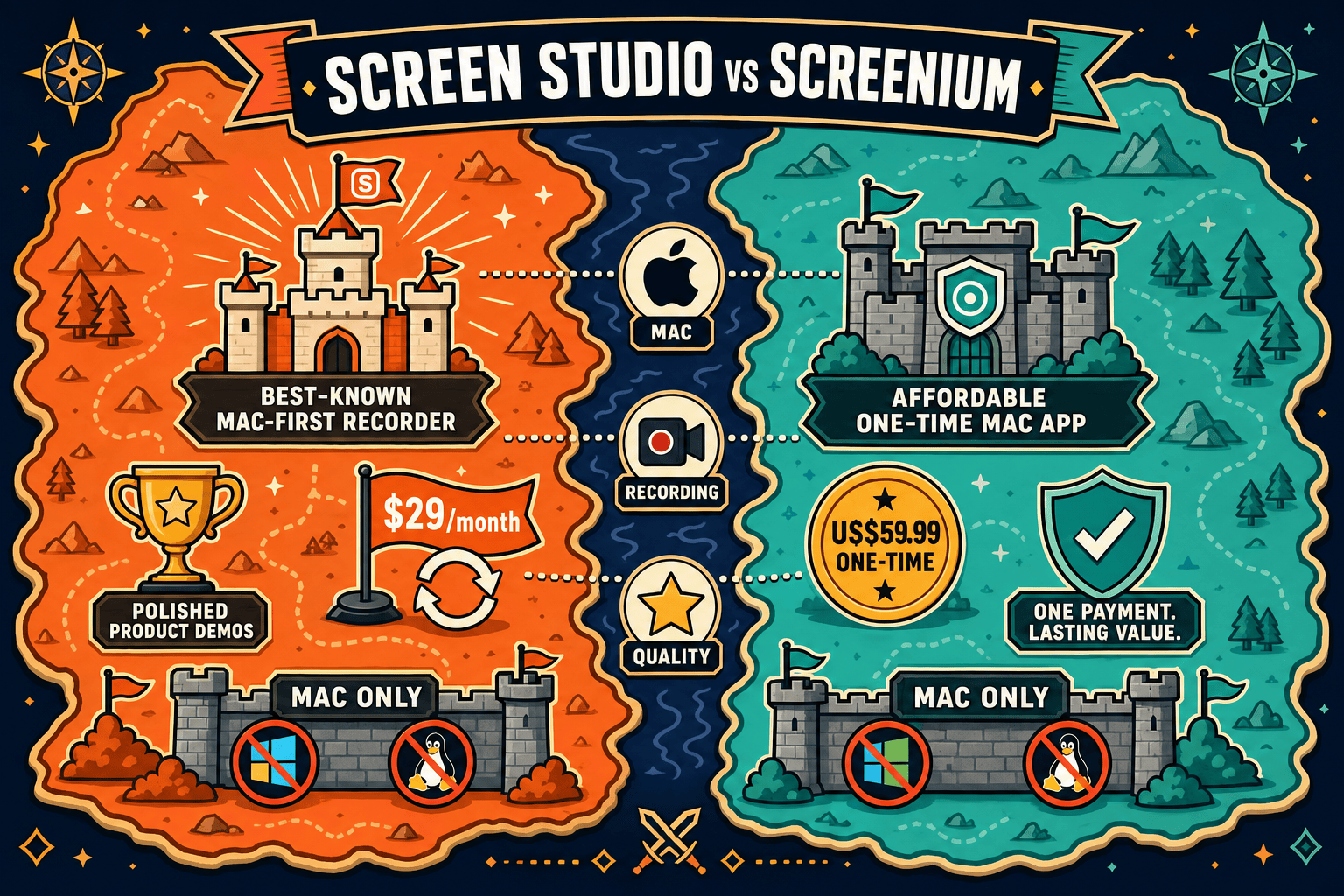
Screen Studio and Screenium are both Mac-only screen recorders, but they target different buyers. Screen Studio offers polished cinematic animations and automatic zoom for product demos and marketing videos. Screenium is a straightforward one-time-purchase screencasting utility for Mac users who want simple recordings with basic editing. Neither tool supports Windows, Linux, or video-to-docs workflows—read on to see how they compare and whether a better alternative exists.
Screen Studio is the stronger tool for creators and product teams who need polished, cinematic Mac recordings with automatic zoom, motion effects, and 4K export — but its subscription cost and Mac-only constraint are real limitations.
Feature Matrix
A side-by-side comparison of recording capabilities, editing tools, export formats, and platform support between Screen Studio and Screenium.
| Feature |
Screen Studio
|
Screenium
|
|---|---|---|
| Free Plan | ||
| Free Trial | Verify current terms | |
| Pricing Model | $29/mo or $9/mo billed yearly | $59.99 one-time |
| Mac Support | ||
| Windows Support | ||
| Linux Support | ||
| Open Source | ||
| Full-Screen Recording | ||
| Window Recording | ||
| Region / Custom Area Recording | ||
| iOS Device Recording | ||
| Webcam Overlay | ||
| Microphone Audio | ||
| System Audio | ||
| Automatic Zoom | ||
| Manual Zoom | ||
| Cursor Smoothing & Animations | ||
| Backgrounds & Visual Effects | ||
| Shadow, Inset & Motion Blur | ||
| Annotations | ||
| Crop & Trim | ||
| Speed Regions | ||
| Keyboard Shortcut Display | ||
| Audio Enhancement | ||
| AI Transcript | ||
| Local MP4 / Video Export | Up to 4K 60fps | |
| GIF Export | ||
| Shareable Links | ||
| Video-to-Docs Conversion | ||
| Markdown / DOCX / PDF Export | ||
| Knowledge Base Publishing | ||
| Version Control | ||
| Multi-Tenant Portals | ||
| SSO / Enterprise Access |
Data as of May 2026 based on publicly available vendor information. Pricing should be verified before purchasing as SaaS and app store prices change frequently.
Strengths & Weaknesses
Deep Dive
Both tools record Mac screens, but their capture modes differ meaningfully. Screen Studio focuses on full-screen and window recording, adding iOS device mirroring as a standout feature for app demos. Screenium adds region capture, letting users define a precise area of the screen — useful for tutorials that focus on a specific UI panel without cropping in post. Neither tool supports Windows or Linux. For teams that need cross-platform recording, both fall short at the capture stage before any editing or output differences even come into play.
This is where the two tools diverge sharply. Screen Studio is built around cinematic visual polish: automatic zoom follows mouse clicks, cursor smoothing removes jitter, motion blur adds realism, and backgrounds with shadow and inset framing make recordings look like high-production demos. Speed regions, manual timeline zoom, and keyboard shortcut overlays give creators fine editorial control. Screenium's editing is traditional and minimal — trim, basic timeline cuts, and annotations. It has manual zoom but none of Screen Studio's automated animation pipeline. For polished marketing videos, Screen Studio wins clearly.
Screen Studio exports up to 4K 60fps video, GIF, and provides shareable links for distributing recordings without file transfers. It also generates AI transcripts. Screenium exports video locally but does not offer GIF export, shareable links, or AI transcription. Neither tool exports to Markdown, DOCX, or PDF — meaning both tools treat the recording as the final deliverable rather than as source material for structured documentation. Teams that need recordings to become written guides, help articles, or knowledge base content will find both tools stop short at the video file.
Neither Screen Studio nor Screenium offers collaboration features, SSO, role-based access, audit logs, or knowledge base integration. Screen Studio's shareable links are the extent of its sharing model. Screenium is entirely local. Both tools are built for individual Mac users creating standalone recordings — there is no path from either tool into a documentation management system, versioned content library, or multi-tenant portal delivery. For support teams, product teams, or any organization that needs recordings to feed a knowledge base workflow, both tools represent a dead end that requires manual downstream effort.
Our Recommendation
Screen Studio is the stronger tool for creators and product teams who need polished, cinematic Mac recordings with automatic zoom, motion effects, and 4K export — but its subscription cost and Mac-only constraint are real limitations. Screenium is a practical, affordable one-time purchase for Mac users who need basic screencasting with region capture and annotations, without the bells and whistles or the recurring fees. Both tools are honest, capable Mac utilities; the right choice depends on how much visual polish matters versus how much you want to spend.
Choose Screen Studio if you need. .
Choose Screenium if you need. .
Choose Docsie Recorder if you need. .
Winner: Docsie Recorder
Docsie Recorder is free, open-source, and runs on Mac, Windows, and Linux — covering the cross-platform gap both Screen Studio and Screenium share. More importantly, it is the only recorder in this comparison with a native Video-to-Docs pipeline: record once, convert to structured documentation, and publish directly into Docsie's knowledge base workflow. Where Screen Studio and Screenium both stop at delivering a video file, Docsie Recorder feeds a full CREATE → CONVERT → MANAGE → DELIVER chain, making it the right choice for any team that needs recordings to become usable documentation rather than isolated video assets.
Decision Helper
A direct framework for picking between Screen Studio, Screenium, and Docsie based on your specific needs.
Polished Mac-only product demos with cinematic zoom and motion.
Mac screen recording app from Synium.

Convert real video into searchable docs, then deploy multi-tenant portals.
Common Questions
Q: What is the main difference between Screen Studio and Screenium?
A: Screen Studio is a premium subscription-based Mac recorder focused on cinematic visual polish — automatic zoom, cursor animations, motion blur, and 4K export. Screenium is a one-time-purchase Mac screencasting utility focused on simplicity, with region capture and annotations but minimal visual effects. Screen Studio is for creators who want beautiful demos; Screenium is for users who want no-frills recordings without a recurring subscription.
Q: Does Screen Studio work on Windows or Linux?
A: No. Screen Studio is Mac-only and requires macOS Ventura 13.1 or later. Screenium is also Mac-only. Neither tool offers Windows or Linux builds, which makes both unsuitable for cross-platform teams or any user not on a modern Mac.
Q: Can either Screen Studio or Screenium export to Markdown, DOCX, or PDF?
A: No. Neither Screen Studio nor Screenium has any documentation export capability. Both tools produce video files (and in Screen Studio's case, GIFs) as their final output. If you need your recording to become a written guide, help article, or structured knowledge base entry, you would have to manually transcribe or rewrite the content after exporting from either tool.
Q: Is Screenium's one-time price better value than Screen Studio's subscription?
A: It depends on your needs and usage timeline. At $59.99 one-time, Screenium breaks even against Screen Studio's annual billing ($9/month = $108/year) in about seven months. However, Screen Studio delivers significantly more recording features, visual effects, and export options. If you only need basic screencasting, Screenium's one-time pricing is a good deal. If you need professional polish, Screen Studio justifies its subscription cost.
Q: Does Screenium support automatic zoom like Screen Studio?
A: No. Screenium offers manual zoom only. Screen Studio's automatic zoom — which detects mouse clicks and animates the viewport accordingly — is one of its most distinctive features and is not replicated in Screenium. For tutorial creators who want zoom to happen without post-production work, Screen Studio has a meaningful advantage.
Q: Is there a better alternative to both Screen Studio and Screenium?
A: Yes. Docsie Recorder is a free, open-source screen recorder that runs on Mac, Windows, and Linux — addressing the cross-platform limitation both tools share. It includes recorder-grade editing (zoom, crop, trim, backgrounds, annotations, blur regions) and connects directly to Docsie's Video-to-Docs pipeline, converting recordings into structured Markdown, DOCX, PDF, and publishable knowledge base articles. For teams that need recordings to become documentation rather than standalone video files, Docsie Recorder covers the full workflow that Screen Studio and Screenium both leave incomplete.
Q: Which tool is better for enterprise or team documentation workflows?
A: Neither Screen Studio nor Screenium offers meaningful team or enterprise features — no SSO, no audit logs, no version control, no knowledge base integration, and no multi-tenant delivery. Both are designed for individual Mac users. Docsie Recorder, paired with the Docsie platform, provides the full enterprise documentation stack: role-based access, versioned content management, multi-tenant portals, and compliance-ready publishing for organizations that need recordings to flow into a governed documentation workflow.
Both Screen Studio and Screenium are Mac-only tools that stop at delivering a video file. Docsie Recorder is free, open-source, cross-platform (Mac, Windows, Linux), and connects directly to a Video-to-Docs pipeline — turning your screen recordings into structured knowledge base articles, Markdown files, DOCX exports, and publishable documentation portals. Record once, publish everywhere.
Docsie Recorder is free to download.