
4.8
on G2
 Screen Studio
 ScreenFlow
Screen Studio and ScreenFlow are both Mac-only screen recorders, but they serve very different users. Screen Studio automates beautiful product demos with zero editing effort, while ScreenFlow is a full non-linear video editor built for course creators and professional screencasters. This comparison breaks down every major feature so you can pick the right tool — or discover why Docsie Recorder covers both use cases and goes further.
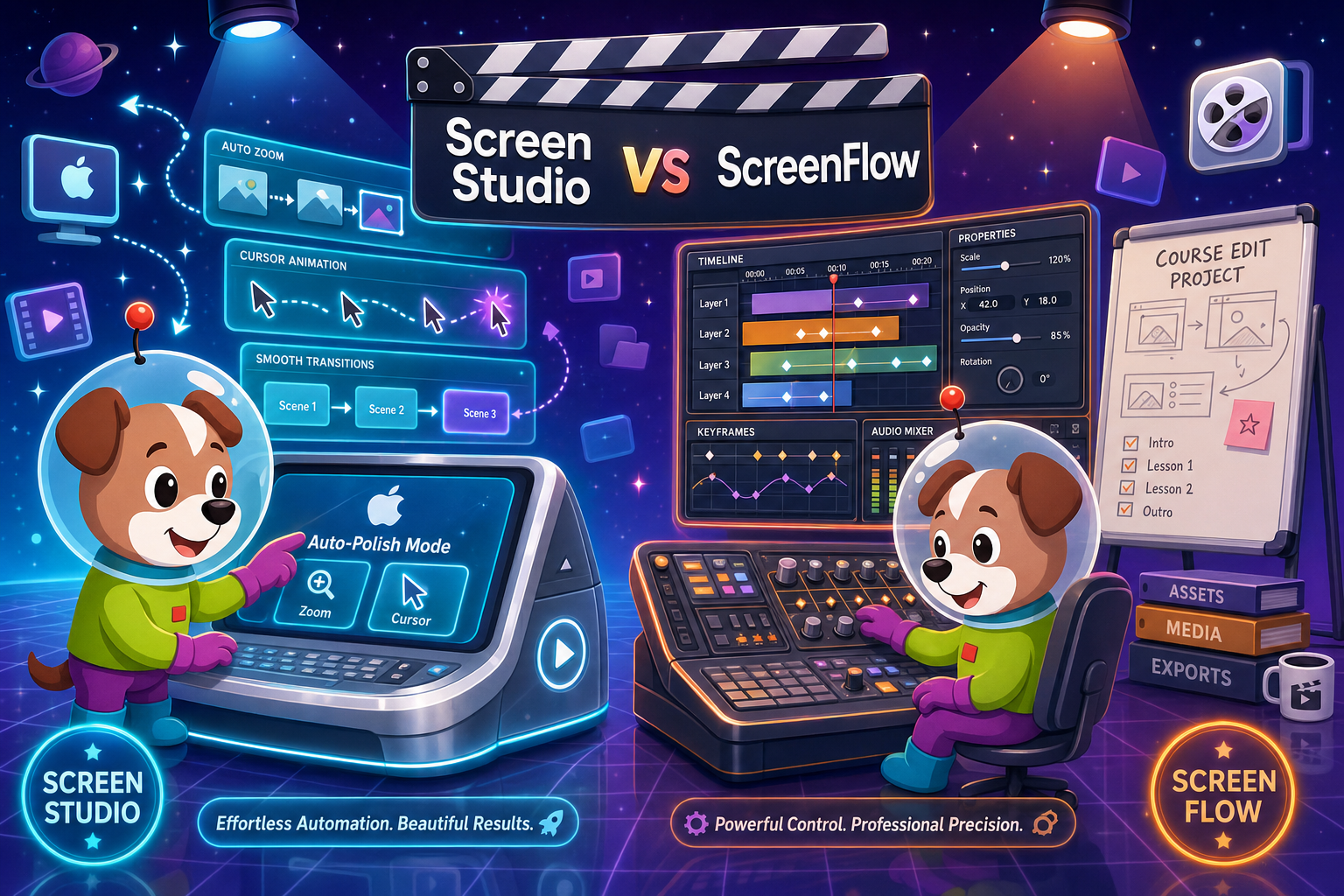
Screen Studio is the better choice for creators who want beautiful, polished product demos and marketing videos with zero manual editing — especially at the $9/month yearly rate.
Feature Matrix
A side-by-side comparison of recording capabilities, editing tools, export options, platform support, and documentation workflow features.
| Feature |
Screen Studio
|
ScreenFlow
|
|---|---|---|
| Free Plan | ||
| Free Trial | Download available (verify terms) | |
| Pricing Model | $29/mo or $9/mo billed yearly | One-time license (verify current price) |
| Mac Support | ||
| Windows Support | ||
| Linux Support | ||
| Full-Screen & Window Recording | ||
| Webcam Overlay | ||
| Microphone Audio | ||
| System Audio Capture | ||
| iOS Device Recording | ||
| Automatic Zoom | ||
| Manual Zoom | ||
| Cursor Smoothing & Polish | ||
| Backgrounds, Shadow & Inset | ||
| Motion Blur | ||
| Crop, Trim & Speed Regions | ||
| Callouts & Transitions | ||
| Non-Linear Timeline Editor | ||
| AI Transcription / Captions | ||
| Keyboard Shortcut Display | ||
| Local MP4 Export (up to 4K 60fps) | ||
| GIF Export | ||
| Shareable Links | ||
| Video-to-Docs Conversion | ||
| Markdown / DOCX / PDF Export | ||
| Knowledge Base Publishing | ||
| Version Control | ||
| Open Source | ||
| Enterprise SSO / Audit Logs |
Data as of May 2026. Pricing and features are based on publicly available information. Verify current pricing directly with Screen Studio and Telestream before purchasing.
Strengths & Weaknesses
Deep Dive
An in-depth look at where each tool excels and where both fall short for teams that need more than a polished video file.
Screen Studio is the clear winner for zero-effort visual polish. Its automatic zoom tracks your cursor and applies smooth animations, backgrounds, shadow, inset, and motion blur without a single manual keyframe. ScreenFlow requires you to set every zoom and callout by hand on a timeline, which is powerful but time-consuming. For a product demo or social clip where you need beauty fast, Screen Studio wins easily. For a carefully crafted course chapter where you need full editorial control over every cut and transition, ScreenFlow's manual approach is an advantage, not a limitation.
ScreenFlow is a fully featured non-linear video editor. You can stack multiple clips, add callout layers, apply transitions, mix audio tracks, and deliver a broadcast-quality screencast without touching a separate editor. Screen Studio is not a timeline editor — it is a smart recorder with automatic post-processing. If your workflow ends at exporting a single polished clip, Screen Studio is faster. If you need to assemble multi-segment courses, insert B-roll, or manage complex audio mixing, ScreenFlow's timeline is the tool Screen Studio cannot replace.
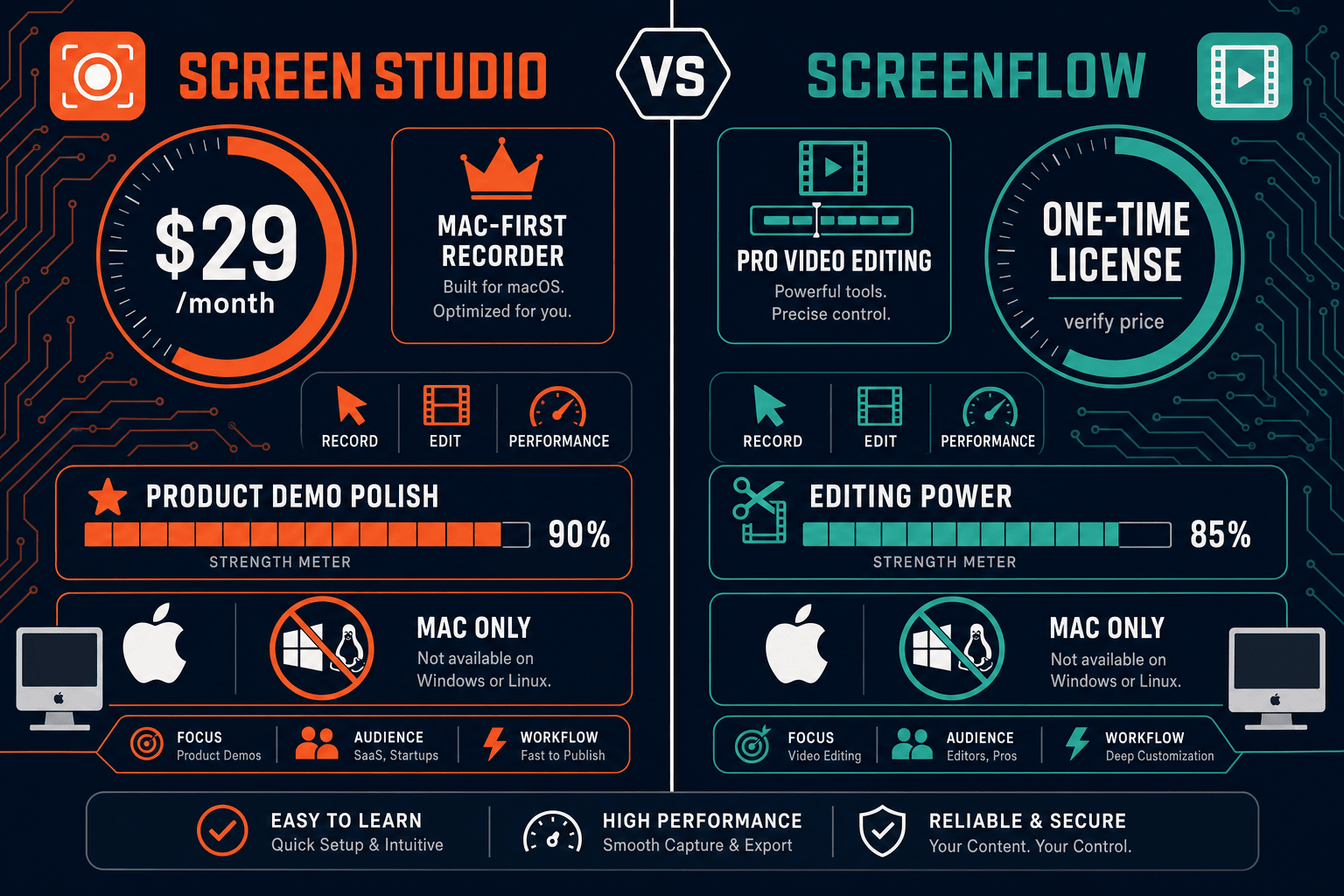
Screen Studio uses a subscription model at $29 per month or $9 per month billed annually. ScreenFlow uses a one-time license model — pay once for the current major version and own it, then pay again only if you want a future major-version upgrade. For solo creators who plan to use the tool for several years, ScreenFlow's one-time purchase may cost less over time. For teams that want predictable per-seat monthly billing with always-current features, Screen Studio's subscription is simpler to budget. Neither tool offers a free plan; both require payment to export without watermarks or restrictions.
This is where both tools share a critical blind spot. Screen Studio stops at video and GIF output with shareable links. ScreenFlow stops at exported video files. Neither tool converts recordings into written documentation, generates Markdown or DOCX, publishes to a knowledge base, or manages versioned content. For support teams, technical writers, or product teams who need recordings to become searchable articles, step-by-step guides, or managed knowledge base content, both tools require a completely separate workflow — or a different tool entirely.
Our Recommendation
Screen Studio is the better choice for creators who want beautiful, polished product demos and marketing videos with zero manual editing — especially at the $9/month yearly rate. ScreenFlow is the better choice for educators and course creators who need a full non-linear video editor and are comfortable with a steeper learning curve in exchange for precise editorial control. Both are Mac-only, both stop at video output, and neither offers any path from recording to structured documentation.
Choose Screen Studio if you need. .
Choose ScreenFlow if you need. .
Choose Docsie Recorder if you need. .
Winner: Docsie Recorder
Docsie Recorder is free, open-source, and runs on macOS, Windows, and Linux — solving the platform lock-in that disqualifies both Screen Studio and ScreenFlow for cross-platform teams. More importantly, it is the only recorder in this comparison with a native Video-to-Docs pipeline. After recording, you can send the video directly into Docsie's CONVERT workflow to generate structured Markdown, DOCX, and PDF documentation, then publish it into Docsie's managed knowledge base with version control, multi-tenant portal delivery, and enterprise SSO. Neither Screen Studio nor ScreenFlow can do any of that — making Docsie Recorder the right choice for any team that needs recordings to become documentation, not just video files.
Decision Helper
A direct framework for picking between Screen Studio, ScreenFlow, and Docsie based on your specific needs.
Polished Mac-only product demos with cinematic zoom and motion.
Pro Mac video editing and screen recording suite.

Convert real video into searchable docs, then deploy multi-tenant portals.
Common Questions
Q: Is Screen Studio better than ScreenFlow for quick product demos?
A: Yes, for quick polished demos Screen Studio is the stronger choice. Its automatic zoom, cursor smoothing, backgrounds, and motion blur produce visually impressive results with no timeline editing required. ScreenFlow can produce the same quality but requires manual keyframing and editing time that Screen Studio eliminates entirely. If speed and visual polish matter more than editorial precision, Screen Studio wins.
Q: Can ScreenFlow do automatic zoom like Screen Studio?
A: No. ScreenFlow does not have automatic zoom. Every zoom effect in ScreenFlow must be added manually as a keyframe action on the timeline. Screen Studio's automatic zoom is one of its most distinctive features — it reads cursor movement and applies smooth animated zooms without any manual work. For users who want zoom without effort, Screen Studio has a clear advantage.
Q: Which tool supports Windows or Linux?
A: Neither. Both Screen Studio and ScreenFlow are Mac-only applications. Screen Studio requires macOS Ventura 13.1 or later. ScreenFlow is also a macOS-only desktop application. Windows and Linux users cannot run either tool. If your team includes Windows or Linux users, you will need a different recorder entirely.
Q: Do Screen Studio or ScreenFlow convert recordings into written documentation?
A: No, neither tool offers any form of video-to-docs conversion. Screen Studio exports video files and GIFs with shareable links. ScreenFlow exports edited video files. Neither generates Markdown, DOCX, PDF, or knowledge base articles from a recording. Teams that need recordings to become structured documentation must use a separate tool or a different workflow entirely.
Q: Is there a better alternative to both Screen Studio and ScreenFlow?
A: Yes — Docsie Recorder addresses the biggest gaps both tools share. It is a free, open-source desktop recorder built on OpenScreen that runs on macOS, Windows, and Linux. It offers recorder-grade editing including automatic zoom, crop, trim, speed regions, backgrounds, motion blur, and annotations. After recording, you can send the video directly to Docsie's Video-to-Docs pipeline to generate structured Markdown, DOCX, and PDF documentation and publish it into a managed knowledge base with version control and multi-tenant portal delivery. Screen Studio and ScreenFlow both stop at a video file; Docsie Recorder starts a documentation workflow.
Q: Which tool is more affordable for a solo creator over three years?
A: ScreenFlow's one-time license model may cost less over a multi-year period if you skip major-version upgrades, since you pay once and continue using the same version indefinitely. Screen Studio's $9 per month billed annually totals $108 per year. Over three years that is $324, potentially exceeding ScreenFlow's one-time purchase price depending on the current license cost. Verify current pricing from both vendors before deciding, as SaaS and software pricing changes frequently.
Both Screen Studio and ScreenFlow are Mac-only tools that stop at video output. Docsie Recorder is free, open-source, and cross-platform — and it is the only recorder that turns your recordings into structured documentation, published into a managed knowledge base with version control, multi-tenant portals, and enterprise SSO. Record once, publish everywhere.
Free to download. Open-source MIT core.