
4.8
on G2
 Screen Studio
 ScreenFlow
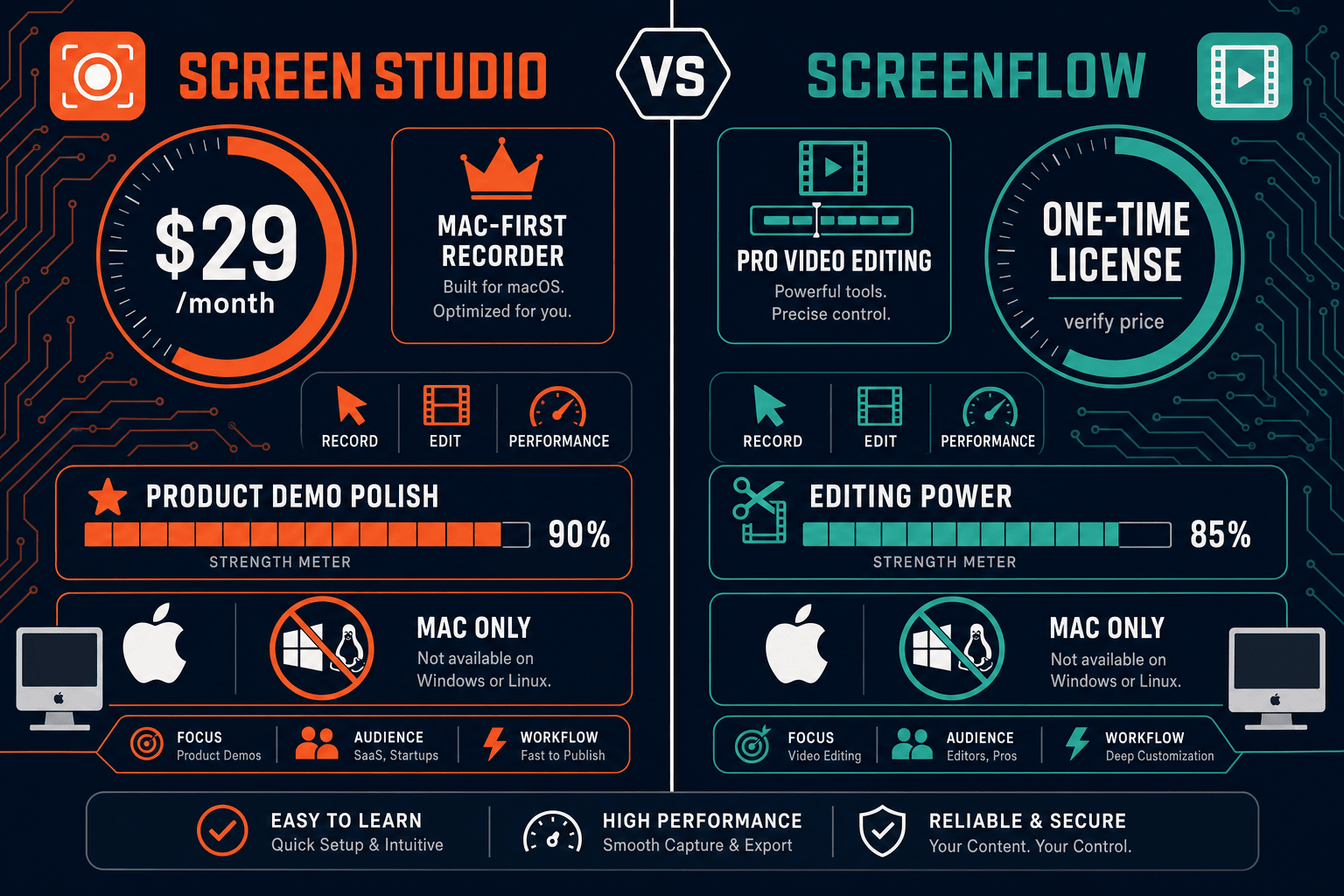
Screen Studio charges a recurring subscription while ScreenFlow sells a one-time Mac license. Both are Mac-only video tools with no docs workflow. This page breaks down every pricing tier, what you actually get, and whether either model delivers real value for teams who need more than a video file.
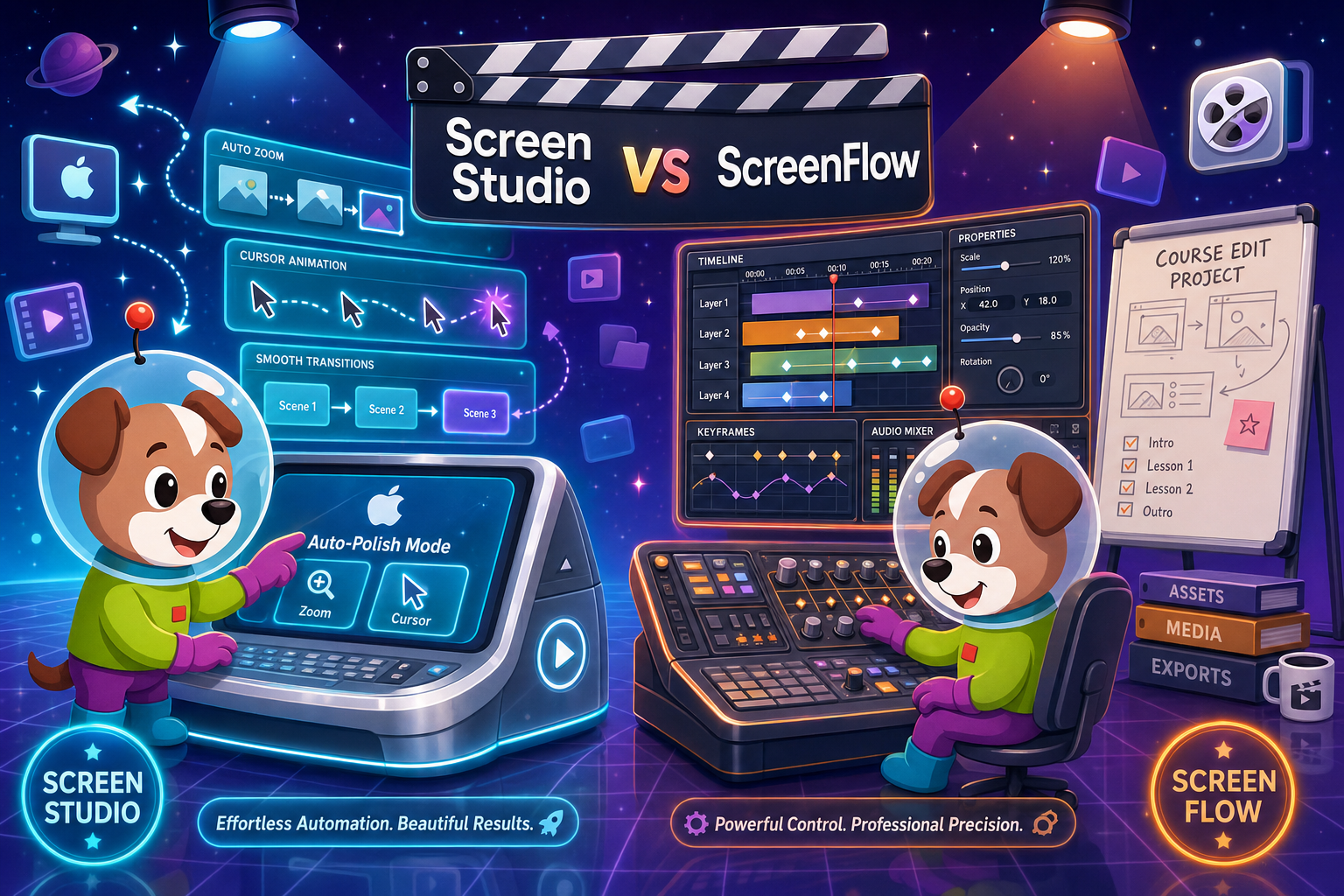
Screen Studio and ScreenFlow are both capable Mac-only video tools with genuinely different pricing philosophies.
Feature Matrix
A side-by-side breakdown of recording features, editing capabilities, export options, and workflow integrations across both tools' paid plans.
| Feature |
Screen Studio
|
ScreenFlow
|
|---|---|---|
| Pricing Model | Subscription ($29/mo or $9/mo billed yearly) | One-time license (verify current price) |
| Free Plan | ||
| Free Trial | Available (verify current terms) | |
| Mac Support | ||
| Windows Support | ||
| Linux Support | ||
| Screen & Window Recording | ||
| Webcam Overlay | ||
| Microphone Audio | ||
| System Audio | ||
| Automatic Zoom | ||
| Manual Zoom / Timeline Editing | ||
| Cursor Smoothing & Polish | ||
| Backgrounds, Shadow & Visual Effects | ||
| Callouts & Transitions | ||
| AI Transcription / Captions | ||
| Video Export (up to 4K 60fps) | ||
| GIF Export | ||
| Shareable Links | ||
| Video-to-Docs Conversion | ||
| Knowledge Base Publishing | ||
| Team Collaboration | ||
| SSO / Enterprise Controls |
Pricing verified from official sources as of 2026-05-05. Screen Studio pricing: $29/month or $9/month billed yearly. ScreenFlow pricing is a one-time major-version license; verify current amounts at telestream.net before making purchasing decisions. Both tools are Mac-only.
Strengths & Weaknesses
Deep Dive
An honest analysis of the three pricing dimensions that matter most when choosing between these two Mac screen recorders.
Screen Studio at $9/month billed yearly is genuinely affordable for solo Mac creators who want polished product demos without editing effort. The automatic zoom, cursor smoothing, and background effects deliver visual quality that would take hours in a traditional editor. ScreenFlow's one-time license costs more upfront but removes the recurring fee — a better deal for heavy editors who amortize the cost over years. However, both tools lock you into a Mac-only workflow with no docs output, meaning the value ceiling is a single video file regardless of what you spend.
Screen Studio's subscription scales simply — one price for all features — but there are no team or enterprise tiers. If your team grows, every member needs their own subscription, and there is no volume discount path. ScreenFlow's per-seat license model has similar dynamics: each Mac user needs a separate purchase, and major version upgrades add recurring costs over time. Neither tool offers workspace-level billing, seat management, or centralized admin controls. For teams beyond two or three people, both pricing models become awkward, and neither produces the shared documentation artifacts that justify per-seat spend at scale.
The biggest hidden cost in both tools is what they cannot do. Screen Studio produces a beautiful video or GIF — then the workflow stops. Teams that need written documentation, knowledge base articles, or structured step guides must pay for a separate tool to convert that video into text. ScreenFlow adds a similar tax: after editing, you still need another platform to manage, version, publish, or translate the output. Both tools are also Mac-only, which creates a hidden team-wide hardware cost for any organization with Windows or Linux users. Factor in those downstream gaps and the effective cost per useful output rises substantially.
Pricing Breakdown
Every published plan for both tools compared on price, payment model, and what you actually receive at each tier.
Screen Studio's yearly plan at $9/month is the lower-cost option for ongoing access, but the recurring fee never stops. ScreenFlow's one-time license costs more upfront yet eliminates the monthly drain — until the next major version requires another paid upgrade. Neither tool offers a free tier, team billing, or a docs workflow. For teams who need recording plus structured documentation output, both pricing models share the same fundamental gap: you pay for a video file and nothing more. Docsie Recorder costs $0 to record and export, then uses AI credits only when you convert a recording into structured documentation — a model that matches cost directly to output value.
Our Recommendation
Screen Studio and ScreenFlow are both capable Mac-only video tools with genuinely different pricing philosophies. Screen Studio suits creators who want subscription-based access to polished automatic-zoom recordings without editing effort. ScreenFlow suits educators and course creators who want a one-time license for a powerful non-linear editor. Neither tool crosses the line from video output into documentation — and neither supports Windows or Linux teams.
Choose Screen Studio if you need. .
Choose ScreenFlow if you need. .
Choose Docsie Recorder if you need. .
Winner: Docsie Recorder
Docsie Recorder is the only tool in this comparison that is free to download, open-source, and cross-platform — removing the Mac-only hardware constraint and the subscription or license fee entirely. Where Screen Studio and ScreenFlow both end at a video file, Docsie Recorder connects directly to Docsie's Video-to-Docs pipeline so one recording becomes structured documentation published into a versioned knowledge base. Teams pay AI credits only for the conversion step, matching cost to actual output value rather than paying a recurring fee for a tool that cannot produce the written documentation most teams also need.
Decision Helper
A direct framework for picking between Screen Studio, ScreenFlow, and Docsie based on your specific needs.
Polished Mac-only product demos with cinematic zoom and motion.
Pro Mac video editing and screen recording suite.

Convert real video into searchable docs, then deploy multi-tenant portals.
Common Questions
Q: Which is cheaper overall — Screen Studio or ScreenFlow?
A: It depends on your time horizon. Screen Studio at $9/month billed yearly costs approximately $108 per year with no end in sight. ScreenFlow is a one-time license that costs more upfront but stops accumulating fees — until a major version upgrade requires another purchase. For short-term use, Screen Studio is cheaper. For multi-year use by a single Mac user, ScreenFlow may cost less over time. Verify both prices at their official sites before deciding, as SaaS and software pricing changes frequently.
Q: Does either Screen Studio or ScreenFlow offer a free plan?
A: Neither tool has a free plan. Screen Studio offers a downloadable trial — verify current trial limits on screen.studio before assuming any free access. ScreenFlow offers a free trial that watermarks exports until you purchase a license. Both require payment to remove restrictions and access full export quality.
Q: Does ScreenFlow require paying again for major version upgrades?
A: Yes. ScreenFlow uses a major-version license model where each significant release requires a paid upgrade purchase. The upgrade price is lower than buying a new license from scratch, but it means the effective cost increases over time. Users on older versions can continue using that version indefinitely without paying, but they will not receive new features from subsequent major releases.
Q: Are there team or enterprise pricing options for either tool?
A: Neither Screen Studio nor ScreenFlow publishes team pricing, volume discounts, or enterprise tiers with SSO, audit logs, or centralized billing. Each user effectively needs their own individual subscription or license. For organizations that need centralized seat management, enterprise controls, or multi-user documentation workflows, both tools require supplementing with additional platforms — adding cost beyond the base license or subscription.
Q: Is there a better alternative to both Screen Studio and ScreenFlow?
A: Yes. Docsie Recorder is a free, open-source screen recorder that runs on Mac, Windows, and Linux — removing the Mac-only constraint both competitors share. It records and edits video locally with zoom, crop, trim, backgrounds, and annotations, then connects directly to Docsie's Video-to-Docs pipeline to convert recordings into structured Markdown, DOCX, PDF, and knowledge base content. You pay $0 to record and export; AI credits apply only when converting a recording into documentation. For teams that need both a recording tool and a documentation workflow, Docsie Recorder eliminates the cost of buying two separate products.
Q: Can Screen Studio or ScreenFlow convert recordings into written documentation?
A: No. Both tools are video-output tools — the workflow ends at an MP4, GIF, or exported video file. Neither offers transcription-to-docs, Markdown export, DOCX or PDF generation, or integration with a knowledge base platform. Teams that need written step-by-step documentation from their recordings must use a completely separate tool after exporting from Screen Studio or ScreenFlow, effectively doubling the toolchain and cost.
Both Screen Studio and ScreenFlow stop at a video file — and both are Mac-only. Docsie Recorder is free, open-source, and runs on Mac, Windows, and Linux. Record locally, export MP4 or GIF at no cost, and use Docsie's Video-to-Docs pipeline to convert any recording into structured documentation published to a versioned knowledge base. One workflow replaces two separate tools.
Free to download and record. AI credits used only when converting recordings to documentation. No subscription required.