
4.8
on G2
 Screen Studio
 RecordIt
Screen Studio is a polished Mac-only screen recorder built for beautiful product demos and marketing videos. RecordIt is a lightweight free recorder aimed at developers sharing bug recordings and debugging context. They serve different audiences — and both leave a significant gap when teams need recordings to become structured documentation. This comparison breaks down their features honestly, then shows why Docsie Recorder addresses what both tools miss.
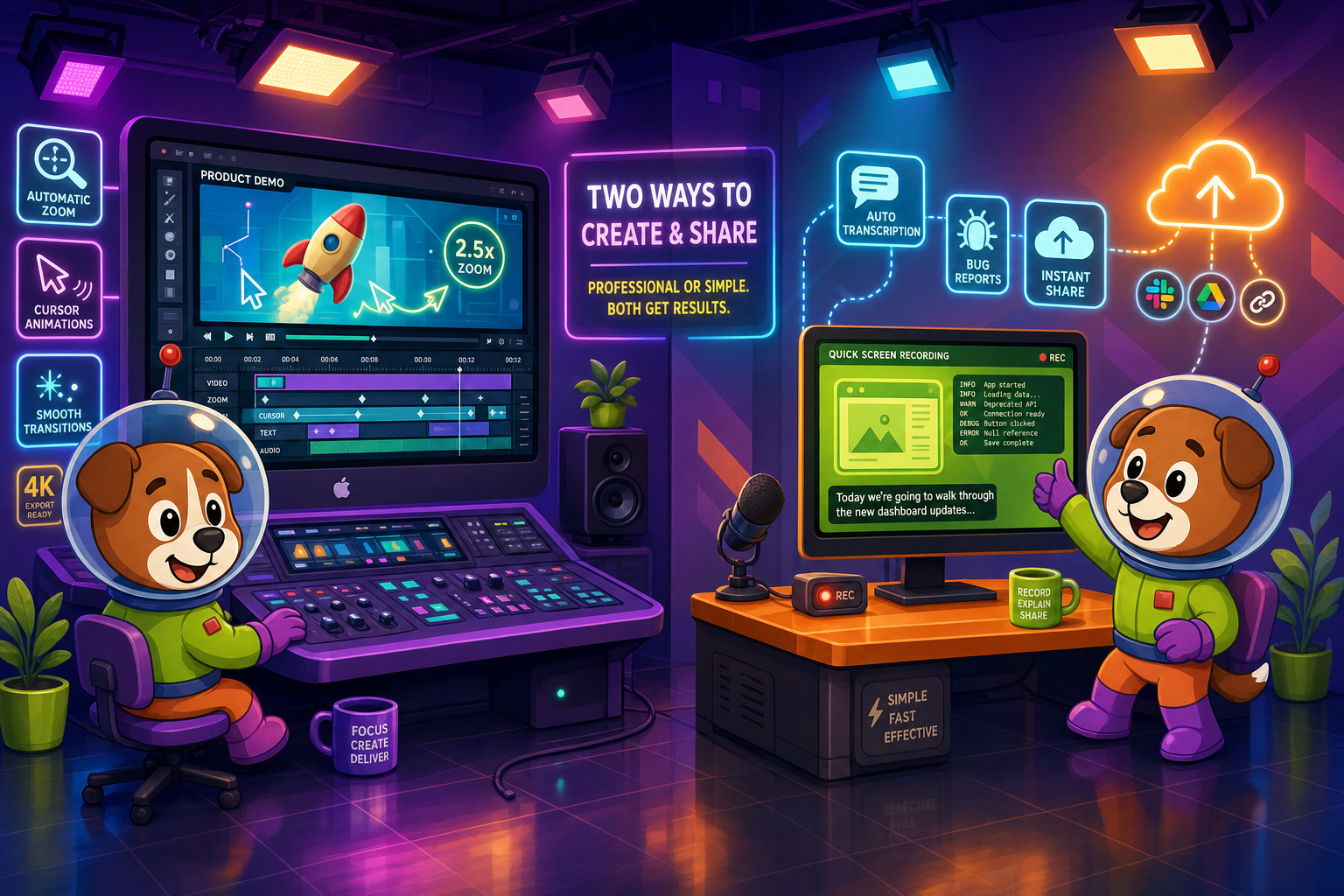
Screen Studio and RecordIt serve genuinely different audiences and should not be considered direct competitors.
Feature Matrix
A side-by-side comparison of recording capabilities, editing tools, platform support, export formats, and documentation workflow features across Screen Studio and RecordIt.
| Feature |
Screen Studio
|
RecordIt
|
|---|---|---|
| Free Plan Available | ||
| Starting Price | $9/month (billed yearly) | $0 |
| Mac Support | Verify | |
| Windows Support | Verify | |
| Linux Support | ||
| Open Source | ||
| Window & Full-Screen Recording | ||
| Microphone Audio Capture | ||
| System Audio Capture | Verify | |
| Webcam Overlay | Verify | |
| iOS Device Recording | ||
| Automatic Zoom & Cursor Smoothing | ||
| Manual Zoom on Timeline | ||
| Backgrounds & Visual Effects | ||
| Crop, Trim & Speed Regions | ||
| Motion Blur | ||
| Keyboard Shortcut Display | ||
| AI Transcription | ||
| Debug Context Capture | ||
| Local MP4 / Video Export | Up to 4K 60fps | |
| GIF Export | ||
| Shareable Cloud Links | ||
| Video-to-Docs Conversion | ||
| Markdown / DOCX / PDF Export | ||
| Knowledge Base Publishing | ||
| Version Control for Docs | ||
| Multi-Tenant Portals | ||
| SSO / Enterprise Auth | ||
| API Access |
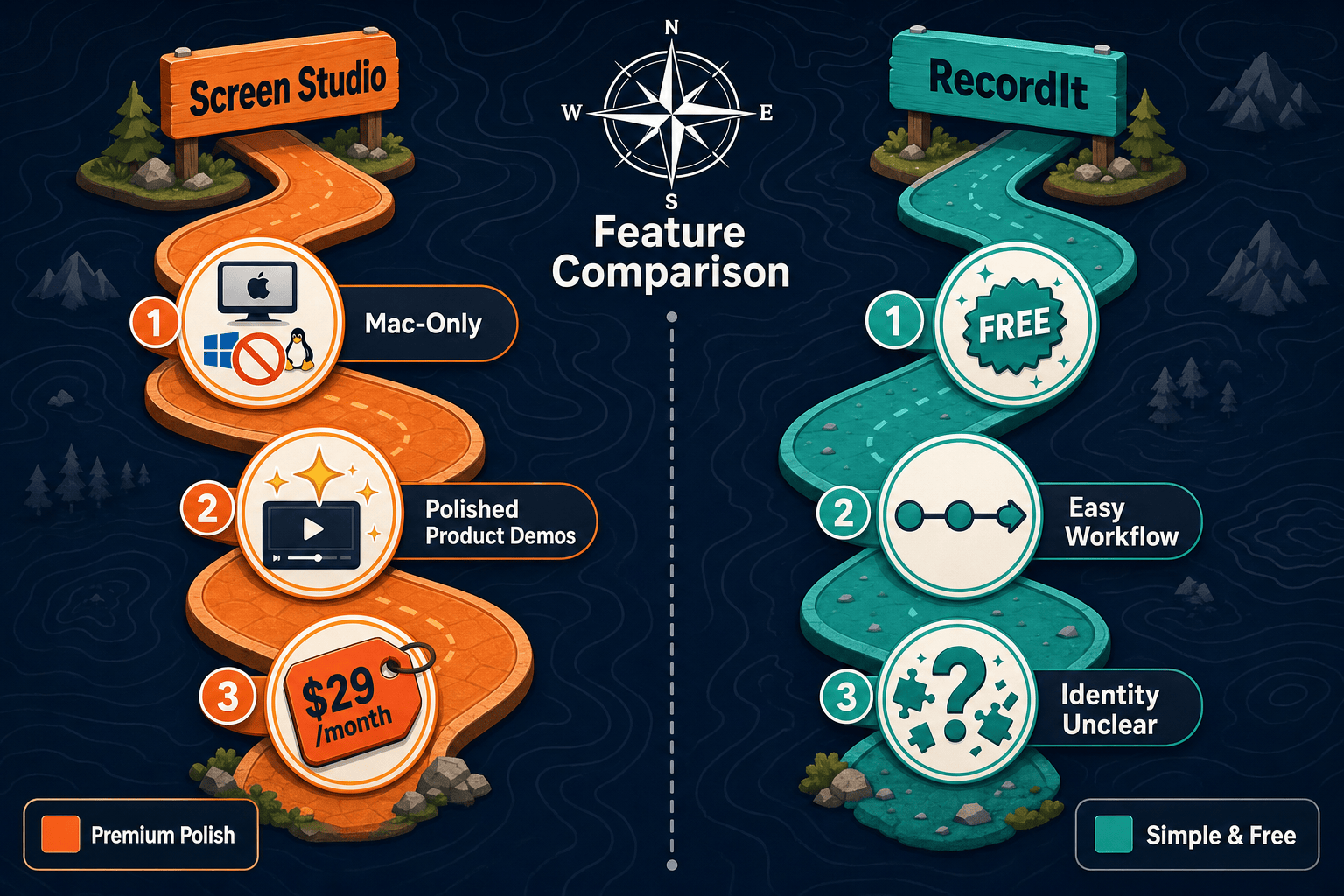
Data as of May 2026. Screen Studio pricing verified 2026-05-05 at $29/month or $9/month billed yearly. RecordIt platform support and advanced features should be verified at recordit.dev before publishing. Neither tool offers a video-to-docs workflow or knowledge base publishing.
Strengths & Weaknesses
Deep Dive
An honest analysis of four key dimensions where Screen Studio and RecordIt diverge — and where both tools share the same critical gap.
Screen Studio is in a league of its own for visual polish. Automatic zoom follows your cursor intelligently, motion blur smooths fast movements, and backgrounds transform a plain desktop recording into a polished product demo. Manual zoom controls let creators fine-tune exactly what viewers see and when. RecordIt takes the opposite approach — it prioritizes speed and simplicity over aesthetics. There are no zoom effects, no backgrounds, and no cursor enhancements. For marketing teams and founders creating demos, Screen Studio wins decisively. For developers capturing a quick bug report, RecordIt's lightweight approach is more practical.
Screen Studio's Mac-only requirement is its biggest practical limitation. Teams with mixed Windows and Mac environments cannot standardize on it, and there is no Linux option at all. RecordIt's platform support is less clearly documented — Mac and Windows compatibility should be verified at recordit.dev before committing. Neither tool offers a Linux desktop app. For cross-platform teams, both tools present challenges. Screen Studio's Mac exclusivity is a firm constraint, not a roadmap item. This makes platform diversity a genuine blocker for organizations that need one recording tool to work across their entire team regardless of operating system.
Screen Studio charges $29/month or $9/month billed yearly — a reasonable cost for the level of editing polish it delivers to Mac users who need it. There is no free plan, which means every user must commit financially before evaluating the full workflow. RecordIt offers a free tier, making it accessible to anyone who needs a lightweight recording utility without budget approval. However, free does not always mean the right tool — RecordIt's simplicity limits its value for teams with complex documentation or quality requirements. The pricing gap between the two tools is significant, but so is the feature gap, making a direct cost comparison somewhat misleading without considering use case fit.
Both Screen Studio and RecordIt stop at video output. Screen Studio produces polished MP4 and GIF files with shareable links. RecordIt produces recordings with cloud links and transcription. Neither tool converts recordings into structured written documentation. There is no Markdown export, no DOCX or PDF generation, no knowledge base publishing, and no version control for content. For support teams, product educators, and technical writers who need recordings to become searchable articles — not just video files — both tools leave the most important step undone. Teams relying on either tool for documentation workflows must manually reconstruct written content from their recordings, adding significant effort to every capture session.
Our Recommendation
Screen Studio and RecordIt serve genuinely different audiences and should not be considered direct competitors. Screen Studio is a premium Mac recorder for creators who need polished, beautiful video output for product demos and marketing. RecordIt is a free lightweight tool for developers who need to capture and share debugging context quickly. The right choice between them depends almost entirely on your use case — but both tools share the same fundamental gap for teams that need recordings to become structured documentation.
Choose Screen Studio if you need. .
Choose RecordIt if you need. .
Choose Docsie Recorder if you need. .
Winner: Docsie Recorder
Docsie Recorder is free and open source, runs on Mac, Windows, and Linux, and delivers recorder-grade editing features including automatic zoom, cursor focus, backgrounds, motion blur, crop, trim, speed regions, and annotations — comparable to Screen Studio without the Mac-only paywall. More importantly, it is the only recorder in this comparison that routes recordings directly into a Video-to-Docs conversion pipeline, generating structured Markdown, DOCX, and PDF documentation that publishes into the Docsie knowledge base. Where Screen Studio stops at a polished video file and RecordIt stops at a debugging clip, Docsie Recorder feeds a complete CREATE → CONVERT → MANAGE → DELIVER workflow for teams that need recordings to become lasting, searchable documentation.
Decision Helper
A direct framework for picking between Screen Studio, RecordIt, and Docsie based on your specific needs.
Polished Mac-only product demos with cinematic zoom and motion.
Quick GIF screen captures with instant share links.

Convert real video into searchable docs, then deploy multi-tenant portals.
Common Questions
Q: Is Screen Studio worth paying for compared to the free RecordIt?
A: It depends entirely on your use case. Screen Studio's paid tier ($9–$29/month) delivers significant value for Mac users who need polished product demo videos with automatic zoom, motion blur, backgrounds, and 4K export. RecordIt is free and suits developers who need quick, lightweight recordings for debugging and issue sharing. If you need visual quality for customer-facing content, Screen Studio justifies the cost on Mac. If you just need to capture and share a bug clip, RecordIt's free tier is sufficient.
Q: Can Screen Studio run on Windows or Linux?
A: No. Screen Studio is a macOS-only application and requires macOS Ventura 13.1 or later. There is no Windows or Linux version available. Teams with mixed operating system environments cannot standardize on Screen Studio. If cross-platform recording is a requirement, Screen Studio is not a viable option regardless of its feature quality.
Q: Does RecordIt have video editing features like zoom and backgrounds?
A: No. RecordIt is focused on lightweight recording and sharing rather than video editing. It does not offer automatic zoom, cursor smoothing, motion blur, background customization, speed regions, or any of the visual editing tools that Screen Studio provides. RecordIt's value is in its simplicity and its debugging context features — not in production-quality video editing.
Q: Can either Screen Studio or RecordIt export documentation like Markdown or PDF?
A: Neither tool can. Screen Studio exports polished MP4 video and GIF files with shareable links. RecordIt exports recordings with cloud links and transcription. Neither tool generates written documentation, Markdown, DOCX, or PDF output from recordings. For teams that need recordings to become structured written content, both tools require significant manual work after the video is captured.
Q: Is there a better alternative to both Screen Studio and RecordIt?
A: Yes — Docsie Recorder addresses the core limitations of both tools. Unlike Screen Studio, it is free, open source, and runs on Mac, Windows, and Linux with comparable editing features including automatic zoom, backgrounds, crop, trim, speed regions, and annotations. Unlike RecordIt, it goes beyond a simple recording clip by routing captures through Docsie's Video-to-Docs pipeline to generate structured Markdown, DOCX, and PDF documentation. The result publishes directly into Docsie's knowledge base with version control, multi-tenant portals, and enterprise SSO — a complete workflow that neither Screen Studio nor RecordIt can match. Download it free at the Docsie GitHub repository.
Q: Which tool is better for a technical documentation team that records walkthroughs?
A: Neither Screen Studio nor RecordIt was designed for technical documentation workflows. Screen Studio produces high-quality videos but provides no path to written documentation. RecordIt provides lightweight recordings with transcription but no structured doc generation. Docsie Recorder is specifically built for documentation teams — it records walkthroughs and converts them into structured articles in the Docsie knowledge base, making it the purpose-built choice for support, product, and enablement teams.
Docsie Recorder is a free, open-source screen recorder that works on Mac, Windows, and Linux. It matches Screen Studio's editing polish — automatic zoom, cursor focus, backgrounds, motion blur, crop, trim, and annotations — and goes further by converting recordings into structured Markdown, DOCX, and PDF documentation published directly into Docsie's knowledge base. No Mac-only restriction. No paid subscription for the recorder. No dead-end video file when your team needs written docs.
Free and open source. Video-to-Docs conversion uses Docsie AI credits.