
4.8
on G2
 Screen Studio
 Kap
Kap
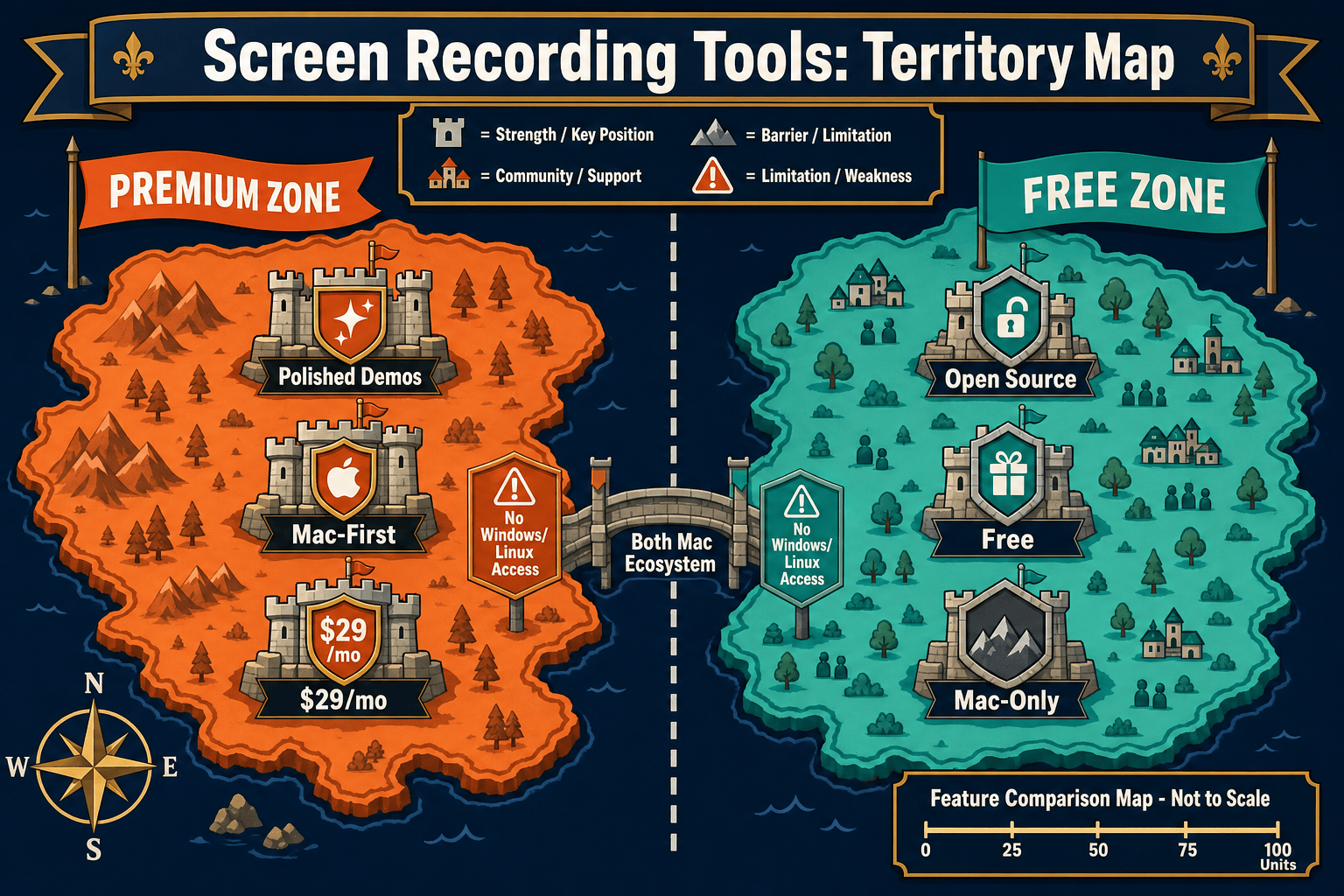
Screen Studio charges up to $29/month for a polished Mac-only recorder, while Kap is completely free and open-source. This comparison breaks down exactly what you get at each price point, where the hidden costs lie, and whether either tool is worth it for teams that need more than just a video file.

Screen Studio and Kap are both Mac-only screen recorders that output video files and GIFs — the difference is that Screen Studio charges up to $29/month for significantly better polish, automatic zoom, and visual effects, while Kap delivers basic recording for free under an open-source license.
Feature Matrix
A side-by-side breakdown of recording features, editing capabilities, output formats, and documentation workflow support — mapped to the cost you pay for each tool.
| Feature |
Screen Studio
|
Kap
|
|---|---|---|
| Starting Price | $9/month (billed yearly) | $0 — free forever |
| Free Plan Available | ||
| Open-Source License | ||
| Mac Support | ||
| Windows Support | ||
| Linux Support | ||
| Window & Full-Screen Capture | ||
| Webcam Overlay | ||
| Microphone Audio | ||
| System Audio | Verify current support | |
| Automatic Zoom & Cursor Polish | ||
| Backgrounds & Visual Effects | ||
| Crop, Trim & Speed Regions | Trim only | |
| GIF Export | ||
| MP4 / Video Export | Up to 4K 60fps | |
| Shareable Links | ||
| Plugin Ecosystem | ||
| Video-to-Docs Conversion | ||
| Knowledge Base Publishing | ||
| Enterprise / Team Features |
Pricing and features verified from official sources as of May 2026. Screen Studio pricing re-checked on 2026-05-05. Kap is MIT-licensed open source. Always verify current pricing before purchasing.
Strengths & Weaknesses
Deep Dive
An honest analysis of value for money, scalability costs, and hidden limitations across three dimensions that matter most when choosing between these two tools.
Kap delivers genuine value at $0 — it handles quick GIFs and clips without any financial commitment, and its open-source nature means no surprise price changes. Screen Studio at $9/month (yearly) or $29/month (monthly) justifies its cost for Mac users who need polished product demos with automatic zoom and motion polish. However, neither tool converts recordings into documentation, meaning teams that need written output from their recordings get zero documentation value from either price point. You are paying for video aesthetics, not workflow output.
Kap scales to any number of users at $0 — there are no seat fees, team tiers, or enterprise upgrade paths. Screen Studio's pricing is per-license and does not publish explicit team or enterprise tiers, meaning scaling across a larger team requires verifying volume pricing directly with the vendor. More critically, neither tool scales into a documentation workflow. As your team grows and produces more recordings, both tools leave you with an ever-growing library of video files and GIFs with no structured knowledge base to show for it. The real scalability cost is the manual work required downstream to turn those recordings into usable documentation.
Screen Studio's hidden cost is platform lock-in — it is Mac-only, so any Windows or Linux team members require a different tool entirely, creating a fragmented workflow. Kap's hidden cost is maintenance uncertainty — as a community-maintained open-source project, release cadence and long-term support should be verified before building critical workflows on it. Both tools share a deeper hidden cost that is easy to overlook at purchase time: neither produces written documentation. Every recording that needs a help article, knowledge base entry, or structured guide requires manual transcription and writing work on top of the tool's cost.
Pricing Breakdown
A complete look at every pricing tier for both tools, what is included, and what you do not get regardless of which plan you choose.
Kap wins on price — you simply cannot beat free and open-source for a basic Mac recorder. Screen Studio wins on polish and output quality, delivering features that genuinely justify $9–$29/month for users who need beautiful product demo videos. However, both tools share the same fundamental ceiling regardless of price paid — neither produces written documentation, neither supports Windows or Linux users, and neither integrates with a knowledge base or content management system. For teams that need recordings to become usable documentation, both pricing models leave a significant workflow gap that requires separate tooling to fill.
Our Recommendation
Screen Studio and Kap are both Mac-only screen recorders that output video files and GIFs — the difference is that Screen Studio charges up to $29/month for significantly better polish, automatic zoom, and visual effects, while Kap delivers basic recording for free under an open-source license. Both are honest tools that do what they advertise, but neither converts recordings into documentation, supports cross-platform teams, or connects to a knowledge base workflow.
Choose Screen Studio if you need. .
Choose Kap if you need. .
Choose Docsie Recorder if you need. .
Winner: Docsie Recorder
Docsie Recorder is free and open-source like Kap, adds the recording polish and editing features that justify Screen Studio's price, and then goes further than either tool by connecting recordings to a Video-to-Docs conversion pipeline that produces structured documentation published into Docsie's knowledge base. It is the only tool in this comparison that works on macOS, Windows, and Linux, requires no subscription to record and export, and turns a screen recording into a versioned, searchable knowledge base article instead of an isolated video file.
Decision Helper
A direct framework for picking between Screen Studio, Kap, and Docsie based on your specific needs.
Polished Mac-only product demos with cinematic zoom and motion.
Free open-source Mac screen recorder for GIFs and videos.

Convert real video into searchable docs, then deploy multi-tenant portals.
Common Questions
Q: Is Kap really free with no hidden costs?
A: Yes — Kap is free and open-source under the MIT license with no subscription, seat limits, or paid tiers. The only caveats are that it is Mac-only and community-maintained, so you should verify current release activity on the GitHub repository before depending on it for critical workflows. There is no vendor support or SLA.
Q: Is Screen Studio's $9/month price actually $9/month?
A: The $9/month price requires an annual commitment, which means you pay approximately $108 upfront for the year. If you need month-to-month flexibility, the cost is $29/month. Both plans include the same full feature set — the only difference is billing frequency and total cost. Always verify current pricing on screen.studio before purchasing as SaaS pricing changes frequently.
Q: Does Screen Studio offer a free trial or free tier?
A: Screen Studio offers a downloadable Mac app but does not publish a formal free tier. A trial download may be available — verify the current trial terms directly on screen.studio before making a purchase decision, as trial availability and limits can change. There is no permanent free plan.
Q: Is there a better alternative to both Screen Studio and Kap?
A: Yes — Docsie Recorder is a free, MIT-licensed desktop recorder that works on macOS, Windows, and Linux, addresses Screen Studio's platform lock-in, and goes beyond Kap's basic recording by including modern editing features like auto-zoom, backgrounds, crop, trim, annotations, and blur regions. More importantly, it connects directly to Docsie's Video-to-Docs pipeline so your recordings become structured documentation published into a knowledge base — something neither Screen Studio nor Kap can do at any price. Download it free at the Docsie Recorder GitHub releases page.
Q: Can either Screen Studio or Kap generate documentation from recordings?
A: No — neither tool converts recordings into written documentation. Screen Studio produces polished video files and GIFs with shareable links. Kap produces clips and GIFs. Both stop at the video output stage. Teams that need help articles, knowledge base entries, or structured guides from their recordings must handle transcription, writing, and publishing entirely separately using other tools.
Q: Do Screen Studio or Kap work on Windows or Linux?
A: No — both tools are macOS-only. Screen Studio requires macOS Ventura 13.1 or later and has no published Windows or Linux roadmap. Kap is a native macOS application with no cross-platform builds. If your team includes Windows or Linux users, you will need a different tool entirely — Docsie Recorder supports all three platforms from a single free download.
Docsie Recorder is free, open-source, and works on macOS, Windows, and Linux. It includes the editing polish Screen Studio is known for — auto-zoom, backgrounds, crop, trim, annotations — and then goes further by converting your recordings into structured documentation published directly into a Docsie knowledge base. No subscription required to record and export. No platform lock-in. One workflow from recording to published docs.
Free MIT-licensed recorder. Video-to-Docs conversion uses Docsie AI credits. No credit card required to download and record.