
4.8
on G2
 Screen Studio
 FocuSee
Screen Studio and FocuSee both turn raw screen recordings into polished videos with automatic zoom and smooth cursor animations. But they differ on platform support, pricing model, and AI features. Neither converts recordings into documentation. This comparison breaks down every major feature so you can choose — or discover a better alternative.
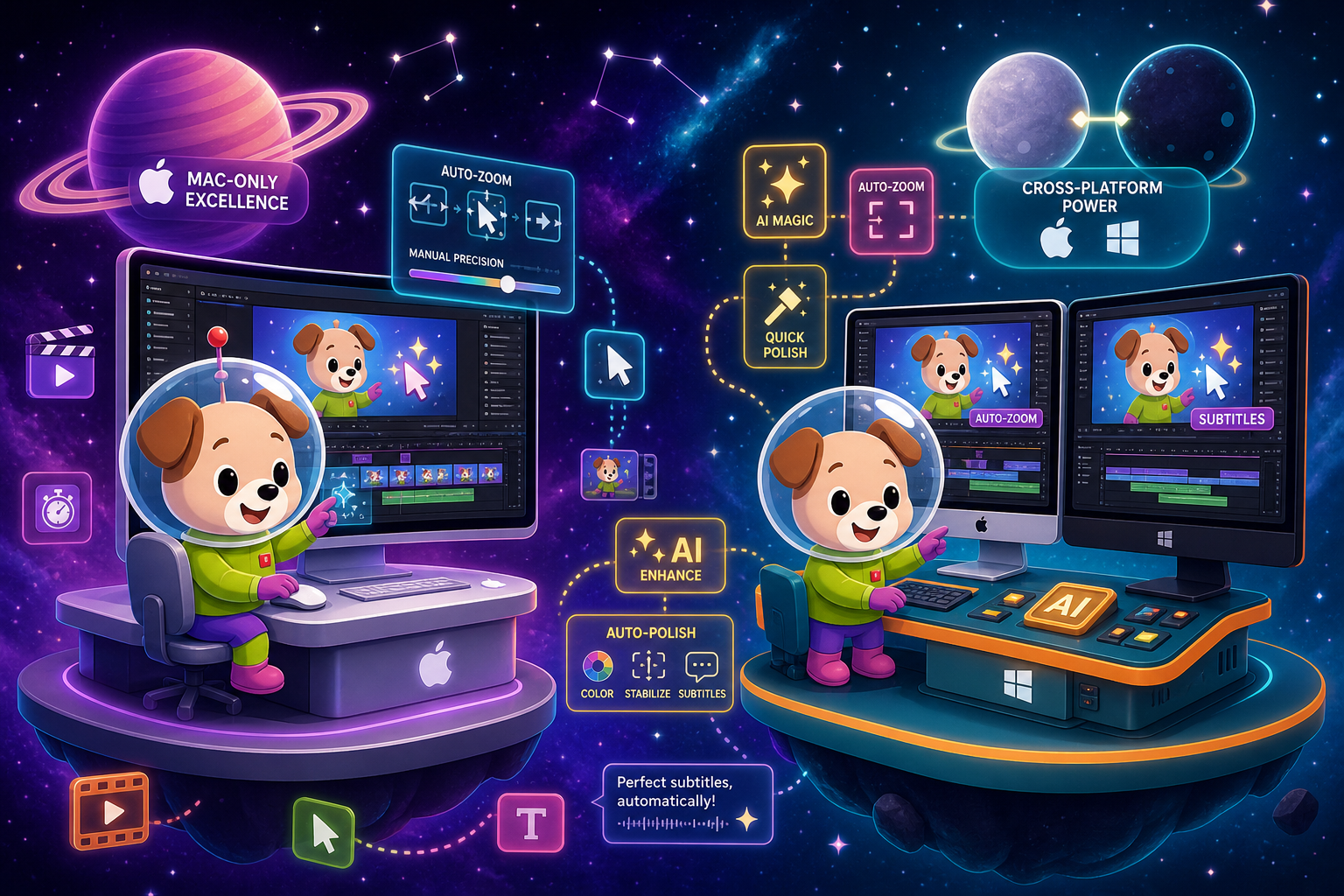
Screen Studio is the more mature and visually polished screen recorder, but it is limited to Mac users willing to pay a subscription.
Feature Matrix
A comprehensive side-by-side comparison of recording capabilities, editing tools, platform support, AI features, and documentation workflow between Screen Studio and FocuSee.
| Feature |
Screen Studio
|
FocuSee
|
|---|---|---|
| Free Plan Available | ||
| Free Trial | Download available; verify current terms | |
| Starting Price | $9/month (billed yearly) | Annual or lifetime; verify current price |
| Lifetime License Option | ||
| Mac Support | ||
| Windows Support | ||
| Linux Support | ||
| Open Source | ||
| Window & Full-Screen Capture | ||
| iOS Device Recording | ||
| Webcam Overlay | ||
| Microphone Audio | ||
| System Audio Capture | ||
| Automatic Zoom | ||
| Manual Zoom on Timeline | ||
| Cursor Smoothing & Effects | ||
| Backgrounds & Visual Styling | ||
| Motion Blur | ||
| Crop, Trim & Speed Regions | ||
| Keyboard Shortcut Display | ||
| AI Subtitles & Transcription | ||
| AI Avatars | ||
| Audio Enhancement | ||
| Export up to 4K 60fps Video | Verify current max resolution | |
| GIF Export | ||
| Shareable Links | Verify | |
| Video-to-Docs Conversion | ||
| Markdown / DOCX / PDF Export | ||
| Knowledge Base Publishing | ||
| Version Control | ||
| SSO / Enterprise Access Controls |
Data as of 2026. Features based on publicly available information and vendor documentation. Pricing should be verified on official sites before purchase decisions.
Strengths & Weaknesses
Deep Dive
An in-depth analysis of the four dimensions that matter most when choosing between Screen Studio and FocuSee for screen recording and video polish.
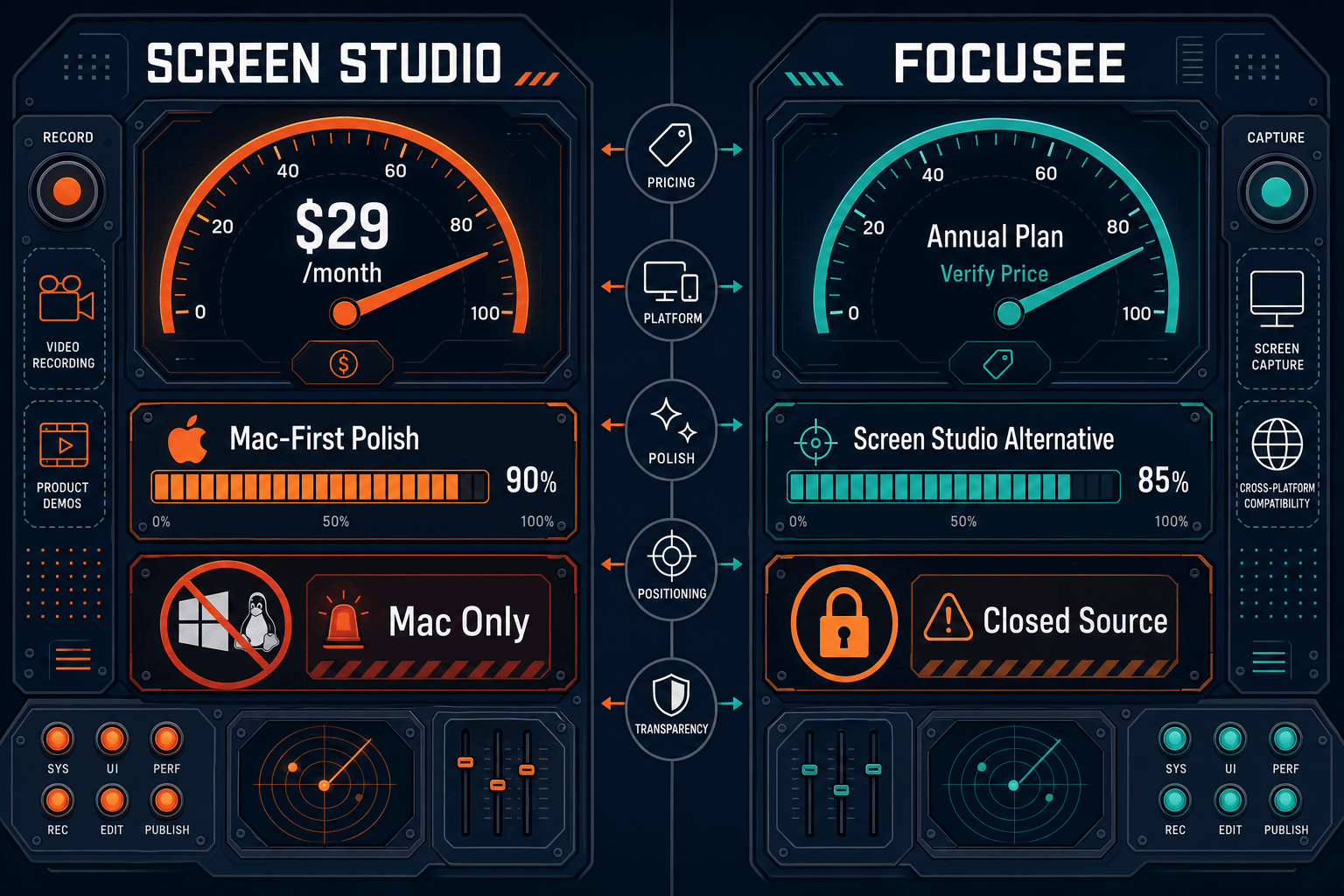
Platform support is the sharpest dividing line between these two tools. Screen Studio is Mac-only and requires macOS Ventura 13.1 or later, making it a non-starter for Windows users or cross-platform teams. FocuSee runs on both Mac and Windows, which is its single biggest practical advantage. Neither tool supports Linux. If your team uses a mix of operating systems, FocuSee is the only viable choice of the two. Screen Studio's Mac exclusivity is a deliberate design decision that lets it integrate tightly with macOS APIs, but it creates a hard ceiling for teams outside the Apple ecosystem.
Both tools deliver automatic zoom that follows your cursor and mouse clicks, removing the need to manually set zoom keyframes. Screen Studio edges ahead on visual polish with motion blur, keyboard shortcut display, cursor size controls after recording, audio enhancement, and granular shadow and inset controls. FocuSee counters with AI avatars for presenter-style videos and AI subtitle generation that Screen Studio also covers. For creators who care about the finest motion detail — such as smooth cursor deceleration and background spacing — Screen Studio's timeline controls are more mature. FocuSee's editing set is competitive but slightly narrower on the polish side.
Screen Studio uses a straightforward subscription model at $29 per month or $9 per month billed annually. There is no free plan, though a downloadable trial may be available. FocuSee offers annual plans and a lifetime license option, which appeals to buyers who want to avoid recurring costs. The lifetime license is a meaningful differentiator for individuals and small teams with a fixed budget. Screen Studio's yearly plan at $9 per month is competitive for regular users, but FocuSee's lifetime option represents better long-term economics for buyers who are confident in the tool. Both require verification of current pricing on their respective official sites before committing.
This is where both tools share a critical gap. Screen Studio and FocuSee are pure video tools. Neither converts a recording into written documentation, step guides, Markdown, DOCX, or PDF output. Neither publishes content to a knowledge base, supports version control, or offers multi-tenant portal delivery. Both are designed to end at a video file or shareable link. Teams that record product walkthroughs, onboarding flows, or support tutorials and then need to turn those recordings into structured written docs must use a separate tool entirely — or choose a recorder purpose-built for that workflow from the start.
Our Recommendation
Screen Studio is the more mature and visually polished screen recorder, but it is limited to Mac users willing to pay a subscription. FocuSee closes the platform gap by supporting Windows alongside Mac and adds AI avatars and lifetime licensing, but trails Screen Studio on motion polish and brand recognition. Both tools excel at creating beautiful tutorial videos and stop there — neither generates documentation, exports written content, or connects to a knowledge base.
Choose Screen Studio if you need. .
Choose FocuSee if you need. .
Choose Docsie Recorder if you need. .
Winner: Docsie Recorder
Docsie Recorder is the only free, open-source cross-platform recorder in this comparison that treats video as the beginning of a documentation workflow rather than the end product. Where Screen Studio and FocuSee both stop at a video file or shareable link, Docsie Recorder connects directly to Docsie's Video-to-Docs pipeline — turning one recording into structured documentation that can be published, versioned, translated, and delivered through Docsie's knowledge base platform. For teams that need both polished recording and downstream written documentation, Docsie Recorder covers what neither Screen Studio nor FocuSee can.
Decision Helper
A direct framework for picking between Screen Studio, FocuSee, and Docsie based on your specific needs.
Polished Mac-only product demos with cinematic zoom and motion.
Auto-zoom screen recordings with cinematic effects.

Convert real video into searchable docs, then deploy multi-tenant portals.
Common Questions
Q: What is the biggest difference between Screen Studio and FocuSee?
A: The most practical difference is platform support. Screen Studio is Mac-only, requiring macOS Ventura 13.1 or later, while FocuSee supports both Mac and Windows. On features, Screen Studio has more mature motion polish controls including motion blur, keyboard shortcut display, and audio enhancement. FocuSee counters with AI avatars and a lifetime license option that Screen Studio does not offer.
Q: Does FocuSee work on Windows?
A: Yes. FocuSee supports both Mac and Windows, which is its clearest advantage over Screen Studio. If your team uses Windows machines or a mix of operating systems, FocuSee is the only viable choice between the two. Neither tool supports Linux.
Q: Which tool has better automatic zoom — Screen Studio or FocuSee?
A: Both tools feature automatic zoom that tracks cursor movement and mouse clicks to create polished zoom animations without manual keyframing. Screen Studio is generally considered more mature in this area, with finer cursor smoothing controls, motion blur, and manual zoom timeline editing. FocuSee's auto-zoom is competitive and suitable for most tutorial and demo use cases, but Screen Studio's motion polish is its primary selling point.
Q: Can either Screen Studio or FocuSee turn a recording into written documentation?
A: No. Both Screen Studio and FocuSee are pure video tools. Neither converts a recording into written documentation, step guides, Markdown, DOCX, or PDF output. Both produce video files and shareable links only. Teams that need recordings to become structured written documentation must use a separate tool or choose a recorder built for that workflow.
Q: Is there a better alternative to both Screen Studio and FocuSee?
A: Yes. Docsie Recorder is a free, open-source desktop recorder that runs on Mac, Windows, and Linux. It matches the core recording and editing workflow of both tools and adds a direct Video-to-Docs pipeline that converts recordings into structured Markdown, DOCX, and PDF documentation. Those documents are then published into Docsie's knowledge base, where they can be versioned, translated, and delivered through multi-tenant portals. For teams that need both polished recording and written documentation from the same workflow, Docsie Recorder covers what neither Screen Studio nor FocuSee can.
Q: Which tool is better for enterprise or team use?
A: Neither Screen Studio nor FocuSee offers meaningful enterprise features. Both lack SSO, audit logs, role-based access controls, version control, and documentation governance. Screen Studio has no team account features documented publicly. FocuSee similarly has no enterprise tier with compliance or access management. For enterprise teams that need auditable, governed documentation workflows, both tools are limited to individual or small-team video creation use cases.
Docsie Recorder is a free, open-source screen recorder for Mac, Windows, and Linux that goes beyond polished video. Record your workflow, then send it through Docsie's Video-to-Docs pipeline to generate structured documentation — published directly into a versioned knowledge base with multi-tenant portals, SSO, and enterprise access controls. One recording. A complete documentation workflow.
Free and open source.