
4.8
on G2
 Screen Studio
 Dubble
Screen Studio charges a flat subscription for polished Mac-only video recordings. Dubble offers a free tier and per-user pricing for browser-based step guides. Neither gives you a free recorder, open-source code, or a path from video to structured documentation. See how both tools compare on price—and why Docsie Recorder is the stronger alternative.
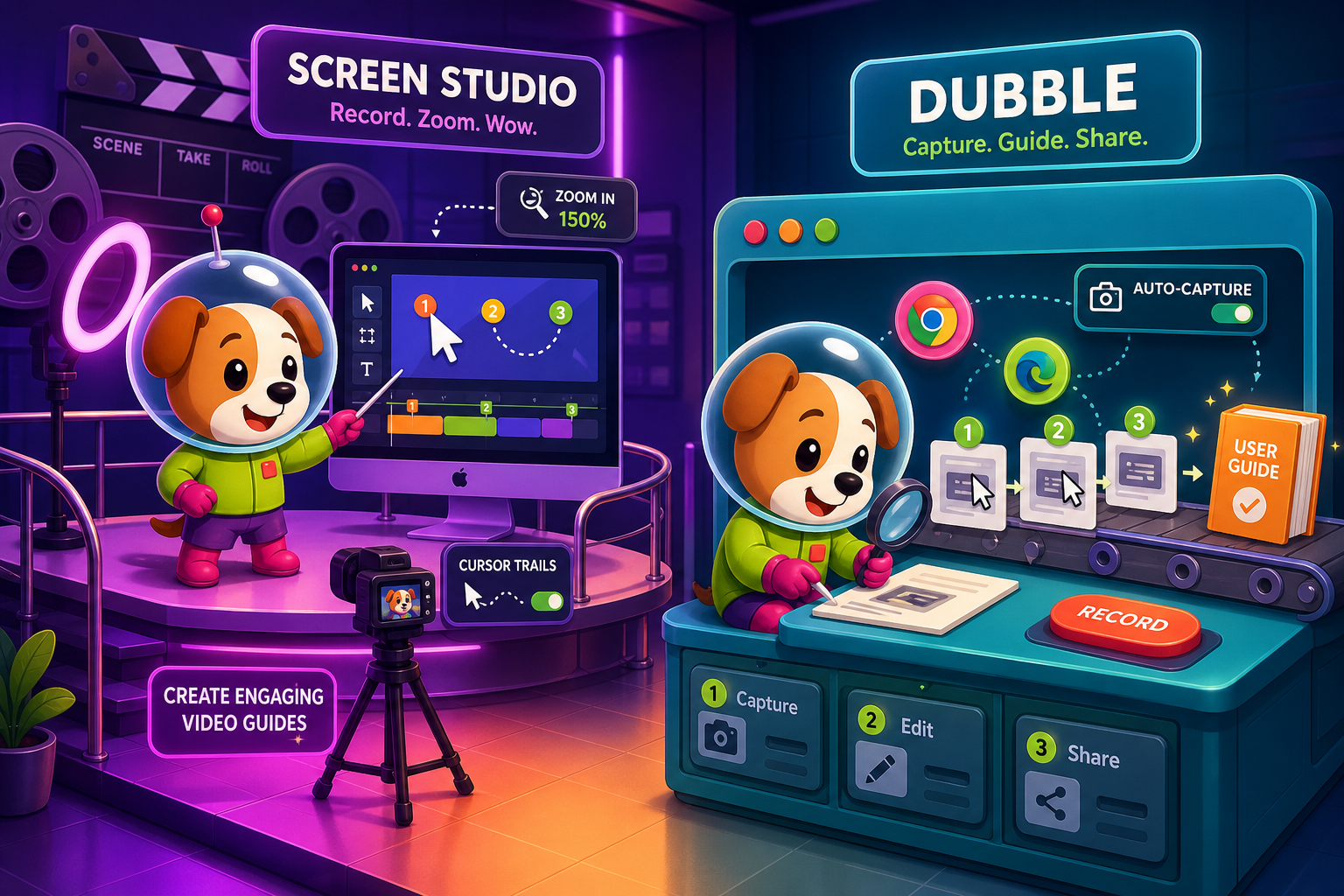
Screen Studio is the right choice for Mac creators who need beautiful, polished video output and are willing to pay a flat yearly fee for a best-in-class recording and editing experience.
Feature Matrix
A detailed side-by-side of what you actually get at each price point across recording capabilities, output formats, collaboration, and enterprise readiness.
| Feature |
Screen Studio
|
Dubble
|
|---|---|---|
| Free Plan Available | ||
| Starting Price | $9/month (billed yearly) | $0 (25 guides) |
| Per-User Pricing | ||
| Mac Support | ||
| Windows Support | ||
| Linux Support | ||
| Desktop App | ||
| Browser Extension | ||
| Screen / Window Recording | ||
| Webcam Overlay | ||
| Microphone Audio | ||
| System Audio | ||
| Automatic Zoom & Cursor Polish | ||
| Video Export (MP4 / up to 4K) | Pro+ only | |
| GIF Export | ||
| PDF Export | Pro+ only | |
| Shareable Links | ||
| Custom Branding | Pro+ only | |
| Team Workspace | Team plan only | |
| Knowledge Base / Documentation Platform | ||
| Version Control | ||
| SSO / Enterprise Security | ||
| API Access | ||
| Open Source |
Pricing and features based on publicly available information as of May 2026. Re-verify before publishing as SaaS pricing changes frequently.
Strengths & Weaknesses
Deep Dive
An in-depth analysis of value for money, scalability costs, and hidden limitations across both tools' pricing tiers.
Screen Studio's yearly plan at $9/month ($108/year) is a reasonable flat fee for a single Mac user who needs polished marketing videos. You get a genuinely capable recorder and editor for that price. Dubble's free tier is compelling for small browser-based SOP teams, but the Pro plan at $18/user/month adds up fast. Neither tool delivers documentation output—you pay for video or screenshot guides and still need a separate platform to manage, publish, or version anything. For what each tool delivers within its own category, Screen Studio offers better per-feature value at its yearly rate.
Screen Studio's flat subscription means a solo creator and a five-person team pay identically—which is an advantage if adoption is wide. Dubble's per-user model becomes expensive as teams grow; five users on the Team plan cost $60/month, ten users cost $120/month, and twenty users hit $240/month before any enterprise features are unlocked. Screen Studio's pricing is predictable; Dubble's pricing scales linearly with headcount and forces larger teams toward undisclosed enterprise pricing. Neither tool offers volume discounts, custom contracts, or enterprise deployment options at published price points.
Screen Studio's hidden cost is platform lock-in: it only runs on macOS, so any Windows or Linux hire means a separate tool purchase immediately. Dubble's hidden cost is scope lock-in: the Chrome extension only captures browser workflows, so documenting a desktop application, a physical process, or an existing training video requires a completely different product. Both tools also stop at their primary output—video or screenshot guides—meaning teams pay again for a knowledge base, translation, versioning, or customer portal delivery. Neither tool is open source, so there is no self-hosting path to reduce ongoing spend.
Screen Studio uses a simple flat-rate subscription model—one price, all features, one platform (Mac). This works well for individuals and small creative teams. Dubble uses tiered per-user pricing common in SaaS collaboration tools, gating key features like video recording, custom branding, and team workspaces behind paid tiers. The free plan is a genuine entry point but with meaningful limits. Both approaches reflect the tools' audiences: Screen Studio targets individual Mac creators; Dubble targets small browser-workflow teams. Neither model accounts for documentation management, enterprise compliance, or multi-platform deployment costs downstream.
Pricing Breakdown
A complete side-by-side of every published pricing tier for both tools, including what you get and where the value breaks down.
Pricing Verdict
For a single Mac creator, Screen Studio's $9/month yearly plan delivers exceptional per-feature value for polished video output. For small browser-workflow teams, Dubble's free tier is a low-risk entry point that works until you hit 25 guides or need video recording. However, both tools have significant pricing gaps for growing teams. Screen Studio has no team or enterprise tier at all. Dubble's per-user model becomes costly at scale and still delivers no documentation platform, version control, or enterprise compliance. Neither tool is open source. Teams that need more than a video file or a screenshot guide will pay again for a separate documentation platform—making the total cost of ownership higher than either tool's sticker price suggests.
Our Recommendation
Screen Studio is the right choice for Mac creators who need beautiful, polished video output and are willing to pay a flat yearly fee for a best-in-class recording and editing experience. Dubble is the right choice for small teams that need to quickly document browser-based workflows as step guides and want a free starting point. Both tools are honest about what they do—but both also stop well short of documentation management, and neither offers a path to a structured knowledge base without additional tooling.
Choose Screen Studio if you need. .
Choose Dubble if you need. .
Choose Docsie Recorder if you need. .
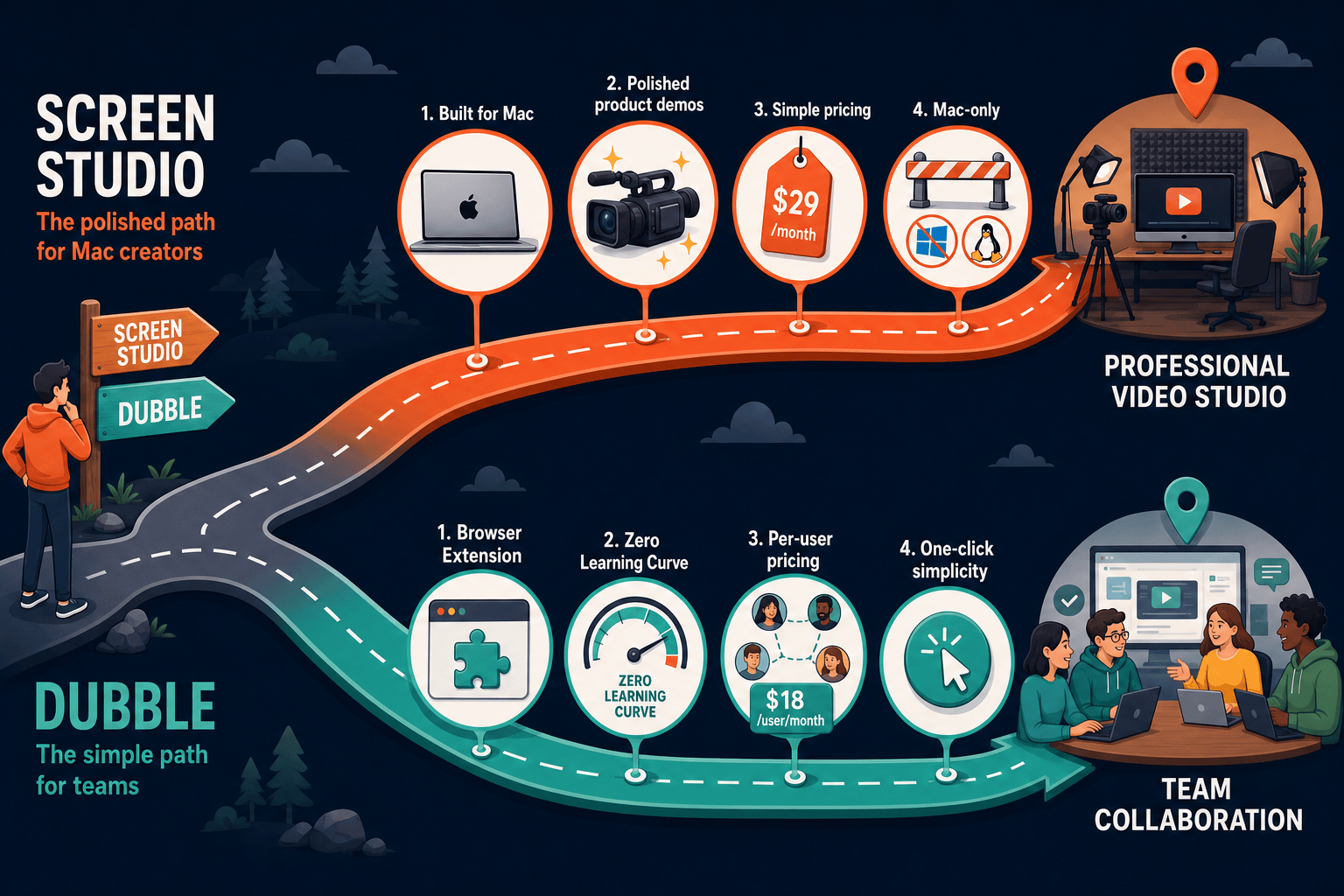
Winner: Docsie Recorder
Docsie Recorder is free and open source, runs on Mac, Windows, and Linux, and exports MP4 and GIF locally Where Screen Studio stops at a video file and Dubble stops at a screenshot guide, Docsie Recorder connects directly to Docsie's Video-to-Docs pipeline—turning one recording into structured documentation that can be published, versioned, translated, and delivered through Docsie portals. Teams that eventually need documentation management on top of recording will pay for that capability separately with either competitor; with Docsie Recorder, the CREATE-to-MANAGE workflow is built in from day one.
Decision Helper
A direct framework for picking between Screen Studio, Dubble, and Docsie based on your specific needs.
Polished Mac-only product demos with cinematic zoom and motion.
Browser extension capturing screen workflows into editable guides.

Convert real video into searchable docs, then deploy multi-tenant portals.
Common Questions
Q: Does Screen Studio have a free plan or free trial?
A: Screen Studio does not have a free plan. The official site offers a download, but verify current trial terms before relying on a free evaluation period. Paid plans start at $29/month or $9/month billed annually. There is no team or enterprise pricing tier—every user pays the same flat rate.
Q: How does Dubble's free plan compare to its paid tiers?
A: Dubble's free plan allows up to 25 guides with basic sharing but no video recording and no custom branding. The Pro plan at $18/user/month unlocks unlimited guides, video recording, PDF export, and custom branding. The Team plan at $12/user/month (minimum 5 users) adds shared workspaces and team management. Key features like video recording are gated behind Pro, making the free tier suitable only for basic browser-workflow documentation.
Q: Which tool is cheaper for a team of ten people?
A: For ten users, Dubble's Pro plan costs $180/month and the Team plan costs $120/month (if all ten qualify for the minimum). Screen Studio has no per-user pricing—a single user and a team of ten both pay $9/month (yearly) or $29/month, but Screen Studio has no team features at all. If you need team collaboration, Dubble is the only option between the two, but at $120–$180/month for ten users it becomes costly without delivering documentation management.
Q: Is there a better alternative to both Screen Studio and Dubble?
A: Yes. Docsie Recorder is a free, open-source desktop recorder that runs on Mac, Windows, and Linux—addressing Screen Studio's Mac-only limitation and Dubble's browser-only restriction. Unlike both tools, Docsie Recorder connects directly to Docsie's Video-to-Docs pipeline, converting recordings into structured Markdown, DOCX, and PDF documentation that can be published to a versioned knowledge base. There is no subscription fee to record and export locally; Video-to-Docs conversion uses transparent Docsie AI credits.
Q: Can Screen Studio and Dubble be used together?
A: Technically yes—you could record a polished video in Screen Studio and then separately document the steps in Dubble. However, this doubles your tooling cost and workflow complexity. Screen Studio produces video; Dubble produces screenshot guides. Neither integrates with the other, and you still need a separate documentation platform to manage, version, or publish the combined output.
Q: What hidden costs should I expect with each tool?
A: With Screen Studio, the hidden cost is platform scope—Mac-only means any Windows or Linux user on your team needs a different tool immediately. With Dubble, the hidden cost is per-user scaling; ten users on Pro costs $180/month and still delivers no knowledge base, version control, or enterprise compliance. Both tools also require a separate documentation platform for teams that need to manage, publish, or translate their content, adding to the real total cost of ownership beyond the sticker price.
Docsie Recorder is free, open-source, and runs on Mac, Windows, and Linux. Record and edit locally with no subscription—then connect to Docsie's Video-to-Docs pipeline to turn your recordings into structured documentation, published to a versioned knowledge base and delivered through multi-tenant portals. Get everything Screen Studio and Dubble each offer in their lane, plus the documentation management workflow neither provides.
Free to download and record. No subscription required for local MP4 and GIF export. AI credits used only when converting video to docs.