
4.8
on G2
 Screen Studio
 Dubble
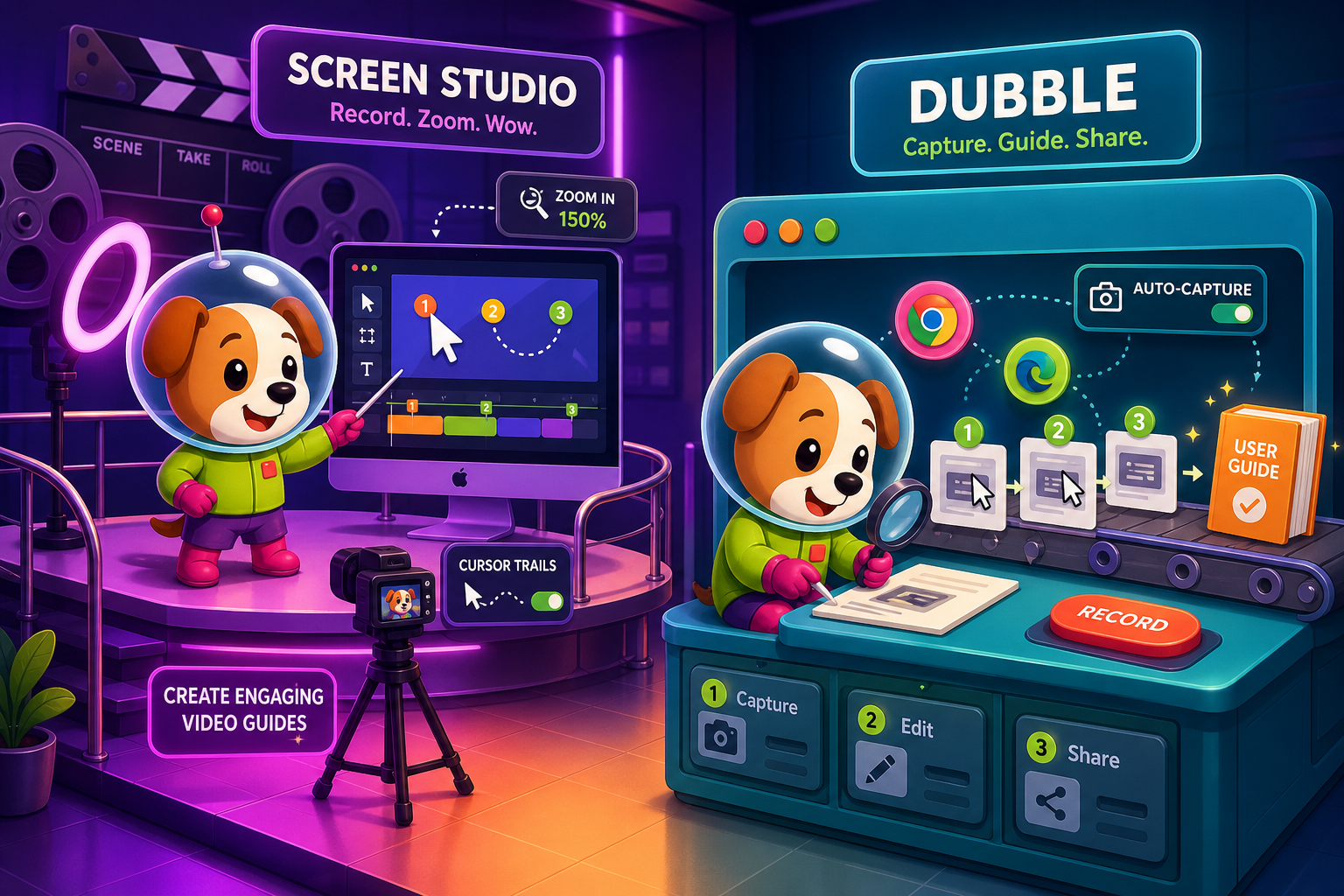
Screen Studio is a polished Mac screen recorder built for beautiful product demos. Dubble is a browser extension that auto-generates step-by-step guides from screen actions. Neither was designed with enterprise security, compliance, or administration in mind—but if your team is evaluating both, here is the honest breakdown.
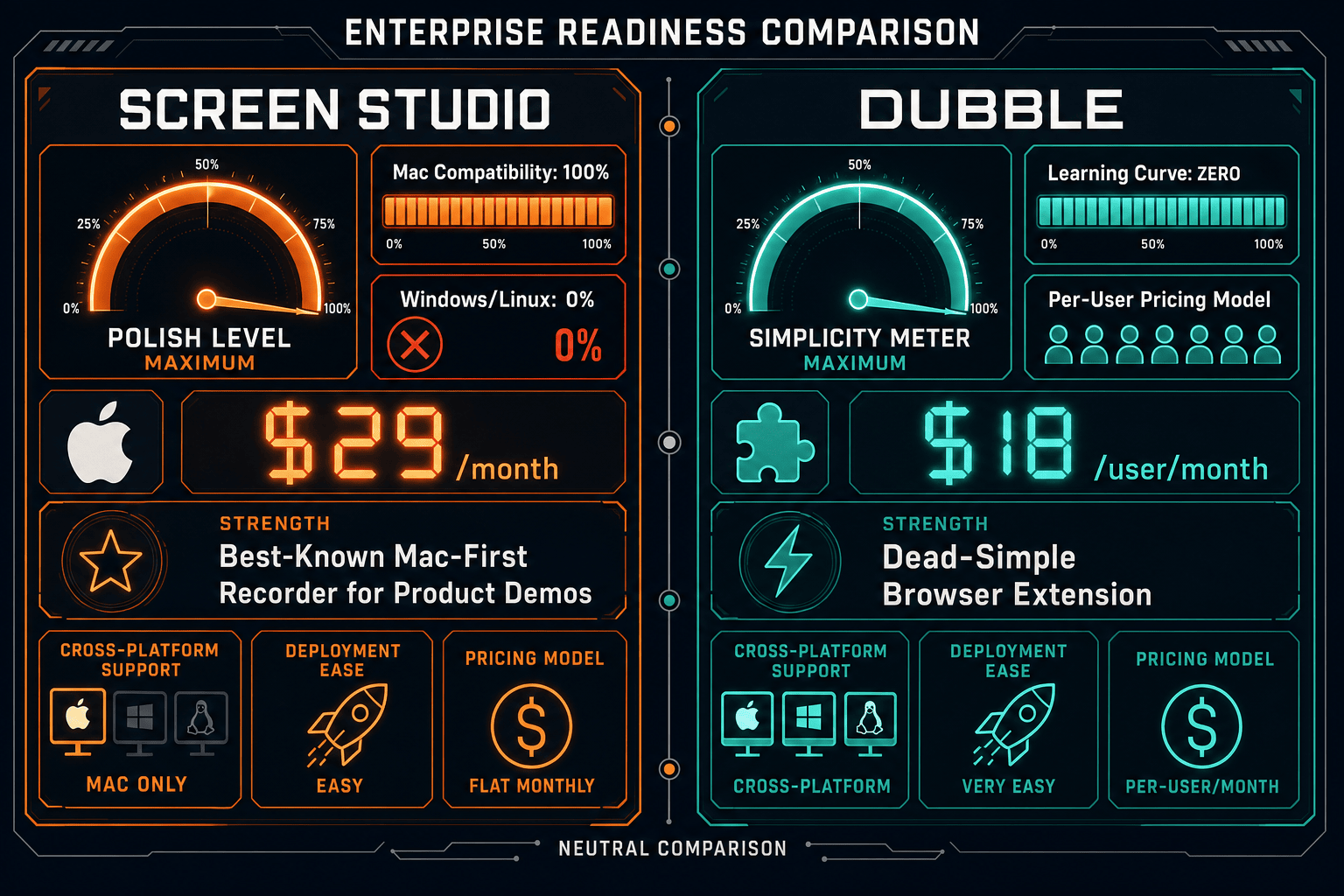
Screen Studio is an outstanding Mac recorder for individual creators and small product teams, but it has zero enterprise infrastructure—no SSO, no compliance certifications, no admin controls, and no Windows support.
Enterprise Feature Matrix
A focused comparison of enterprise-grade capabilities across security, compliance, administration, scalability, and support. Neither tool was designed for enterprise deployment, but the gaps matter differently depending on your use case.
| Enterprise Feature |
Screen Studio
|
Dubble
|
|---|---|---|
| SSO (SAML / OAuth / OIDC) | ||
| Role-Based Access Control | ||
| Audit Logs | ||
| SOC 2 Type II Compliance | ||
| GDPR Compliance | ||
| HIPAA Compliance | ||
| Data Residency Options | ||
| Uptime SLA | Not applicable (local app) | None documented |
| Dedicated Support / CSM | ||
| Admin Dashboard | ||
| Team Management | Team plan only | |
| Multi-Tenant Portals | ||
| Custom Domain | ||
| API Access | ||
| Windows / Linux Support | ||
| Custom Branding | Pro+ only | |
| Version Control | ||
| Priority / SLA-Backed Support | Pro plan only |
Data as of 2026. Based on publicly available vendor documentation and product pages. Enterprise features verified against Screen Studio (screen.studio) and Dubble (dubble.so) as of May 2026.
Strengths & Weaknesses
Deep Dive Analysis
An honest in-depth look at four enterprise readiness dimensions: Security & Compliance, Scalability & Performance, Administration & Control, and Support & SLA.
Dubble holds the edge here—but that edge is narrow. Dubble documents GDPR compliance, giving it a single checkmark in an otherwise empty enterprise security column. Screen Studio, as a local Mac app, sidesteps cloud data concerns for the recording itself, but its shareable links introduce cloud exposure with no documented security controls. Neither tool offers SOC 2 Type II, HIPAA, audit logs, data residency choices, or SSO. For regulated industries—healthcare, finance, legal, government—both tools are effectively non-starters without significant supplemental controls built around them.
Screen Studio is a single-user Mac app with no concept of organizational scaling. Each seat is an independent license and there is no shared workspace, centralized asset library, or team-level governance. Dubble offers Team plans starting at 5 users with shared collections, but the architecture is a lightweight SaaS product without documented infrastructure SLAs. Neither tool publishes uptime guarantees. For organizations expecting to scale content creation across dozens or hundreds of users with reliable performance guarantees, both tools require the same honest answer: they were not designed for that use case.
Dubble provides basic team management on its Team plan—user seats, shared collections, and a simple workspace—which gives it a marginal advantage over Screen Studio's complete absence of any administrative layer. Screen Studio has no admin dashboard, no user management, and no way to centrally govern how recordings are created, shared, or retained across a team. Neither tool offers role-based access control, custom domains, multi-tenant portal delivery, or API-based integration into enterprise identity and access management systems. IT and security administrators will find neither tool supportable under standard enterprise software governance policies without significant workarounds.
Dubble offers priority support on its Pro plan ($18/user/month), making it the only plan between the two products that explicitly promises faster response. Screen Studio does not publish support tiers, response time commitments, or any SLA documentation. Neither tool offers dedicated customer success management, enterprise onboarding, or named account support. For enterprise procurement teams that require a vendor to sign a support SLA as part of the purchase agreement, neither Screen Studio nor Dubble will satisfy standard enterprise vendor requirements without custom negotiation that these small teams may not be equipped to deliver.
Our Recommendation
Screen Studio is an outstanding Mac recorder for individual creators and small product teams, but it has zero enterprise infrastructure—no SSO, no compliance certifications, no admin controls, and no Windows support. Dubble is a simple browser-based guide generator with GDPR compliance and basic team management, but it lacks the depth, security certifications, and administrative capabilities that enterprise procurement and IT teams require. Neither tool was built for enterprise deployment, and both show it clearly when measured against standard enterprise readiness criteria.
Choose Screen Studio if you need. .
Choose Dubble if you need. .
Choose Docsie Recorder if you need. .
Winner: Docsie Recorder
Docsie Recorder is the only option in this comparison that starts with a free, open-source, cross-platform recorder and extends into a full enterprise documentation workflow. Where Screen Studio stops at a polished Mac video and Dubble stops at a screenshot guide, Docsie Recorder connects directly to Docsie's Video-to-Docs pipeline and the broader Docsie platform—delivering SSO, audit logs, versioned knowledge bases, multi-tenant portals, and compliance infrastructure that enterprise teams actually require. The recorder is free to download; the enterprise controls are already built.
Decision Helper
A direct framework for picking between Screen Studio, Dubble, and Docsie based on your specific needs.
Polished Mac-only product demos with cinematic zoom and motion.
Browser extension capturing screen workflows into editable guides.

Convert real video into searchable docs, then deploy multi-tenant portals.
Common Questions
Q: Does Screen Studio support SSO or SAML for enterprise identity management?
A: No. Screen Studio has no SSO, SAML, OAuth, or any enterprise identity integration. It is a standalone Mac application with individual licensing. Organizations that require centralized identity management and single sign-on as part of their software procurement standards will need to look elsewhere. There is no documented roadmap for enterprise identity features.
Q: Is Dubble SOC 2 certified?
A: No. Dubble documents GDPR compliance but does not hold SOC 2 Type II, HIPAA, or other enterprise compliance certifications as of 2026. For teams in industries where SOC 2 vendor certification is a procurement requirement—financial services, healthcare, enterprise SaaS—Dubble's current compliance posture will not satisfy standard vendor security review processes.
Q: Can either tool be deployed on-premises or in a private cloud for data residency requirements?
A: Screen Studio is a local Mac app, so recordings stay on-device by default, but shareable links go through Screen Studio's cloud infrastructure without documented data residency controls. Dubble is a cloud SaaS product with no documented on-premises or private cloud deployment option and no data residency configuration. Neither tool offers the infrastructure isolation that data residency requirements typically demand.
Q: Does Dubble offer audit logs for compliance reporting?
A: No. Dubble does not provide audit logs, activity reports, or compliance-grade access trails as of 2026. For organizations that require audit trails as part of SOX, HIPAA, or internal governance policies, Dubble's current feature set does not meet that standard. Basic team management is available on the Team plan, but administrative visibility into individual user actions and content access is not documented.
Q: Is there a better alternative to both Screen Studio and Dubble for enterprise teams?
A: Yes—Docsie Recorder addresses the core gaps both tools leave open. It is a free, open-source, cross-platform recorder (Mac, Windows, Linux) that connects directly to Docsie's enterprise documentation platform, which includes SSO, audit logs, role-based access control, SOC 2 and GDPR compliance, multi-tenant portals, and versioned knowledge base management. Unlike Screen Studio, it runs on Windows and Linux. Unlike Dubble, it produces structured documentation—not just screenshot guides—and backs it with enterprise-grade infrastructure. Teams can download the recorder free and route recordings into Docsie's Video-to-Docs pipeline to generate governed documentation assets.
Q: Which tool is better for a mixed Mac and Windows team?
A: Dubble is the better choice between the two for cross-platform teams, since it runs as a Chrome browser extension and works on any operating system that supports Chrome. Screen Studio is strictly Mac-only and offers no Windows or Linux support, making it unsuitable for organizations with heterogeneous device environments. However, for a genuinely cross-platform recorder with enterprise downstream capabilities, Docsie Recorder provides native Mac, Windows, and Linux builds as a free open-source tool.
Screen Studio stops at a polished Mac video. Dubble stops at a screenshot guide. Docsie Recorder is a free, open-source, cross-platform recorder that connects directly to enterprise-grade documentation infrastructure—SSO, audit logs, versioned knowledge bases, multi-tenant portals, and Video-to-Docs conversion built in. Record once, govern everywhere.
Free to download. Docsie AI credits used for Video-to-Docs conversion.