
4.8
on G2
 Screen Studio
 CleanShot X
Screen Studio and CleanShot X are both premium Mac capture tools, but they serve different primary purposes. Screen Studio is built for polished product demo videos with automatic zoom and motion effects, while CleanShot X is a power-user screenshot and capture utility with annotation, OCR, and scrolling capture. Neither converts recordings into structured documentation.
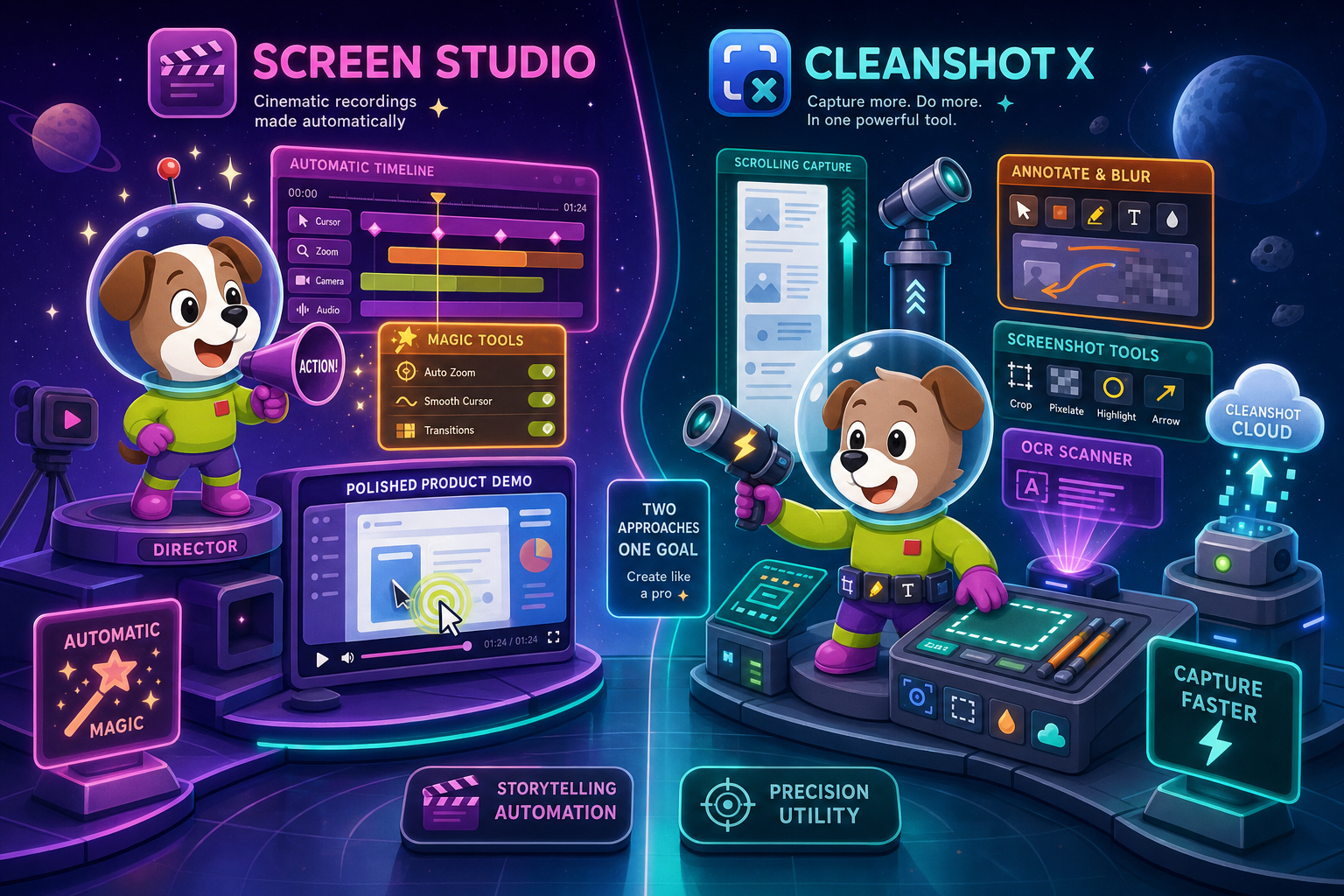
Screen Studio and CleanShot X are both excellent Mac-only capture tools, but they address different halves of the capture workflow.
Feature Matrix
A comprehensive side-by-side comparison of recording, editing, capture, and documentation capabilities between Screen Studio and CleanShot X.
| Feature |
Screen Studio
|
CleanShot X
|
|---|---|---|
| Free Plan Available | ||
| Mac Support | ||
| Windows Support | ||
| Linux Support | ||
| Open Source | ||
| Screen Recording | ||
| Screenshot Capture | ||
| Scrolling Capture | ||
| Webcam Overlay | ||
| Microphone Audio | ||
| System Audio Capture | Verify | |
| iOS Device Recording | ||
| Automatic Zoom | ||
| Manual Zoom on Timeline | ||
| Cursor Smoothing & Polish | ||
| Annotations & Markup | ||
| Blur / Redaction | ||
| OCR (Text from Image) | ||
| Backgrounds & Visual Effects | ||
| Crop, Trim & Speed Regions | ||
| Motion Blur | ||
| GIF Export | ||
| Video Export (up to 4K 60fps) | ||
| Cloud / Shareable Links | ||
| One-Time License Option | ||
| Video-to-Docs Conversion | ||
| Markdown / DOCX / PDF Export | ||
| Knowledge Base Publishing | ||
| Version Control | ||
| SSO / Enterprise Access |
Data as of 2026. Features based on publicly available information from official product sites. Verify current pricing and feature availability before purchasing.
Strengths & Weaknesses
Deep Dive
An in-depth look at the four most important dimensions for buyers choosing between these two Mac capture tools.
Screen Studio wins decisively on video recording quality and post-production polish. Its automatic zoom follows cursor movement intelligently, manual zoom controls let editors fine-tune moments on the timeline, and cursor smoothing removes jittery mouse paths. Motion blur, adjustable backgrounds, shadow, inset, and spacing controls produce cinematic product demo videos without a separate editor. CleanShot X can record the screen, but recording is a secondary feature. It offers no automatic zoom, no timeline editing, and no motion effects. If polished video is the primary goal, Screen Studio is the clear choice between the two.
CleanShot X dominates the screenshot and annotation category. Its scrolling capture assembles full-page screenshots in a single action, annotation tools cover arrows, shapes, text callouts, and blur for sensitive data, and OCR extracts selectable text from any image. These capabilities make CleanShot X indispensable for design, product, and support teams who capture and share annotated screenshots constantly. Screen Studio offers no screenshot mode, no scrolling capture, no annotation layer, and no OCR. For teams whose primary workflow is screenshot-based communication, CleanShot X is the obvious choice over Screen Studio.
Both tools require payment with no free plan, but their models differ. Screen Studio uses a subscription model at $29/month or $9/month billed annually. CleanShot X offers a one-time license for the desktop app, with an optional ongoing cloud subscription for CleanShot Cloud sharing features and a team workspace tier. The one-time license option gives CleanShot X an advantage for buyers who prefer to own their software rather than subscribe indefinitely. Screen Studio's yearly plan at $9/month is competitive for active creators, but the lack of a perpetual license option is a meaningful difference for budget-conscious teams.
Neither Screen Studio nor CleanShot X produces documentation. Both tools stop at video or image output. Screen Studio's endpoint is an MP4, GIF, or shareable video link. CleanShot X's endpoint is an annotated screenshot, GIF, or short recording link. Neither tool converts recordings into Markdown, DOCX, or PDF. Neither integrates with a knowledge base, supports versioned documentation management, or enables multi-tenant publishing. For support, product, and enablement teams who need recordings to become searchable articles, SOPs, or onboarding guides, both tools require a completely separate documentation workflow built from scratch.
Our Recommendation
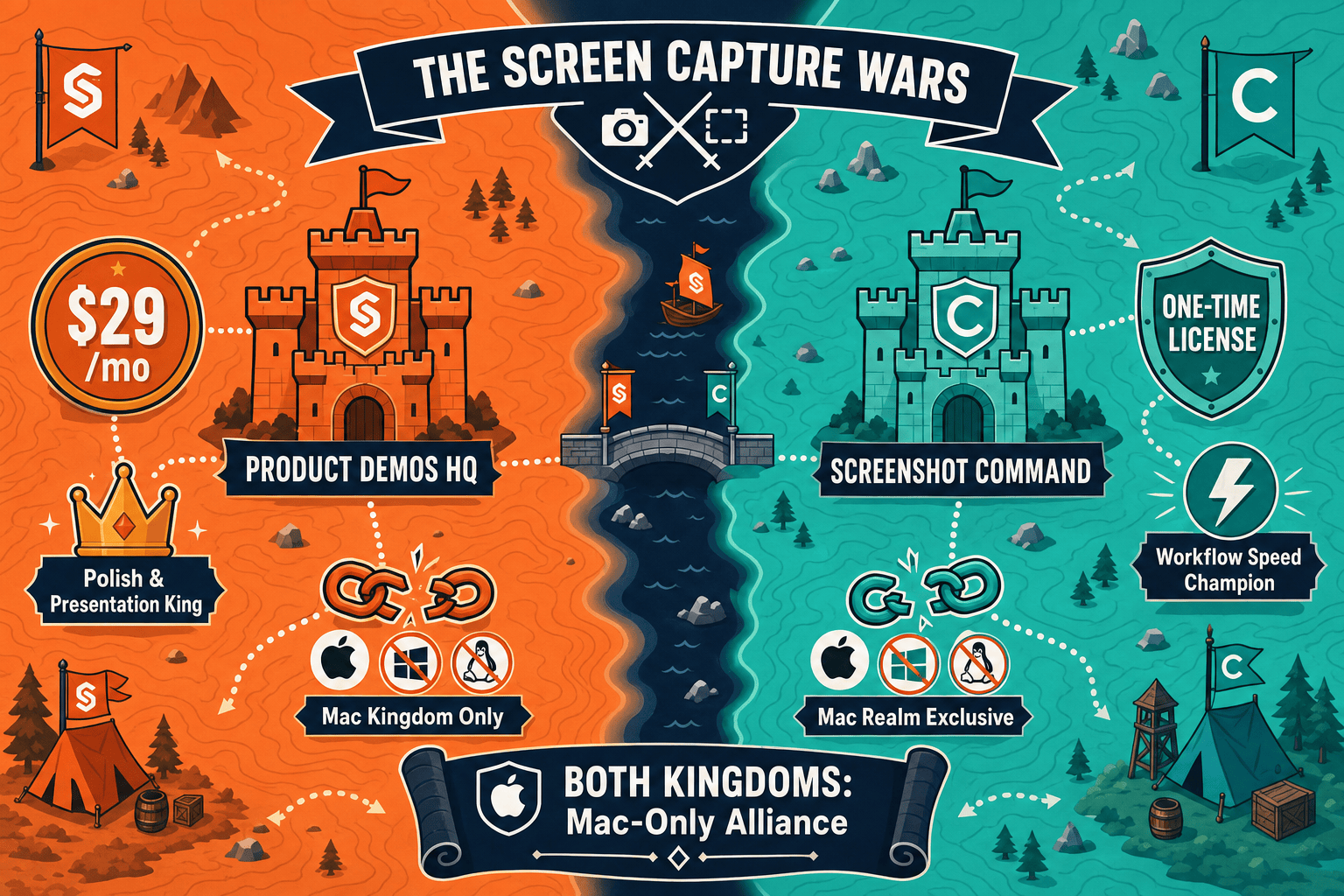
Screen Studio and CleanShot X are both excellent Mac-only capture tools, but they address different halves of the capture workflow. Screen Studio is the right pick for teams that need cinematic, polished video recordings for product demos and marketing content. CleanShot X is the right pick for power users who live in screenshot-and-annotation workflows and want OCR, blur, and scrolling capture built into one utility. Neither tool crosses over into the other's strength, and neither produces documentation from what it captures.
Choose Screen Studio if you need. .
Choose CleanShot X if you need. .
Choose Docsie Recorder if you need. .
Winner: Docsie Recorder
Docsie Recorder is the only tool in this comparison that is free, open-source, cross-platform, and built to turn recordings into structured documentation. Where Screen Studio stops at a polished video file and CleanShot X stops at an annotated screenshot, Docsie Recorder connects directly to Docsie's Video-to-Docs pipeline — converting your recording into structured Markdown, DOCX, or PDF and routing it into a full knowledge base with version control, multi-tenant portal delivery, and enterprise publishing. Teams that need CREATE to feed CONVERT and MANAGE will find Docsie Recorder does what neither Mac-only competitor was designed to do.
Decision Helper
A direct framework for picking between Screen Studio, CleanShot X, and Docsie based on your specific needs.
Polished Mac-only product demos with cinematic zoom and motion.
Mac screenshots, annotations, and short screen recordings.

Convert real video into searchable docs, then deploy multi-tenant portals.
Common Questions
Q: Can Screen Studio capture screenshots and annotations like CleanShot X?
A: No. Screen Studio is a video recording and editing tool. It does not offer a screenshot mode, scrolling capture, annotation tools, blur redaction, or OCR. If your workflow depends on annotated screenshots, CleanShot X is better suited. Screen Studio is purpose-built for polished video output.
Q: Does CleanShot X support automatic zoom and cursor smoothing like Screen Studio?
A: No. CleanShot X can record the screen but does not include automatic zoom that follows cursor movement, cursor smoothing, manual zoom on a timeline, or motion blur. These cinematic recording features are Screen Studio's primary differentiator and are not available in CleanShot X.
Q: Do either Screen Studio or CleanShot X work on Windows or Linux?
A: Neither tool supports Windows or Linux. Both are Mac-only applications. Teams with mixed operating system environments will need a different solution entirely, as there is no Windows or Linux build for either product.
Q: Can I export documentation like Markdown or PDF from Screen Studio or CleanShot X?
A: No. Neither tool produces documentation exports. Screen Studio outputs MP4 video, GIF, and shareable video links. CleanShot X outputs annotated screenshots, short recordings, and GIFs. Neither generates Markdown, DOCX, or PDF from recordings, and neither connects to a knowledge base or documentation management system.
Q: Is there a better alternative to both Screen Studio and CleanShot X?
A: Yes. Docsie Recorder is a free, open-source screen recorder that works on Mac, Windows, and Linux, includes zoom, crop, trim, speed regions, annotations, and backgrounds for polished recording, and then connects directly to Docsie's Video-to-Docs pipeline to convert recordings into structured documentation. Unlike Screen Studio and CleanShot X, Docsie Recorder does not stop at a video file or screenshot — it turns your recording into a searchable knowledge base article, versioned doc, or multi-tenant portal content. Download Docsie Recorder free at github.com/LikaloLLC/docsie-screen-recorder.
Q: Which tool is better for a support or product enablement team?
A: Neither Screen Studio nor CleanShot X is well-suited for support or enablement teams that need recordings to become SOPs, help articles, or onboarding guides. Both tools produce video or image output only. Teams with that requirement will need to pair either tool with a separate documentation platform, or switch to Docsie Recorder which handles recording and documentation conversion in one connected workflow.
Both Screen Studio and CleanShot X are strong Mac capture tools, but they stop at video and screenshot output. Docsie Recorder is a free, open-source alternative that works on Mac, Windows, and Linux, includes recording and editing features comparable to both tools, and then converts your recordings directly into structured Markdown, DOCX, PDF, and knowledge base content — no separate documentation workflow required.
Free and open source. Video-to-Docs uses Docsie AI credits.