
4.8
on G2
 Screen Studio
 Claquette
Both Screen Studio and Claquette are polished Mac-only screen recorders that excel at producing videos and GIFs. But how do they stack up when enterprise teams evaluate security, compliance, administration, and scalability? This page breaks down both tools honestly and shows where each falls short for serious enterprise deployments.
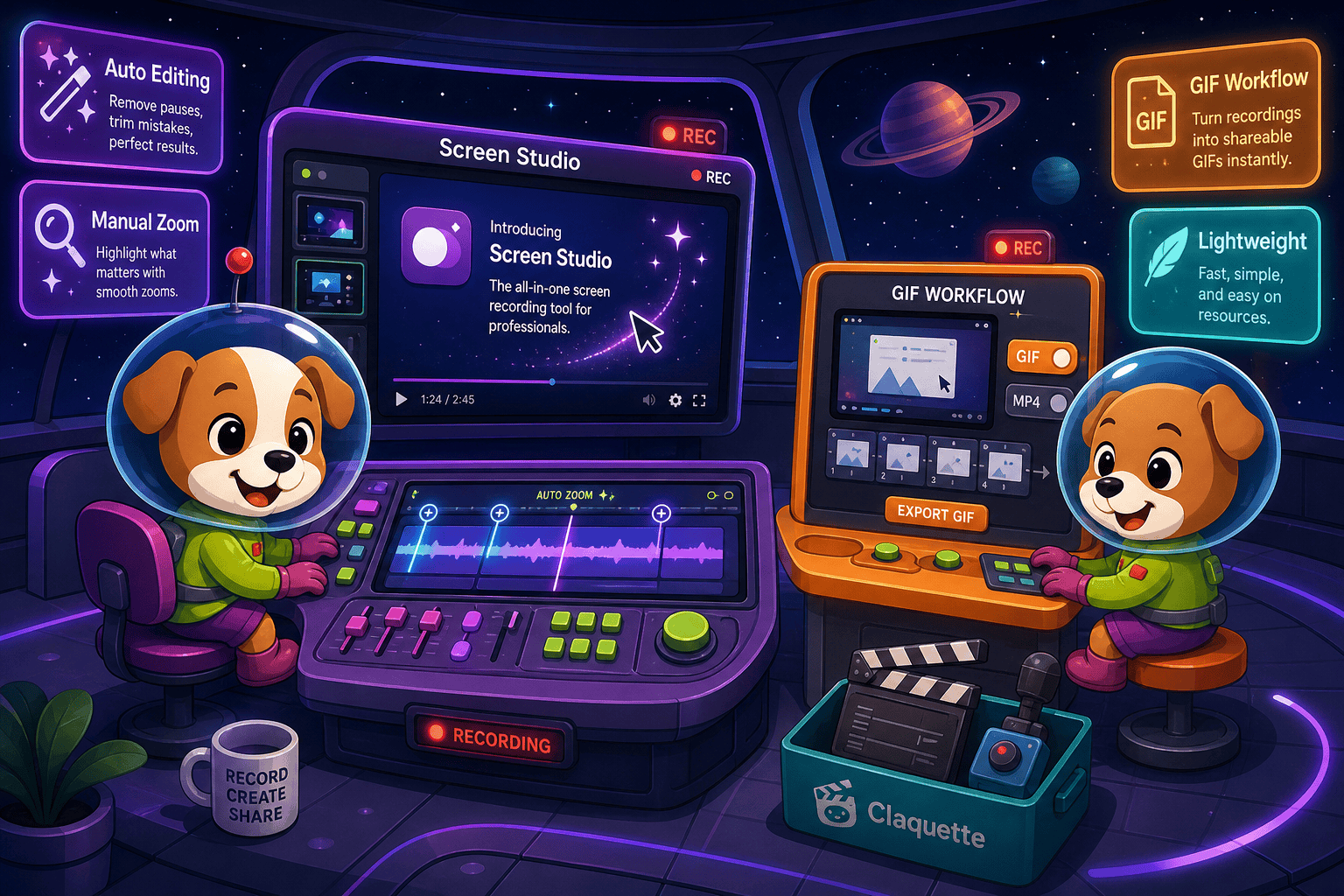
Screen Studio and Claquette are both excellent single-user Mac recording utilities, but neither is designed for enterprise deployment.
Feature Matrix
A side-by-side look at how Screen Studio and Claquette compare across the enterprise capabilities that matter most to IT, security, and operations teams.
| Feature |
Screen Studio
|
Claquette
|
|---|---|---|
| SSO (SAML / OAuth) | ||
| Role-Based Access Control | ||
| Audit Logs | ||
| SOC 2 Compliance | ||
| GDPR Compliance | ||
| Data Residency Options | ||
| Uptime SLA | Not applicable (local app) | Not applicable (local app) |
| Multi-Tenant Portals | ||
| Team / Workspace Management | ||
| API Access | ||
| Windows Support | ||
| Linux Support | ||
| Mac Support | ||
| Local Recording (no cloud upload required) | ||
| Video Export | Up to 4K 60fps | |
| GIF Export | ||
| Shareable Links | ||
| Knowledge Base Publishing | ||
| Dedicated Enterprise Support | ||
| Open Source |
Data as of May 2026. Features are based on publicly available information and vendor documentation. Verify pricing and feature availability before purchase.
Strengths & Weaknesses
Deep Dive
An honest, category-by-category analysis of how both Mac recorders perform when evaluated against enterprise requirements for security, scalability, administration, and support.
Neither Screen Studio nor Claquette publishes any enterprise security certifications. Screen Studio has no SSO, audit logs, data residency controls, or compliance documentation. Claquette's local-first architecture means recordings stay on device by default, which is a minor advantage for data containment, but it offers no formal GDPR, SOC 2, or HIPAA certifications either. Both tools are consumer-grade Mac utilities. For regulated industries or teams with formal security review processes, neither tool will pass a vendor security questionnaire without significant gaps.
Screen Studio is a local Mac application, so recording performance scales with the individual machine rather than a server infrastructure. It supports up to 4K 60fps export and handles iOS device recording alongside webcam and system audio simultaneously. Claquette is similarly local-first and lightweight, making it fast for individual users but entirely unable to scale across a distributed team. Neither tool supports cloud-based rendering, centralized storage, team workspaces, or any infrastructure that would allow an IT team to provision, manage, or monitor usage across an organization.
Enterprise IT teams require centralized provisioning, role-based access control, and usage visibility. Screen Studio offers none of these — it is a single-user Mac app with no admin console, no team seat management, and no API for integration with identity providers. Claquette is similarly individual-focused with no multi-user administration layer. There are no shared asset libraries, no approval workflows, no content governance, and no way for an administrator to enforce policies or review activity across a team using either tool. Both tools are effectively ungovernable at scale.
Screen Studio offers standard product support without a published uptime SLA — shareable link availability should be verified directly with the vendor. Claquette is distributed through the Mac App Store, meaning support follows Apple's standard developer support model without a dedicated enterprise support tier or SLA commitment. Neither tool offers dedicated customer success management, priority support queues, or contractual response time guarantees. Teams that require named account management, SLA-backed incident response, or professional services for onboarding will find both options inadequate for enterprise procurement requirements.
Our Recommendation
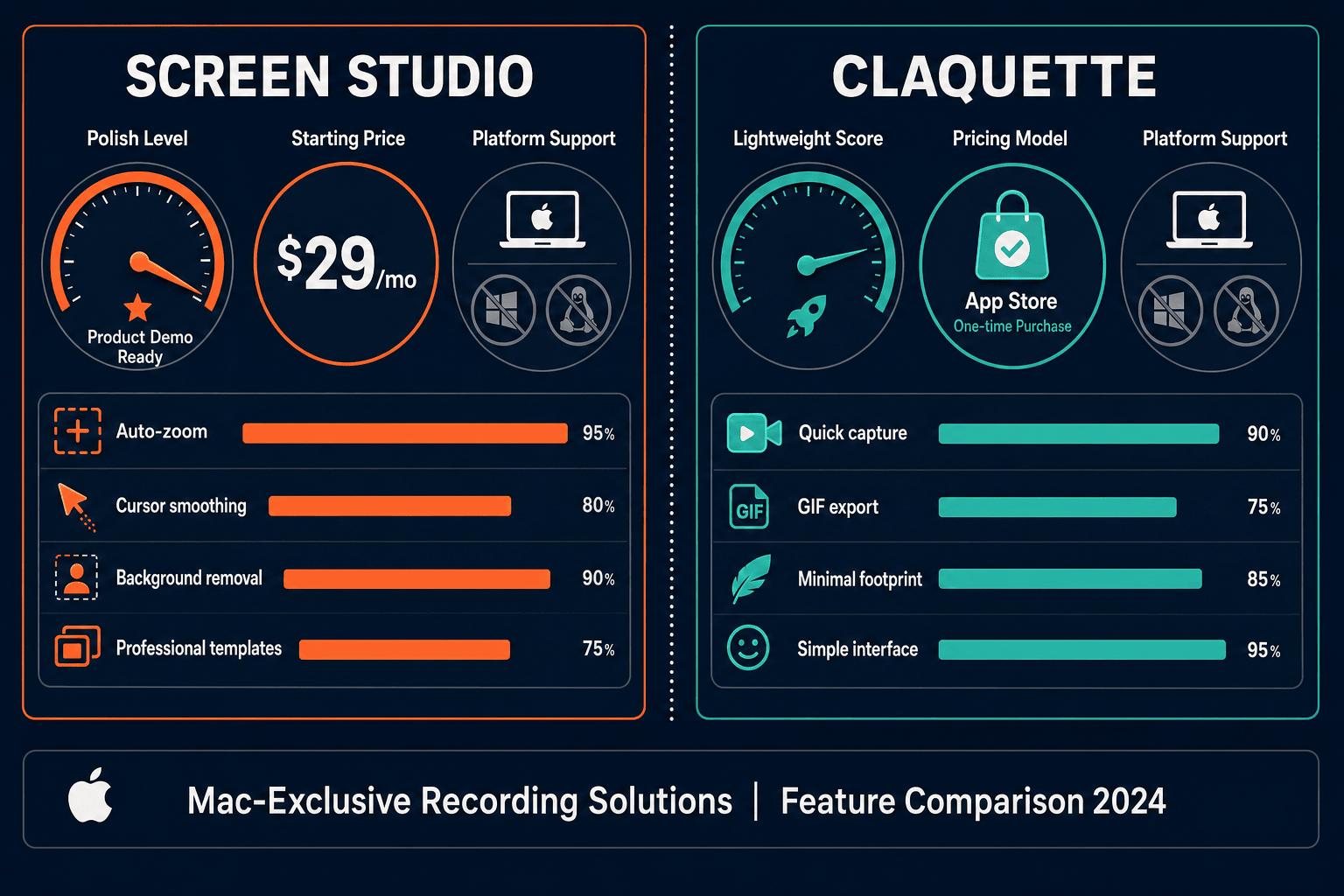
Screen Studio and Claquette are both excellent single-user Mac recording utilities, but neither is designed for enterprise deployment. Screen Studio wins on visual polish, feature depth, and output quality for polished product demos. Claquette wins on simplicity, cost accessibility, and local-first data handling. However, both tools share the same fundamental enterprise gap — no SSO, no audit logs, no compliance certifications, no API, no team administration, and no path from recording to structured documentation.
Choose Screen Studio if you need. .
Choose Claquette if you need. .
Choose Docsie Recorder if you need. .
Winner: Docsie Recorder
Docsie Recorder is the only option in this comparison that addresses both tools' core limitations simultaneously. It is free and open-source with cross-platform builds for Mac, Windows, and Linux, so it works for entire organizations rather than individual Mac users. More importantly, it does not stop at a video file — recordings flow directly into Docsie's Video-to-Docs pipeline, converting walkthroughs into structured documentation that can be versioned, translated into 100+ languages, published through multi-tenant portals, and governed with SSO, audit logs, and role-based access control. For teams that need a recorder and an enterprise-ready documentation workflow, Docsie Recorder is the clear choice.
Decision Helper
A direct framework for picking between Screen Studio, Claquette, and Docsie based on your specific needs.
Polished Mac-only product demos with cinematic zoom and motion.
Mac app for animated GIFs and short screen videos.

Convert real video into searchable docs, then deploy multi-tenant portals.
Common Questions
Q: Does Screen Studio support SSO for enterprise identity management?
A: No. Screen Studio does not support SAML, OAuth, or any other SSO protocol. It is a single-user Mac application with no enterprise identity management, no admin console, and no integration with identity providers like Okta, Azure AD, or Google Workspace. Teams requiring SSO will need to look beyond either tool in this comparison.
Q: Is Claquette compliant with GDPR or SOC 2 standards?
A: Claquette does not publish SOC 2, GDPR, or HIPAA compliance certifications. Its local-first architecture means recordings stay on the recording device by default, which reduces some cloud data exposure risk, but it does not constitute formal compliance. Organizations subject to regulatory requirements should verify current compliance status directly with Peakstep before deploying Claquette in regulated workflows.
Q: Can either Screen Studio or Claquette be centrally managed by IT?
A: Neither tool supports centralized IT management. Both are Mac desktop utilities with no admin console, no MDM integration beyond standard Mac app deployment, no audit logging, and no role-based access controls. IT administrators cannot provision users, enforce policies, monitor usage, or revoke access programmatically through either tool's interface or API.
Q: Is there a better alternative to both Screen Studio and Claquette for enterprise teams?
A: Yes. Docsie Recorder is a free, open-source screen recorder that runs on Mac, Windows, and Linux — eliminating the Mac-only constraint both competitors share. Unlike Screen Studio and Claquette, which stop at video output, Docsie Recorder connects directly to Docsie's Video-to-Docs pipeline, turning recordings into structured documentation that flows into an enterprise-grade platform with SSO, audit logs, role-based access control, version control, and multi-tenant portal delivery. It is the only option in this comparison with a genuine enterprise deployment path.
Q: Which tool is better for a team that has both Mac and Windows users?
A: Neither Screen Studio nor Claquette supports Windows or Linux, making both tools unsuitable for cross-platform teams. Screen Studio is Mac-only and explicitly requires macOS Ventura 13.1 or later. Claquette is similarly Mac App Store exclusive. Teams with mixed operating systems will need a different recorder entirely. Docsie Recorder provides Mac, Windows, and Linux builds from the same open-source codebase.
Q: How do Screen Studio and Claquette compare on data security for enterprise recordings?
A: Both tools handle recording locally on the Mac, which means raw video files are not automatically uploaded to a cloud server. Screen Studio adds shareable links for video sharing, which introduces a cloud storage component that should be reviewed for data sensitivity. Claquette's default local-only workflow is simpler from a data exposure standpoint. However, neither tool provides encryption at rest documentation, data residency controls, or formal security certifications that enterprise procurement or legal teams typically require.
Both Screen Studio and Claquette are excellent Mac recorders for individual contributors, but they share the same enterprise gaps — no cross-platform support, no SSO, no audit logs, no compliance certifications, and no path from recording to structured documentation. Docsie Recorder is free, open-source, and runs on Mac, Windows, and Linux. Record locally, then convert your walkthrough into structured Markdown, DOCX, or PDF documentation and publish it to an enterprise-grade knowledge base with version control, multi-tenant portals, 100+ language translation, and full security governance — all from one workflow.
Free open-source recorder —. Docsie AI credits used only when you convert a recording to docs.