
4.8
on G2
 ReadMe
 Tango
Tango
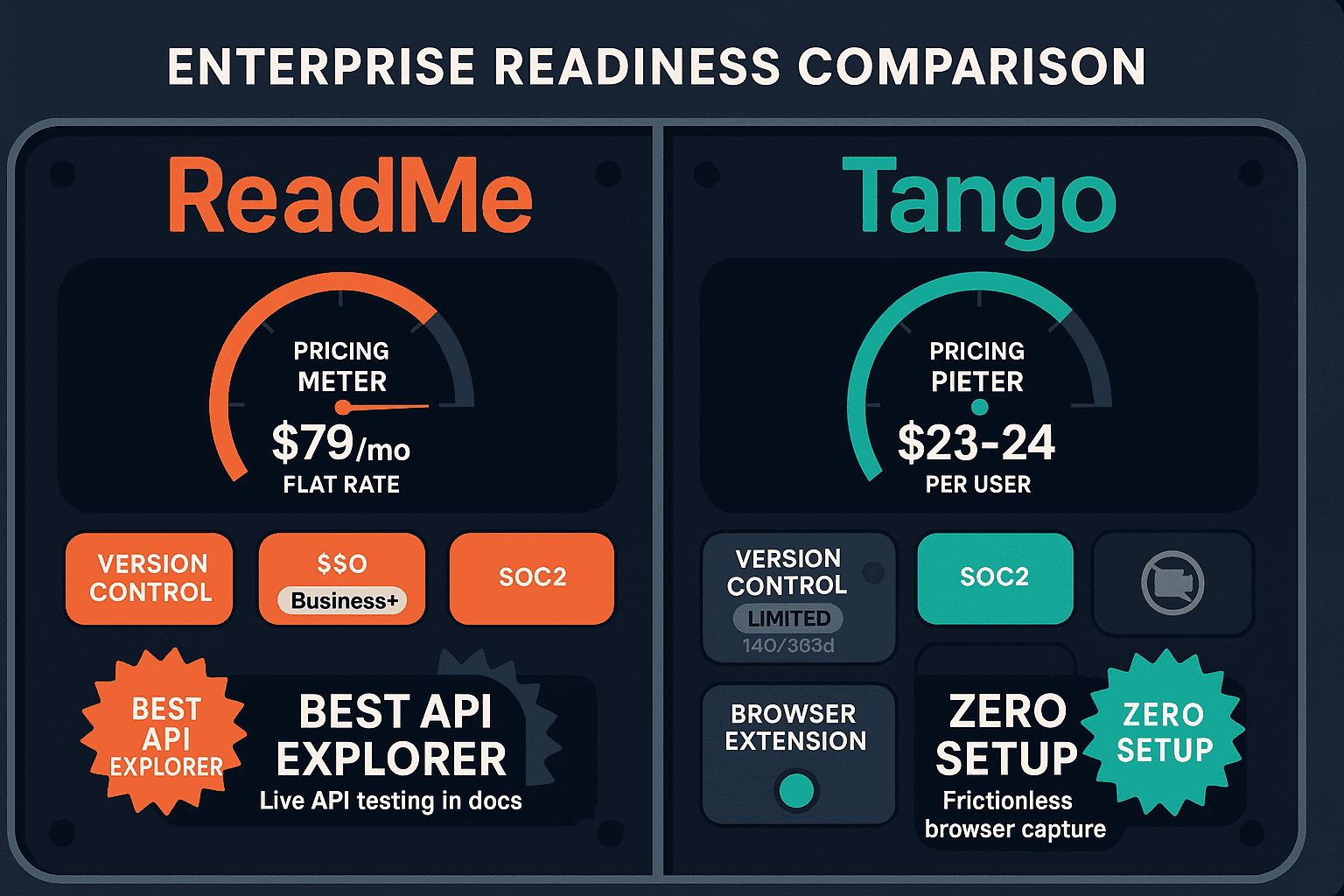
ReadMe and Tango are both SOC 2-compliant documentation tools, but their enterprise readiness diverges sharply in security controls, scalability, administration, and support. This comparison breaks down which tool is better equipped for enterprise deployment—and where both fall short.
ReadMe ships interactive API documentation with OpenAPI sync, Tango produces free shareable browser walkthroughs, while Docsie turns existing video into docs and deploys them through multi-tenant portals — features neither tool offers.
Enterprise Feature Matrix
A detailed comparison of enterprise-grade features including security, compliance, administration, scalability, and support across ReadMe and Tango.
| Enterprise Feature |
ReadMe
|
Tango
|
|---|---|---|
| SOC 2 Compliance | ||
| GDPR Compliance | ||
| HIPAA Readiness | ||
| SSO Support | Business+ (SAML) | Enterprise only (SAML, SCIM) |
| SCIM User Provisioning | Enterprise only | |
| Role-Based Access Control | ||
| Audit Logs | ||
| Data Residency Options | ||
| Air-Gap / Private Infrastructure | ||
| Version Control | Unlimited versions | 14 days (Pro), 365 days (Enterprise) |
| Multi-Tenant Portals | ||
| Custom Domain | Startup+ | |
| API Access | ||
| Automatic PII Blurring | Enterprise only | |
| Review & Approval Workflows | Business+ | |
| Advanced Analytics | Business+ | Pro+ |
| Dedicated Support | Enterprise only | Enterprise only |
| Uptime SLA | Enterprise only | |
| Custom Integrations | Enterprise only | |
| White-Label Branding | Enterprise only | Partial (branded exports) |
Data as of February 2026. Features based on publicly available vendor documentation and pricing pages.
Strengths & Weaknesses
Deep Dive Analysis
An in-depth analysis of ReadMe and Tango across the four pillars of enterprise readiness — security and compliance, scalability and performance, administration and control, and support and SLA.
Both ReadMe and Tango hold SOC 2 and GDPR compliance, but neither reaches the depth enterprise security teams typically require. ReadMe lacks audit logs and data residency controls despite its $3,000+/month Enterprise tier. Tango adds automatic PII blurring and SCIM provisioning at Enterprise, which is genuinely useful for regulated environments, but also lacks audit logs and data residency. Neither tool supports HIPAA, SOX, or ITAR frameworks. For organizations in financial services, healthcare, or government contracting, both tools leave meaningful compliance gaps that require supplementary controls.
ReadMe scales well for API documentation use cases — unlimited versioned developer hubs handle complex multi-version API portfolios effectively. However, ReadMe has no multi-tenant architecture, meaning each client or product line requires a separate project at additional cost. Tango's scalability is constrained by per-user pricing and the absence of a knowledge base platform — it creates individual workflow guides but cannot aggregate them into a managed, searchable content system. Neither tool is designed to scale documentation delivery across multiple client organizations from a single content source, a critical limitation for consultancies and implementation partners.
ReadMe offers review and approval workflows on Business+ plans, making it the stronger choice for content governance between the two. Its API access enables programmatic management of documentation projects, and version control with branching gives admins meaningful control over release cycles. Tango provides SCIM user provisioning on Enterprise — a genuine administrative advantage for large organizations — plus role-based access controls. However, neither tool offers audit logs, which is a foundational requirement for enterprise compliance reporting. The absence of audit logs in both platforms makes it difficult to demonstrate governance to internal security teams or external auditors.
ReadMe offers dedicated support and a formal SLA exclusively at its Enterprise tier ($3,000+/month), with no published uptime commitment at lower tiers. Tango offers dedicated support at Enterprise but publishes no uptime SLA at any tier, which is a notable gap for enterprise procurement teams requiring contractual reliability guarantees. Both tools reserve their best support for top-tier customers, leaving mid-market teams on Business or Pro plans with standard support channels. For organizations with mission-critical documentation needs, the absence of transparent SLAs at mid-tier pricing is a meaningful procurement risk.
Our Recommendation
ReadMe is the stronger enterprise platform between the two, with better version control, API access, review workflows, and a more mature enterprise tier — but its $3,000+/month price point and API-only focus limit its applicability. Tango adds useful enterprise features like SCIM and PII blurring but is pivoting away from documentation toward CRM automation, making its enterprise documentation roadmap uncertain. Neither tool offers audit logs, data residency, HIPAA readiness, or multi-tenant portal delivery.
Choose ReadMe if you need...
Choose Tango if you need...
Choose Docsie if you need...
Winner: Docsie
Docsie addresses the critical enterprise gaps shared by both ReadMe and Tango — audit logs, data residency, HIPAA readiness, air-gap capability, and multi-tenant portal delivery — while providing a complete knowledge orchestration platform with built-in LMS, autonomous agents, and real-time compliance monitoring for HIPAA, SOX, ITAR, and GDPR. Where ReadMe tops out at API documentation and Tango at internal workflow guides, Docsie manages the full enterprise knowledge lifecycle across multiple clients, departments, and regulatory frameworks on private infrastructure.
Decision Helper
A direct framework for picking between ReadMe, Tango, and Docsie based on your specific needs.
Developer documentation platform with interactive API explorers and OpenAPI sync.
Browser-based screen capture that produces shareable step-by-step walkthroughs.

Convert real video into searchable SOPs, then deploy multi-tenant portals.
Common Questions
Q: Do ReadMe and Tango both offer audit logs?
A: No — neither ReadMe nor Tango provides audit logs at any pricing tier. This is a significant gap for enterprise security teams and auditors who need to demonstrate access history and content change records. Organizations in regulated industries should treat this as a blocking issue and evaluate alternatives that provide full audit trail capabilities.
Q: Which tool has better SSO support for enterprise deployment?
A: Both tools offer SAML SSO, but only on their respective paid tiers. ReadMe provides SAML SSO starting at the Business tier ($349/month). Tango provides SAML plus SCIM provisioning on its Enterprise tier (custom pricing). Tango's SCIM support gives it an edge for large organizations that need automated user provisioning and de-provisioning through their identity provider.
Q: Can either ReadMe or Tango support multi-tenant client portal delivery?
A: Neither ReadMe nor Tango supports multi-tenant portal architecture. ReadMe's projects are single-tenant by design, and Tango's workflow guides are internal-only with no client-facing portal capability. Organizations that need to deliver branded documentation portals to multiple clients from a single content source must look beyond both tools.
Q: Is there a better alternative to both ReadMe and Tango for enterprise documentation?
A: Yes — Docsie is purpose-built for enterprise knowledge orchestration with the security and administrative controls both ReadMe and Tango lack. Docsie offers SOC 2 Type II, GDPR, HIPAA-ready, SOX, and ITAR compliance; full audit logs; data residency with EU data centers; air-gap capability on private infrastructure; multi-tenant portals with SSO (SAML, OIDC, Azure AD, Okta); a 99.9% uptime SLA; and a built-in LMS with autonomous agents and real-time compliance monitoring. It covers the full documentation lifecycle at transparent pricing starting at $199/month.
Q: How does ReadMe's $3,000+/month Enterprise tier compare to Tango's Enterprise pricing for value?
A: ReadMe's Enterprise tier ($3,000+/month) is positioned for large developer portal deployments and includes dedicated support, custom integrations, advanced security, and a formal SLA. Tango's Enterprise is custom-priced and adds SCIM, SAML, PII blurring, and 365-day version history. ReadMe delivers more enterprise documentation functionality, but at a steep price point. Neither tier provides audit logs or data residency, which limits their value for compliance-heavy procurement requirements.
Q: Is Tango's roadmap pivot toward CRM automation a concern for enterprise documentation buyers?
A: It is a legitimate concern. Tango has publicly pivoted its product emphasis toward CRM automation (Salesforce, HubSpot) rather than deepening its documentation and knowledge management capabilities. Enterprise buyers should consider whether the documentation features they rely on today will remain prioritized in future releases, or whether Tango's roadmap will increasingly diverge from documentation use cases as the CRM automation pivot accelerates.
Start creating professional documentation that your users will love