
4.8
on G2
 Docsie
 Scribe
Docsie and Scribe both streamline documentation creation, but serve fundamentally different needs. Docsie converts any video into structured knowledge bases with multi-tenant delivery, while Scribe captures screen workflows as annotated screenshot guides for internal SOPs.

Feature Matrix
A comprehensive comparison of documentation capabilities, AI features, and enterprise readiness.
| Feature |
Docsie
Full Platform
|
Scribe
|
|---|---|---|
| Video to Documentation | ||
| Real-World Video Support | ||
| Screen Recording Capture | ||
| Browser Extension | ||
| PDF Import | ||
| Website Ingestion | ||
| Computer Vision / OCR | ||
| Audio Transcription | ||
| AI Content Generation | ||
| Multi-Language Support | 100+ | |
| Version Control | ||
| Knowledge Base Portal | ||
| Multi-Tenant Delivery | ||
| Custom Domain | ||
| AI Chatbot | ||
| API Access | ||
| SSO (SAML/OAuth) | Enterprise only | |
| SOC 2 Compliance | ||
| GDPR Compliance | ||
| HIPAA Ready | PHI redaction only |
Data as of February 2026. Features based on publicly available information and vendor documentation.
Strengths & Weaknesses
Deep Dive
An in-depth analysis of capabilities that matter most for documentation teams.
Docsie offers a complete documentation lifecycle: convert any video or PDF into structured content, organize it in hierarchical shelves and books, manage versions with inheritance, and deliver through branded portals. Scribe focuses exclusively on capturing live screen workflows and converting them into annotated screenshot guides. Docsie's approach handles diverse content sources and produces searchable text documentation with embedded media. Scribe's output is screenshot-centric, ideal for step-by-step SOPs but limited to browser-captured workflows. For teams with existing training video libraries or needing comprehensive knowledge bases, Docsie provides significantly broader capabilities.
Docsie employs multimodal AI combining computer vision, OCR, and audio transcription to understand video content and generate structured documentation automatically. Its agentic AI chatbot uses tool calls rather than traditional RAG, providing more accurate responses from documentation. Scribe uses AI for automatic step detection and annotations during screen capture, with AI-powered PII/PHI redaction at the Enterprise tier. While both leverage AI, Docsie's capabilities are broader: processing any video type, auto-translating to 100+ languages, and powering intelligent search and chatbots. Scribe's AI is focused on capture-time enhancements and content redaction, making it narrower but effective for its specific use case.
Docsie provides SOC 2 Type II certification, GDPR compliance, HIPAA-ready infrastructure, multiple SSO options (SAML, OAuth, OIDC, Azure AD, Okta), granular role-based permissions, audit logs, data residency options including EU data centers, and 99.9% uptime SLA. Scribe offers SOC 2, GDPR compliance, and HIPAA PHI redaction, with SSO and SCIM available only at the Enterprise tier. Docsie's multi-tenant architecture enables consultancies to deliver separate branded portals to each client from a single knowledge base. Scribe lacks multi-tenant capabilities entirely and is designed for internal use only. For organizations needing customer-facing documentation or multi-client delivery, Docsie's enterprise architecture is purpose-built while Scribe is not.
Docsie provides comprehensive API access, webhooks, embeddable widgets, custom JavaScript/CSS, helpdesk integration, and an AI chatbot that can be deployed on any website. Its delivery ecosystem includes custom domains, white-labeling, JWT authentication, and OTP access for secure content delivery. Scribe integrates with popular collaboration tools like Notion, Confluence, SharePoint, ClickUp, and 360Learning for sharing screenshot guides, but offers no API access for custom integrations. Docsie's ecosystem is built for platform extensibility and external delivery, while Scribe's integrations focus on embedding guides into existing internal tools. For teams building documentation into product experiences or client portals, Docsie's integration capabilities are substantially more powerful.
Our Recommendation
Docsie and Scribe serve fundamentally different documentation needs. Docsie is a full knowledge orchestration platform that converts any video into structured documentation and delivers it through multi-tenant portals. Scribe is a specialized screen capture tool that creates annotated screenshot guides from live browser workflows.
Choose Docsie if you need...
Choose Scribe if you need...
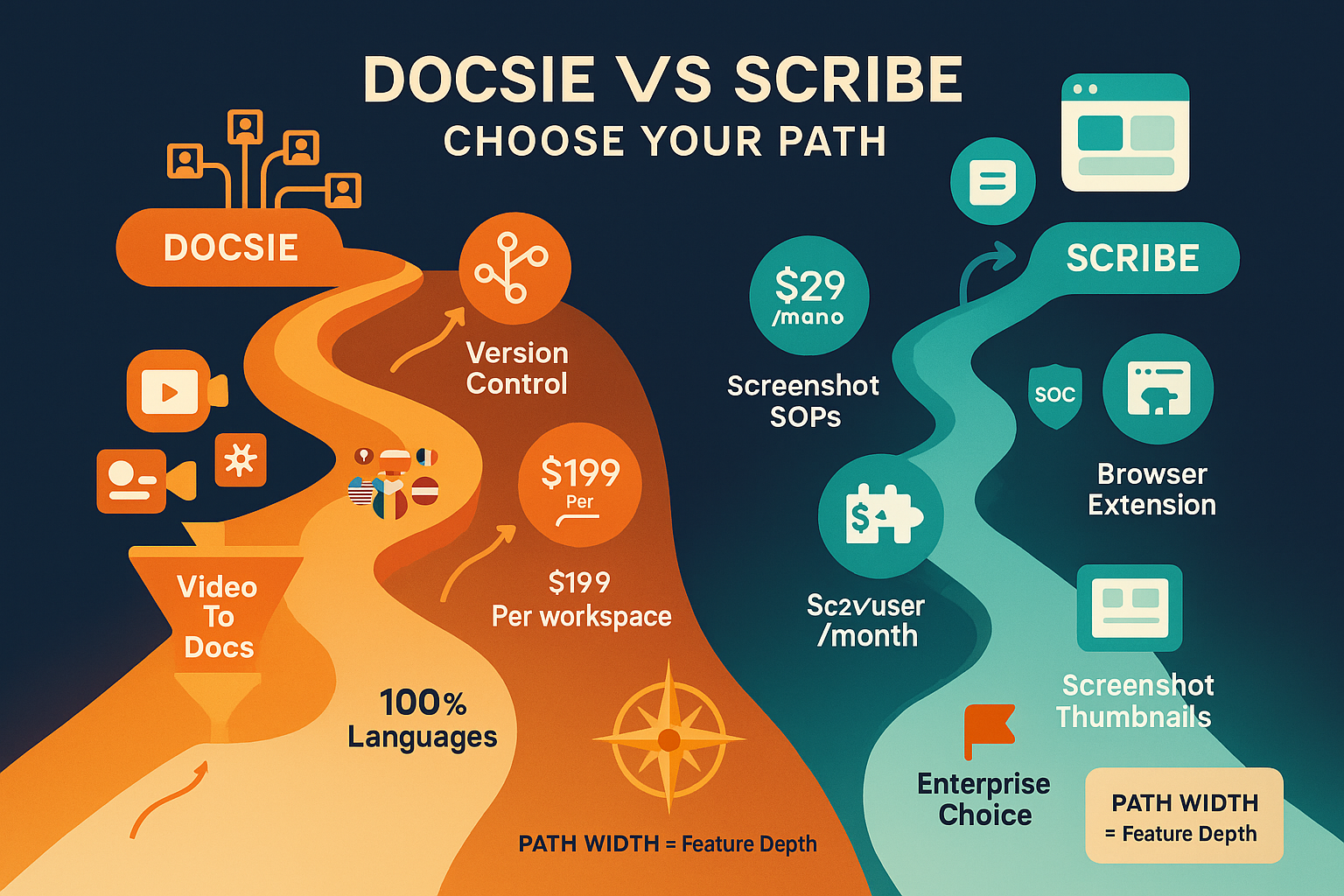
Winner: Docsie
For organizations with substantial training content, multi-client delivery needs, or customer-facing documentation requirements, Docsie provides a comprehensive platform that converts, manages, and delivers knowledge at scale. Scribe excels at internal screen capture SOPs but cannot process existing video or deliver to external audiences.
Common Questions
Q: Can Scribe convert training videos into documentation?
A: No. Scribe only captures live screen workflows through its browser extension and desktop app. It cannot process pre-recorded videos, training recordings, or any video content you already have. Docsie converts any video format (MP4, MOV, AVI, WebM) from any source into structured documentation using multimodal AI.
Q: Does Docsie have a browser extension like Scribe?
A: No. Docsie focuses on converting existing content (videos, PDFs, websites) into structured documentation rather than live screen capture. If your primary need is quick screenshot guides from browser workflows, Scribe's extension is purpose-built for that. Docsie excels when you have video libraries to convert or need comprehensive knowledge management.
Q: Which tool is better for customer-facing documentation?
A: Docsie is designed for customer-facing delivery with branded portals, custom domains, white-labeling, AI chatbots, and multi-tenant architecture. Scribe is built for internal documentation only and lacks knowledge base portals, custom domains, or multi-tenant capabilities. For external audiences, Docsie is the only viable option between these two.
Q: How does pricing compare between Docsie and Scribe?
A: Scribe charges per user ($15/seat/month minimum 5 seats = $75/month) which scales expensively with team size. Docsie charges per workspace ($199/month Premium for 15 users) with AI credit pools, making it more cost-effective for larger teams. Scribe's Enterprise tier reportedly costs $18,000+ annually. Docsie's model prevents per-seat inflation and is more transparent.
Q: Can I use both tools together?
A: Yes, some teams use Scribe for quick internal SOPs and Docsie for customer documentation or training video conversion. However, if your primary goal is comprehensive documentation from existing content with external delivery, Docsie alone may meet all your needs without requiring a second tool for screen capture workflows.
Q: Which tool handles multilingual documentation better?
A: Docsie supports 100+ languages with automatic AI translation and localization management, making it suitable for global teams and multi-country deployments. Scribe offers basic translation features but lacks the robust localization workflow and language scale that Docsie provides. For international documentation needs, Docsie is significantly more capable.
See why implementation consultancies and enterprise teams choose Docsie over capture-only tools for comprehensive knowledge orchestration.
No credit card required. Free AI credits to convert a 10-minute training video included.
Start creating professional documentation that your users will love